-
-
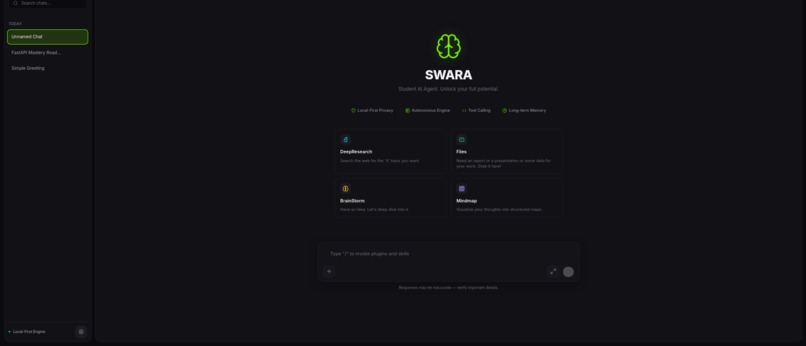
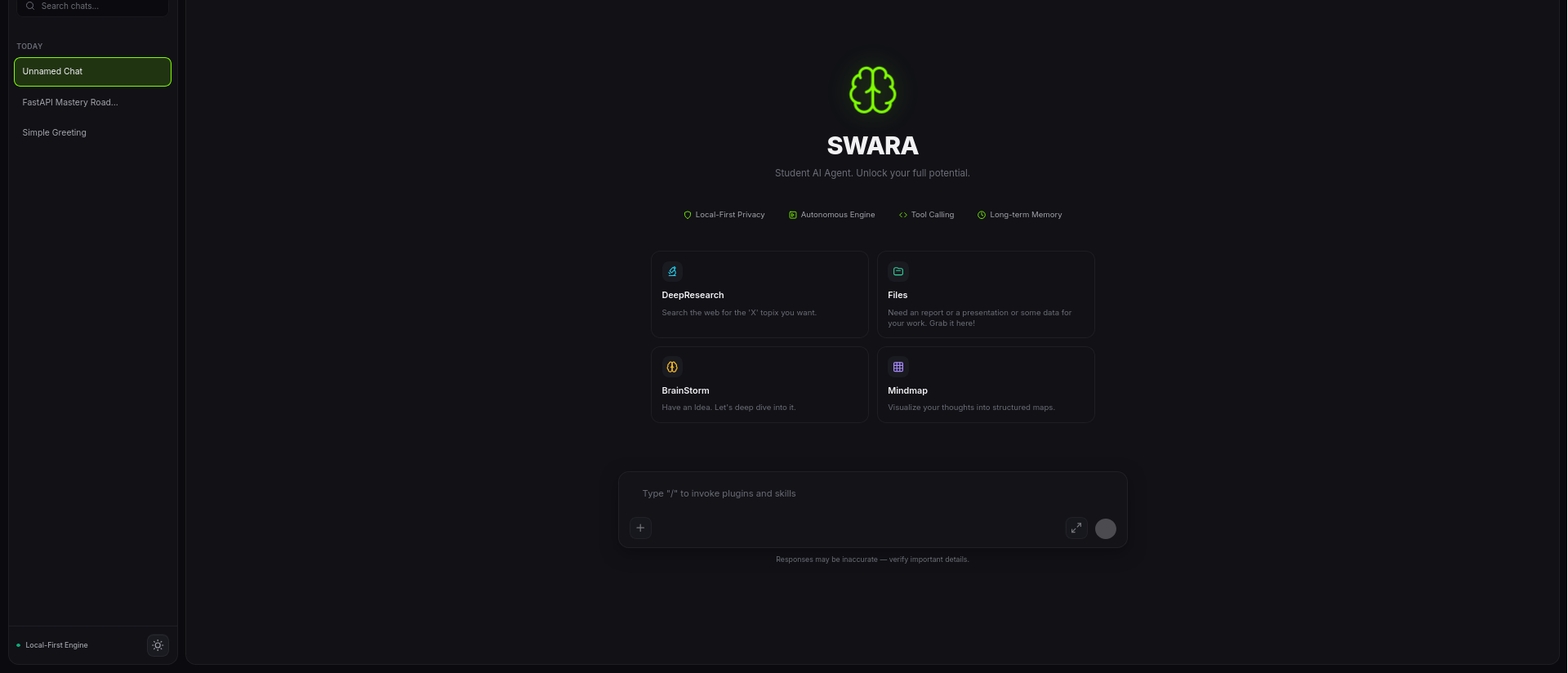
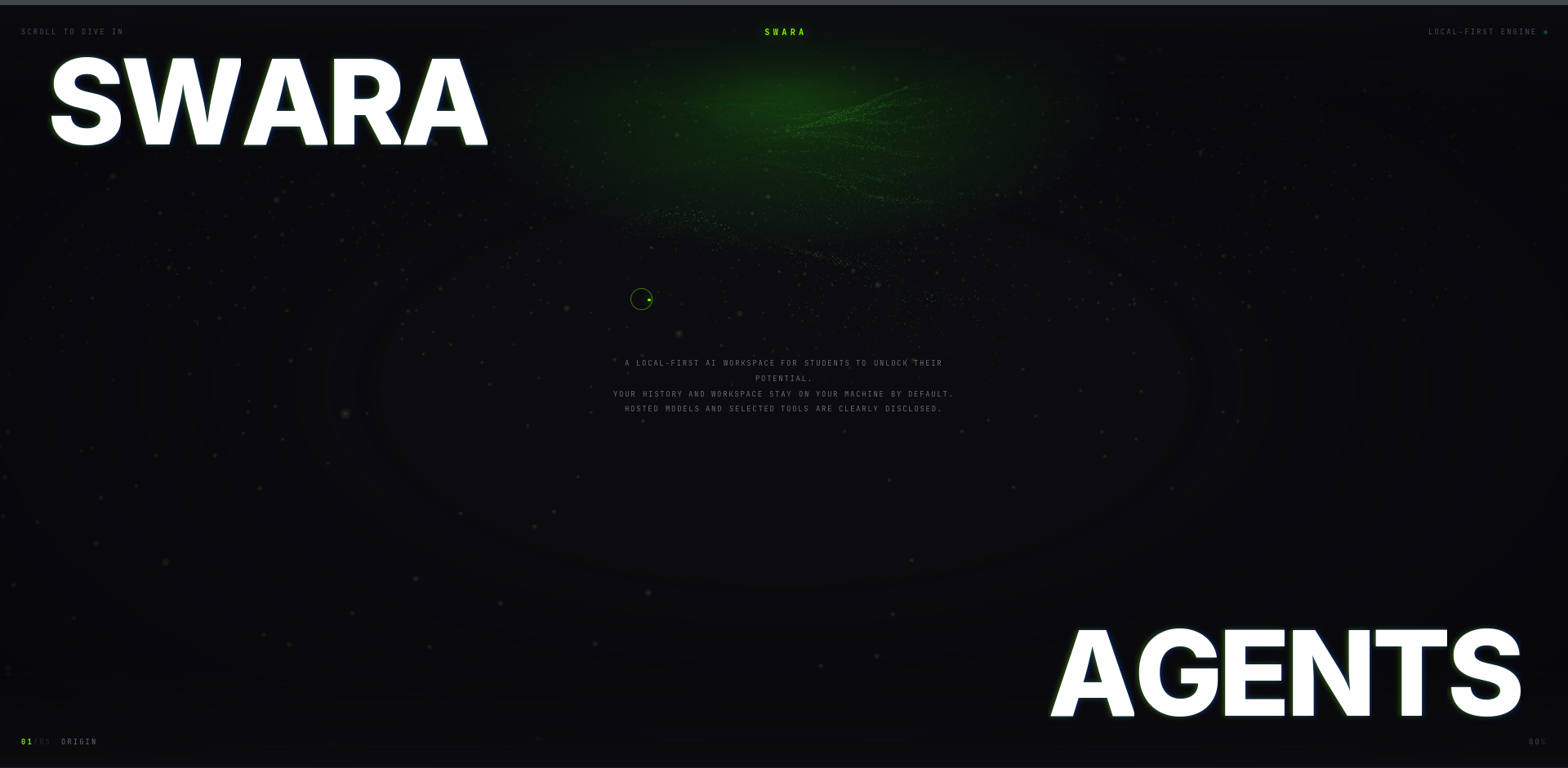
A homepage for the app. (Dark)
-
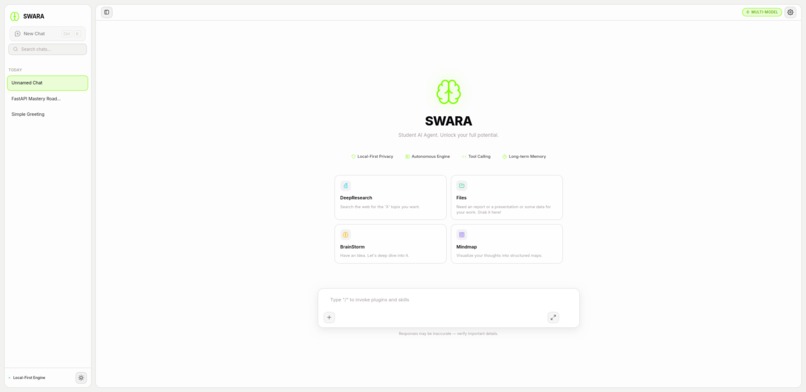
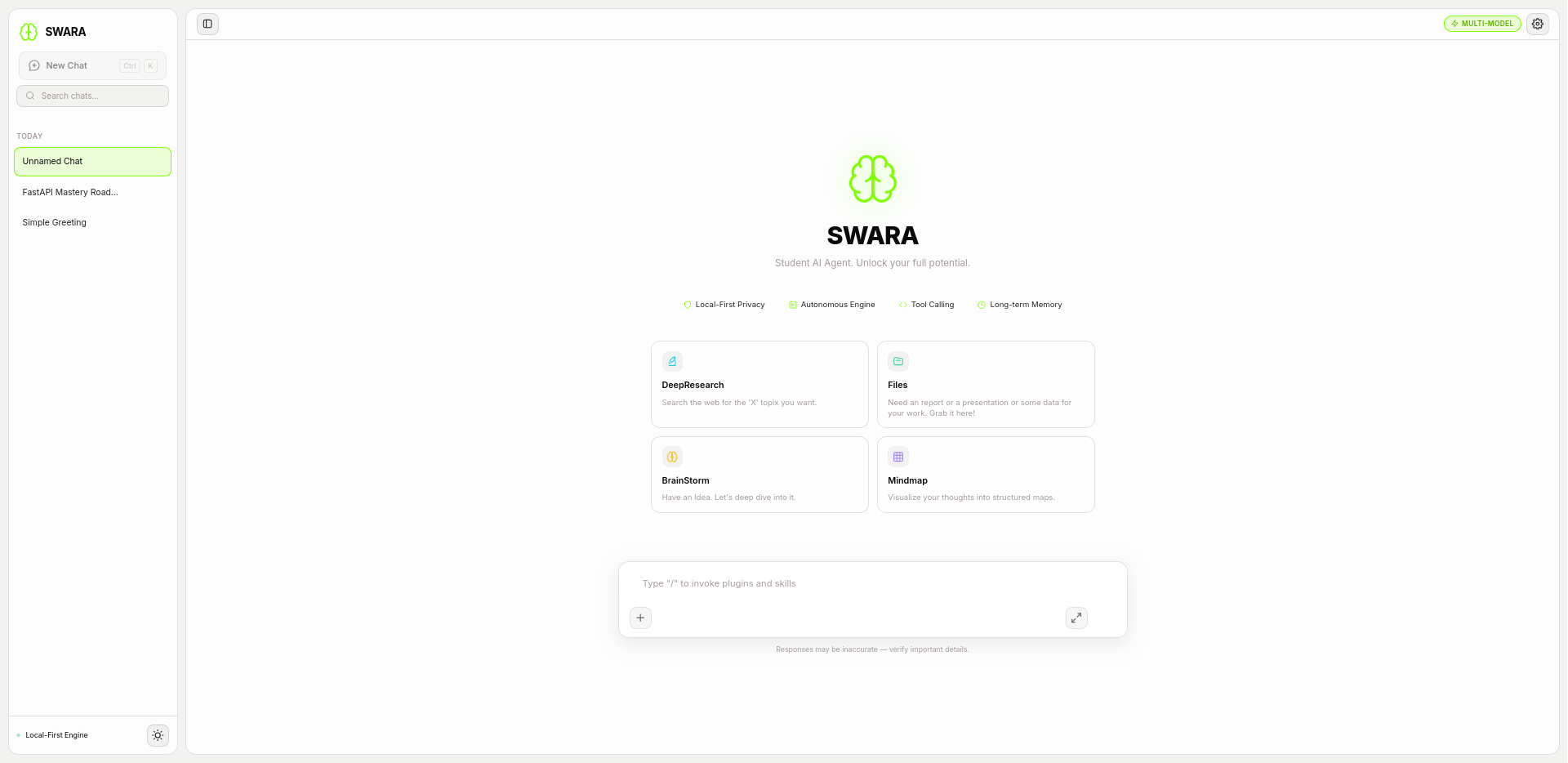
A homepage for the app. (Light)
-
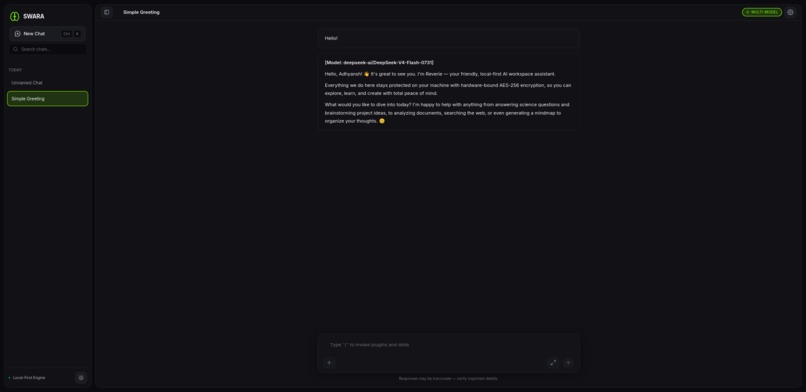
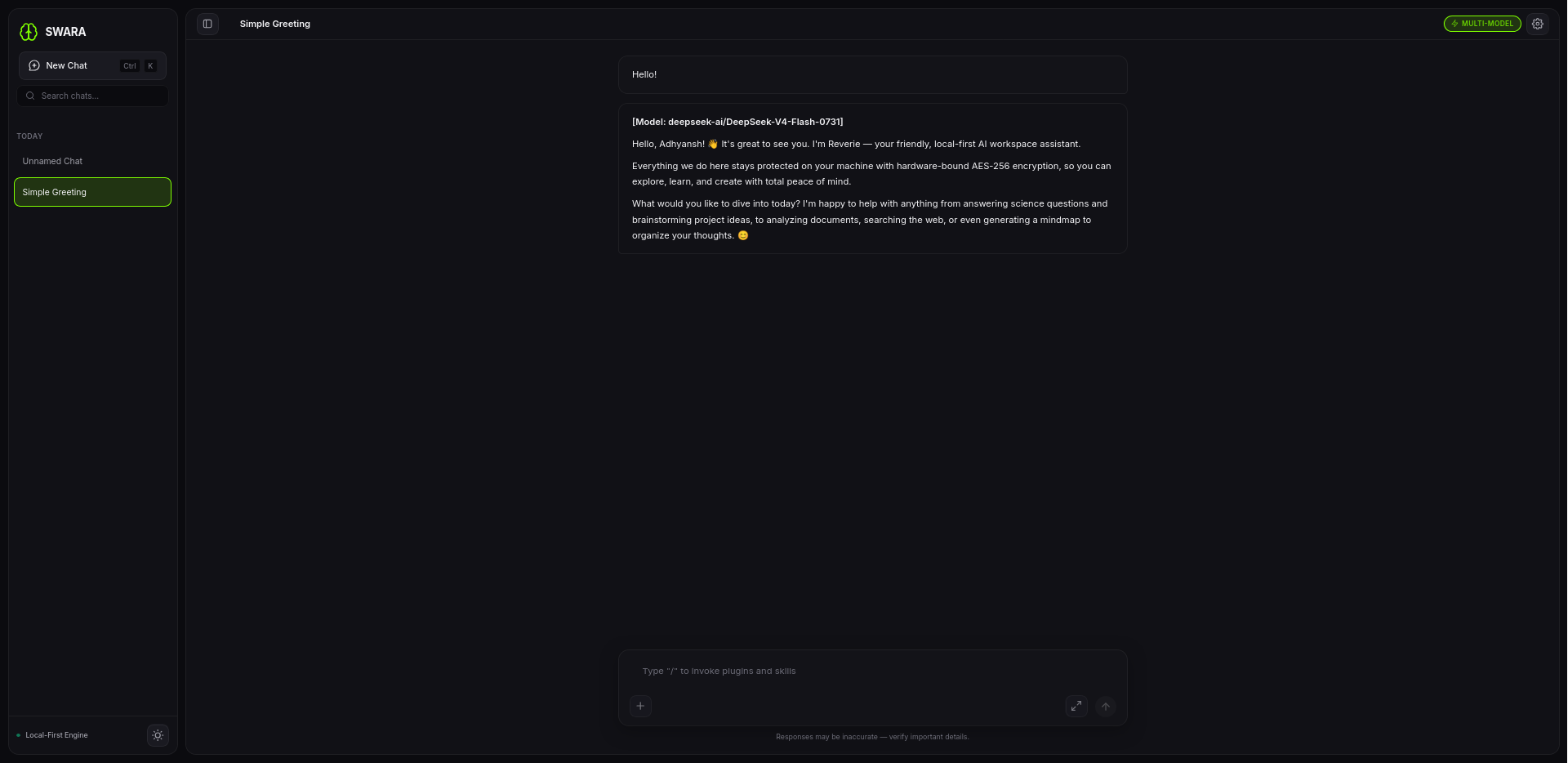
A chat session. (Dark)
-
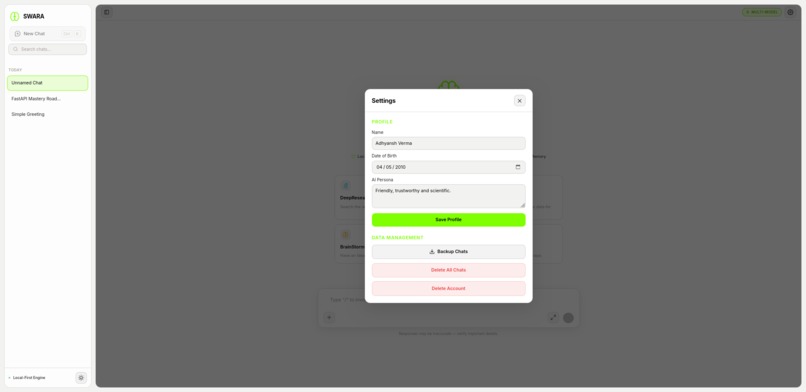
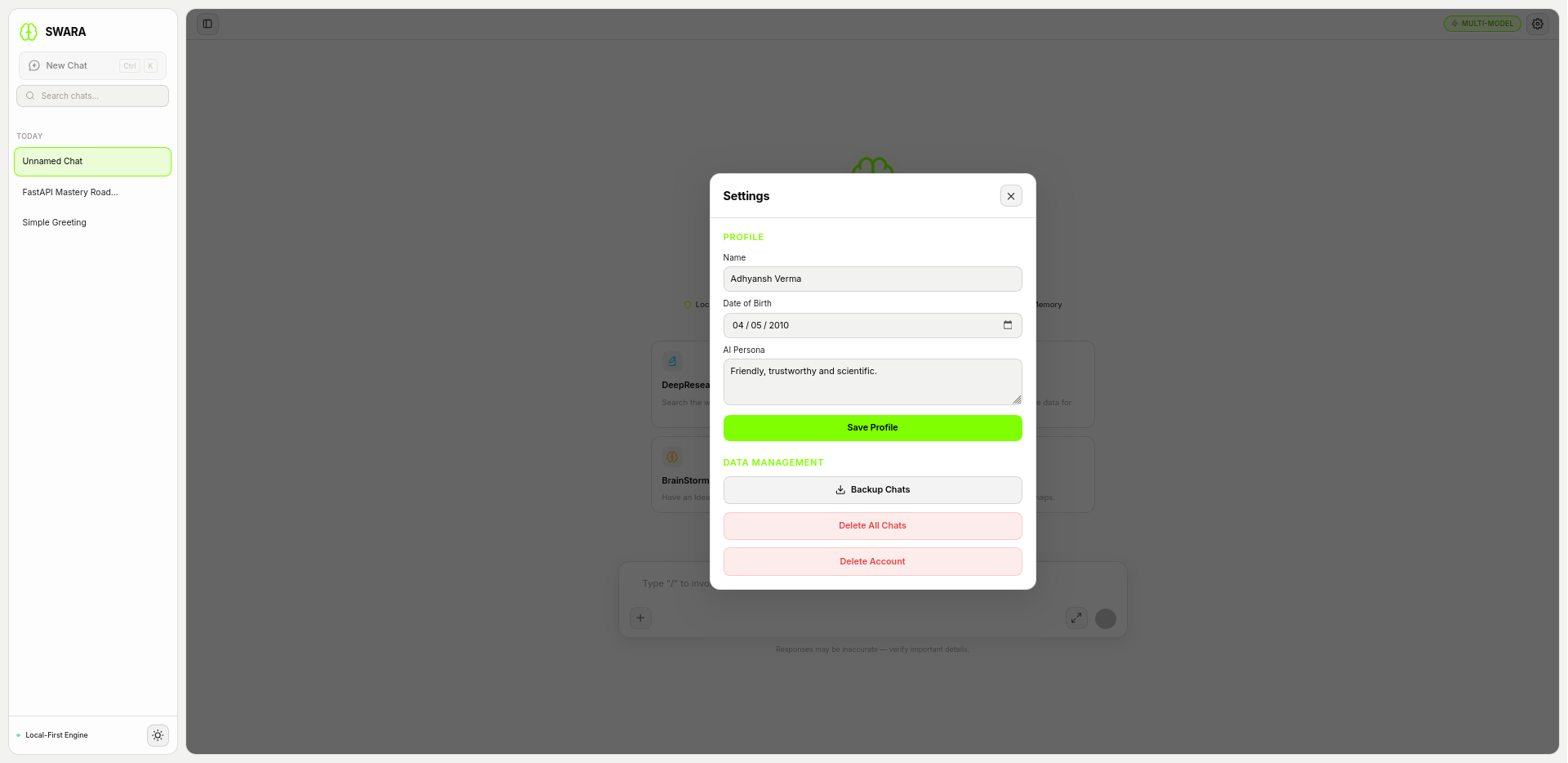
Settings. (Light)
-
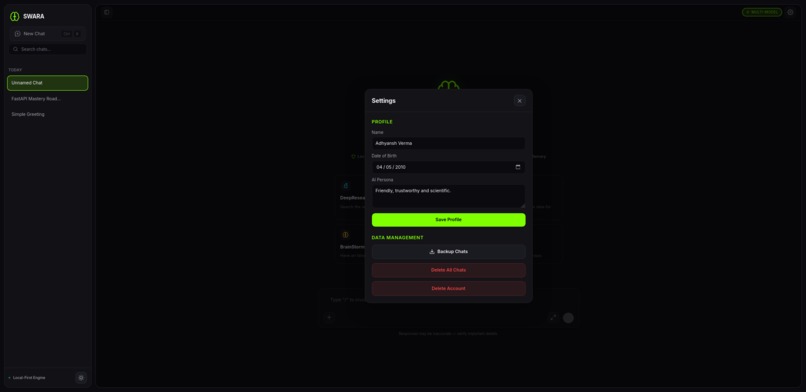
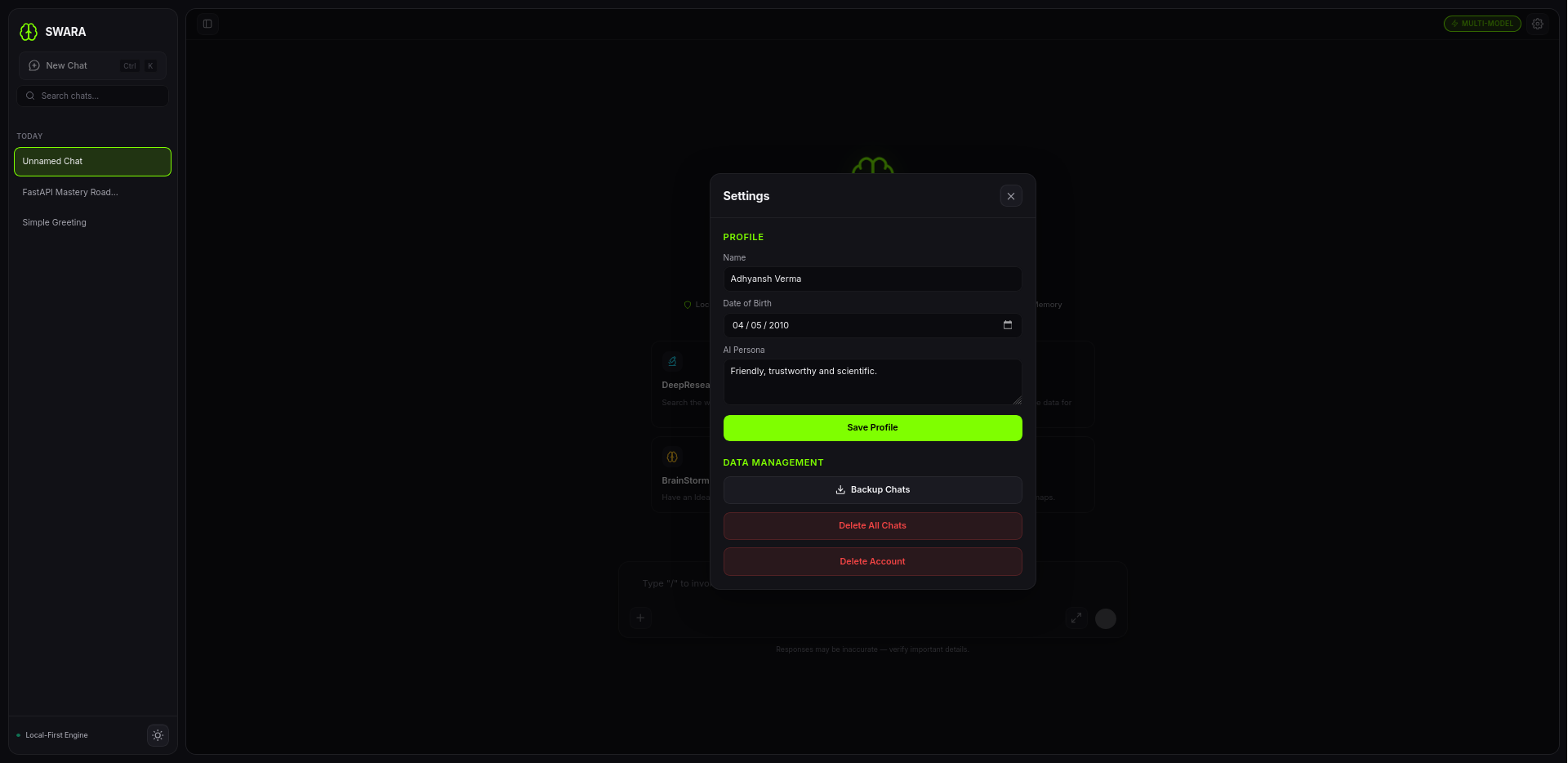
Settings. (Light)
-
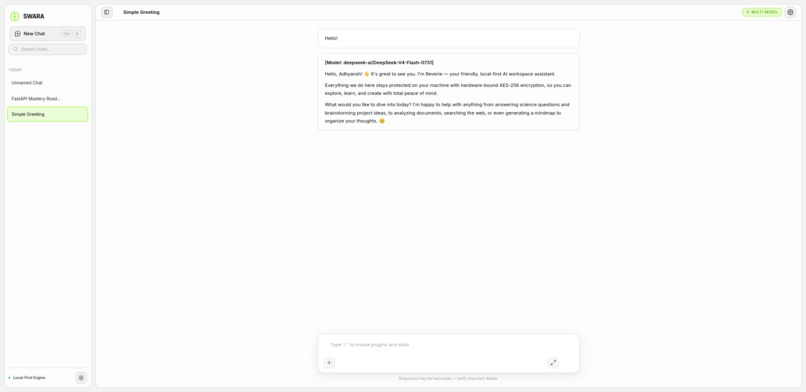
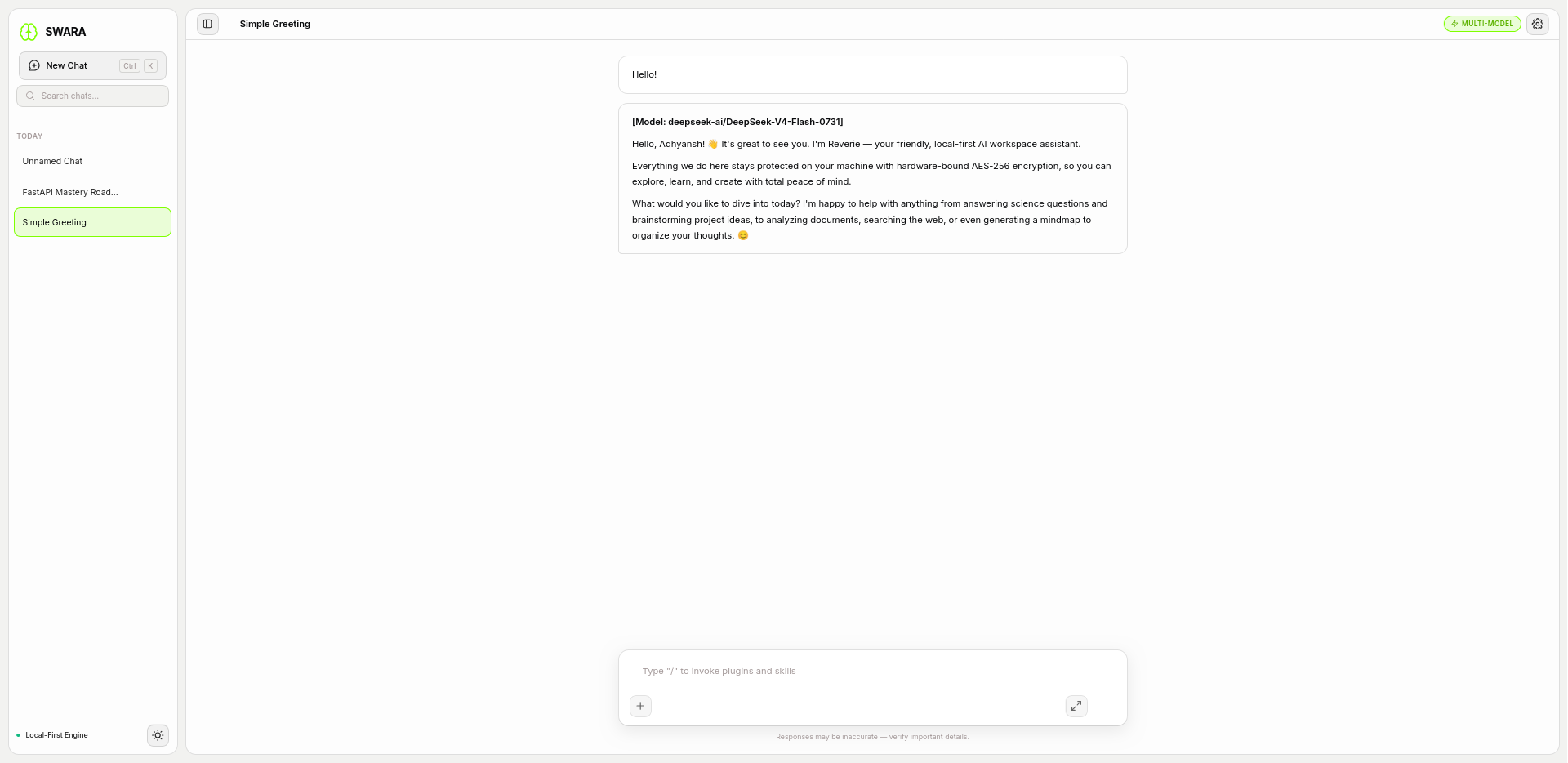
A chat session. (Light)
-
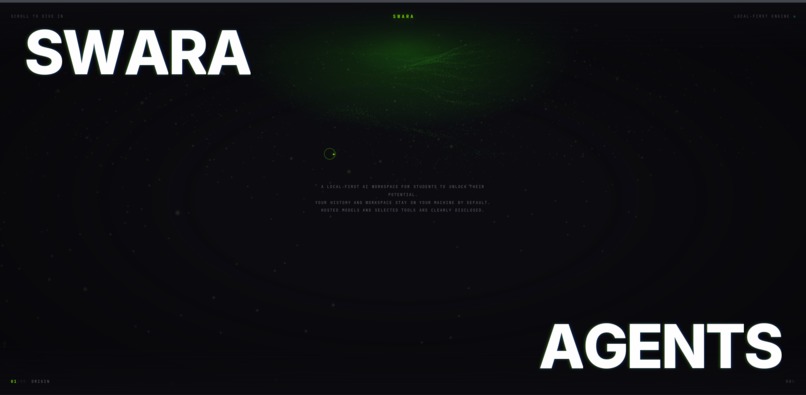
The Interoductin Page
-
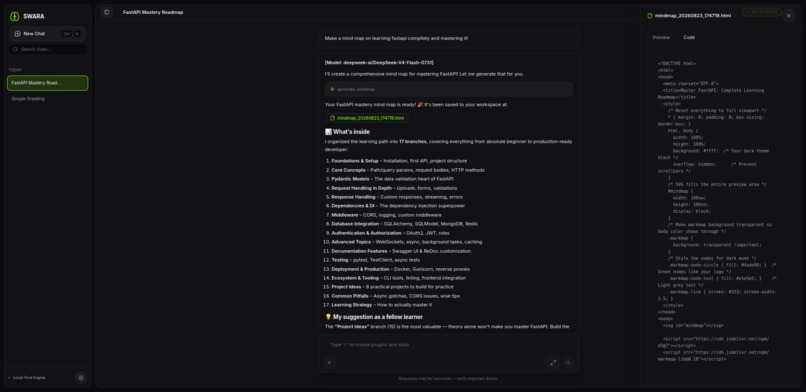
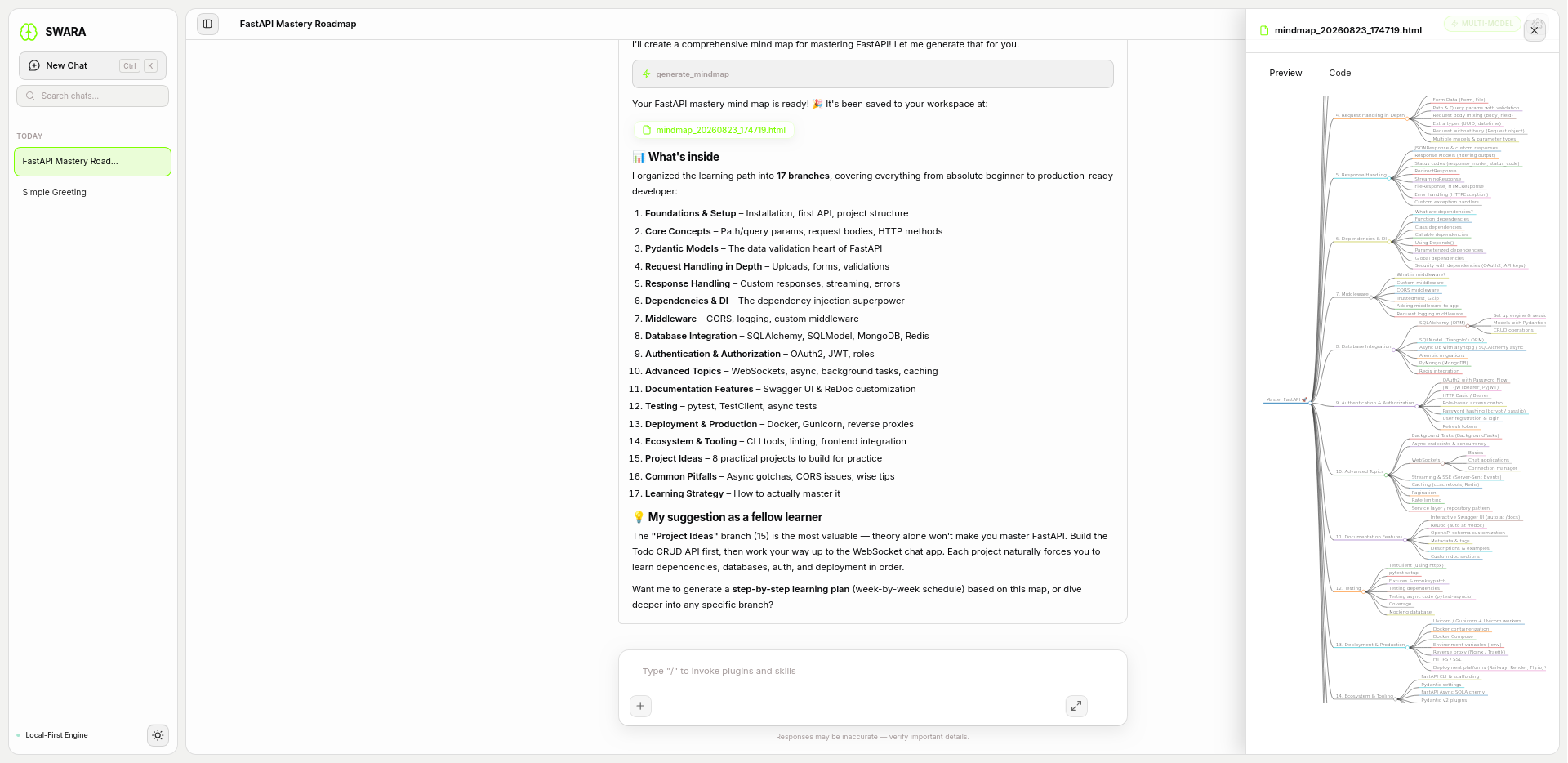
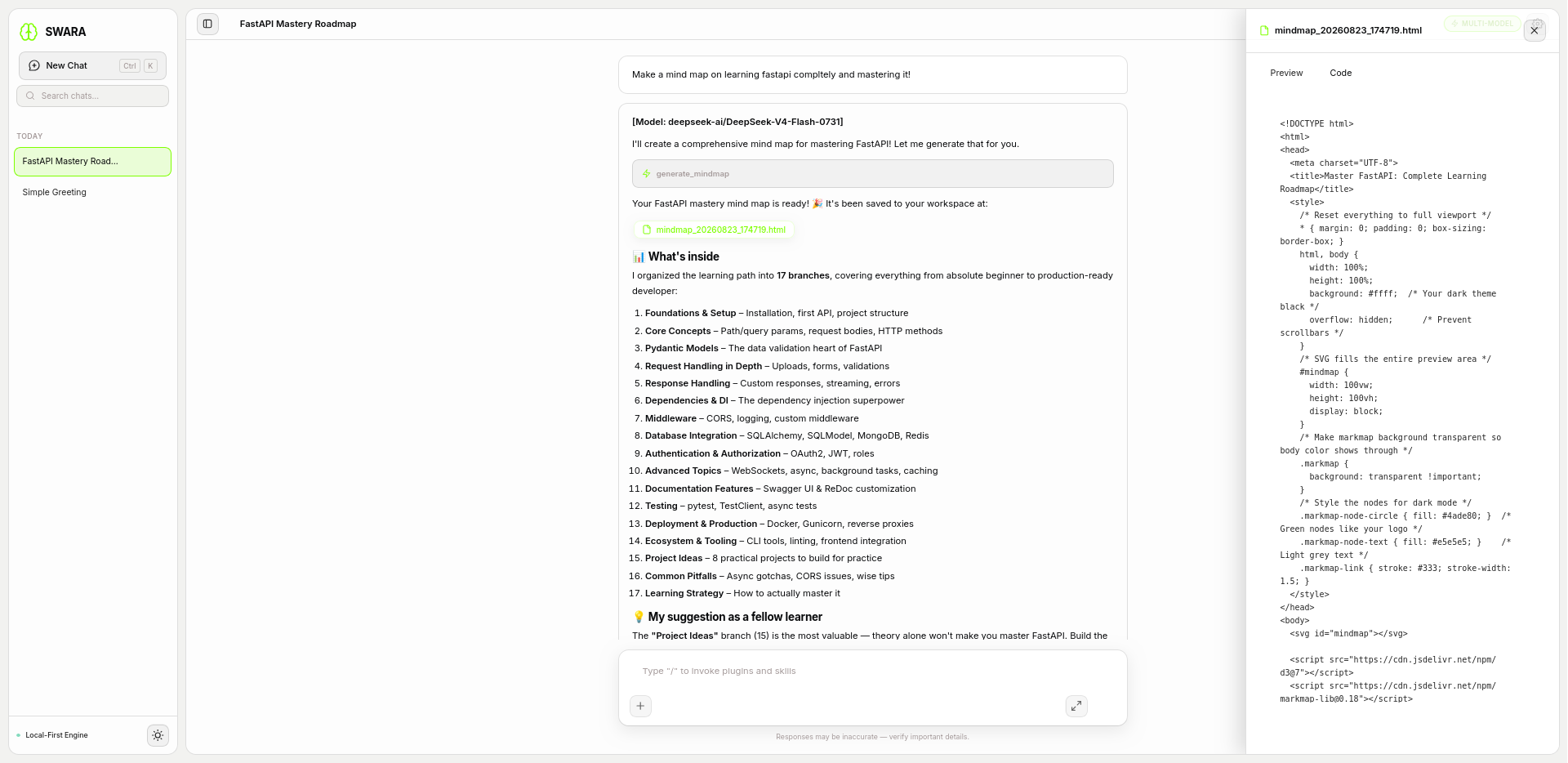
A chat session with a code-file. (Dark)
-
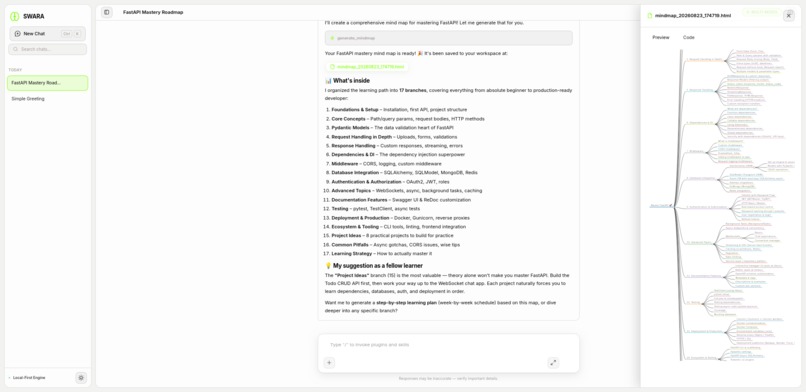
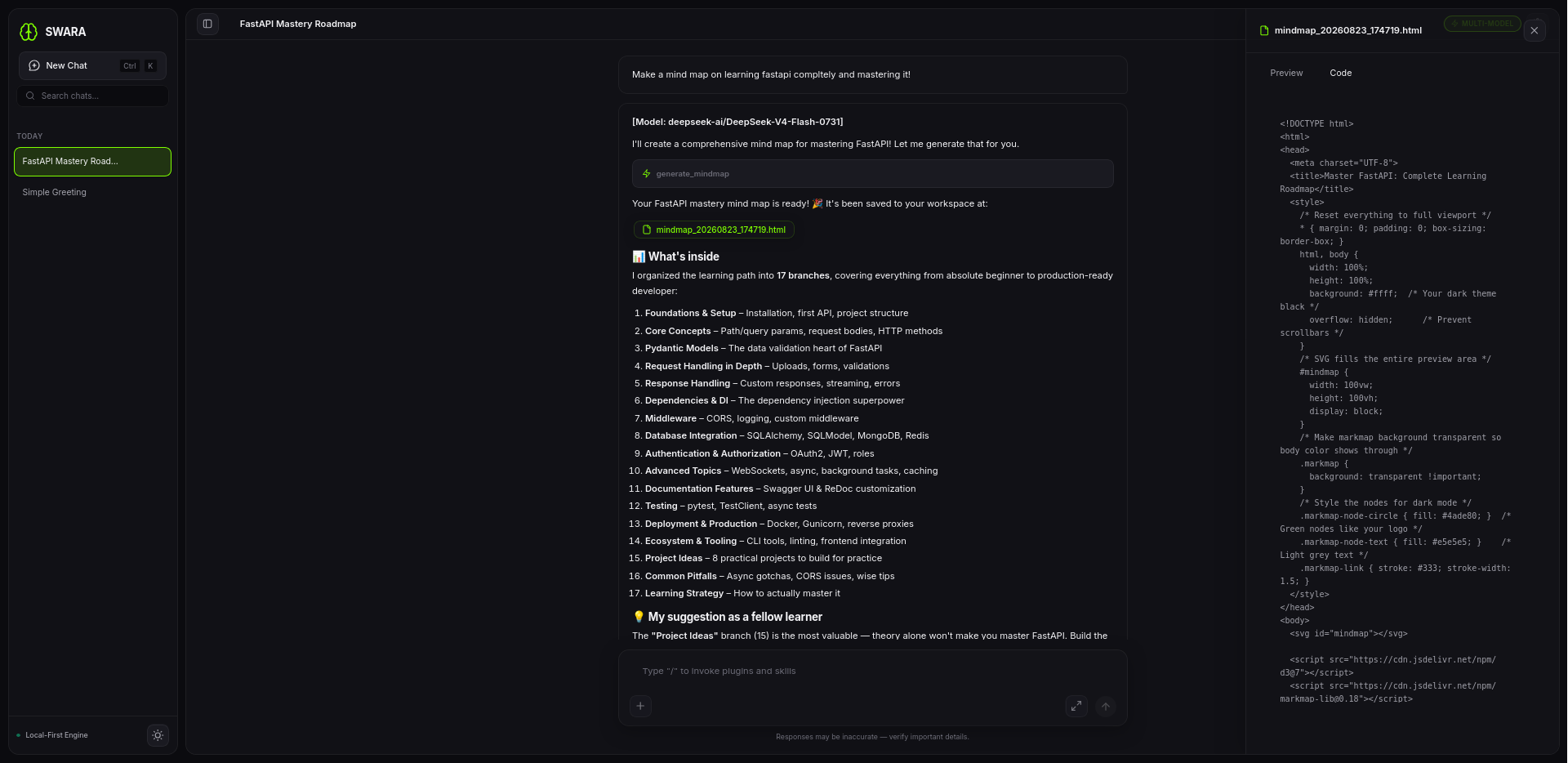
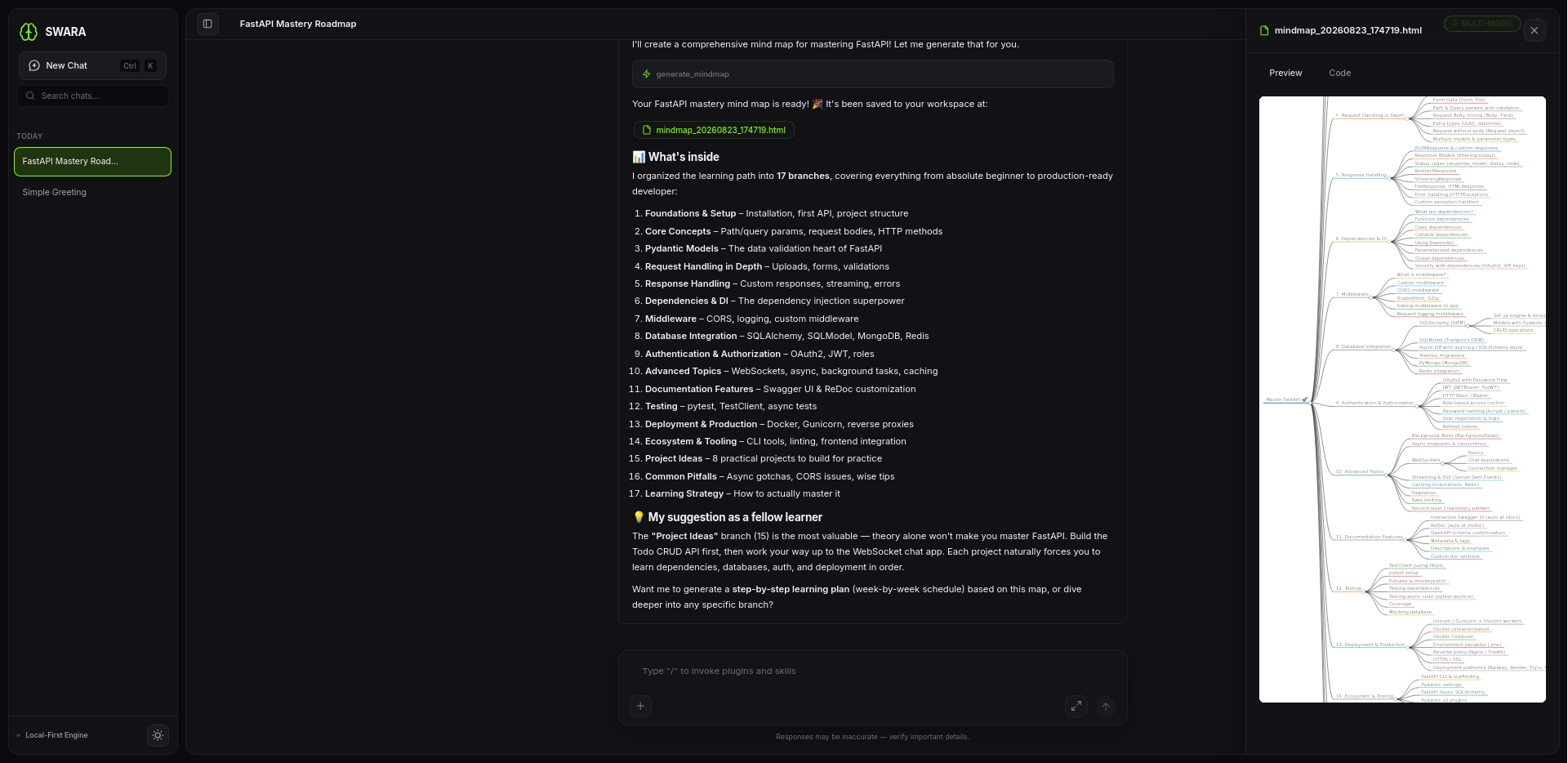
A chat session with a mindmap. (Light)
-
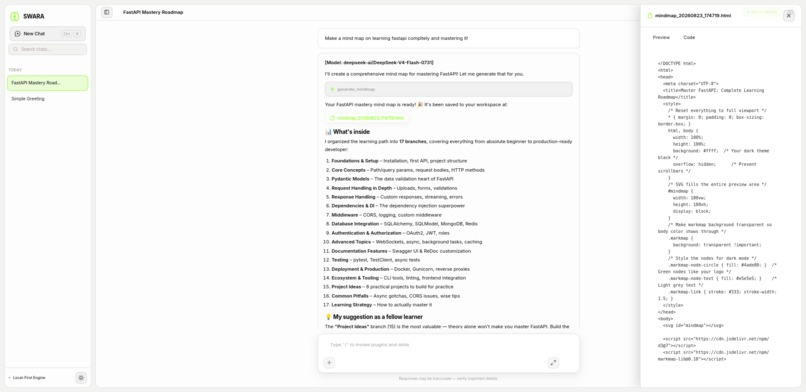
A chat session with a code-file. (Light)
-
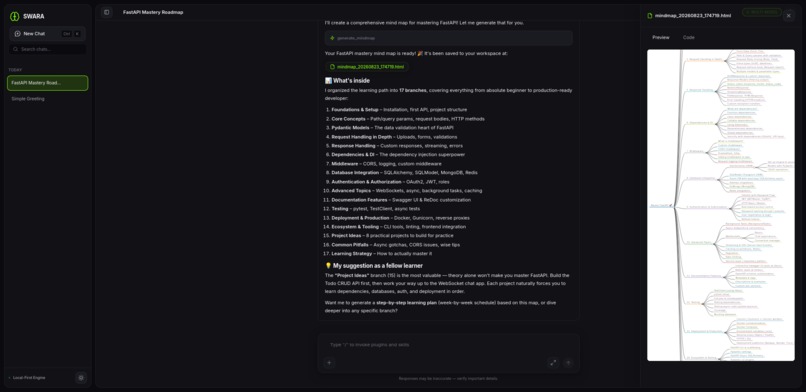
A chat session with a mindmap. (Dark)
-
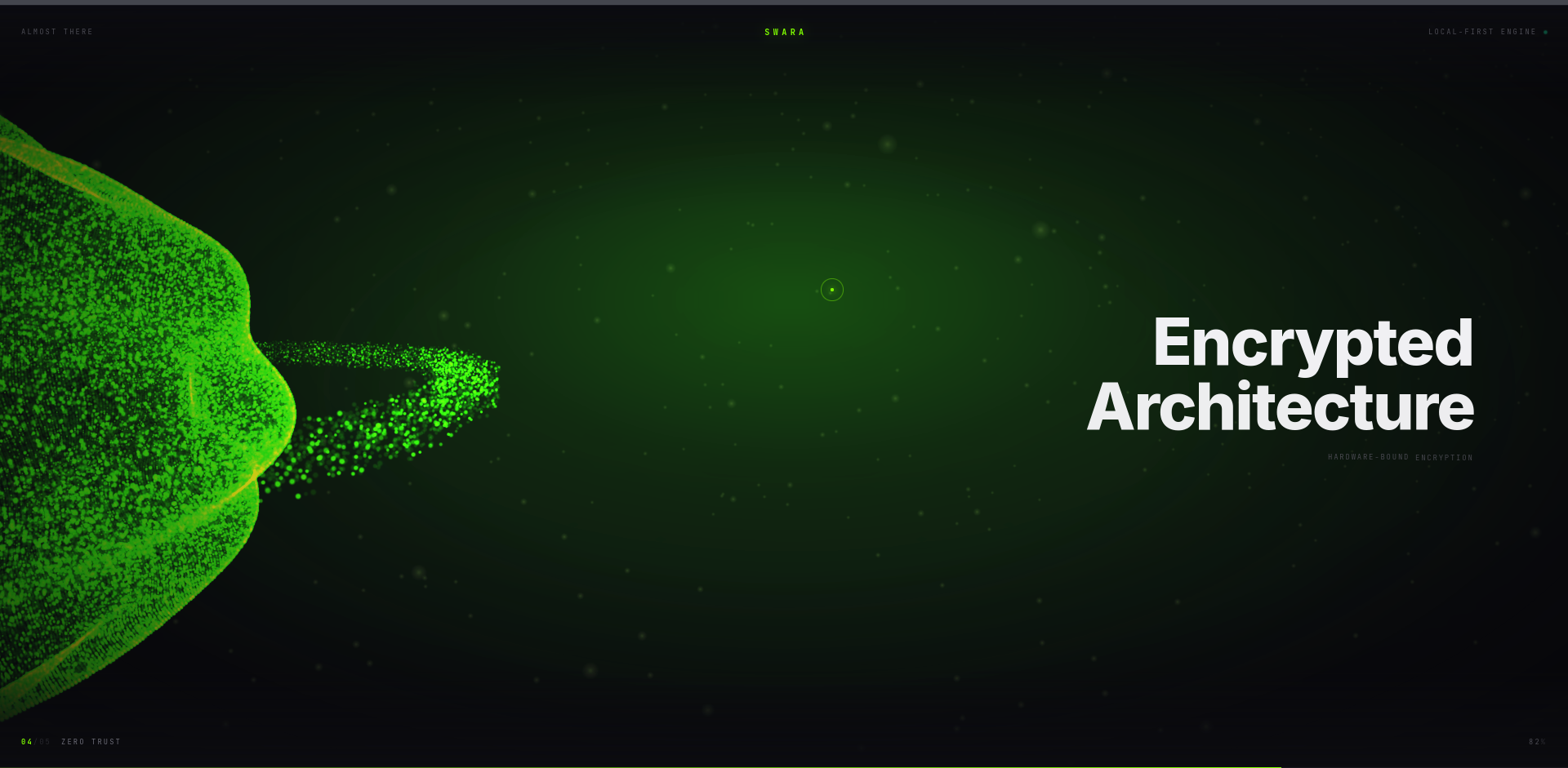
Encrypted Architecture
-
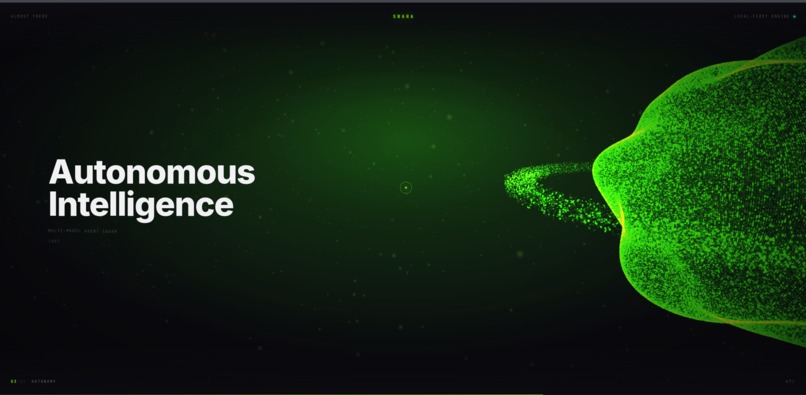
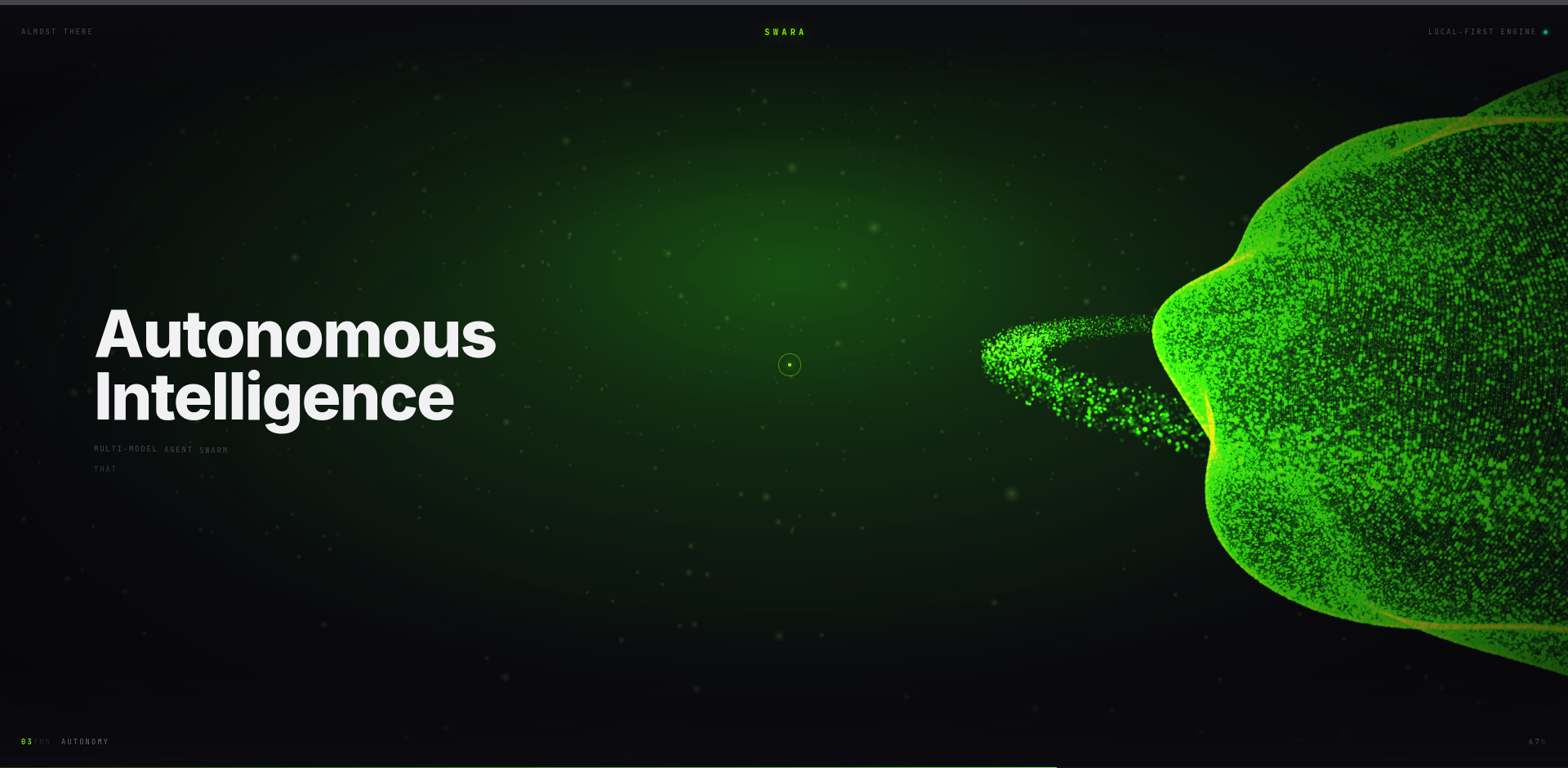
Autonomous Intelligence
-
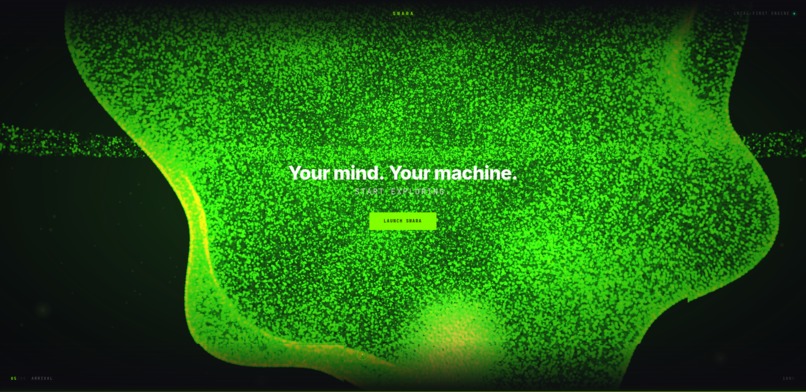
Your Mind. Your Machine.
Swara - Unlocking Student Potential
Elevator Pitch
Swara is an autonomous AI agent framework that unlocks student potential. Featuring dynamic tools, encrypted memory, and dual interfaces, it acts as the ultimate local learning companion.
Inspiration
The rapid evolution of Large Language Models (LLMs) has shown us that AI is capable of generating text, writing code, and answering complex questions. However, the true bottleneck in the modern educational landscape is not just the model's parameters, but the orchestration of workflows—the way the AI interacts with a student's environment, maintains memory of their syllabus, and handles complex, multi-step problem-solving.
We were inspired by the limitations of single-prompt AI interactions. When students work on intricate software development problems or intensive data analysis tasks, they often have to manually copy-paste errors, feed context back and forth, and act as the middleman between the AI and the tools. We envisioned a system where the AI acts as an autonomous agent—capable of reading files, executing code, searching the web, visualizing concepts, and iterating over its own mistakes. This led to the creation of Swara, an autonomous ecosystem designed specifically to unlock student potential for the Reverie Hacks 2026.
What it does
Swara operates on two main frontiers: a Terminal CLI for rapid, lightweight developer interactions, and a FastAPI-powered Web UI for a visually rich, interactive learning experience.
At its core, Swara is an agent framework (leveraging architectures akin to LangGraph). It processes human inputs, formulates a plan, and uses an arsenal of built-in tools to achieve the user's goals. Key features include:
- Dynamic Tool Use: Swara can dynamically execute Python scripts, manage file paths via
path_manager.py, read from vector databases (memory_engine.py), and interact with the web (web_tools). - Interactive GUI & Mindmaps: It has built-in capabilities to generate interactive GUI elements and mindmaps on the fly, transforming complex study topics into visual, spatial canvases.
- Advanced Memory Management: With a custom SQLite-backed vector database, Swara maintains long-term memory across sessions, allowing it to remember past conversations, project constraints, and user preferences seamlessly.
- Cross-Platform Compilation: We built an automated pipeline using PyInstaller and PyX-Builder to compile Swara into standalone executables for Windows and Linux, making it incredibly easy for students to distribute and use without worrying about Python dependencies.
- Secure Execution: The embedded
pyx_executor.pyensures that AI-generated code is run in a controlled manner, preventing destructive commands and managing outputs safely. - Multi-Modal Data Handling: Through
solve maths arithmeticandbrowser_auto, the agent can switch contexts rapidly—from solving hard algebraic equations to using Playwright for deep web automation.
How we built it
Building Swara required a full-stack approach, blending UI/UX design, backend engineering, and Prompt Engineering / LLM orchestration.
Backend & Agent Architecture:
- Language: Python 3.10+
- Framework: FastAPI is the backbone of the Web UI, handling asynchronous requests, streaming LLM tokens via WebSockets or Server-Sent Events (SSE), and serving static files.
- Agent Orchestration: We utilized state-graph concepts (like LangGraph) to define nodes for the AI's "Thought," "Action," and "Observation" loops. The engine dynamically routes to various LLMs.
- Database: SQLite with SQLCipher for encrypted chat histories (
encrypted_chat_engine.py), ensuring student data remains local and secure.
Frontend UI/UX:
- Tech Stack: HTML5, CSS3, Vanilla JavaScript (
app.js). - We designed a clean, dark-themed UI that streams responses character-by-character to give a fluid, natural feel. The UI supports rendering markdown, code blocks with syntax highlighting, and interactive mermaid/mindmap charts generated by the AI.
Tool Integration:
- We modularized the AI's capabilities into the
tools/directory. Each tool (e.g.,firecrawl_tools.py,step_calculator.py,mindmap_tool.py) exposes a standardized schema that the LLM can understand and invoke. - For browser automation, we integrated Playwright within an MCP (Model Context Protocol) server, allowing the AI to navigate educational websites and scrape dynamic content.
CI/CD & Packaging:
- We used GitHub Actions to automate the build process. Every push triggers workflows that use
pyinstallerto bundle the entire Python environment, FastAPI server, and static assets into single executables for both Linux and Windows.
Challenges we ran into
- Streaming Tokens in Real-Time: Integrating LLM streaming with FastAPI while simultaneously capturing tool execution outputs was tricky. If a tool took 10 seconds to run (e.g., a web scrape), the stream would hang. We solved this by implementing asynchronous event loops and streaming intermediate "thought" logs to the UI so the user knows the AI is working.
- Context Window Management: Giving the AI access to so many tools meant the system prompt was massive. We had to implement dynamic prompt engineering, injecting only the schemas of tools that are relevant to the user's current query, and utilizing our semantic vector database to summarize past context.
- Packaging Python via PyInstaller: Bundling FastAPI, Uvicorn, Playwright binaries, and SQLite drivers into a single executable caused numerous
ModuleNotFoundErrorand subprocess execution loops. We solved this by bypassing subprocess calls entirely and booting the FastAPI server natively within the same executable thread. - Security & Sandboxing: Allowing an AI to execute code is inherently dangerous. We had to implement safeguards to prevent recursive infinite loops and restrict file system access.
Accomplishments that we're proud of
- True Cross-Platform Autonomy: We are incredibly proud of successfully compiling a complex AI framework into a single
.exe(Windows) and binary (Linux) that any student can double-click and run, with a full web server spinning up locally. - Encrypted Local Memory: By integrating SQLCipher, we ensured that the AI's memories and the user's chat history are completely encrypted at rest, respecting student privacy—a critical feature often missing in cloud-based AI tools.
- The Visual Experience: The Web UI doesn't just show text; it dynamically renders interactive mindmaps and charts when the student asks for brainstorms, turning the chat interface into a spatial learning tool.
What we learned
- Advanced Prompt Engineering: We learned that structuring tool schemas meticulously (using strict Pydantic models) drastically reduces LLM hallucination when calling functions.
- Concurrency in Python: We deepened our understanding of
asyncio,threading, and Uvicorn's event loop behavior, especially when bridging synchronous SQLite calls with asynchronous HTTP endpoints. - CI/CD Pipelines: We learned how to leverage GitHub Actions to create release pipelines, dealing with artifact storage and multi-OS runners.
What's next for Swara: Empowering Students Thinking
- Multi-Agent Study Groups: We plan to introduce a "Swarm" architecture where a User-Facing Agent delegates tasks to a specialized Research Agent and a Coding Agent, allowing them to debate and refine solutions in the background for complex homework.
- Cloud Synchronization: While we love local encryption, we want to add an optional, end-to-end encrypted cloud sync feature so students can access their agents across different campus devices.
- Voice Interactivity: Integrating Whisper (for STT) and Piper (for TTS) to allow true hands-free interaction, enabling visually impaired students to interact natively with Swara.

Log in or sign up for Devpost to join the conversation.