-
-
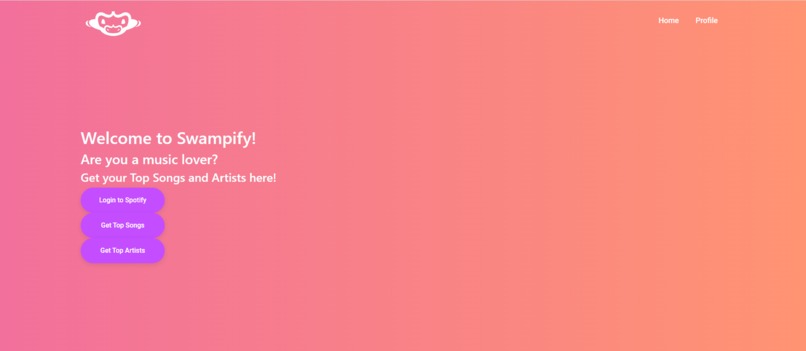
Landing Page
-
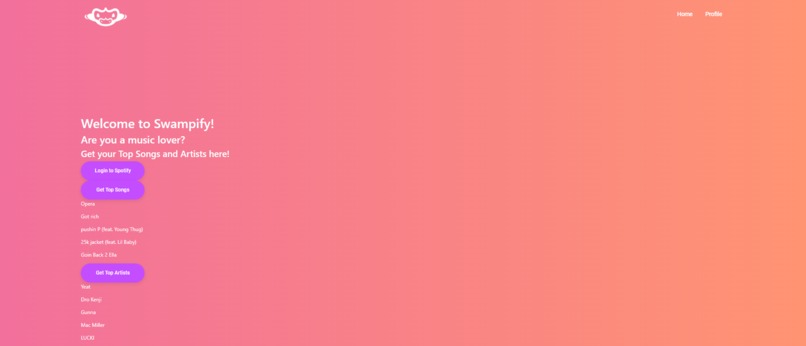
Spotify Connected + User Data
Inspiration
We were inspired to create Swampify because not only do we all listen to music every single day, but we were very interested in the Spotify API.
What it does
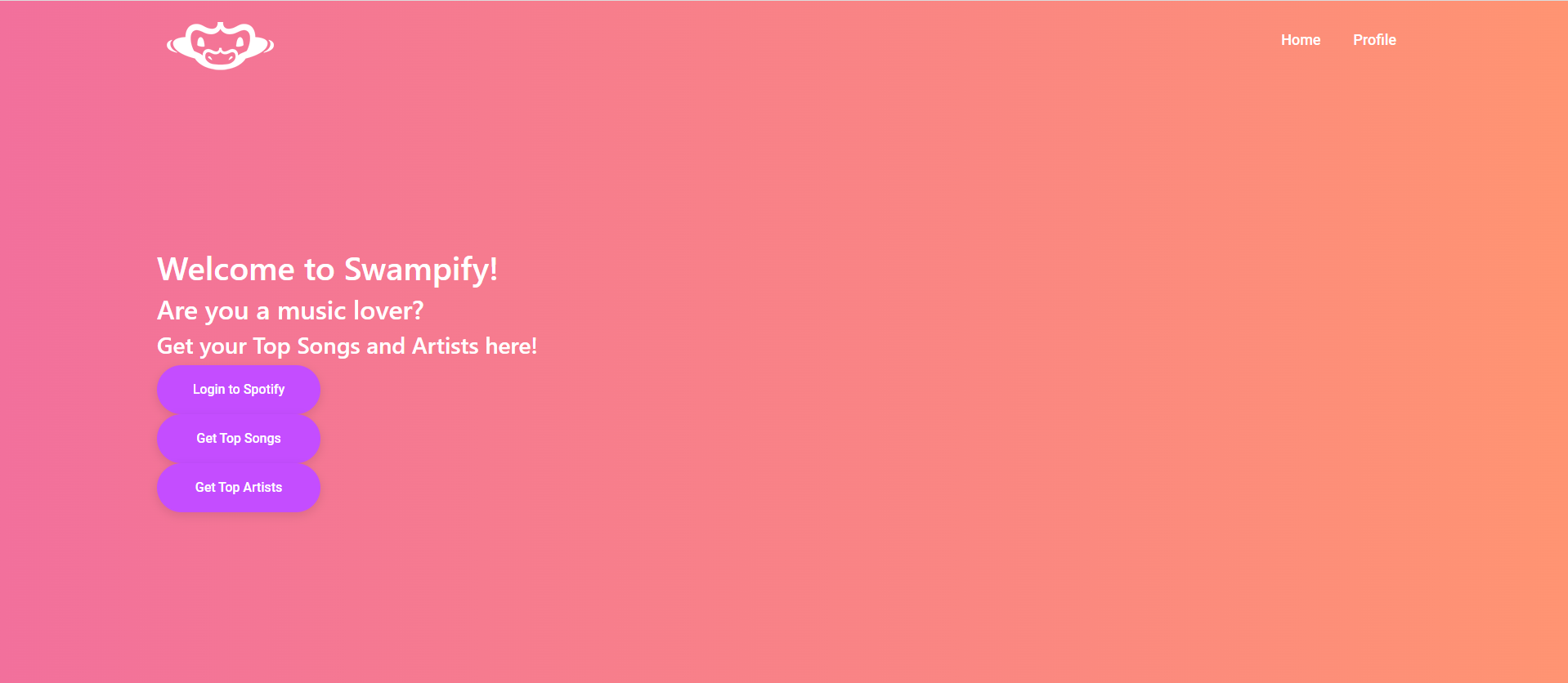
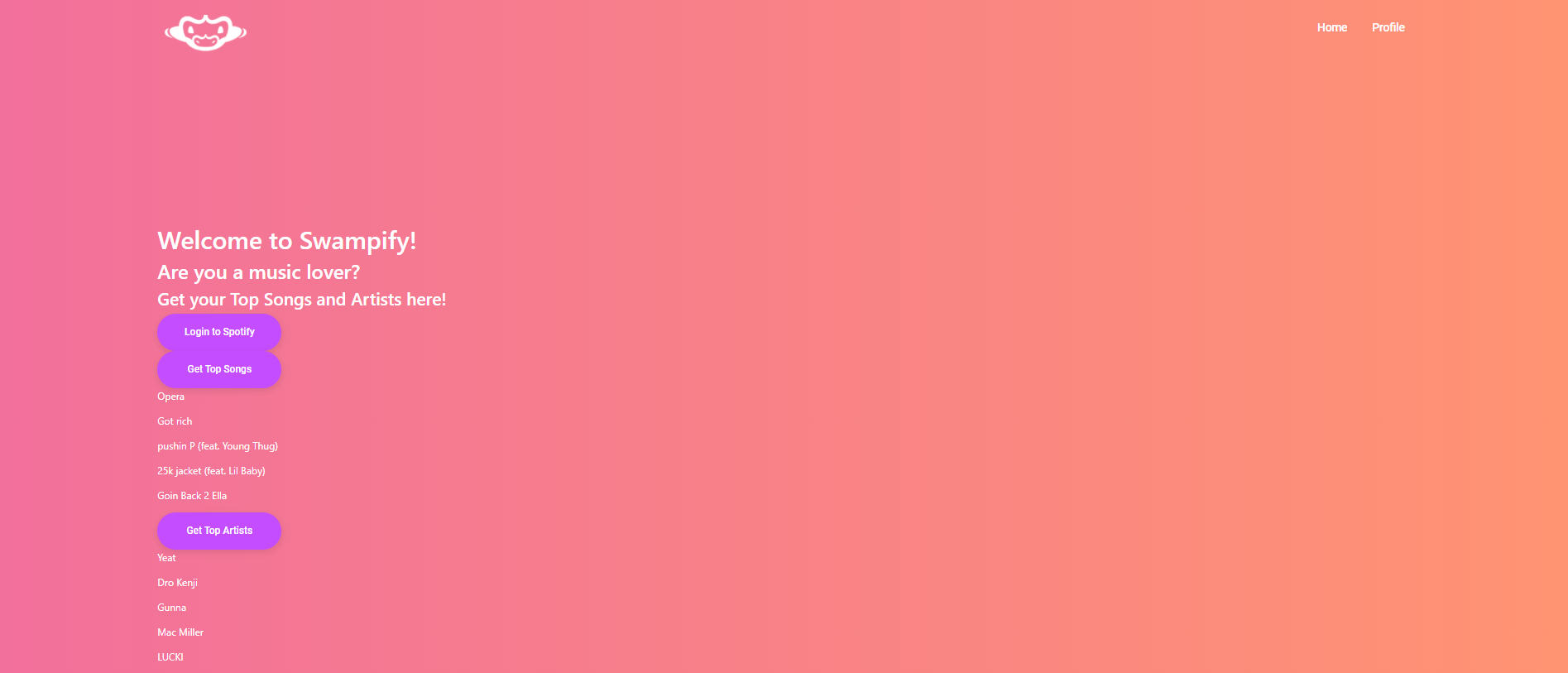
Swampify allows the user to view their most listened to artists and tracks through logging into their Spotify account through our website.
How we built it
We built Swampify using node.js for the backend development of the web app, React and CSS for the visual and front end aspects of the web app, and the Spotify API to fetch user data.
Challenges we ran into
It was difficult to use node.js, React, and CSS because we had virtually no experience with these languages. It was difficult to format the website in the exact way that we wanted it. We believe if we had more time we would be able to clean up the site how we originally envisioned it.
Accomplishments that we're proud of
We were able to develop a working web application that could connect to the user's Spotify account and show them their top artists and tracks. This was a big accomplishment for all of us since we had no experience with any of the frameworks like node or react. We're very happy with what we did despite the time constraint.
What we learned
We were able to learn how to use the Spotify API and incorporate it into our web app while having no experience working with API's . We also learned about the various frontend and backend aspects of making a web app, along with all the errors that come with it and how to troubleshoot them in an effective manner.
What's next for Swampify
We would like to polish up the UI, since it's not exactly how we envisioned it to be. We would also love to add a button that fetches the users public playlists and create a playlist with similar songs to those in the playlist and have it saved to the users Spotify library. Another feature we would like to implement is, with the existing top artist and top song buttons, fetch related songs and artists that fall into the same genre and compile a playlist and also save it to the users library.


Log in or sign up for Devpost to join the conversation.