-
-
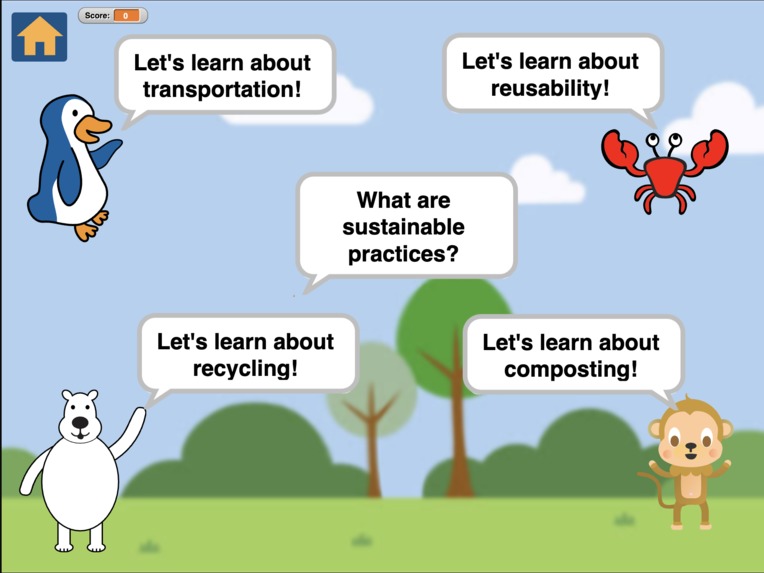
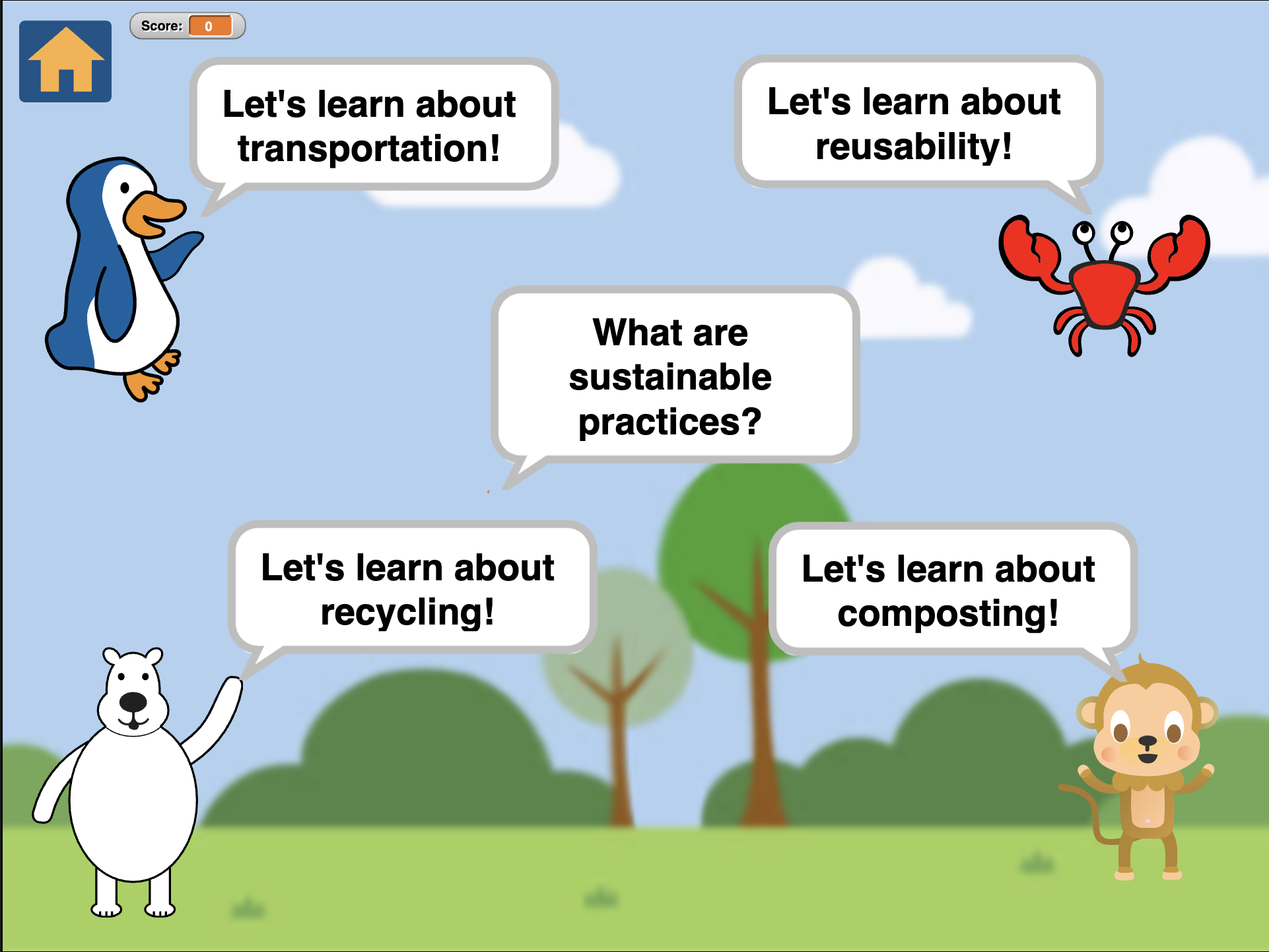
Sustainability Squad! Homepage
How to play
To play the game, download the .xml file from github and import it as a new project into Snap! (https://snap.berkeley.edu/snap/snap.html) Have fun playing!
Inspiration
Before creating our project, we knew that we wanted to create something that would help teach kids about environmental issues and how they can practice sustainability. We thought that this would be done best through an interactive game with eye-catching visuals, appealing characters, and simple instructions. A game would allow kids to have hands-on practice through trial and error and throughout the game we included hints so that it was easier for them to learn. While many other games only include one aspect of sustainability and don’t include practice, our program allows kids to learn easy methods that they can implement and also have an interactive experience to practice them.
What it does
In our program, it starts off with four different aspects of sustainability to explore. After clicking on a character, it will take you to a new scene, in which kids will be able to learn about that aspect of sustainability, and then have an interactive game appear. After they correctly answer a question they will receive a point. If they don’t answer the question correctly, they will be prompted to try again. In order to move onto the next aspect, they need to have accumulated all of the points in that specific game. After finishing all four methods, they will have accumulated 30 points, and will then be taken to the ending scene in which they will get to say goodbye to the animals.
How we built it
We built this game using Snap!, a block coding website. To teach each method of sustainability, we created four main sprites that speak instructions and information and control the game. For each game, we had to create several different sprites with different call times and positions so that when the game progresses, the sprite acts accordingly. We also included different backgrounds for the home screen, the ending screen, and each level to differentiate between them. To keep track of which games are already completed, we implemented a scoring system where each correct answer earns 1 point. Only when all 30 points are reached does the game progress to the ending scene and congratulate the player for learning all of the sustainability methods.
Challenges we ran into
We ran into several challenges while creating different aspects of our game. First, we had to make certain sprites disappear only when they were placed in the correct bin category, so we had to use a specific “when touching” function. Second, we struggled with creating a point system that adds one point when the sprite touches the correct bin because when the sprite is touching the correct bin it disappears and continuously adds points. To fix this, we moved the sprite to a location on the edge and only added a point after that. Last, we struggled with adding text to the game without the use of a sprite, so we worked around this by creating a sprite with size 0 and adding the text we wanted as a speech bubble of that sprite.
Accomplishments that we're proud of
We created a game for kids to teach them about sustainability, and we are proud of our game development skills. There was a lot of organization involved for the many, many sprites and all of the different situations in which they appear and disappear from the screen. We hope that kids can use this game to be more sustainable and we are proud that it will help the future generations learn to help save the environment, which affects people in the entire world.
What we learned
Through much experimentation, we learned how to make sprites disappear only when touching the correct bin, adding points to the overall score, and importing different costumes and backgrounds.
What's next for Sustainability Squad!
Right now, our game teaches only four methods of sustainability: composting, recycling, reusability, and transportation and only includes one level of examples for each. In the future, we want to expand this to include other practices such as conserving water, upcycling, and gardening. We would also like to include several levels for each method so that the player can practice using different items each time. Overall, we would also like to improve the users experience by adding skip, dialogue options, sound effects, an introduction scene, and a title page.
Built With
- snap!

Log in or sign up for Devpost to join the conversation.