-
-
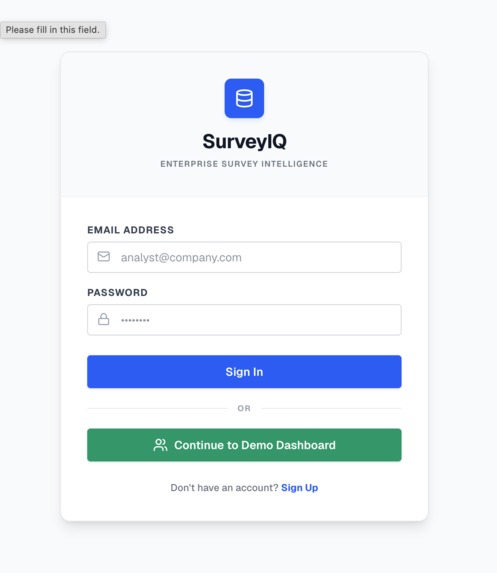
login page
-
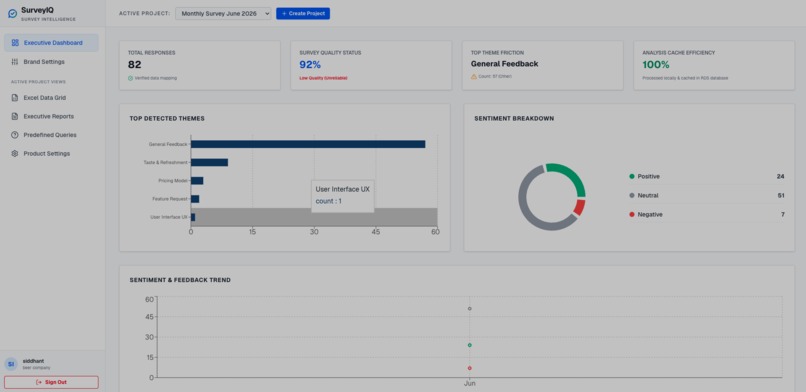
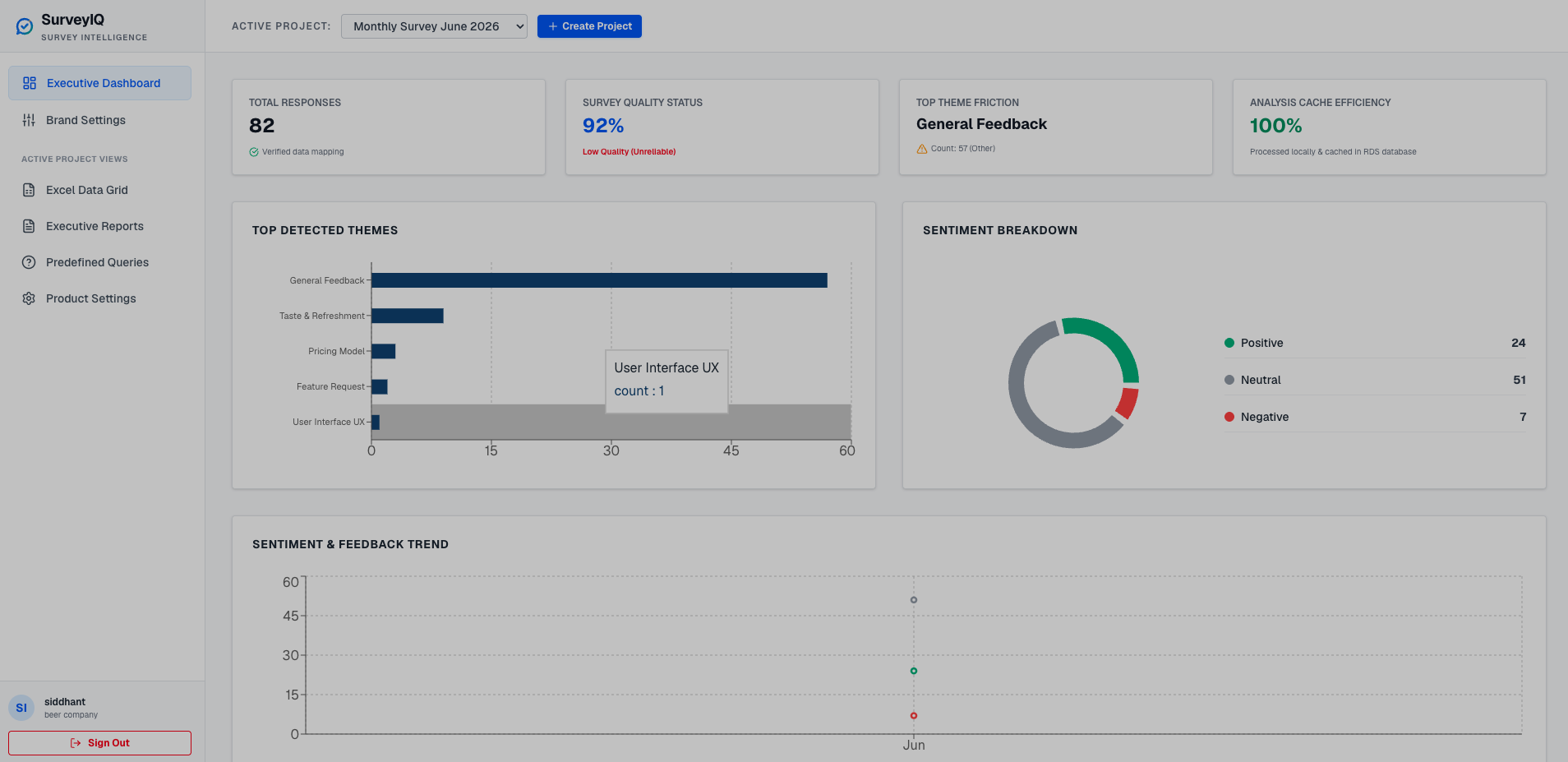
Executive Dashboard
-
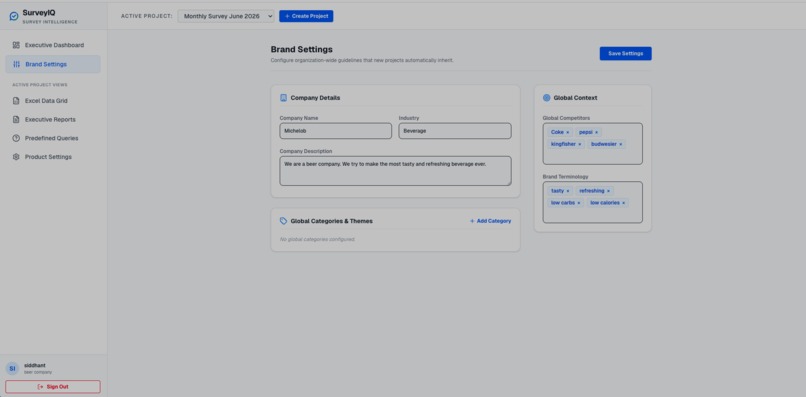
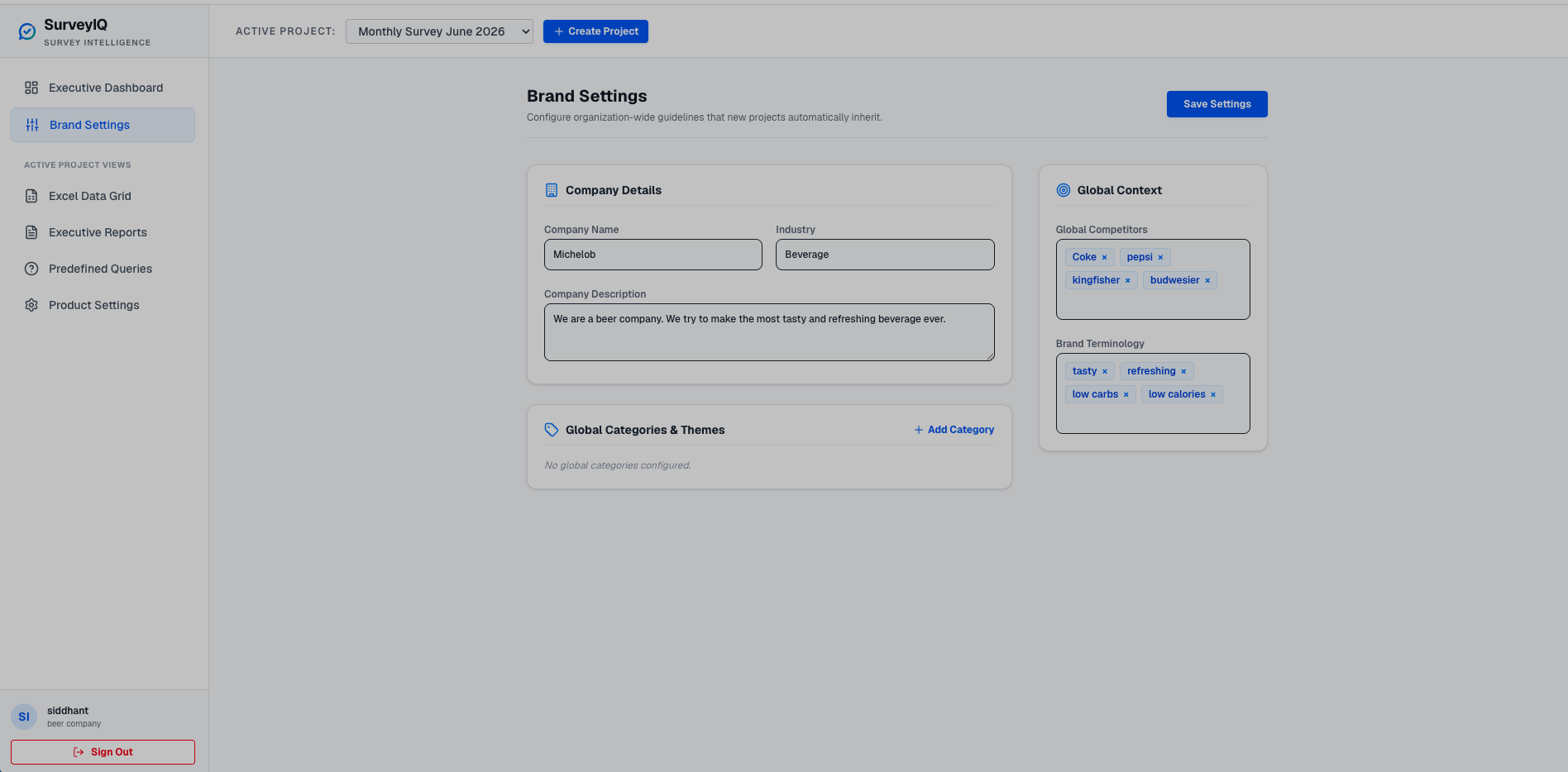
Brand settings
-
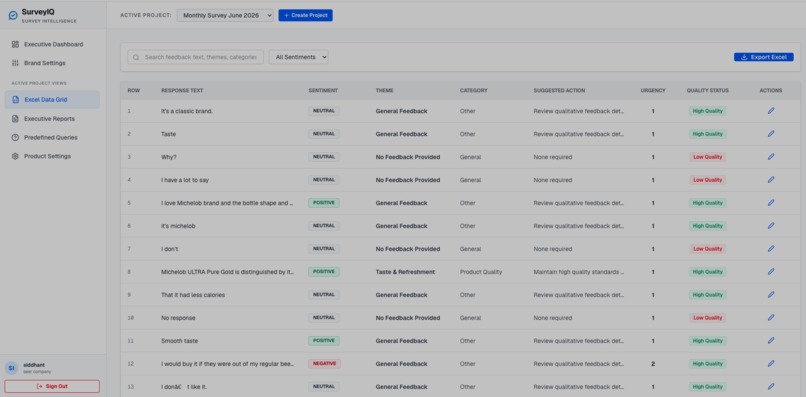
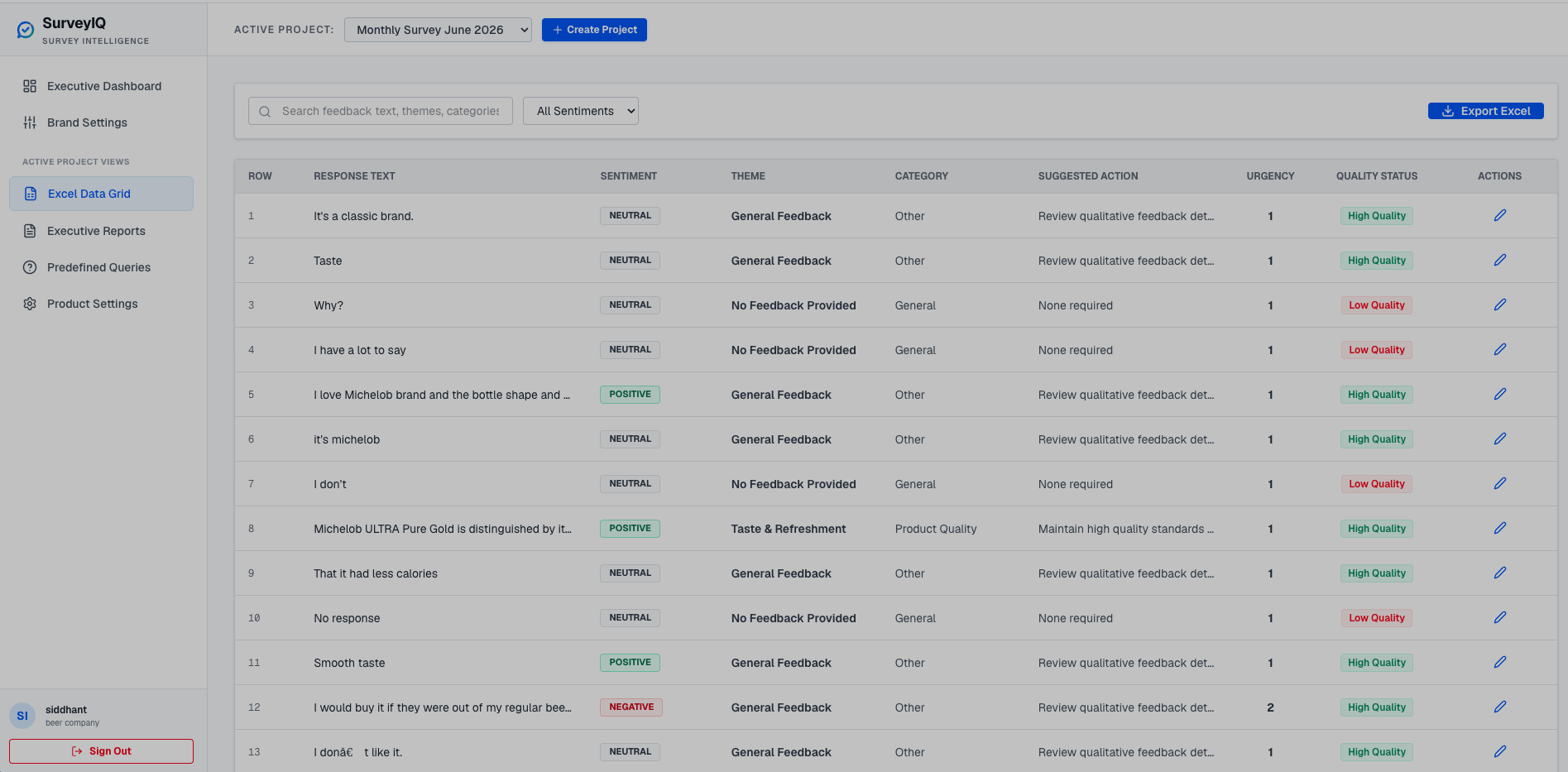
Excel Data Grid
-
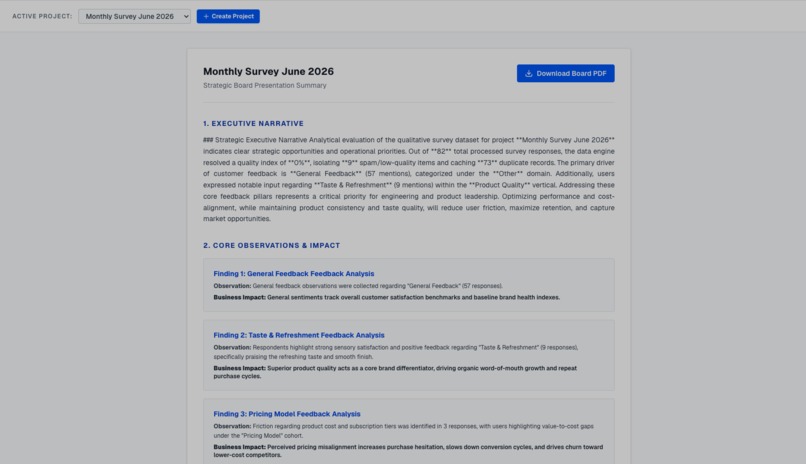
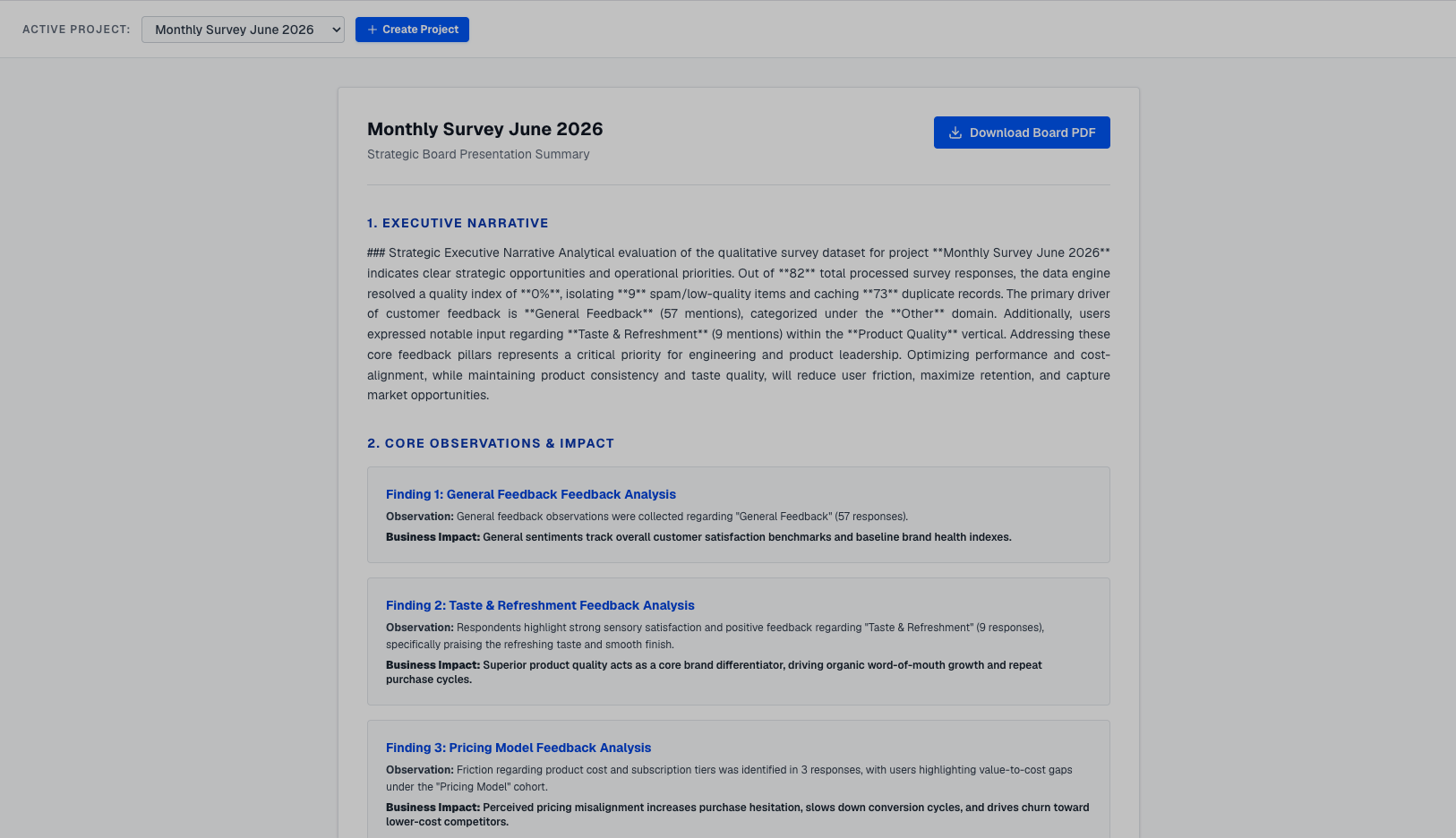
Executive Report Page
-
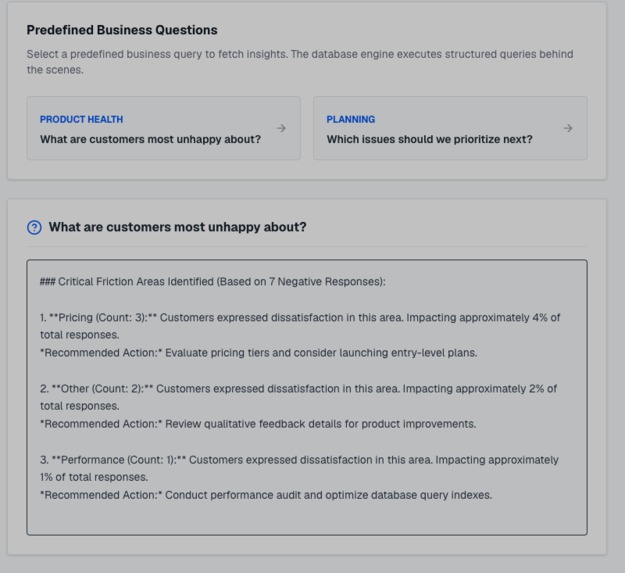
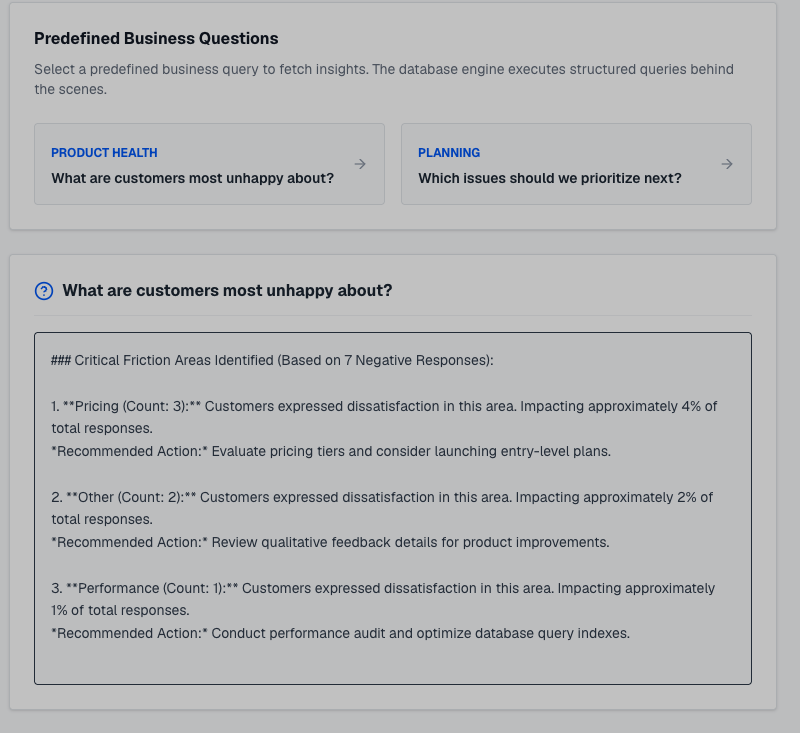
Predefined queries page
-
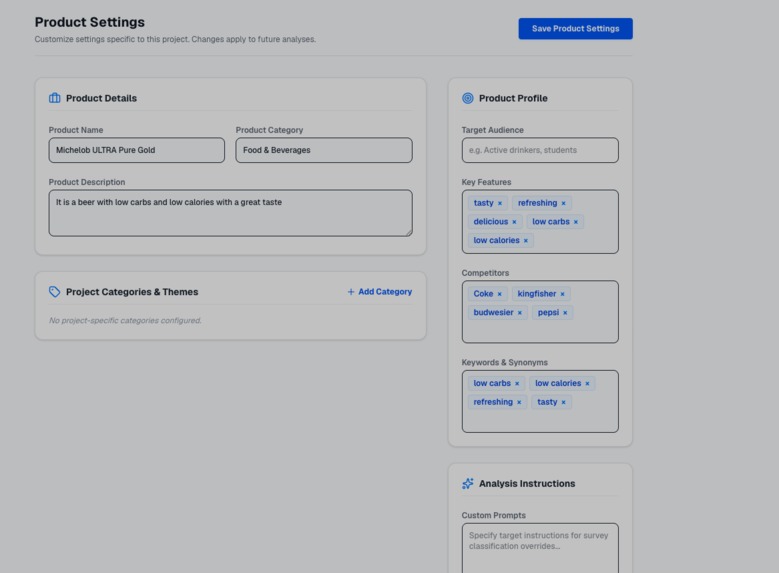
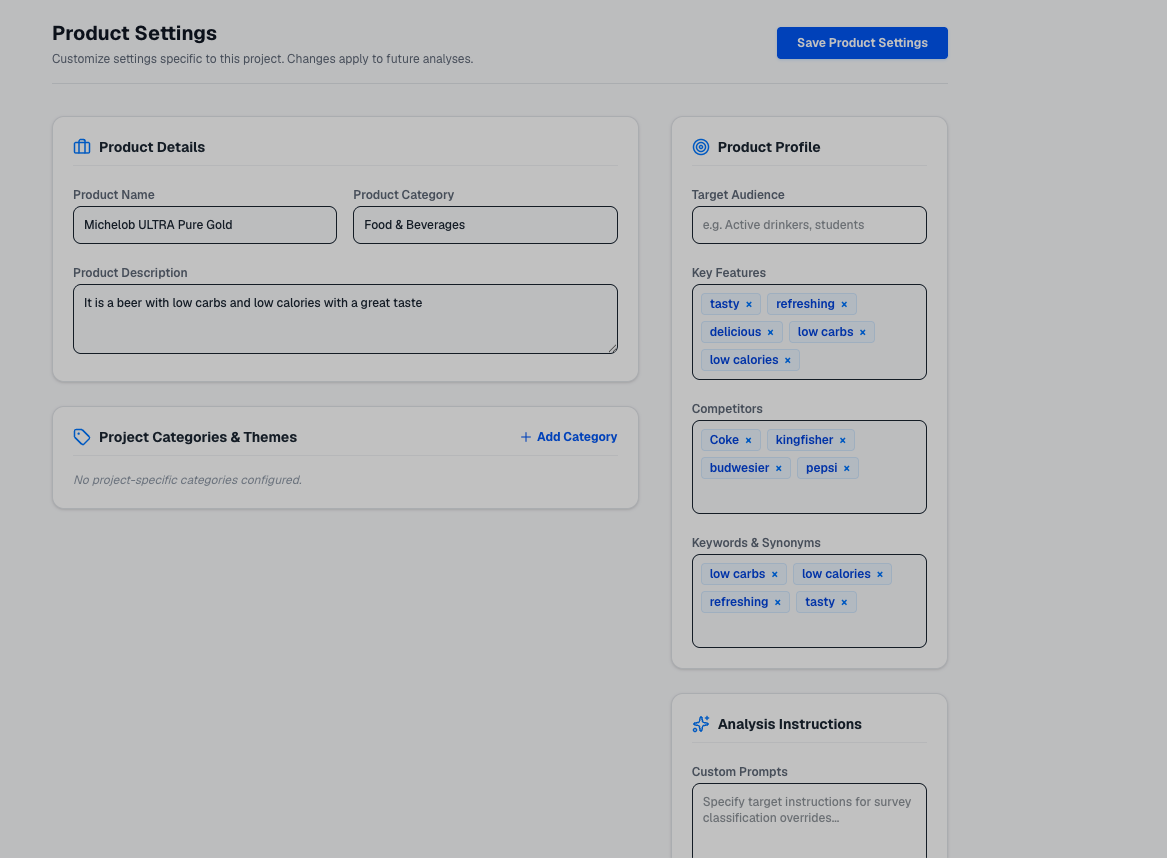
Product settings page
Inspiration
It all started when I watched my aunt, who is a product manager, suffer through customer survey responses. She was sitting there copy-pasting hundreds of rows from Excel into translation tools, manually typing out category tags line by line, and trying to patch together charts in PowerPoint. It was tedious, slow, and honestly painful to watch.
I realized that generic AI APIs just don't understand the messy way real customers talk. They completely miss the nuance in mixed sentiments (like, "The UI is gorgeous, but the app crashes constantly"), ignore how words like "but" shift meaning, and completely choke on regional slang like Hinglish (e.g., "performance bohot acha hai"). I wanted to build a tool that could take raw, messy spreadsheets, understand local dialects and complex grammar rules, and still keep a human in the loop to review and override classifications.
What it does
SurveyIQ turns unstructured survey spreadsheets into clean, actionable product insights in seconds.
- Zero-friction onboarding: You just drop in your raw CSV or Excel file, map the columns using our guided wizard, and the engine takes care of the rest.
- Aspect-level analysis: Instead of just telling you if a comment is "positive" or "negative," my engine pulls out specific aspects—like Price, Taste, or Packaging—and scores them individually.
- Human-in-the-loop overrides: AI isn't perfect, so I built a review dashboard. If the engine gets a category or sentiment wrong, you can edit it on the spot. I write those changes directly to the database, log them in an audit trail for transparency, and automatically update your charts.
- Executive-ready reports: The clean dashboard visualizes everything (using Recharts) and lets you download presentation-ready PDF or Excel summaries with a single click.
How we built it
To keep the application fast, secure, and easy to host, I built a serverless-native stack on Next.js and AWS:
- The Stack: The entire application is built on Next.js 15, React 19, and Tailwind CSS, hosted on Vercel.
- The Database: I used Amazon Aurora PostgreSQL (Amazon RDS) connected via Prisma ORM. I also designed a cache table (
ResponseCache) to avoid wasting computation on duplicate responses. - The NLP Engine: Instead of spinning up heavy server infrastructure, I built the entire text processing engine in TypeScript, running it locally right inside my Next.js API endpoints.
- Storage: I used Amazon S3 to store uploaded spreadsheets securely, generating temporary presigned URLs so the client can upload files directly to S3.
To handle complex grammar structures, I designed a custom valence scoring algorithm for aspect clauses:
$$S_a = w_c \cdot \sum_{i \in T} \Big( V(t_i) \cdot I(t_i) \cdot N(t_i) \Big)$$
Where:
- $V(t_i)$ is the base sentiment value of the word.
- $I(t_i)$ is the intensifier multiplier (like "very" or "slightly").
- $N(t_i) \in {-1, 1}$ is the negation scoper (swapping positive/negative signs if a word is linked to "not" or "never").
- $w_c$ is the contrast resolution weight. I boost clauses that come after contrastive words like "but" or "however" by $1.5\times$ because that is usually where the customer's true conclusion lies.
Challenges we ran into
- Beating the Vercel Timeout: Parsing and analyzing thousands of rows of text can take longer than the strict timeout limits on serverless functions. To solve this, I used Next.js's new
after()API. This lets me immediately return a success response to the user so they aren't waiting on a loading spinner, and then execute the heavy processing asynchronously in the background. - Tracking Negations: Simple keyword matching ruins phrases like "not only cheap, but also high quality". I had to write a recursive syntactic parser in TypeScript that walks the sentence structure to understand exactly where negation begins and ends.
- Handling Massive Datasets: Processing every single sentence from scratch is slow. I resolved this by building a SHA-256 caching layer. For cache misses, I implemented a local Jaccard similarity matcher using character 3-grams. This groups similar comments together, allowing me to run the heavy engine on only one representative comment per cluster and copy the results to the rest.
Accomplishments that we're proud of
- Grammatical Nuance: I built a custom parser in TypeScript that catches negation and contrast shifts far more accurately than expensive, general-purpose LLMs on short customer comments.
- Strict Privacy: Because the NLP engine runs locally on my server rather than sending data to external APIs (like OpenAI or Anthropic), customer feedback stays completely private and secure.
- AWS & Serverless Integration: Setting up secure S3 presigned uploads, Vercel deployments, and an Aurora DB with a full manual audit trail was a lot of moving parts, but I got them working together seamlessly.
What we learned
I learned that you don't always need the biggest, most expensive neural network to solve a real-world problem. By building a fast, local TypeScript engine and leveraging serverless features like Next.js's after() callback, I was able to deliver an incredibly snappy, zero-maintenance tool that scales easily.
What's next for SurveyIQ
- Microsoft Excel Native Add-in: Building a native Excel Add-in taskpane that connects to our server cache and runs real-time Jaccard clustering matching so users can analyze feedback cells directly within their spreadsheets.
- Automated Custom Ontologies: Letting teams upload their own product keywords and categories so the aspect engine maps to their specific business out-of-the-box.
- Instant Alerts: Hooking up Slack and MS Teams webhooks to push critical complaints (like billing errors or outages) straight to support channels.
- Trend Analysis: Tracking how sentiment vectors shift on specific aspects over time, so product teams can see if a new feature actually fixed a long-standing complaint.
Built With
- amazon-rds-relational-database-service
- amazon-web-services
- fastapi
- javascript
- nextjs
- numpy
- pandas
- postgresql
- prisma
- python
- react
- s3
- sql
- sqlalchemy
- tailwind
- typescript
- vercel


Log in or sign up for Devpost to join the conversation.