Inspiration
SurveyAid was born from a simple observation: while working with NGOs in developing countries, I saw teams relying on paper forms or basic online surveys that missed nuance, required manual tallying, and didn’t support the languages communities actually use. After seeing the friction of collecting and interpreting data, I set out to make professional survey creation as easy as having a conversation—using AI to generate multilingual assessments in seconds.
What it does
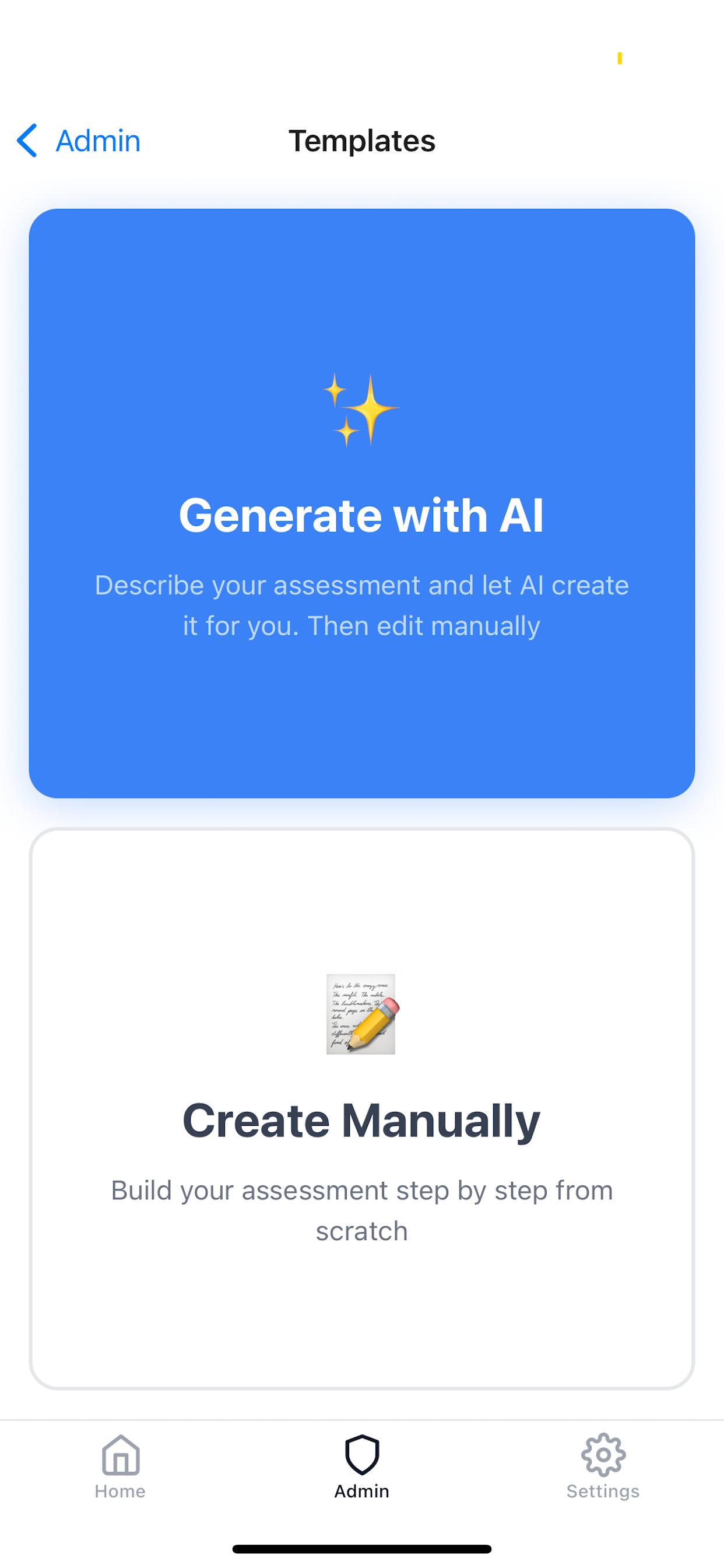
- AI-powered template creation: turn a plain-language prompt into a complete, structured assessment.
- Multilingual surveys: generate and run assessments in 180+ languages.
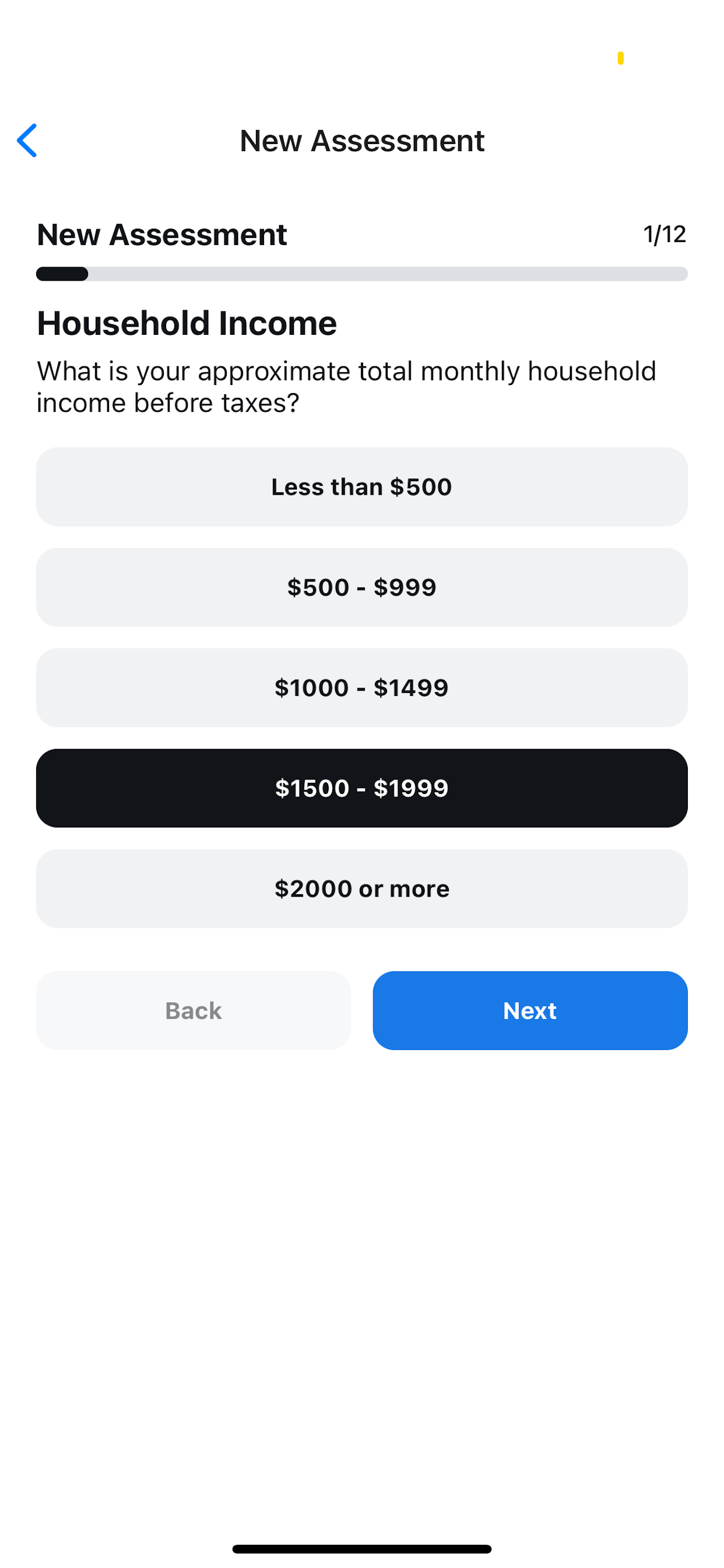
- Participant (kiosk) mode: capture responses with optional participant details (e.g., name, DOB).
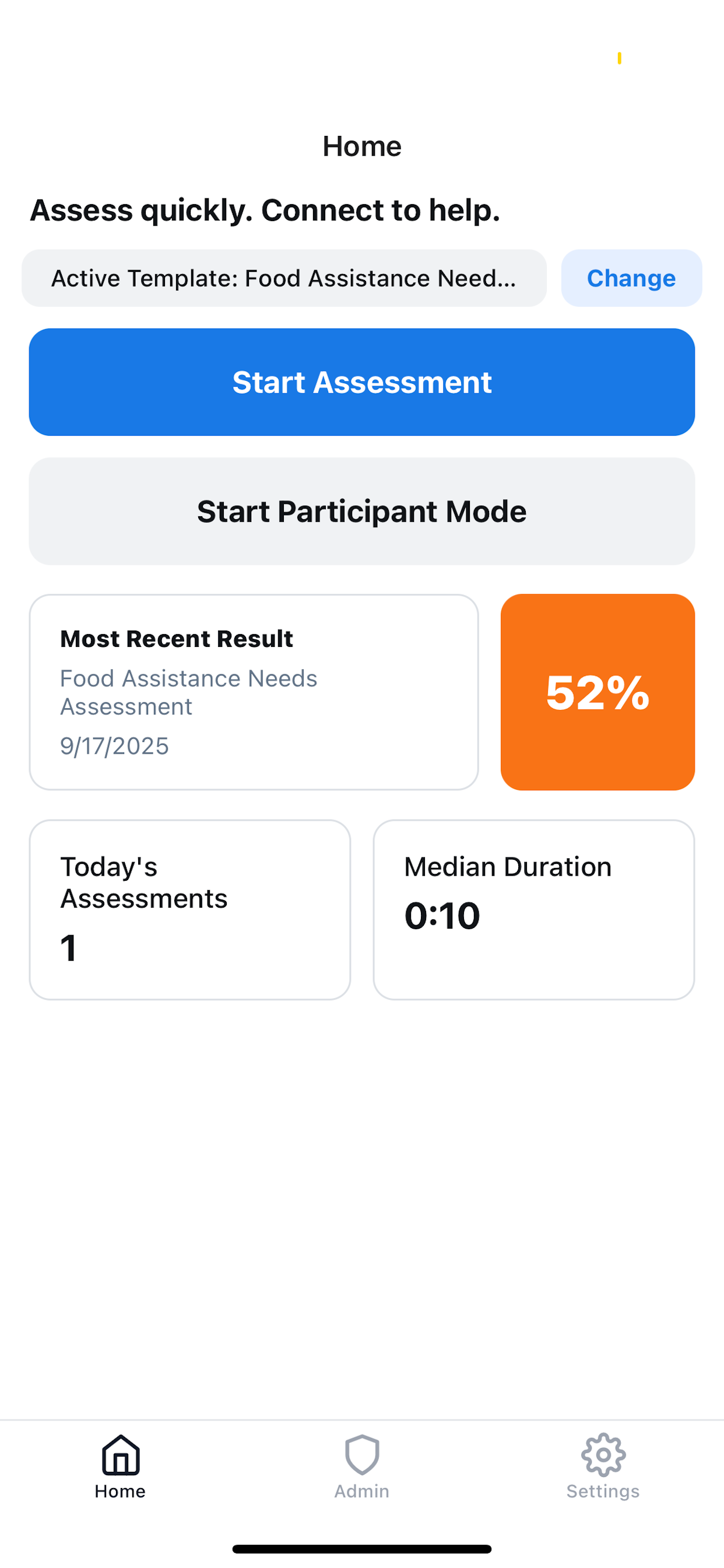
- Instant results: automatic scoring with clear summaries to guide next steps.
- Template management: save, edit, reuse, and share assessments with your team.
- Practical for social good: from food assistance screenings to community needs assessments.
How we built it
- Frontend: React Native (Expo), TypeScript, Zustand for state, i18next for localization.
- AI: OpenRouter-backed models with strict JSON prompts for consistent template schemas.
- Subscription & quota: RevenueCat (react-native-purchases) for entitlements; Cloudflare Worker/Express proxy to enforce daily/monthly usage.
- Data: assessments and settings stored on-device (AsyncStorage); CSV export and share flows.
- Engine: modular scoring/aggregation utilities to compute results and summaries.
Challenges we ran into
- Making AI output strict, stable JSON with ids that don’t break edits and re-runs.
- Handling multilingual text generation while keeping fields aligned and concise.
- Reconciling usage limits between anonymous and subscribed users across devices.
- StoreKit/RevenueCat testing nuances in dev/sandbox vs production environments.
- Designing kiosk mode to be fast, privacy-aware, and resilient offline.
Accomplishments that we’re proud of
- End-to-end flow from prompt → multilingual, production-ready assessment in seconds.
- Reliable quota + entitlement gating that feels seamless to the user.
- Clean kiosk experience that front-line staff can use with minimal training.
- Clear, actionable scoring summaries that reduce post-survey analysis time.
- A lightweight stack that runs smoothly on low-end devices.
What we learned
- How to link Revenue Cat with the App store and all the requirements
- Entitlements and usage need to be transparent—users trust clear limits and feedback.
- Field teams value speed and clarity over features— that is why I made the UI simple
What’s next for SurveyAid
- Develop the web version of it and release it in the Google Store
Built With
- cloudflare
- expo.io
- openrouter
- react-native

Log in or sign up for Devpost to join the conversation.