SurroundShield: Your Personal Health Guardian 🛡️
The Story Behind SurroundShield
In a world where health and wellness have become paramount, SurroundShield emerges as your personal health guardian. This innovative web application combines the power of modern web technologies with advanced AI capabilities to help you track, understand, and improve your health metrics in a user-friendly way.
What Makes SurroundShield Special?
SurroundShield is more than just another health tracking app. It's your personal health companion that:
- 📊 Tracks your vital health metrics (BMI, weight, height)
- 📍 Monitors your location-based health data
- 🔒 Securely stores your personal health information
- 📱 Provides a beautiful, intuitive interface
- 🤝 Connects you with your health journey
- 🤖 Leverages AI for personalized health insights
- 🔄 Real-time health monitoring and alerts
System Architecture 🏗️
SurroundShield is built with a modern, full-stack architecture:
Frontend
- React.js for dynamic user interface
- Modern CSS with responsive design
- Real-time data updates
Backend
- Node.js/Express.js for user management
- Python Flask for AI/ML services
- MongoDB for data storage
- Databricks Playground for LLM integration
Getting Started 🚀
Prerequisites
Before you begin your health journey with SurroundShield, make sure you have:
- Node.js (v14 or higher)
- Python 3.8 or higher
- MongoDB (for data storage)
- npm (Node Package Manager)
- pip (Python Package Manager)
- Databricks account (for LLM features)
Installation Steps
Clone the Repository
git clone https://github.com/yourusername/SurroundShield.git
cd SurroundShield
Install Node.js Dependencies
npm installInstall Python Dependencies
cd python_backend
pip install -r requirements.txt
Set Up Environment Variables Create a
.envfile in the root directory with:# Node.js Backend MONGODB_URI=your_mongodb_connection_string JWT_SECRET=your_jwt_secret PORT=3000 # Python Flask Backend FLASK_APP=app.py FLASK_ENV=development DATABRICKS_TOKEN=your_databricks_token DATABRICKS_URL=your_databricks_workspace_urlStart the Servers
# Terminal 1 - Start Node.js server
npm start

# Terminal 2 - Start Flask server
cd python_backend
flask run
Access the Application Open your browser and navigate to:
http://localhost:3000
Features 🌟
User Management
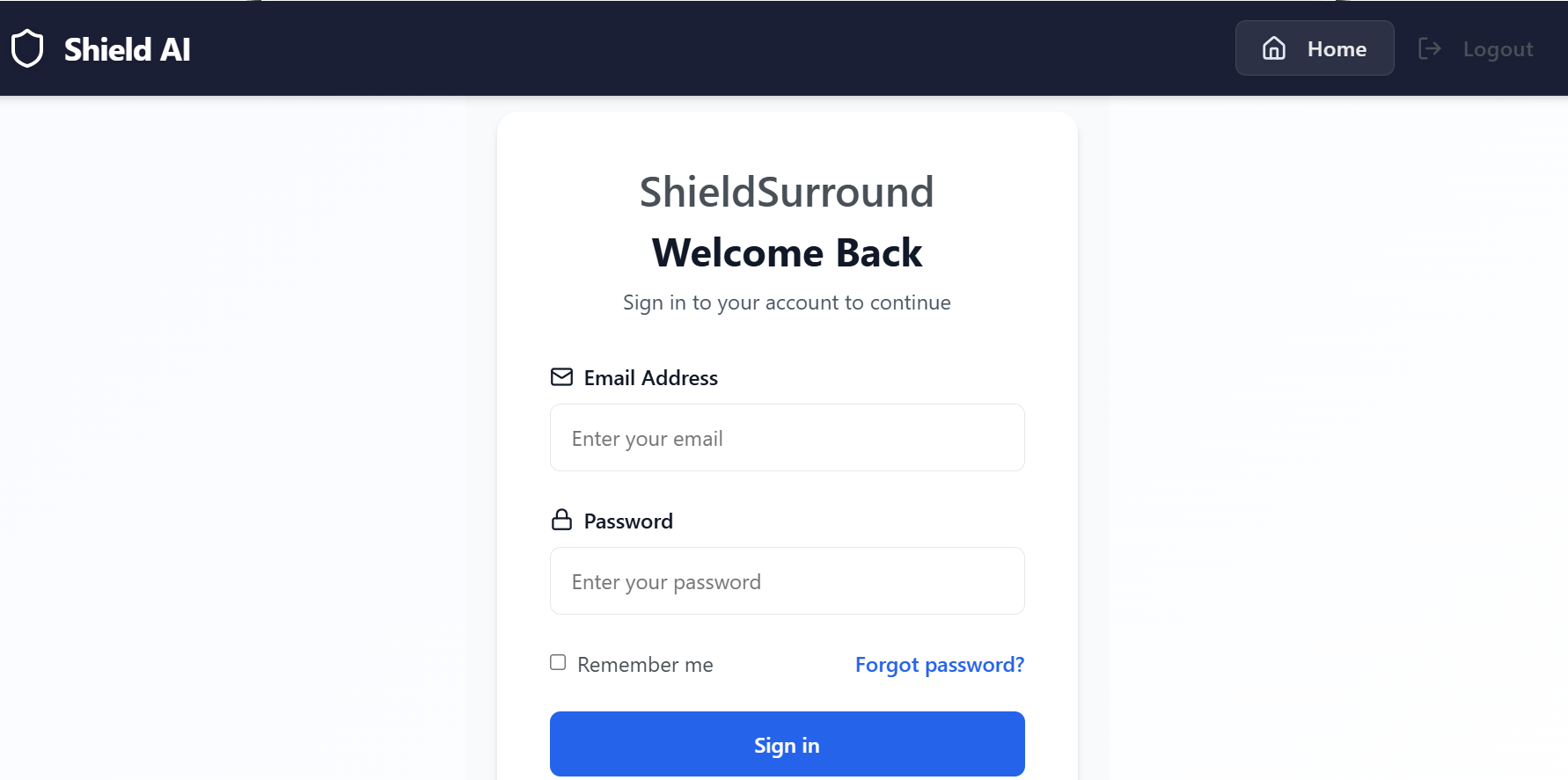
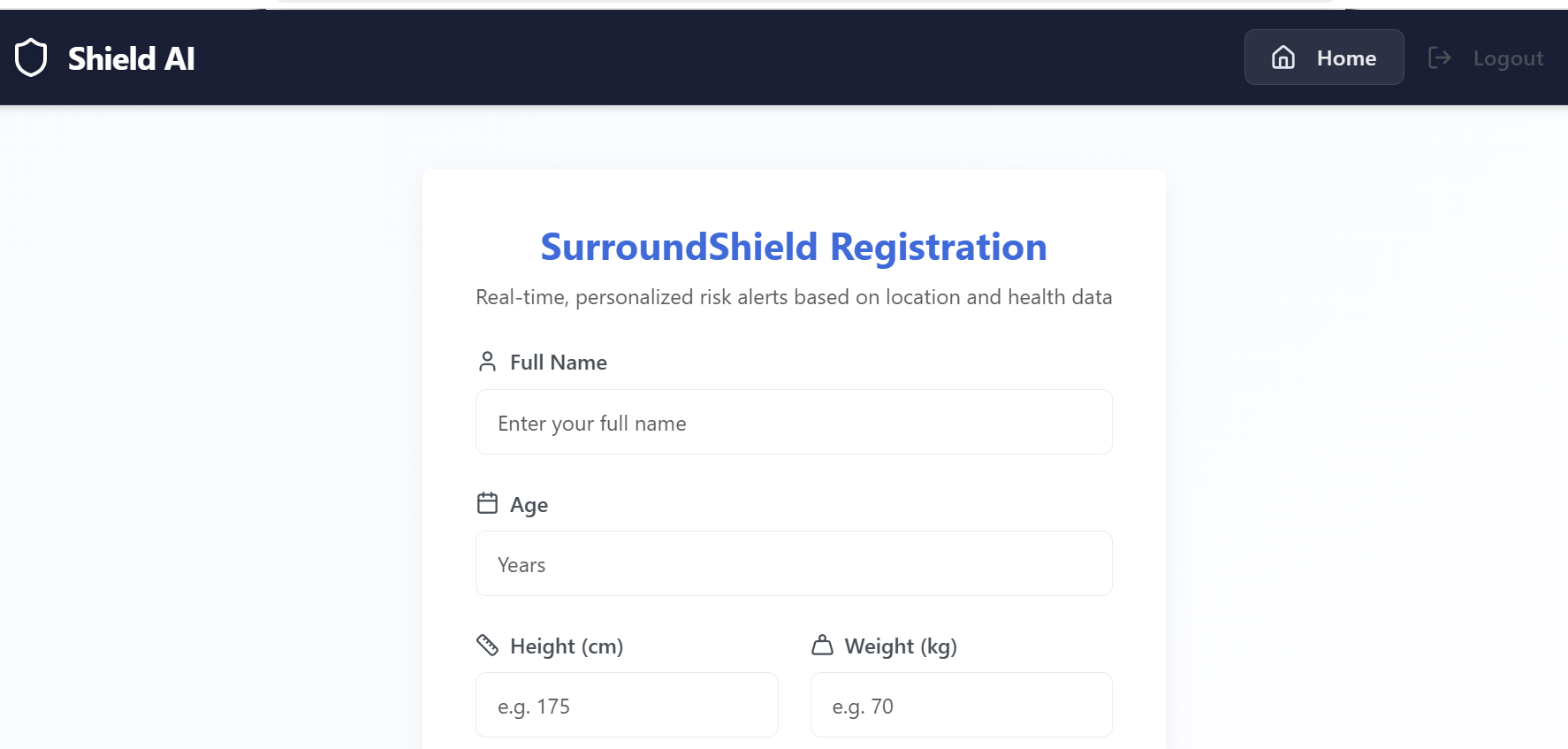
- Secure user registration and login
- JWT-based authentication
- Password hashing for security
Health Tracking
- BMI calculation
- Weight and height tracking
- Location-based health data
- Age-specific health metrics
AI-Powered Features
- Personalized health insights using LLAMA 3.1 70B model
- Advanced health risk assessment with large language model capabilities
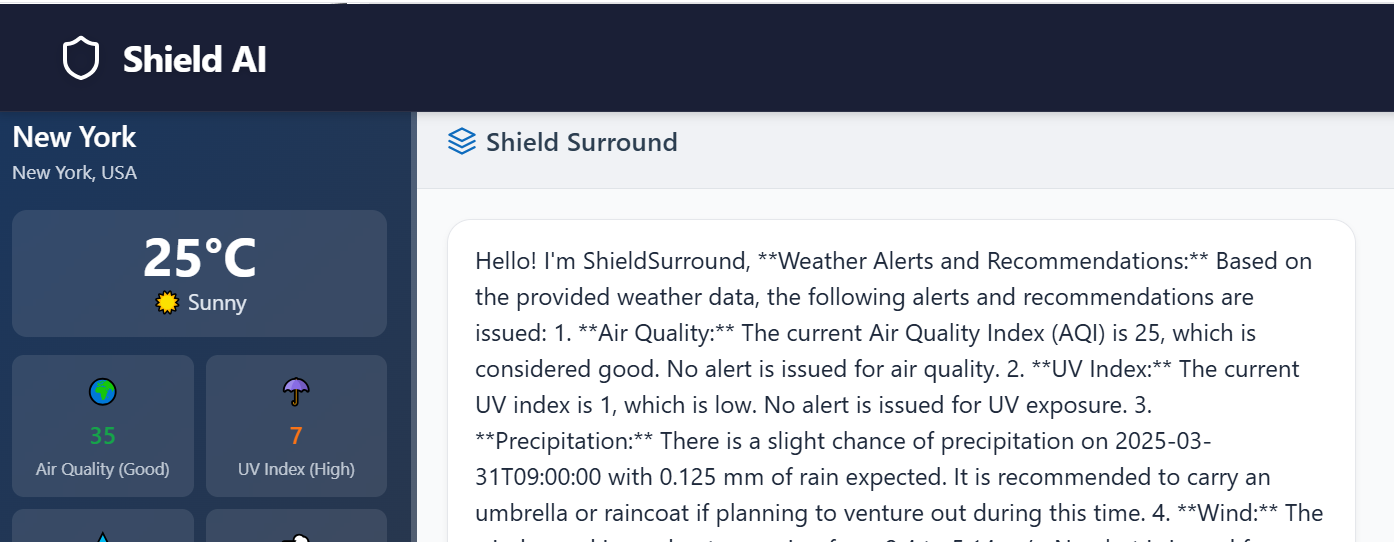
- Smart recommendations based on comprehensive health data analysis
- Natural language health queries with state-of-the-art language understanding
- Context-aware health monitoring and alerts
User Interface
- Clean, modern design
- Responsive layout
- Intuitive navigation
- Real-time data updates
Project Structure 📁
SurroundShield/
├── config/
│   ├── mongoCollections.js
│   └── settings.js
├── data/
│   └── users.js
├── public/
│   └── js/
│       └── src/
│           ├── components/
│           │   ├── login.js
│           │   └── Registration.js
│           ├── styles/
│           │   └── styles.css
│           └── App.js
├── python_backend/
│   ├── app.py
│   ├── requirements.txt
│   ├── models/
│   │   └── llm_model.py
│   └── utils/
│       └── databricks_utils.py
├── routes/
│   ├── index.js
│   └── users.js
├── views/
├── .env
├── .gitignore
├── app.js
└── package.json
API Endpoints 🔌
User Routes (Node.js)
-
POST /users- Register a new user -
POST /users/login- User login -
GET /users/:id- Get user profile -
PUT /users/:id- Update user profile -
DELETE /users/:id- Delete user account
AI Routes (Flask)
-
POST /api/health-insights- Get personalized health insights -
POST /api/risk-assessment- Get health risk assessment -
POST /api/recommendations- Get personalized recommendations -
POST /api/health-query- Natural language health queries
Databricks Integration 🔗
Our LLM integration is powered by Databricks Playground, featuring the LLAMA 3.1 70B parameter model, providing:
- Advanced natural language processing with 70 billion parameters
- State-of-the-art health insights and analysis
- Deep understanding of medical and health-related queries
- Contextual health recommendations
- Real-time health monitoring with advanced pattern recognition
- Risk assessment with comprehensive data analysis
- Multi-modal health data interpretation
LLM Model Specifications
- Model: LLAMA 3.1 70B
- Parameters: 70 billion
- Integration: Databricks Playground
- Capabilities:
- Natural language understanding
- Health data analysis
- Risk assessment
- Personalized recommendations
- Medical context awareness
- Real-time health monitoring
Contributing 🤝
We welcome contributions to SurroundShield! Here's how you can help:
- Fork the repository
- Create your feature branch (
git checkout -b feature/AmazingFeature) - Commit your changes (
git commit -m 'Add some AmazingFeature') - Push to the branch (
git push origin feature/AmazingFeature) - Open a Pull Request
Security 🔒
SurroundShield takes security seriously:
- All passwords are hashed using bcrypt
- JWT tokens for authentication
- Secure MongoDB connection
- Environment variable protection
- Secure API endpoints
- Data encryption
Future Roadmap 🗺️
We're constantly improving SurroundShield. Here's what's coming:
- [ ] Mobile app version
- [ ] Health goal setting
- [ ] Progress visualization
- [ ] Community features
- [ ] Integration with health devices
- [ ] Advanced AI features
- [ ] Real-time health monitoring
- [ ] Integration with wearable devices

Log in or sign up for Devpost to join the conversation.