-
-
home-hero
-
features
-
how-it-works
-
customers
-
-
-
-
-
Inspiration
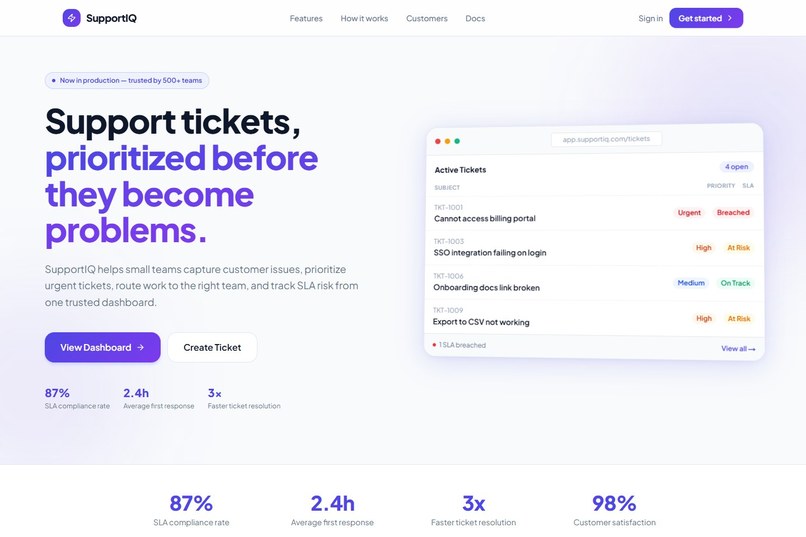
Support teams lose time when every ticket arrives as plain text and someone has to manually decide: Is this billing? Is it urgent? Who owns it? Is the SLA at risk?
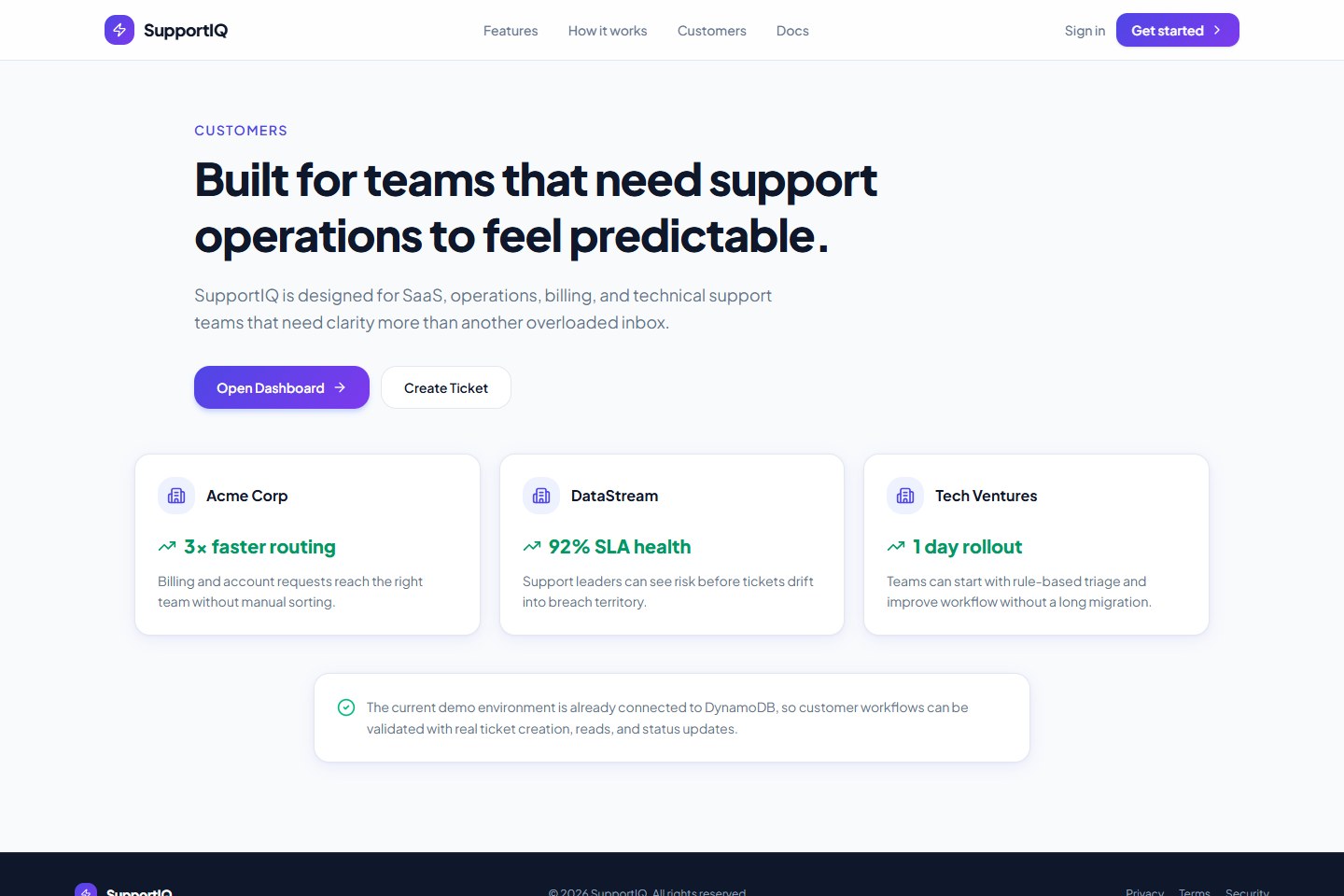
SupportIQ was built to make that first step faster and clearer. The goal is to help small teams turn messy customer requests into organized, prioritized support work.
What it does
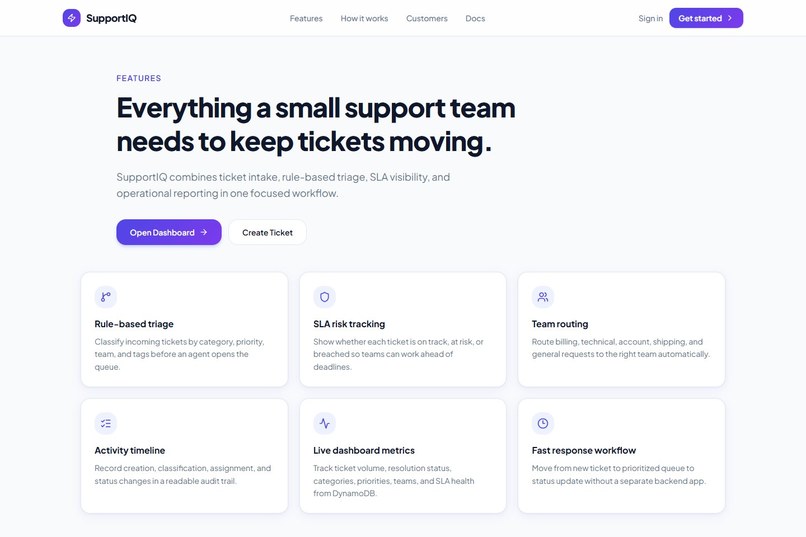
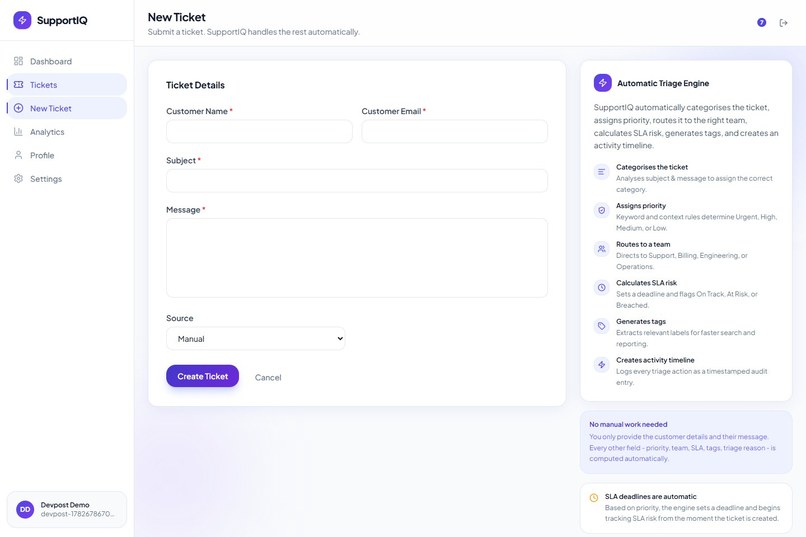
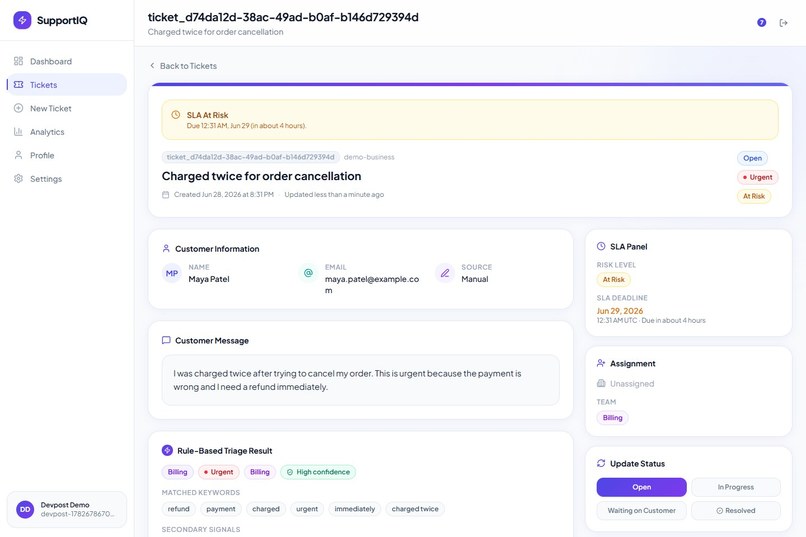
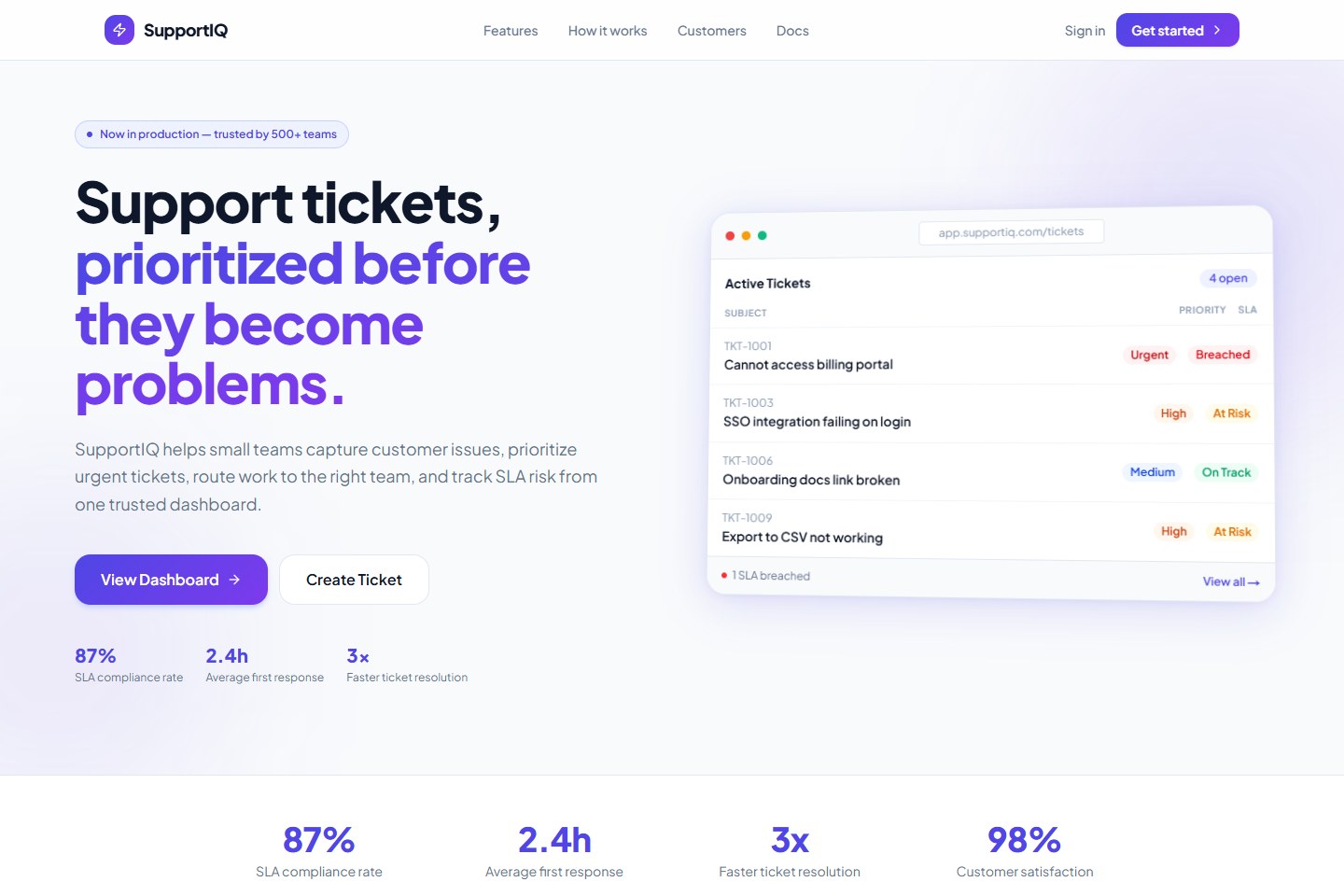
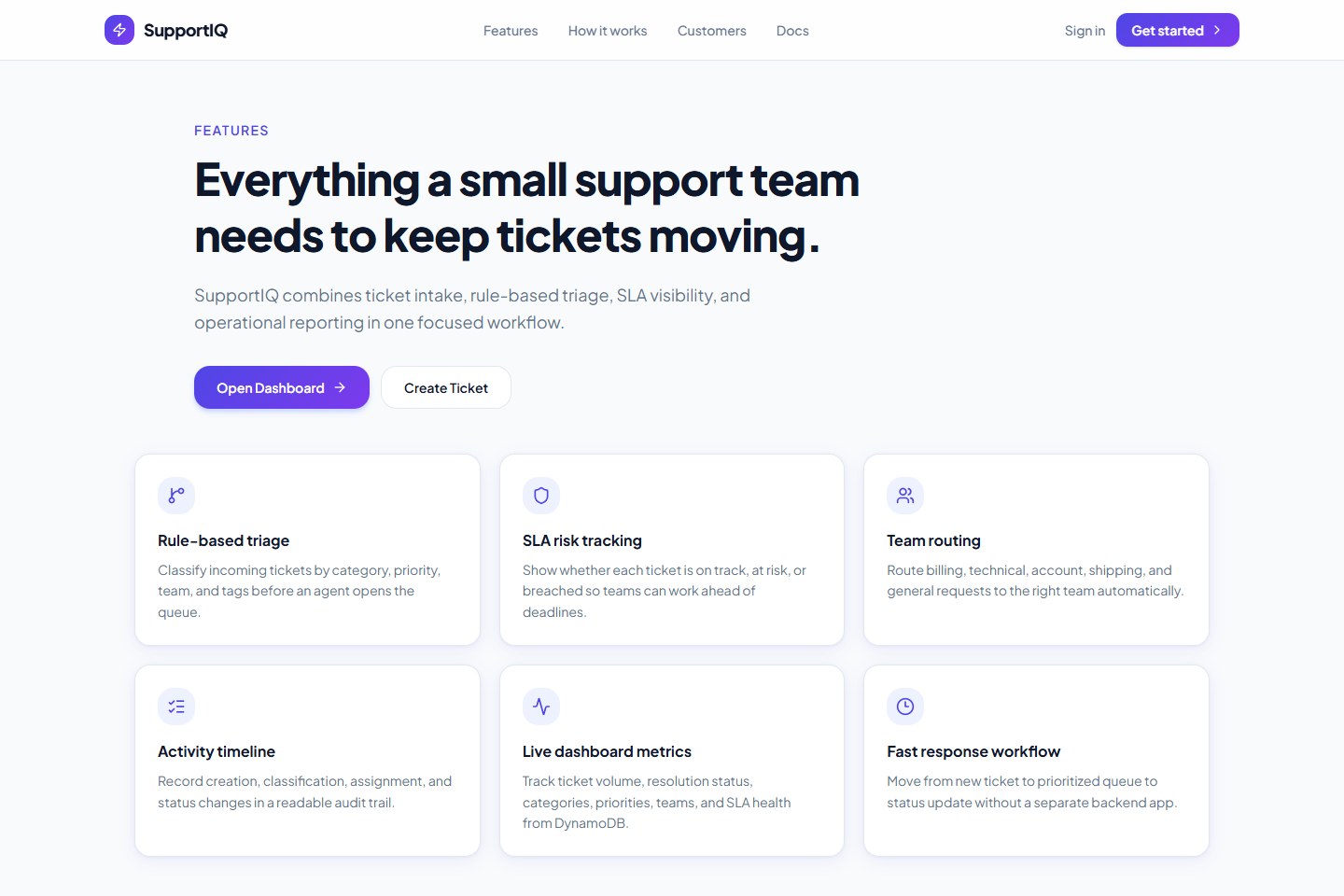
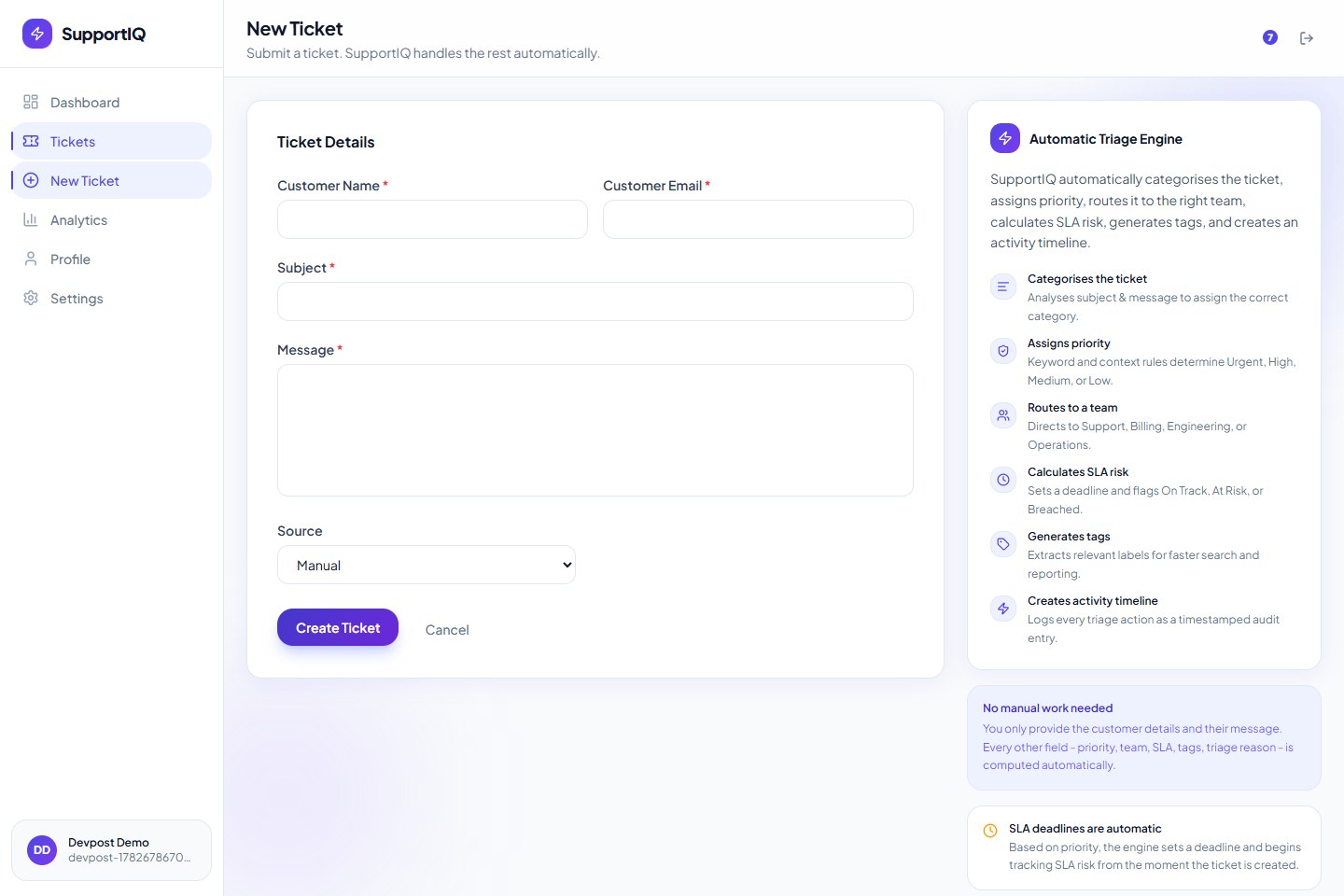
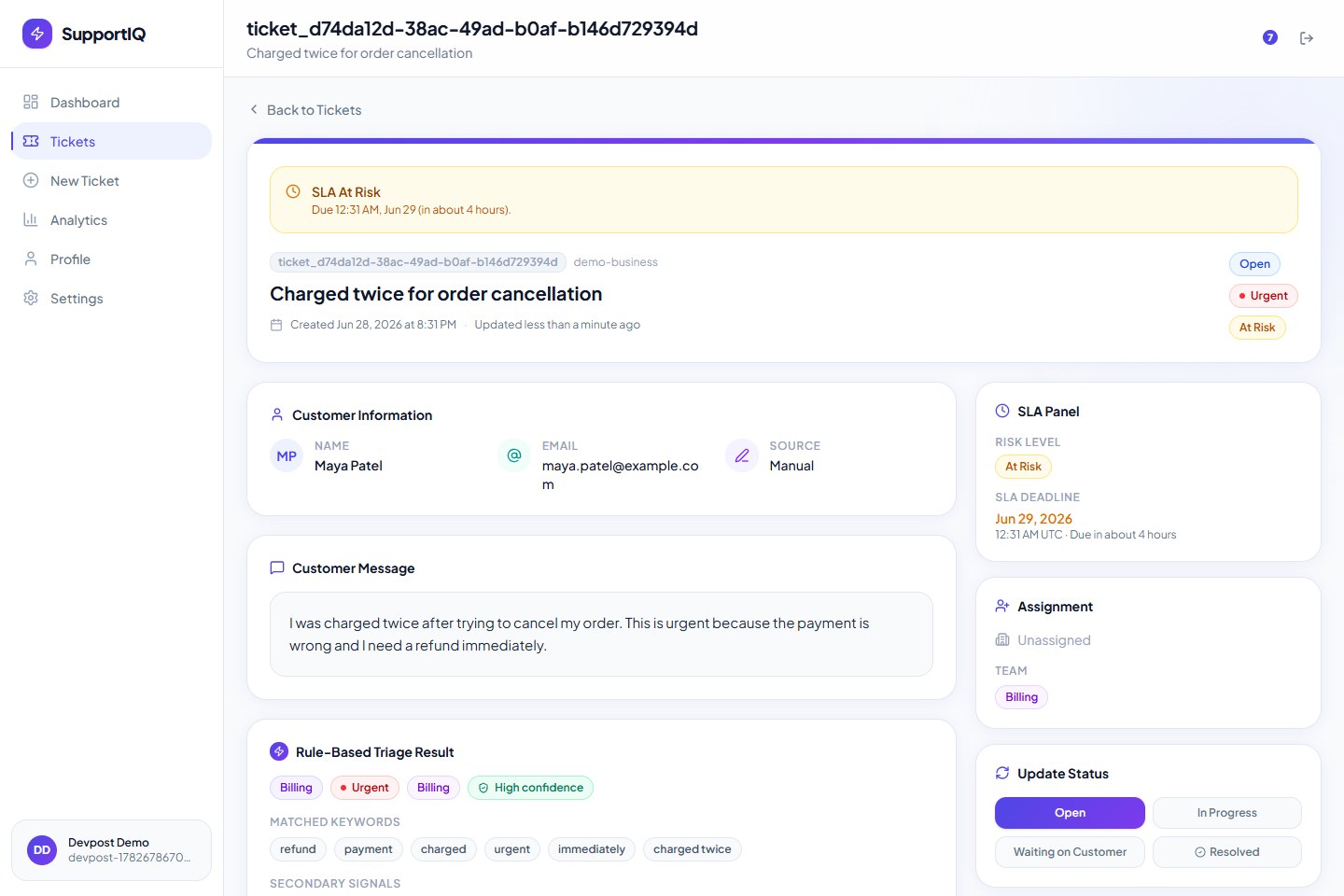
SupportIQ lets a user create support tickets, then automatically triages each ticket by:
- Category
- Priority
- Team
- SLA risk
- Confidence level
- Matched keywords
- Secondary signals
- Needs-review flag for uncertain tickets
The app also includes:
- Authentication
- Protected dashboard
- Ticket inbox with search, filters, and sorting
- Ticket detail pages
- Status updates
- Notifications
- Profile page
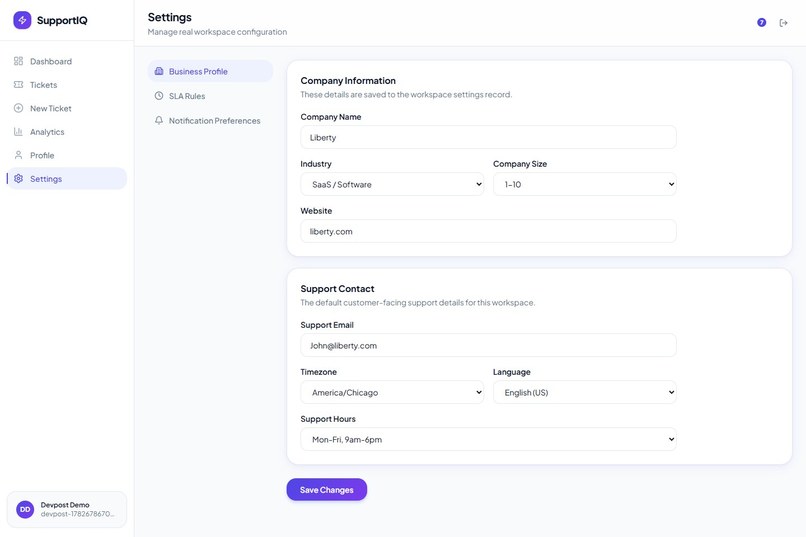
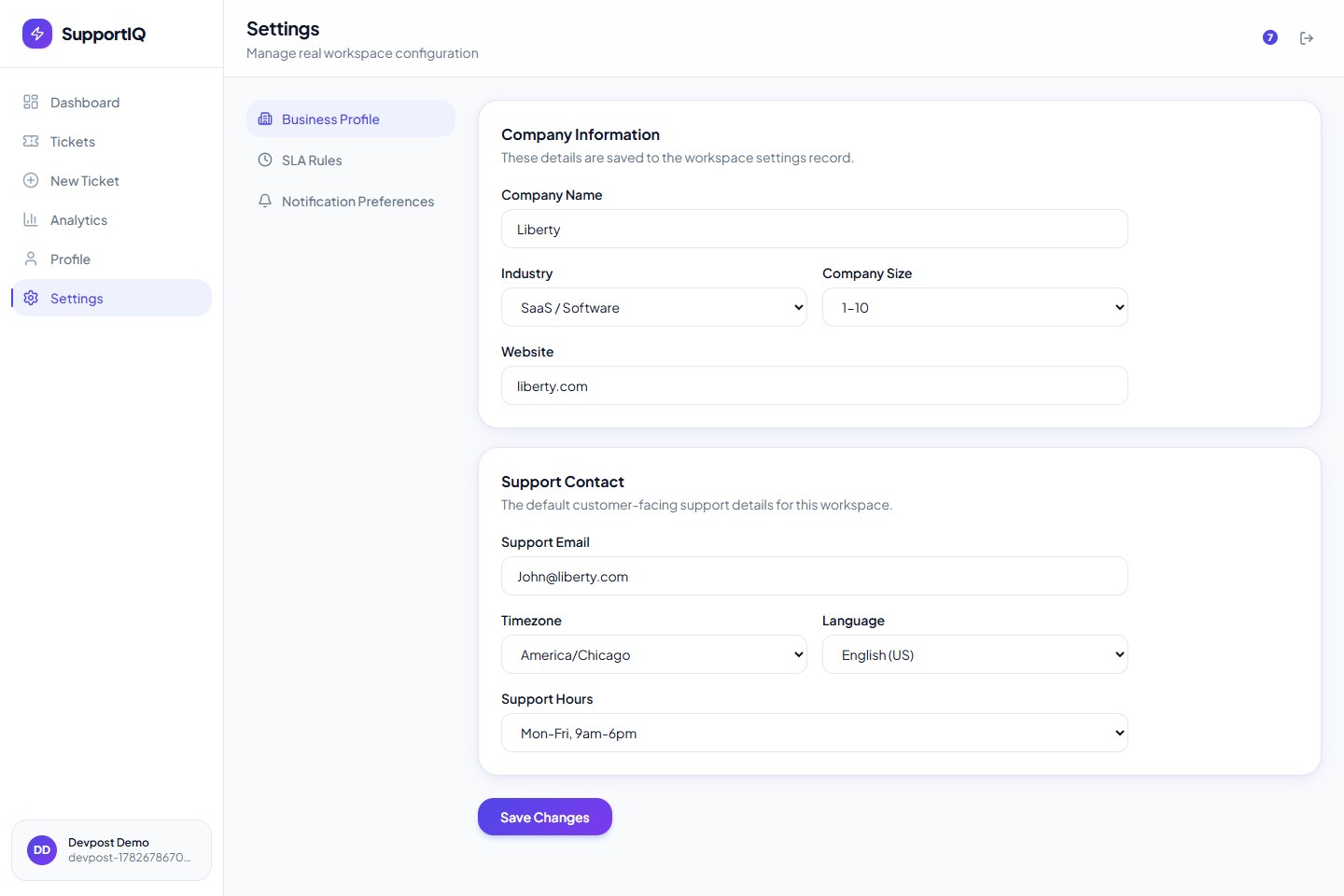
- Settings backed by DynamoDB
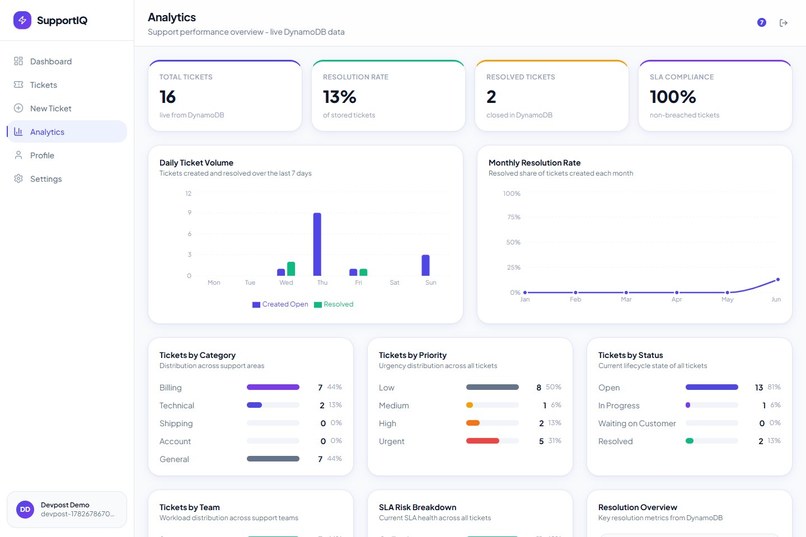
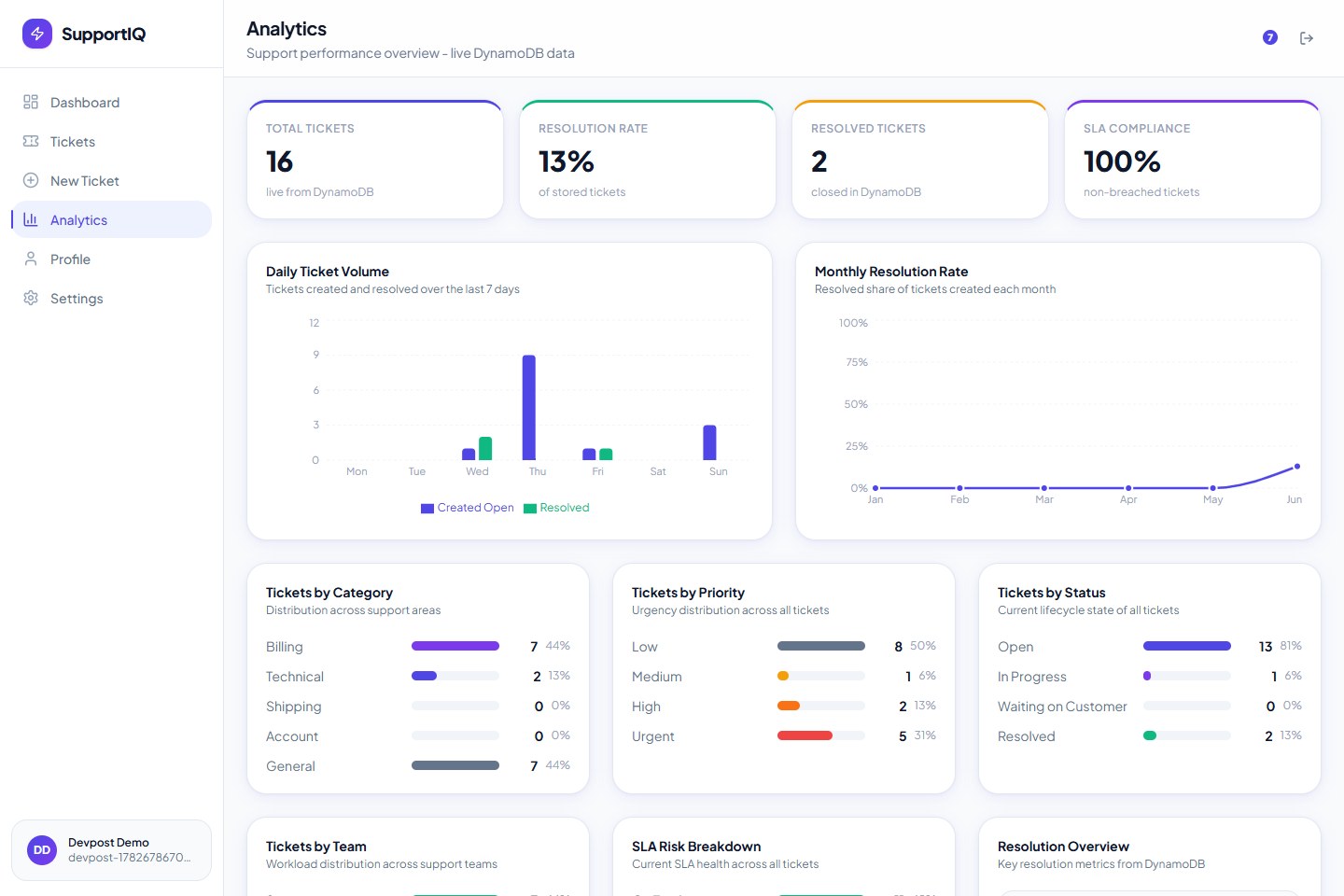
- Analytics from real ticket data
How we built it
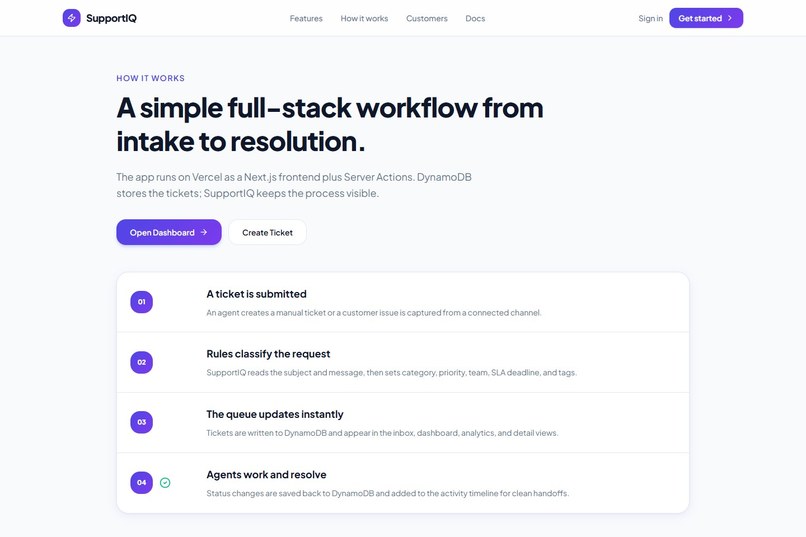
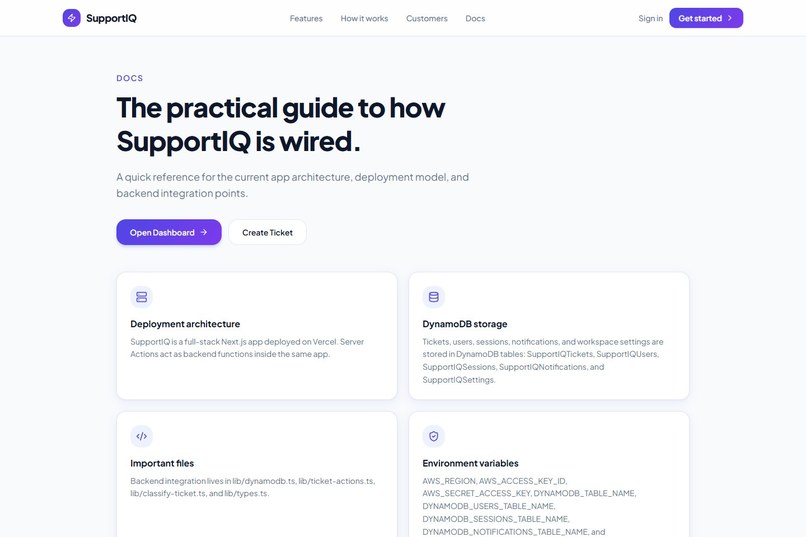
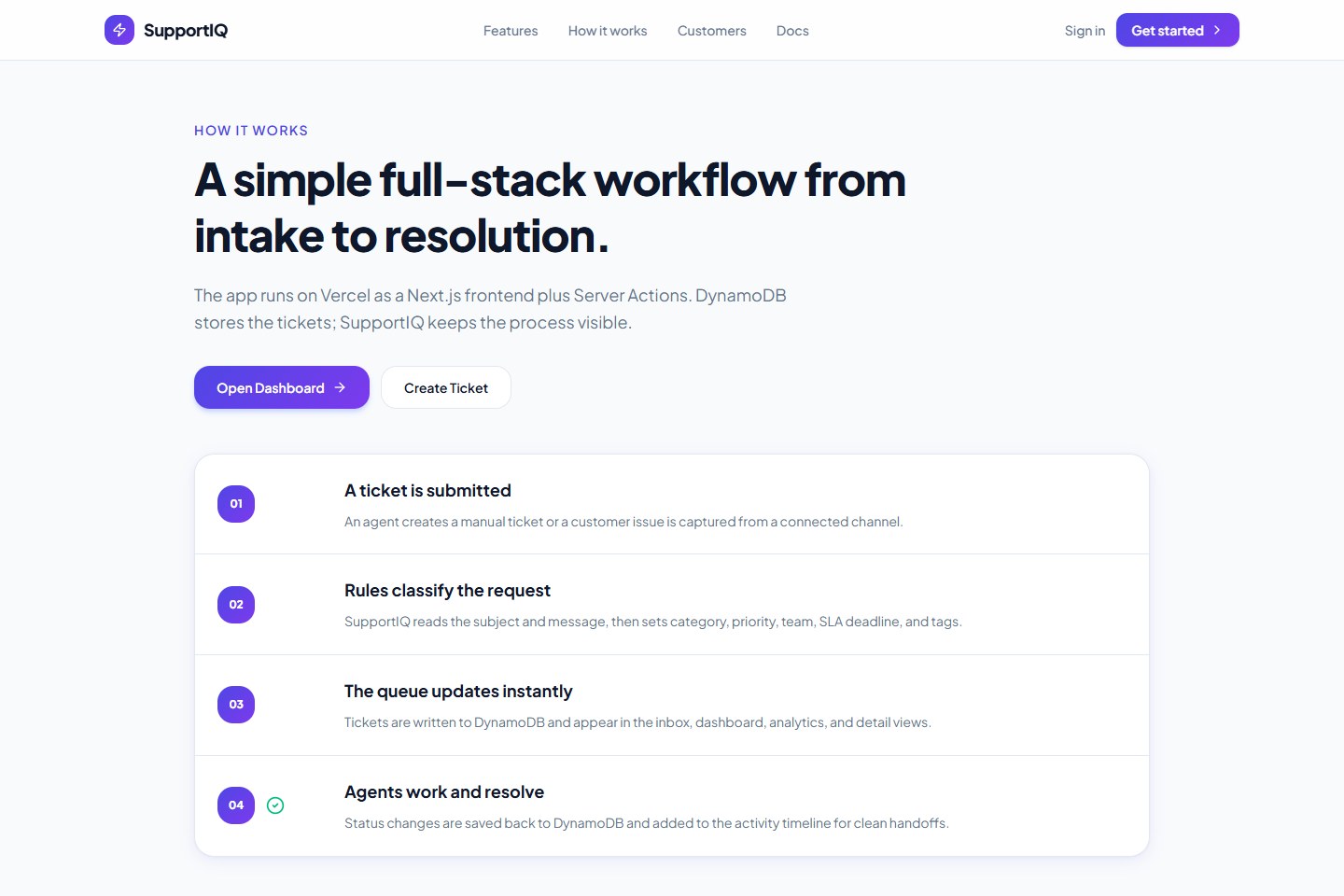
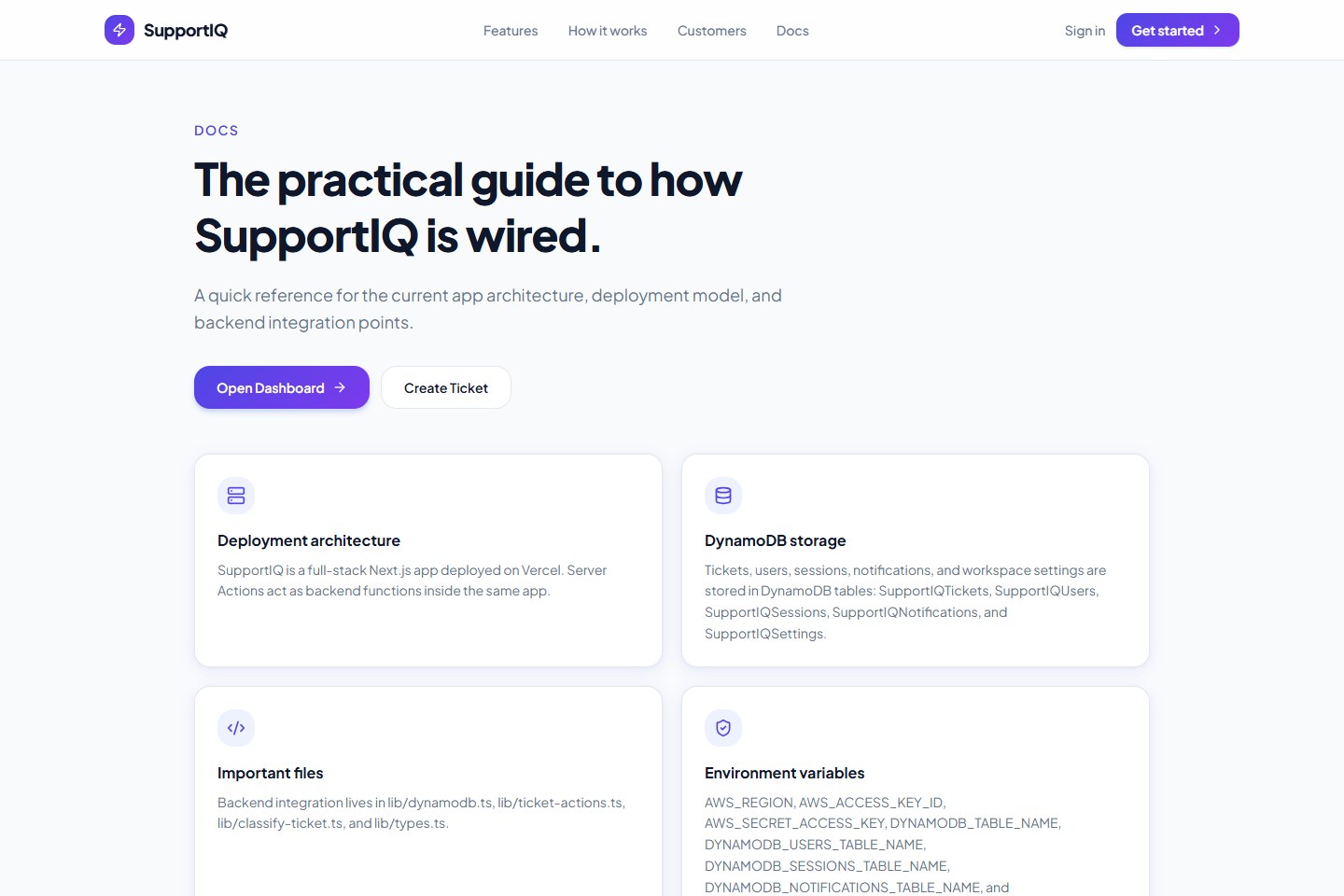
The app is built with Next.js and deployed on Vercel. DynamoDB stores users, sessions, tickets, notifications, and workspace settings.
The triage engine is a rule-based MVP. It scores matched keywords, detects urgency and low-urgency language, routes tickets to the right team, and marks uncertain tickets for review.
We also added regression tests inspired by public customer-support datasets so triage quality can be measured instead of guessed.
Challenges
The hardest part was making triage trustworthy. A simple keyword match can be too blunt. For example, “car is broken” originally became high priority just because of the word “broken,” even though the message said “no urgency.”
We improved this by adding confidence scoring, low-urgency detection, secondary category signals, and a regression benchmark.
Another challenge was removing fake/static data. We moved toward real authentication, real DynamoDB-backed records, and dynamic dashboard data.
What we learned
We learned that a useful support system does not need to start with a giant AI model. A clear rule-based MVP with good tests, explainable reasoning, and human review paths can already create a strong foundation.
We also learned that triage should not just answer “what is this?” It should answer “how confident are we, what matched, and what should a human review?”
What's next
Next steps include:
- Manual ticket reassignment
- Real team member management
- Role-based access control
- More advanced SLA rules
- AI-assisted triage suggestions
- Better notification workflows
- Larger evaluation benchmarks
Built With
- amazon-web-services
- css
- devpost
- dynamodb
- for
- javascript
- next.js
- node.js
- react
- sdk
- tailwind
- typescript
- v0
- vercel

Log in or sign up for Devpost to join the conversation.