-
-

Supplement Logo
-
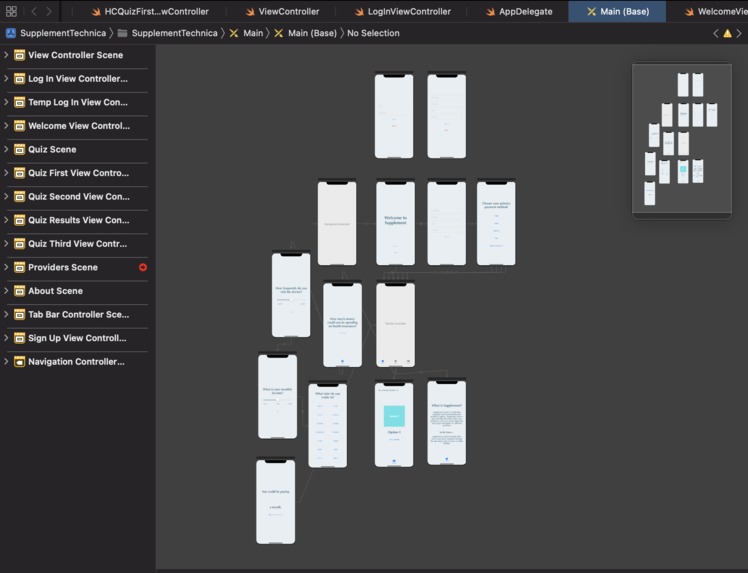
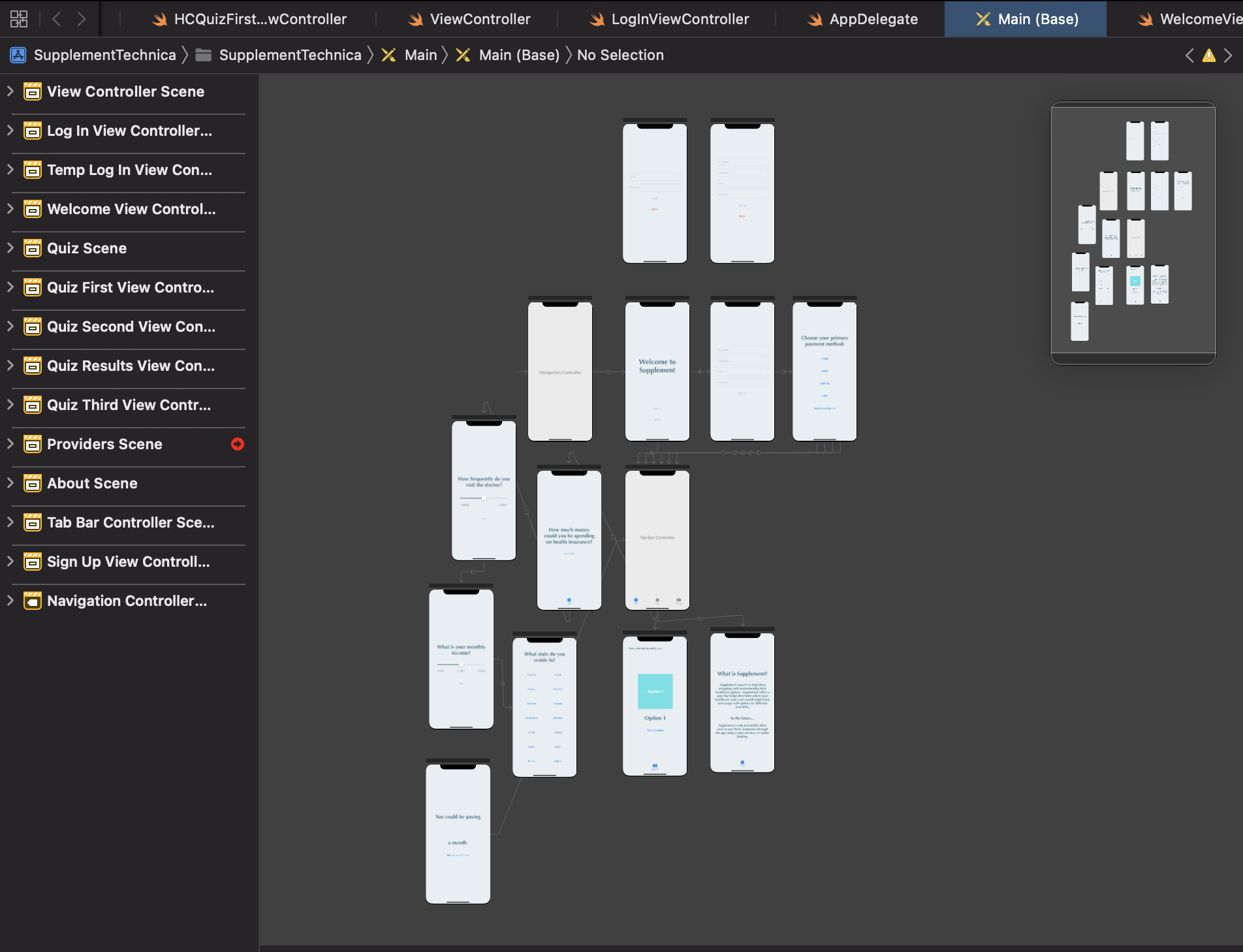
My storyboard

Inspiration
Healthcare is the most crucial insurance to have, but is most frequently opted-out on by young adults because of its high cost. Many anxieties can come from paying for health insurance. These range from the first payment to choosing supplemental plans for medicare. I wanted to make something easy and simple for those struggling with healthcare choices.
What it does
Supplement asks users a series of questions that then determines what their estimated cost of health insurance is. After that, users can look at different options of healthcare. As of now, payments do not work on Supplement. Paypal, Venmo, or other forms of banking could be connected to the "Providers" tab, and then used to pay monthly fees for the different options. It could also work with crypto currencies.
How I built it
I built Supplement in the language Swift on XCode. I made the logo on canva.
Challenges I ran into
I tried my best to get Firebase Authentication set up - it took about 6 hours, and I still didn't get it to completely work. It was really frustrating, and I hope one day I'll understand why I ran into the error I did.
Accomplishments that I'm proud of
I learned Swift during the summer, and found it really hard to keep working with the language once I didn't have anyone to assist me with my errors. I decided to code this hack in Swift to challenge myself with a language I'm not so favorable of. I'm proud that I pushed through all of the challenges that Swift causes and created something that is viable and does what I want it to do.
What I learned
I learned a lot more about Swift. Now, I can code with Swift and make variables without getting too frustrated with errors. I also set up my Firebase Authentication account that I can use for future projects.
What's next for Supplement
The next step for Supplement would be completing the Firebase Authentication set up. Then, users could save their progress and connect to other banking accounts. From there, payments would be simple. I'd also add more constraints so the app works on all devices.

Log in or sign up for Devpost to join the conversation.