-
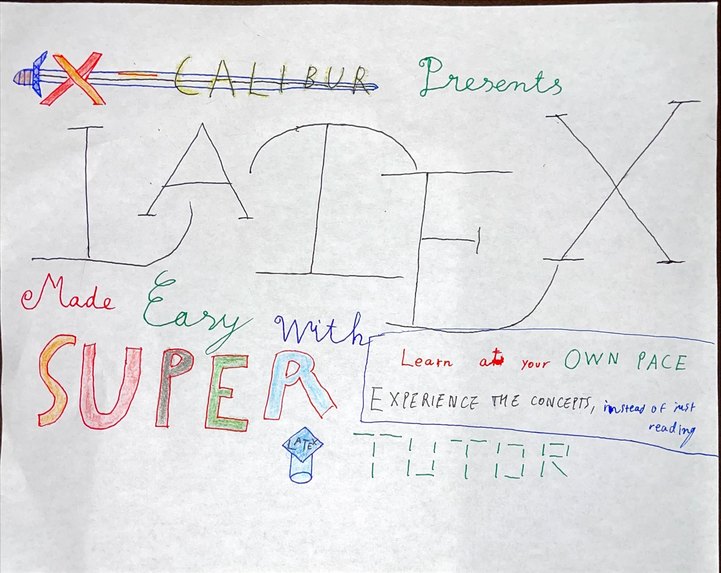
Hand-drawn project's banner
-
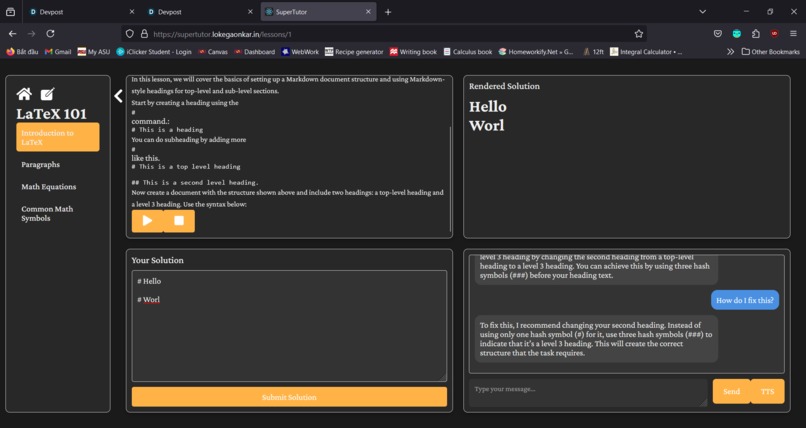
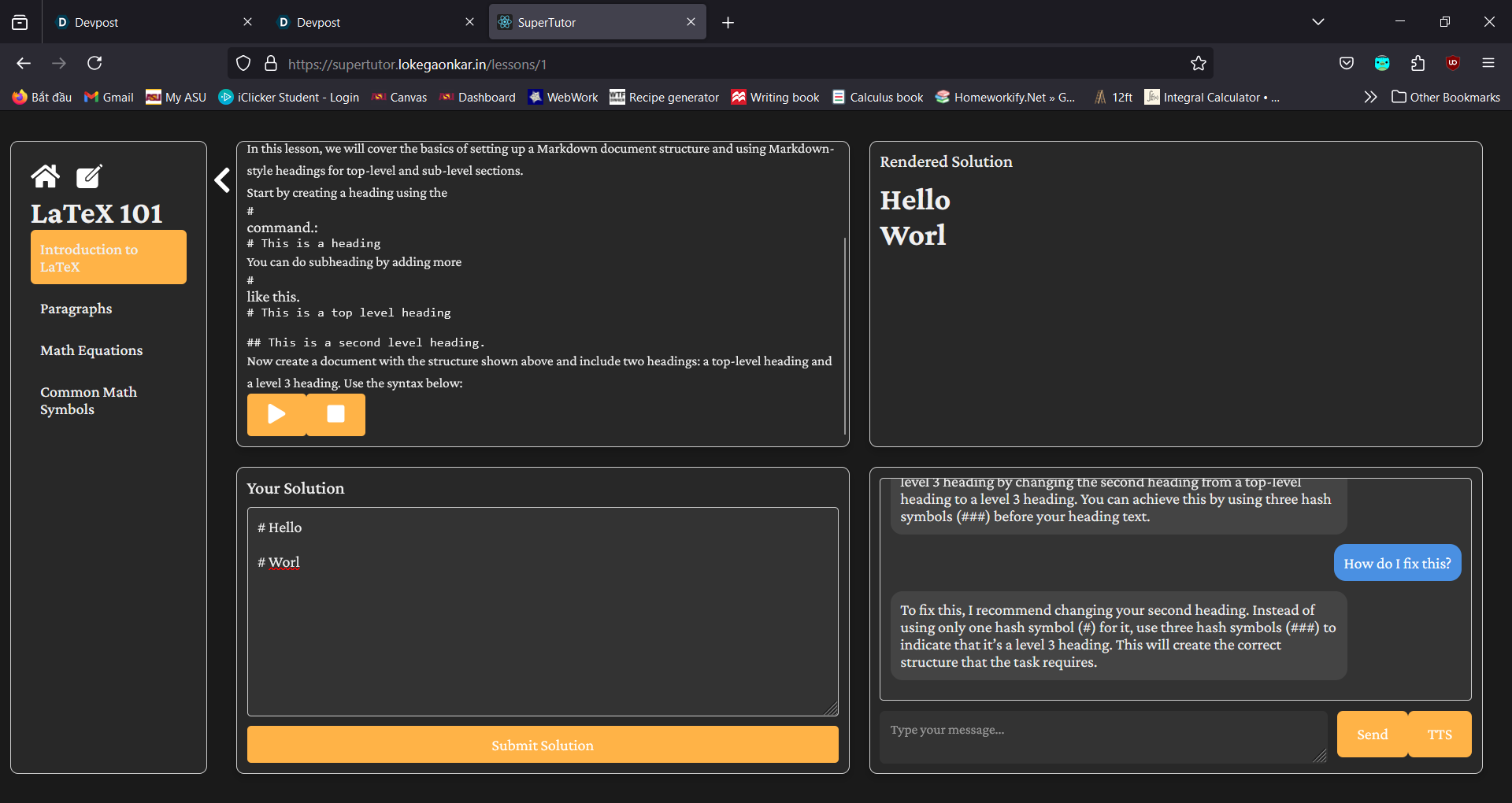
An example of a lesson page.
Inspiration
Textbooks are boring and uninteractive, and source materials like PWNCollege, Zybook, and Wiley, while interactive, are graded and feel like a test. They also don't work with you to get to a solutions and help you actually understand the material through. SuperTutor, doesn't do anything that these platforms don't already do, but makes a subtle shift in the design philosophy. Instead of making the course feel like a test, (or go the other way and feel bland), it tries to emulate the experience a student would have during a Recitation session, or Office Hours.
Some of the best study materials are community built, like GitExperience, Quizlet, Anki, so we provide a course creator so anyone can create interactive courses.
We picked LaTeX as a demo.
LaTeX is a powerful language that is very commonly used in scientific documentation. Thanks to its flexibility and ability to write scientific notions with clarity and precision, it is becoming increasingly popular.
We noticed that while free resources to learn this ever-growing language exist, they have limitations in various forms. For example, it is difficult to get feedback for your problems and seeking tutoring can be unobtainable, expensive, or both for many learners. This can leave some learners stuck with no method of getting help.
Additionally, many tools and curriculum out there focus solely on test-taking, reading and memorization, which can be troublesome for those who approach learning differently, for example, those with Autism or Attention Deficit Hyperactivity Disorder (ADHD)
Therefore, we decided to build a program that supports interactive learning and give students the help they need on a large scale with the use of Generative AI. We want our program to be easy to use and learn, regardless of your disability, language, background, experience or other factors.
As someone who used to volunteer to teach orphan, homeless and disabled children, I also understand the need for learning tools to be accessible. And according to the World Health Organization, for every 6 person, 1 is disabled. Therefore, we have implemented various accessibility tools in order to help ensure that everyone can learn LaTeX.
We aim to uphold the AAA standards - All About Accessibility.
What it does
The program will teach students how to use the typing language LaTeX with an interactive interface, where users can response to exercises and get almost-instant result, along with feedback provided by Generative AI.
We try to avoid issues that can cause frustration/negatively affect the learning experience by counting correct answers with bad formatting/readability as true, while still reminding the user to improve in those areas.
Got stuck somewhere? No problem! Easily get help from our OpenAI-powered virtual tutor. Just type in your questions and get an immediate response. No more worrying about getting stuck at problems, as now you can learn effectively and waste less time searching for answers online.
In addition to that, we built some alternative input/output methods such as text-to-speech for the visually impaired.
We also have a lesson maker for those interested in helping with expanding the tool, or even make lessons for other languages/subjects such as java, python or physics. You can also create sub-lessons within lessons too.
How we built it
First, we were 3 separates teams. 2 1-person and 1 2-person teams. After a while we merged into a team of 4 as we found that our ideas can be merged together. We divided the roles and had one work on the front-end, one on the back-end, and one on accessibility.
A few hours, 2 cans of energy drinks, and 100 lo-fi beats to hack to later...
A lot of progress was made. We managed to get a demo site up and running, integrated a ChatGPT model to be used as tutor and exercise feedback, and started working on fine-tuning the back-end and expanding the site further.
Challenges we ran into
I was responsible for the accessibility part of the program. Originally, my plan was to import OpenAI directly into the program and have the servers perform the text-to-speech conversion. This soon proved to be a terrible idea thanks to my friend Vikriti, who pointed out that if the server is overloaded with request, the site could freeze. I then spent the next 4 hours trying to figure out API referencing. It was finally done as of the morning of day 2 with the help from Harsh.
Other than that, we also spilled coffee on the table we were working on. Thankfully the venue did have napkins so we didn't have to use our hackSoDa shirts to clean it. I don't think the shirt designers would be too happy about that.
Accomplishments that we're proud of
We have a front-page, a polished user interface, AI integration and accessibility features. I believe that our ability to work well with one another and having a good plan helped. I guess it's true what they say, team work makes the dream work.
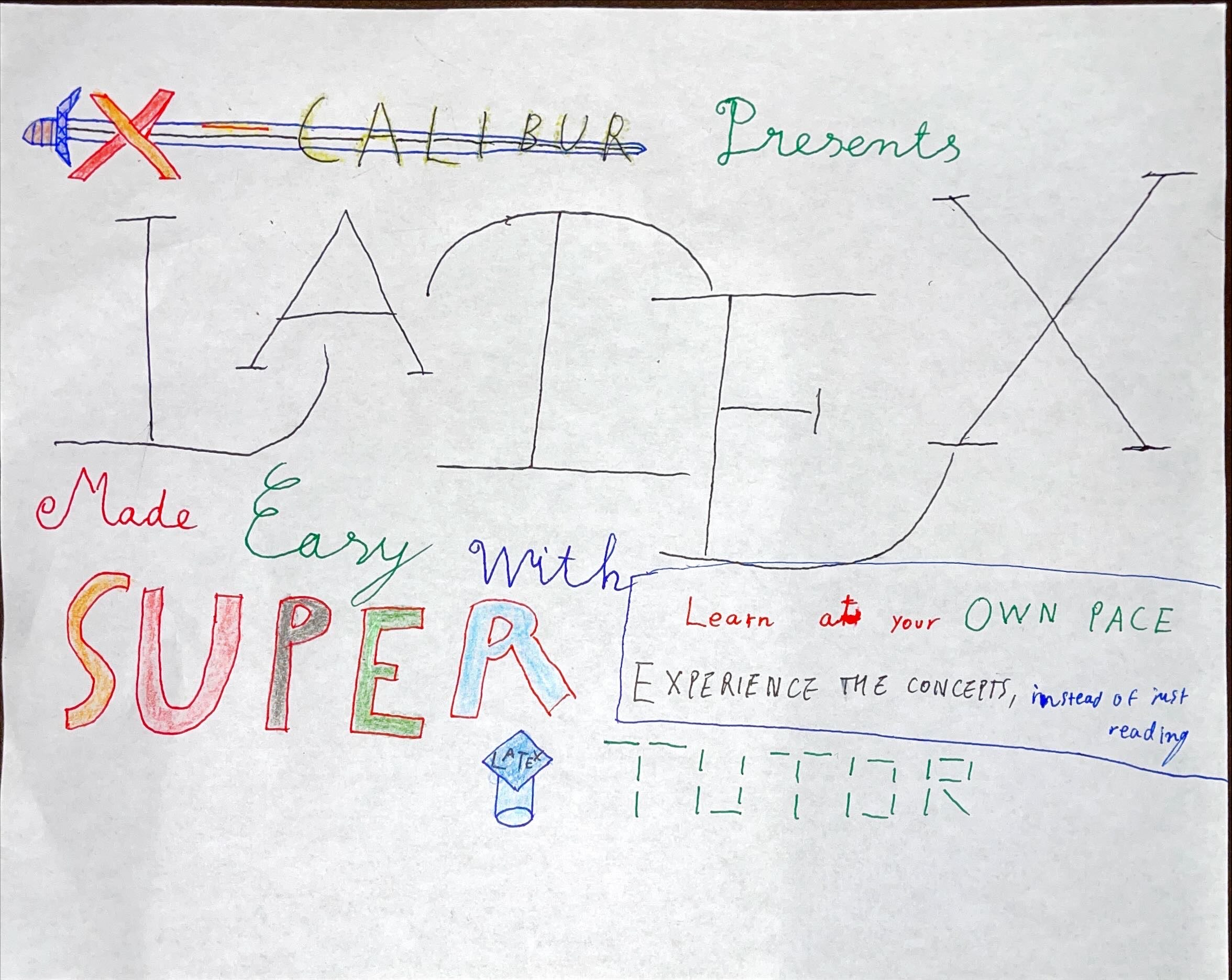
I also did some simple artwork for the project's banner. It's not fancy, but it doesn't have to be. I had a lot of fun drawing it.
What we learned
I learnt how to use Generative AI and integrate it into Python. This will be useful for my career considering how Generative AI is transforming the tech world. It is also such a useful accessibility tool. In addition to that, I learnt that SoDa is a place and an awesome one too! I also learnt how to do a little bit of HTML from my awesome teammates.
I also gained valuable team-working skills, even when we barely met before, we are able to cooperate well with one another for this common cause. In tech, it's not uncommon to have teams of developers working together to build software/hardware. A team works best when everyone get to do what they are best at.
Finally, I learnt that tech can better the world if used right. As if I needed another reason to love it!
What's next for SuperTutor
We have so much planned ahead, here are a few:
1. General:
- Add more lessons
- Further improve site's responsiveness and user experience
- SuperTutor doesn't stop at LaTeX! We plan on covering other languages as well.
2. Accessibility:
- Add a speech-to-text input option(using OpenAI's whisper).
- Cater to more people with more features such as color-blind site filter, reduced input, and mini-games to help enhance learning for those who have trouble with concepts.
- Improve existing features: font size editor, customizable text-to-speech and UI remapping.
3. Others:
- Implement a forum feature: users can ask for help from other learners. Learners get points for asking and correctly answering questions, in order to encourage help-seeking, which is healthy for the learning process.
- Personal voicing. While OpenAI's text-to-speech service does a good job, I feel like it would enhance the learning experience even further if another voice option, voiced by a real person is included. (I also want to be a voice actor as well so...).
- Offline porting. Take your lessons anywhere, whether it is in the comfort of your home or on a train ride! Some features (such as AI feedback) will cease to work, but you can still learn even without an internet connection.
Built With
- amazon-web-services
- fastapi
- google-cloud
- javascript
- latex
- openai
- pandoc
- python
- react
- sqlite


Log in or sign up for Devpost to join the conversation.