-
-
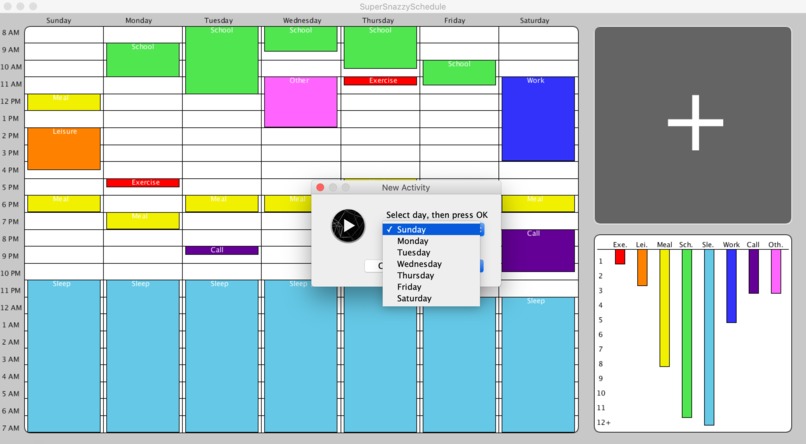
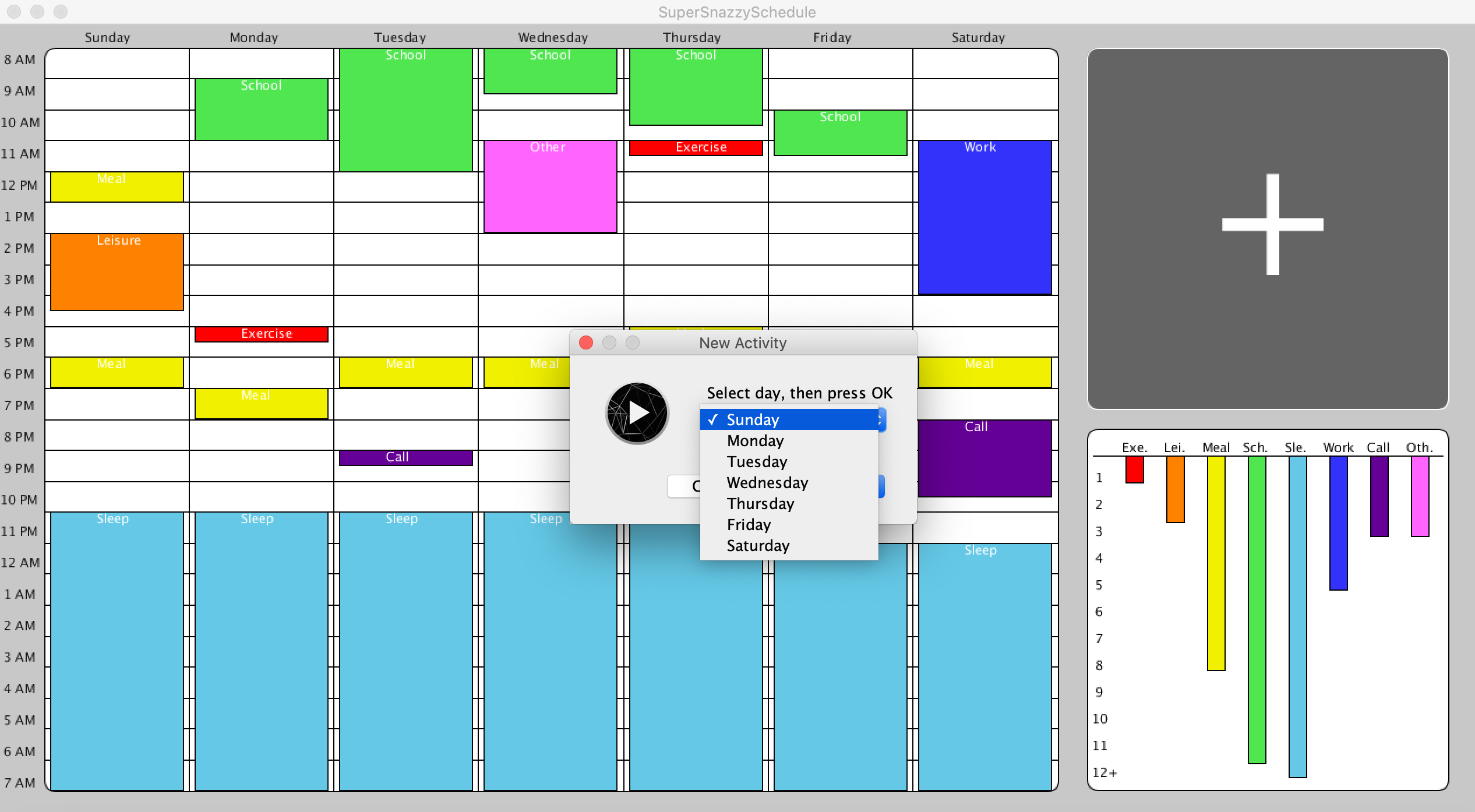
Day Selection Popup Window
-
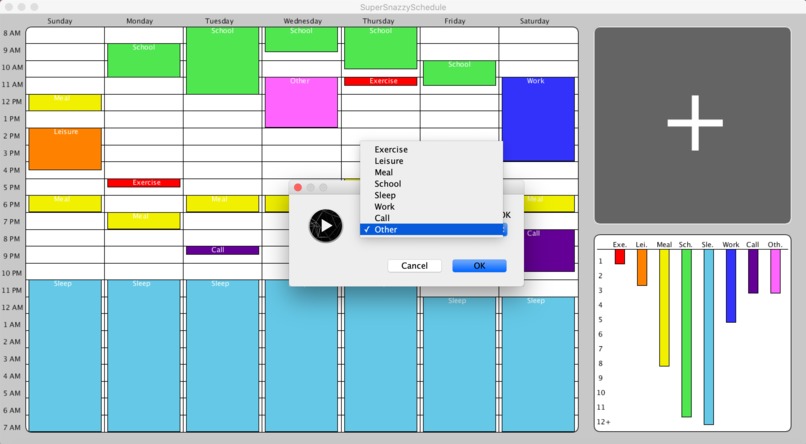
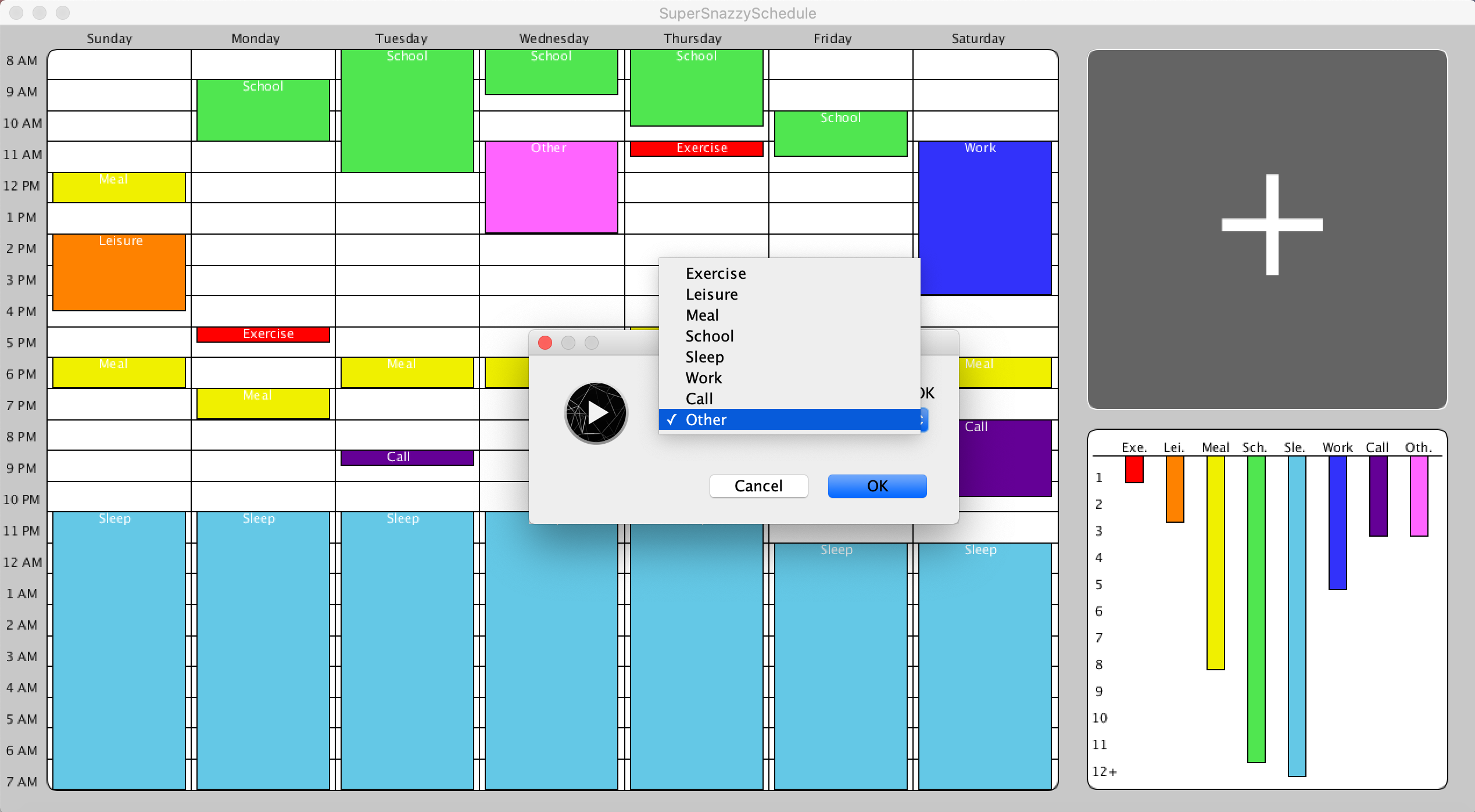
Activity Selection Popup Window
-
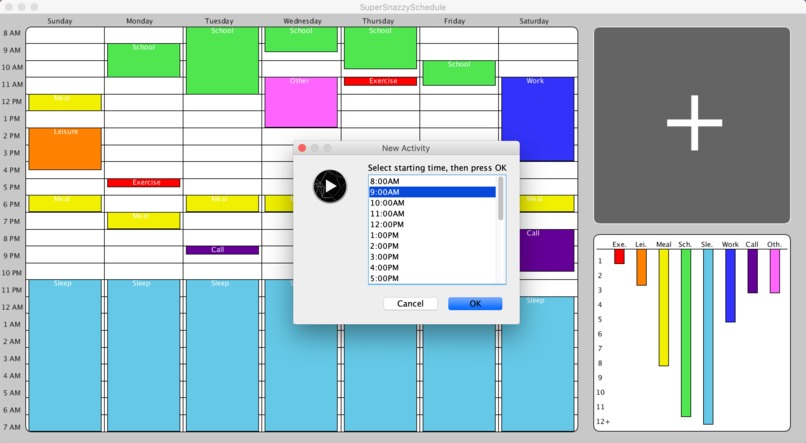
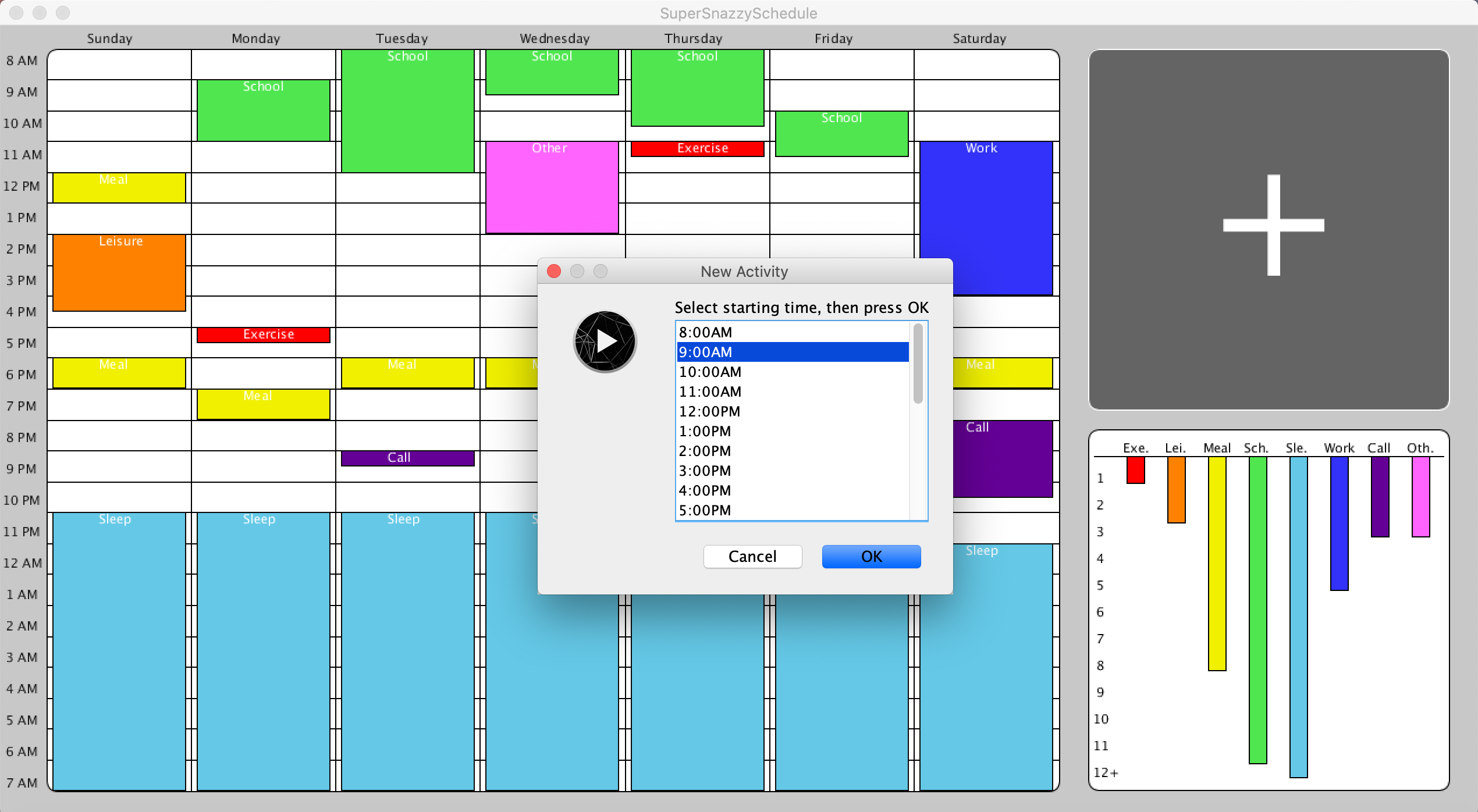
Start Time Selection Popup Window
-
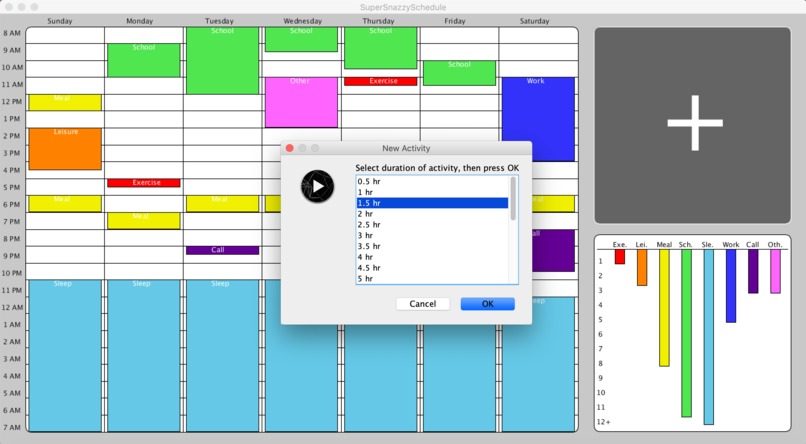
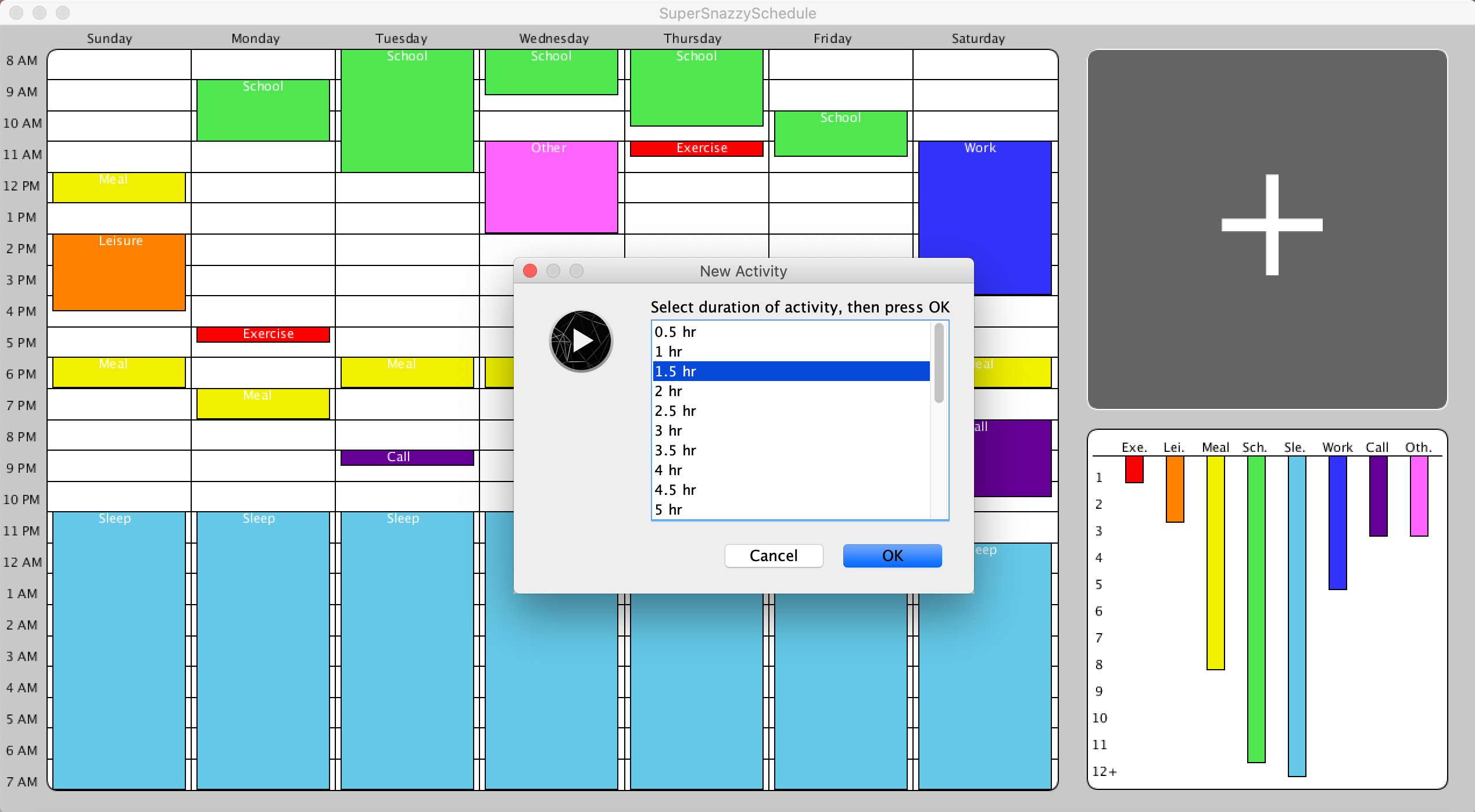
Duration Selection Popup Window
-
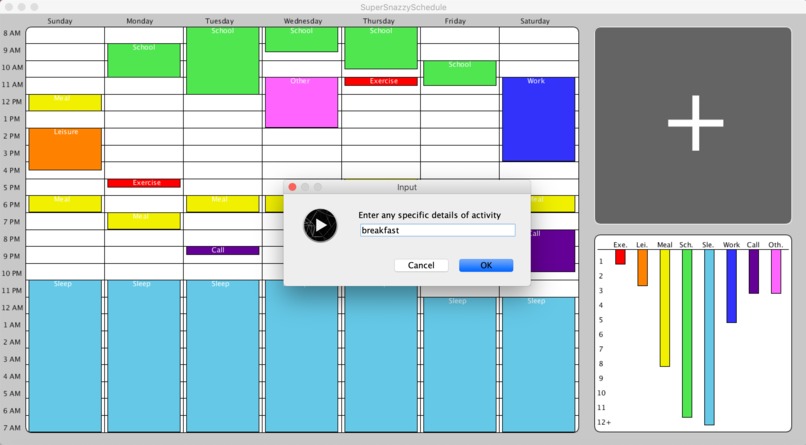
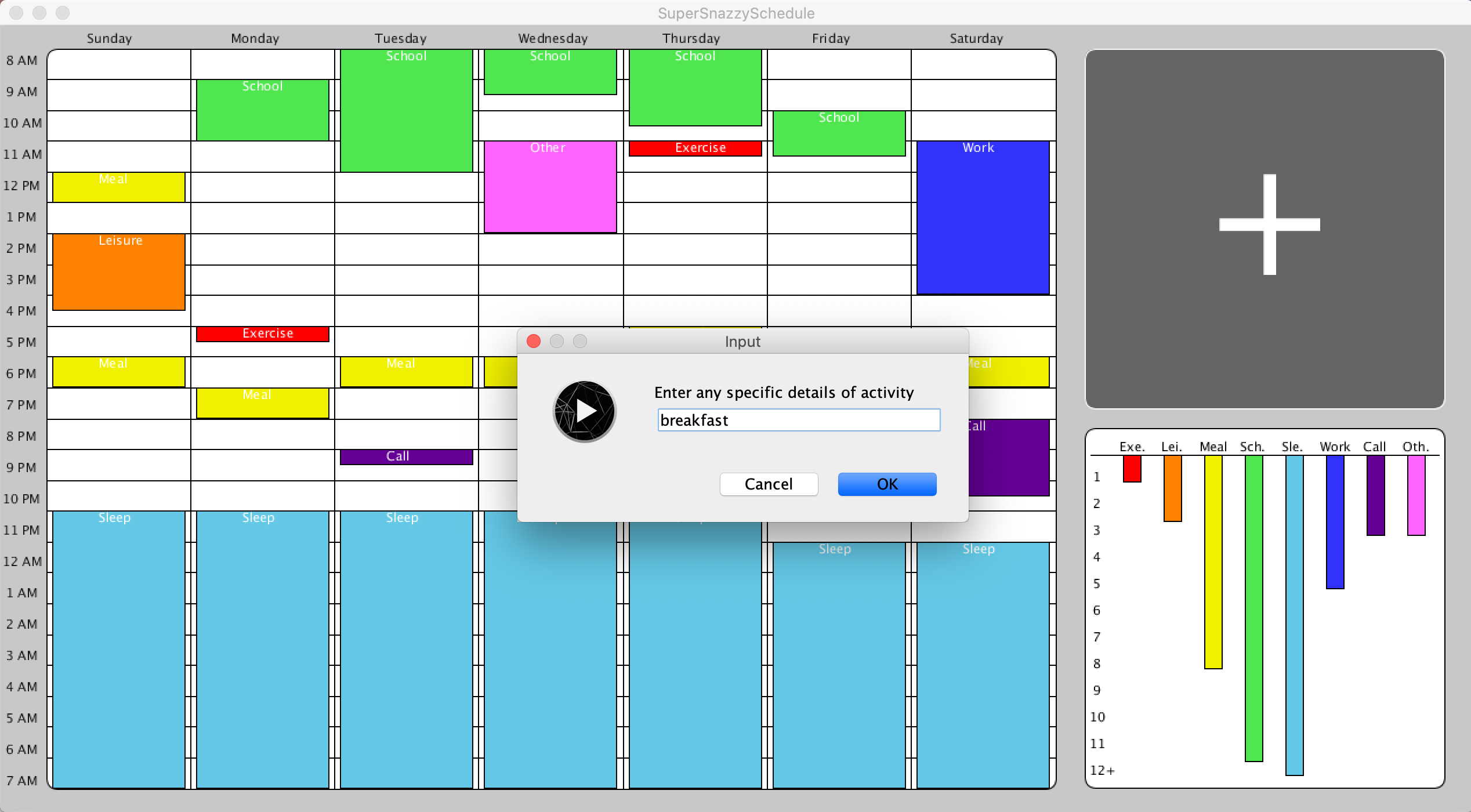
Enter Details Popup Window
-
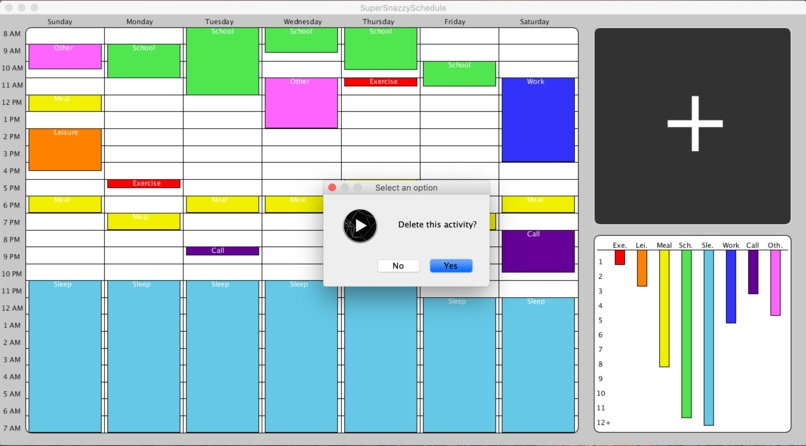
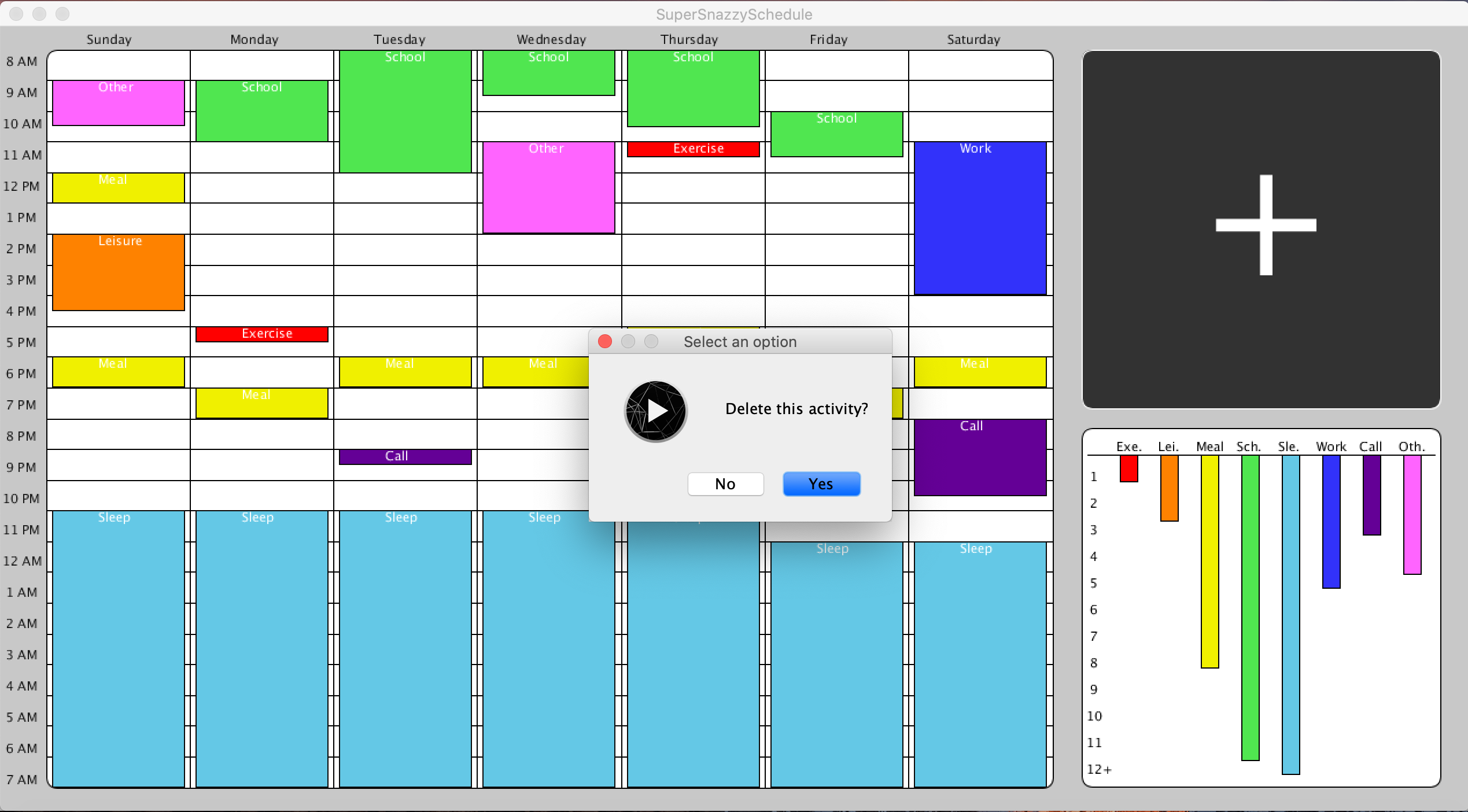
Delete Activity Y/N Popup Window
-
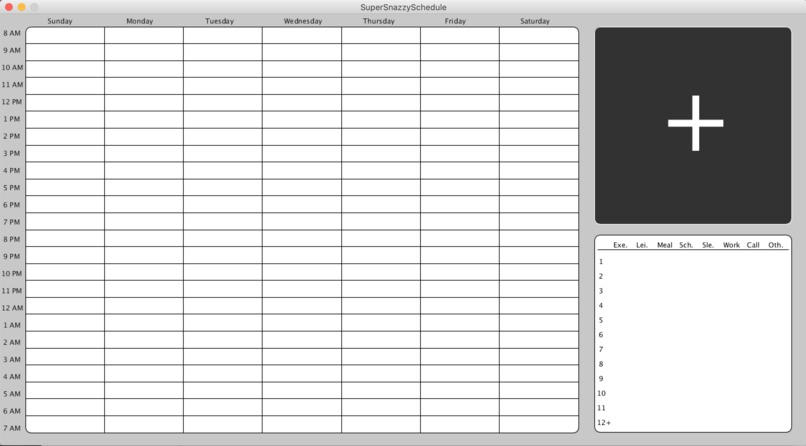
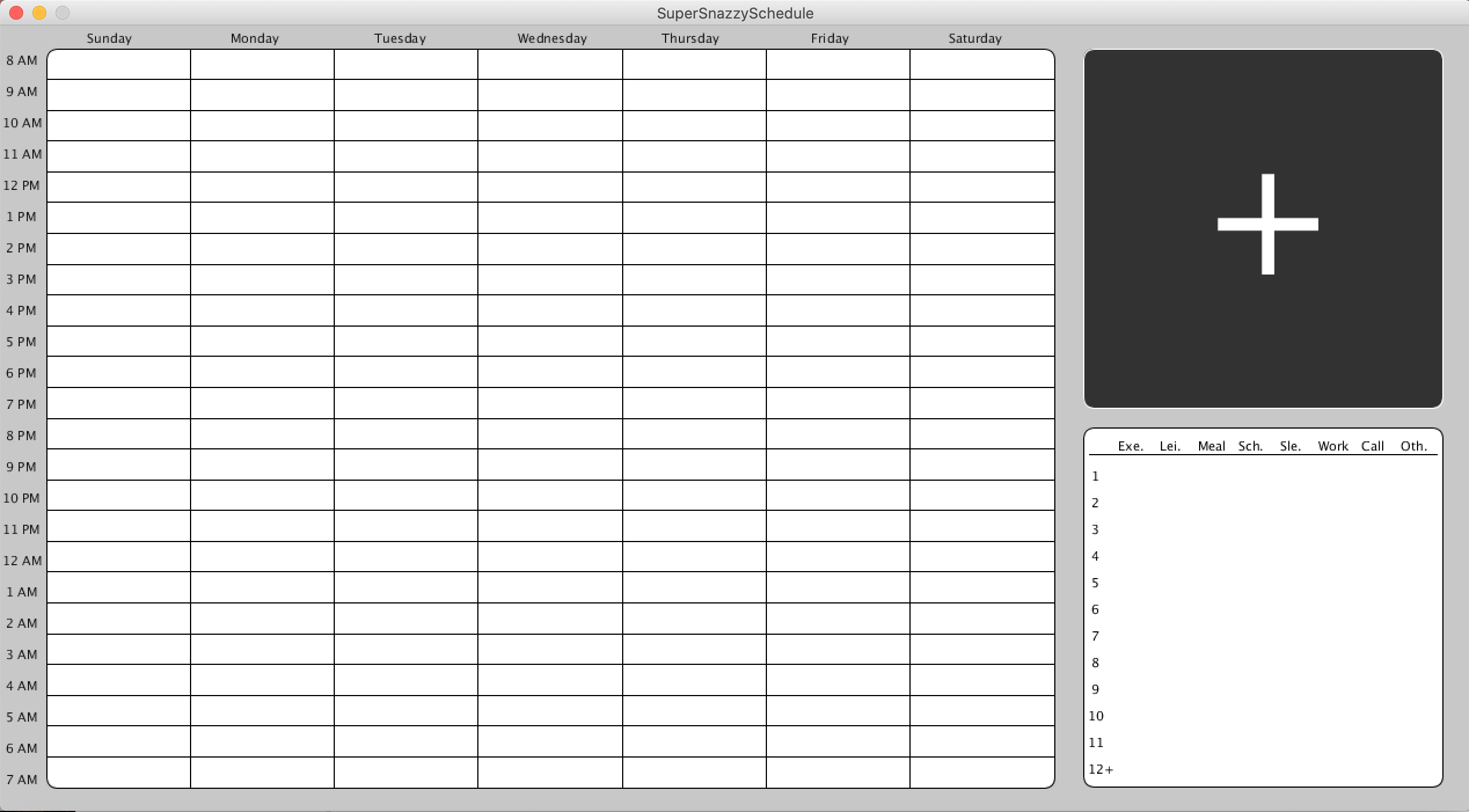
Blank Window - Before Adding Any Activities
-
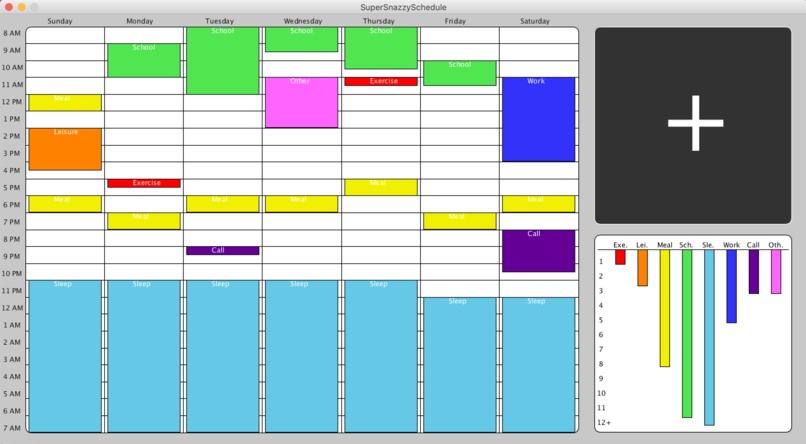
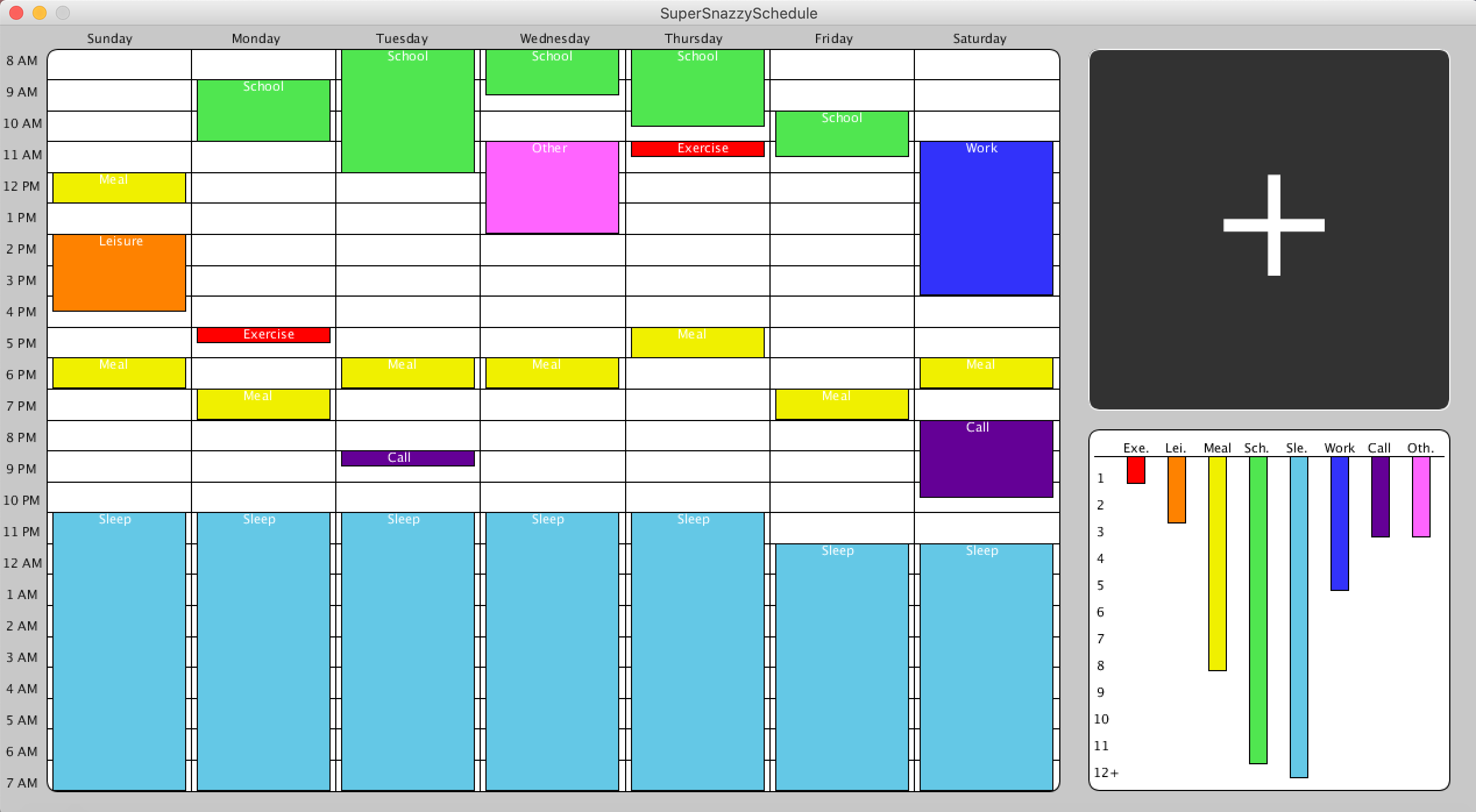
Filled Window - After Entering A Week's Worth Of Activities
Inspiration
As high school students, we have a hard time keeping track of time while quarantined at home. We are so used to a concrete schedule that we have no idea what to do with ourselves given all this freedom. It can be overwhelming to keep track of all that has to be done and too many times have we forgotten about an important class meeting or deadline. However, with our new SuperSnazzySchedule, our days are filled with productivity and happiness! We designed the program to be user-friendly and feature each kind of activity in vibrant colors to make the display inviting and snazzy. The overall window is simple with few buttons to make usability easy as pie as well as present a sleek display.
What it does
Our program allows the user to enter a week’s worth of activities into a color-coordinated schedule! To enter an activity, the user uses the plus button to enter a day of the week, type of activity, starting time, duration, and a brief description. The activity will then appear on the calendar grid in the allotted time slot. In the bottom right corner of the window, a bar graph displays the total number of hours spent on each activity during that week. To edit a pre-existing activity, left-click on it; to delete a pre-existing activity, right-click on it and confirm that you would like to delete.
How we built it
We utilized the processing library as a base to build our GUI on top of. From there we created classes to represent an activity, the activity pop up editor, the colored box which represents each activity on the calendar, the stats bar graph, buttons, the calendar itself, a high level drawing surface, and the window with a main class.
Challenges we ran into
One challenge we ran into was the use of the snazzy Calendar library to represent the times on our schedule. At first, it was difficult to implement, since it was the first time we had used it and a lot of the methods were unfamiliar, but after doing some research we were able to successfully incorporate it into our project. Additionally, processing did not include a button object, so we had to create our own button class with mouse-detecting methods. It took some time and research but eventually we produced a functioning button class.
Accomplishments that we’re proud of
We were able to successfully draw each activity in its allotted time slot with the correct duration, coordinating with the day of the week, time, and duration. We are also proud of our implementation of the edit-activity feature, and also grasping how to load pre-existing activity data into the edit-activity popup. To implement colors, we had a blast experimenting with different RGB values to achieve the perfect hues.
What we learned
After working on our snazzy program, we have a better understanding of the processing library. While researching we also discovered snazzy enums. We utilized enums to represent types of activities and have a better understanding now of how they work. Additionally, we have a thorough understanding of how buttons work and how to implement the numerous methods needed in a button class. We also learned that when writing methods such as the drawTimeAxis() and drawDayAxis(), it is important to use variable constants to keep track of starting locations and interval lengths. This way, if one of these variables needed to be changed we wouldn’t have to change the hard-coded number in all 24 or 7 of the draw-text calls.
What's next for SuperSnazzySchedule
In order to achieve maximum snazziness, we are excited to improve the usability of our program by converting it into a mobile app instead of a jar file. We would also like to add a new-goal feature which allows the user to enter a desired amount of time per week to be spent on a certain activity. The program would display the amount of time left to meet each remaining goal through a pie chart or other type of graph. Additionally, we would like to allow our users to narrow time slots down to the minute instead of just to the half hour, and to make the schedule be an overview of the month instead of a singular week. Another feature would be allowing activities to repeat. For example, they would be able to set the same sleep activity to repeat every day.
Built With
- java
- javax
- processing


Log in or sign up for Devpost to join the conversation.