-
-
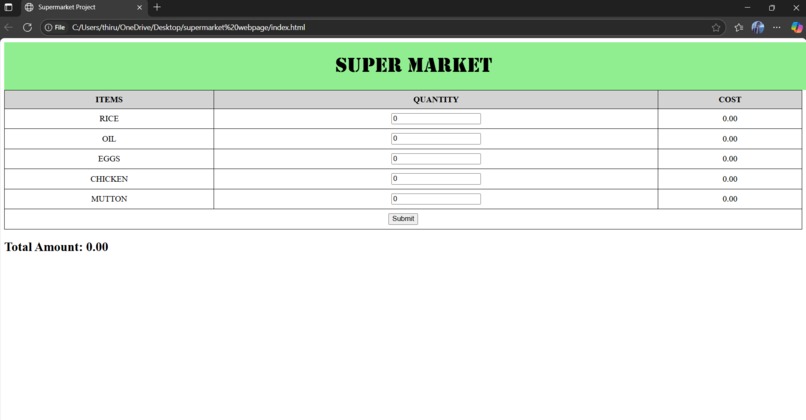
SUPERMARKET WEBPAGE
Inspiration
The idea for this project came from seeing how important online shopping has become in our daily lives. During the COVID-19 pandemic, many people started shopping for groceries and essentials online. I wanted to create a simple and easy-to-use supermarket website that could help people browse products, add them to a cart, and shop from the comfort of their homes.
What it does
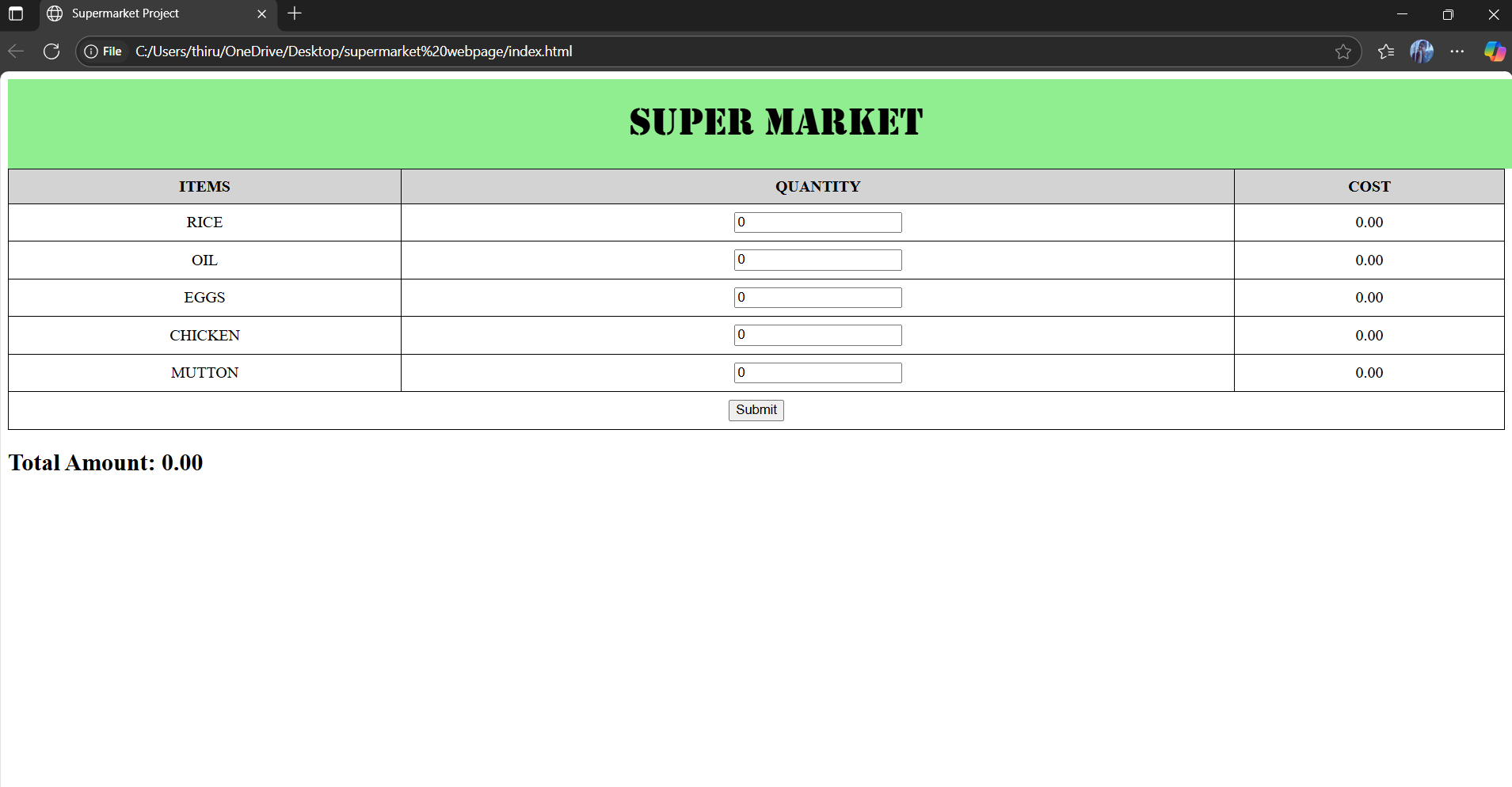
This project is a simple supermarket website where users can browse different products, view their prices and add them to a shopping cart. Users can also remove items from the cart, and use filters to find what they need. The website is designed to work well on all devices, including phones, tablets, and computers, making online shopping easy and convenient.
How we built it
We built the supermarket website using HTML for the structure, CSS for styling, and JavaScript to add interactivity like the shopping cart. The project was organized using VS Code and version control was done with Git and GitHub, which also helped us publish the website online through GitHub Pages.
Challenges we ran into
One of the biggest challenges was making sure the website looked good and worked well on all screen sizes, especially on mobile devices. We also had some trouble getting the shopping cart to update correctly when items were added or removed. Choosing the right colors, fonts, and layout to make the site easy to use and visually appealing took a lot of trial and error. Lastly, connecting different parts of the site, like the cart and product list, using JavaScript was tricky at first but became easier with practice.
Accomplishments that we're proud of
We’re proud that we were able to build a fully functional and responsive supermarket website from scratch. The shopping cart works smoothly, users can browse and search for products easily, and the overall design looks clean and user-friendly. We're also proud that we used only basic web technologies—HTML, CSS, and JavaScript—to create something that feels like a real online store.
What we learned
Through this project, we learned how to build a complete website using HTML, CSS, and JavaScript. We gained a better understanding of how to create responsive layouts that work on all devices, and how to make web pages interactive with features like a shopping cart. We also learned how to organize our code, work with Git and GitHub for version control, and publish a website online. Most importantly, we learned how to solve real problems and improve the user experience step by step.
What's next for SuperMarket WebPage Design
Next, we plan to add user accounts so people can save their carts and orders. We also want to connect the website to a real database to manage products better. Adding features like online payments and order tracking will make the site more complete. Finally, improving the design and adding more interactive elements will help make shopping even easier and more fun.

Log in or sign up for Devpost to join the conversation.