Game description :
It´s a "hidden-objects" game about fulfilling a shopping list where the game control is your head ( "where you are looking at" ), no external buttons or unnatural gestures.
You have to fill your market trolley with the shopping list items in time to complete the level. When you complete a level, you unlock the next one .
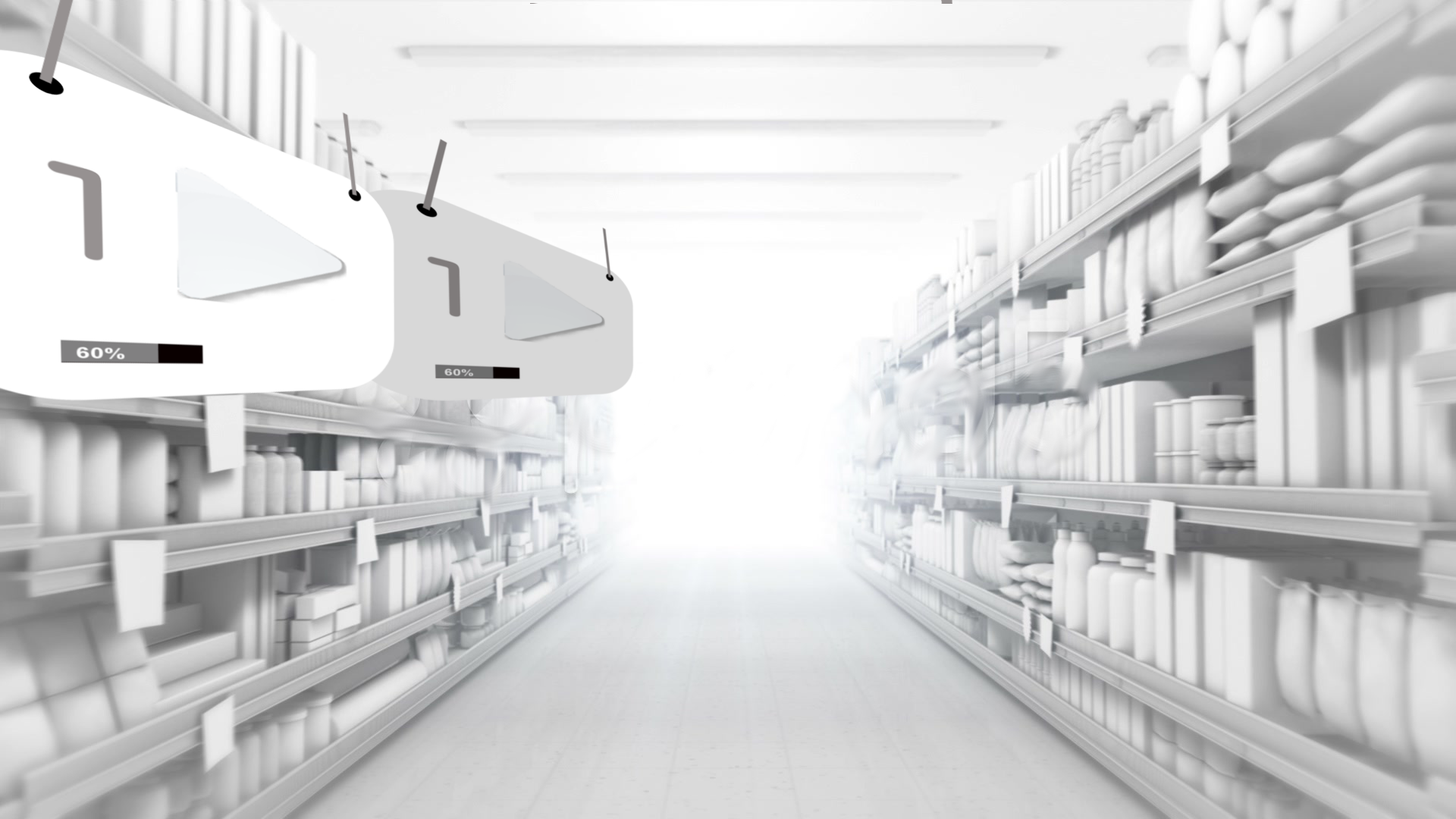
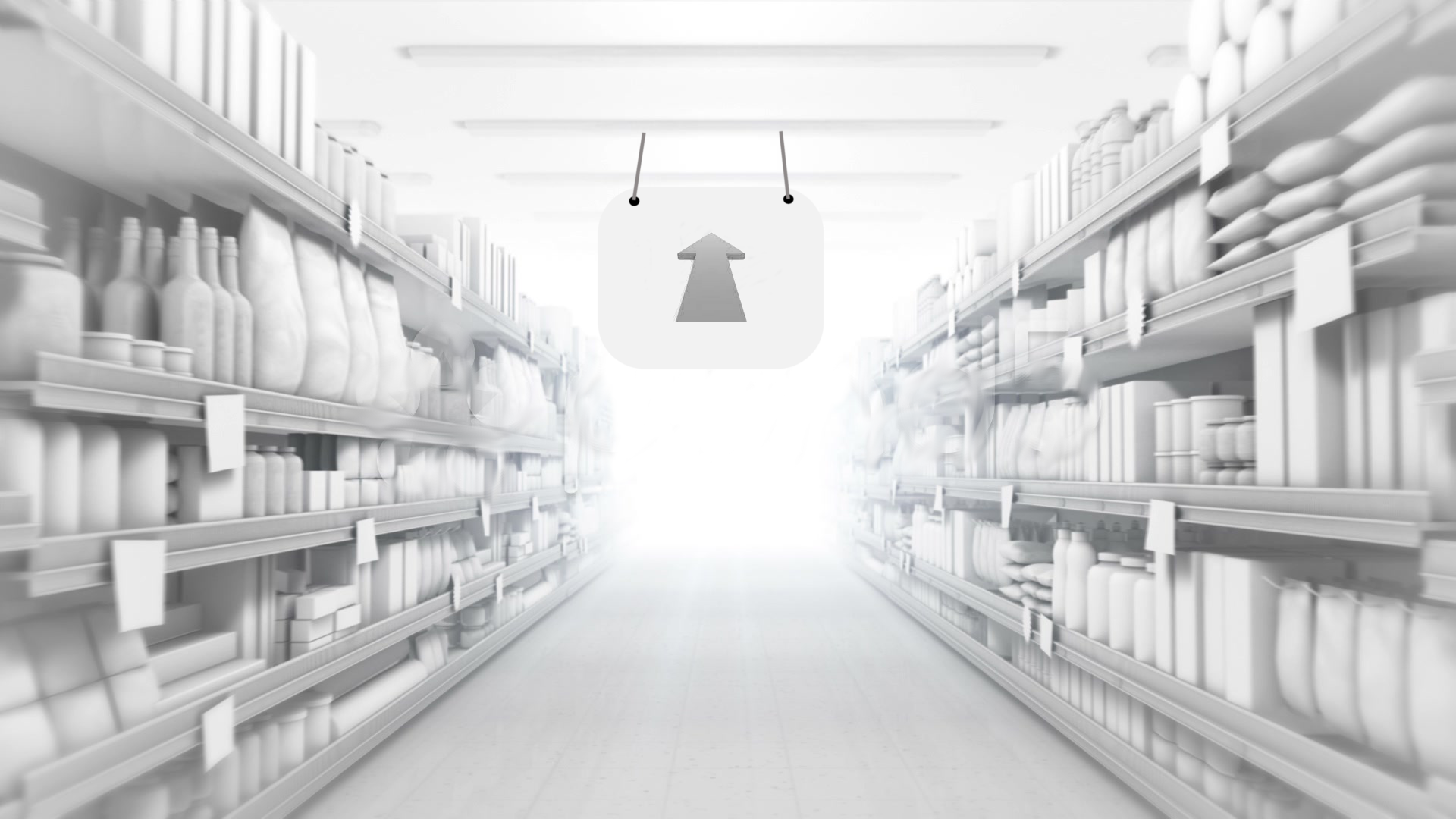
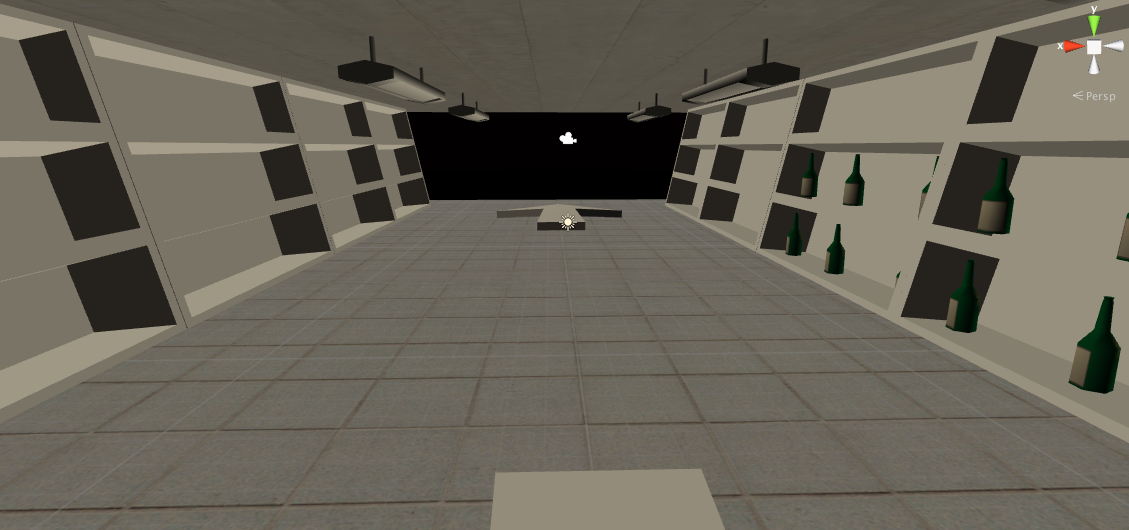
You will be in a supermarket aisle with shelves full of items. You have to find your items, and look at them for some seconds to put them in your trolley. You can move between aisles looking at a “floor arrow”.
Challenges we are working to solve :
We want a game controlled exclusively by "where you are looking at". We would like the game controls to feel natural to V.R, and ( hopefully ) to be understood by players without any explanation or tutorials. No buttons or unnatural gestures!
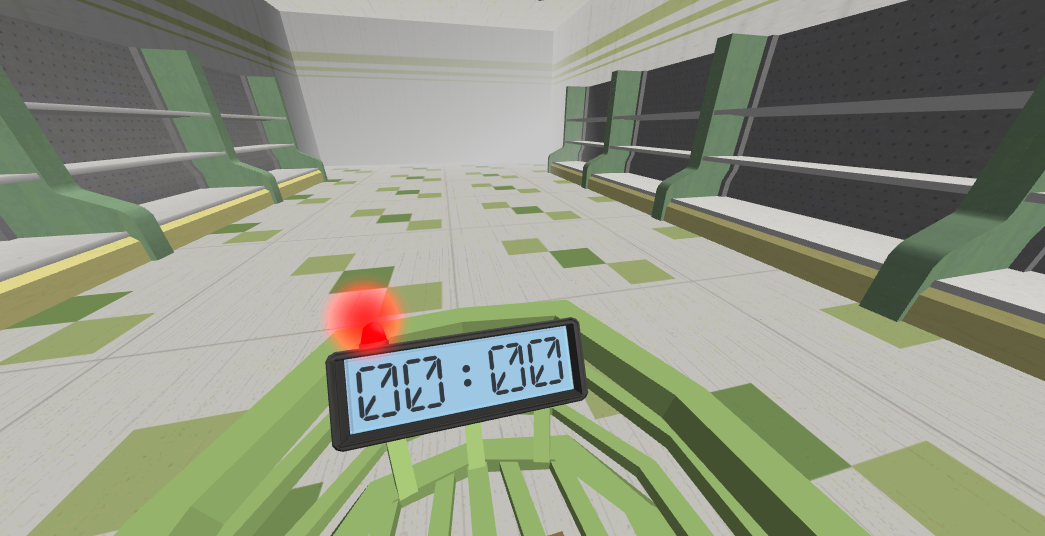
We would like to integrate the U.I into "physical 3D objects" that make sense.
We want to reinforce the player´s willing to explore and "look around" when they wear V.R glasses. We´ve found that this is what players really want to do in our first V.R prototypes... they don´t care so much for the gameplay we implemented, but for the exploration and "V.R" feeling looking at objects … That´s why we thought a “hidden objects” game would match very well V.R.
We want to make a “casual” game, not targeted to hardcore-gamers.
We want a to make a full game, with a working retention loop. A simple "unlock the next level when you fulfill the shopping list of this level", level points ( with stars )...
We need to reduce to the minimum the number of objects and scenes ( in order to be able to deliver in time ). The game scene will be a supermarket aisle, and we will buy the " Supermarket Gluttony Pack" at the Unity3D Asset Store.
We want to explore how to “move a little around the shelves of the aisle” depending on where the player looks at and how much time. ( looking at a point, or looking around … ) . It will be “mostly” stationary gameplay, but we want to move the player a little to “focus” or “zoom-in” in some shelves in a way that feels “natural”.
Note
I´m a big "fan" of John Carmack, I would really appreciate his critics and comments about this game. The critics will be very well accepted ( in fact, the harder and more detailled they are, the better ) :) .
Early Design :
I will include some screens ( game states ) and flow between them. It´s “early” work, and it´s in spanish, sorry. I will try to write the next design documents in english in order to submit them. Each “game state” has a corresponding graphic concept ( wireframe ). Sorry that the format is different, and It doesn´t fit weel in a “text” document . :
Pointer : there´s always a small pointer in the middle of the screen. When the pointer is on some interactable object, a bigger circle appears around the pointer, and there is a “2-3 seconds” animation where the pointer grows until it fills the bigger circle. When it does so, it “interacts with the object” ( pickup, etc .. ) .
Screens ( in spanish, sorry ) :
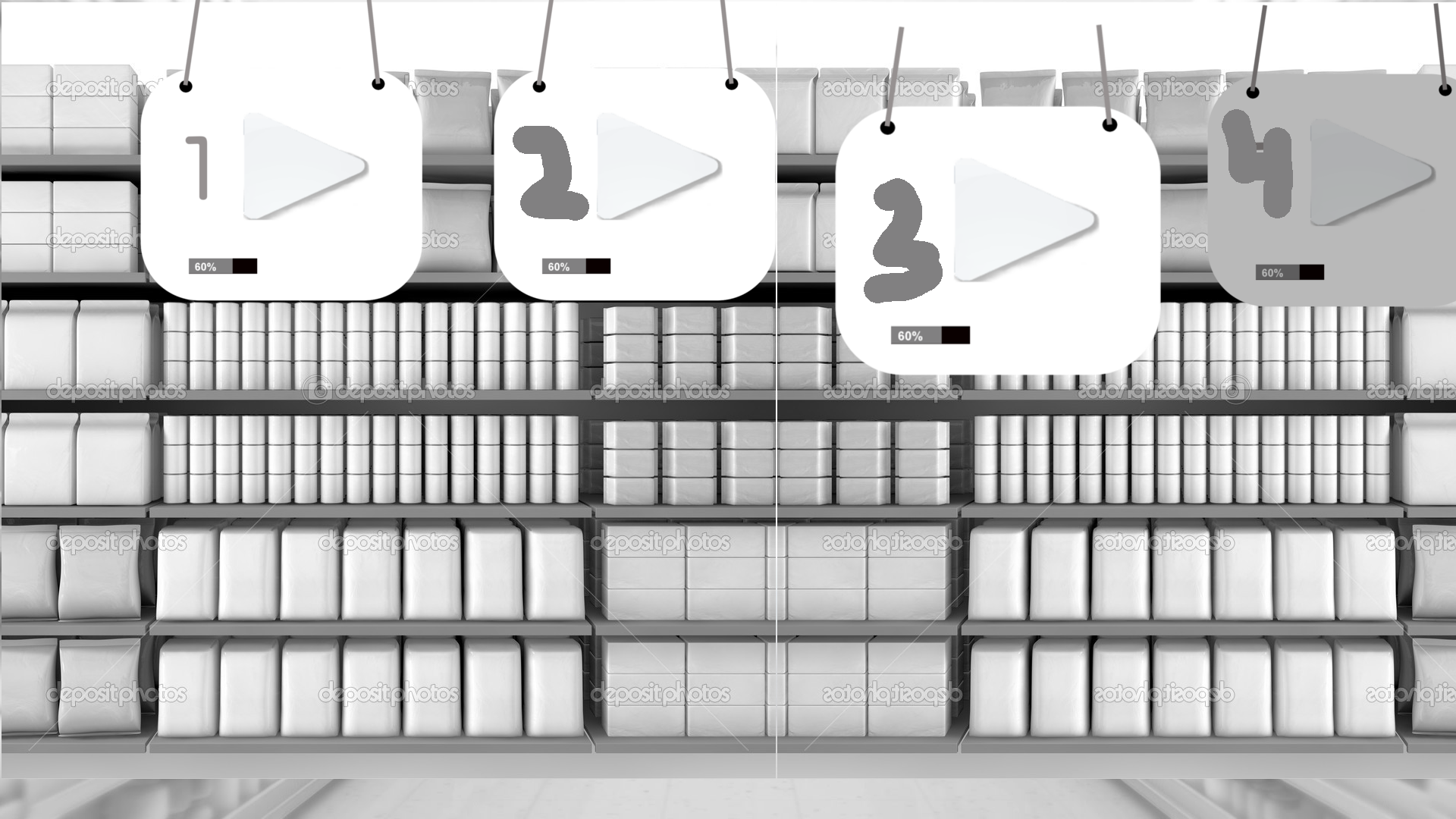
1 . Mainmenú
- En la misma escena 3D del supermercado. -Los niveles podrían estar indicados en bolsas de la compra, en una cinta similar a las de las cajas de un supermercado.
- Para moverte entre los niveles la cinta mecánica tiene 2 botones, uno de avanzar y otro de retroceder. Cuando miramos a los botones, la cinta se mueve.
- Estados de los niveles : bloqueado, desbloqueado, último desbloqueado ( my destacado )
- Puntos por nivel ( entre 0 y 100 ). Similar a estrellas.
- Mirar abajo : veo mi dinero en el carro, “HUD” físico.
- Seleccionas un nivel mirándolo fijamente : Ir a pantalla 2 ( preplay ).
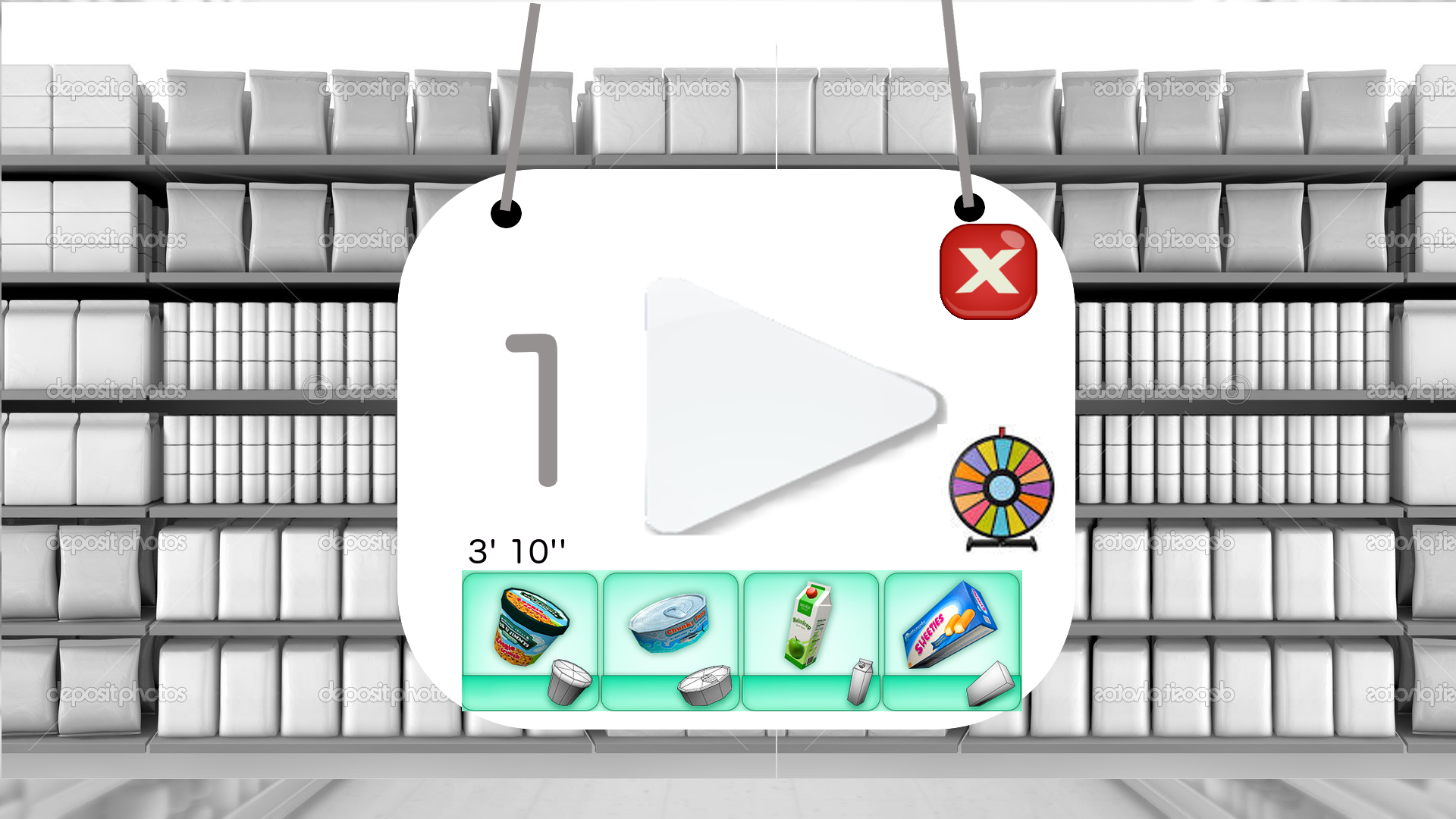
2 . Pre-play
- Volver a 1 (mainmenu)
- Ir a 3 ( juego )
- Tiempo disponible para el nivel.
- Objetos a conseguir. ( mejor en el carrito físico, mirando abajo ).
- Mirar abajo : veo mi dinero en el carro.
3. Play
- Algunos niveles son de varios pasillos. Pulsas el cartel para ir de un pasillo a otro. ¿ exit ? . -Si miras abajo ves en tu carrito :
- tu dinero[de momento no]
- El tiempo que te queda.
- Los productos que buscas ( siluetas ) + los conseguidos. Están abajo, pero orientados hacia el jugador.
- Consigues todos los productos : ir a pantalla5 .
- sonido para avisar tiempo?
- Se acaba el tiempo : pantalla 4. Aviso de que se acaba el tpo
3.2 Elementos estéticos efecto V.R
- Elementos que añadimos para que tengas más sensación de V.R
- Un Zeppelin volando que pase cerca del jugador...
- Elementos en la zona del jugador que “sean muy 3D”, que vayan “hacia él” .
- Algo colgando del techo cerca de su cabeza…
- FX , pompas de jabón que salgan de algún sitio hacia el jugador.
4. RePlay
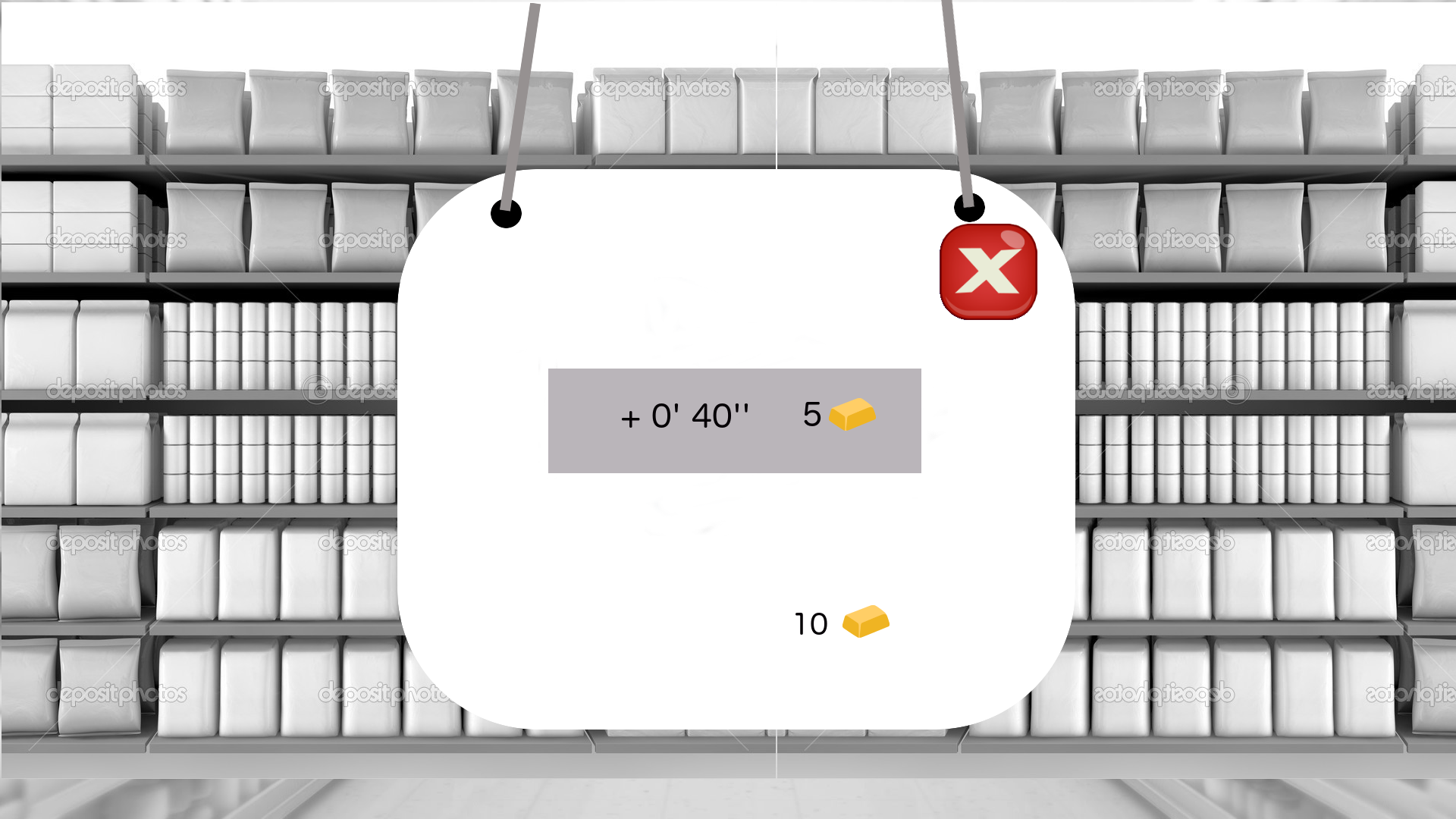
- Si acaba el tiempo sin conseguirlo, te sale este cartel ( gameover ), y se oscurece el resto del juego.
- Puedes comprar 40 segundos más de juego en el nivel.[de momento no]
- Puedes salir al mainmenu ( rendirte)
- Tienes un botón de re-play, que redirige al principio de ese mismo nivel. -Si miras abajo ves en tu carrito :
- tu dinero
- El tiempo que te queda.
- Los productos que buscas ( siluetas ) + los conseguidos. Están abajo, pero orientados hacia el jugador.
5. Finish
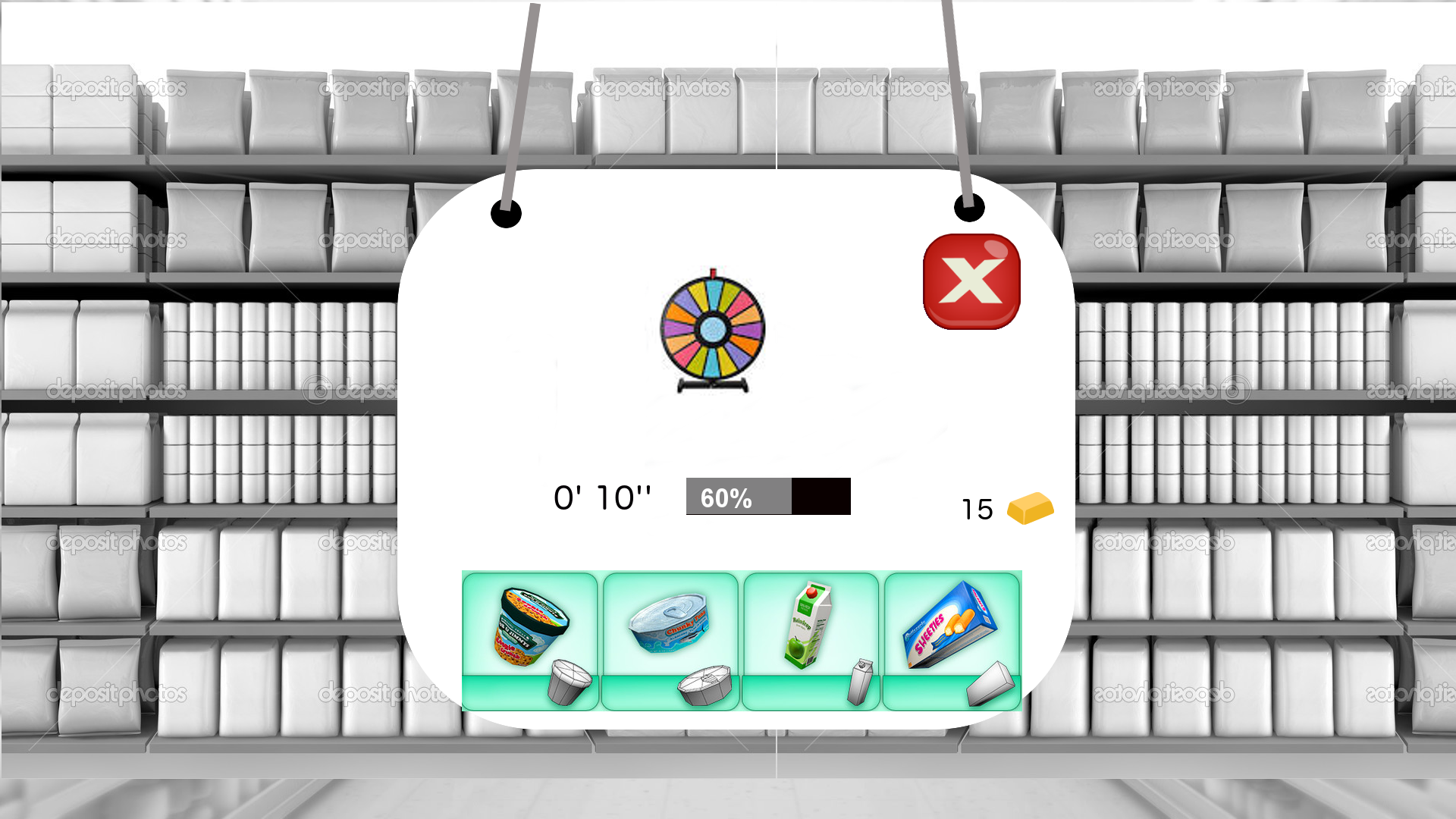
- Lo has hecho bien, nivel completado. Te sale éste cartel y se oscurece el resto del juego.
- Ruleta : animación en la que se sortean los 6 premios por nivel. Sólo hay 6 premios, cuando ya consigues uno, el sector se queda a 0.[de momento no]
- Exit a mainmenú ( pantalla 1 ) .
- Tiempo que sobró.
- Puntos ( como estrellas ). “New record”[aún no]
- Dinero disponible.[aún no]
- Los productos solo se ven en el carrito. -Si miras abajo ves en tu carrito :
- tu dinero[aún no]
- El tiempo que te queda.
- Los productos que buscas ( siluetas ) + los conseguidos.

Log in or sign up for Devpost to join the conversation.