-

Our Logo
-
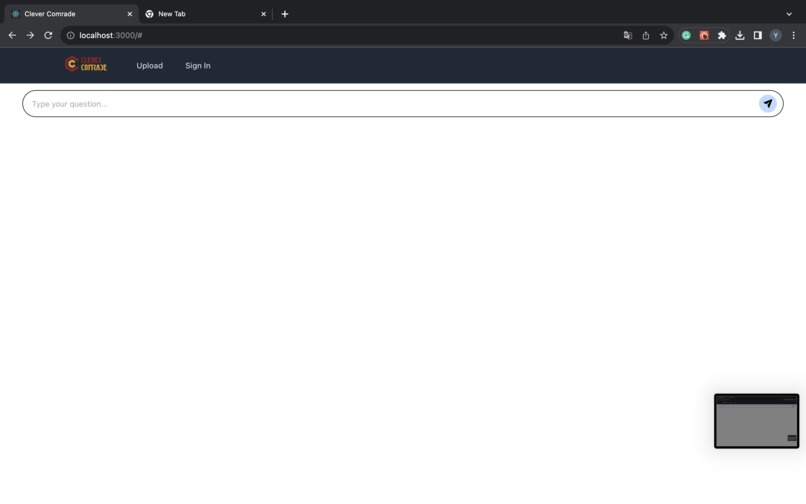
Main page
-
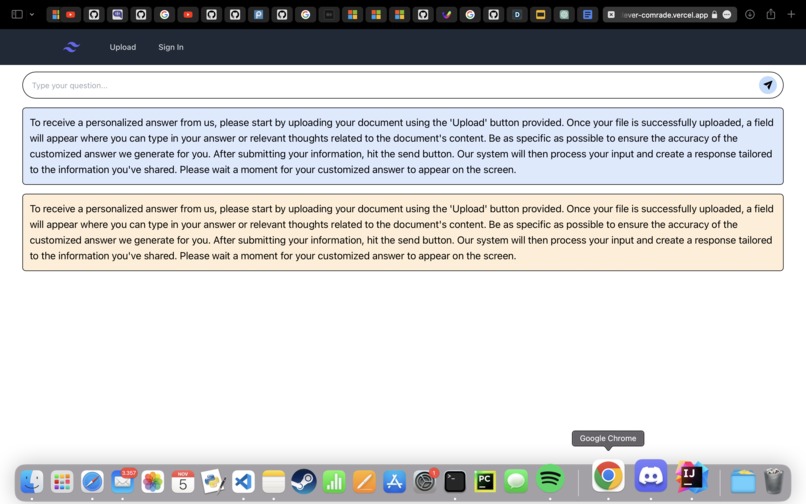
Older main screen with prompt
-
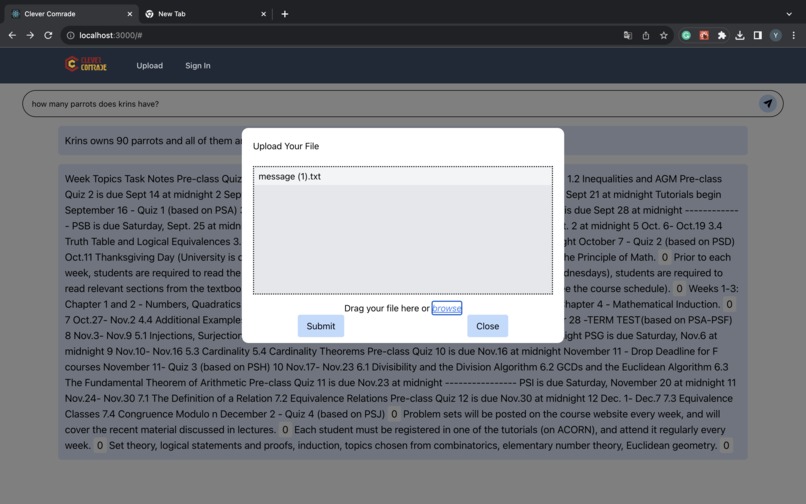
Upload a file


Inspiration ✨
Have you ever tried to ask AI for an answer to something you should know from class.... but just cant seem to find the answer to? The output can be confusing and jargon filled, and without a proper explanation of what is going on at a comprehensible scope. What about when the answer provided to you is just totally made up?
That's where your very smart and committed comrade comes in, to save the day! With an in depth knowledge of all your course materials available on OneDrive, just ask Clever and get your answer! Clever only uses the documents provided to it as a source of truth to eliminate hallucination.
🧐 What it Does 🤔
Clever is an AI tool that trains on your documents and notes in real time to provide you with the most up-to-date answers from sources YOU trust!
Auth0 allows you to securely connect to your Microsoft OneDrive account through the CleverComrade web application. Once connected, you can ask Clever a question, and CleverComrade will utilize the documents within your OneDrive as the sources of truth for the responses it generates, ensuring the information it returns is accurate and valid.
Not convinced? Clever will even tell you the source of information for its answer!
🔨How we built it 🔨
The frontend was built with a combination of Tailwind CSS and React. The backend was implemented through Node.JS, with Auth0 as the authentication tool for the application. Auth0 also handles the connection to the user’s OneDrive.
Challenges we ran into
One of the significant challenges we encountered during our project was the accidental loss of changes due to Git pulls. This experience taught us the importance of backing up our work regularly and being more cautious when using Git. We also ran into issues when managing the token for Microsoft Graph API, which kept expiring every 2 hours. We also attempted to use a number of different techniques to retrieve notifications for updates to the user’s OneDrive, including webhooks and
🏆 Accomplishments that we're proud of 🏆
We’re incredibly proud that we were able to figure out Auth0 authorization with OneDrive after a grueling 7 hours, as it provided us with our critical Microsoft access token that was difficult to obtain through the native API without assistance.
Furthermore, we were able to use this access token to test out uploading documents directly to the user’s OneDrive, alongside manipulating a number of other internal files.
💭 What we learned 💭
Tokens are incredibly hard to manage, especially in a real-time system that relies on a number of backend verification checks. Also, it is valuable to have a thorough understanding of the authentication system prior to development starting, to minimize the number of restarts required before the correct data could be retrieved.
What's next for CleverComrade
The next steps for CleverComrade include a number of user experience improvements.
A video transcription feature was completed, but it could not be integrated into the frontend within the allotted time. This would have allowed for the analysis of user-uploaded lecture videos. Additional login options including Google Drive, Dropbox, and native app login using a database are coming soon!
Additionally, better token management will be critical to the success of CleverComrade. Currently, there are a number of different access tokens for Microsoft, Auth0, and the AI model, which refresh every hour or so. Managing these tokens and ensuring they are up to date during executing.
CleverComrade is currently not hosted on a public facing domain. The most important step for CleverComrade is to be accessible and available to all users.


Log in or sign up for Devpost to join the conversation.