-
-
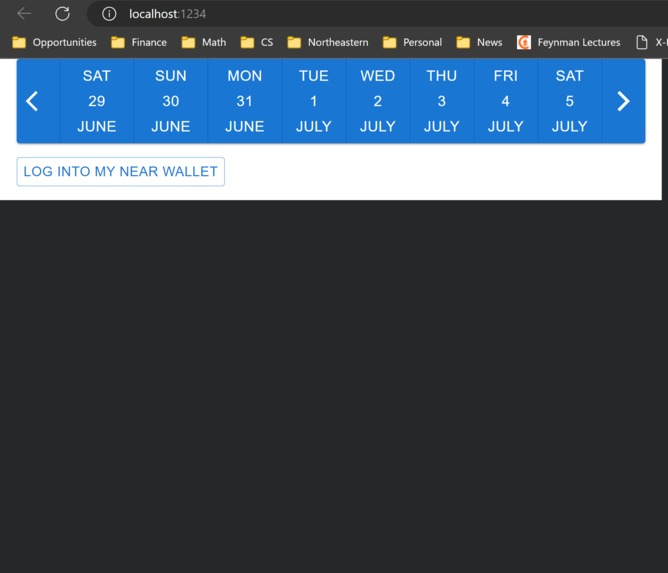
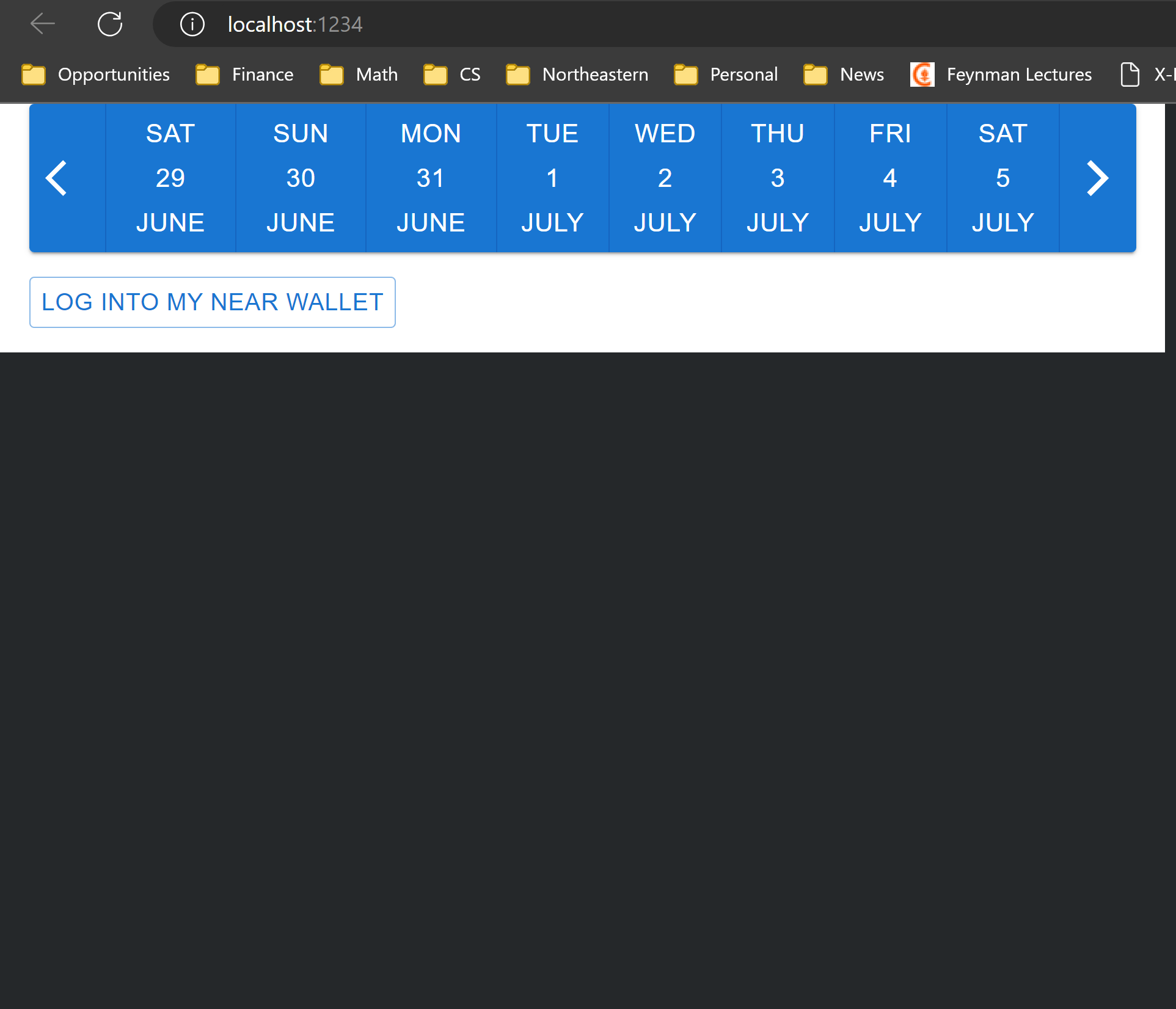
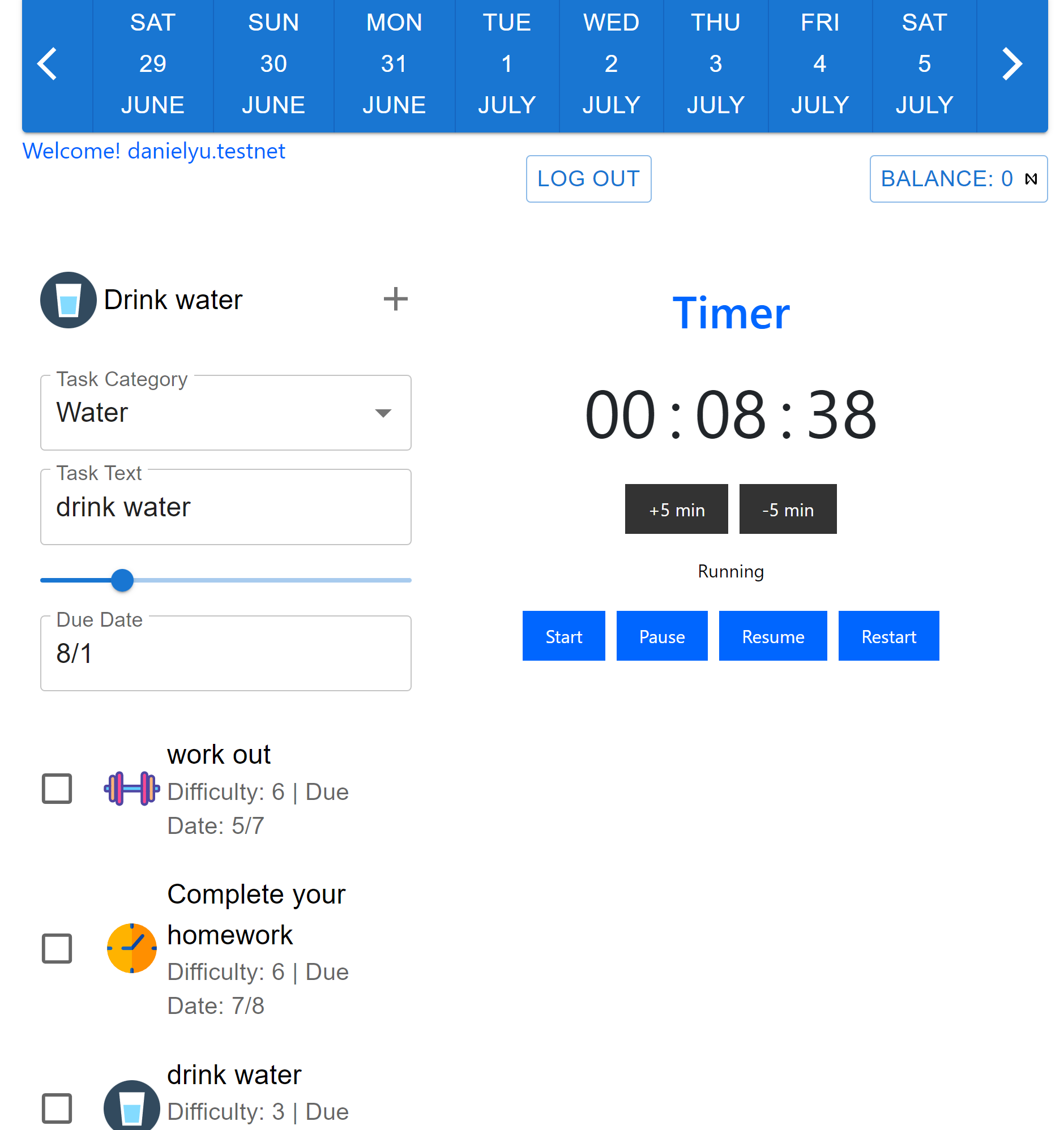
calendar, login page
-
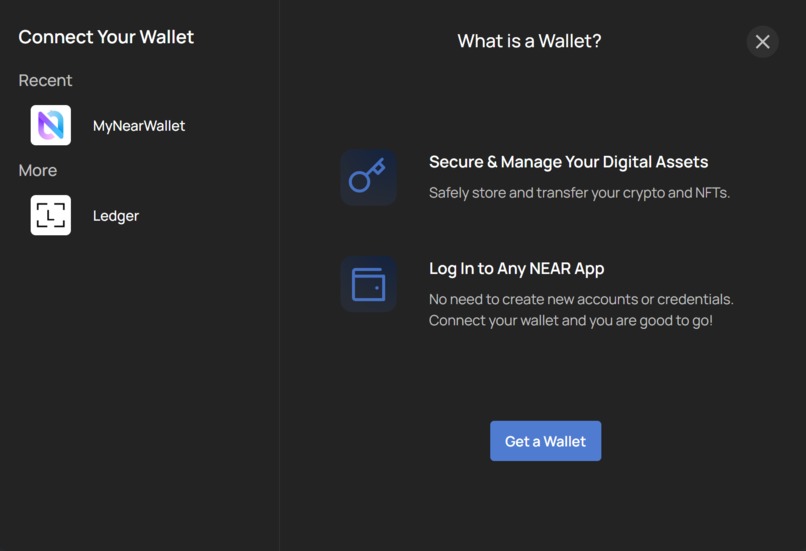
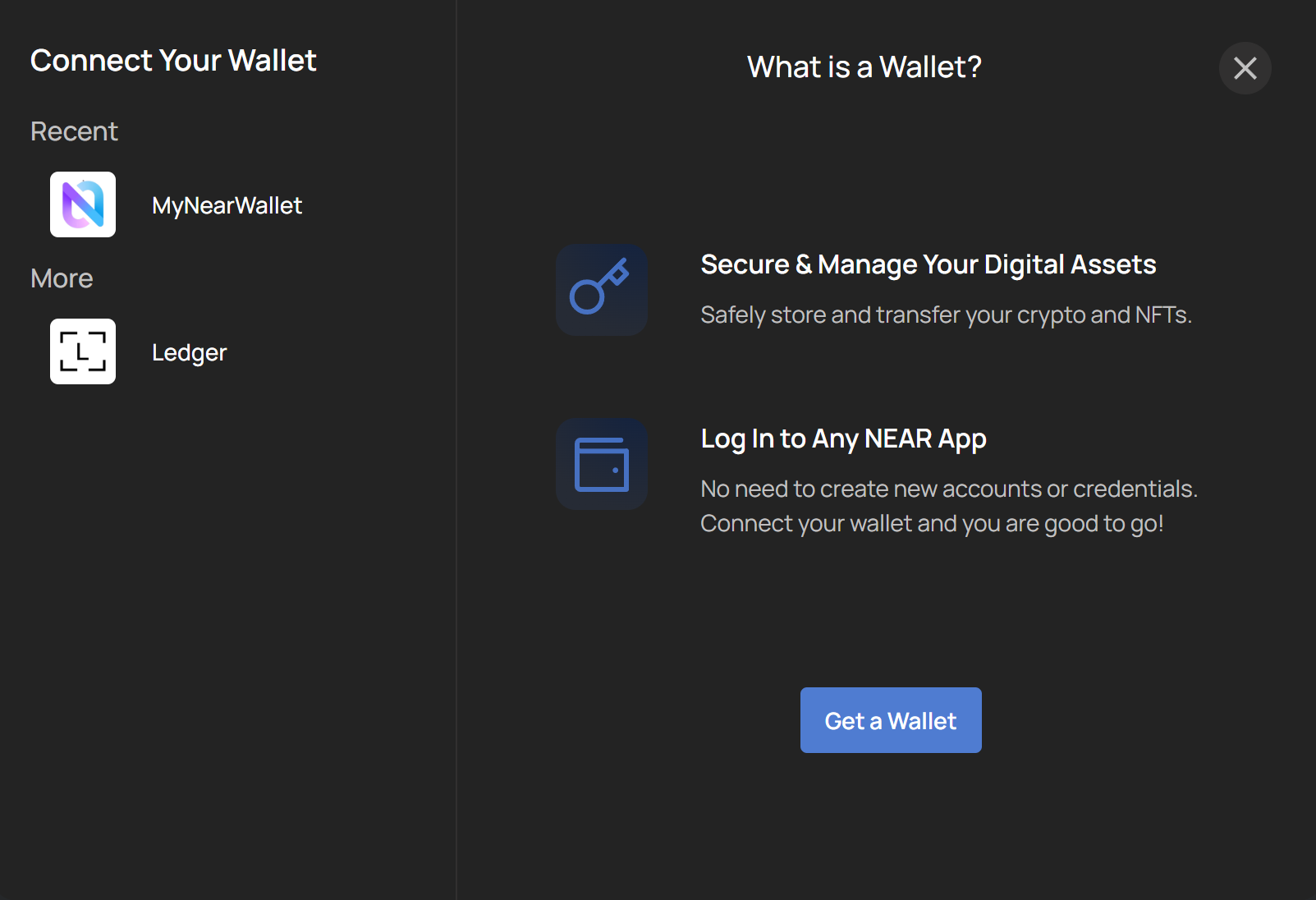
wallet login
-
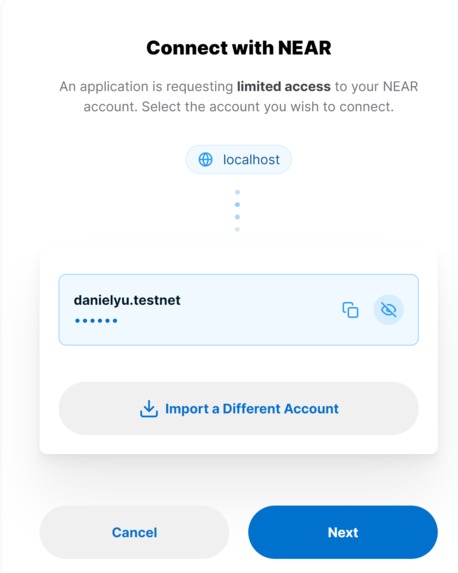
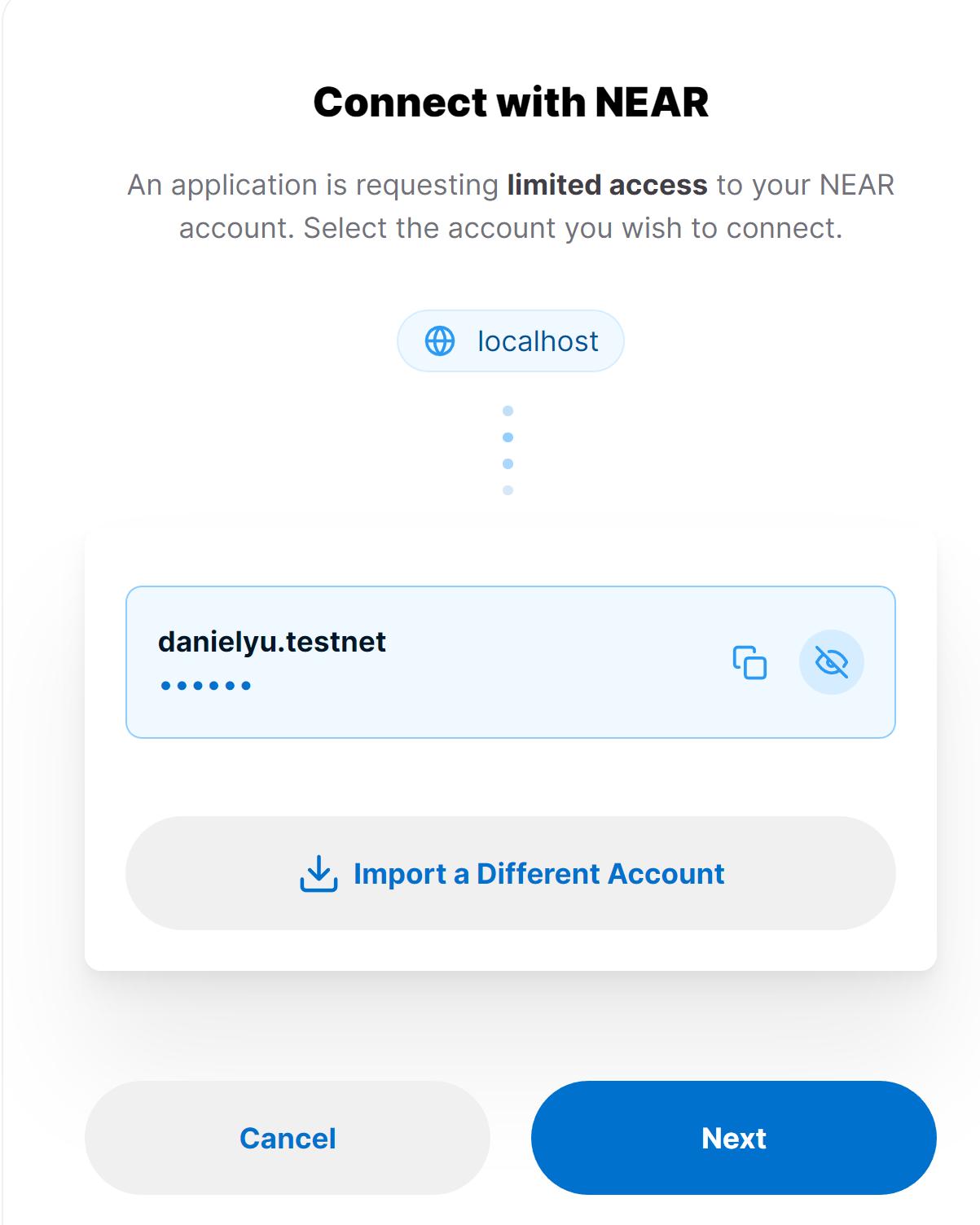
testnet
-

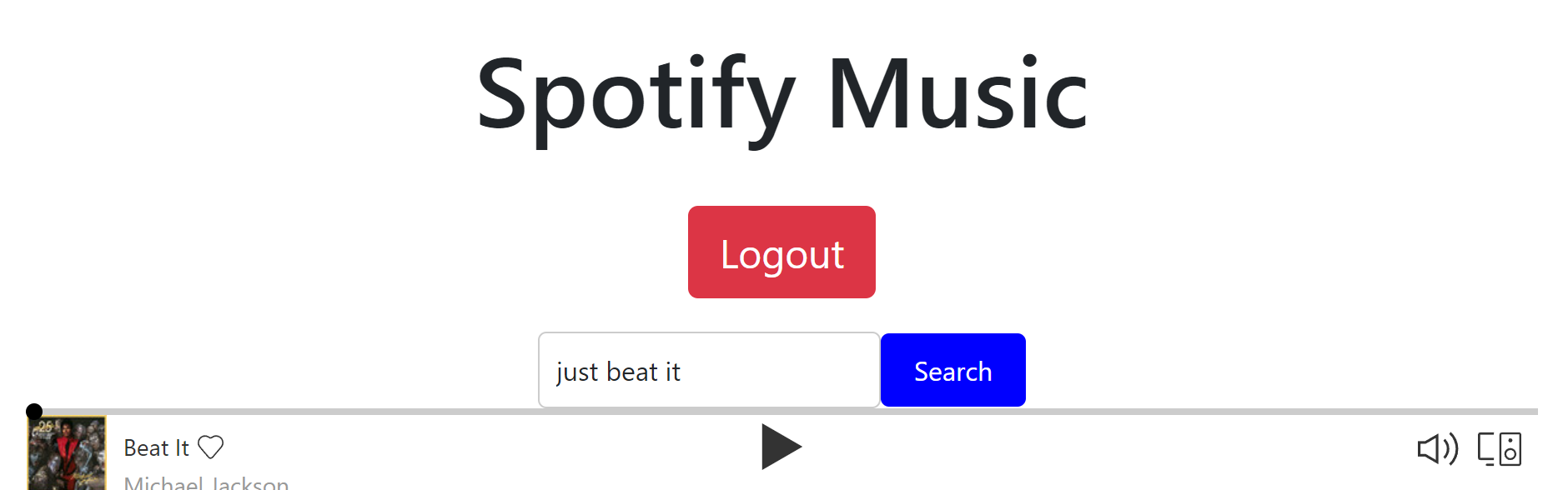
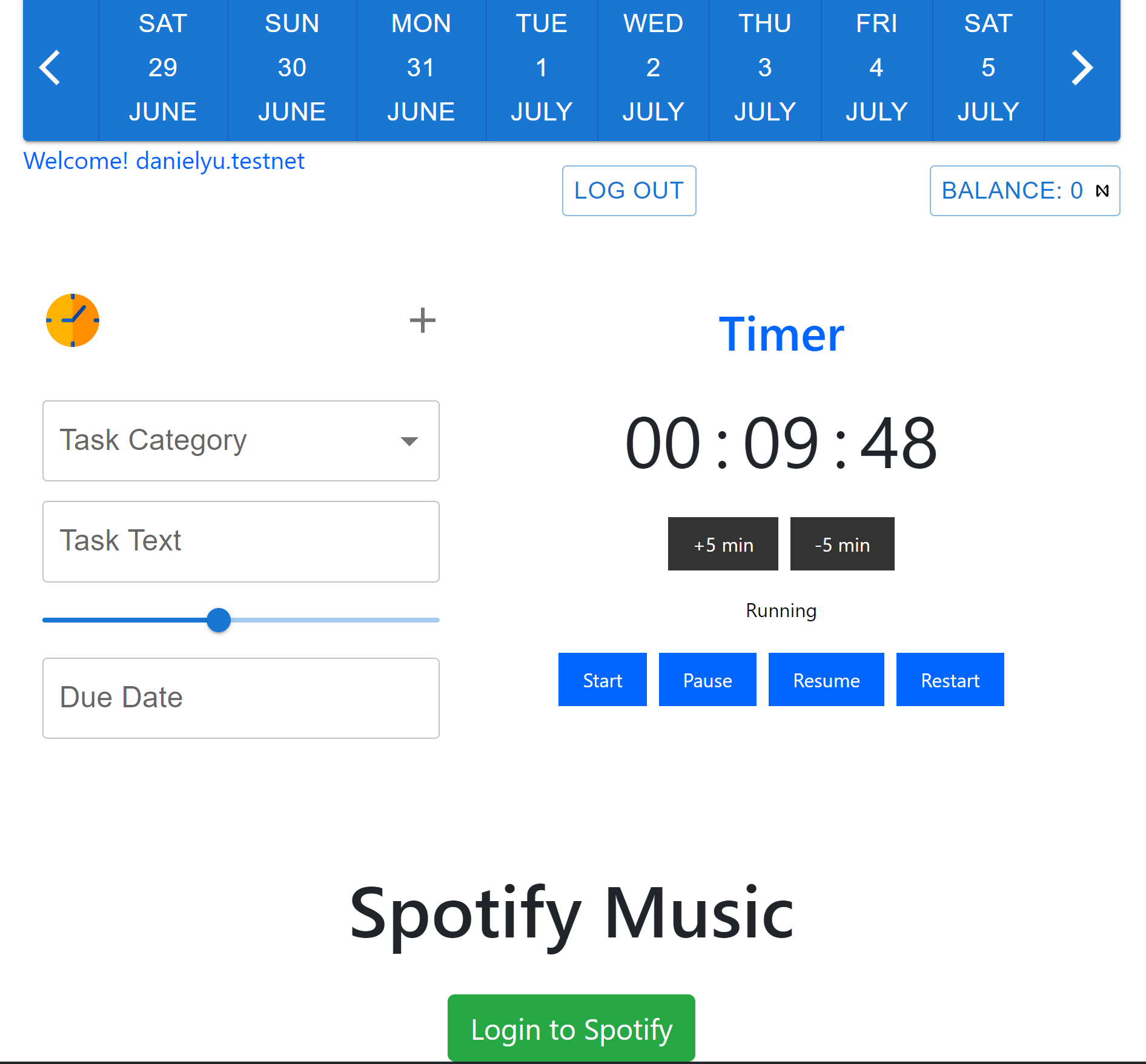
spotify login page
-
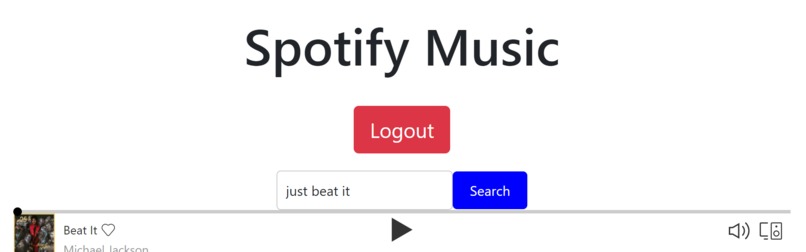
spotify search, logout
-
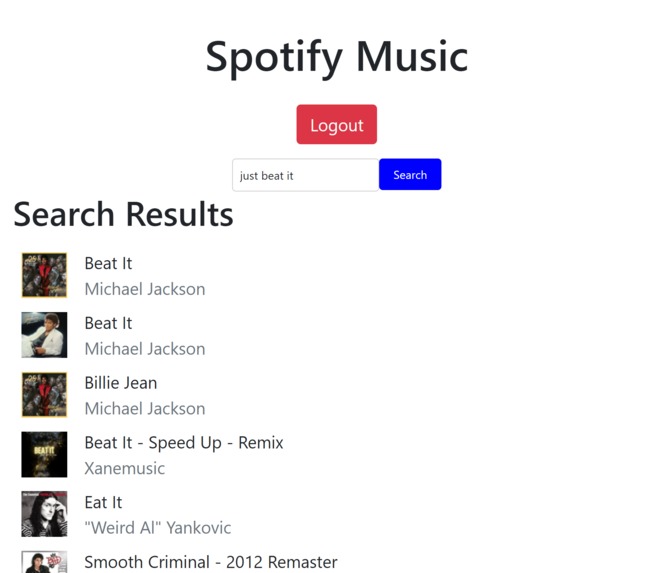
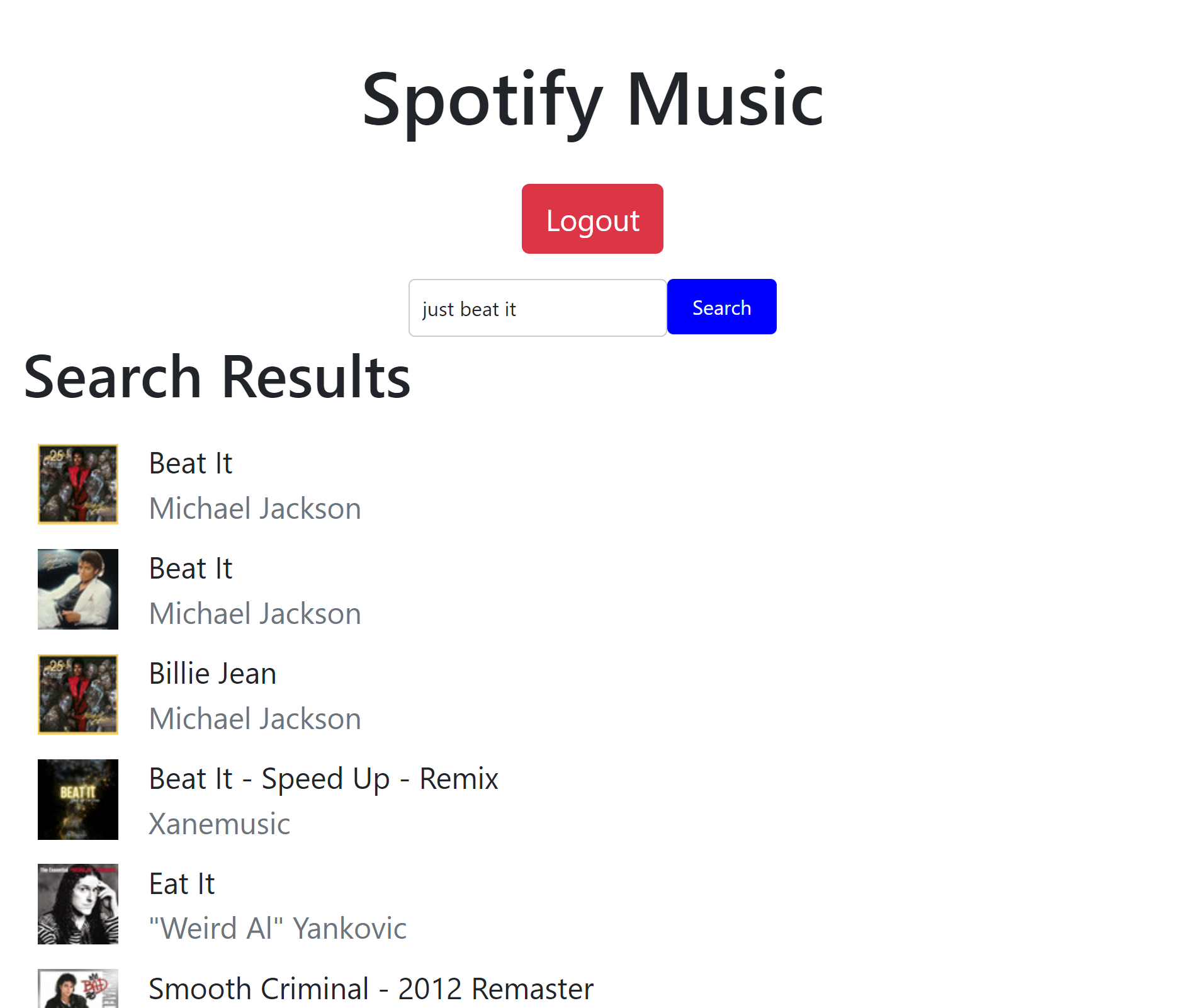
spotify search bar, gives songs
-
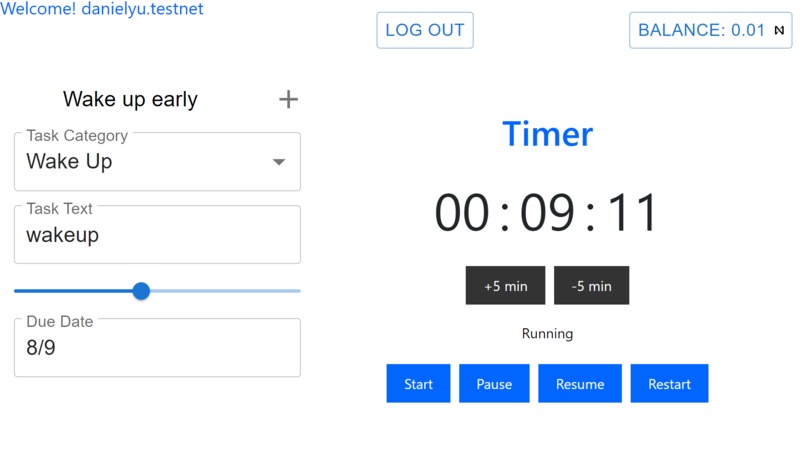
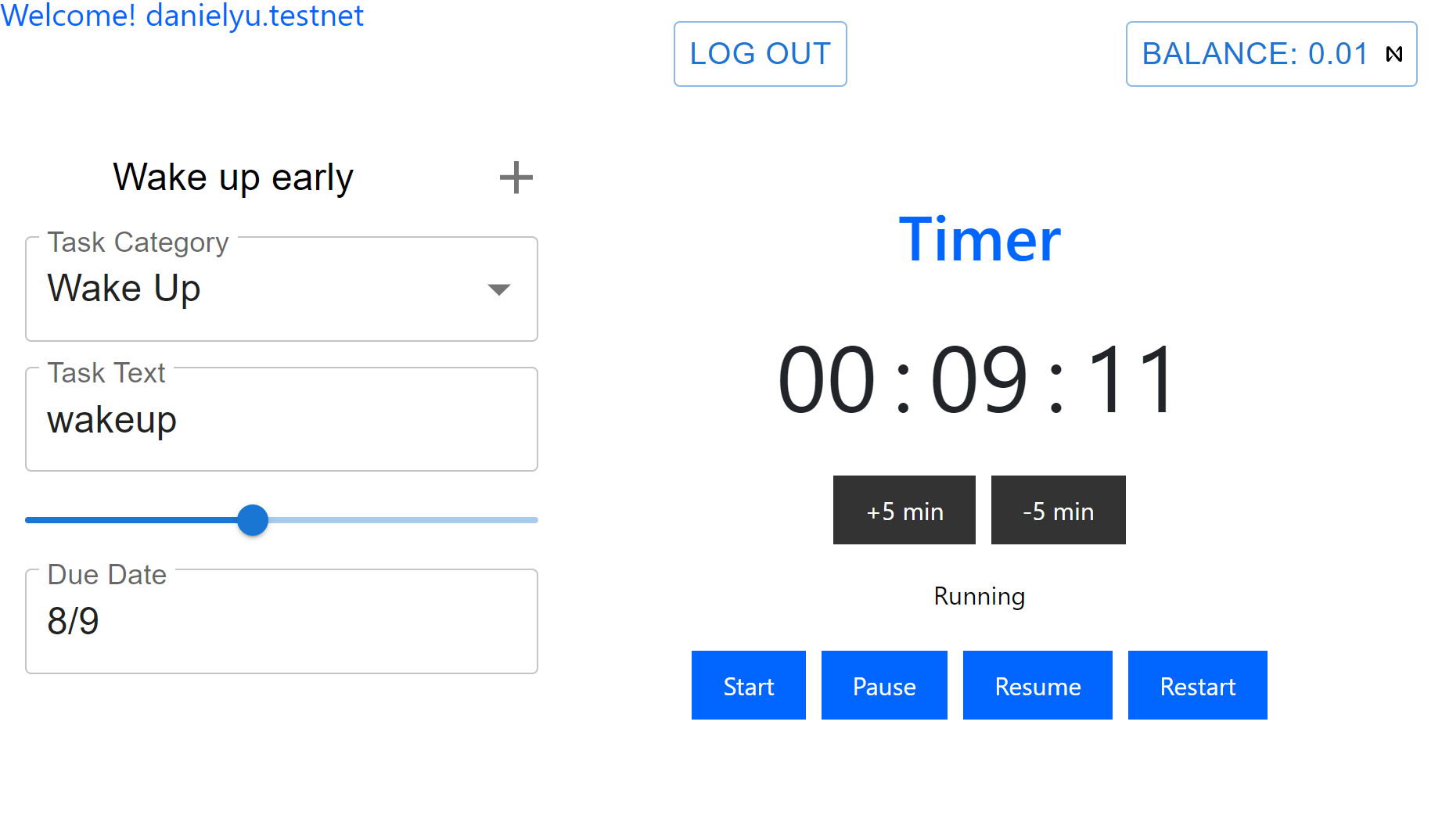
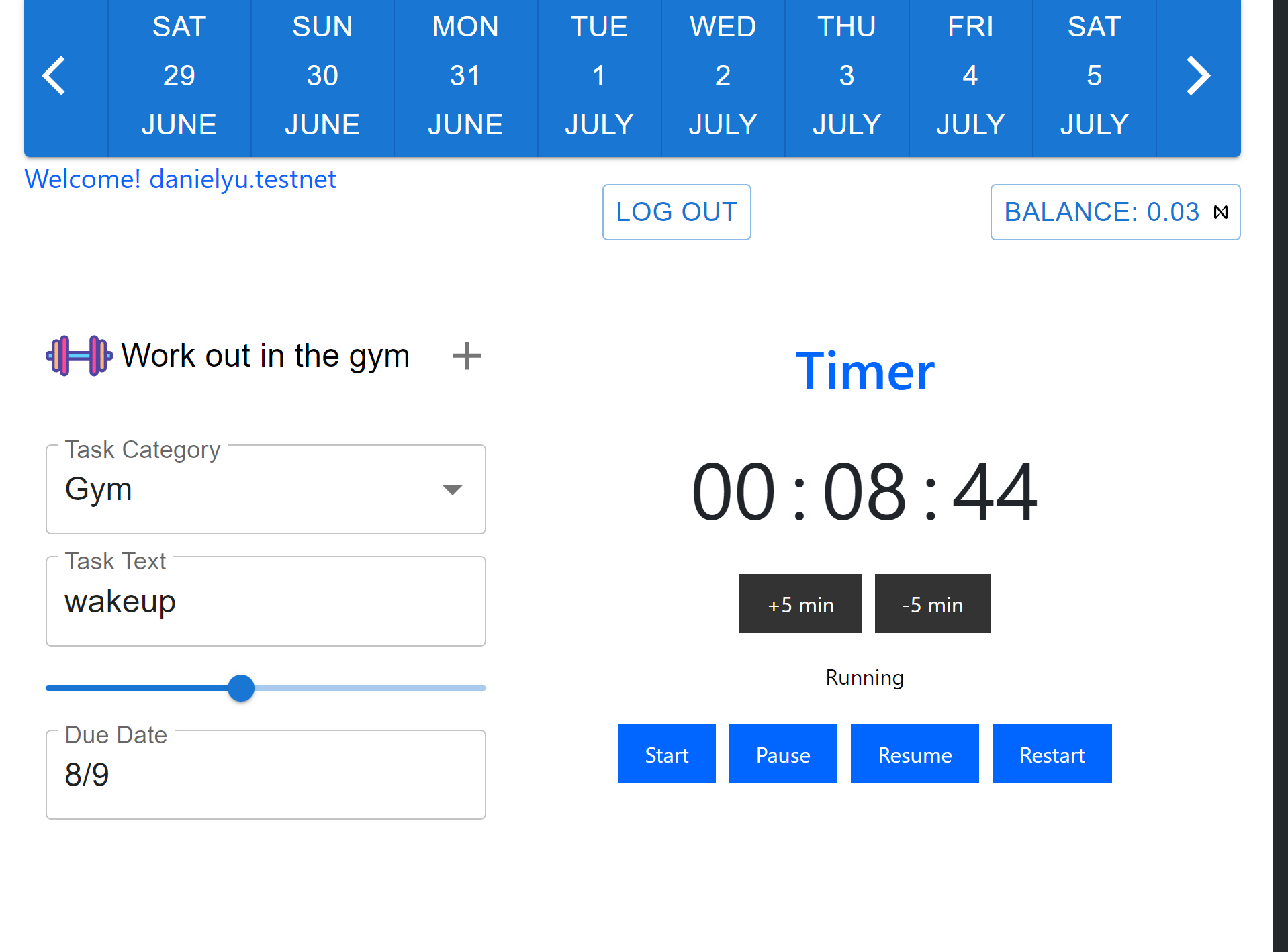
timer function, times tasks given
-
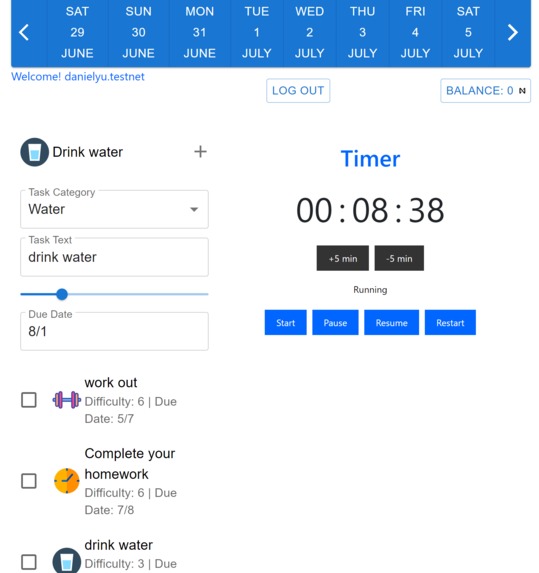
water task with timer
-
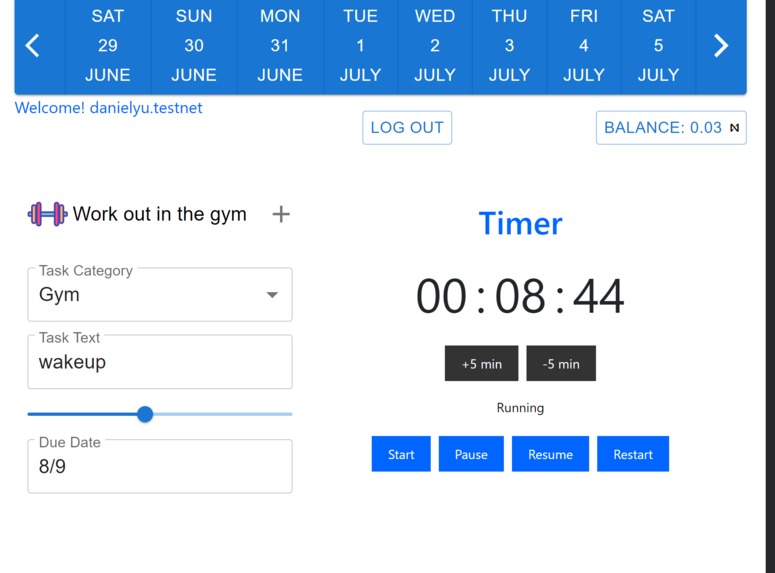
workout task with timer
-
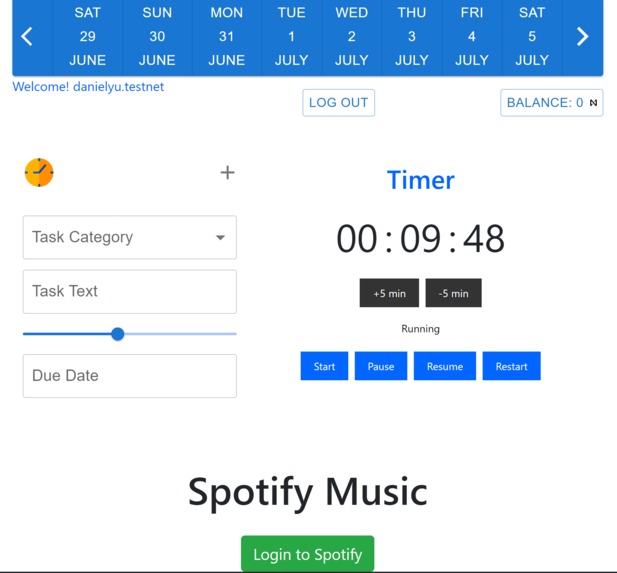
task toolbar, variety of tasks

Inspiration
As a team, we were inspired to create the Super Productive app based on our personal experiences and observations. We recognized the need for a tool that combines task management, accountability, and engaging features to boost productivity. The app essentially acts as a task manager, allowing the user to create and complete tokenized tasks using smart contracts.Drawing inspiration from gamification and the growing interest in NFTs, we aimed to create a unique experience where users can complete tasks and earn valuable NFT rewards. By fusing productivity, motivation, and rewards, we strive to make productivity enjoyable and fulfilling for our users.
What it does
The Super Productive app elevates productivity by offering a range of predefined tasks, such as working out and meditating. Users can mark these tasks as complete, allowing them to redeem tokens to their NEAR wallet. The app goes beyond traditional task management by unlocking additional features as users progress, including a unique music experience powered by NFTs and other NFT rewards as the user reaches set milestones. By integrating NFTs, the app provides users with a tangible and collectible reward system, enhancing motivation and engagement. With a focus on combining task completion, rewards, and unlockable functionalities, Super Productive creates an immersive and enjoyable environment that empowers users to achieve their goals and maintain a high level of productivity.
How we built it
To build the Super Productive app, we utilized various technologies and platforms. For the front end, we employed React to develop a user-friendly website. The website includes a timer and the ability to create new tasks and apps. To incorporate a music feature, we integrated a Spotify API, allowing users to listen to music seamlessly within our app. On the backend, we leveraged TypeScript to ensure type safety and improve code quality. We minted music NFTs to provide unique rewards for users' achievements. The app was developed and tested using the NEAR platform and CLI, enabling efficient deployment and smooth functionality.
Challenges we ran into
During the development of the Super Productive app, we encountered several challenges. Firstly, familiarizing ourselves with the NEAR platform presented a learning curve as we adapted to its features and functionality. Additionally, gaining an understanding of NFTs and their implementation required dedicated research and exploration. As we delved into smart contracts and blockchain technology, we faced the hurdle of limited prior knowledge, further extending the learning process. Furthermore, accessing the NEAR CLI posed difficulties, which we overcame by creating a Gitpod workspace, allowing us to work seamlessly within a cloud-based environment instead of relying solely on our local machines. Integrating the smart contract with the front-end interface posed challenges in achieving seamless communication and data synchronization between the two components. Despite these challenges, our team's determination and collaborative efforts enabled us to overcome obstacles and successfully build the Super Productive app.
Accomplishments that we're proud of
We are proud of overcoming the challenges we encountered and successfully learning about the NEAR blockchain, NFTs, creating a smart contract, integrating it with the front end, utilizing APIs to implement music functionality, and minting an NFT with music capabilities.
What we learned
We learned the importance of new technologies with how innovative the NEAR blockchain was, allowing a group of college students to create a frontend application in a few days. We also learned to think fast and lean, getting a minimum viable product to market and testing and iterating through different versions as fast as possible in order to come up with the best proof-of-concept prototype. Finally, we learned to work in a group and communicate across time zones to make this project happen, efficiently delegating tasks across each member.
What's next for Super Productivity App
Regarding NFTs:
Limited Edition NFTs: Create limited edition NFTs that users can earn by completing specific milestones or challenges within the app. These NFTs can be uniquely designed and have a scarcity value, making them highly sought after by users.
Skill Badges as NFTs: Introduce skill badges as NFTs that users can earn and display on their profile. These badges can represent specific skills or achievements related to productivity, such as time management, goal setting, or effective communication. Users can showcase their proficiency and accomplishments through these NFT badges
Collaborative NFTs: Explore the concept of collaborative NFTs where users can pool their resources and efforts to unlock special NFTs. This could involve teamwork or group challenges, encouraging users to collaborate and support each other in achieving their goals.
Time-Locked NFTs: Introduce time-locked NFTs that users can unlock after consistently meeting their productivity targets over a specified period. These NFTs can represent long-term commitment and dedication, providing users with a sense of accomplishment for their sustained productivity efforts.
Referral NFTs: Incentivize users to refer others to the Super Productivity app. When a user successfully refers someone who joins, they receive a unique referral NFT as a reward, showcasing their role in expanding the app's user base and fostering a sense of community.
NFT Marketplace Integration: Enable users to buy, sell, and trade NFTs related to productivity, personal development, or specific achievements. By integrating a marketplace within the app, users can further engage with the NFT ecosystem and potentially monetize their earned NFTs.
Regarding AI Implementation with NEAR:
AI Integration: AI algorithms can analyze user behavior and patterns to provide personalized task recommendations, optimize task scheduling, and offer intelligent insights on improving productivity. AI predictive analysis: implement an algorithm that based on the user’s information, classify their likelihood of completing certain actions and tasks, and provide warnings about creating plans more likely to fail.
Personalized User Page Based on User Schedule: Create a personalized page for each user based on their schedule and input. Users can input their daily, weekly, or monthly schedule into the app, and the app can generate a customized page that displays their tasks, goals, and progress. Integration with Virtual Assistants: Integrate the Super Productivity app with popular virtual assistants like Amazon Alexa or Google Assistant. Users can interact with the app using voice commands, allowing for hands-free task management and productivity tracking.
Use NLP and Sentiment Analysis: The app can analyze language the user inputs in the notes gaining insights on the user. Depending on the level of sentiment, personalized recommendations can be provided. For example, a high negative sentiment would result in tasks such as meditation, or other stress management tasks. A high sentiment can cause the app to provide more complex tasks that are more engaging.
Long term this can track the user's emotional progress and provide insights on the user's well being, giving the users visualizations that show trends in the sentiment, allowing them to reflect on this and make better decisions to support their well being. This causes the Super Productivity App to go beyond task management and productivity and actively contributes to the user’s emotional well being .
Built With
- near
- react
- typescript


Log in or sign up for Devpost to join the conversation.