-
The Typing Assistant
Inspiration
Typing with the default on-screen keyboard provided by most computers can sometimes be difficult for our differently-abled friends —especially those who have a hard time repeatedly moving their mouse long distances to click buttons that are far too close together. Just try typing "preventable" using an on-screen keyboard! We wanted to make an app that minimized the amount of movement they need to type words, while giving them control of how those words are arranged.
What it does
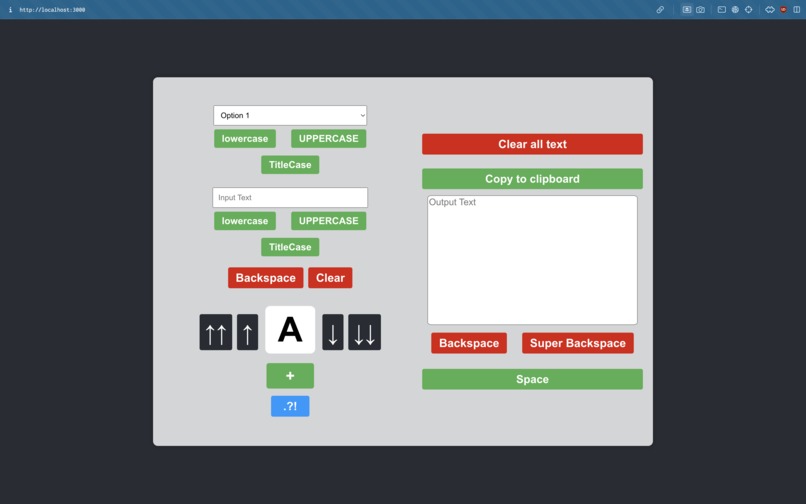
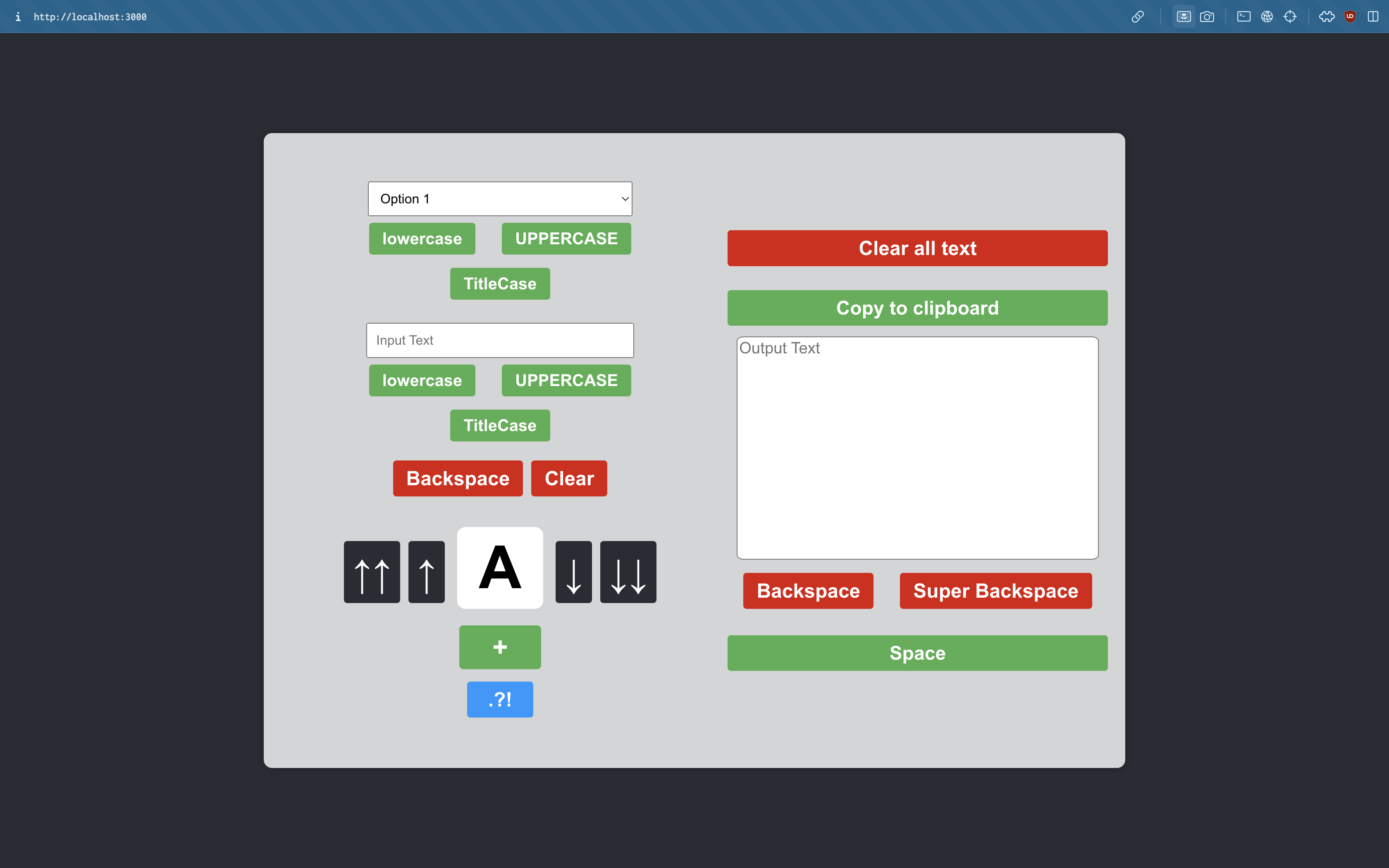
The Typing Assistant provides users with a scroll picker to select the character they would like to add. Once the user is satisfied with the current word they are typing, they can add it to a large text block which stores the words they have been typing in paragraph form. While the user is typing, autocorrect suggestions appear to help the user type faster. Once the user is happy with their words, sentences, or paragraph, they can copy it to their clipboard to paste wherever they need!
How we built it
We used React for the front-end, and Google Cloud Firestore for the backend.
Challenges we ran into
We faced challenges integrating Google Cloud Firestore with our app to create queries for the autocomplete suggestions; we were unable to address this issue due to time constraints.
Accomplishments that we're proud of
We're proud of the intuitive UI we have created, as well as the impact that this solution may have for our differently-abled friends!
What we learned
- Creating an intuitive UI in React
- Creating a Cloud Firestore database
What's next for Typing Assistant
- Resolve Firestore integration issues
- Set up autocomplete querying and adding results as dropdown items
- Adding different languages
Built With
- firestore
- react

Log in or sign up for Devpost to join the conversation.