-
-
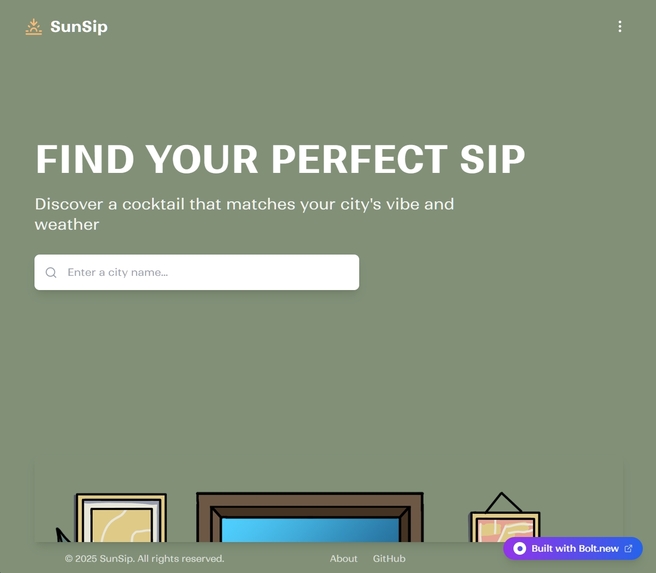
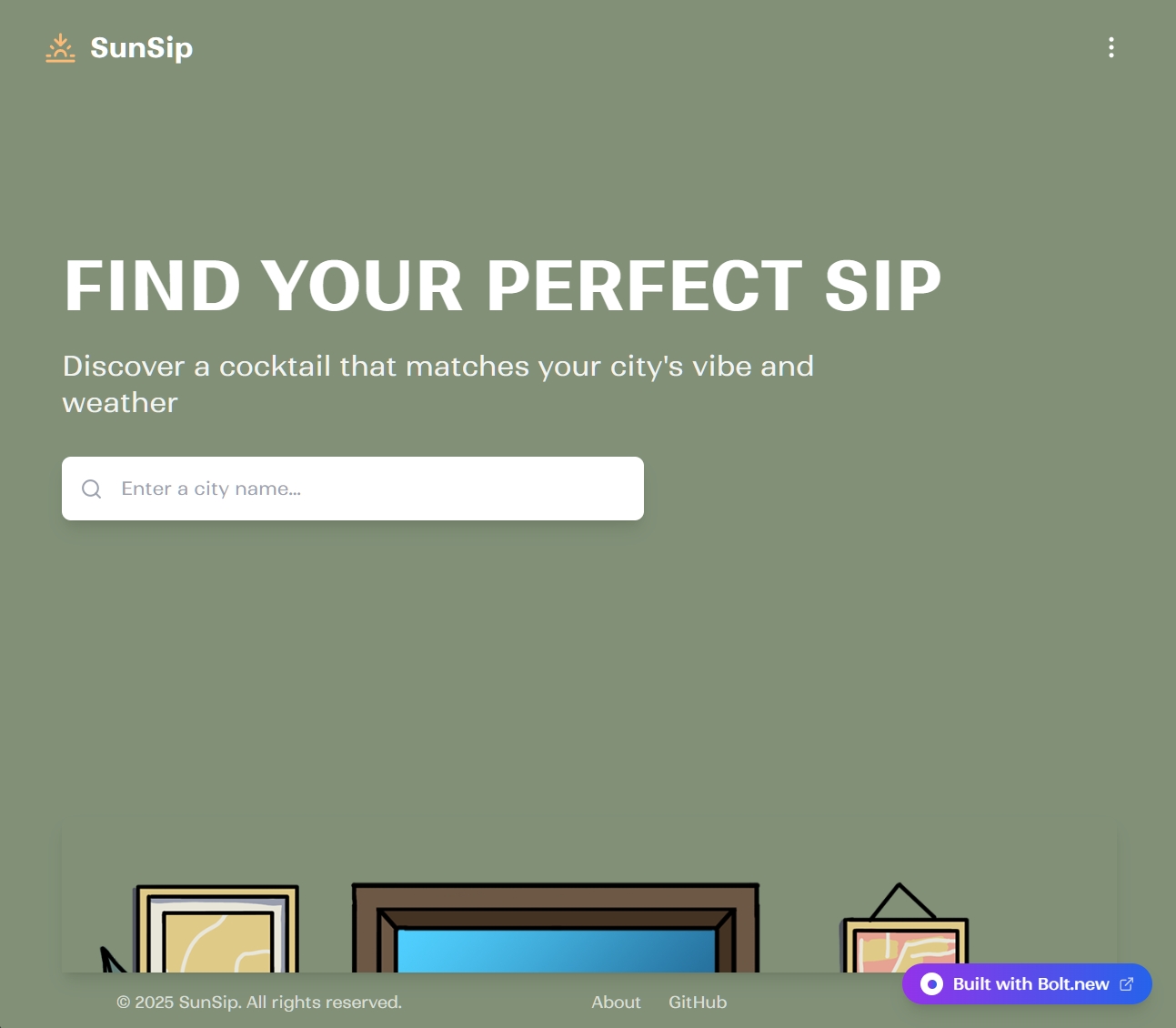
City input screen – type a city name to begin, with a sneak-peek of the illustrated room used for results.
-
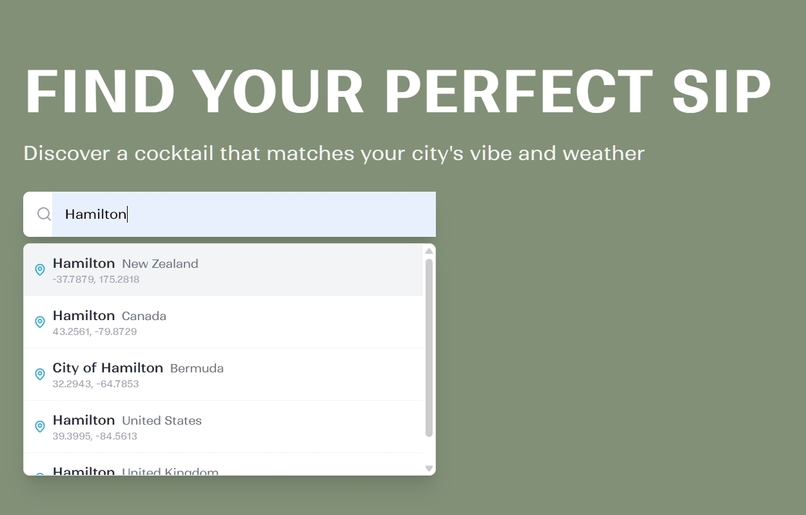
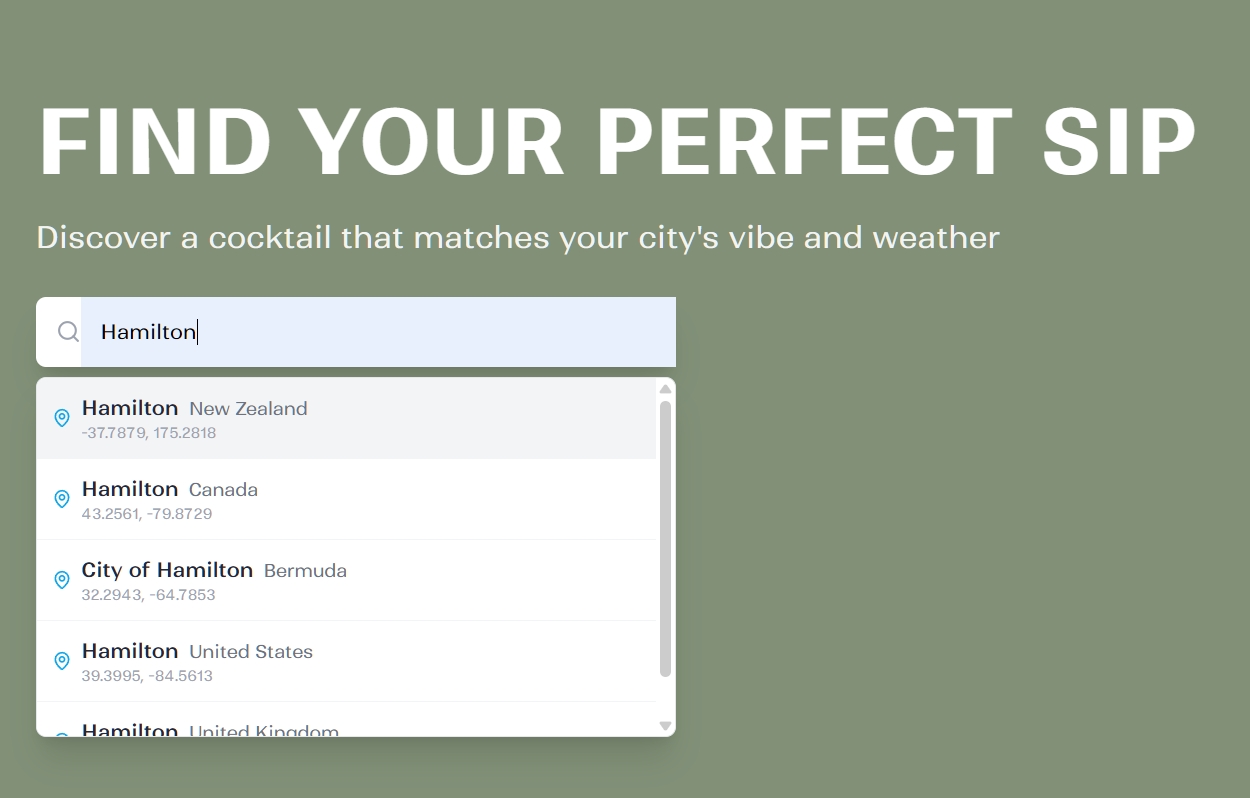
City selection – as the user types, the app suggests matching cities from different countries.
-
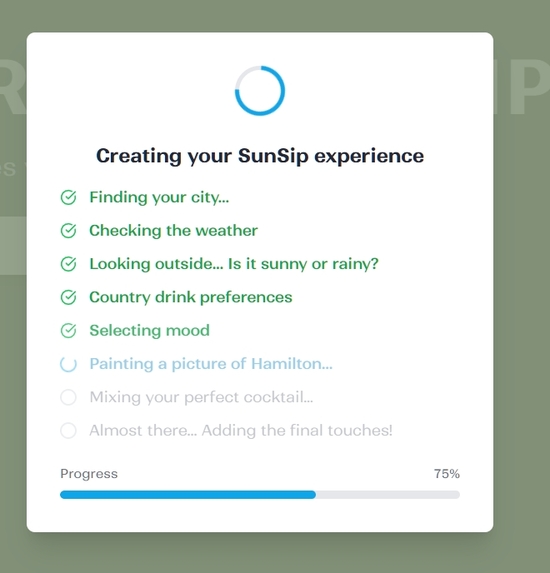
-
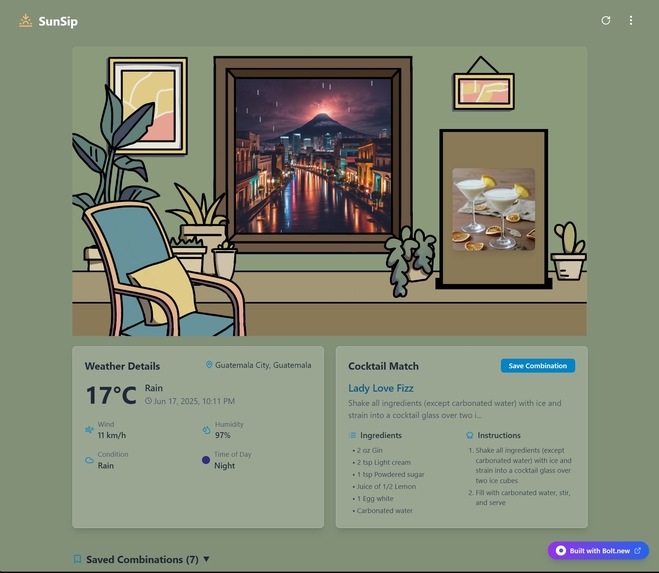
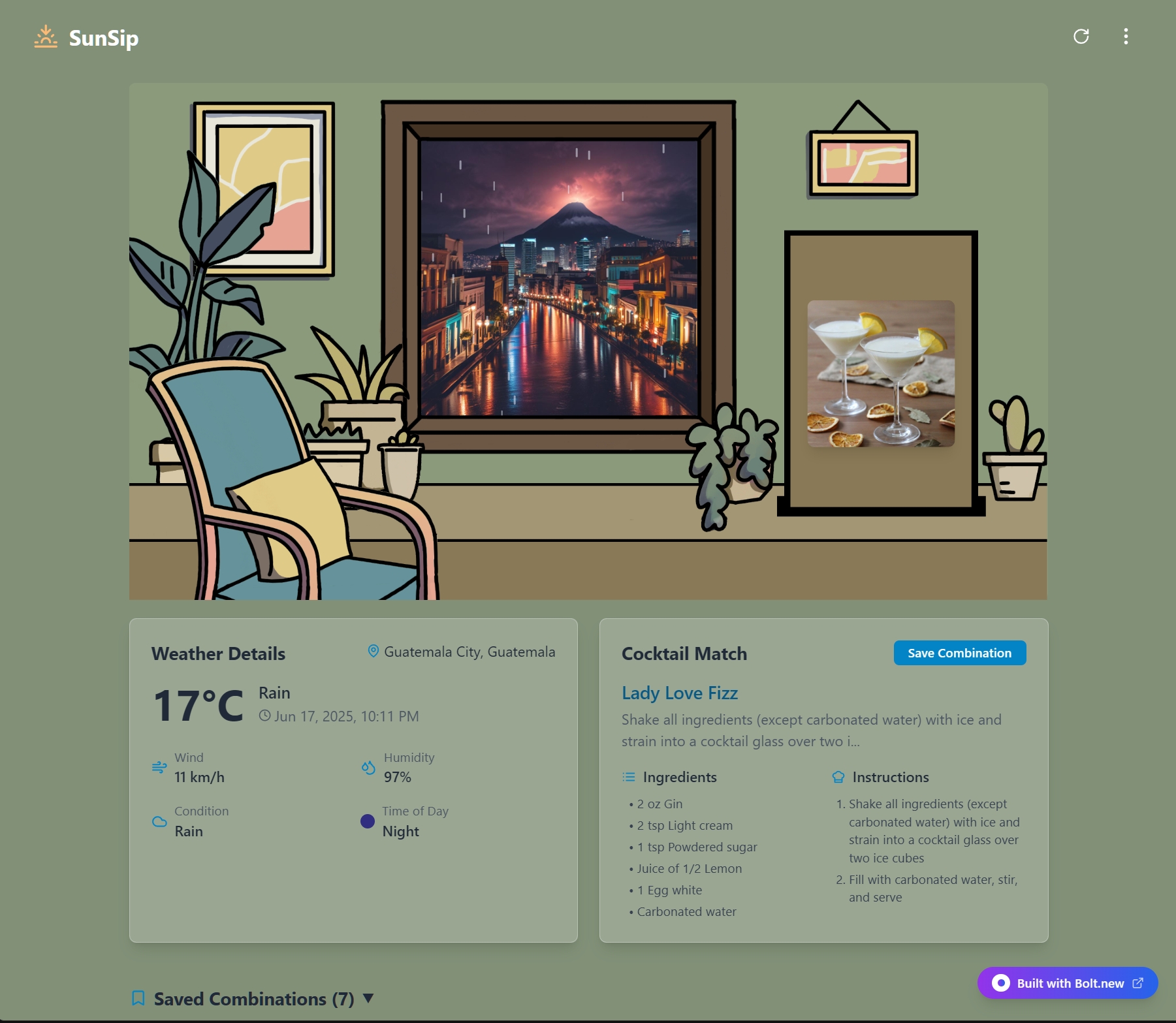
Results screen – your chosen city appears in the window, a mood-matching cocktail on the table, with weather info and recipe below
-
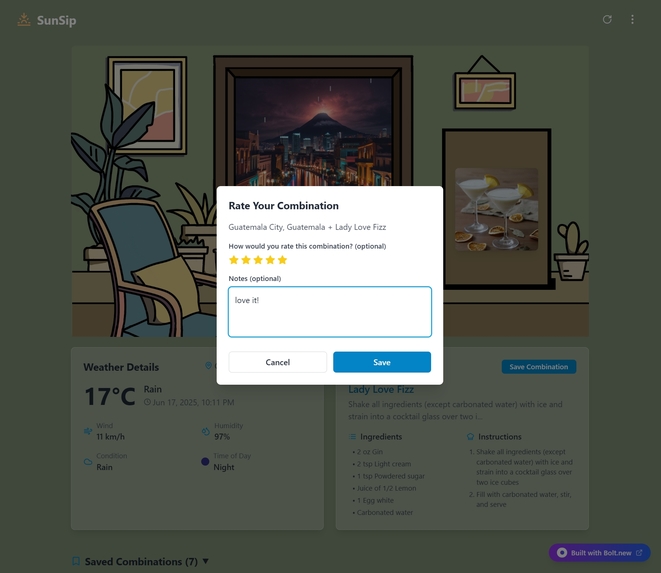
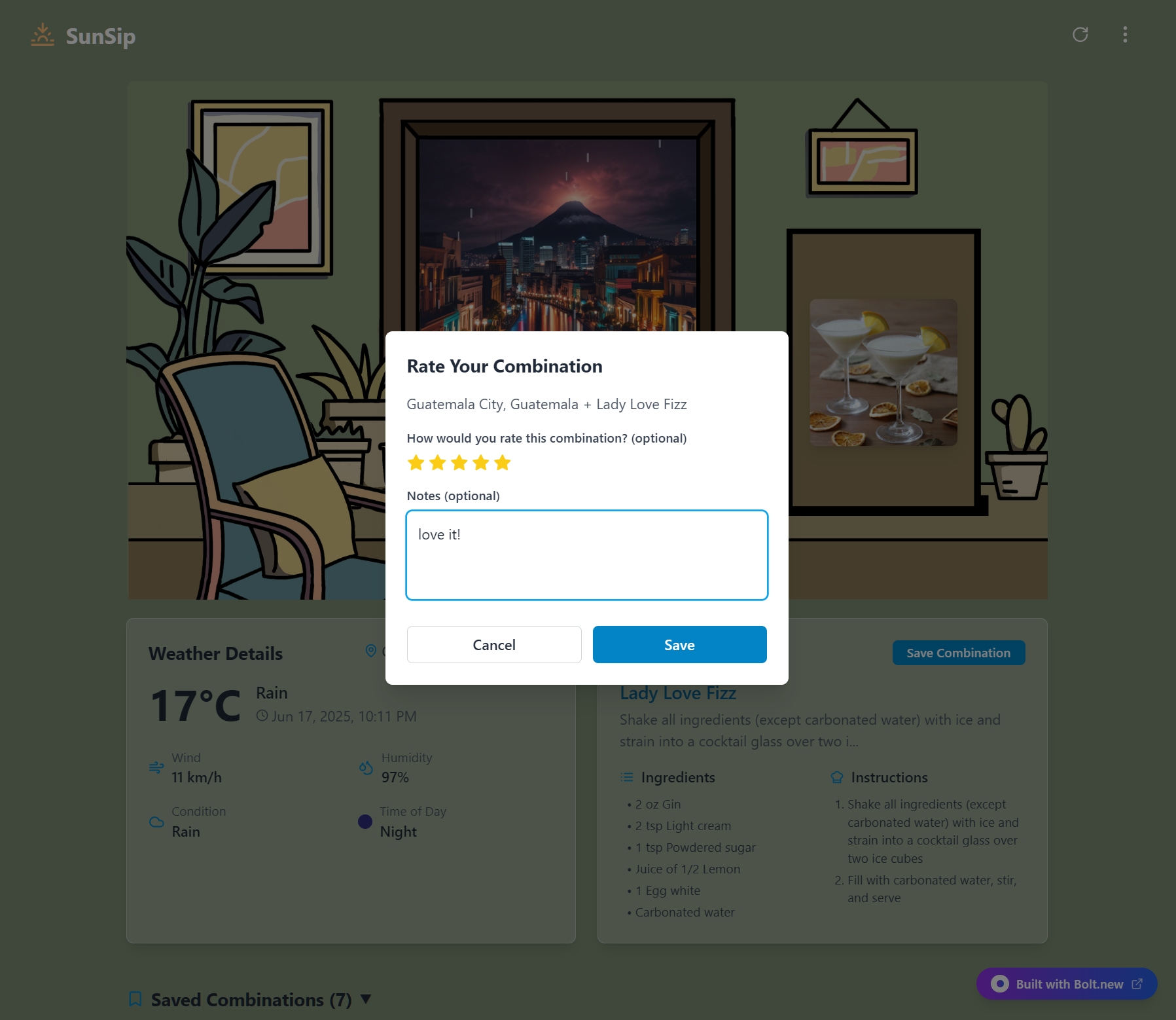
Saving combinations
-
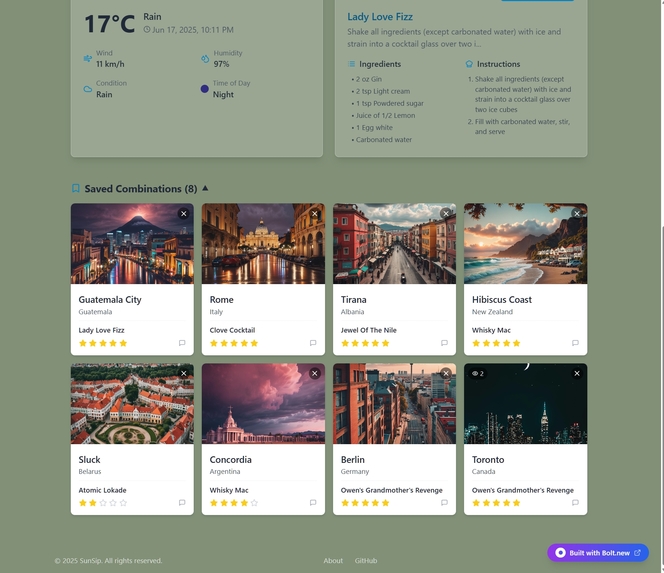
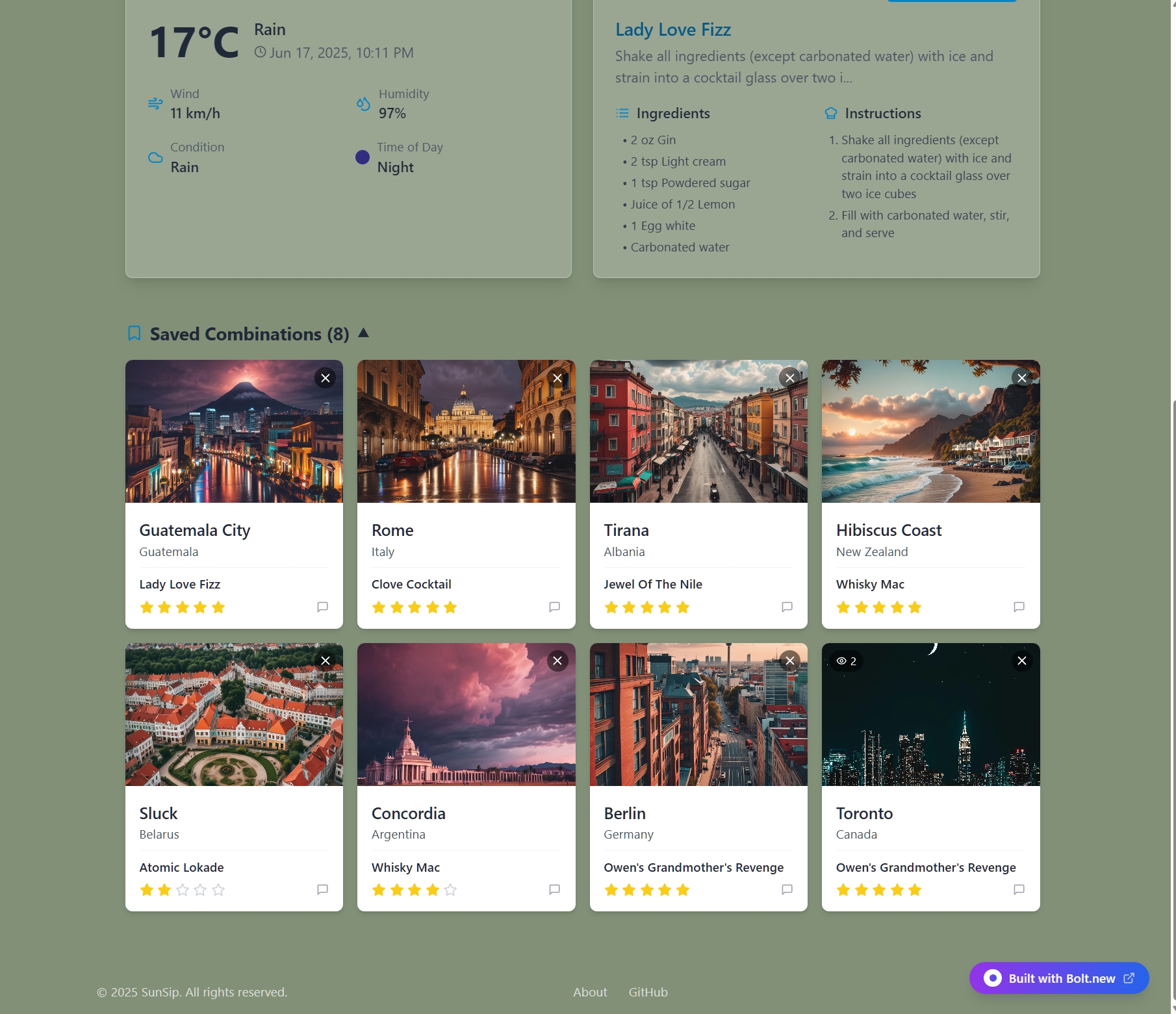
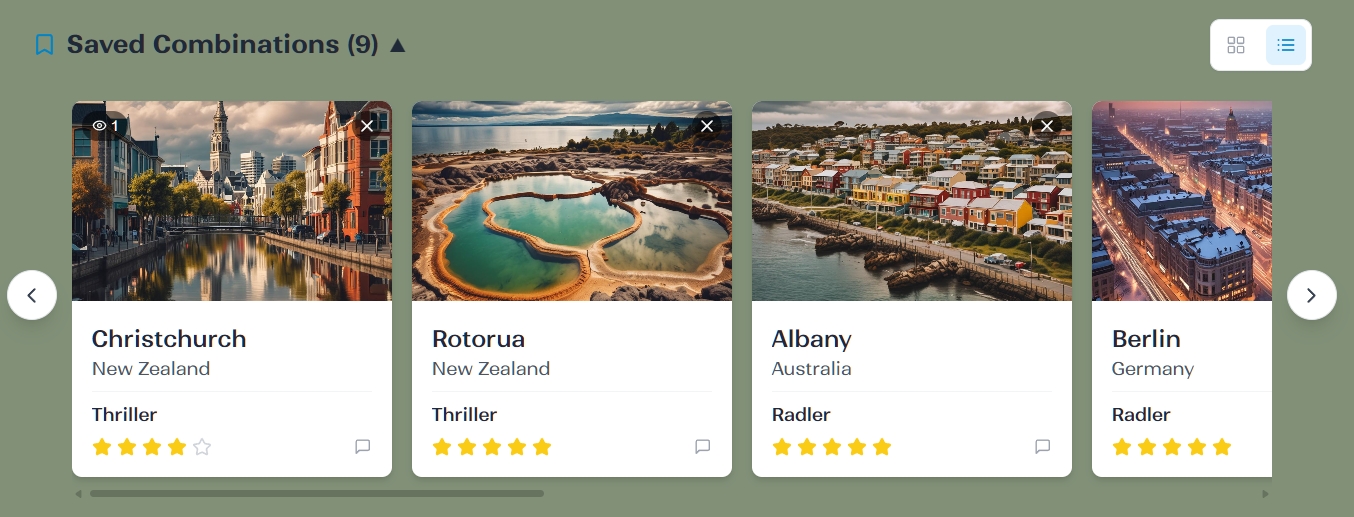
Saved combinations – signed-in users can save and access their preferred city-cocktail combinations, synced with the database.
-
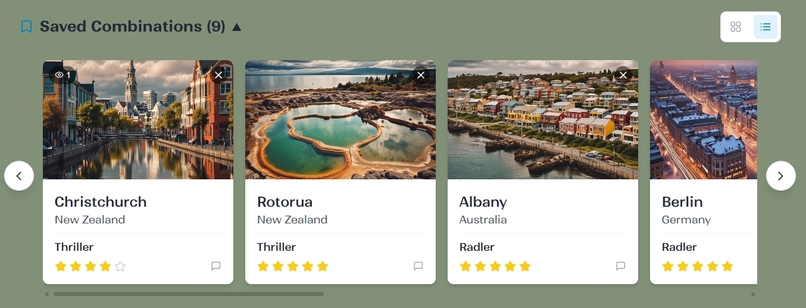
-
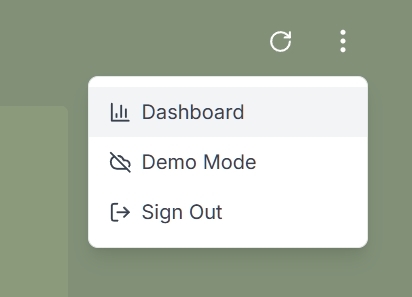
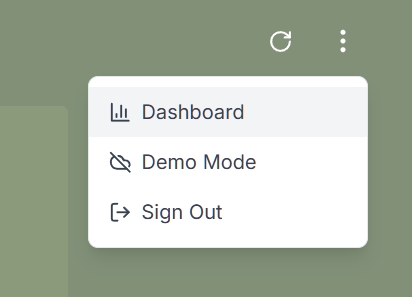
Dropdown menu – quick access to user dashboard, mode switch, and authentication actions.
-
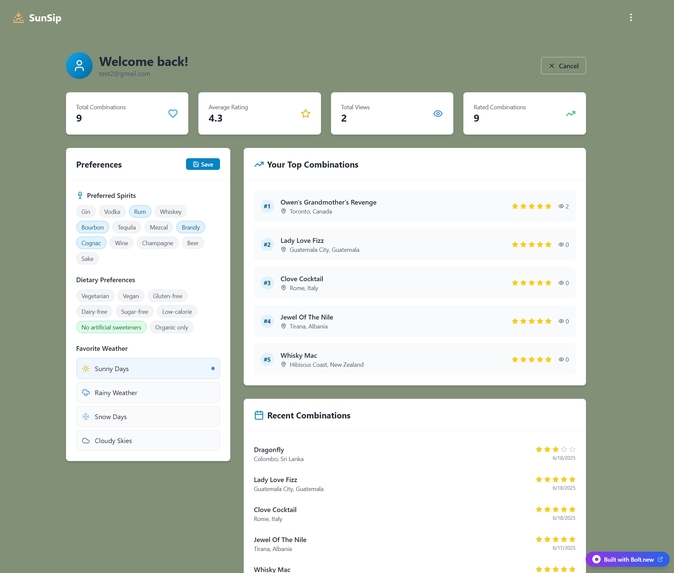
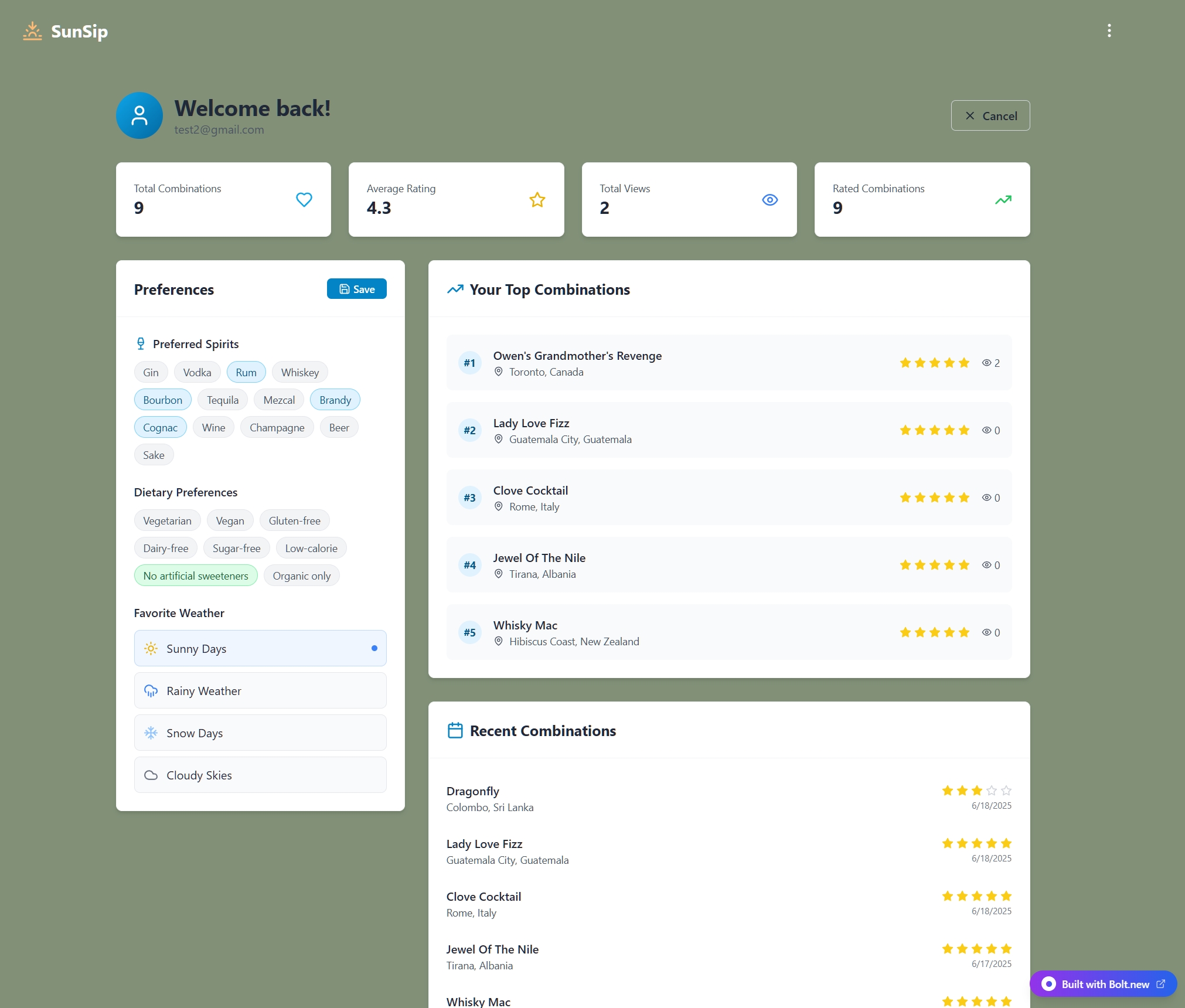
User Dashboard – track your activity, manage saved combinations, and customize your preferences.
Inspiration
I live far away from the rest of the world — in New Zealand — and I can't travel much. But I often imagine myself in a different city, sitting at a local café, surrounded by the sounds and people of that place. I picture what the weather feels like there right now, and I order a local drink — something traditional or unique to that culture.
SunSip was born from this daydream. It’s a small project with a big heart: to let you choose any city in the world and instantly feel connected through its weather, its vibe, and a drink you can make at home. It’s my way of turning a simple kitchen moment into a mini escape.
What it does
SunSip is an immersive app that lets users experience the vibe of any city in the world — right now — from the comfort of their home.
1. City Selection
Users start by entering a city name. If multiple countries have cities with the same name (like “Paris”), the app helps clarify the correct location using a dropdown.
2. Real-Time City Snapshot
Once a city is selected, the app generates a travel photography style AI image of that city. The image reflects the current weather, time of day, and season, making it feel like a live glimpse through a window.
3. Mood-Matching Cocktail
Based on the city’s location and visual “vibe” (e.g., cozy, lively, moody), the app suggests a local or culturally inspired drink. The cocktail image and recipe are sourced from TheCocktailDB, selected using custom logic that matches the weather and regional preferences. The chosen drink is then placed on a table beneath the window.
4. Unique UI/UX Design
The main screen shows a line-drawn room interior with:
- A window displaying the city image
- A table under the window with the cocktail image
- Plants and other cozy decor elements
All visuals share a consistent, lightweight travel photography style style (500x500px) to ensure fast performance and artistic cohesion.
5. Interactive Features
- → Weather & Time Info: Pop-ups showing real-time weather and local time
- → Drink Details: Cocktail name, recipe, and ingredients
- → Start Over: Easily reset and explore a new city
- → Save Favorites: Logged-in users can save up to 10 of their favorite city-drink combinations
- → Dashboard View: Access a personal dashboard to view, manage, and revisit saved pairings
- → Image Zoom: Click on any city or cocktail image to view it larger in a modal
SunSip is like a tiny portal — bringing a bit of the world to your kitchen, one drink at a time.
How I built it
SunSip is a modern web app built with a clean architecture and a playful UI.
- Frontend: Built using React, TypeScript, and Tailwind CSS, with animations powered by Framer Motion and global state managed via Zustand.
- Backend: Supabase handles authentication, database (PostgreSQL), and serverless functions.
- APIs & AI: The app integrates several APIs — Geoapify for geolocation, OpenWeatherMap for real-time weather, TheCocktailDB for drink suggestions, and ImageRouter + OpenRouter for AI-generated images and text.
- Resilience: The app includes fallback logic across all services, so even without working API keys, users can still explore using mock data or Pexels images.
- Deployment: Continuous deployment is configured via GitHub and Netlify.
Everything works together to deliver a smooth, data-rich, and visually consistent experience.
Challenges I ran into
Building SunSip came with its share of surprises.
- AI integration: Generating reliable AI images required fallback logic across multiple models to ensure consistent results, which was trickier than expected.
- Mock mode: Creating a fully functional "Demo Mode" meant handling missing API keys and using mock data without breaking the user flow.
- User preferences: Upsetting user preferences correctly (without duplicates) and enforcing row-level security in the database.
- UI polish: Fine-tuning layout, animation timing, and responsiveness across views was a continuous, detail-oriented process.
- Request Limits: Since I used only free APIs, I couldn’t allow unlimited usage. I implemented request limits — up to 10 per user (both registered and guest) — to keep the experience accessible without overloading the services.
- Admin Mode: To avoid “too many requests” errors during testing, I built an admin mode with the ability to globally disable all external API calls. This was especially useful during demo sessions and debugging.
Accomplishments that I am proud of
- A fully functional immersive experience, from city input to weather-based drink suggestions
- Seamless use of AI for both images and text, with graceful fallbacks in place
- A custom UI that feels playful and consistent
- A robust authentication and user preferences system, all hosted via Supabase
- Continuous deployment pipeline set up with GitHub Actions and Netlify
What I learned
This project taught us a lot:
- How to chain multiple APIs together in a cohesive flow
- The importance of fallbacks and graceful degradation when relying on external services
- How to optimize for both performance and visual polish in a single-page React app
- Better ways to manage state and user authentication in a full-stack setup
What's next for SunSip
SunSip has room to grow — and I'm excited about what’s ahead:
- Interactive visuals: Explore animated or interactive cityscapes
- Improve loading speed: The app is loading slowly, so figure it out and make generating faster
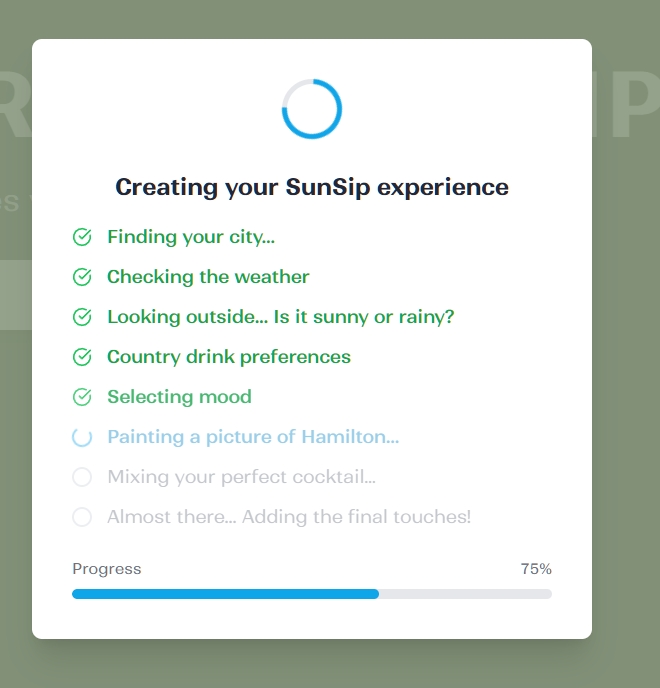
- Add loading animations: Create animations to make waiting less boring
- Community features: Allow sharing favorite combos and browsing public mixes from other users
SunSip started as a small escape — and now it's ready to explore even more of the world.
Built With
- axios
- eslint
- farmer-motion
- geoapify-api
- github
- github-actions
- imagerouter.io
- lucide-react
- netlify
- openrouter.ai
- openweathermap-api
- react
- sentry
- supabase
- tailwind
- thecocktaildb-api
- typescript
- vite
- vitest
- zustand

Log in or sign up for Devpost to join the conversation.