-
-
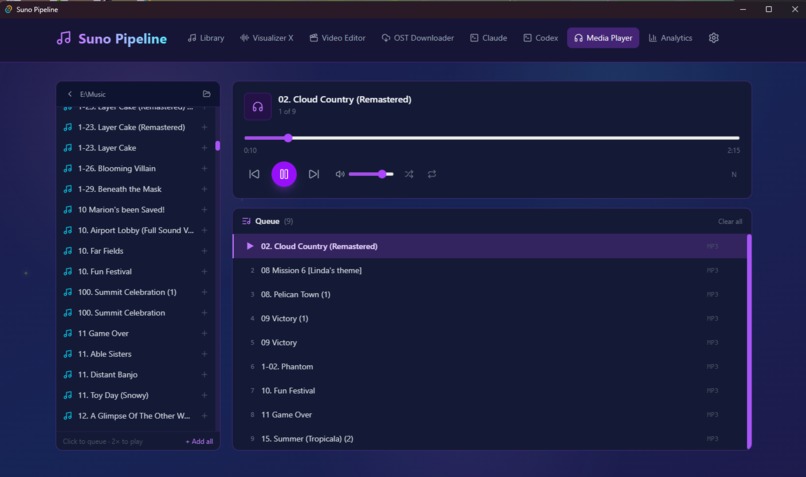
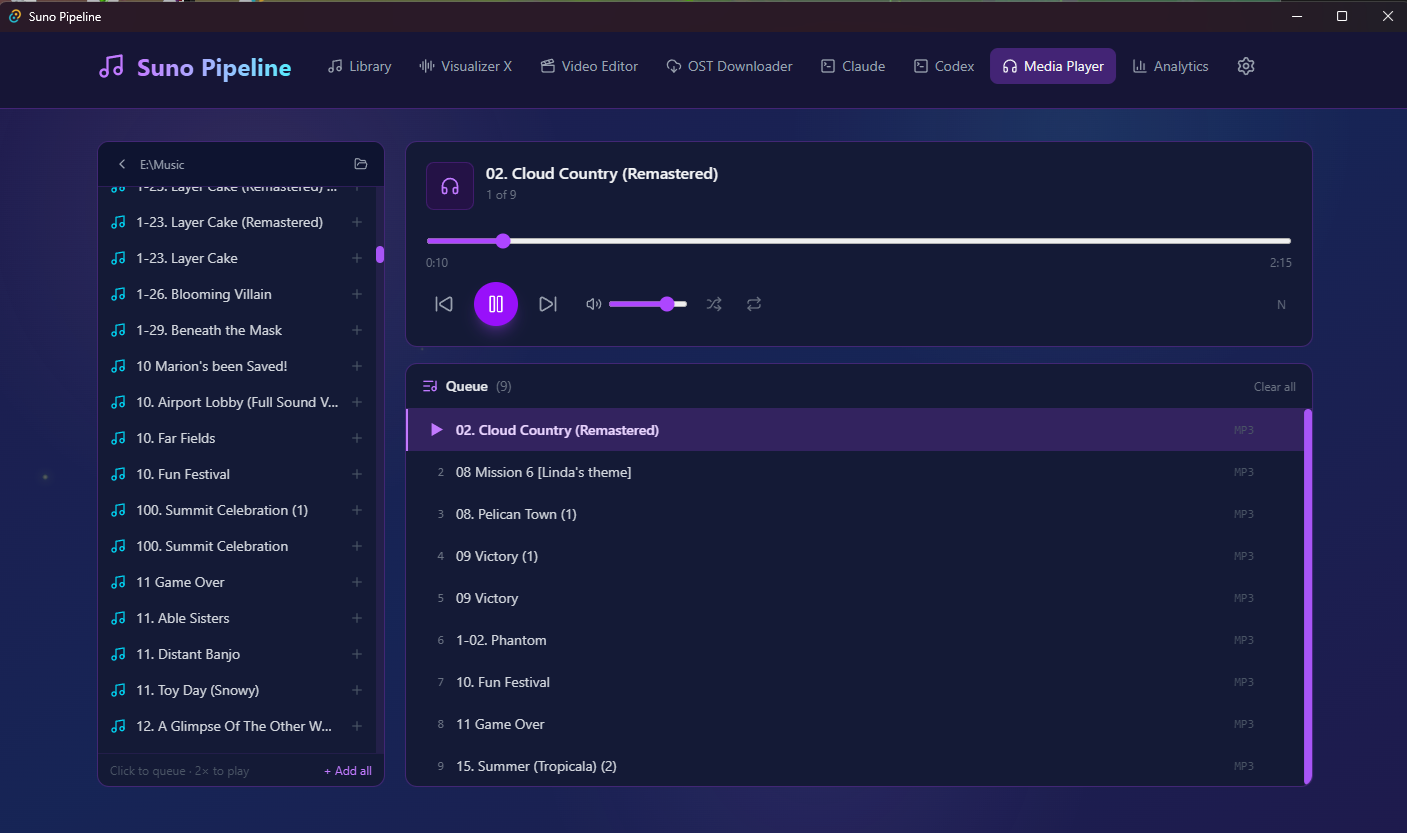
Media player (playlist creator)
-
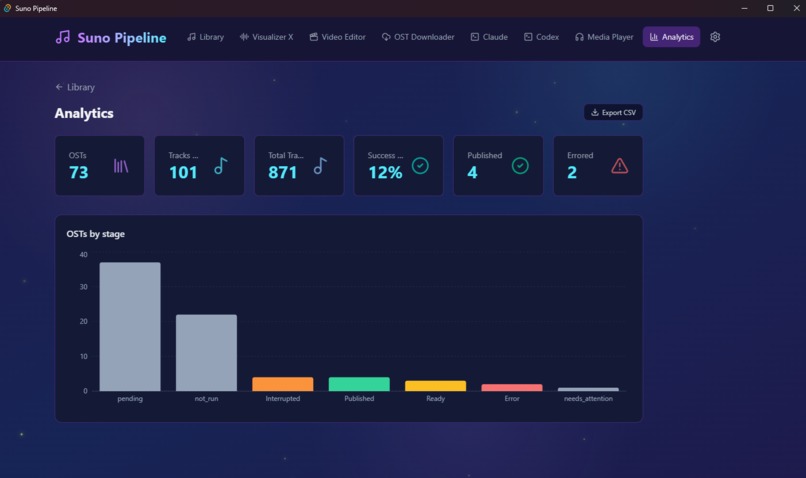
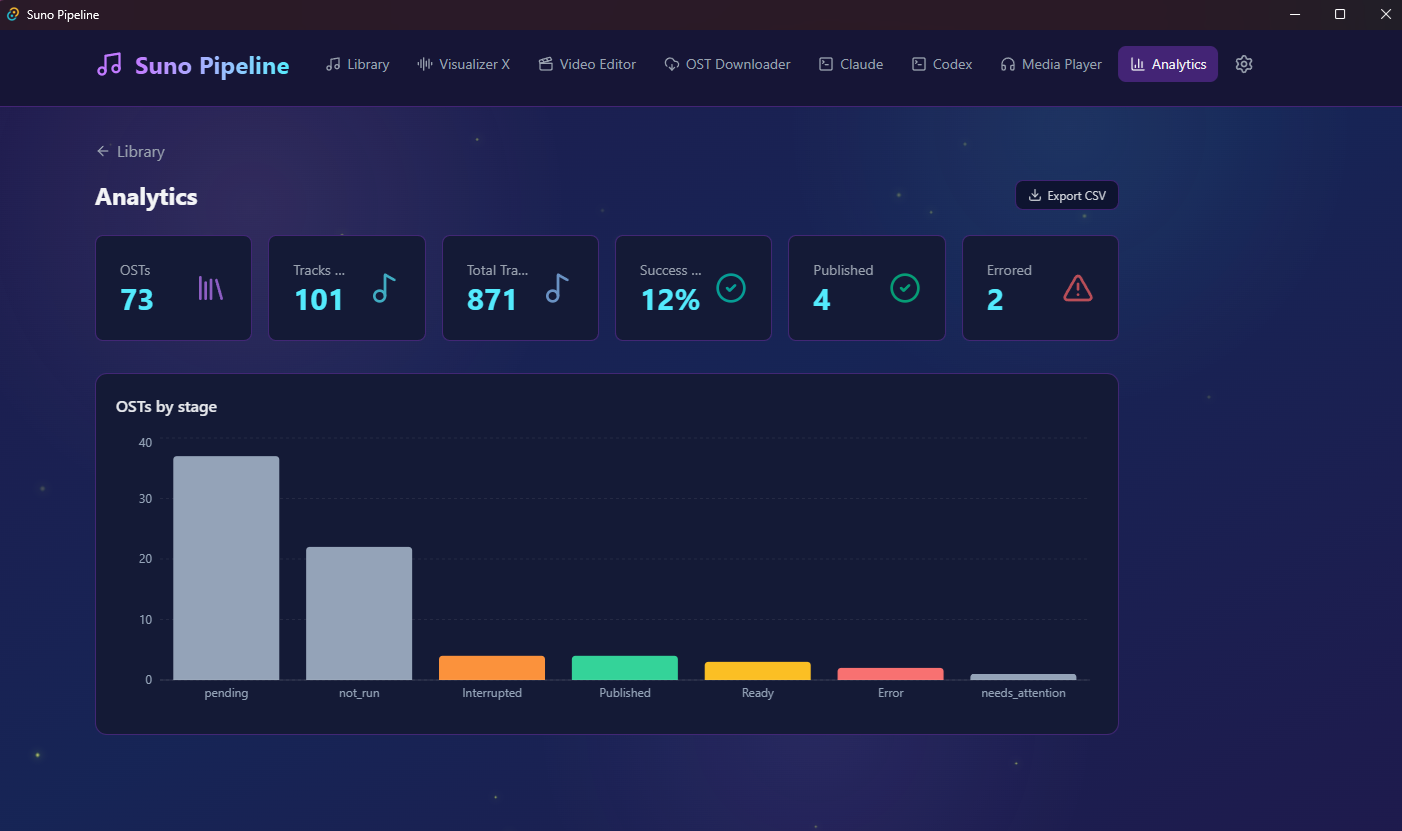
Analytics
-

Library Submenu
-
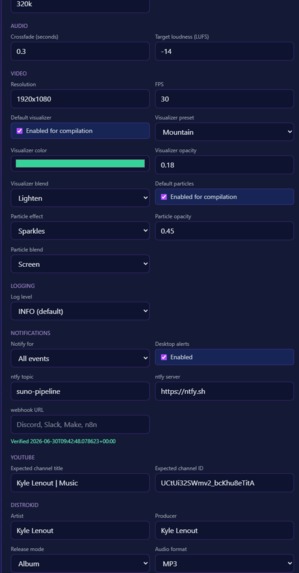
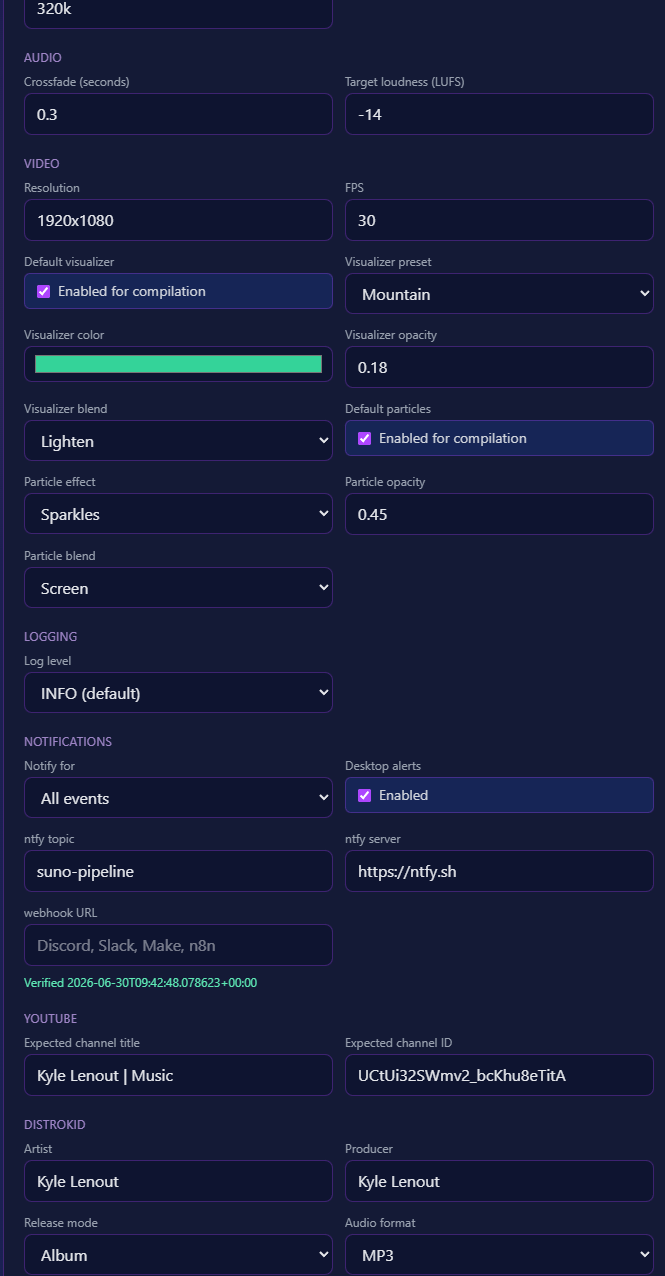
Settings 2 (continued)
-
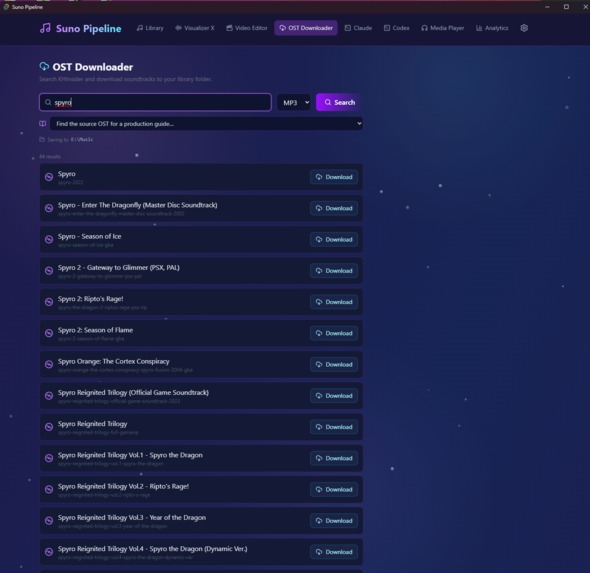
OST downloader
-
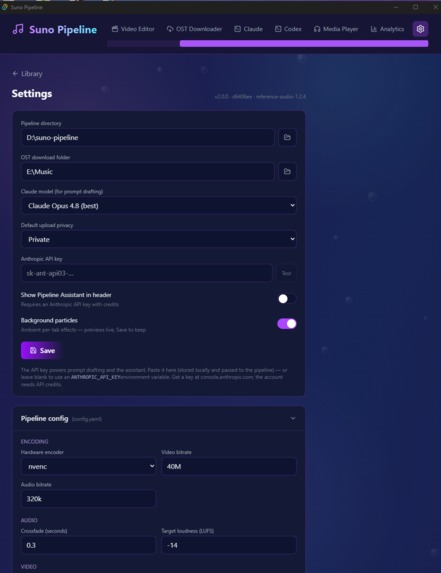
Settings 1
-
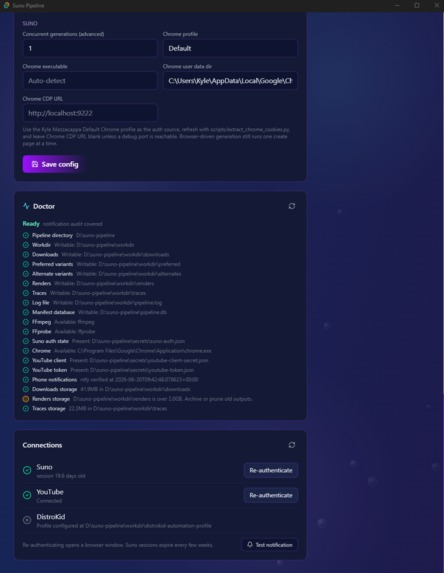
Settings 3 (continued)
-
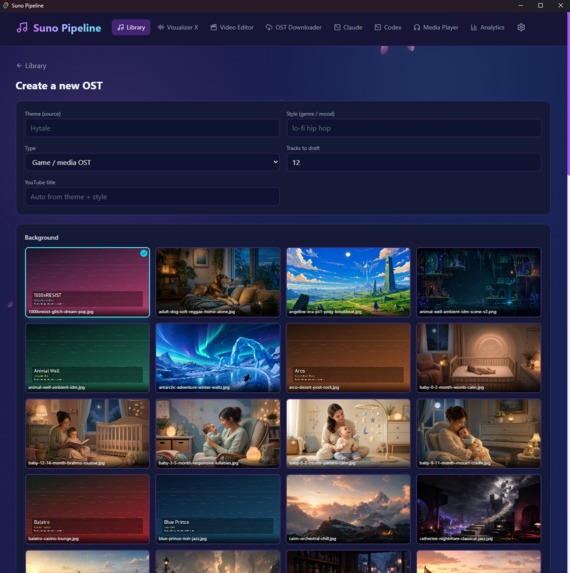
New OST generation
-
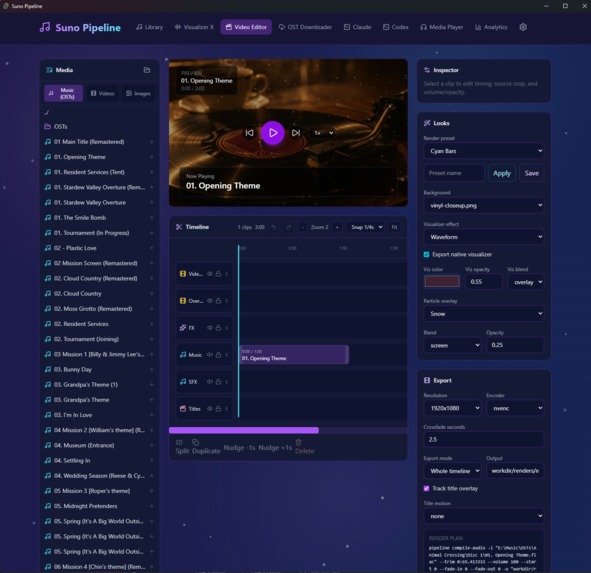
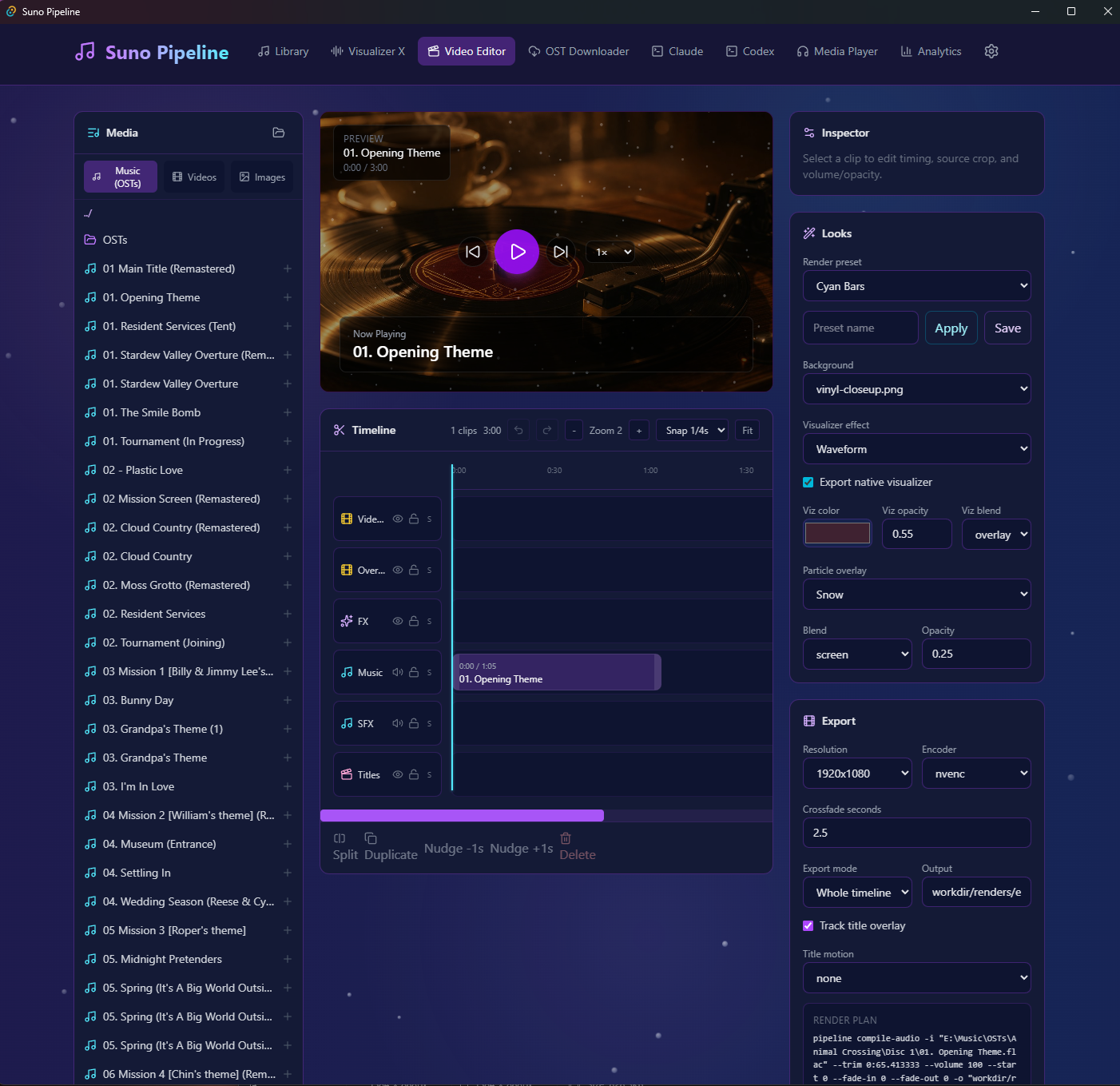
Video Editor
-
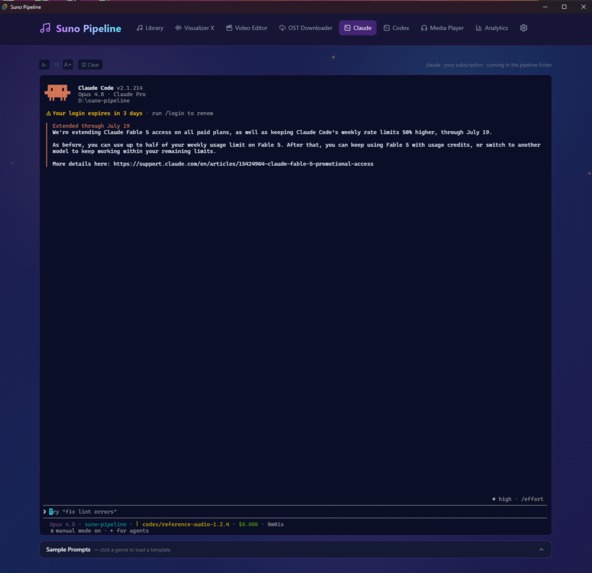
Embedded Claude Terminal
-
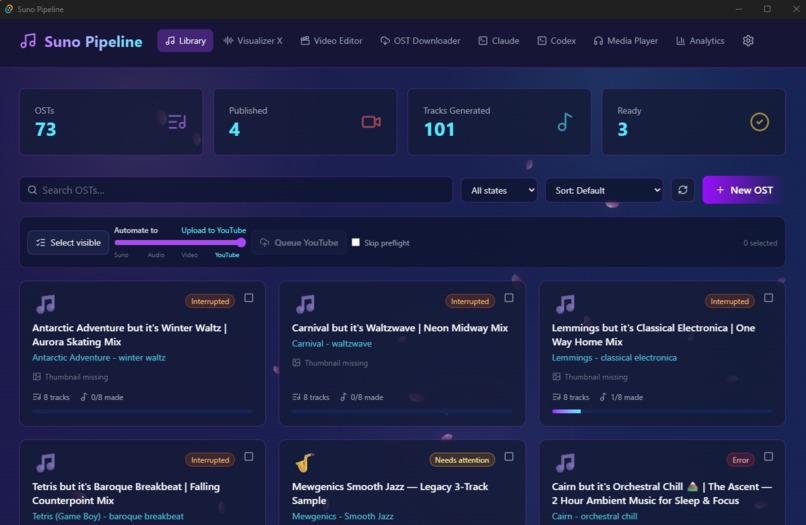
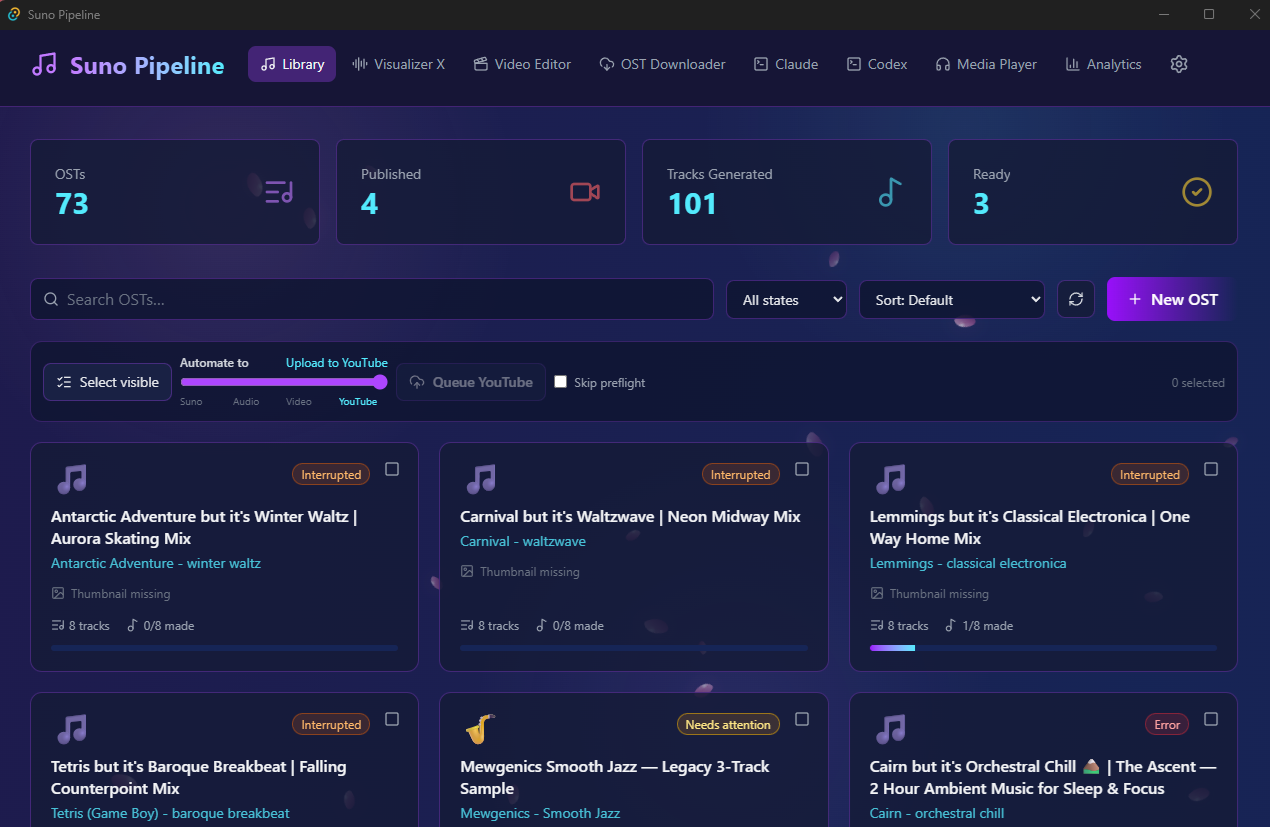
Library Main Screen
-
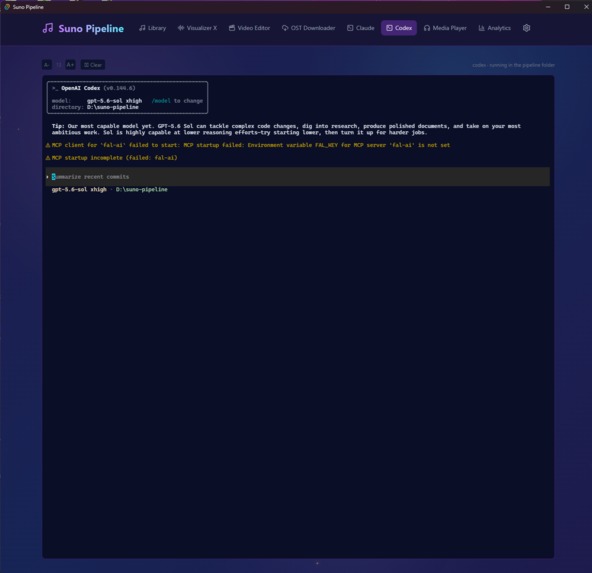
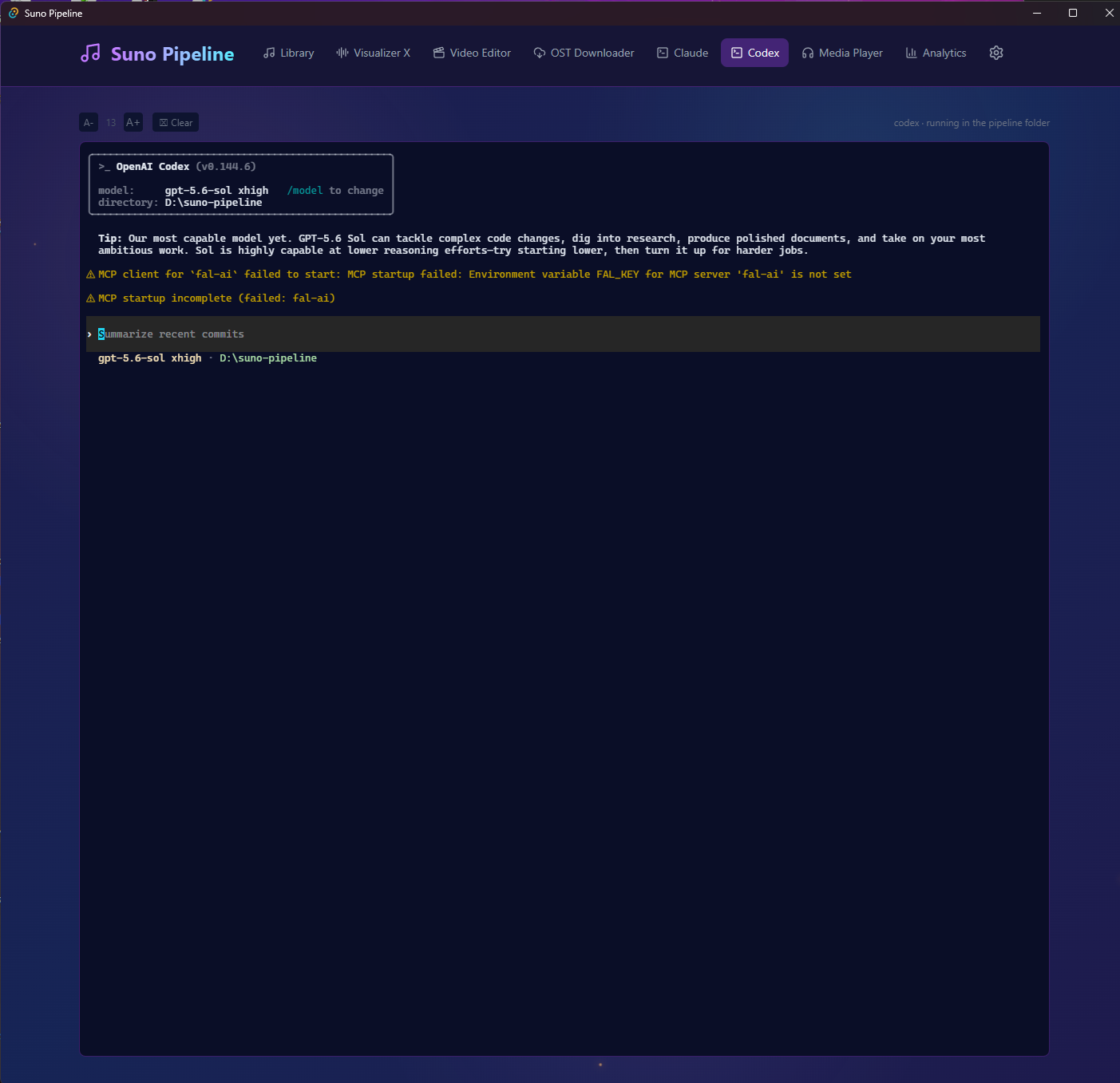
Embedded Codex Terminal
-
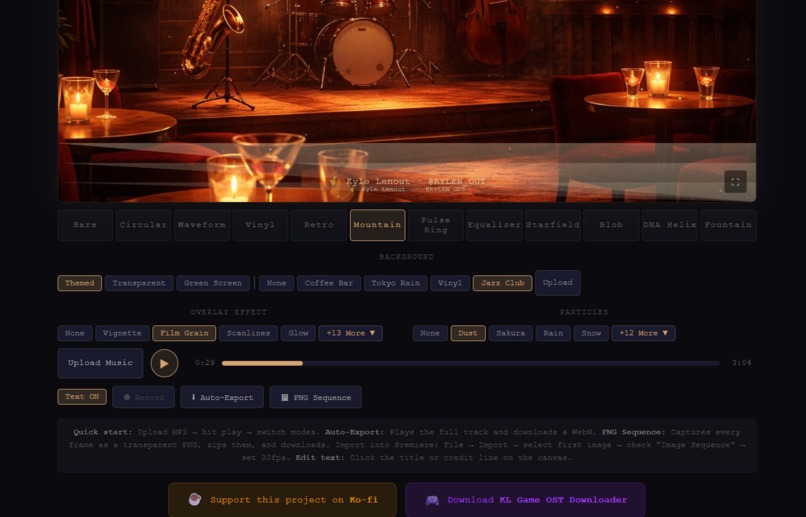
Visualizer UI
-
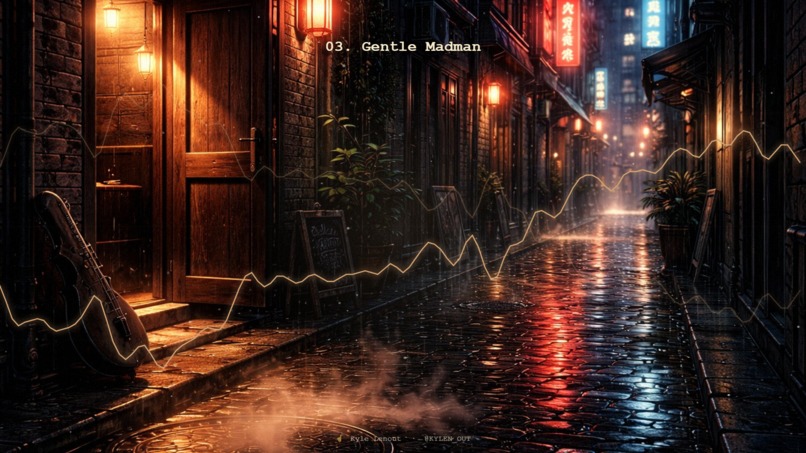
Visualizer sample

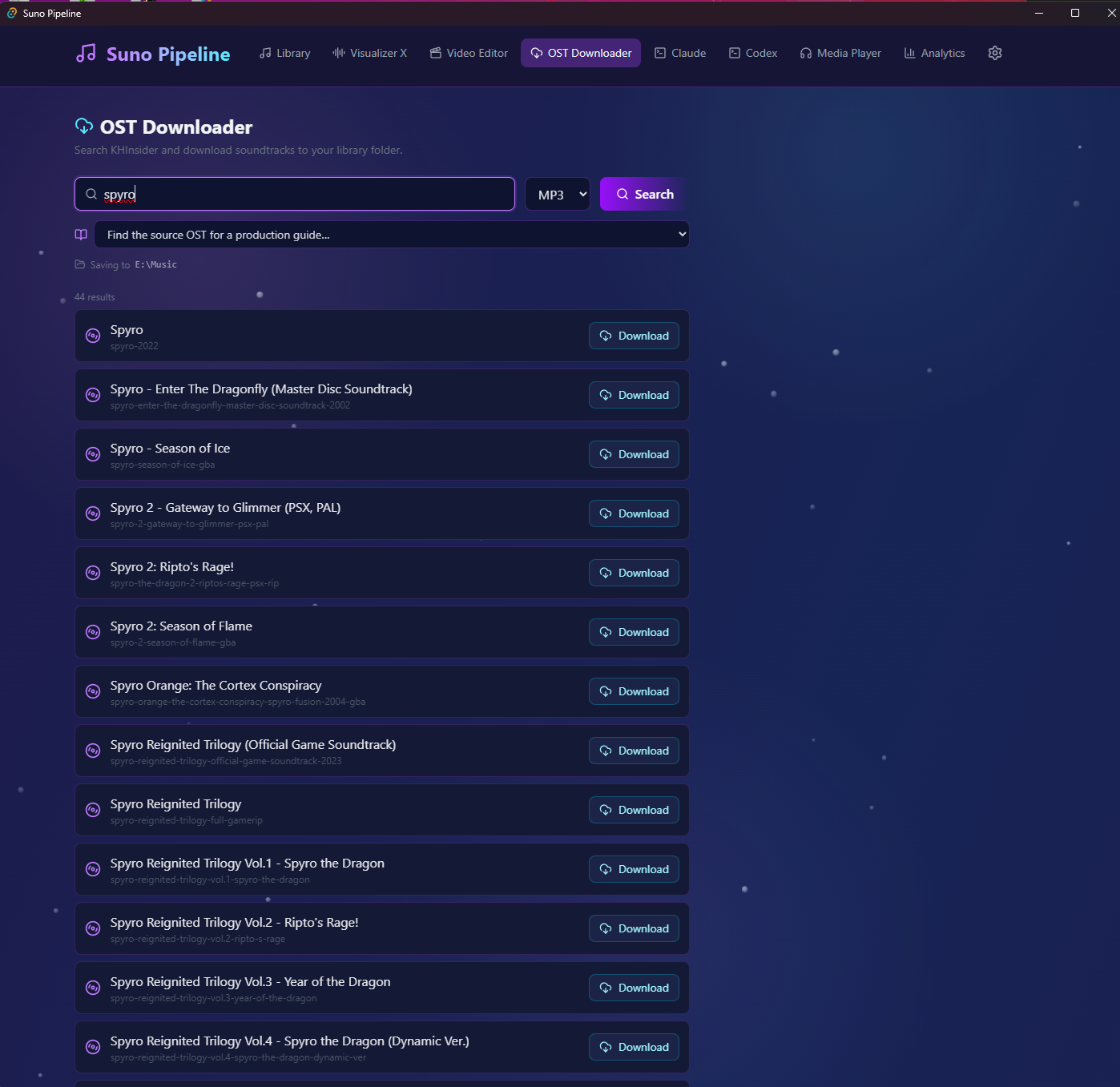
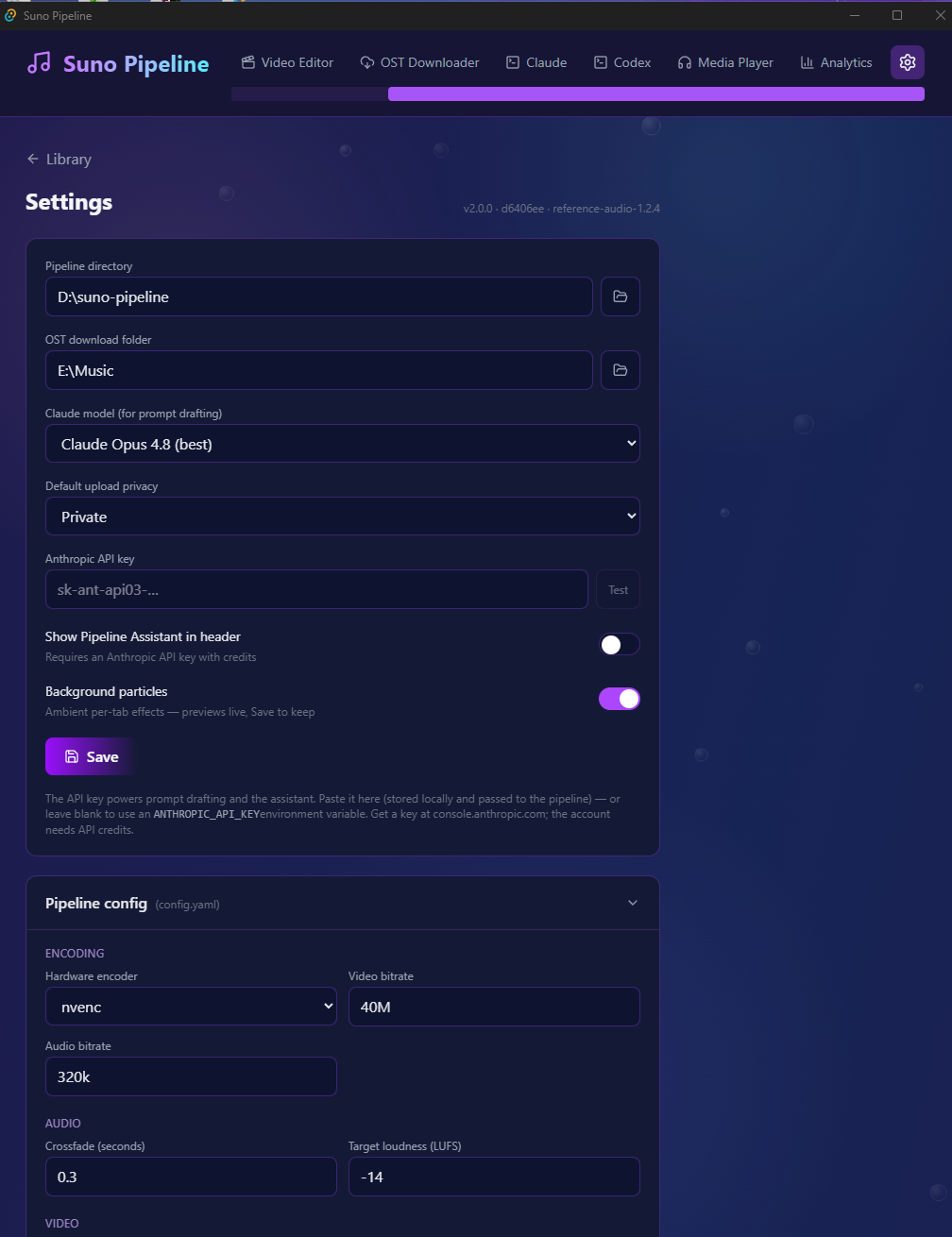
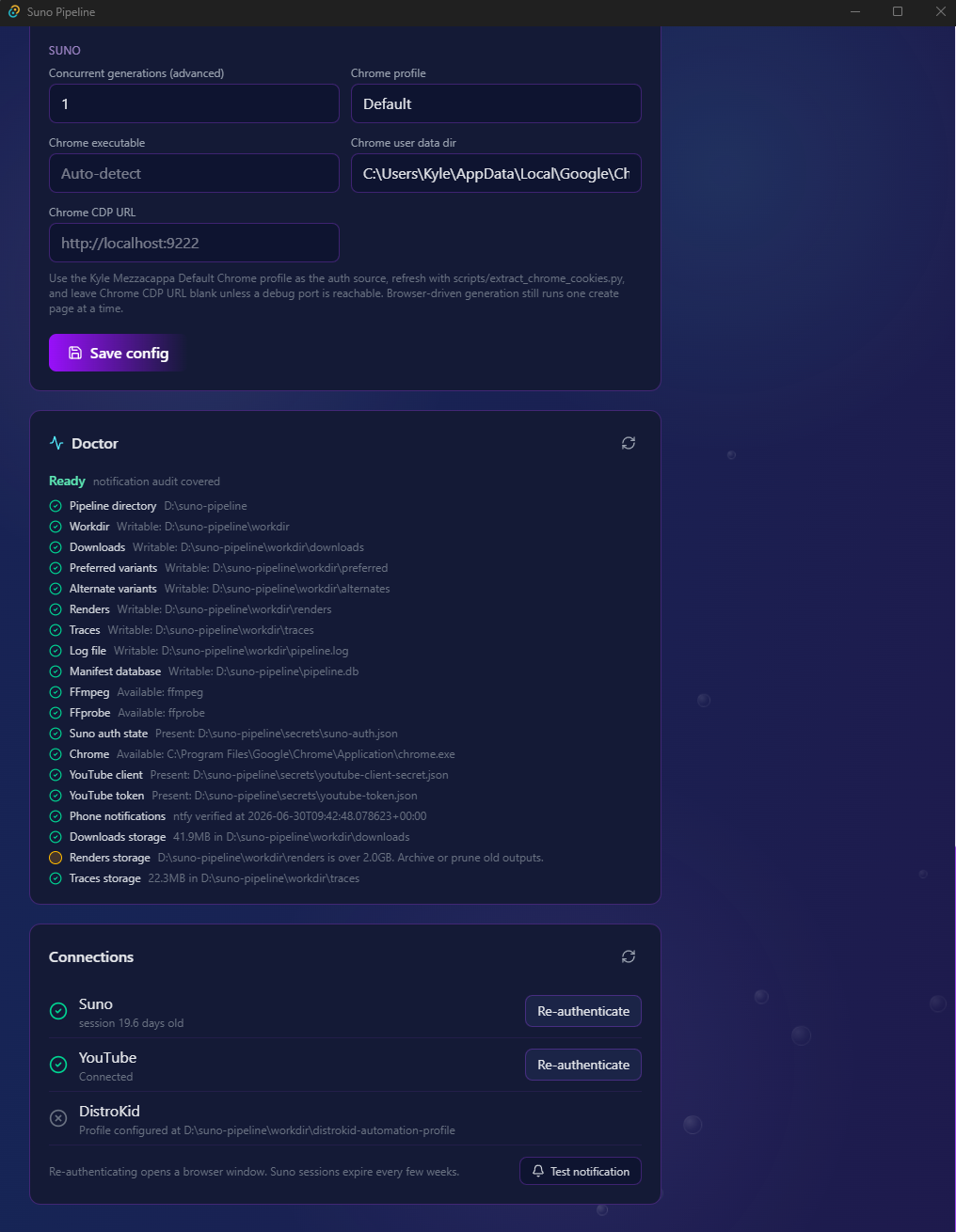
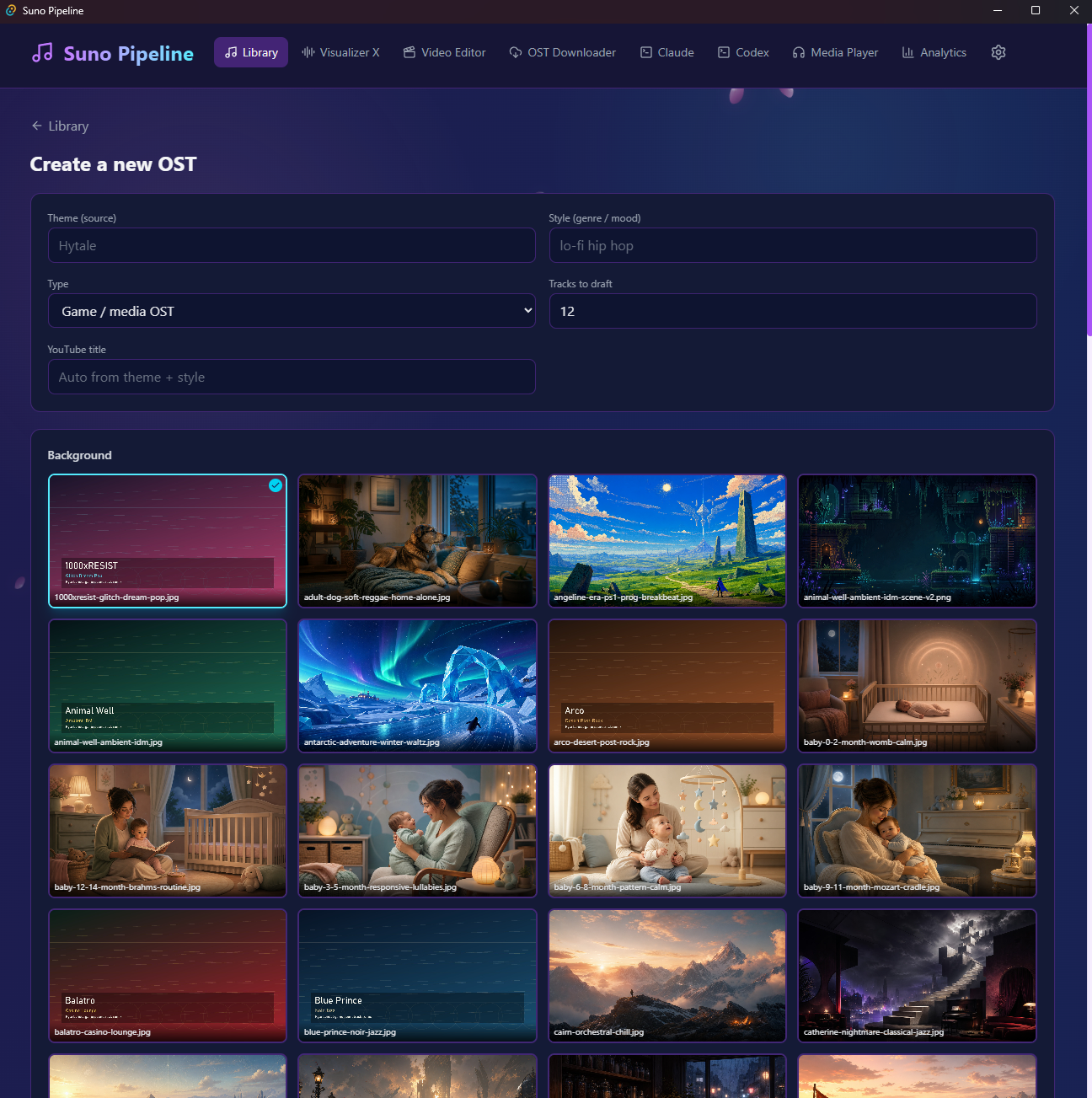
Inspiration
My wife and I listen to music on YouTube throughout the day, especially gaming-inspired mixes that combine nostalgia with contemporary styles. I also began creating calming music for our dogs to play while we were away from home. Producing these videos required repeatedly moving between disconnected tools: source preparation, music generation, downloads, audio compilation, video editing, visualizers, thumbnails, metadata, and YouTube. A single failure could interrupt hours of work. I wanted one reliable workspace that could manage the entire process, explain what was happening, and recover when something went wrong.
What it does
Suno Pipeline is a desktop production workspace for creating and publishing long-form music videos.
- Organizes reusable production jobs in a searchable library.
- Clearly identifies which jobs generate directly and which require authorized reference audio. Prepares explicitly mapped source material and blocks missing, ambiguous, or unsafe references before submission.
- Submits prompts and verified reference audio to Suno.
- Continues to later tracks when an individual generation encounters a copyright restriction.
- Handles CAPTCHA interruptions through desktop and mobile notifications.
- Downloads successful generations and compiles them into a normalized long-form mix.
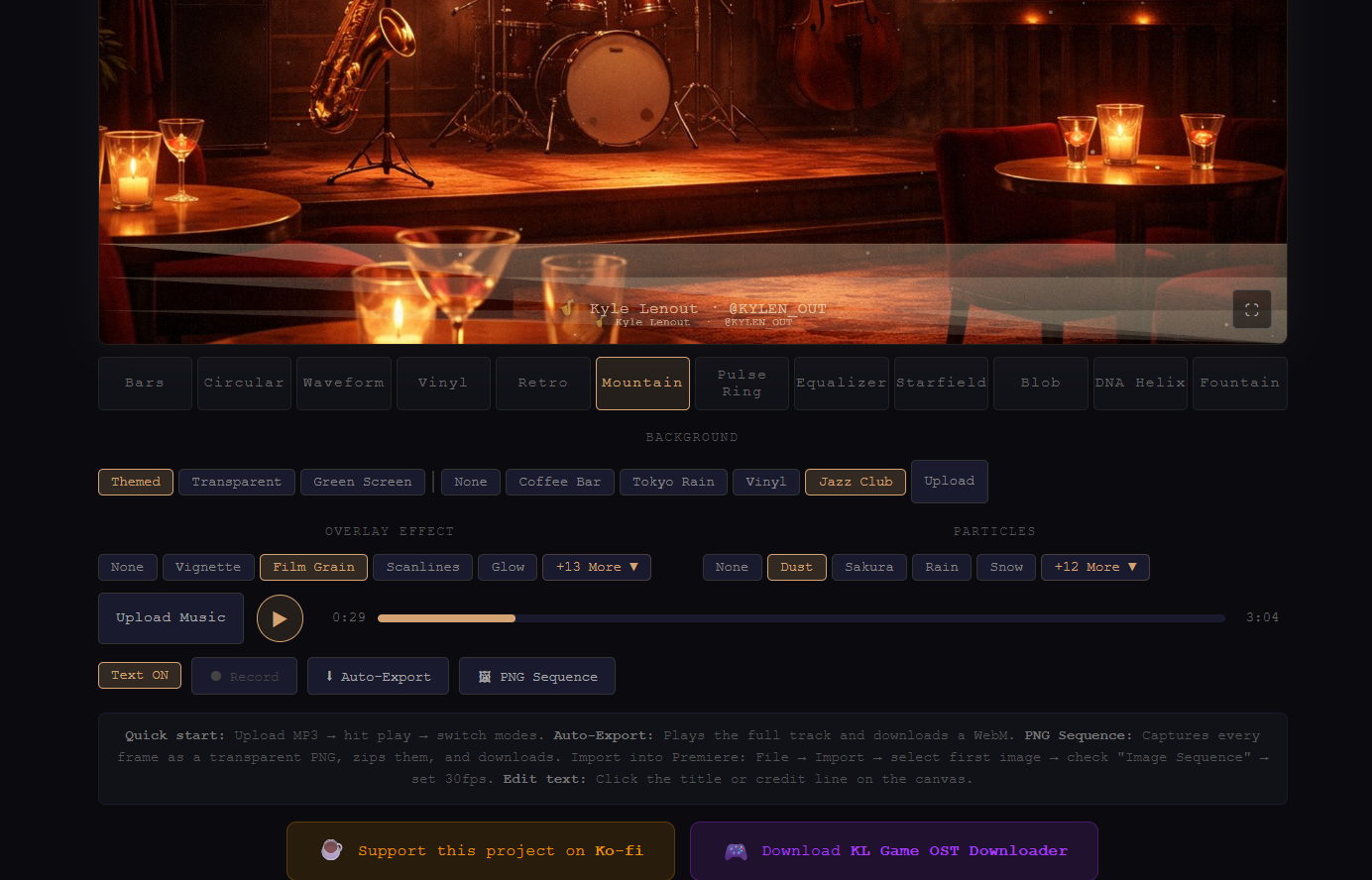
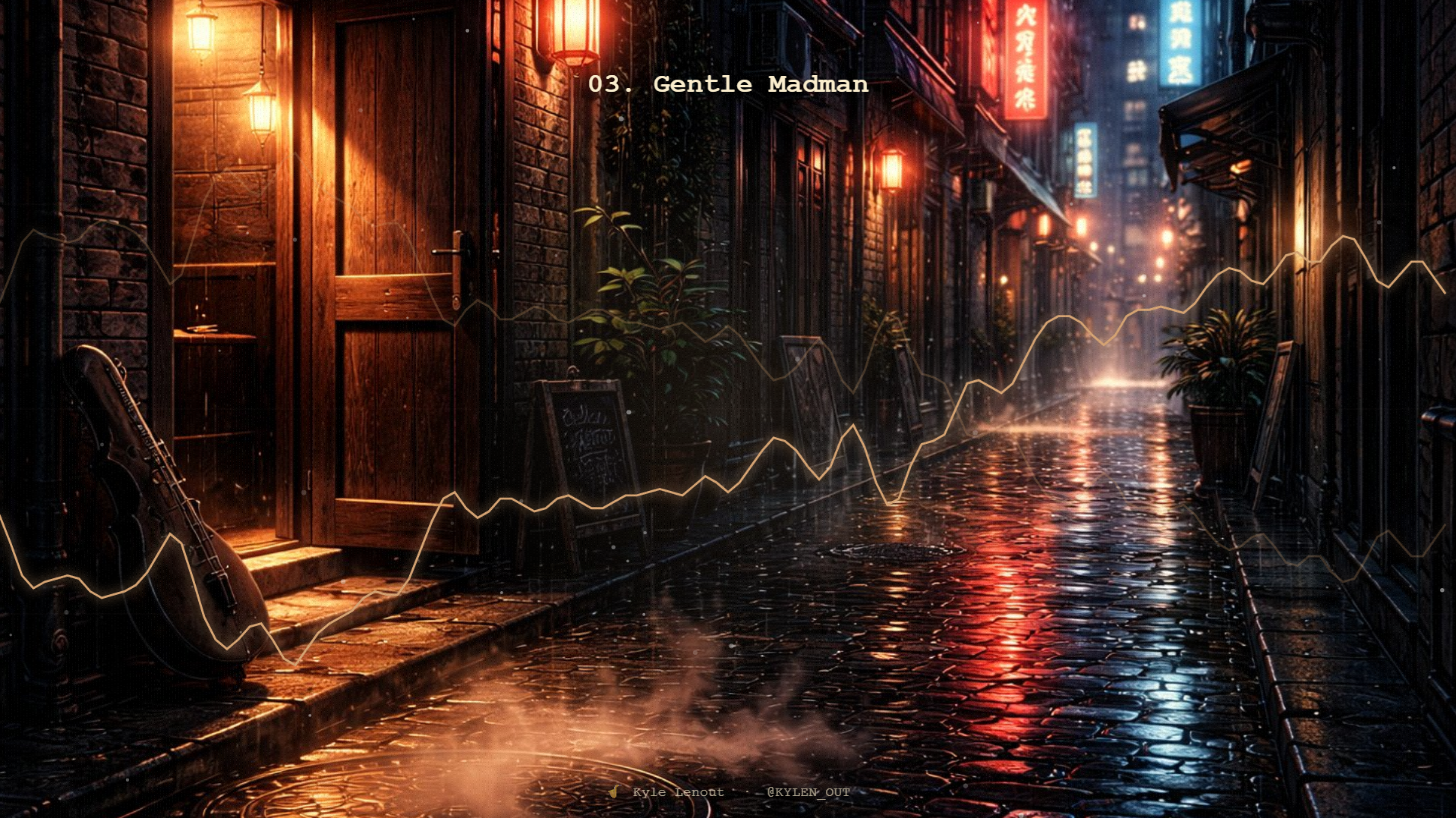
- Renders videos with generated backgrounds, particle effects, visualizers, and animated track titles.
- Generates thumbnails, descriptions, and timestamped chapters.
- Stages YouTube uploads privately by default.
- Persists queued work across restarts and supports pause, resume, reorder, removal, cancellation, and retry.
- Provides a Demo Readiness dashboard that checks the machine and queued jobs before a long run begins. Downloaded commercial soundtrack recordings are never silently treated as safe upload material. Direct-generation jobs use no reference recording, and the rights-cleared original-sketch workflow creates a new deterministic reference without sampling or embedding the archived OST recording.
How we built it
Before Build Week, I had created several independent tools, including Visualizer X, an OST downloader, music-generation scripts, and an early rendering workflow. They still required manual coordination and external video-editing software. During Build Week, I used Codex with GPT-5.6 to combine and harden those components into Suno Pipeline 2.1.0. I brought Codex real logs, screenshots, and failed runs. It helped trace behavior across the Python backend, React interface, Playwright browser automation, and Tauri/Rust desktop shell. We turned production failures into regression tests before implementing fixes. I made the key product and safety decisions: reference-dependent jobs must fail closed, direct-generation jobs should not wait unnecessarily, cancellation must not silently start the next job, restored queues must start paused, and every reference state must be understandable from the Library. The Build Week release added the Demo Readiness dashboard, persistent queue controls, one-click reference preparation, explicit reference-audio states, safe active-run shutdown, copyright-skip recovery, direct Visualizer X access, updated documentation, and packaged Windows installers.
Challenges I ran into
The hardest challenge was making browser automation reliable against a dynamic third-party composer. A file being selected did not necessarily mean it had finished uploading or was attached to the correct prompt. The pipeline now verifies the exact attachment, handles intermediate dialogs, checks for late rejection messages, and refuses to click Create when a required reference cannot be confirmed. Partial success was another challenge. If one track was rejected, the system needed to continue safely; if every track was rejected, it needed to stop before compilation instead of trying to compile zero files. Desktop process management also required careful work. Runs span Python, Playwright, Chrome, FFmpeg, and the Tauri application. The finished app preserves queues across restarts, confirms before closing an active run, cancels process trees safely, and never starts the next queued job unexpectedly.
Accomplishments that we're proud of
- Turned several independent scripts into one coherent desktop product.
- Built an integrated music-video editor and native FFmpeg visualizer workflow.
- Added a persistent, controllable production queue suitable for unattended runs.
- Made reference-audio requirements visible and actionable before generation.
- Added recovery for CAPTCHA interruptions, copyright skips, failed references, and cancelled processes.
- Produced Windows MSI and NSIS installers with macOS Apple Silicon support.
- Replaced a fragmented workflow across multiple paid applications with one purpose-built workspace.
- Validated the release with 449 Python tests, 78 frontend tests, Rust checks, and a production frontend build.
What we learned
- Reliable automation should be designed as a recoverable state machine, not a sequence of clicks.
- Good error messages are part of the product experience.
- A system should distinguish “not configured,” “automatically fixable,” and “blocked” instead of calling everything an error.
- Real production logs make excellent regression tests.
- Codex is most effective as an engineering collaborator when I provide concrete evidence, constraints, and acceptance criteria.
- GPT-5.6 helped connect product decisions with implementation details across several languages and frameworks while still leaving the final design decisions to me.
What's next for Suno Pipeline
I want to develop the editor into an “Adobe Premiere for music videos”: a focused production environment for long-form mixes, visualizers, chapters, and reusable channel templates. Future work includes richer timeline editing, reusable visual presets, stronger licensing and provenance records, portable demo projects, collaborative job libraries, and additional generation providers. I also want every pipeline run to produce a clear audit trail showing where its prompts, references, media, and publishing decisions came from.


Log in or sign up for Devpost to join the conversation.