-
-
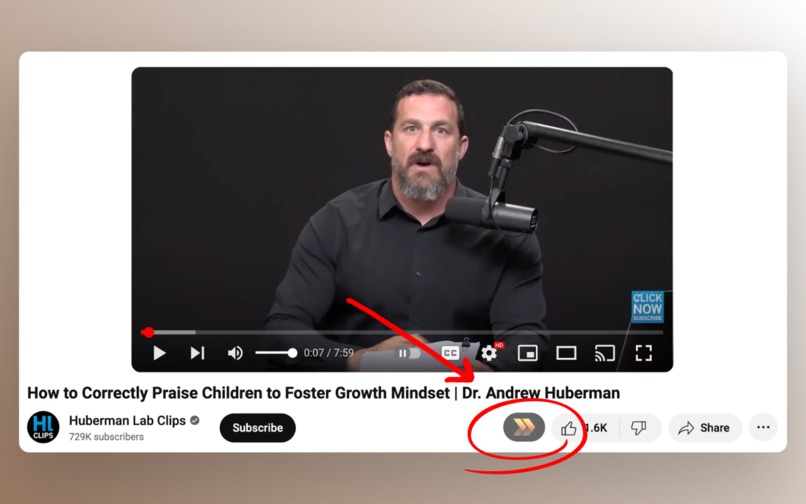
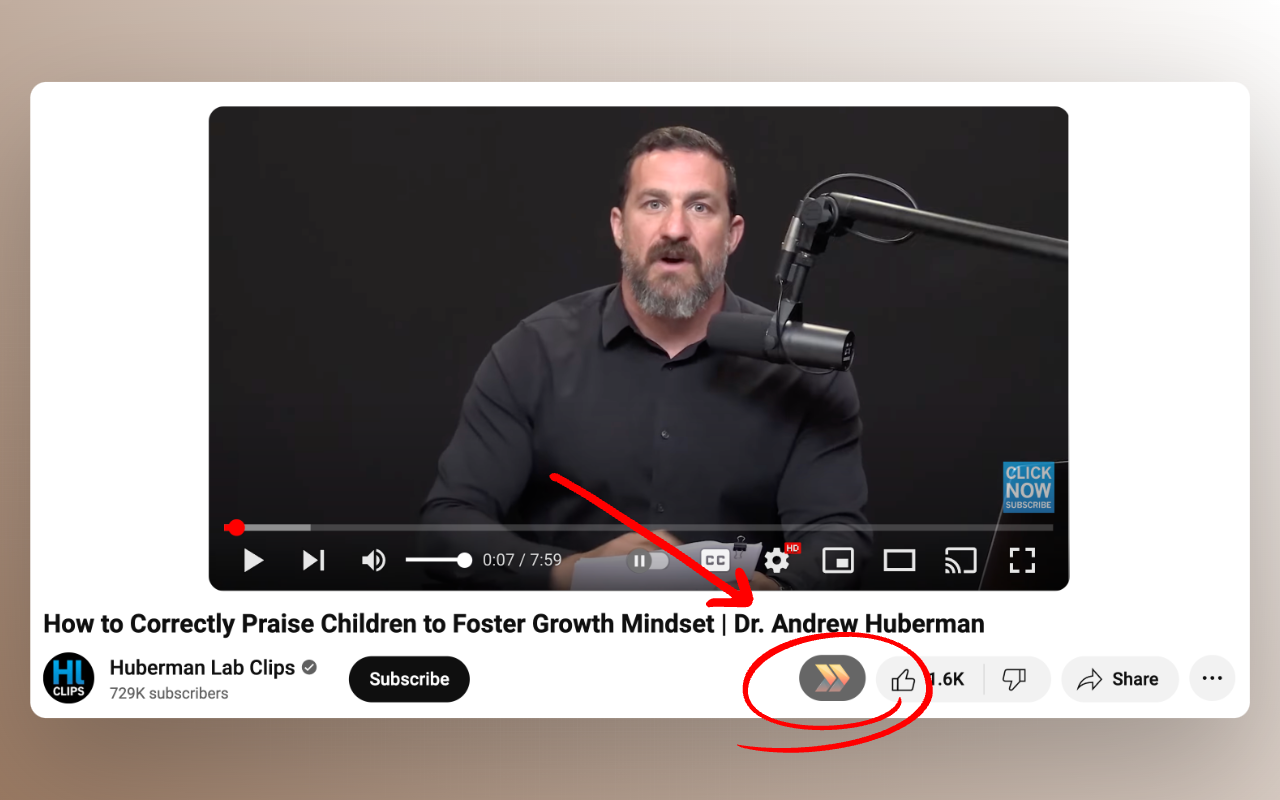
A button is added below YouTube videos
-
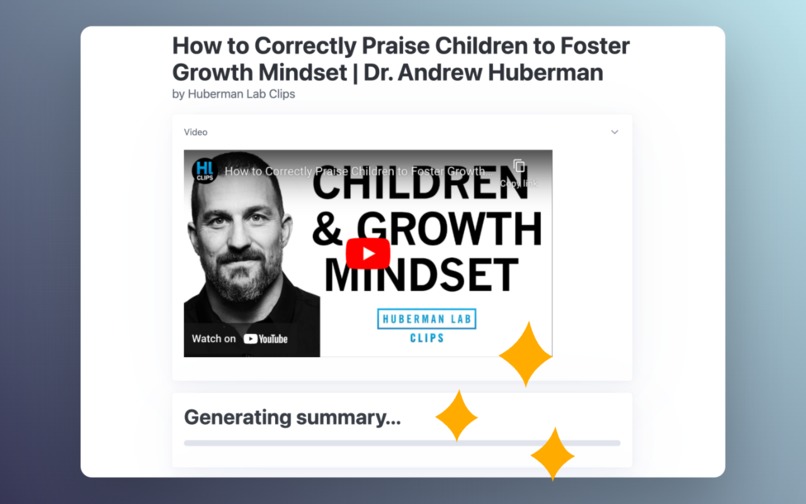
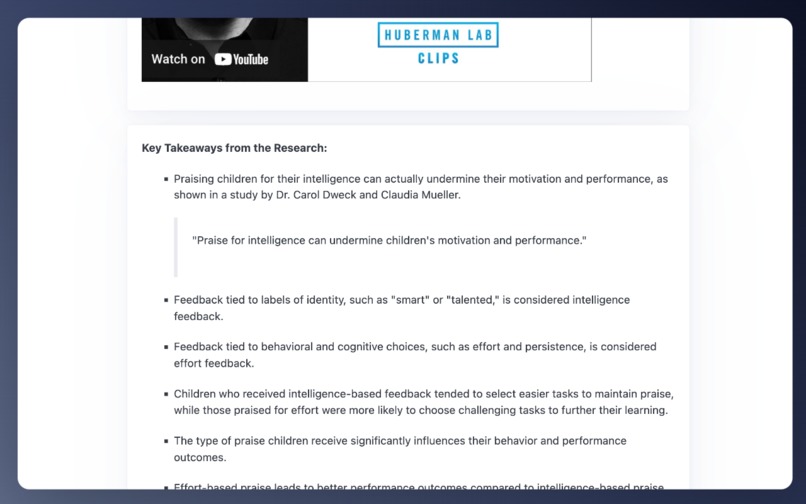
The summary is streamed to a separate window
-
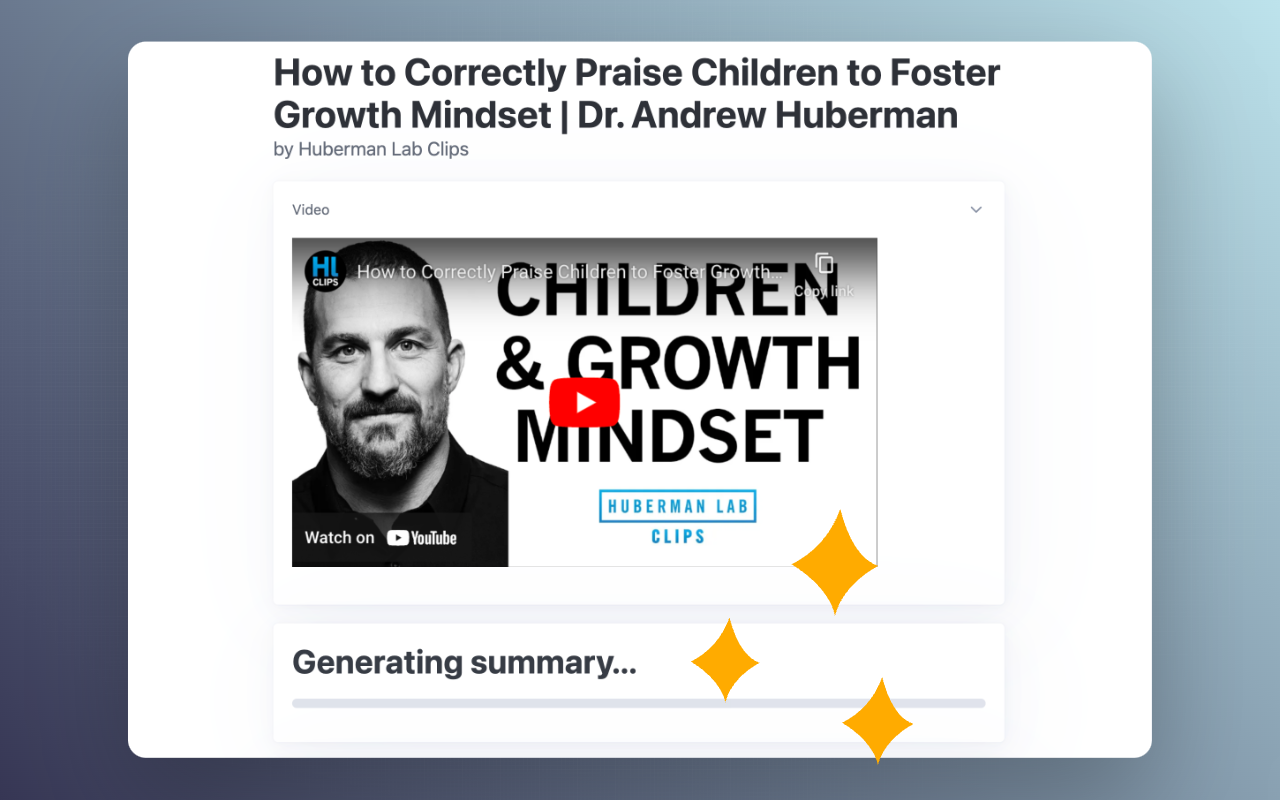
Summary being generated

Inspiration
I enjoy watching educational videos on YouTube, but rarely take notes from them. This is an attempt at remembering the videos I've watched, and also to use on videos I haven't watched yet in order to figure out if they are of interest to me.
What it does
It is a browser extension that adds a button below YouTube videos. When clicked, it takes the transcript for a given YouTube video and creates a consise summary using ChatGPT in a background tab. The generated summary is streamed to the read view.
How I built it
Using JavaScript and the Chrome extension APIs. I used vanilla JavaScript in order to iterate quickly and have minimal external dependencies. The footprint of the extension is therefore very small.
Challenges I ran into
- Interacting with the ChatGPT UI as there are some shifts in the layout, and not easy to parse the content in the window.
- Getting the current YouTube video information reliably, since there is client navigation in YouTube videos.
- Long videos, since the free version of ChatGPT has a very limited allowed input length. Videos are currently cut off if too long.
Accomplishments that I'm proud of
Making this extension completely free, and also having the summaries streamed almost instantly.
What I learned
I learned a lot about the Chrome extension APIs that I hope I can use for my paid extension. My paid extension (YouTube Summarized) uses the OpenAI APIs, so it is easier to process large videos reliably. I also learned that I can use ChatGPT as a free AI "background worker" by opening it in a new tab and reading its content.
What's next for SummYT
I want to make the summar appear next to the YouTube video, and also support long videos by batching. The goal is to keep the extension completely free, and offer my paid extension as a convenient alternative for instant summaries and other functionality for power users.

Log in or sign up for Devpost to join the conversation.