-
-
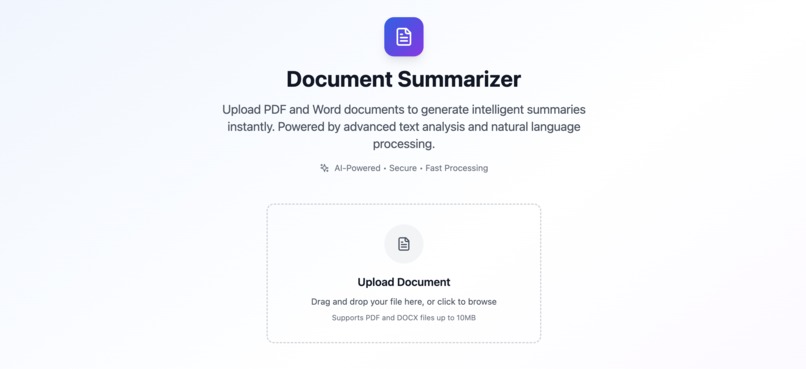
Landing Page
-
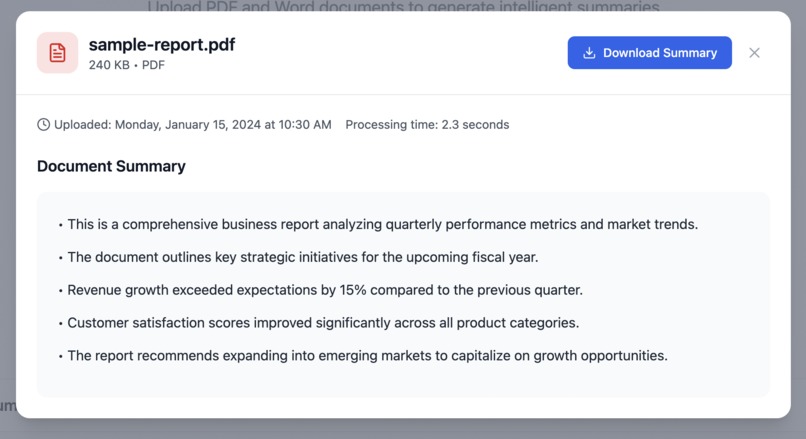
Summary
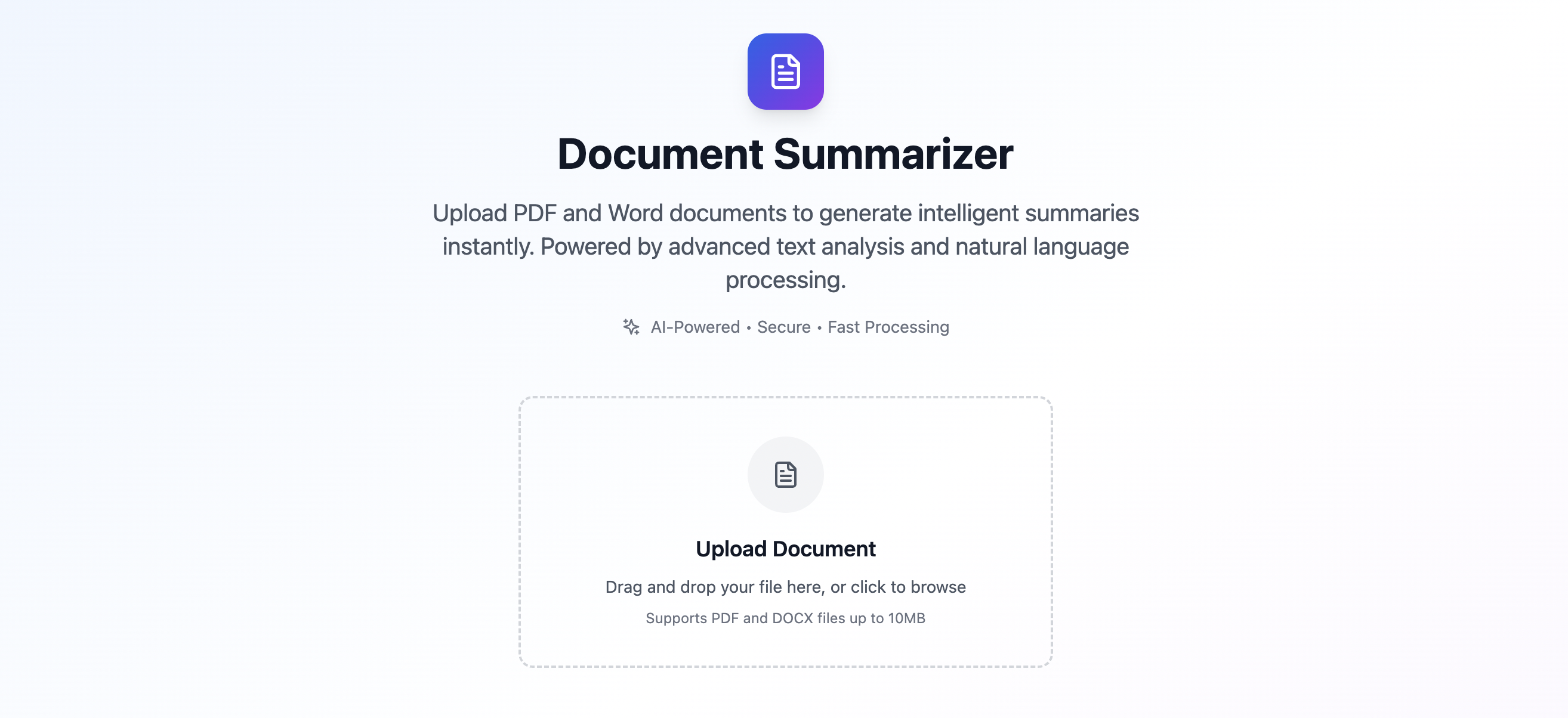
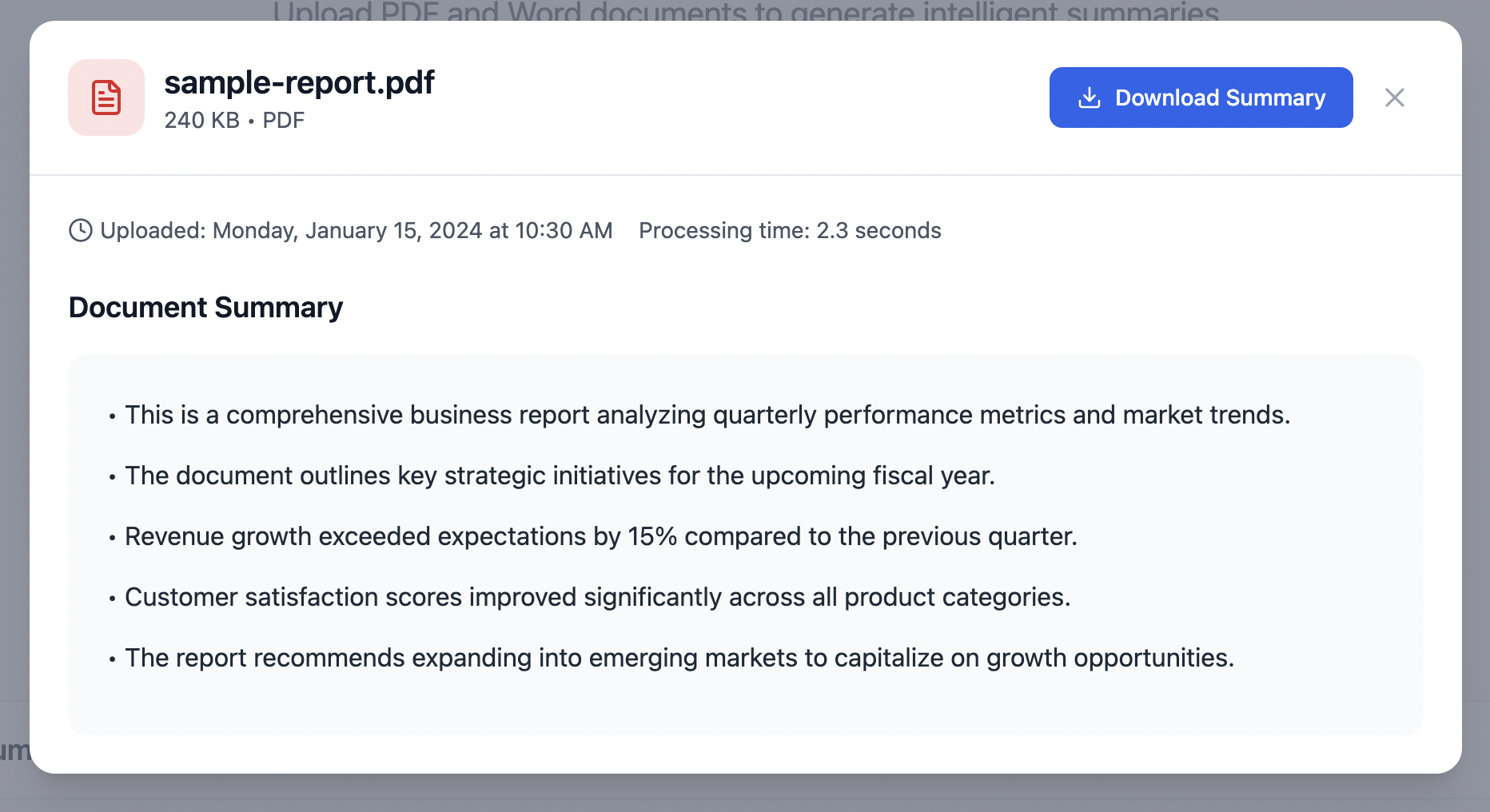
DocDigest – AI-Powered Document Summarizer
About the Project
Inspiration 💡
The inspiration for DocDigest came from the daily struggle of information overload in our digital age. Whether you're a student drowning in research papers, a professional dealing with lengthy reports, or anyone needing to quickly understand document content, the ability to extract key insights efficiently is invaluable.
I wanted to create a tool that could transform the tedious task of reading through entire documents into a quick, intelligent summary experience.
What I Learned 📚
Frontend Development
- Advanced React patterns with TypeScript for type safety and better developer experience
- State management using React hooks (
useState,useCallback,useEffect) - Creating reusable, modular components with clear separation of concerns
- Implementing drag-and-drop file upload functionality with proper validation
- Building responsive, accessible UI components with Tailwind CSS
File Processing & Text Extraction
- Understanding PDF and DOCX file structures and binary data handling
- Implementing multiple text extraction strategies for different document formats
- Working with base64 encoding/decoding for file transmission
- Creating robust error handling for various file types and edge cases
User Experience Design
- Designing intuitive interfaces that guide users through complex workflows
- Implementing loading states, progress indicators, and meaningful feedback
- Creating smooth animations and micro-interactions for better engagement
- Building responsive layouts that work across different screen sizes
Performance Optimization
- Implementing efficient file processing algorithms
- Managing memory usage when handling large documents
- Optimizing component re-renders with proper dependency arrays
- Creating smooth user interactions with proper loading states
How I Built It 🛠️
Architecture & Technology Stack
- Frontend: React 18 with TypeScript
- Styling: Tailwind CSS
- Icons: Lucide React
- Build Tool: Vite
- File Processing: Custom JavaScript algorithms for PDF and DOCX text extraction
Development Process
Planning & Design Phase
- Designed the user interface with a focus on simplicity and clarity
- Created wireframes for the upload flow, processing states, and results display
- Planned the component architecture for maximum reusability
Core Component Development
- Built the
UploadZonecomponent with drag-and-drop and file validation - Created the
ResultsTablecomponent for displaying processed documents - Developed the
DetailModalcomponent for viewing full summaries - Implemented the
NotificationToastsystem for user feedback
File Processing Engine
- Developed multiple text extraction strategies for PDFs
- Implemented DOCX text extraction using XML parsing techniques
- Built summarization algorithms that identify key sentences
- Created robust error handling for various edge cases
State Management & Data Flow
- Centralized state management using React hooks
- Efficient data flow between components
- Implemented error boundaries and loading states
User Experience Enhancements
- Smooth animations and transitions
- Responsive design for mobile and desktop
- Intuitive feedback with notifications and progress indicators
Challenges Faced & Solutions 🚧
1. PDF Text Extraction Complexity
Challenge: Complex PDF structures with compressed streams, encodings, and fonts
Solution: Implemented multiple extraction strategies, including fallback mechanisms
2. File Size and Performance
Challenge: Large documents affecting browser performance
Solution: 10MB file size limit, optimized algorithms, and loading indicators
3. Cross-Browser Compatibility
Challenge: Inconsistent file reading across browsers
Solution: Used standard Web APIs and added browser-specific error handling
4. Text Quality and Summarization
Challenge: Formatting artifacts and low-quality raw text
Solution: Text cleaning, sentence scoring, and structural filtering
5. User Experience During Processing
Challenge: Long processing times causing confusion
Solution: Detailed loading states, progress indicators, and feedback
6. Error Handling and Edge Cases
Challenge: Corrupted, password-protected, or unsupported files
Solution: Pre-processing validation and graceful degradation
Technical Highlights 🌟
- Modular Architecture: Clean separation of concerns
- Type Safety: Full TypeScript implementation
- Performance Optimization: Efficient algorithms and React optimizations
- Accessibility: Keyboard navigation and screen reader support
- Responsive Design: Mobile-first approach using Tailwind CSS
- Error Resilience: Comprehensive error handling and feedback systems
Future Enhancements 🚀
- Support for additional file formats (RTF, TXT, HTML)
- Advanced summarization options (length, bullets, paragraph view)
- Document comparison and analysis
- Cloud storage integration
- Multi-language support
- Advanced text analytics (sentiment analysis, keyword extraction)
DocDigest represents a comprehensive solution to document summarization that balances powerful functionality with an intuitive user experience. The project demonstrates modern web development practices while solving a real-world problem that many people face daily.
Built With
- eslint
- git
- lucidereact
- node.js
- npm
- postcss
- react18
- tailwind
- typescript
- vite

Log in or sign up for Devpost to join the conversation.