-
-
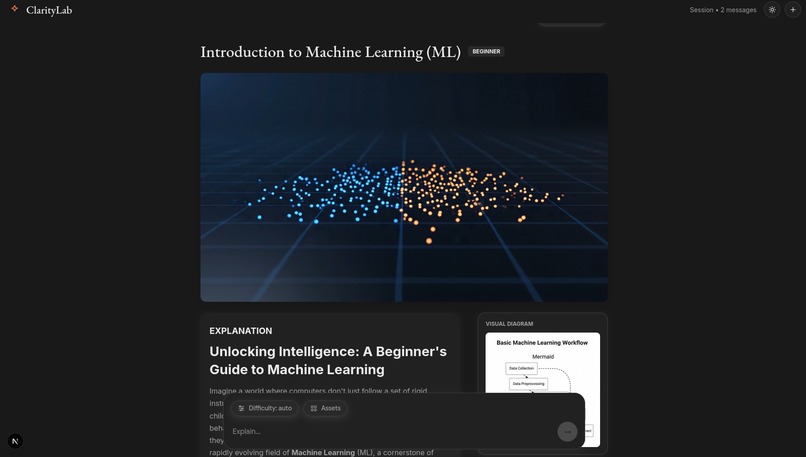
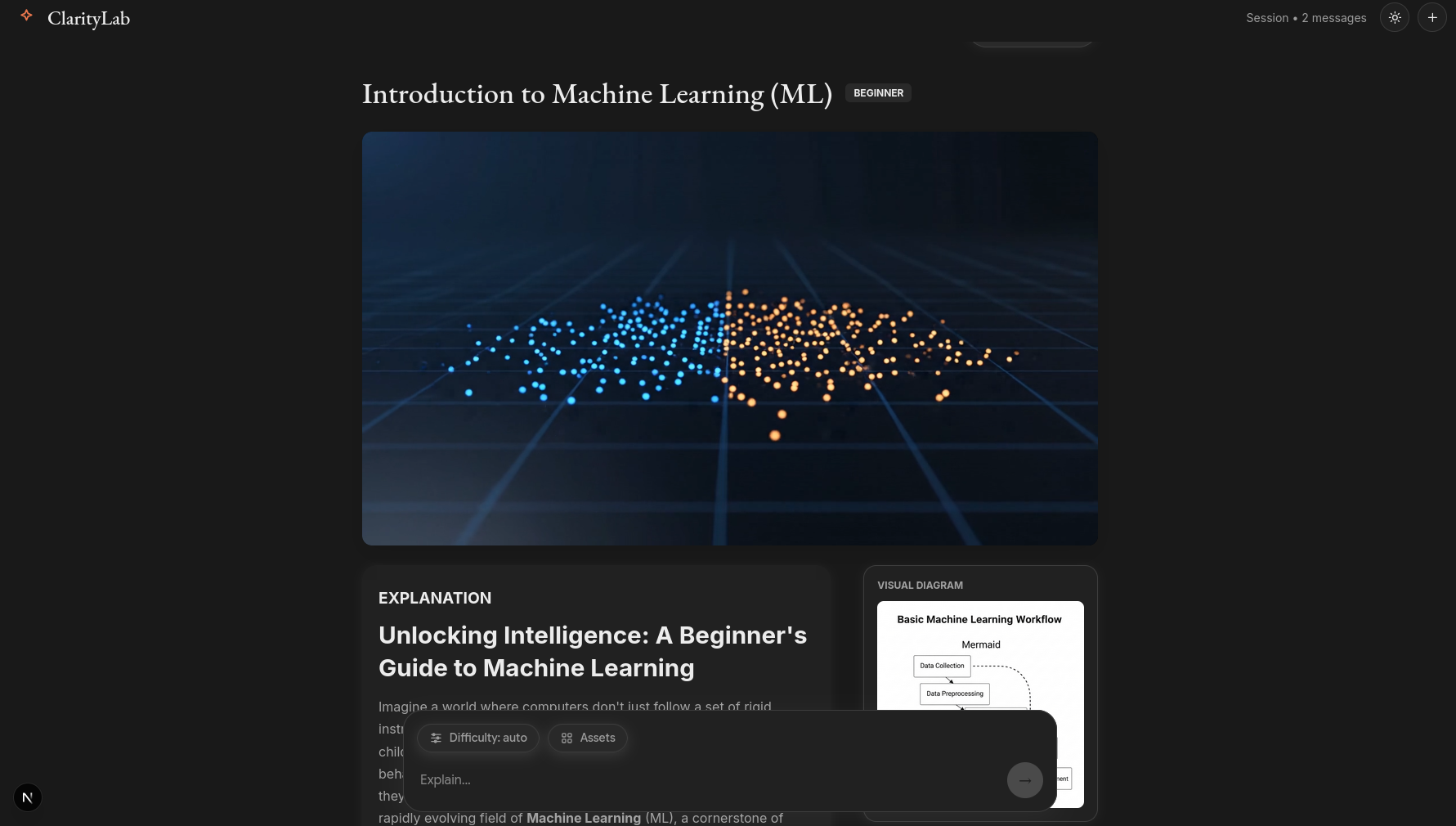
ClarityLab explaining ML
-
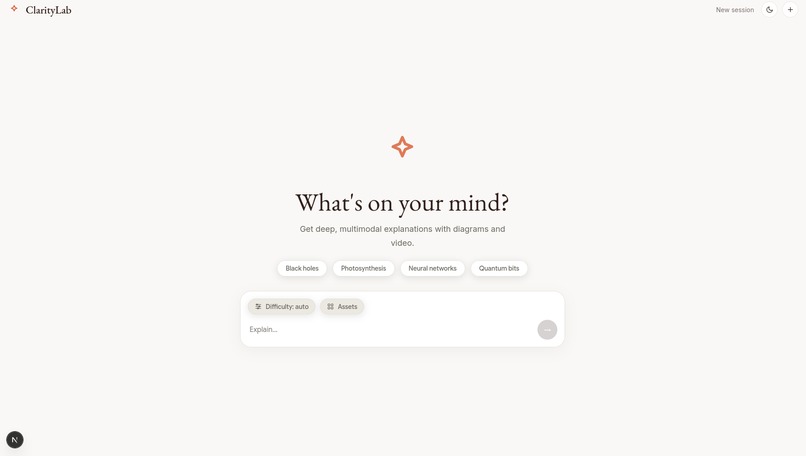
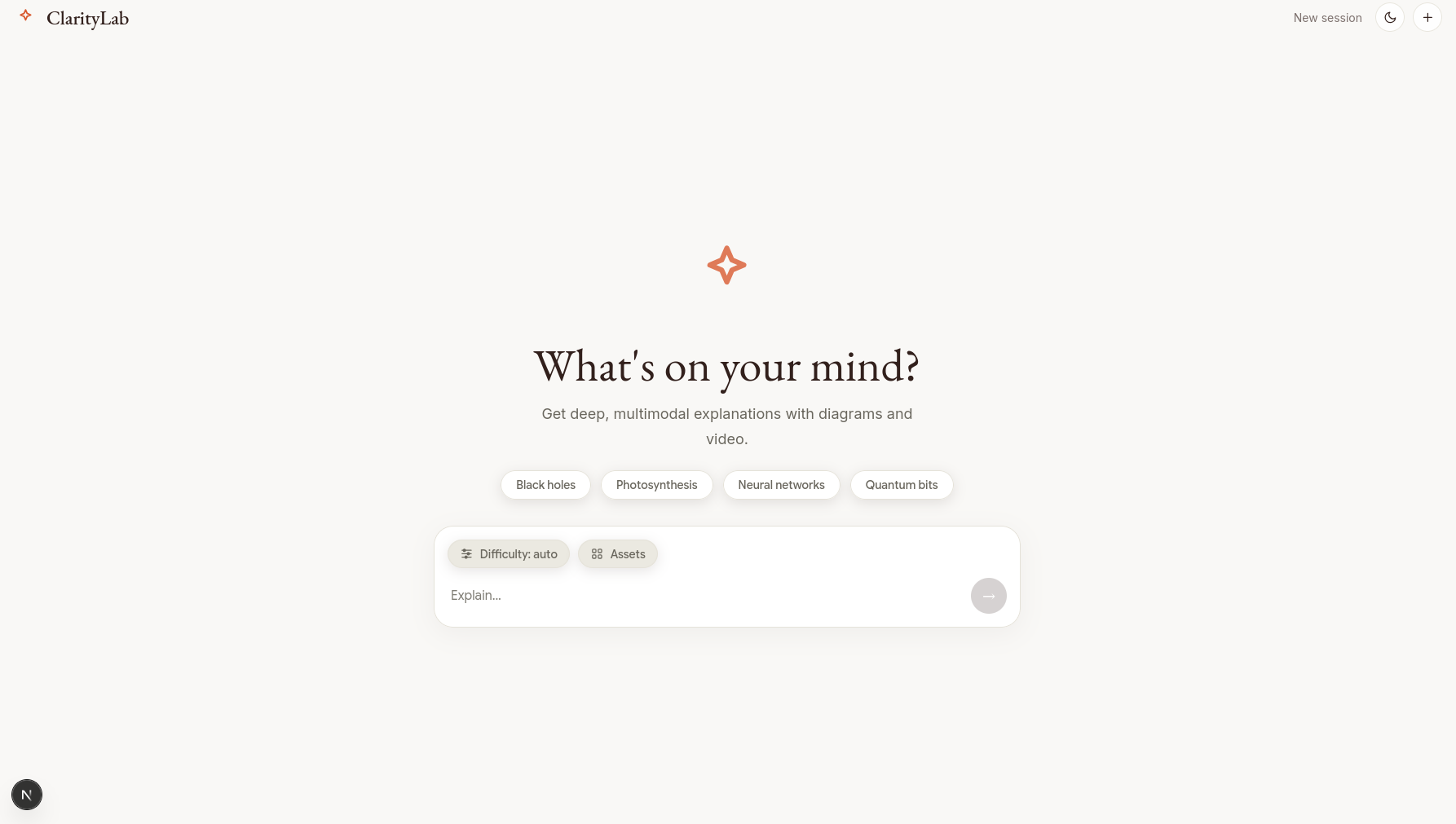
ClarityLab Greeing/New chat screen
-
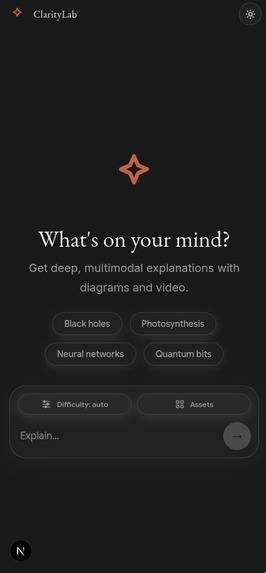
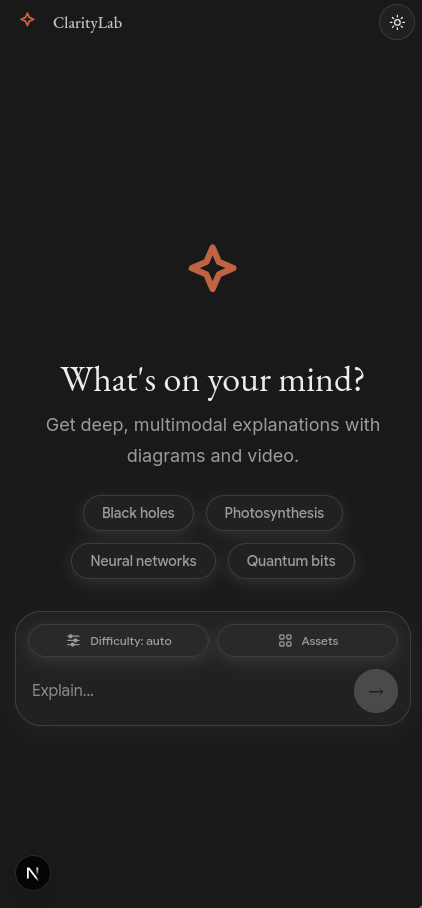
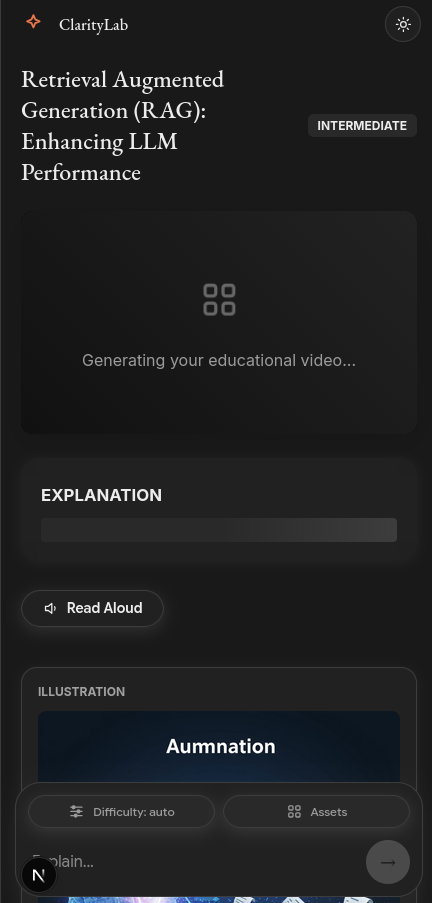
ClarityLab on mobile devices
-
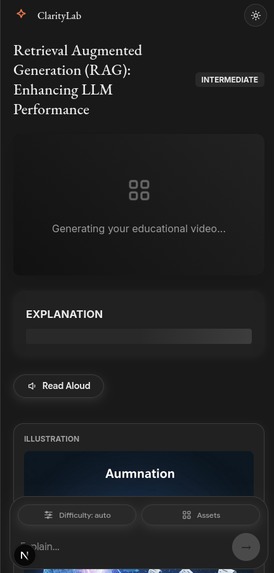
ClarityLab Explananing on Mobile device
-
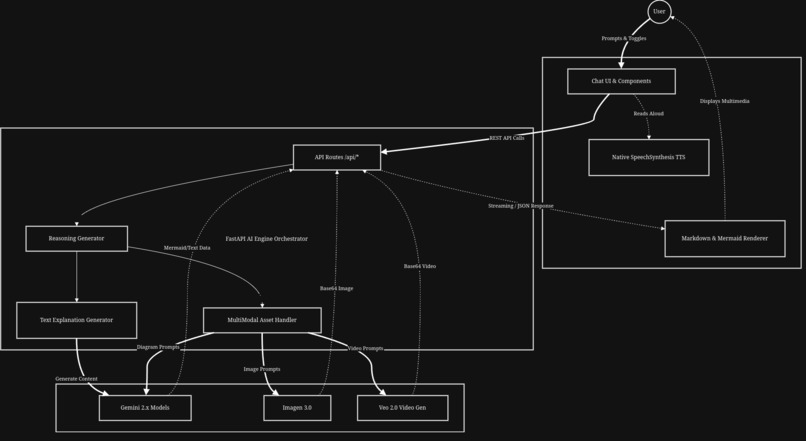
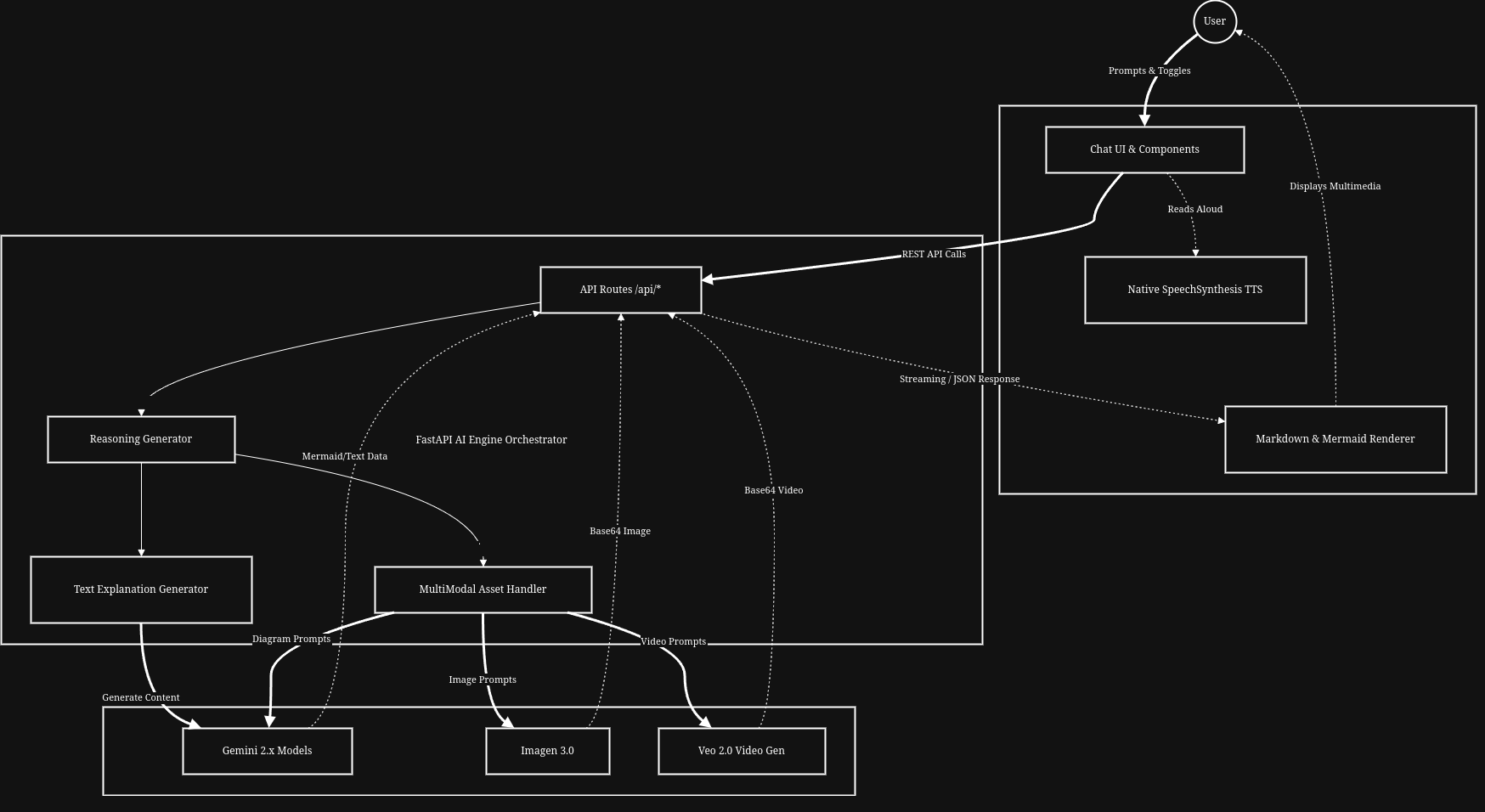
ClarityLab System Architecture Diagram
Inspiration
Have you ever tried to learn a complex concept; like Quantum Computing, or how a Transformer model works; and felt completely overwhelmed by blocks of dense text? We certainly have. We realized that people learn best when multiple senses are engaged. Some people are visual learners who need diagrams, others need concrete illustrations, and some learn best by listening to a narrator or watching a dynamic video. We wanted to build a tool that didn't just tell you the answer, but showed you the answer using the absolute cutting edge of multimodal AI. That was the spark for ClarityLab.
What it does
ClarityLab is an intelligent, multimodal learning agent. It takes any complex topic you throw at it and instantly synthesizes a rich, textbook-quality learning experience. Instead of just returning a wall of text, it acts as an orchestrator:
- It generates a leveled text explanation (tailored to your expertise level).
- It completely generates professional flowchart diagrams to show relationships.
- It creates conceptual illustrations.
- It synthesizes dynamic educational videos to explain the topic visually.
- It even narrates the explanation natively using Text-to-Speech!
How we built it
We built the backend on FastAPI (Python), acting as our AI Engine and Orchestrator. We used the brand new google-genai SDK to hook directly into Google Cloud Vertex AI. The backend uses Gemini 2.5 for reasoning and text generation, Imagen 3 for conceptual illustrations, Imagen 4 Ultra for precision diagram generation, and Veo 3.1 for stunning video synthesis.
The frontend is built with Next.js 15, creating a responsive and sleek chat UI. We use the native Web SpeechSynthesis API for the "Read Aloud" feature. Everything is containerized using Docker and deployed through a fully automated CI/CD pipeline built with GitHub Actions, pushing the backend to Google Cloud Run and the frontend to Vercel.
Challenges we ran into
Orchestrating so many heavyweight models at once was tough! Initially, we tried to have Gemini write Mermaid.js code to render diagrams on the frontend. We spent hours writing complex regex parsers to fix the syntax errors the AI would occasionally invent. It was brittle and often broke the UI. We finally had a breakthrough: instead of forcing a text model to write rendering code, we instructed the model to write an image generation prompt and sent that to Imagen 4 Ultra. The result? Flawless, beautiful, professional diagrams generated entirely as images directly from the backend.
Handling the video generation with Veo was also tricky due to wait times, so we built a robust loading state system on the frontend to keep the user informed ("Generating video...") while the backend polled for completion.
Accomplishments that we're proud of
We are incredibly proud of the deeply integrated multimodal aspect of ClarityLab. It’s one thing to call an API to get text; it’s an entirely different beast to architect a system where a single user prompt triggers a reasoning planner that parallelizes out to Gemini, Imagen, and Veo simultaneously, then stitches the results back together into a cohesive, interactive UI that can even read the text aloud to you. We're also proud of the production-level deployment pipeline we set up with Cloud Run and GitHub Actions.
What we learned
We learned a massive amount about prompt engineering, especially when prompting one model (Gemini) to write structured prompts for other models (Imagen/Veo). We also learned the hard way that when it comes to AI output, sometimes avoiding a problem (like dodging Mermaid parsing errors by switching to image-based diagrams) is better than trying to brute-force solve it with code.
Limitations
- Video Synthesis duration : Current clips generated via Veo 3.1 are capped at 8 seconds. This is excellent for highlights but challenging for narrating long-form, multi-step logical processes.
- Diagram Fidelity : Because we rely on image diffusion for diagrams to ensure visual consistency, the AI may occasionally output minor inaccuracies or diffused text labels in extremely dense flowcharts.
- Native TTS Dependency : The "Read Aloud" feature depends on browser and OS-level SpeechSynthesis support, which means voice quality can vary based on the user's local environment.
- API Credits & Costs : Leveraging cutting-edge models like Veo 3.1 and Imagen 4 Ultra is computationally expensive. Our current $100 credit pool is public-facing, meaning high traffic could lead to credit exhaustion and temporary downtime.
What's next for ClarityLab -- Multi-Model AI Learner
There is so much we want to do next!
- Interactive Follow-ups: Allowing users to click on specific parts of the generated diagrams/images to ask follow-up questions about that specific component.
- Save & Share: Adding user authentication so students can save their generated "textbooks", organize them into folders, and share them with classmates.
- Voice Input: Allowing users to simply speak their questions to the agent for a completely hands-free learning setup.


Log in or sign up for Devpost to join the conversation.