-
-
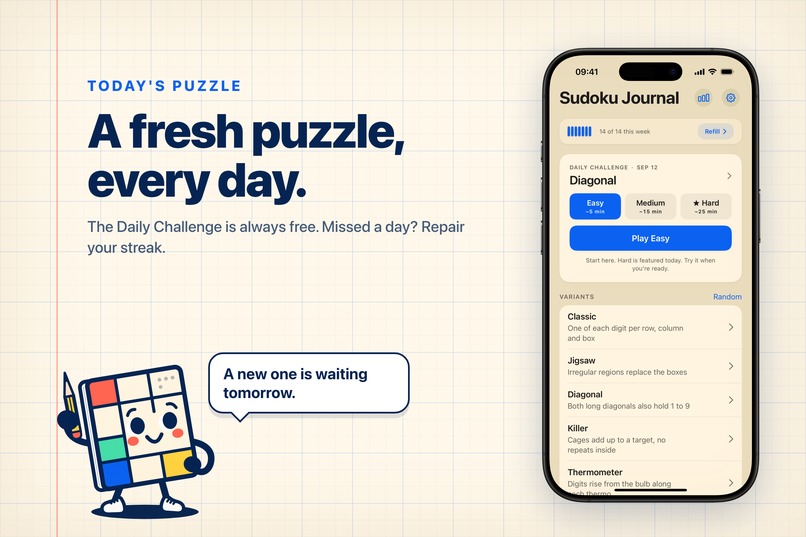
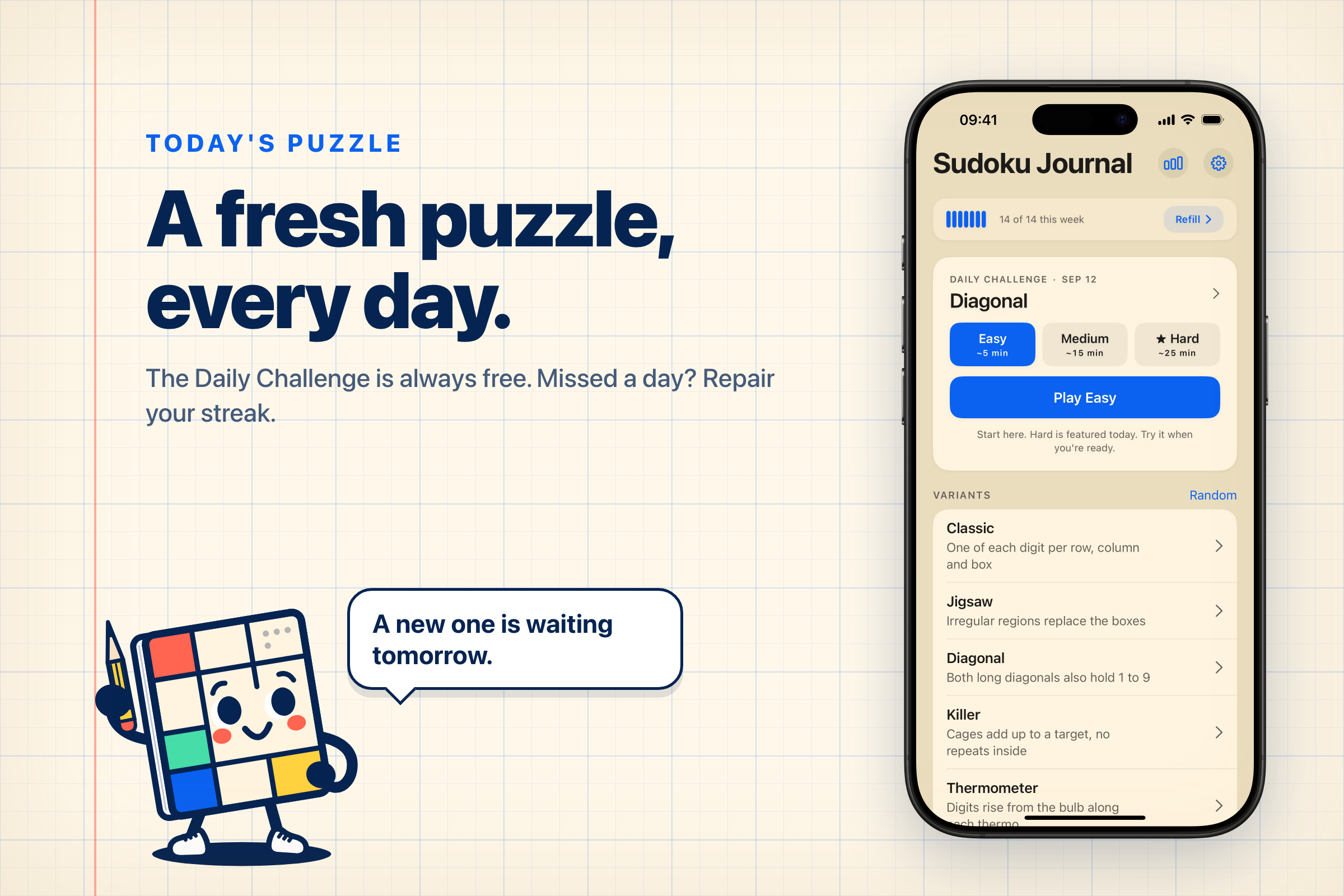
Daily puzzles are designed to boost user engagement and provide them with a quick and easy starting point.
-
-
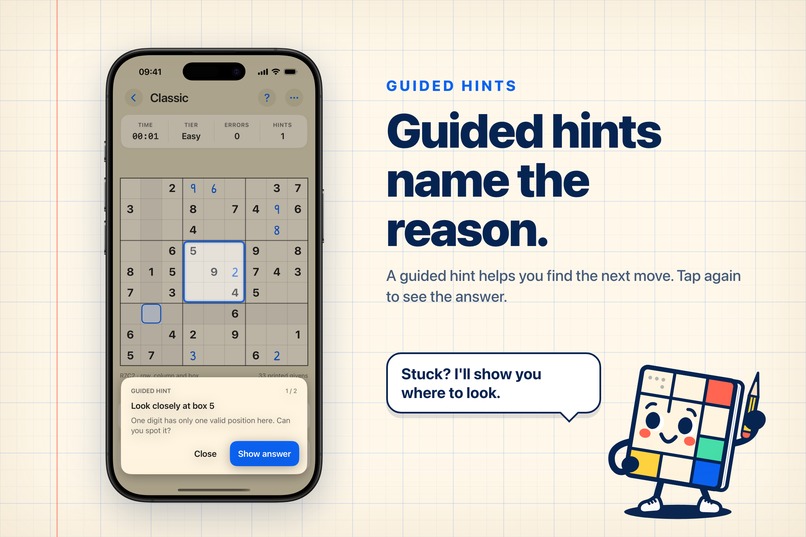
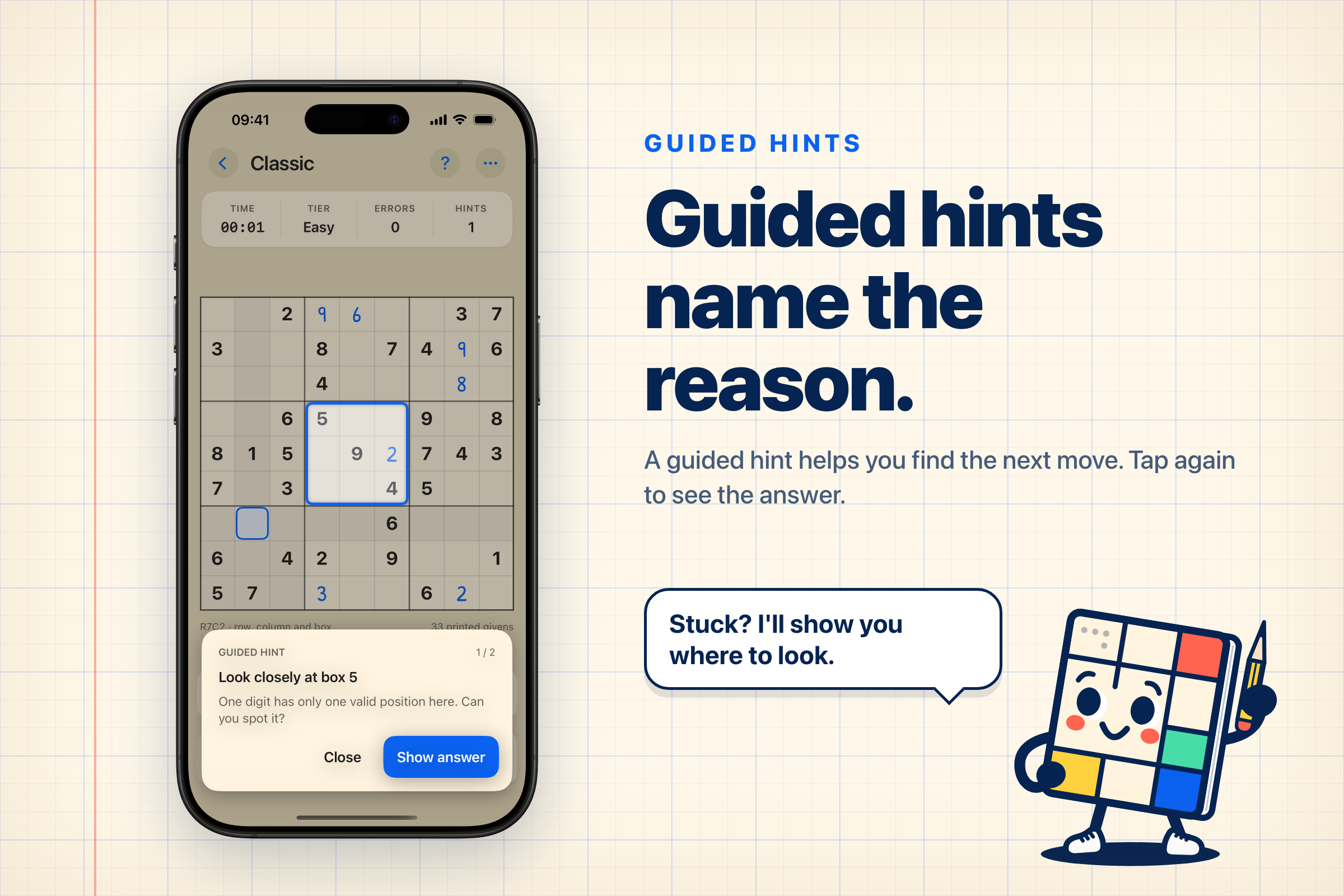
Learning hints that explain, rather than simply providing the answer.
-
-
-
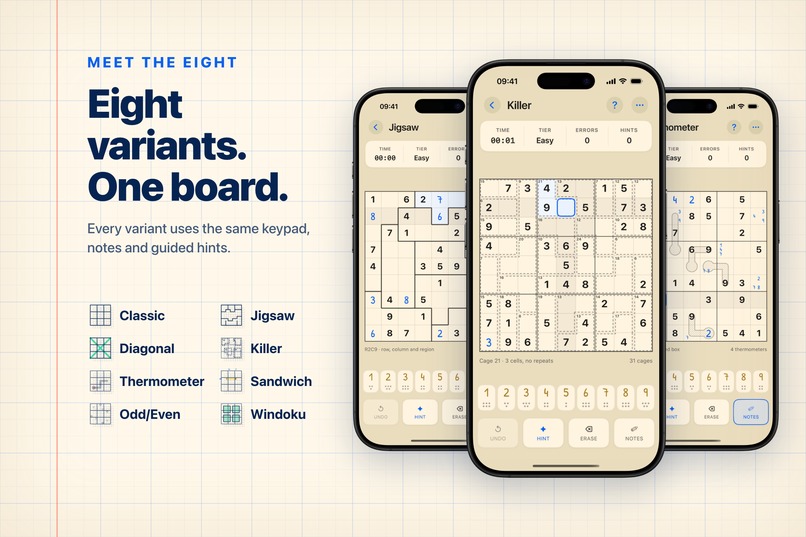
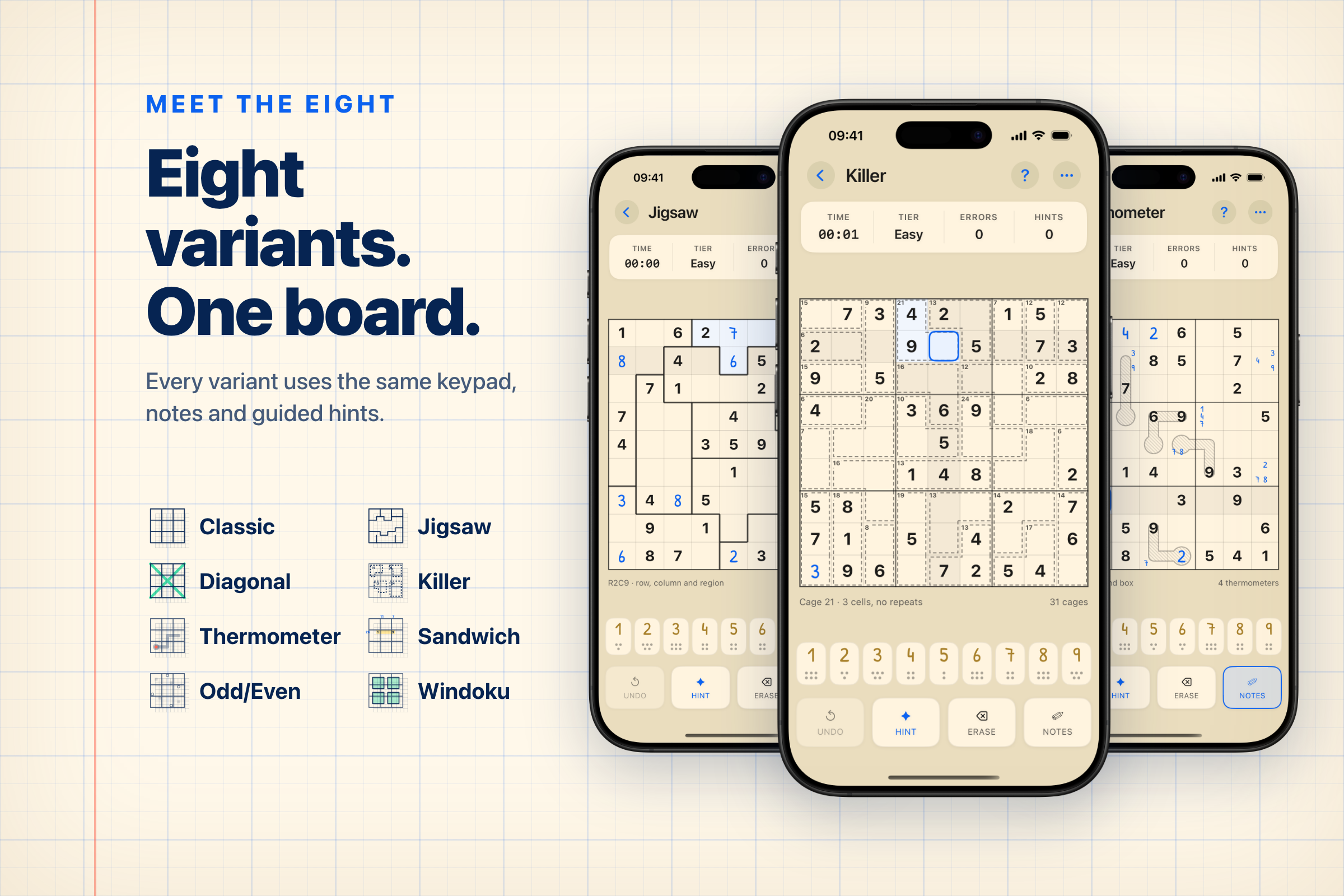
Choosing variants that guarantee long-term value is crucial because one variant might become monotonous over time.
-
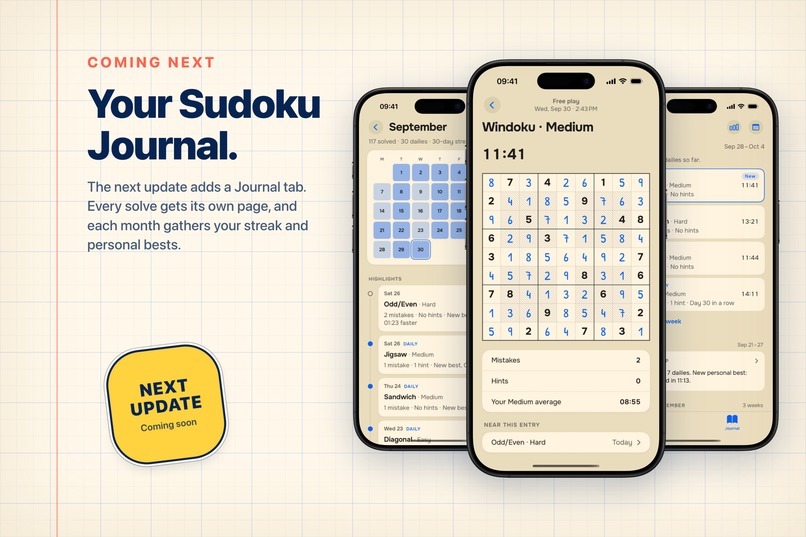
Journal rework of the next release
-
-
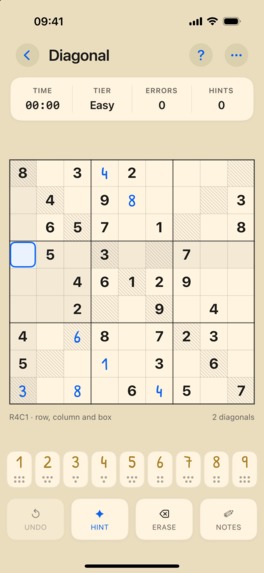
Board without device frame
-
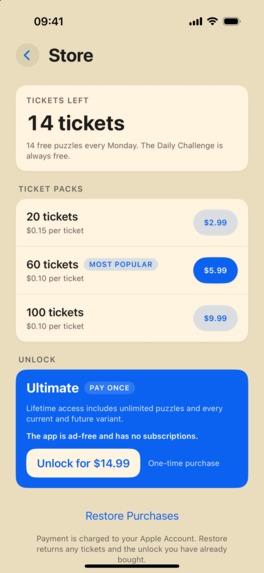
Store view without device frame
Inspiration
We are a family that has worked in engineering for many years now, but Shipaton was the final trigger for us to plan, create, and publish our own product aside from our main jobs.
We are both a little nerdy and we love different puzzles and logic games. Since childhood, we have been playing such games as Sudoku, nonograms, crosswords, etc.
But, like many others I believe, we were very disappointed with the recent trends of monetization of such games, where ads are inserted into more and more flows and create an atmosphere you do not want to be in. It’s understandable that all makers want to earn money, but we think there should be a limit and the game experience should come first. So we decided to build a puzzle app that won’t contain ads and won’t punish users for mistakes or being stuck, but will try to help instead.
We also decided early on that we wouldn’t invent something completely new for the first app, but would instead take an existing idea and try to improve it and make it more valuable and usable to the users. With the current state of AI, we believe that quality and details will outweigh quantity and speed in the long run.
We took Sudoku as the best-known type of puzzle (at least among our friends and colleagues 😁).
Planning and designing
From the beginning, we had three goals:
- Bring variety to the puzzles so it is not yet another app with classic Sudoku.
- Bring a learning mechanism to the game, so the users learn the techniques while solving.
- Bring a modern look and feel to the app and solving flow.
Variety
The first goal was the easiest, because we discovered that the world has invented many different variants of Sudoku, from very logical and reasonable (Odd/Even, Killer) to quite crazy (Samurai, Anti-Knight).
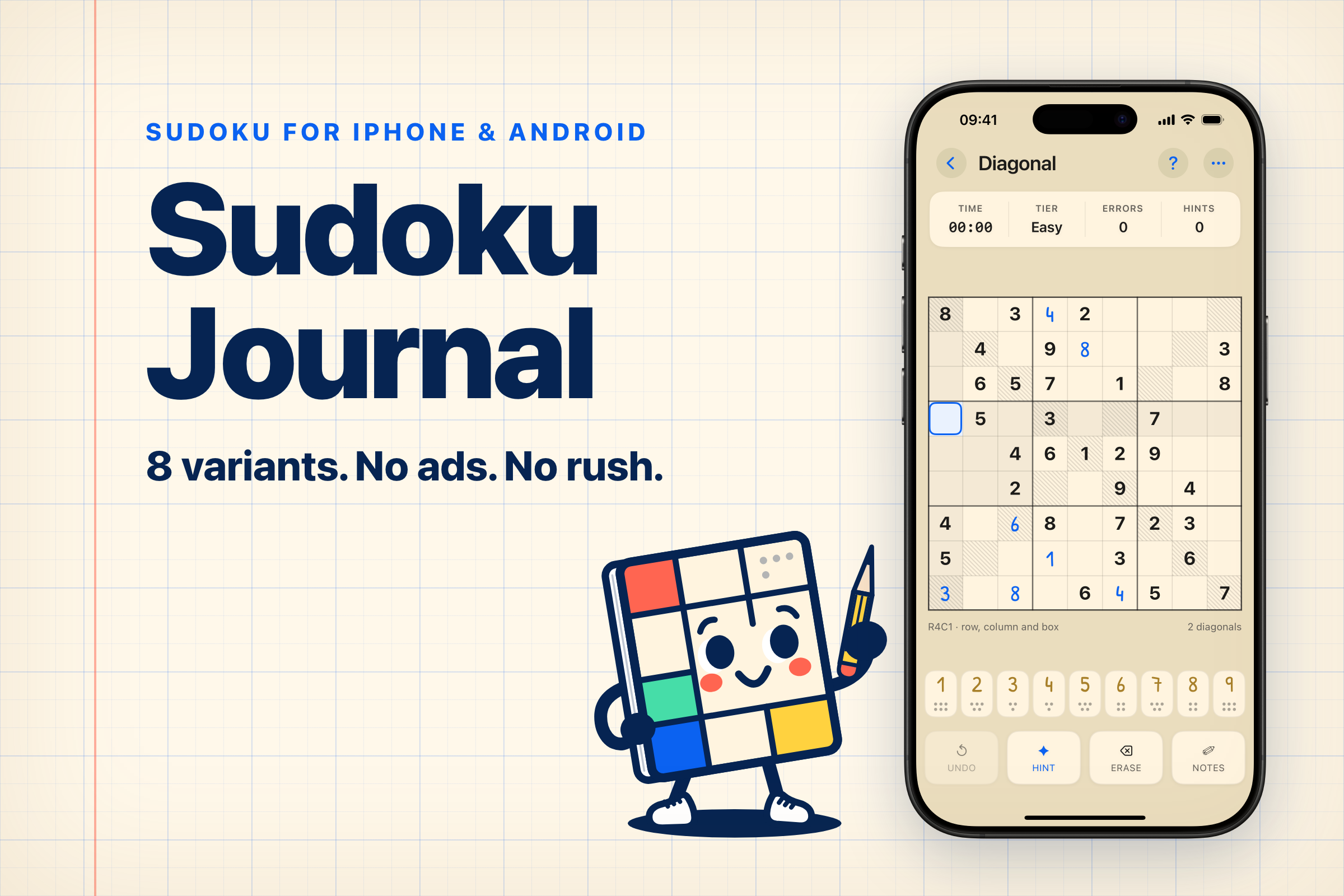
We’ve selected the 8 variants most appealing to us as a starting set (Classic, Jigsaw, Diagonal, Killer, Thermometer, Sandwich, Odd/Even and Windoku), with plans to expand it if we see a fit.
Learning
The learning goal brought us a bit of a headache. We decided that we wanted to implement hints in the game as the learning trigger. When the user uses a hint, we can try to show and explain the next move to them, so they can find it on their own next time.
In reality, there are many different complex techniques that can be used to solve puzzles at Expert difficulty. Some can be explained and visualized on a mobile device easily, some cannot. We tried multiple ways to present them but in the end decided to build an MVP flow for learning first and only invest time in full coverage if we see the value.
We decided to split “next placements” into covered and not covered:
- Covered placements can be visually explained by the app (naked singles, hidden singles). If the game sees such a placement when a hint is requested, it will show it in two steps (the first step will narrow down the area to look for the next placement, allowing the user to find it themselves).
- Not covered placements have not been visualized yet. When only not covered placements are available, the app will find a cell that, after revealing, will unlock as many covered placements as possible, and will reveal it immediately.
Modern look and feel
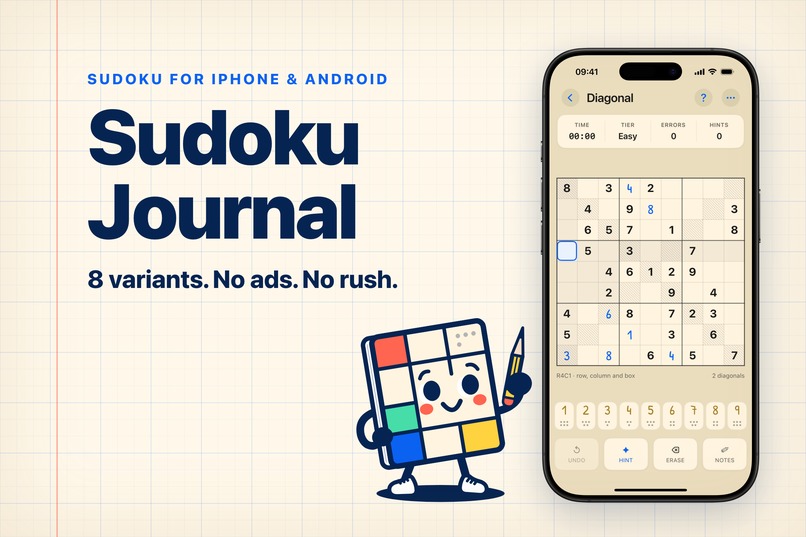
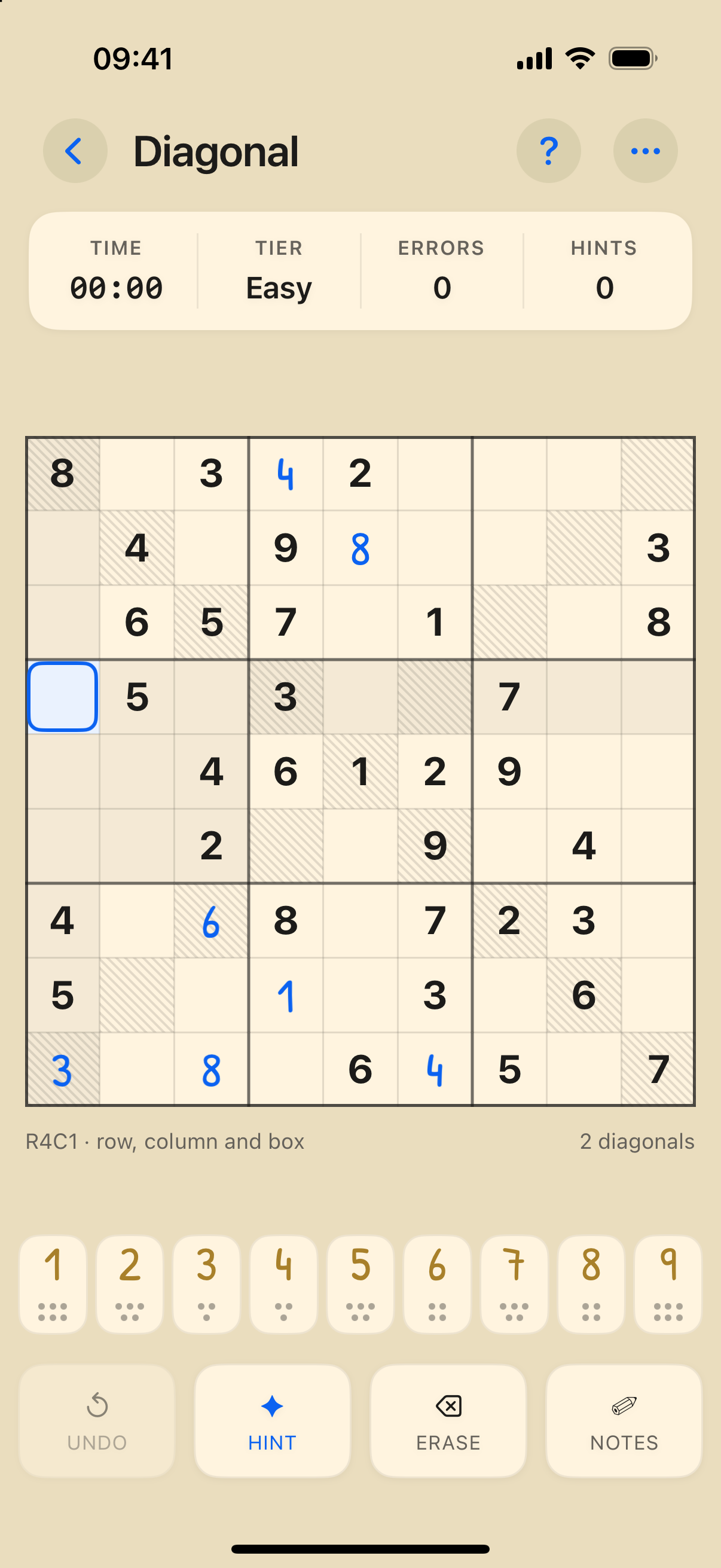
We wanted to create a feeling that you are solving the puzzle on paper, in one of those journals with collections of Sudoku. We played with the fonts and the colors a lot before we reached the final stage with a paper-like background, ink-like accent colors, and a nice handwritten font for the user input.
During the exploration, and once we had selected a final name for the app, we changed the goal a bit and decided that we wanted to shift the solving experience overall. We want the app to feel like a journal, where you solve the puzzles and create an entry every time. But more about this in the “What's next” section.
Development
Tech stack
We had limited experience with mobile development at the beginning but enough experience with the Kotlin/Java ecosystem.
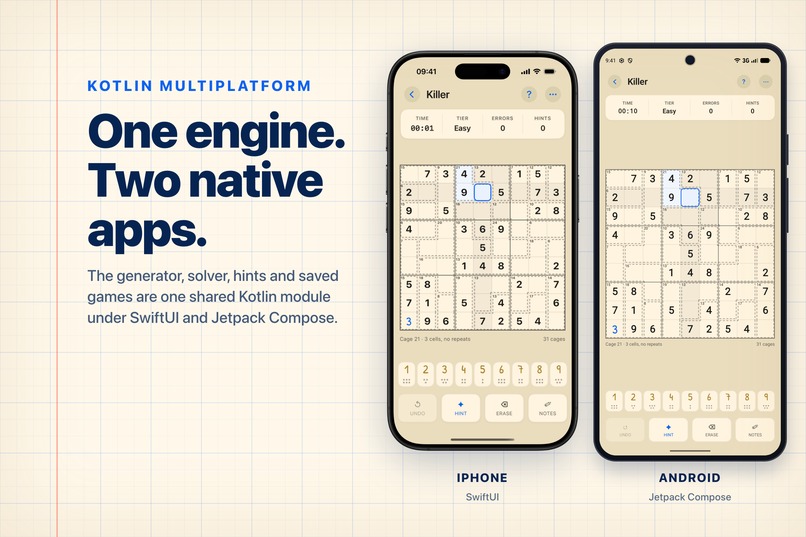
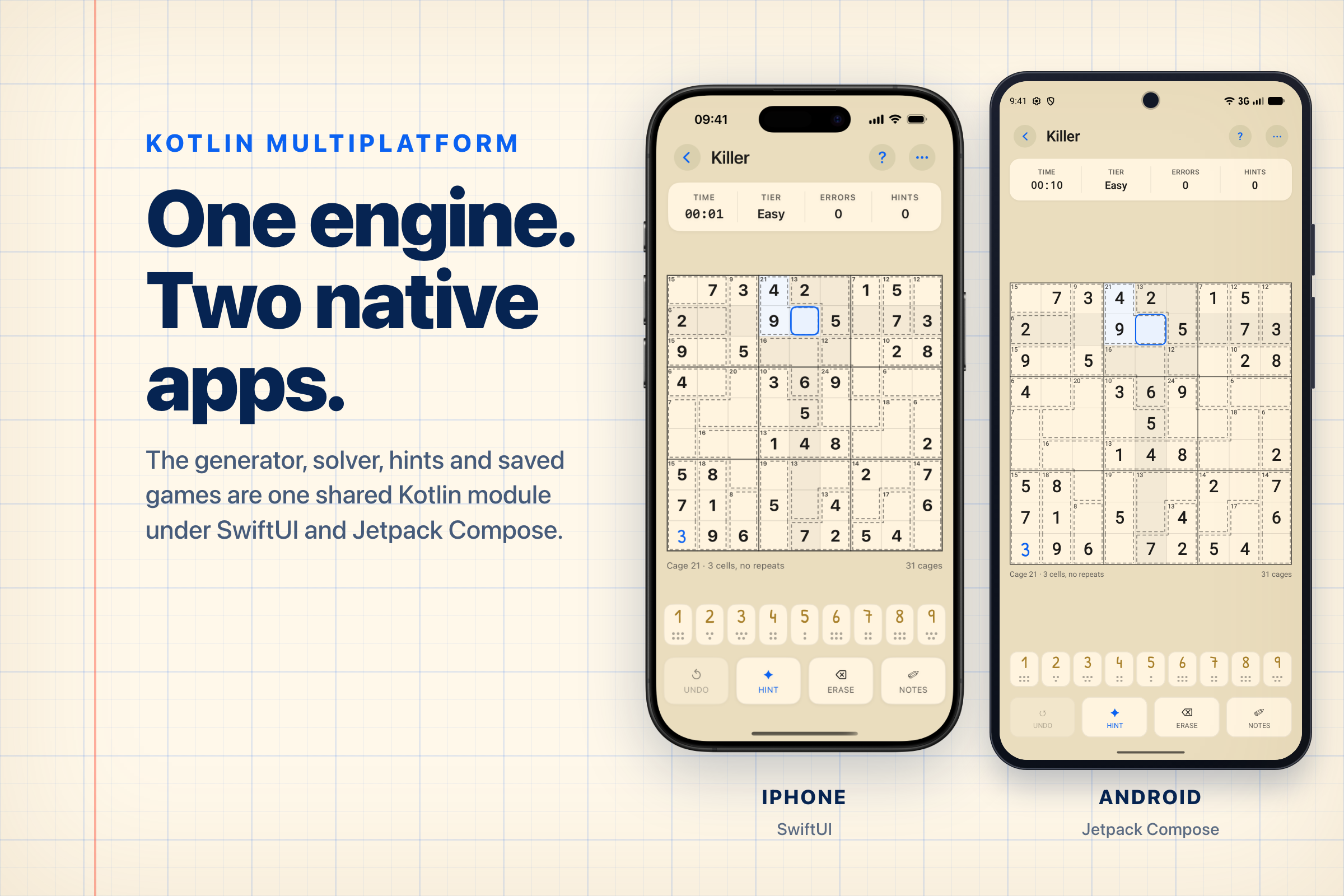
Since we were aiming to ship both platforms at the end, KMP was a good tech stack for us. It allowed us to share the majority of business logic (such as the puzzle generator, solver, hint generator, and data repositories) between the platforms. At the same time, when you want to create an immersive experience for the users, performance is key, so we decided to go ahead with native UIs for both platforms to ensure a proper experience and to incorporate platform UI specifics.
An added benefit that we got out of KMP for free is the webapp that we built to help with debugging and validation. KMP has a JS target, so we fully reused the generator and added only a UI for debugging it.
Puzzle generator
Most of the time was spent on the puzzle generator; it is the heart of our application. We decided not to hardcode the puzzles in the app but generate them on the fly. At the same time, we wanted to have a validation mechanism to ensure that there will be enough variety in the puzzles, that the difficulty will be consistent, and that the solving experience will be the best. Also, do not forget, dailies should be identical for everyone, so the generation should be deterministic.
Our solution was to ship the app with pools of seeds for each combination of variant and difficulty. Each seed is then used to initialize the randomizer and generate the puzzle. It works fast and well on the app, but the devil is in the details.
To generate those seeds, we have a separate pipeline that goes over potential seeds one by one, generates the puzzle, solves it with 3 different solver profiles (emulating users with different proficiency levels), and collects other telemetry during this process. Then, all collected data is summarized and checked against the threshold for the expected variant and difficulty. We were fine-tuning and experimenting with the thresholds for the generator during the whole of August and manually solved about 400 puzzles during this time. With the release, we will move to the stage of data collection to validate our assumptions about difficulty and solving experience and to understand how to improve the generation mechanism further.
Fun fact: it takes about 8 hours on a MacBook with M3 Max to regenerate all pools for the app.
Monetization
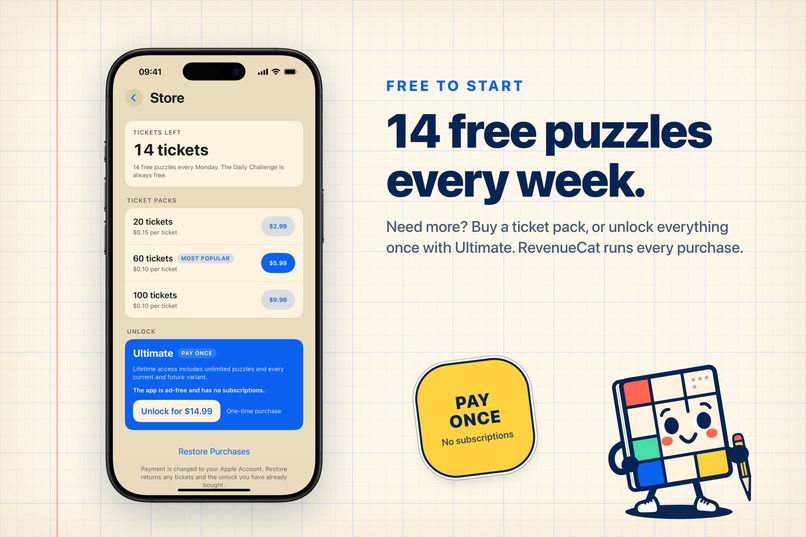
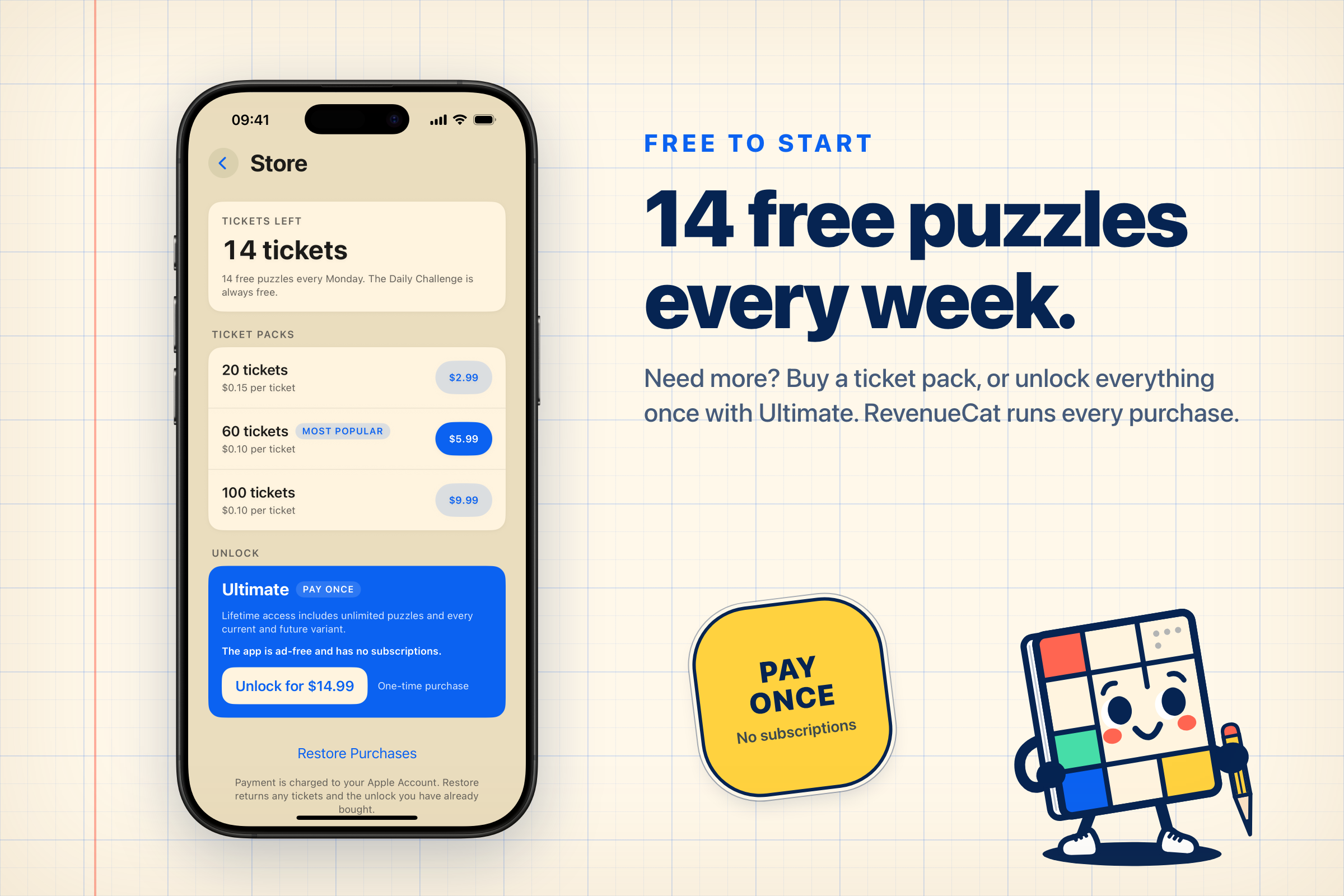
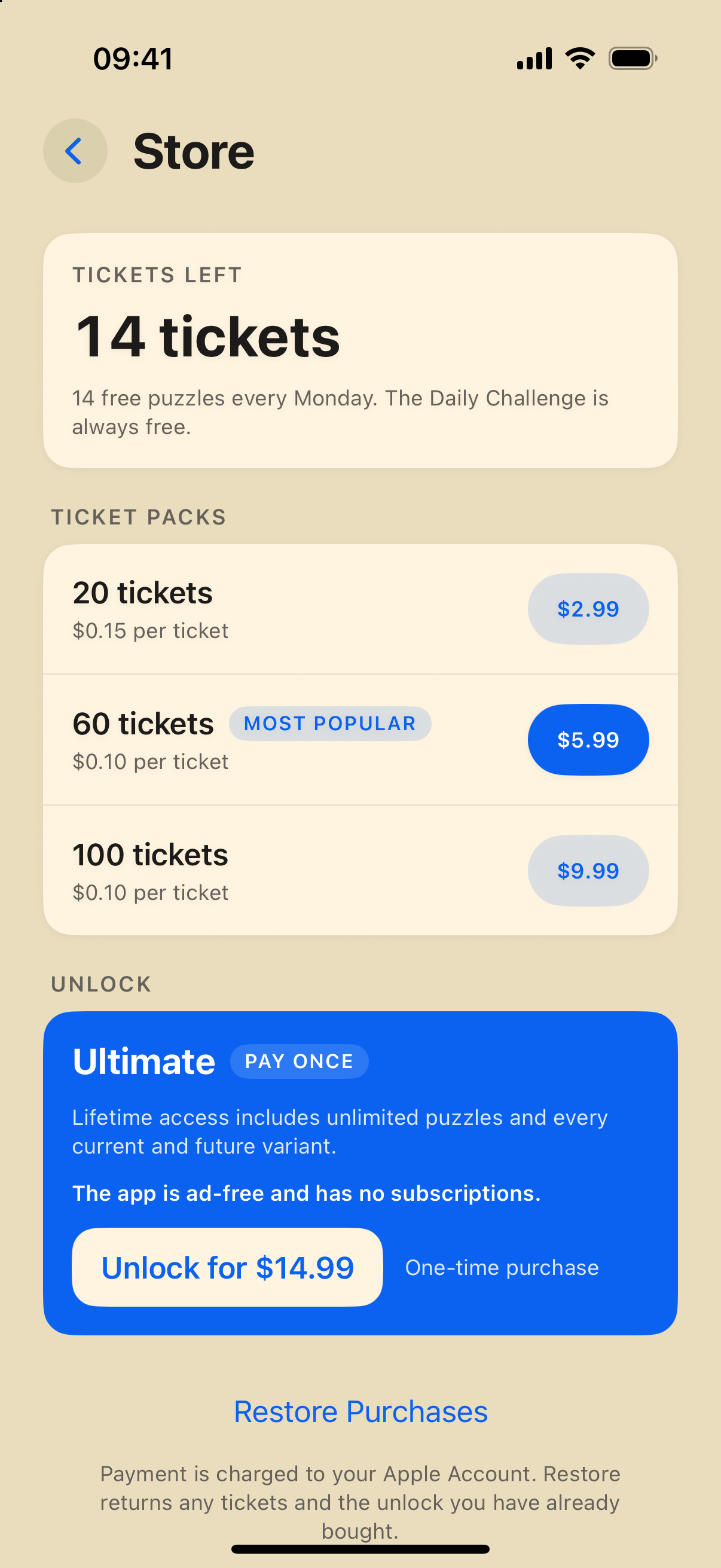
As we’ve mentioned at the beginning, we decided not to use ads for monetization at all. Instead, we came up with quota-based monetization. Each week, a user gets a free quota of tickets that they can spend to play puzzles (1 ticket = 1 puzzle). In addition to the quota, users can purchase ticket packs that will stay with them until they are spent.
RevenueCat virtual currency helped us a lot here. It handled the work with the tickets and allows us to focus on the puzzles.
Due to the difference in how purchase restoration works on Android, we’ve decided to drop ticket packs there for the first version, since it would require us to introduce a full user account flow.
In addition to tickets, we decided to give the “Ultimate” option, a one-time purchase that removes any current and future limitations of the app and allows solving as much as possible. In price and framing, it is the equivalent of “Remove Ads” purchases in free apps.
Since we’ve just soft-launched the app and decided to wait for v1.1.0 to start ad campaigns and other publications, we do not have data points to validate our monetization model yet.
What's next for Sudoku Journal
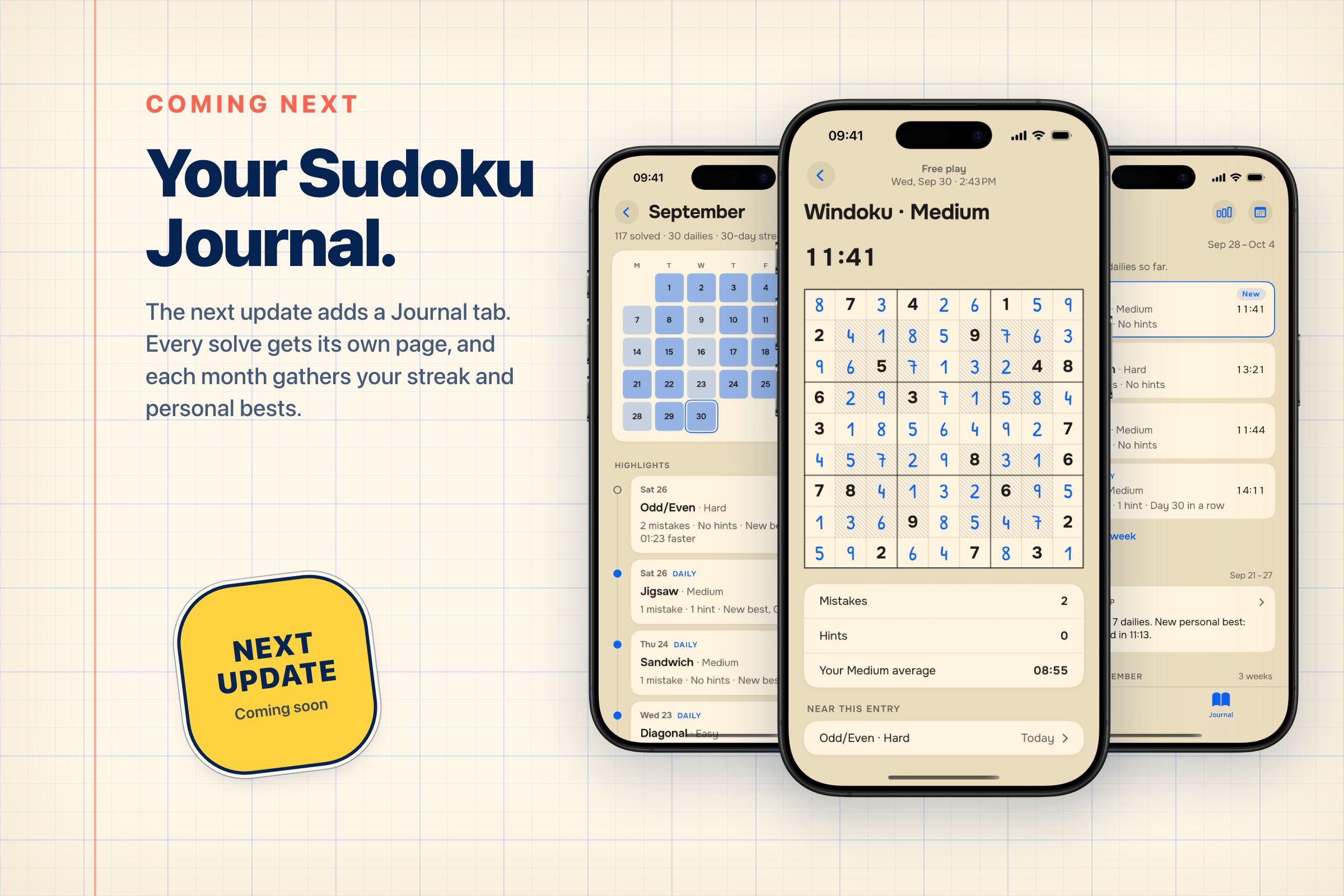
After the release, we decided to pivot the concept a little bit. We want to shift the focus towards actual journalling, where each of the solved puzzles feels like an entry that you’ve written. We’ve reworked the UX/UI a lot and are currently testing it, with the aim to release the next version in the second week of October.
Stay tuned for it, and here is a little sneak peek.
Built With
- kmp
- kotlin
- swift

Log in or sign up for Devpost to join the conversation.