-
-
-
-
-
-
-
-
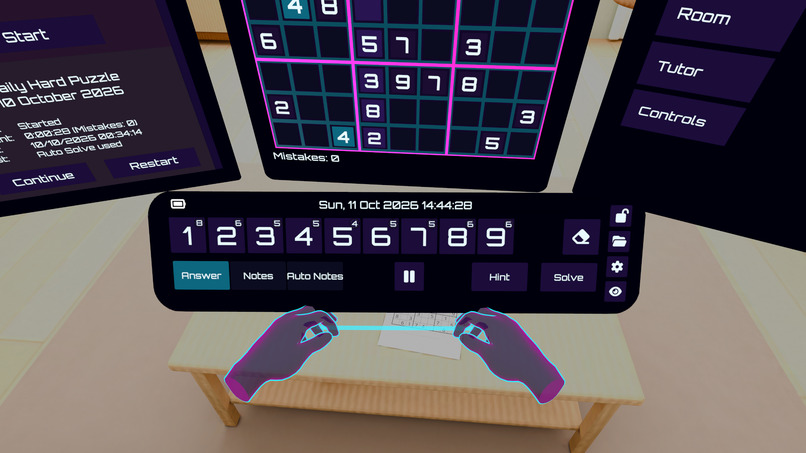
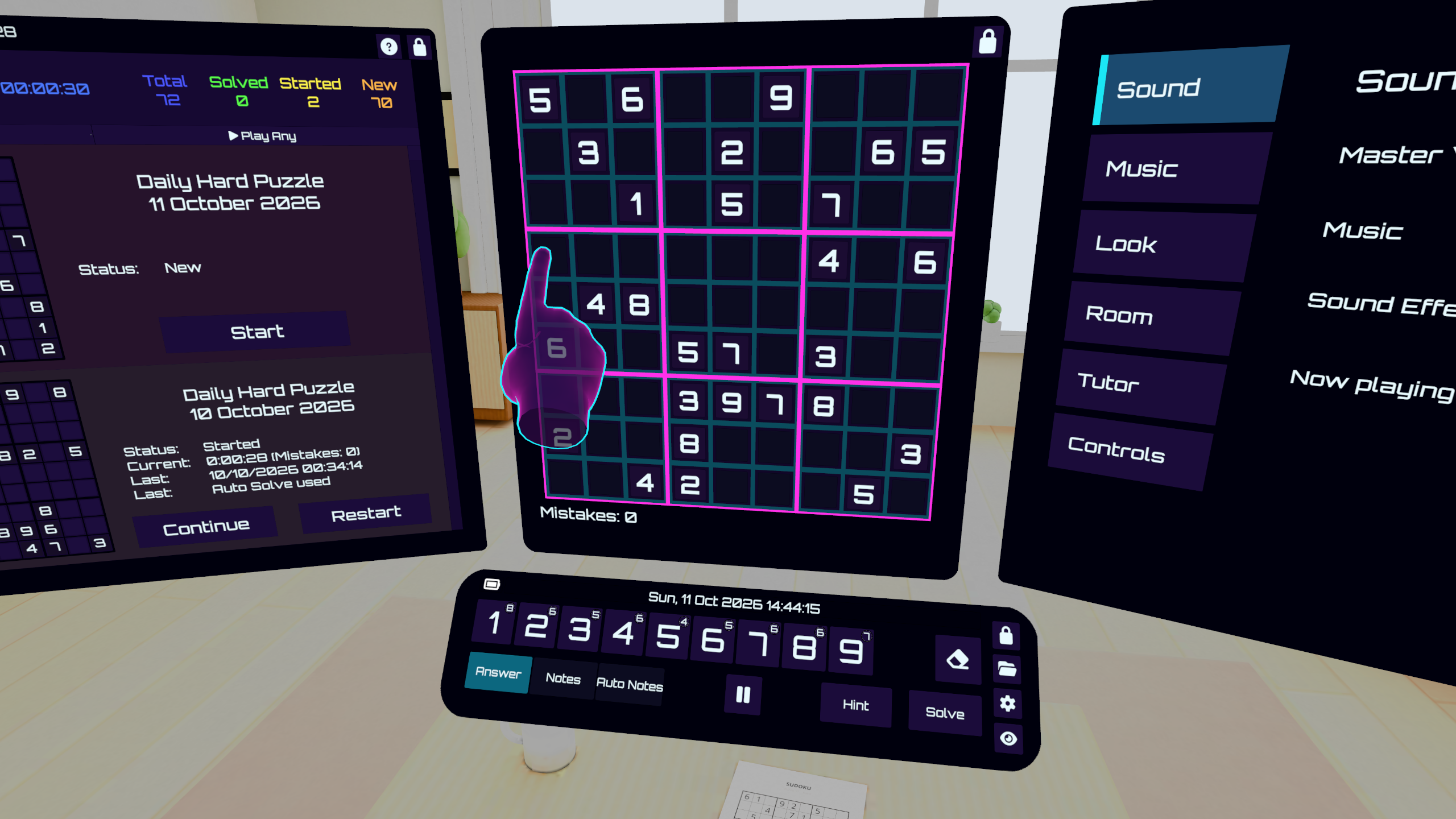
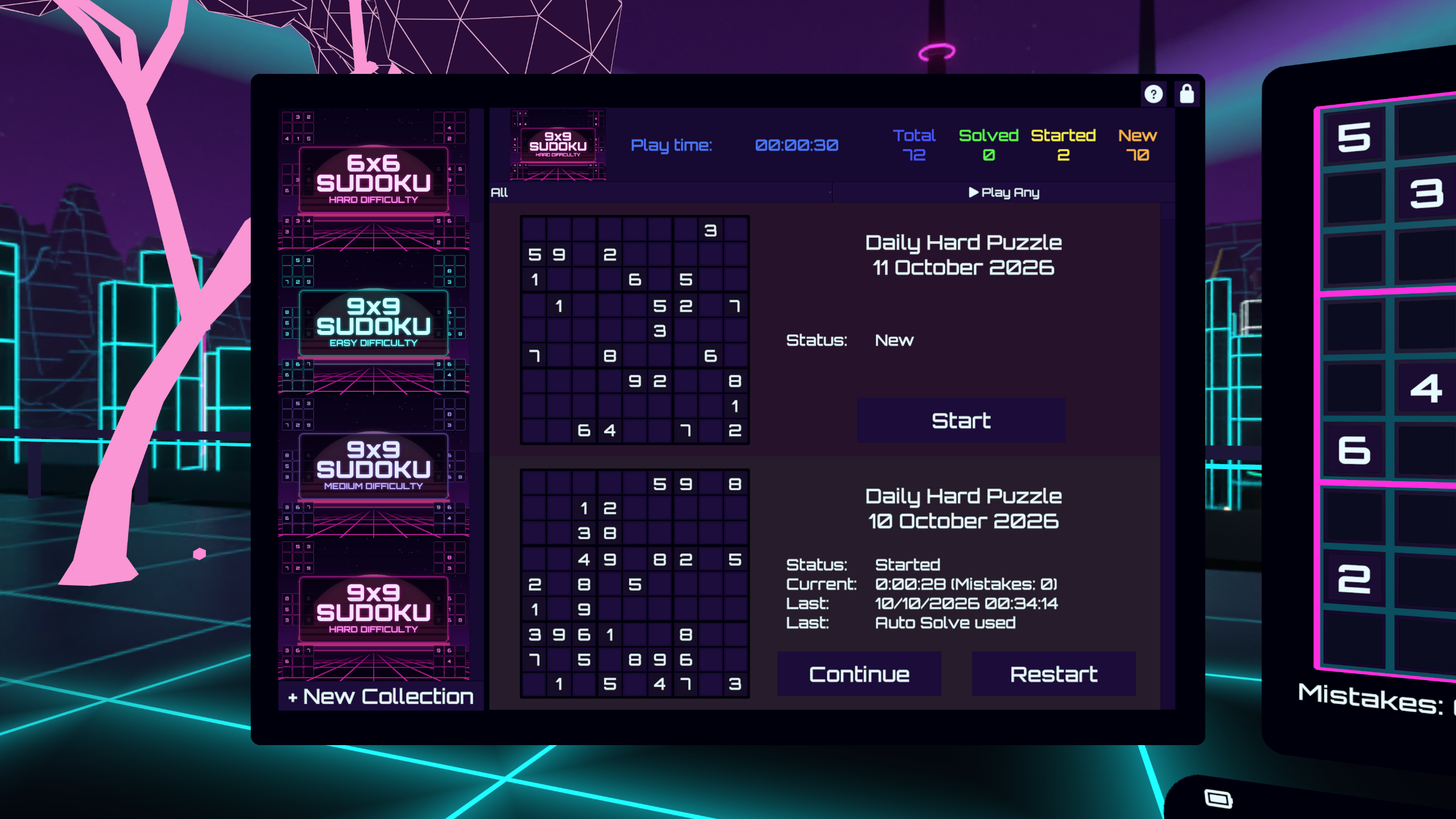
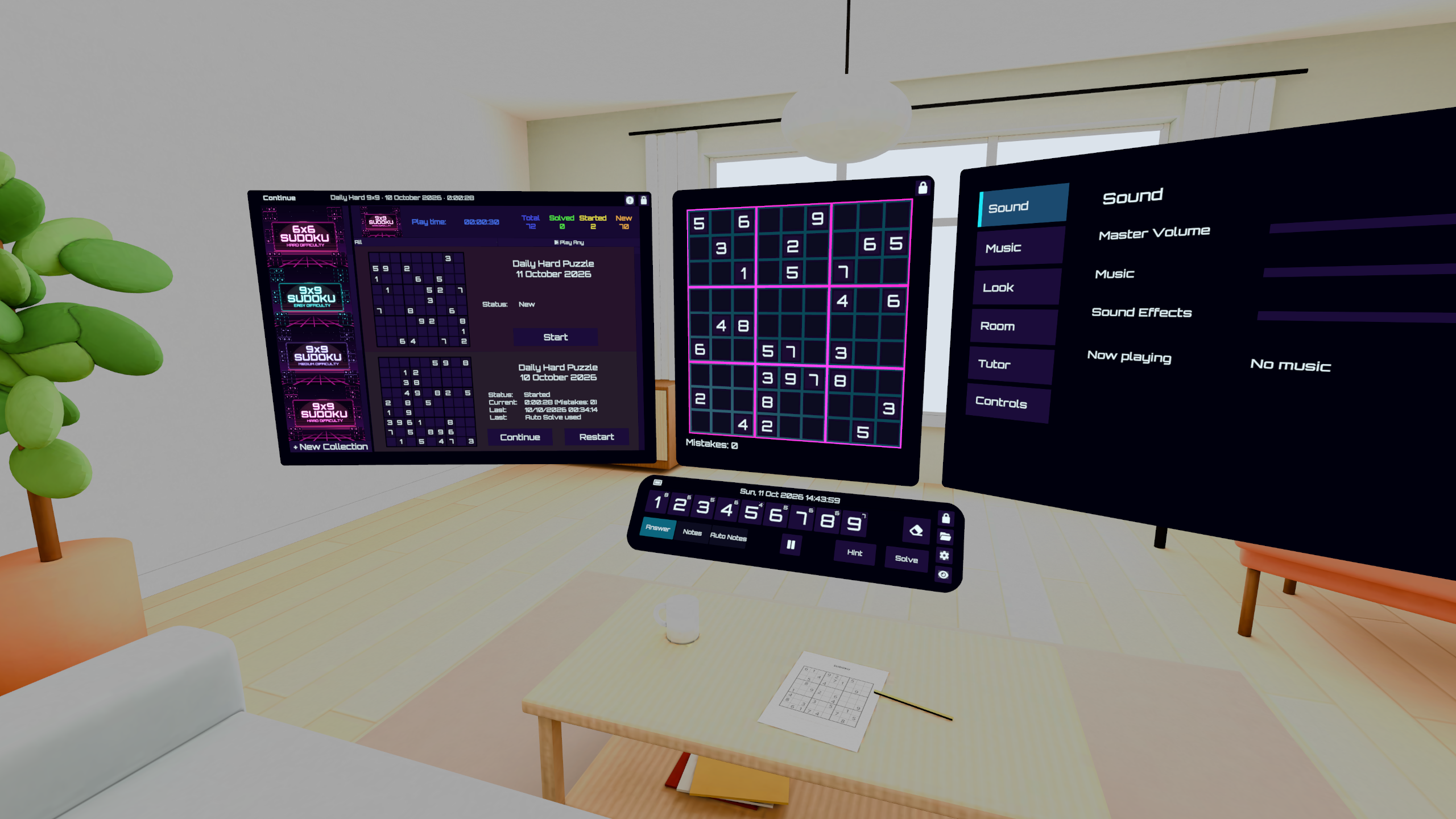
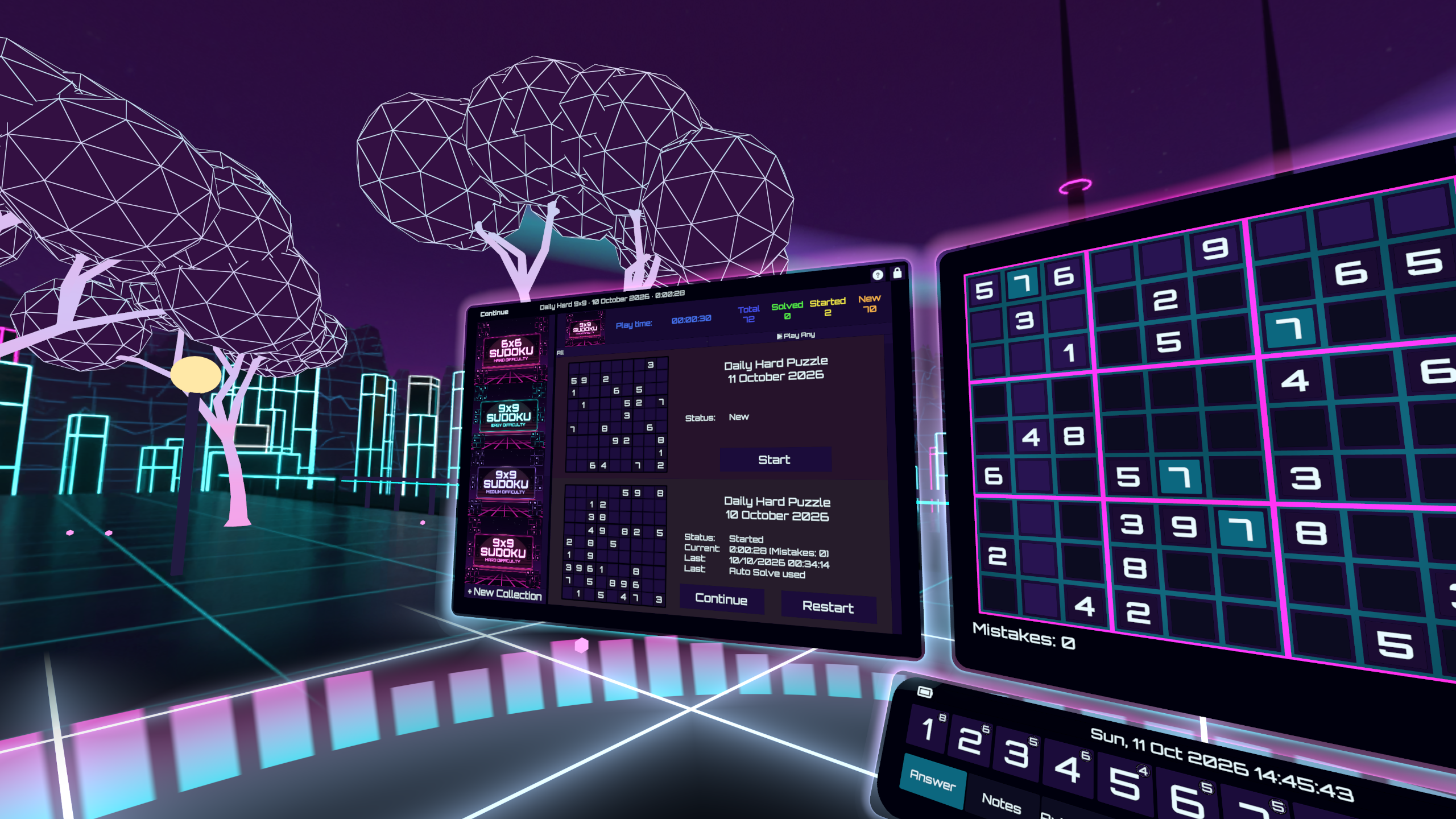
All panels can be repositioned and resized by hand - grab or ray intersection, as well as by controllers.
-
-
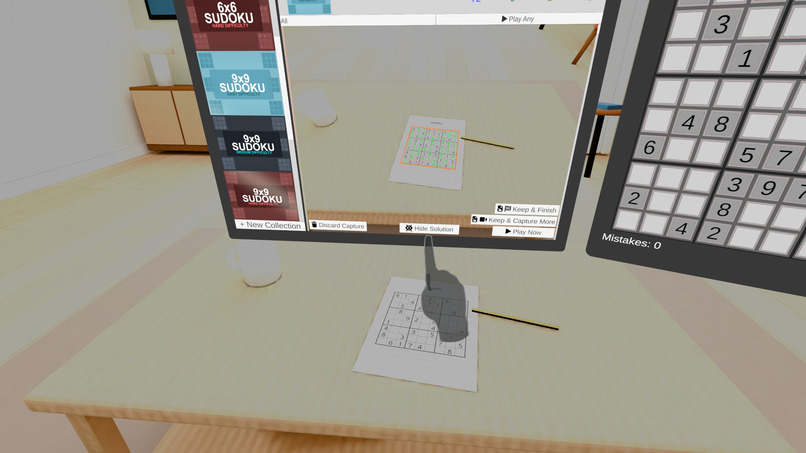
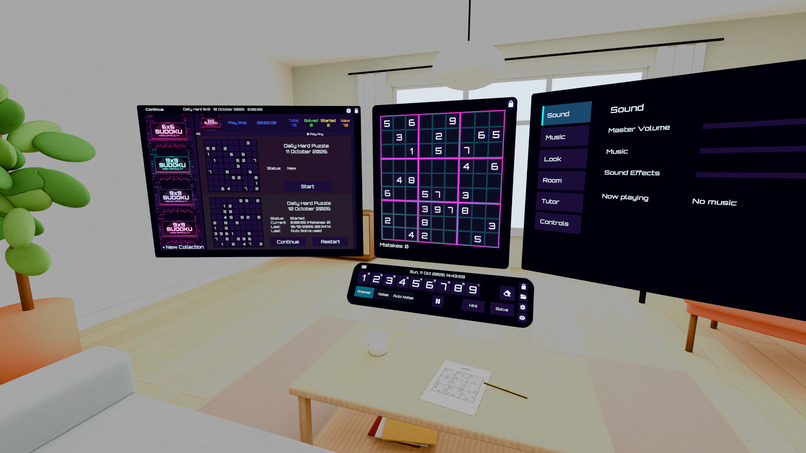
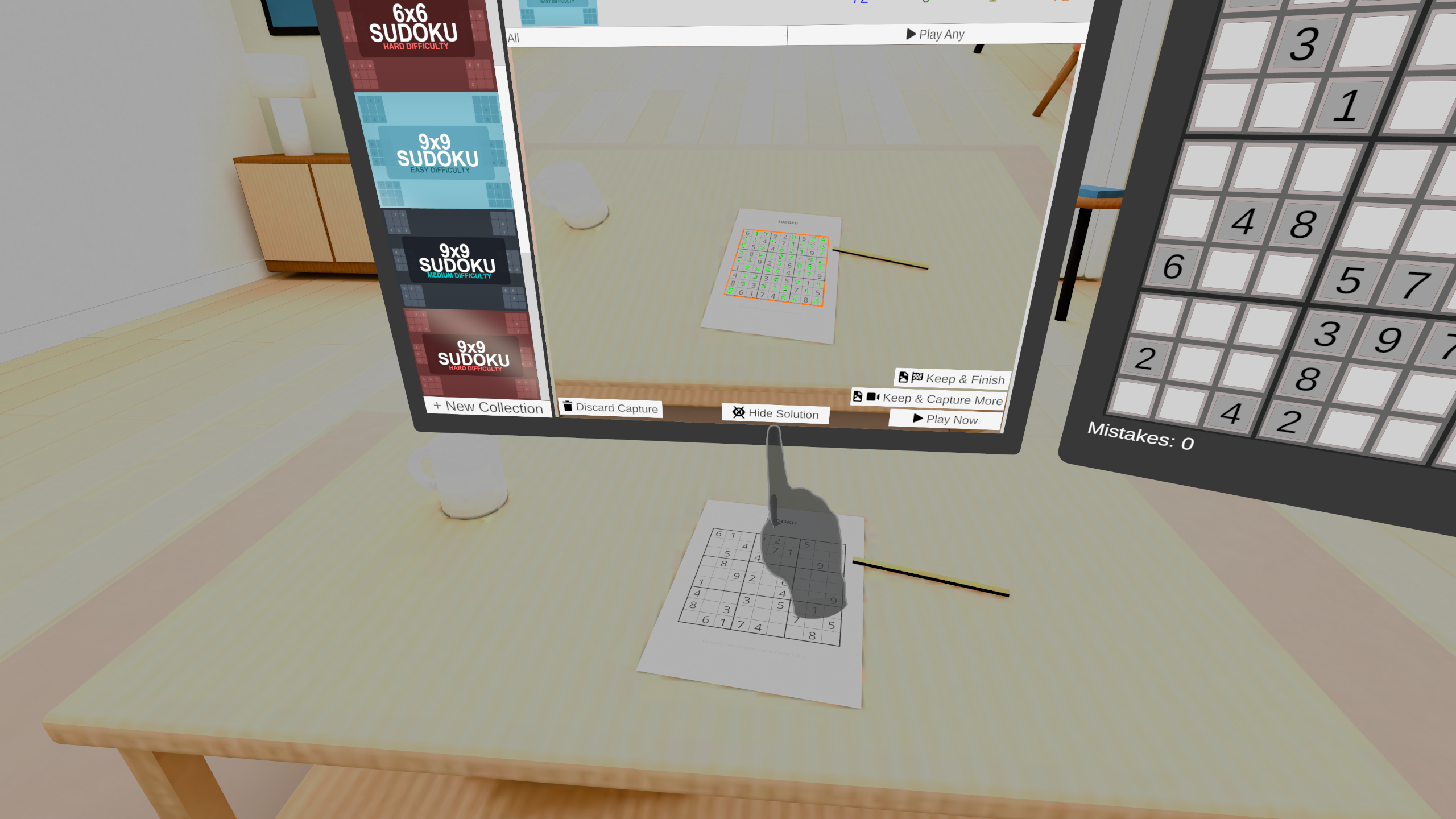
Use Quest's cameras to view capture real world sudoku grids from whatever medium you like - create collections and play in AR/VR
-
-
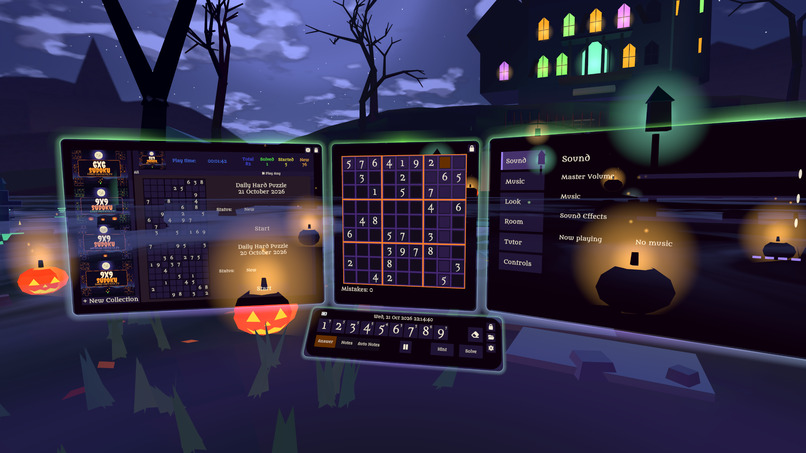
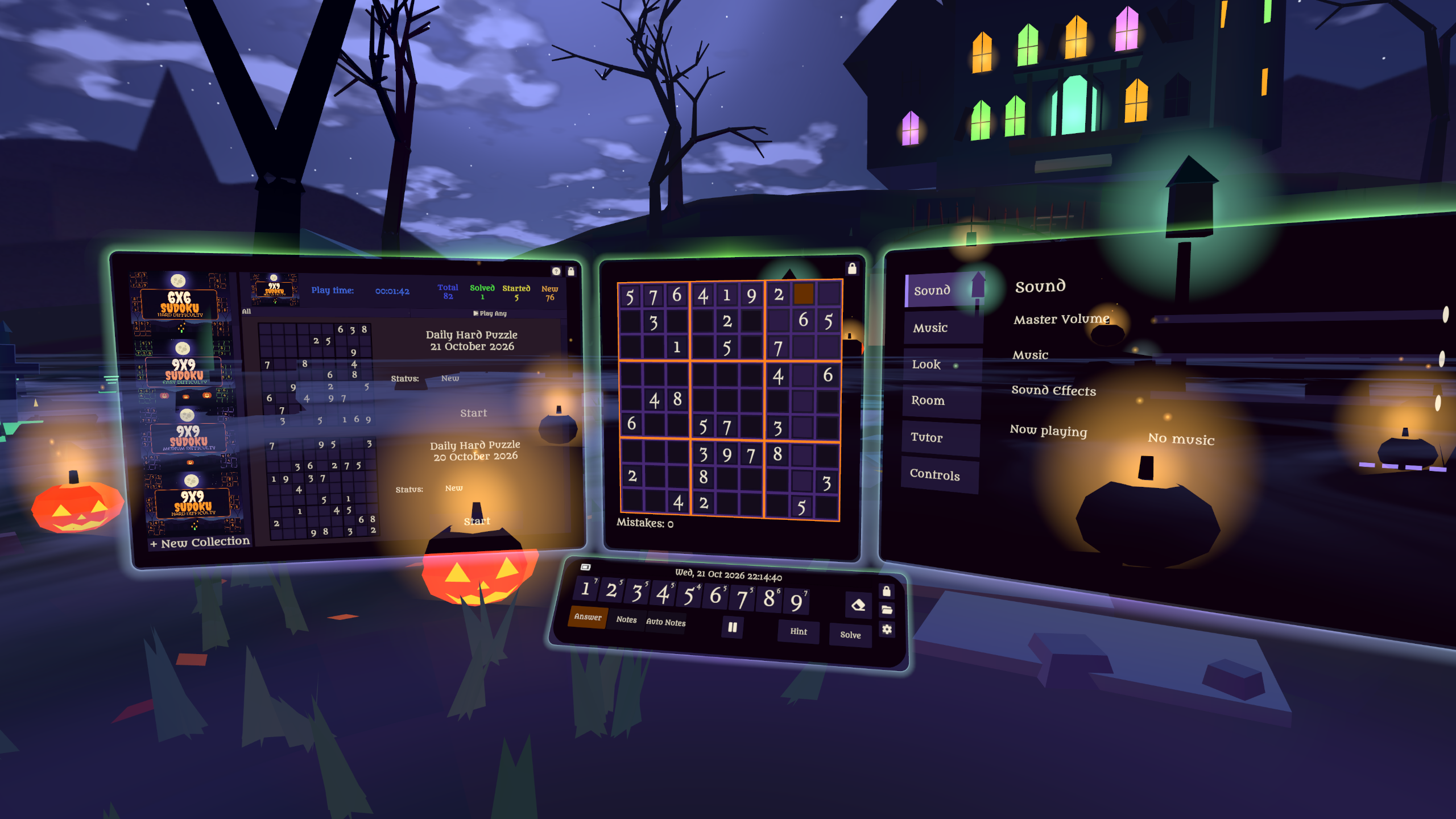
Halloween update
-

Halloween update

Inspiration
I've always wanted to build an AR/VR game so people can enjoy their favourite pastimes, like solving puzzles, free from the limits of a small screen. Sudoku is played by millions every day, so it was a great place to explore how mixed reality could make a classic feel more natural and more fun.
My entry to last year's Meta Horizon Start Developer Competition proved the core idea: point a Quest 3 at a real, printed Sudoku, let on-device AI read it, and play it in your room. This year I set out to turn that prototype into a complete, polished app built around your hands.
What it does
Capture any printed puzzle. Look at a newspaper, puzzle book or screen through a Quest 3 or 3S. The headset's cameras, OpenCV and a custom-trained model running on the device read the grid and float it in front of you, ready to play. Nothing is uploaded.
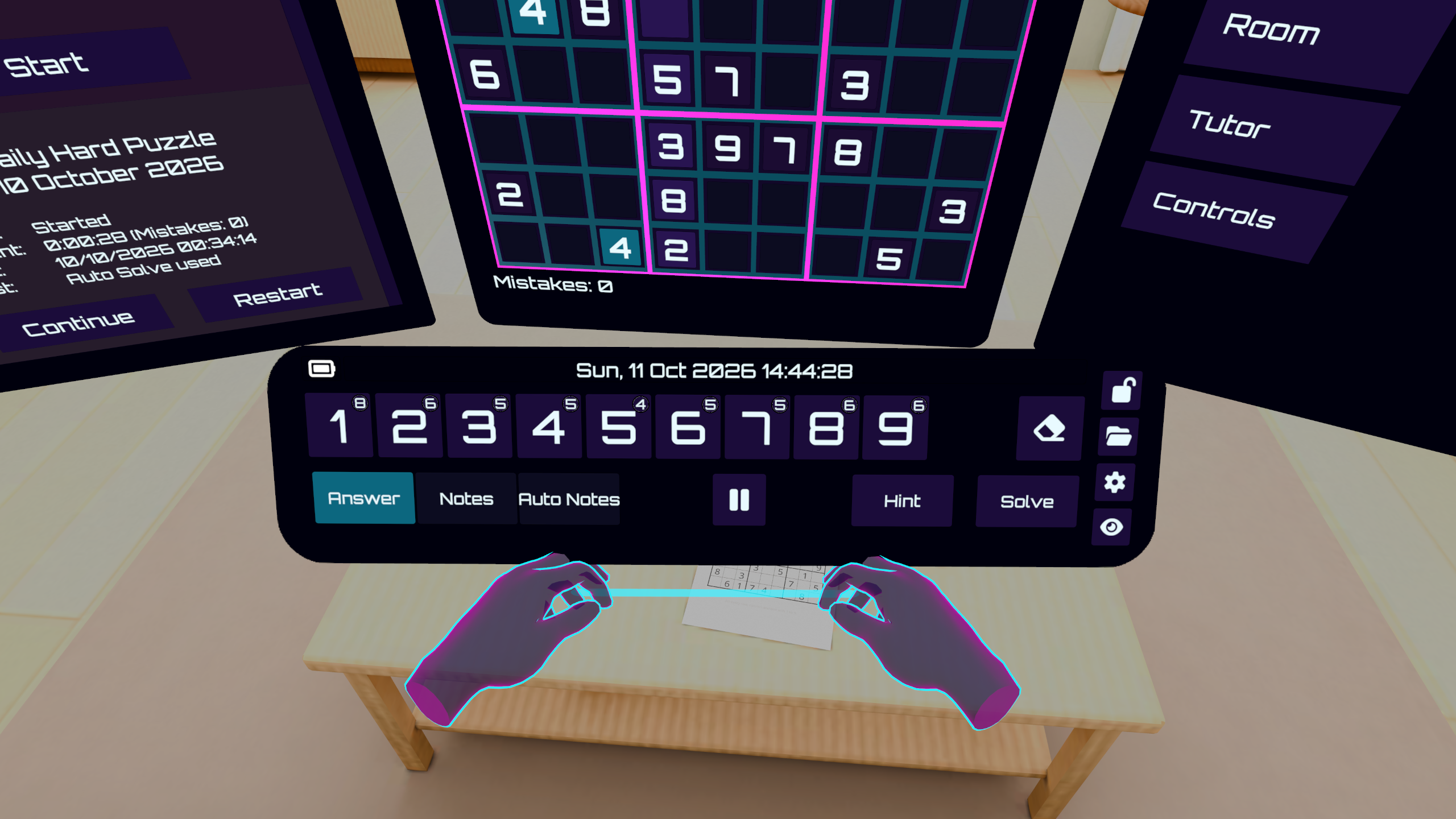
Hands first, from start to finish.
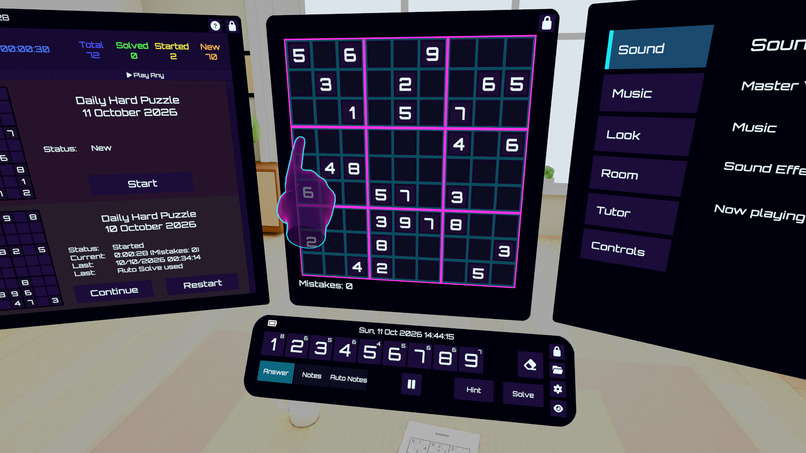
- Tap a cell with your fingertip, or point and pinch from across the room.
- Unlock any panel with its padlock, pinch its grab bar, and move, tilt or resize it with both hands. Your layout is remembered.
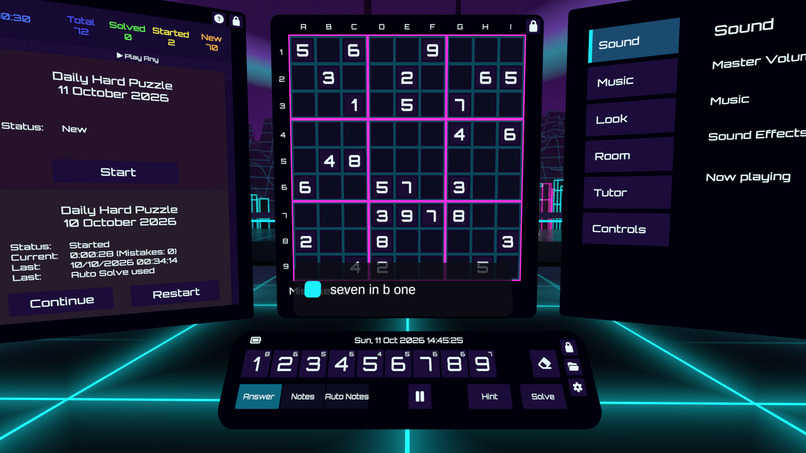
- Touch controllers work too, and you can play by voice: say "five in D3".
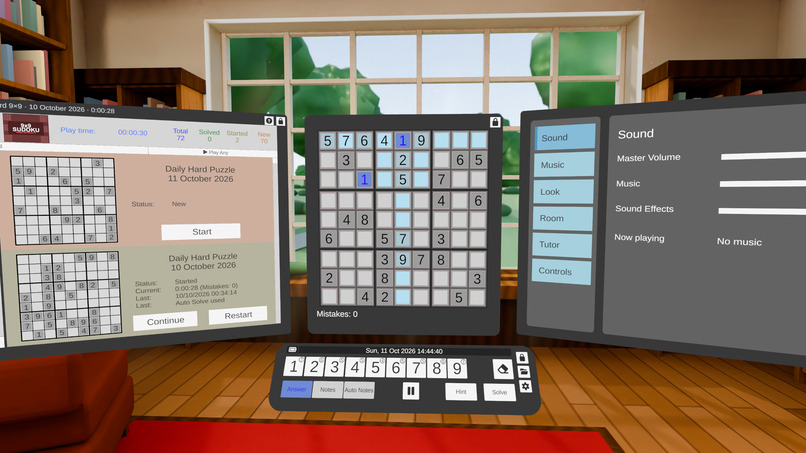
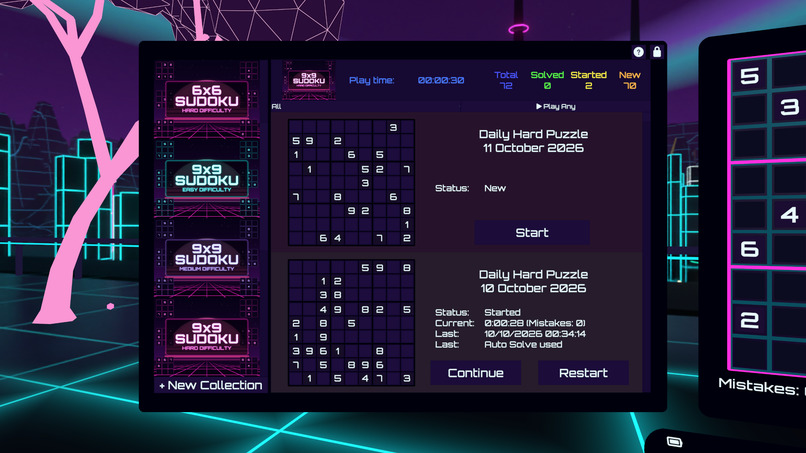
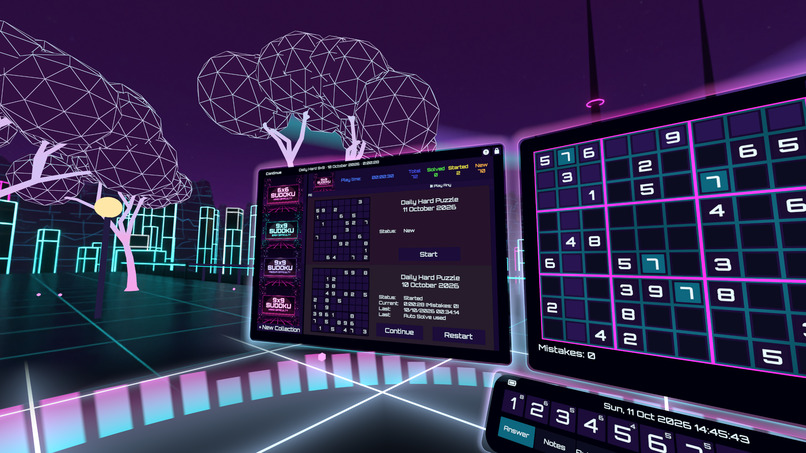
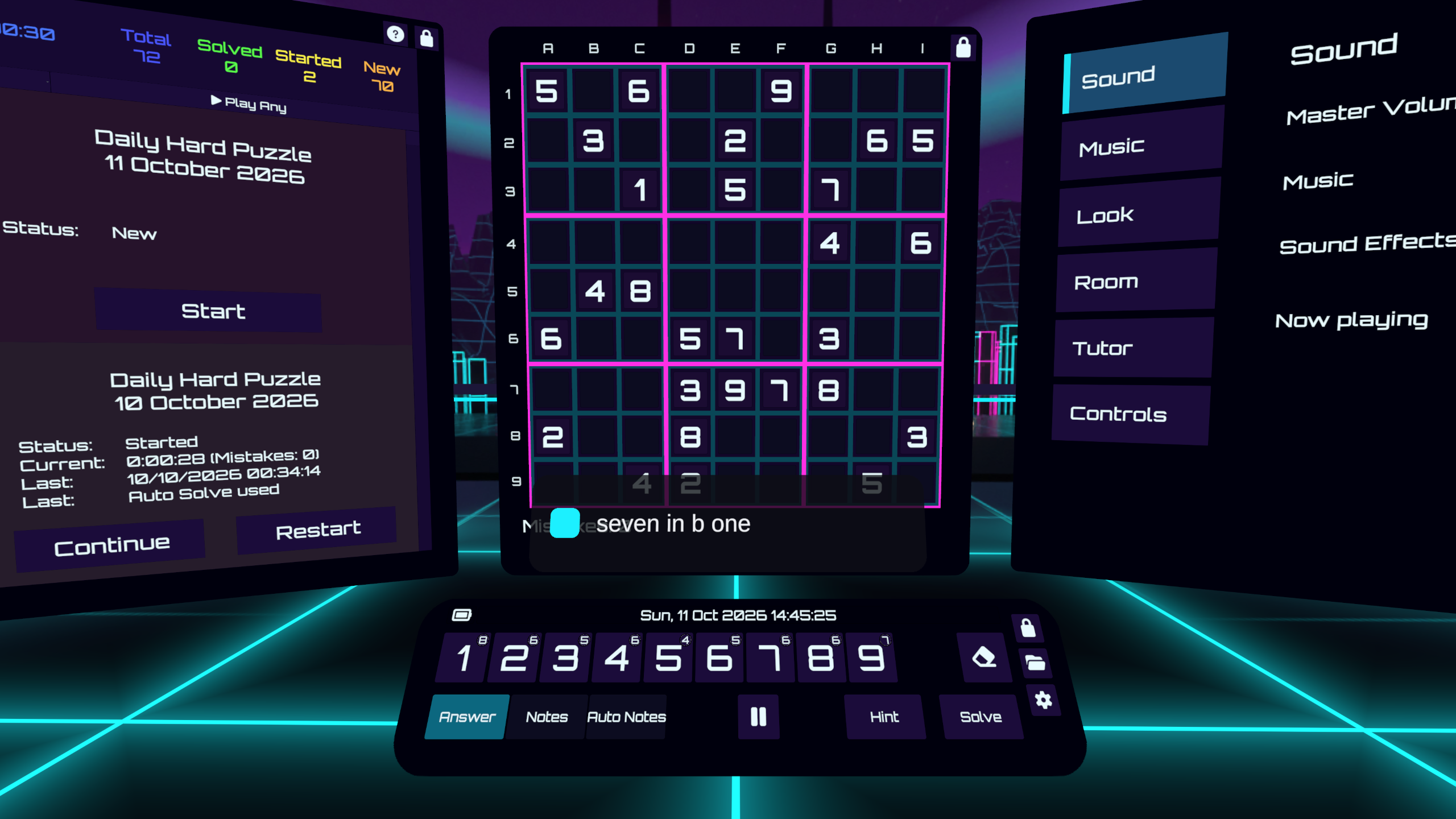
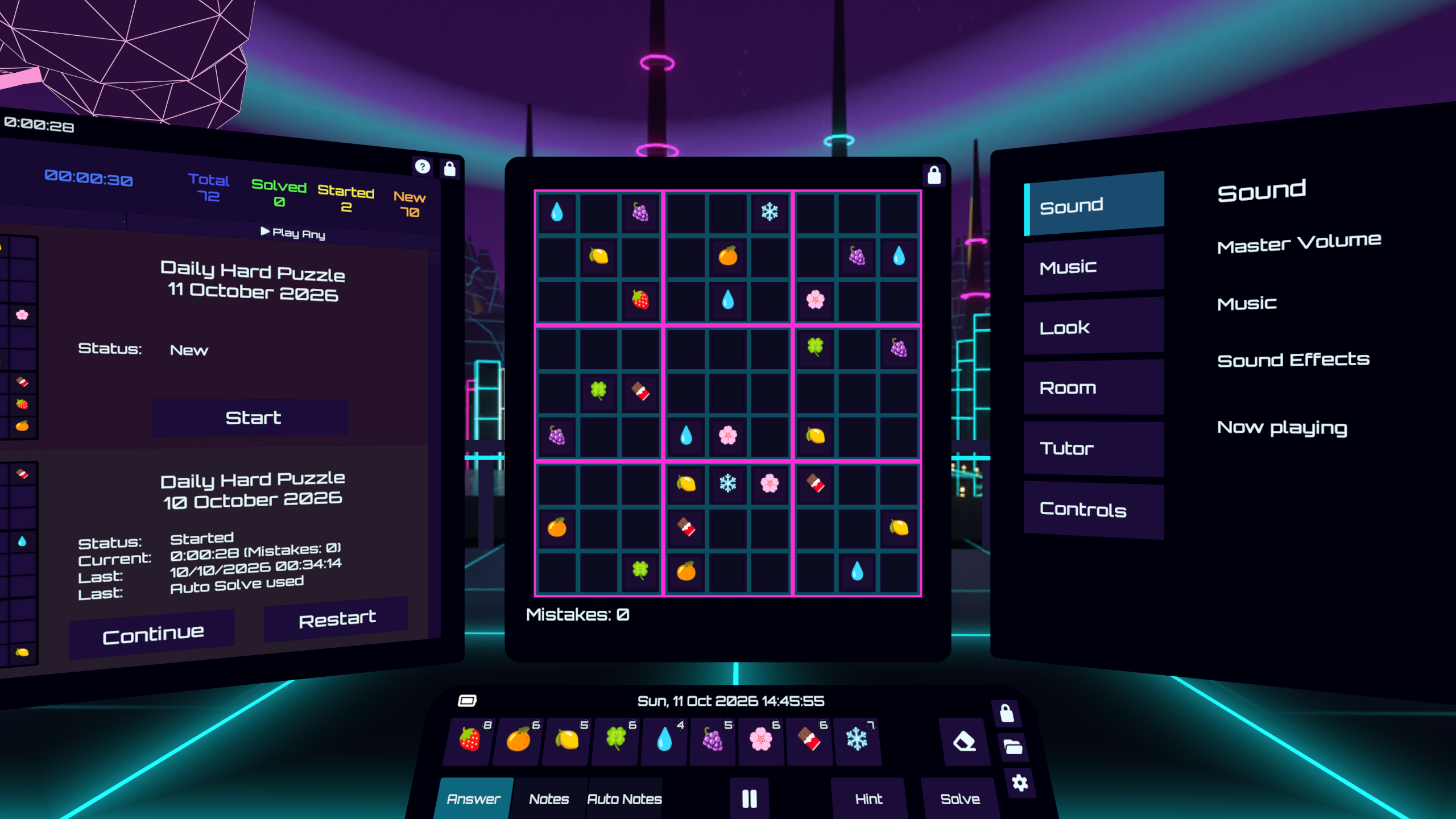
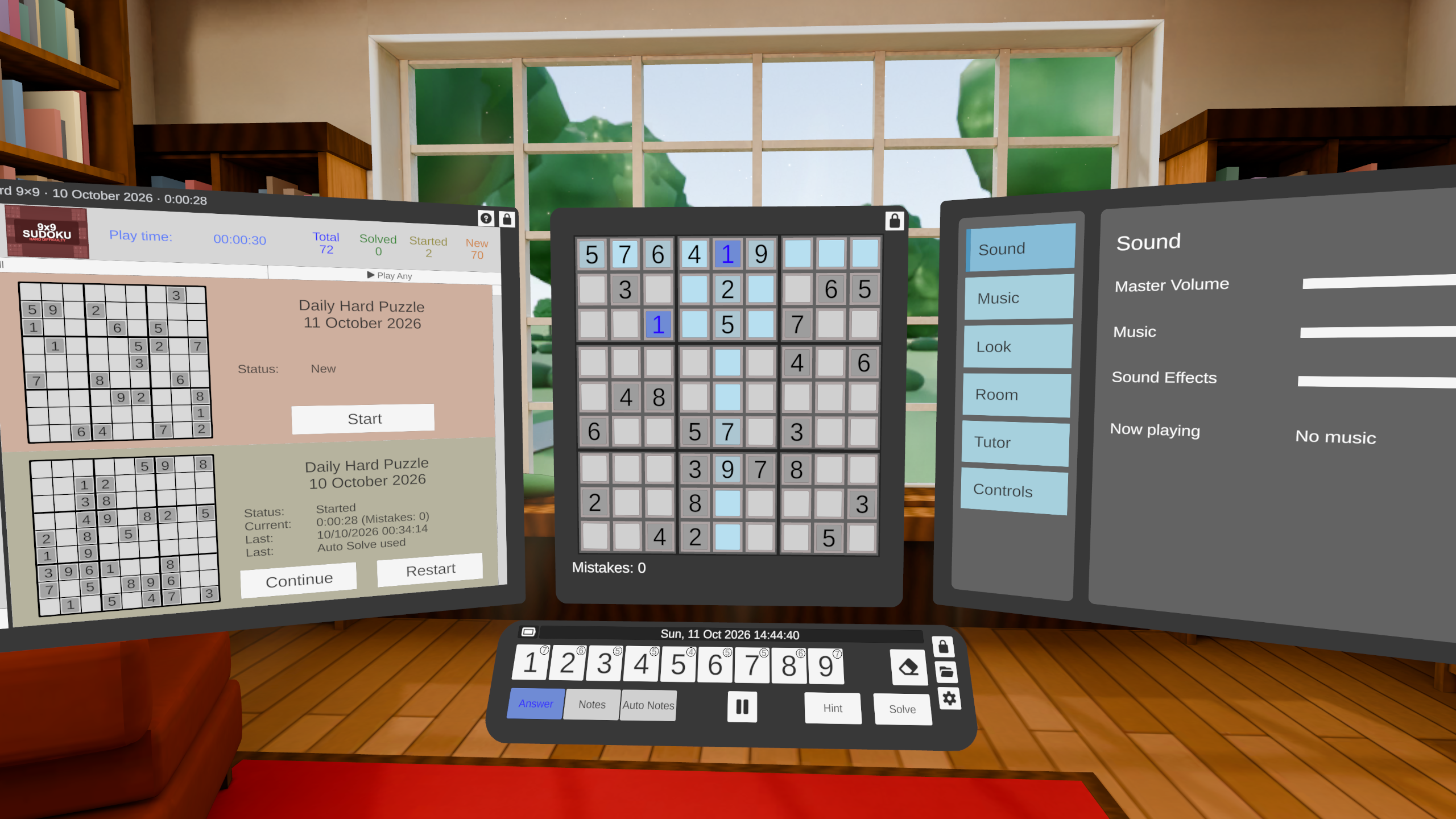
Your room is the board. The board, number pad and library live in your own space with passthrough, with soft occlusion on Quest 3 and 3S. Or switch to one of two worlds of its own: a sunlit Classic bookshop, or the Neon Horizon city with synthwave music that lights up the scene.
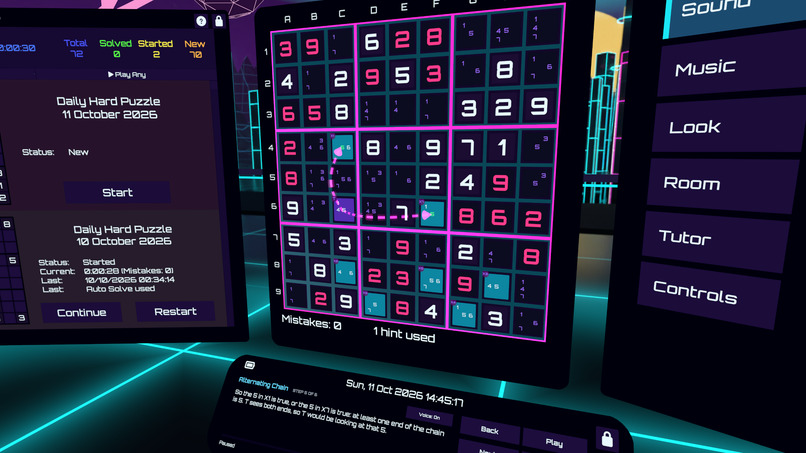
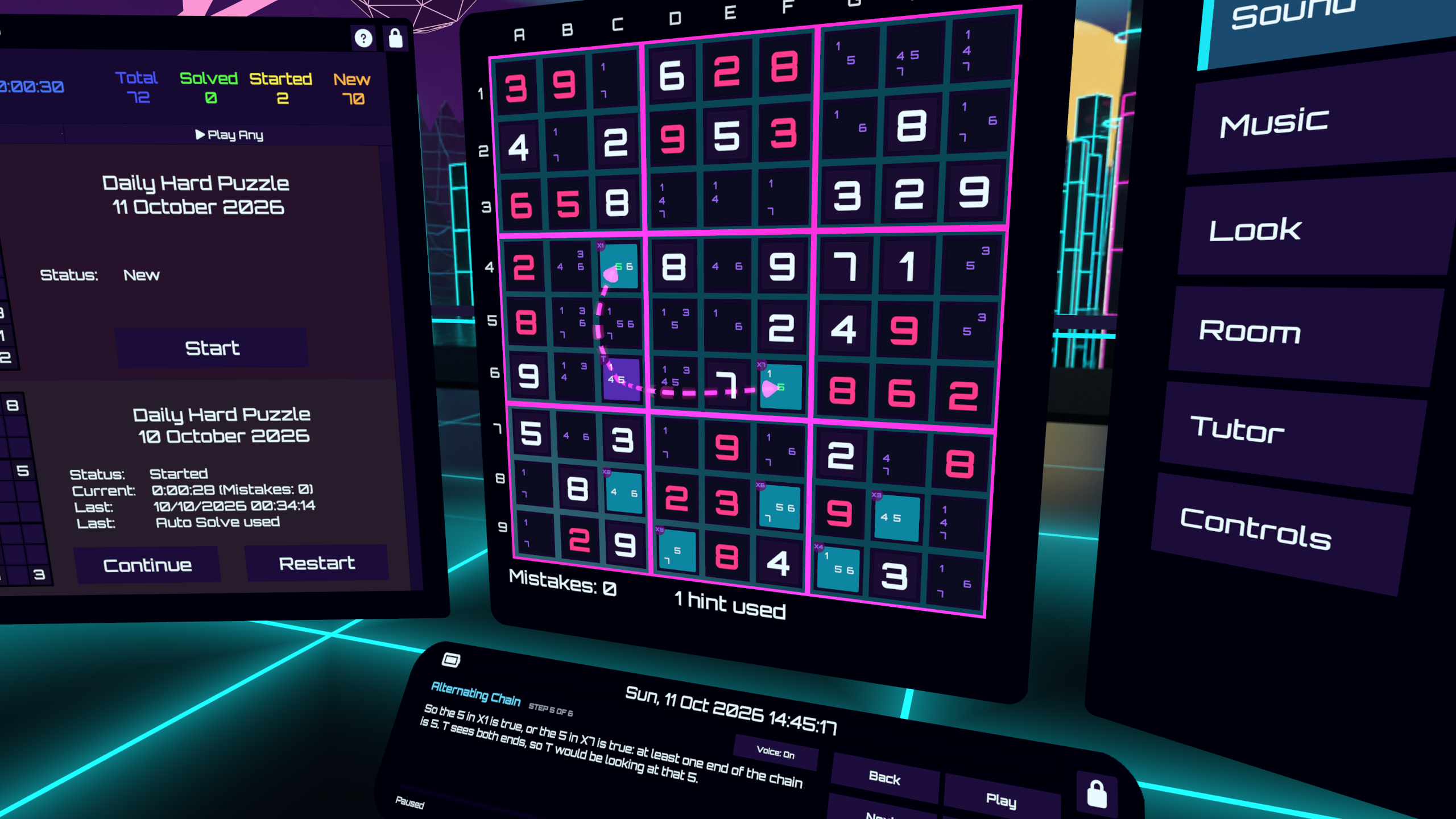
A tutor that teaches as you play. Ask for a hint and the game names the actual technique, from Hidden Single to X-Wing to chains. Explain walks through it step by step on your own board, and Keep teaching solves the whole puzzle with you, narrated aloud. The board's columns and rows are labelled like a chessboard so the tutor can say exactly where to look. Advanced techniques draw their chains as arrows across the board.
A new puzzle every day.
- 6×6, 9×9 and 10×10 grids, from Easy to Expert.
- Each level is defined by the techniques it needs: Easy needs only singles, Expert needs chains.
- 10,950 puzzles ship with the app, three years of daily grids.
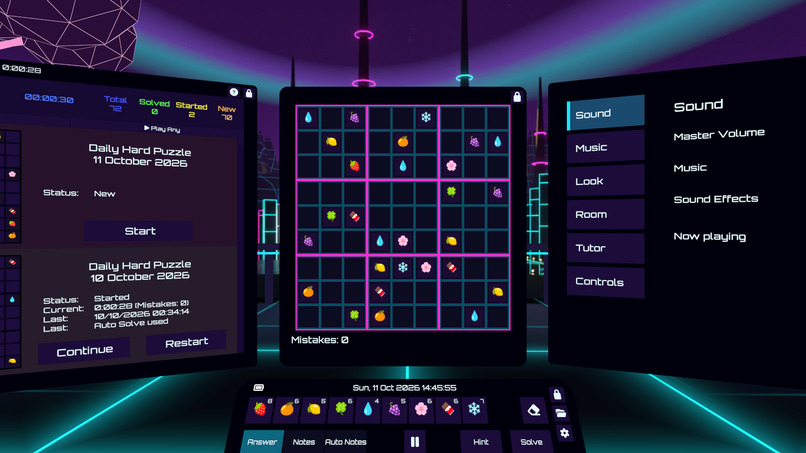
- Answer, Notes and Auto Notes modes; numbers, shapes or emoji; and a Continue strip that takes you straight back to your game.
It runs on Quest 3 and 3S (everything, including capture) and Quest 2 (daily and saved puzzles, no capture). Everything runs on the device: no account and no internet needed.
How we built it
Still a solo developer: Unity 6, the Meta XR SDK and Interaction SDK, Passthrough Camera Access, OpenCV, and Unity's inference engine (Sentis) running my own grid-recognition model.
- Hands-first interaction:
- Poke and ray interactors with enlarged hit areas, so small cells are easy to hit.
- A custom two-hand grab transformer for moving and resizing panels.
- A palm-away pinch gesture for push-to-talk.
- The tutor:
- A shared C# solving engine that finds the technique a person would use, not just the answer.
- Lessons written as steps that light up cells, links and candidates on the board.
- Narration pre-generated from the lesson text, in both cell-naming styles.
- The worlds: modelled and lit in Blender, then baked for the headset so they look rich without costing frame rate. The Neon world's visuals react to its music.
- The trailer: rendered from the app itself, with a modelled living room standing in for passthrough and a virtual camera feeding a printed puzzle into the real capture pipeline.
Challenges we ran into
- Hands-first precision: making 81 small cells reliable to hit with a fingertip or a pinch ray at arm's length, without accidental presses.
- Performance: keeping a steady frame rate on Quest 3S while the passthrough cameras stream, the AI runs, and a themed world, board animations and music visuals all draw.
- Teaching naturally: turning a solver's logic into explanations that sound like a person talking you through it, especially for chains, and naming cells in a way that works by voice and by ear.
- Two looks, one game: one board, set of panels and set of animations that look right in both a warm bookshop and a dark neon city.
Accomplishments that we're proud of and what we learned
Last year I didn't know Unity or Meta's SDKs. This year Sudoku Capture AR is a complete product: capture, hands-first play in your room, two worlds, a tutor covering every technique, voice control, three grid sizes and three years of daily puzzles. That's every item on last year's "What's next" list except the Sudoku variants.
The biggest lesson was designing for hands from the start, not adding them later. Every panel, button size and gesture had to make sense without a controller. That made the whole app feel calmer and more natural.
What's next for Sudoku Capture AR
- Other kinds of Sudoku: Killer, Jigsaw and Sudoku X.
- Capturing puzzles mid-solve from paper, so you can carry on in mixed reality.

Log in or sign up for Devpost to join the conversation.