-
-
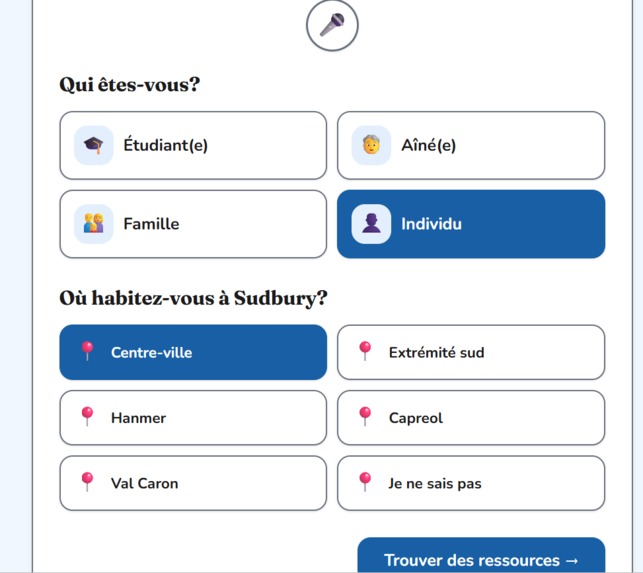
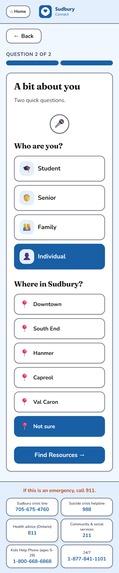
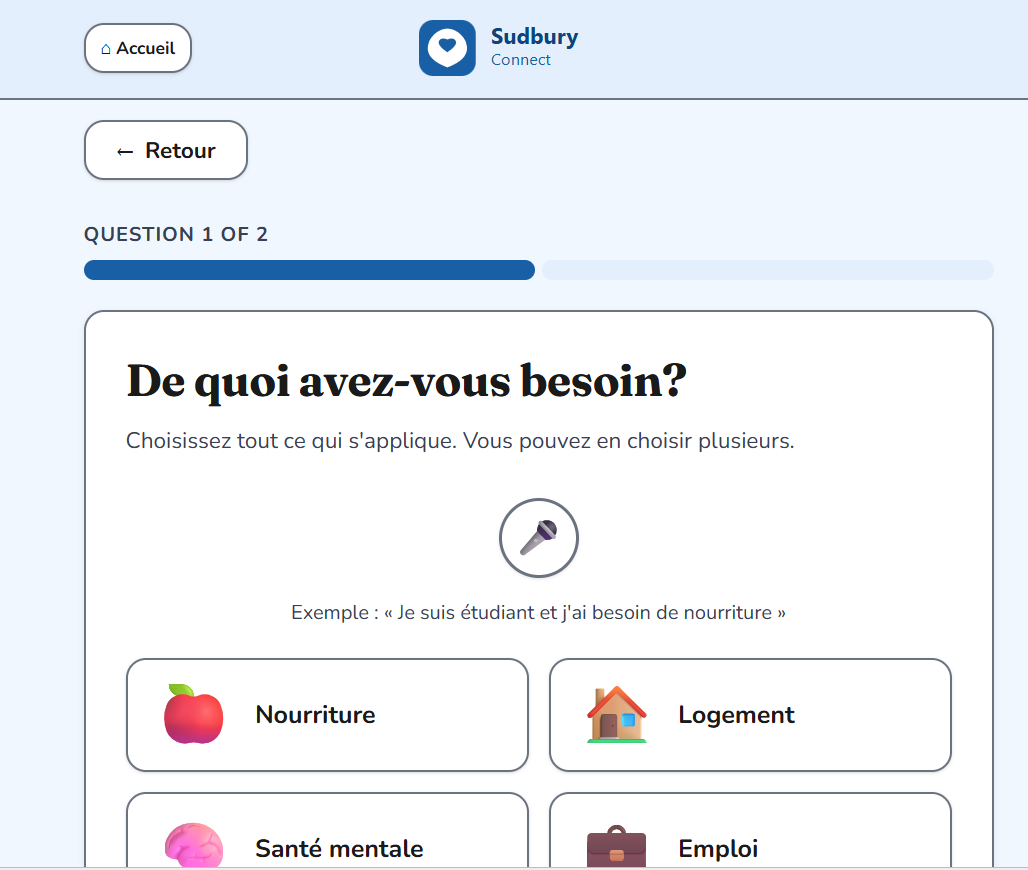
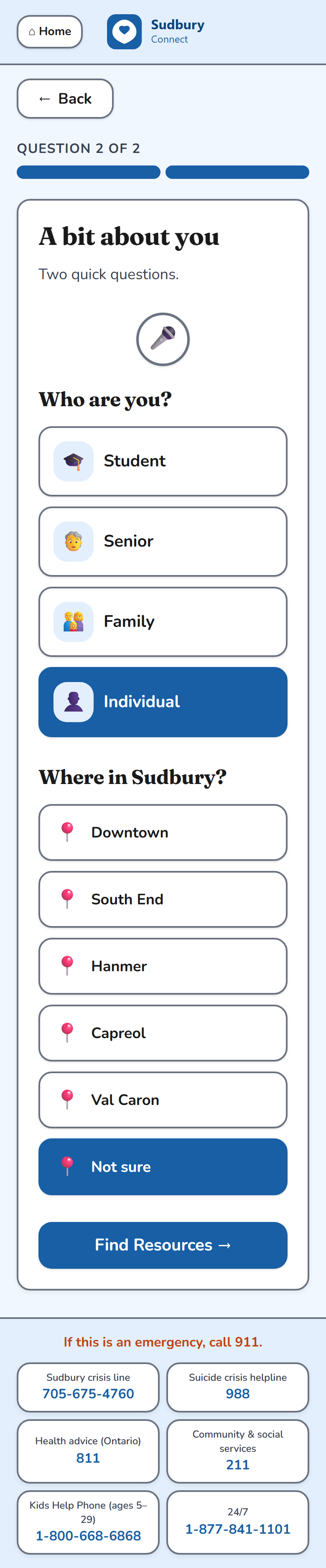
2nd Question
-
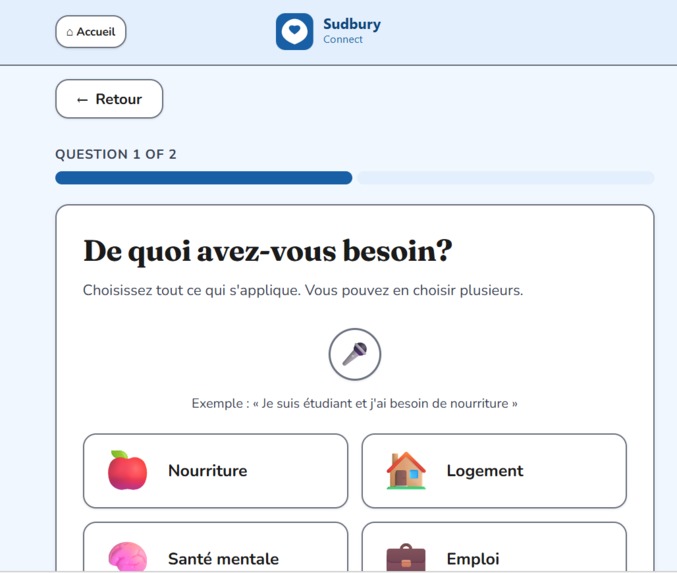
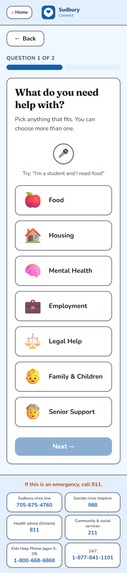
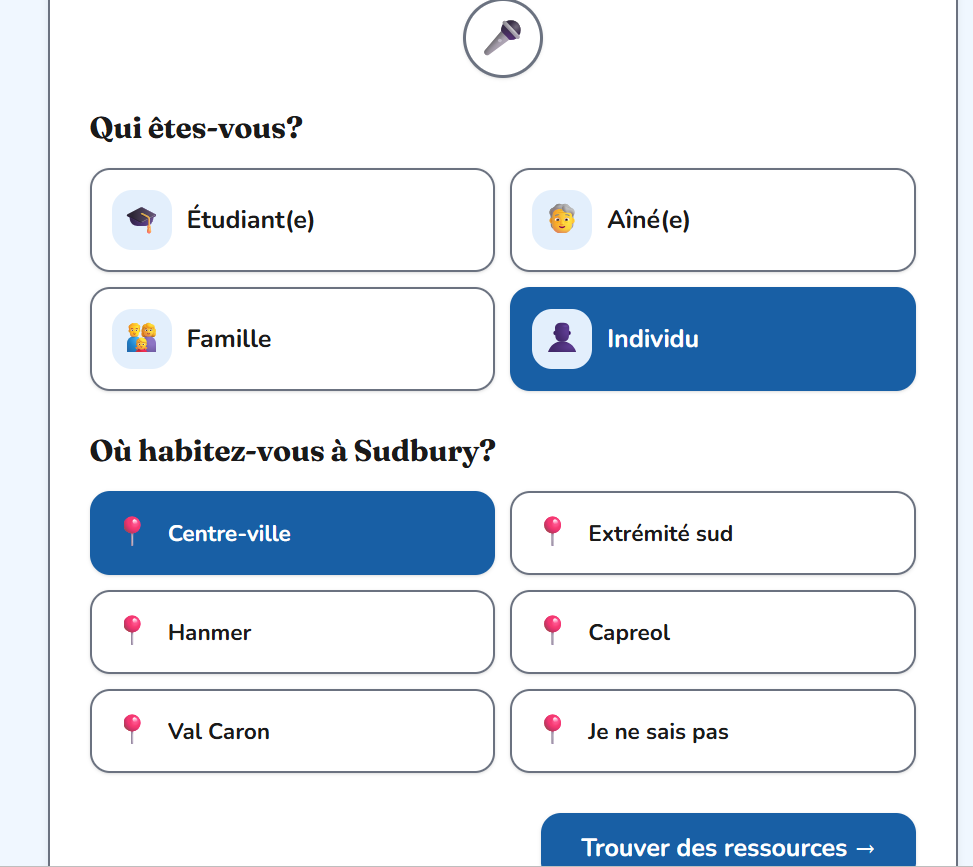
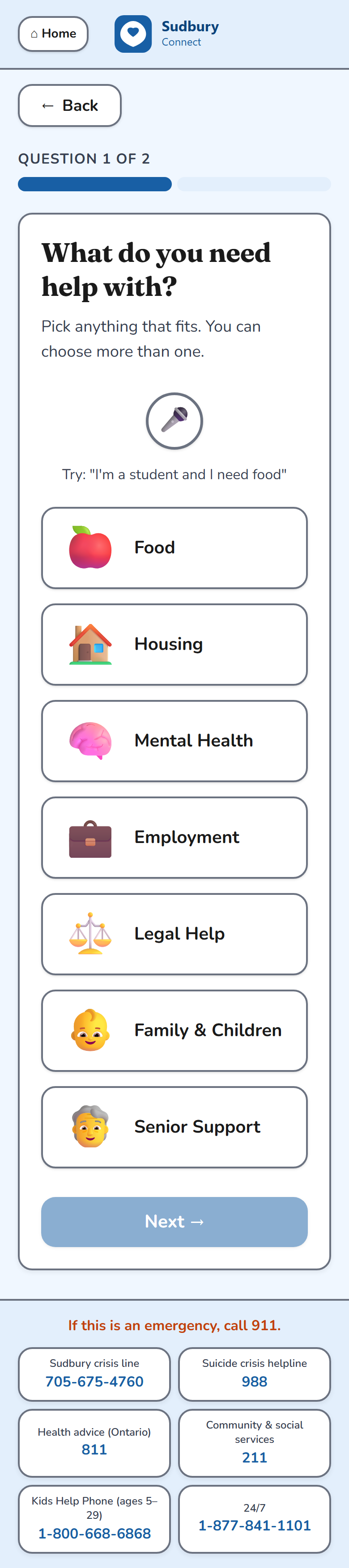
1st question
-
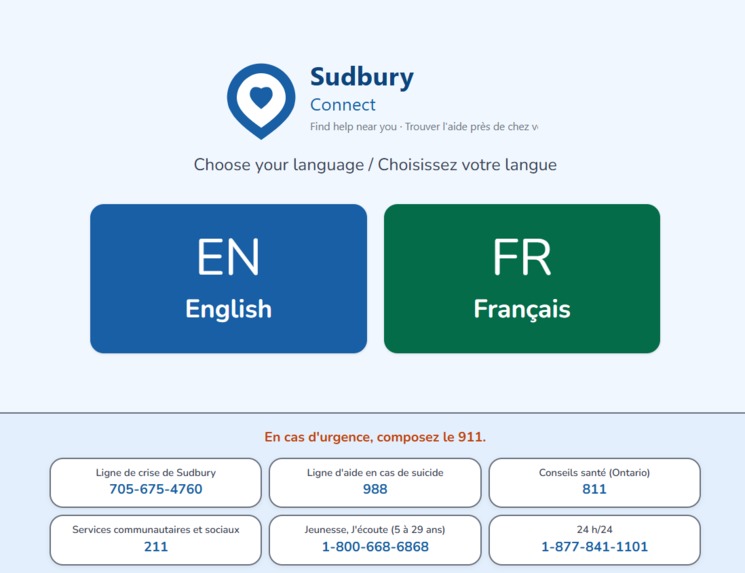
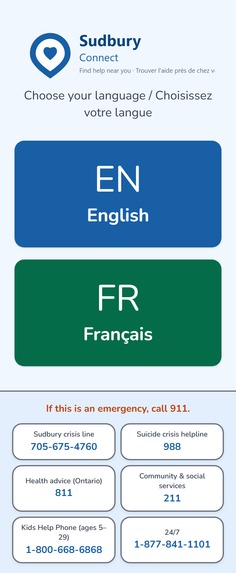
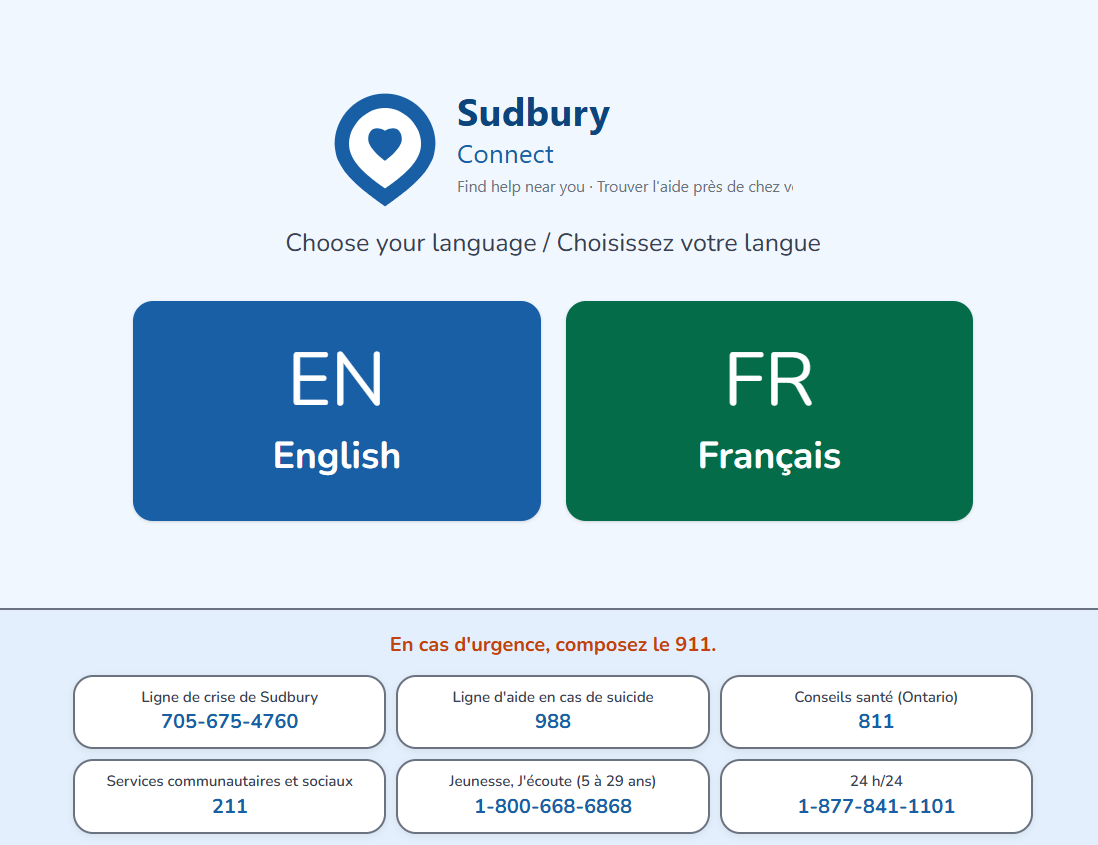
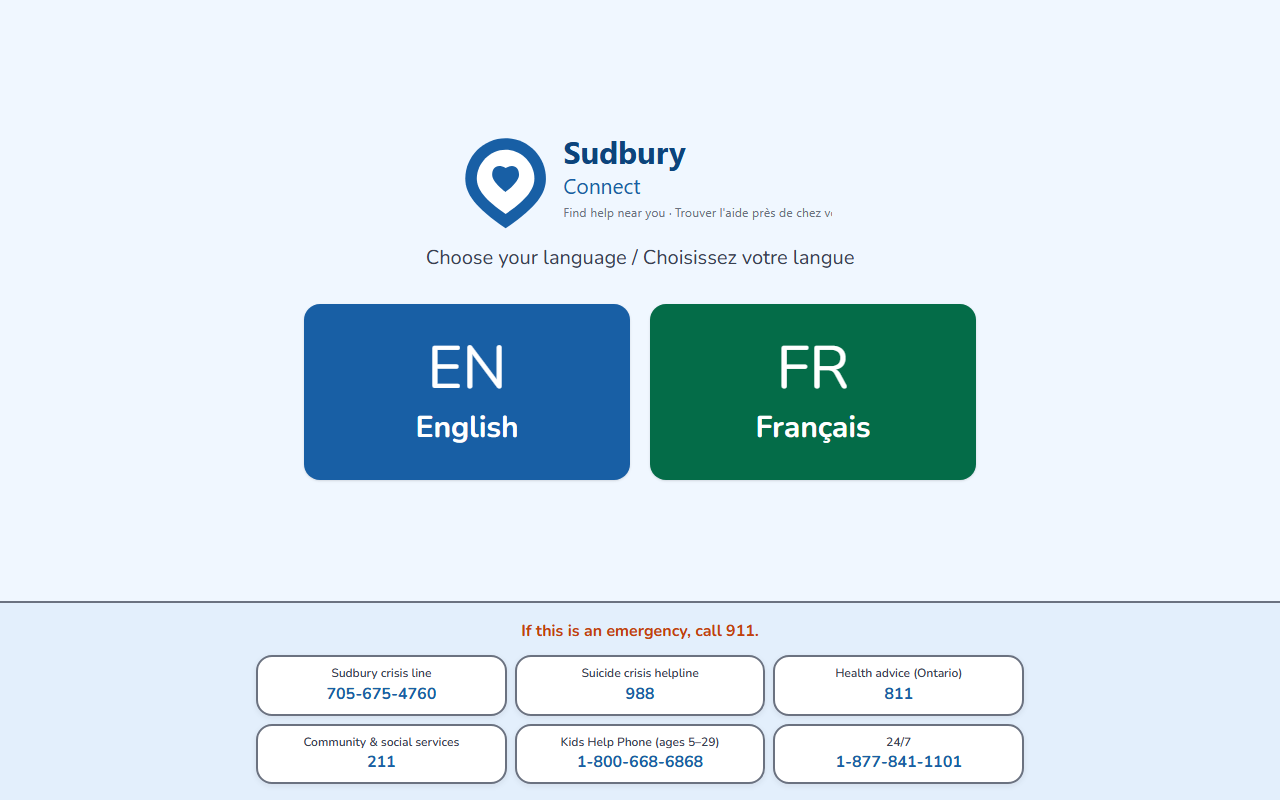
Main Page
-
-
-
-
-
-

-



Inspiration Sudbury is bilingual and diverse — but finding community help here means navigating dozens of scattered websites, English-only PDFs, and directories that assume you already know the name of the agency you need.
We kept thinking about two people: Maria — a 67-year-old French-speaking senior worried about food this month. She has a phone, but she doesn't know where to search, and most sites don't speak her language. Jake — a university student in mental health crisis at midnight. He knows he needs help but has no idea what organizations exist or who to call.
Neither of them should have to Google their way through a crisis. We wanted to build something that feels like a kind neighbour pointing you in the right direction — not a government form, not a search engine, not a wall of links.
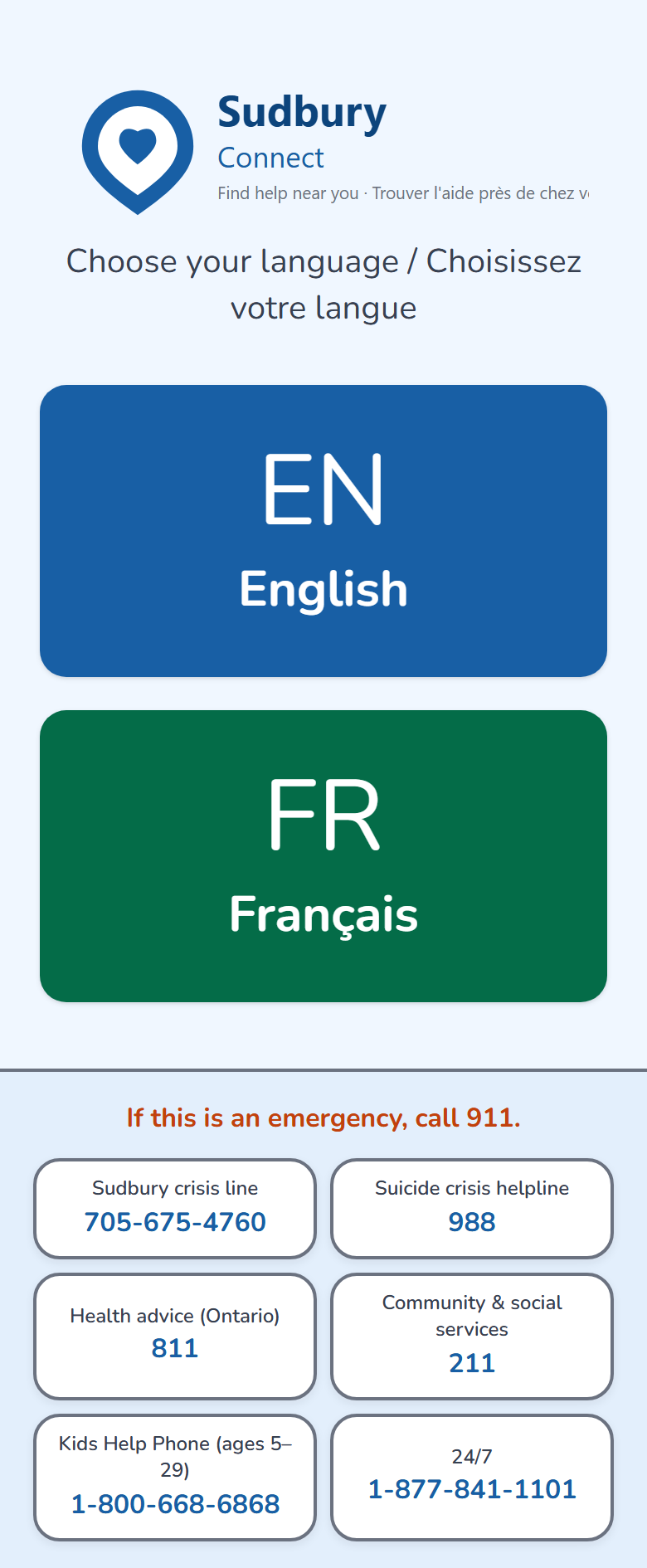
What it does Sudbury Connect is a bilingual, fully accessible community resource finder for Greater Sudbury. In under 60 seconds, anyone can:
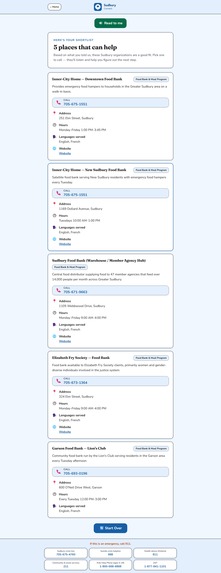
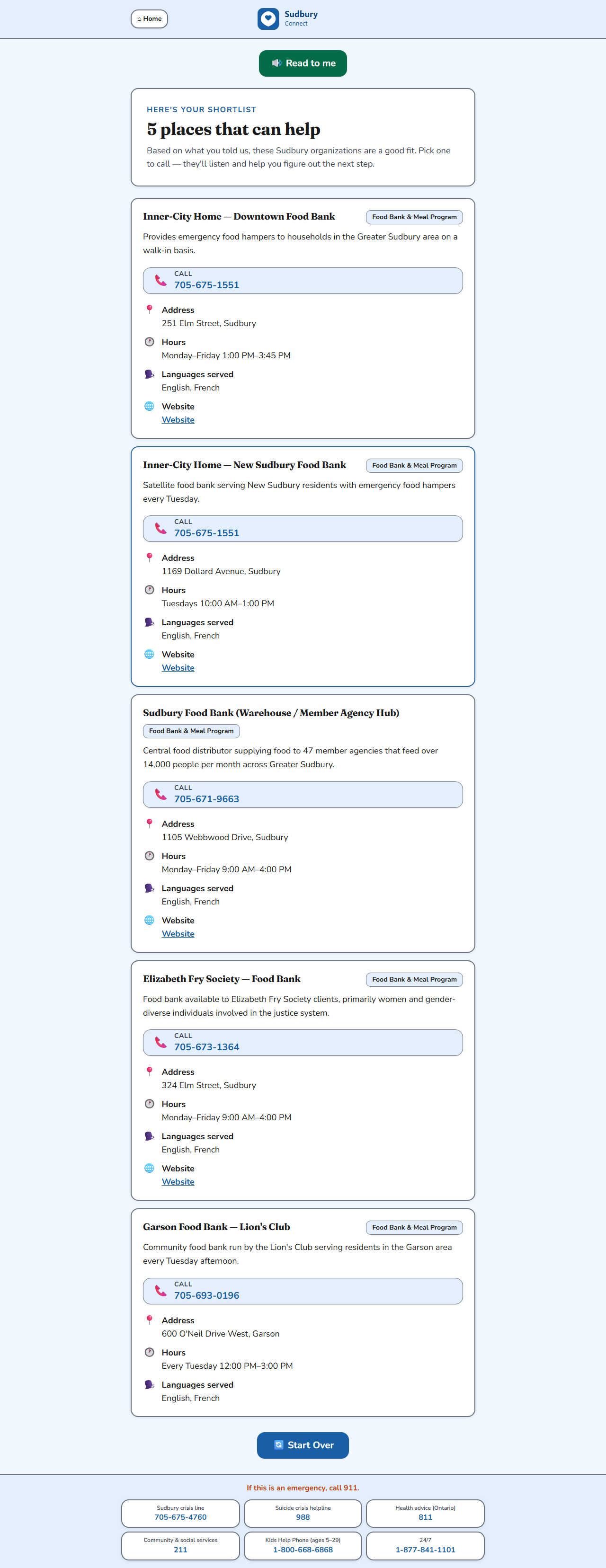
Choose their language — English or French Tap what they need — food, housing, mental health, employment, legal help, family services, or senior support Answer two quick questions — who they are and roughly where in Sudbury they are Receive 3 to 5 real, local organizations matched to their situation, with phone numbers they can tap to call, hours, addresses, and a description they can read or hear aloud
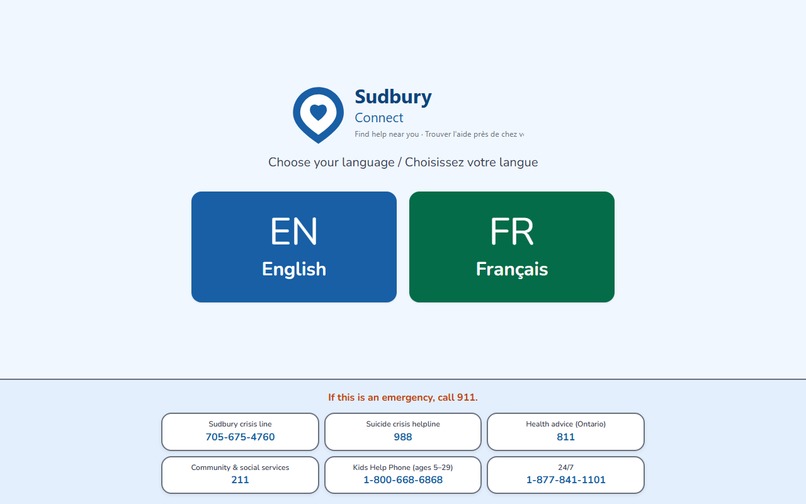
The app works on any phone, with large touch targets, voice input, and an emergency footer always visible at the bottom with 911, 988, the Sudbury crisis line, 811, 211, and Kids Help Phone. Everything works in English and French from the first screen to the last result.
How we built it
Data collection — the hardest part Our original plan was to scrape 211ontario.ca using Apify. We quickly hit two walls: 211 Ontario renders its results dynamically via JavaScript so basic scrapers returned empty pages, and Puppeteer-based scrapers couldn't get past cookie consent walls. The 211 Ontario API requires a formal email application — too slow for a one-day hackathon. We adapted. Rather than give up on real data, we manually cross-referenced three AI models — Claude, ChatGPT, and Gemini — searching across 211ontario.ca, greatersudbury.ca, organization websites, the NISA community directory, and the City's Street Wise Guide. We also obtained two open datasets from the City of Greater Sudbury open data portal: the EarthCare Sudbury Food Access Map and 2016 Census neighbourhood layers, which we converted to JSON and merged into our resource database. The result: 312 verified community resources across 7 categories, bilingual, with phone numbers, hours, areas, and descriptions.
UI and matching Five-screen mobile-first flow built with React 19 + TypeScript + Vite in Cursor, with Lovable for visual UI polish. A fast local scoring function ranks resources by category, language, area, and profile — results in under 200ms with no API call. NVIDIA Nemotron is used for AI-assisted matching tests and voice intent parsing fallback.
Voice Primary layer uses the Web Speech API (en-CA / fr-CA). Valsea AI serves as transcription fallback. The Read to me button on results uses browser TTS to read results aloud in the user's language.
Challenges we ran into Data collection platforms blocked us at every turn. Web Scraper returned 2 results because 211ontario loads data via JavaScript. Puppeteer timed out waiting for .record-agency due to cookie walls. The 211 API requires email approval. We adapted within the hour — manual curation with 3 AI models gave us better, more complete data than automation would have. CORS in the browser — Direct API calls to NVIDIA/Valsea failed in dev. We added Vite proxies and restructured so the main user flow uses local matching, with AI called only for testing and voice fallback. Voice accuracy for Canadian French and English — The browser's STT needed explicit en-CA / fr-CA locale hints and a keyword-first parser before the AI fallback. Above-the-fold layout — Every screen had to fit on one phone viewport with the emergency footer always visible. This required aggressive grid compaction and result pagination. Accomplishments that we're proud of
312 real Sudbury resources — manually verified in a single day despite every automated tool failing Full bilingual experience — French names, descriptions, voice recognition, and TTS throughout, not just translated labels Accessible by design — 18px minimum fonts, 56px touch targets, voice input, read-aloud, WCAG 2.1 AA contrast, always-visible emergency crisis footer Works offline for the main flow — local matching gives results even on poor mobile data Three demo personas that actually work — Maria, Jake, and the Tremblays all return real, relevant Sudbury organizations
What we learned
Accessibility is the product — the technical stack matters less than whether a 70-year-old can use it in 60 seconds with shaky hands Bilingual isn't a toggle — French needs to work end-to-end: descriptions, crisis lines, voice locale, and TTS, not just button labels Real data is genuinely hard — community resource data is messy and locked behind scrapers and API applications; manual curation with AI assistance was faster and more accurate Speed beats clever AI in the hot path — local matching gives instant results; AI is most valuable for voice parsing and integration testing Adapt fast — when every automated approach failed, we changed strategy in under an hour instead of doubling down
What's next
211 Ontario API integration — a formal request is drafted; connecting to the live database would keep all 312+ resources current automatically Offline mode for rural and remote Sudbury users with poor data connections More categories — Indigenous services, newcomer settlement, disability supports, transportation Expansion to North Bay, Timmins, Sault Ste. Marie — the data layer is the only thing that changes Partnership with 211 Ontario North as a mobile front-end for their service

Log in or sign up for Devpost to join the conversation.