-
-
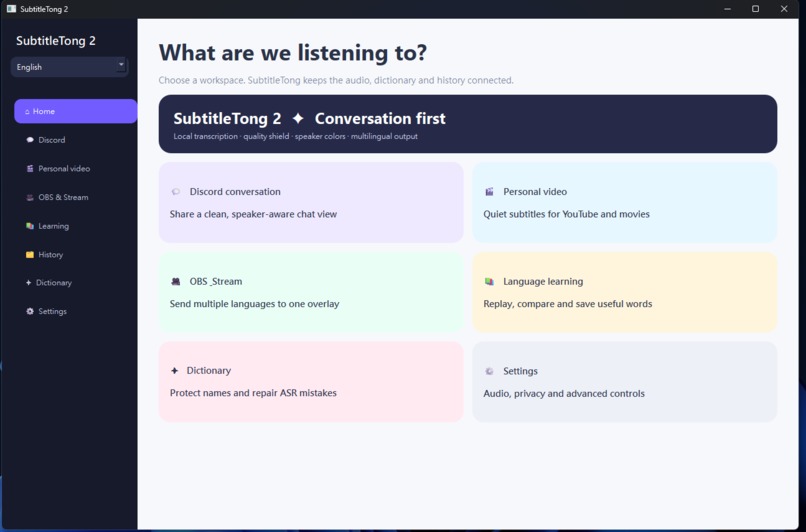
SubtitleTong 2 — Multilingual Conversation View
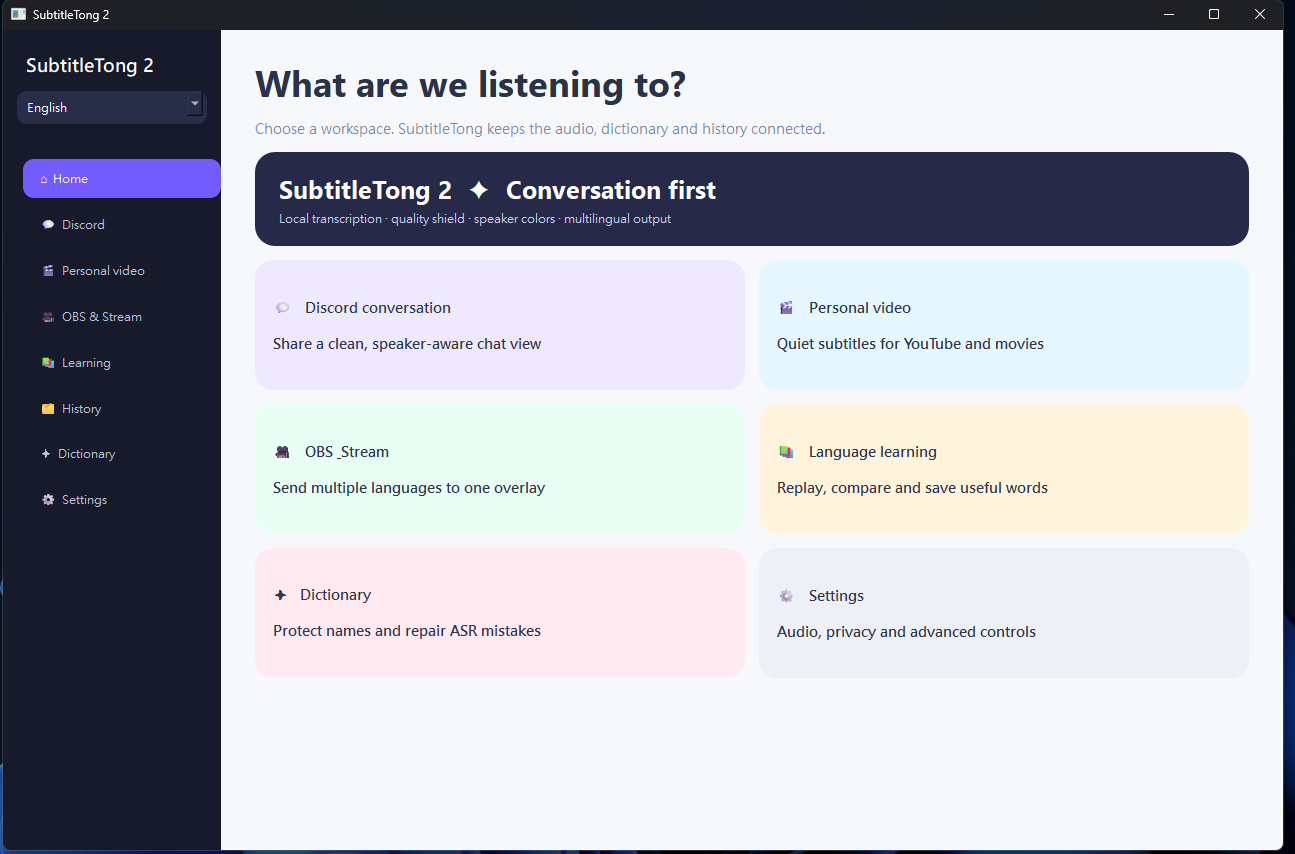
Inspiration
Language barriers appear everywhere: Discord calls, online videos, meetings, games, and livestreams. Existing subtitle tools often hide the original speech, require cloud processing, or are difficult for non-technical users to configure. We wanted a local-first tool that preserves what was actually said while making multilingual conversation immediately understandable.
What it does
SubtitleTong 2 captures Windows system audio and microphone audio, transcribes speech with GPU-accelerated Whisper, and displays the original text alongside multiple translations.
It includes:
- Discord-style conversation bubbles, with system audio on the left and the user's microphone on the right
- A clean, independent window made for Discord screen sharing
- A movable, pinnable subtitle overlay for personal video viewing
- Multilingual OBS output through stable UTF-8 text files
- Traditional Chinese, Japanese, and English interface support
- Editable speaker labels and searchable SQLite session history
- An ASR correction dictionary and instant correction registration
- Language-learning vocabulary highlights
- Local translation with explicit review markers when a result is unsafe
How we built it
The desktop application is written in Python with PySide6. Windows WASAPI loopback and microphone audio are captured through PyAudioWPatch. Faster Whisper runs the large-v3-turbo model on an NVIDIA GPU with CUDA float16. Transcripts, speakers, recognition audits, and translations are stored in SQLite. Argos Translate and OpenCC provide local translation and Traditional Chinese conversion.
OBS reads language-specific files such as ja.txt, zh-TW.txt, and en.txt. Users can choose which languages SubtitleTong updates without changing their OBS scene.
OpenAI Codex was our Build Week development partner. We used it to turn product ideas into a working vertical slice, diagnose native audio crashes from Windows event logs, build regression tests from real video, and translate technical verification into visible user checks.
Challenges
Real-time speech is not simply “audio in, text out.” Chunk boundaries can split a word or merge separate turns, which then damages every downstream translation. Capturing system audio and microphone audio simultaneously also exposed a native PortAudio crash. We fixed that by managing both sources through one audio engine and processing them sequentially through the GPU.
Local translation created another challenge: several unrelated English phrases were translated into the same incorrect Japanese support phrase. We verified that this came from the local model rather than database overwrite or cache confusion, then added safe short-phrase handling and visible review markers instead of pretending the result was correct.
Accomplishments
SubtitleTong 2 is now a runnable Windows prototype with double-click startup, real GPU transcription, multilingual translation, conversation views, OBS file output, speaker editing, vocabulary highlighting, and persistent searchable logs.
We also use the official GPT-Live demonstration as a repeatable quality benchmark. It contains natural dialogue, interruptions, short acknowledgements, proper nouns, search tasks, and multiple speakers—exactly the conditions SubtitleTong needs to handle.
What we learned
Preserving uncertainty is as important as producing fluent text. Raw ASR, corrected text, provisional state, final state, and translation review status should remain separate. A confident but incorrect translation is worse than a clearly marked result that needs review.
We also learned that local-first design can remain approachable: privacy and technical depth do not have to become configuration burden for the user.
What's next
Next we will add overlapping audio windows with duplicate removal, immediate provisional subtitles, stronger automatic speaker-turn suggestions, selectable Windows audio devices and applications, and an optional higher-quality translation provider while keeping the local workflow as the default.

Log in or sign up for Devpost to join the conversation.