-
-

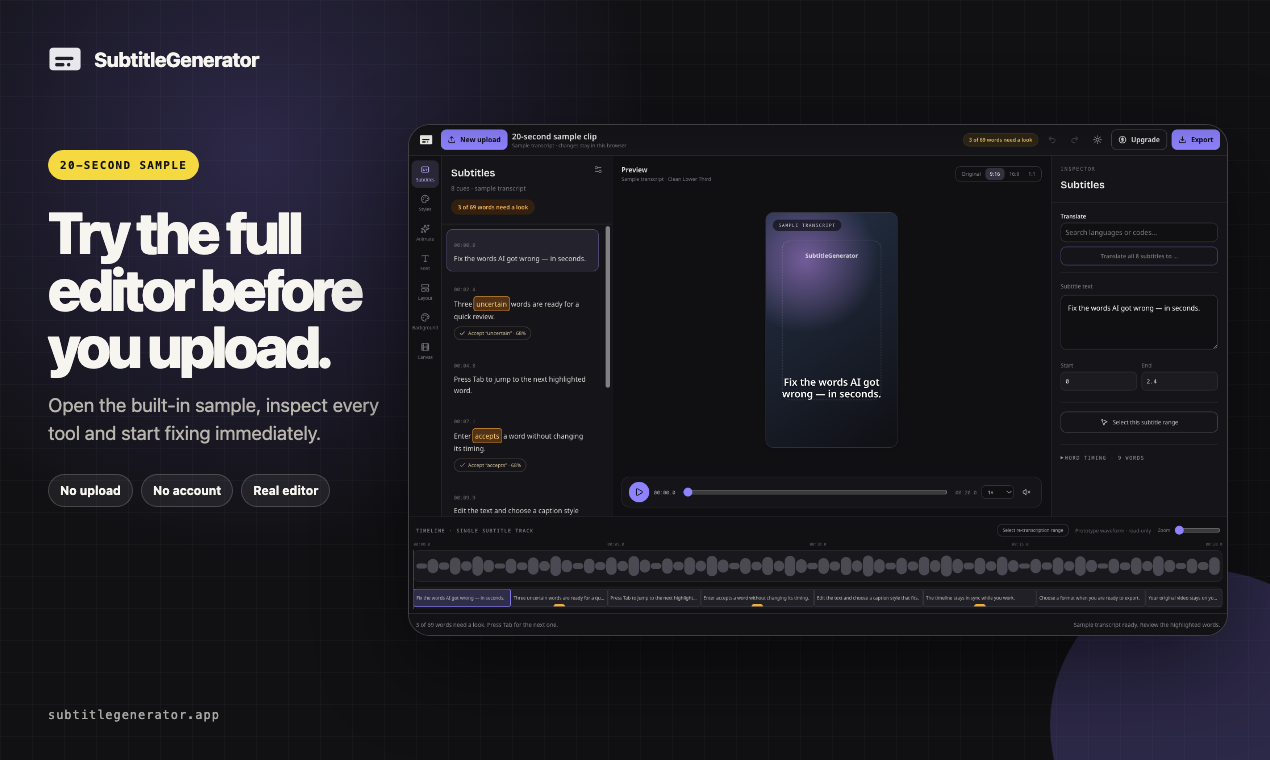
Start free without signing up
-
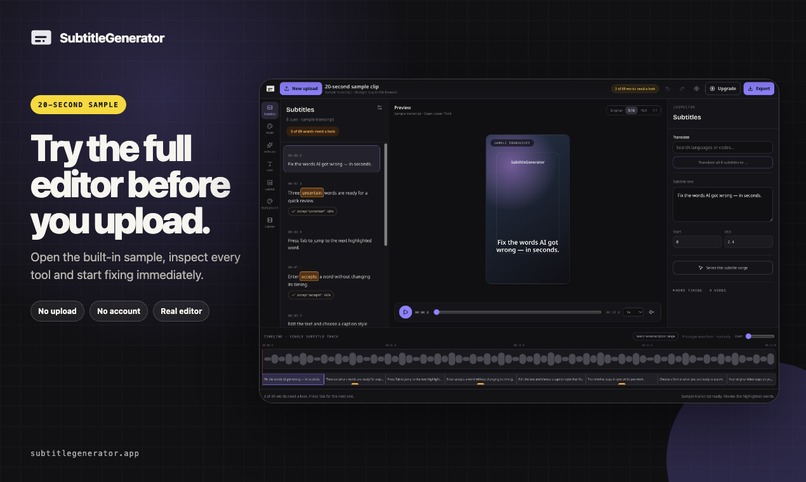
Try the sample workflow
-
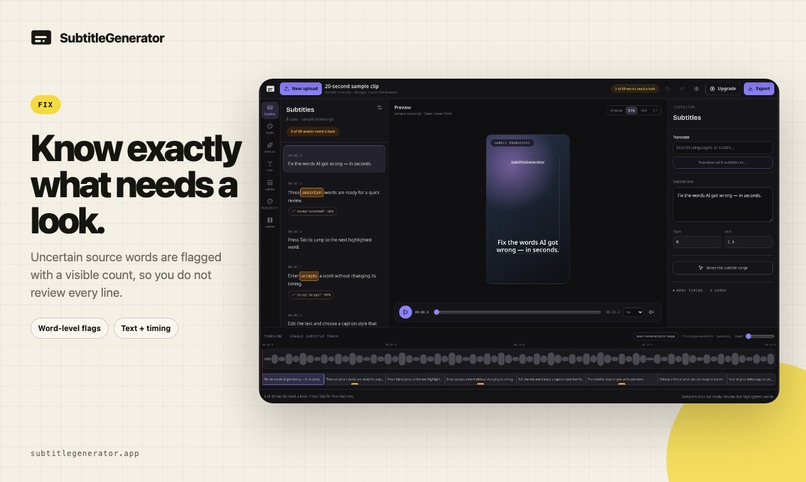
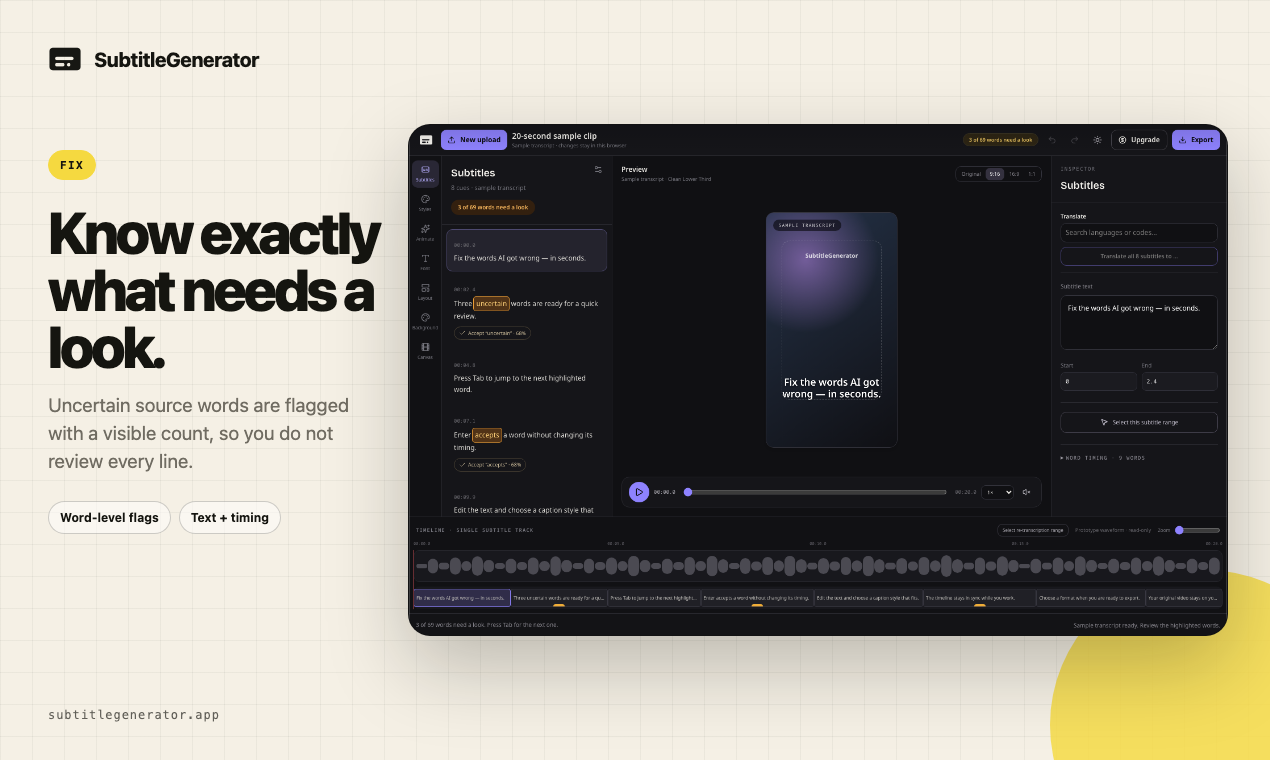
Know what to fix with uncertainty flags
-
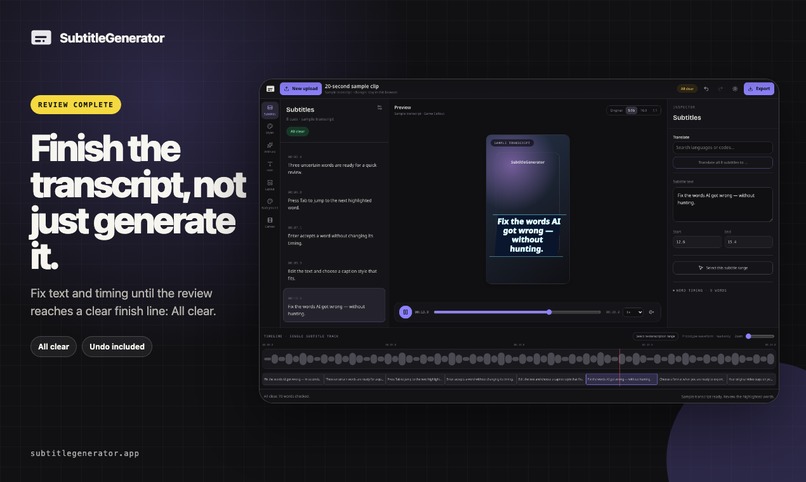
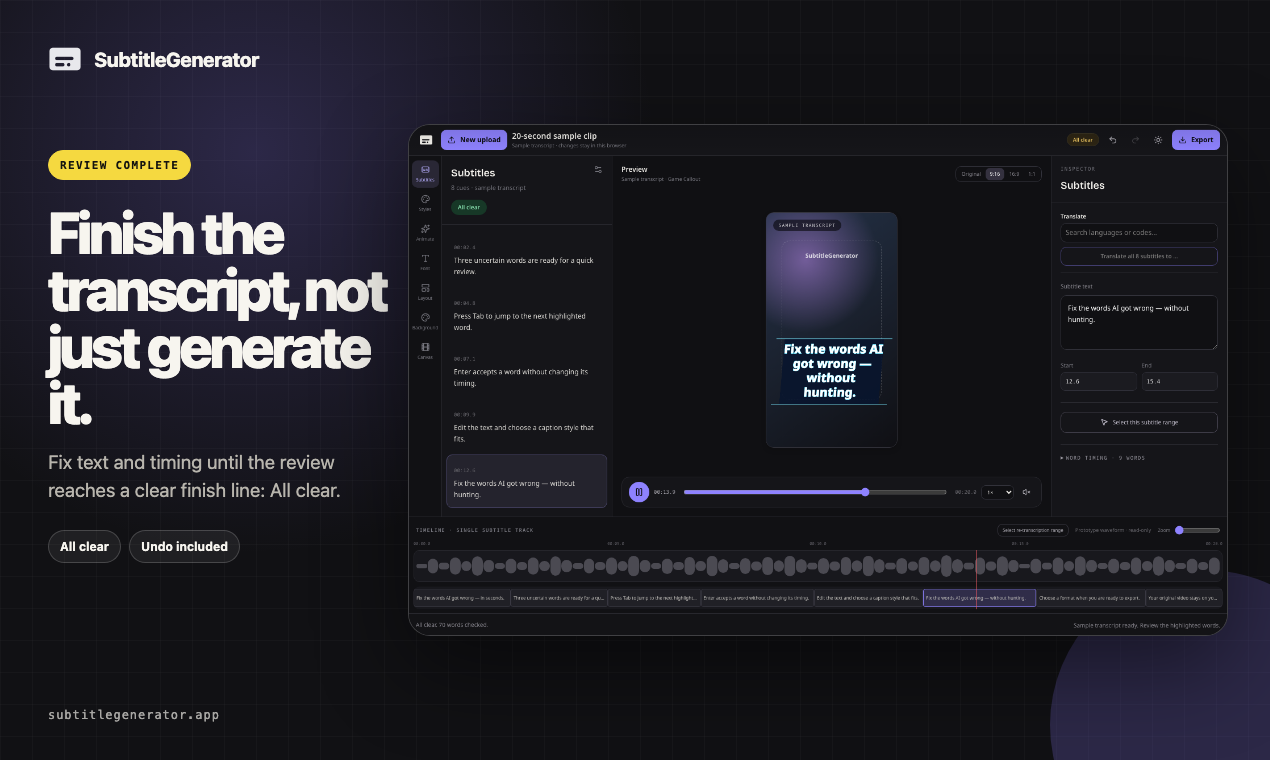
Reach the All clear finish line
-
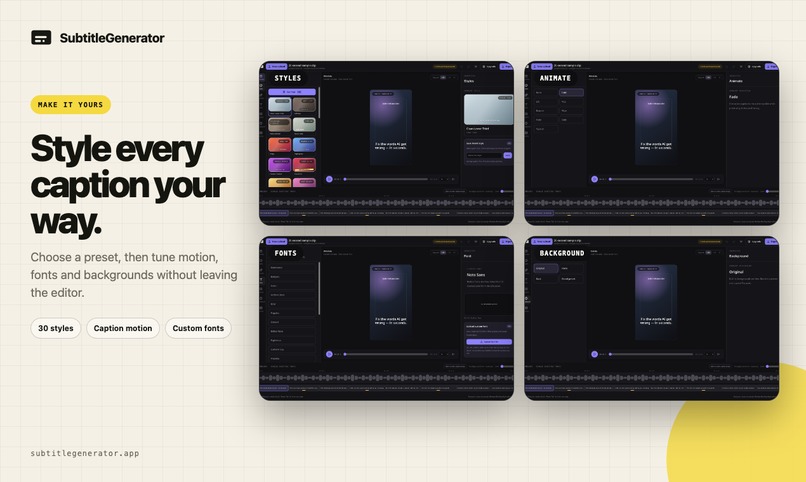
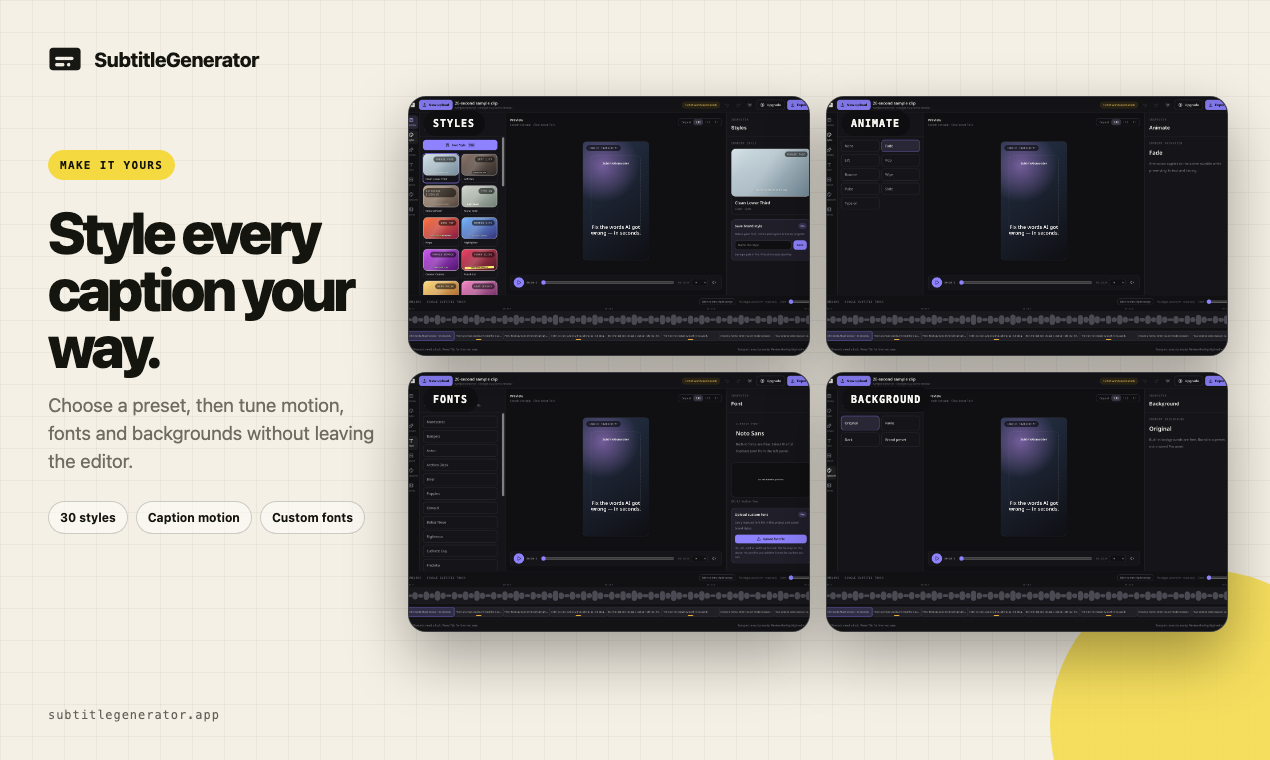
Make the subtitle style yours
-

Fit subtitles to every platform
-
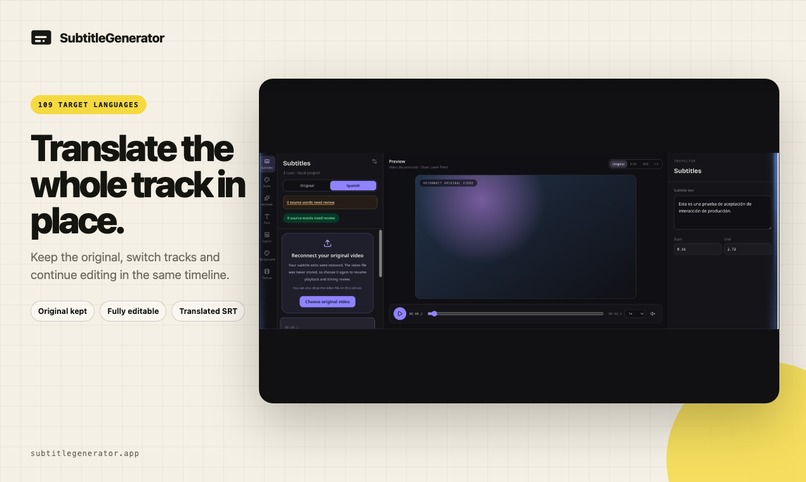
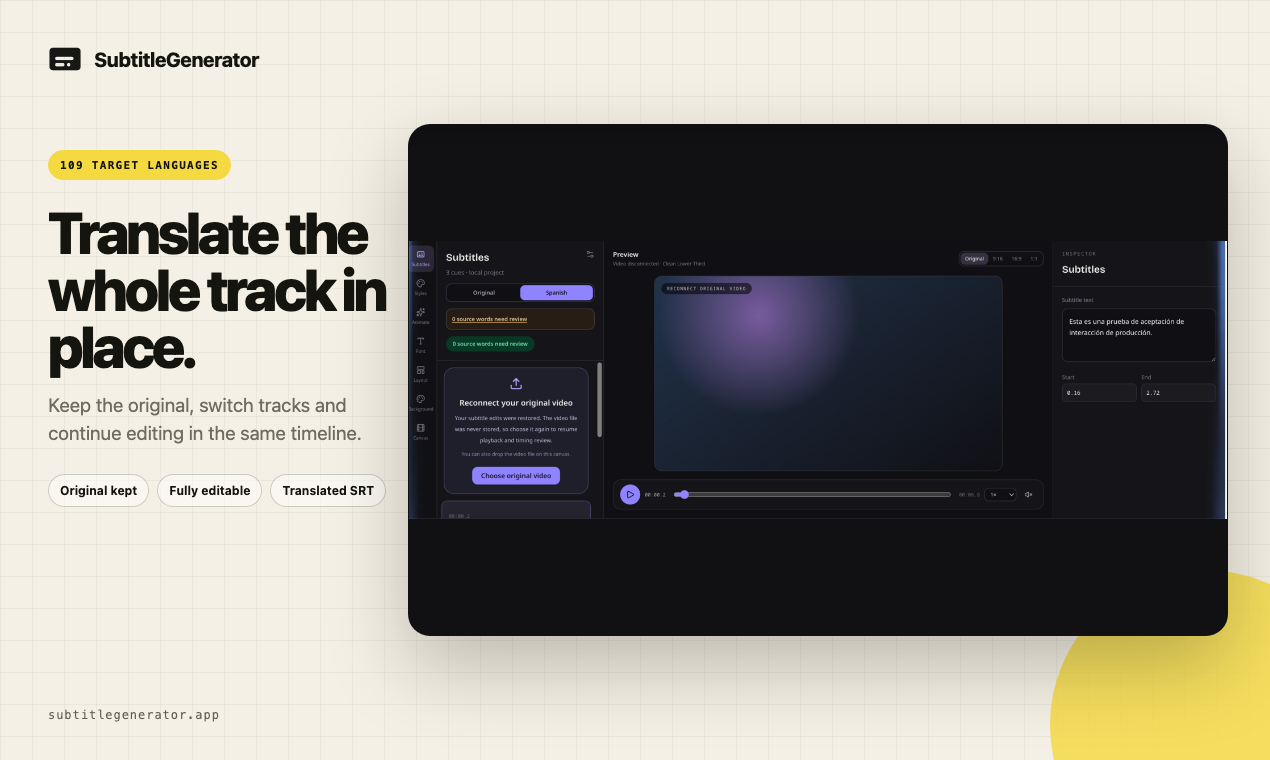
Translate the whole subtitle track
-
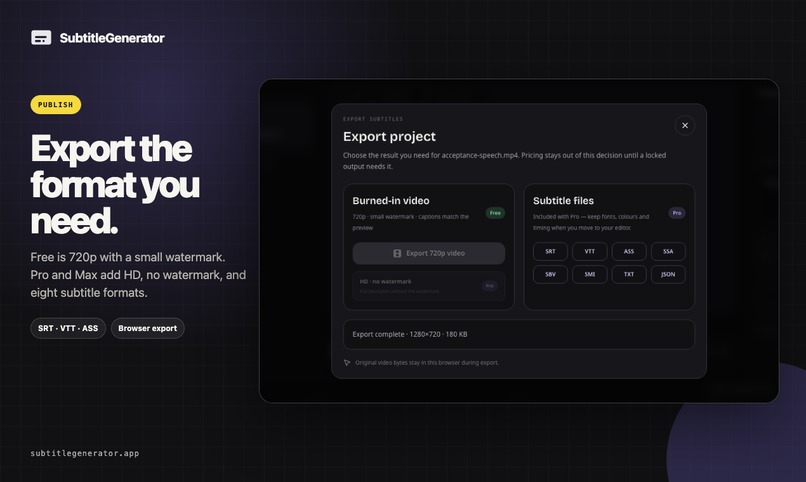
Export the result your way
-

Start free and scale when needed




Inspiration
AI subtitle tools often stop at a transcript that is almost right. But when 98% is correct, the hard part is finding the remaining 2% across hundreds of lines. We built SubtitleGenerator to make that last review step visible and finishable.
What it does
SubtitleGenerator takes a video from AI transcription to publish-ready subtitles in one browser workflow. You can generate subtitles, review uncertain words with Fix, see how many checks remain, reach an "All clear" finish line, translate the full subtitle track, choose from 33 styles, and export video or subtitle files.
You can try one video up to 10 minutes without signing up. A free account includes 60 subtitle minutes per month. Pro and Max add full-track translation, HD export without a watermark, eight subtitle formats, custom fonts, and saved brand styles.
How we built it
The product is built with Next.js, TypeScript, Tailwind CSS, PostgreSQL, OpenAI services, and Vercel. The editor keeps the original video in the browser. Only extracted audio is sent for transcription, and that audio is deleted after transcription completes.
Challenges we ran into
The main challenge was not calling an AI model; it was designing a trustworthy path from an imperfect draft to something a creator feels safe publishing. Fix needed to highlight uncertainty without overwhelming the user, keep the remaining work visible, and provide a clear completion state.
What we learned
Speed and model accuracy are only part of the product. A useful AI workflow also needs to expose uncertainty, guide review, and give users a concrete finish line.
Try it out
Open SubtitleGenerator and tell us which part of the subtitle workflow still feels slow.
Built With
- next.js
- openai
- postgresql
- tailwind
- typescript
- vercel

Log in or sign up for Devpost to join the conversation.