-
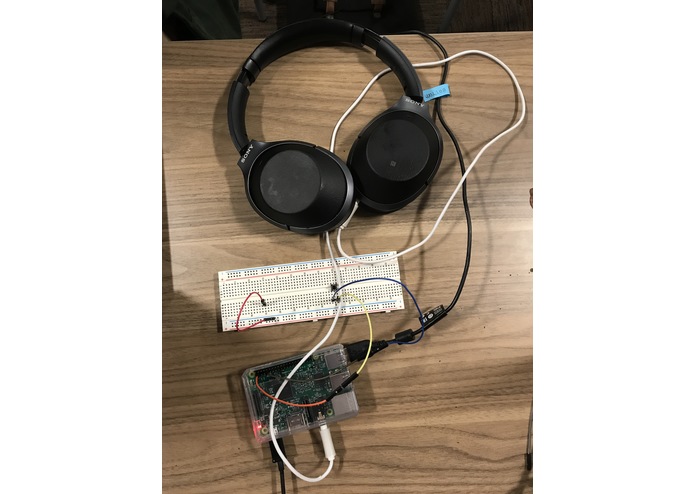
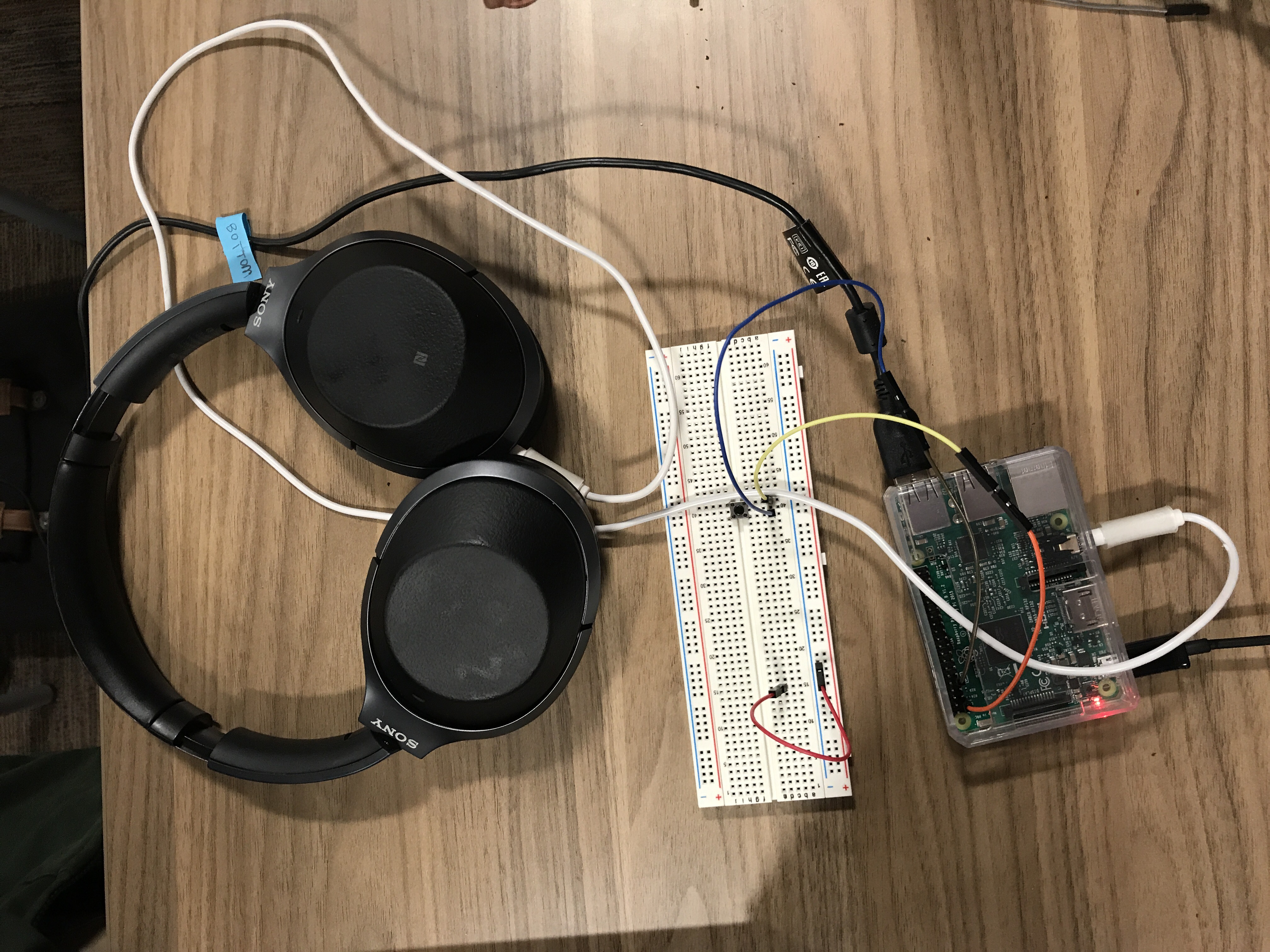
Hardware Setup
-
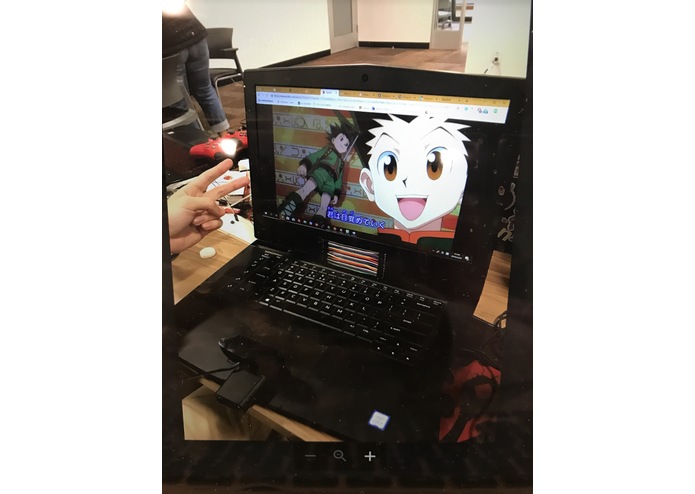
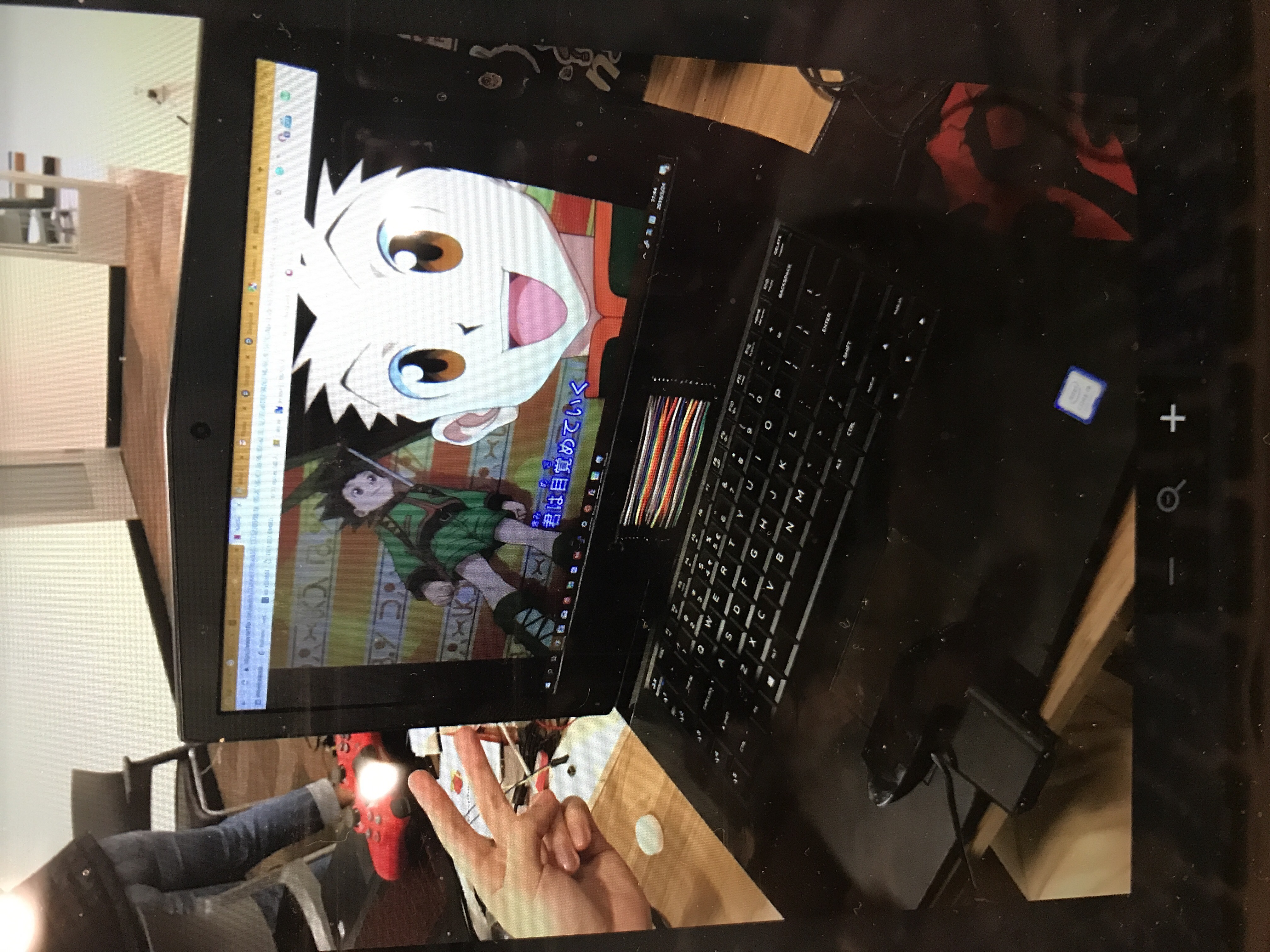
Setup of computer with webcam.
Inspiration
We were inspired for this project while watching an anime subtitled in Chinese. Only some of our team members can speak Chinese so they had to translate for the others.
What it does
This project is a image translator that can be used to play speech audio of translated subtitles to you. If you set up your web camera in front your computer screen, you can press a button to translate the subtitle currently playing on the screen. Once the subtitle is translated, you can hear the audio of the translated text in your headphones by connecting them to the Raspberry Pi. If there's a video that's already translated, but in a wrong language you can use this project for easy translation.
How we built it
We built the project using these hardware:
- Raspberry Pi 3 Model B
- Logitech USB Web Camera
- Button Peripheral
We used python to implement the functionality. We ended up using Google Cloud, Google Translate, and Google Vision for easy computer vision and translation. Text to speech was achieved using Festival which is a general multi-lingual speech synthesis system developed by CSTR (Center for Speech Technology Research).
Challenges we ran into
The first challenge we ran into was the text to speech aspect of the project. At first, we were planning to use an Echo Dot to have Alexa say the translated subtitles out loud, however this proved to be a very large task that couldn't be finished in a 24 hour time limit. The other challenge we faced was getting the computer vision and translation to be done in an acceptable time.
Accomplishments that we're proud of
The aspect of this project that we are most proud of is its practicality. If a video is translated in one language it can then be translated for any other language with this project. We will definitely use this project in our own everyday lives and we encourage others to use it as well.
What we learned
From this project we learned a lot about Google Cloud and what other APIs are available from Google. We also learned about Alexa Voice Service even if we didn't end up using it in the implementation of our project. With further study and more time, we could use Alexa Voice Service more effectively.
What's next for Subtitle Translation
If we were to add to this project we would first find a way to make the translation more real time. Instead of pushing a button to do the translation we could have smart computer vision to know when a subtitle changed. Then, the subtitle could be efficiently and quickly translated so that it would be like having your own personal translator in your Raspberry Pi.
Built With
- google-cloud
- google-translate
- google-vision
- python
- raspberry-pi


Log in or sign up for Devpost to join the conversation.