-
-
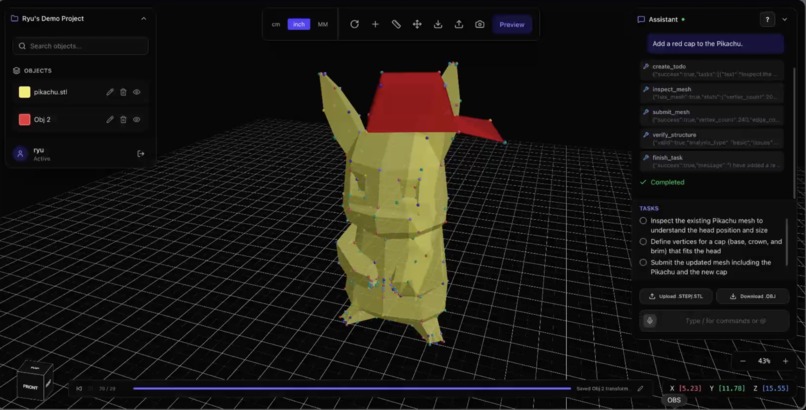
detective pikachu
-
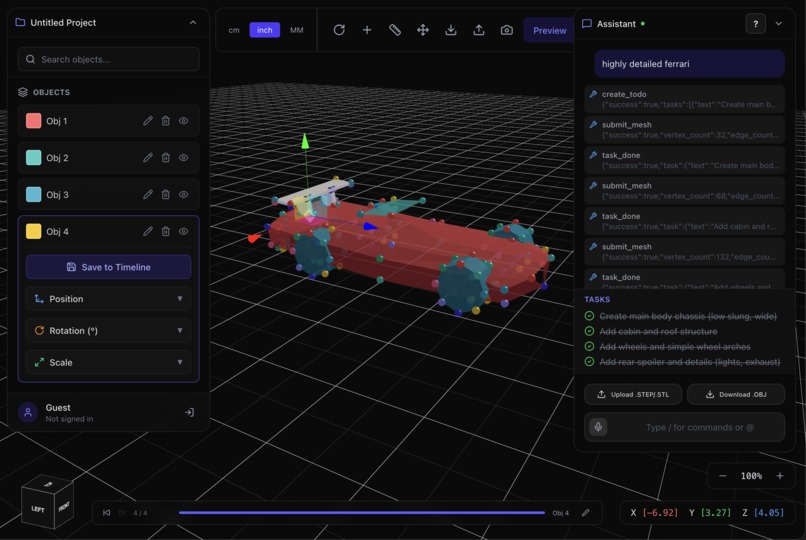
ferrari
-
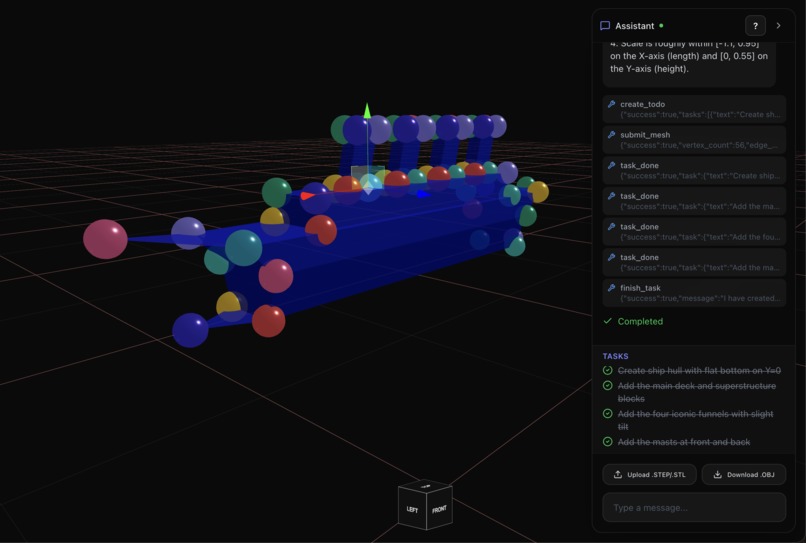
titanic
-
-
-
Inspiration
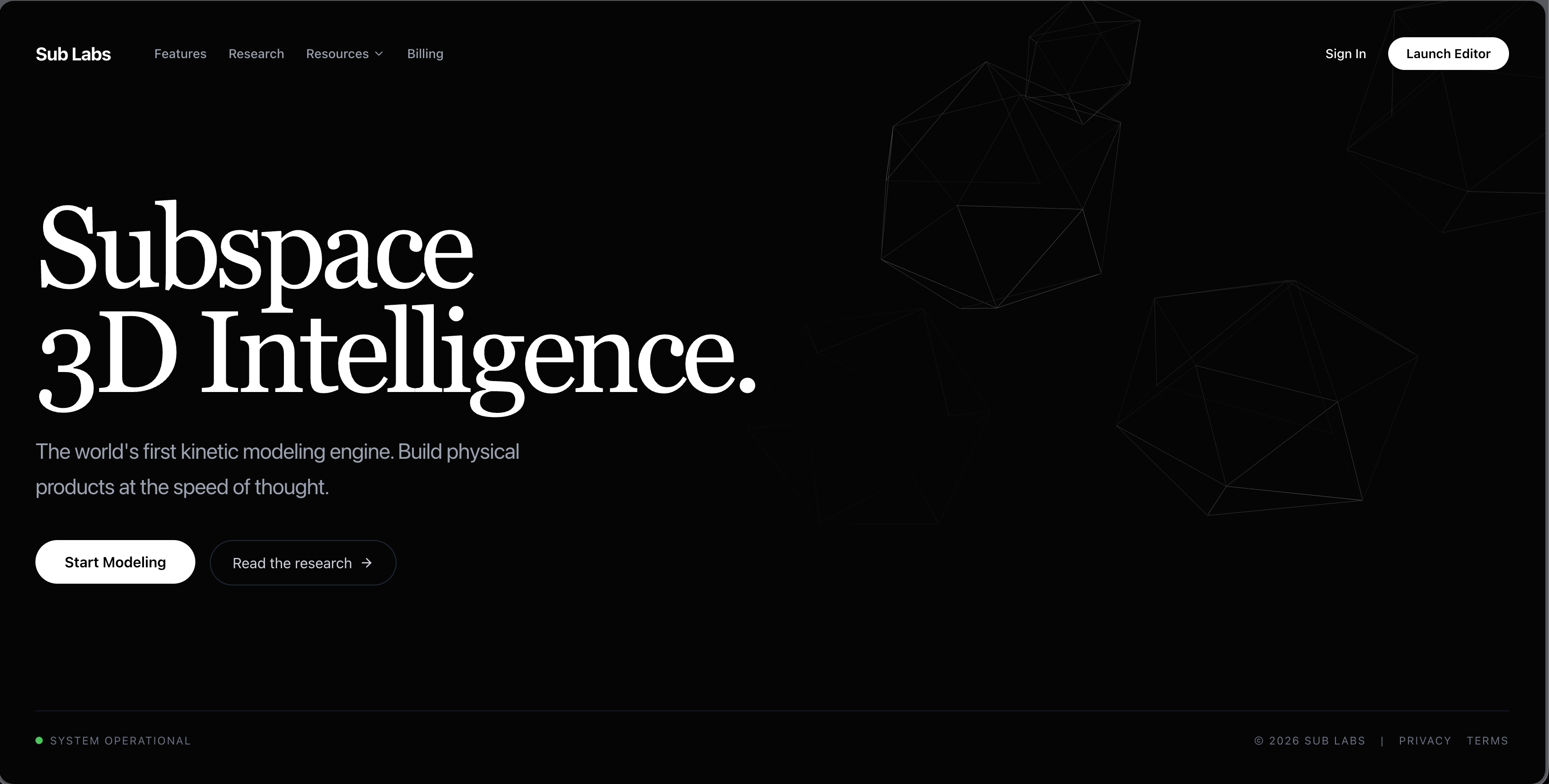
Ryushen recently got a 3D printer, but he doesn't know how to 3D model. Learning software like Fusion 360 is intimidating and the learning curve can be steep. 3D printing has become even more accessible with BambuLab and other printers lowering the barrier to entry with features that allow you to just print. We wanted to allow people like Ryushen to create models they need without the need to learn how to 3D model or use CAD software.
Demo Videos
What it does
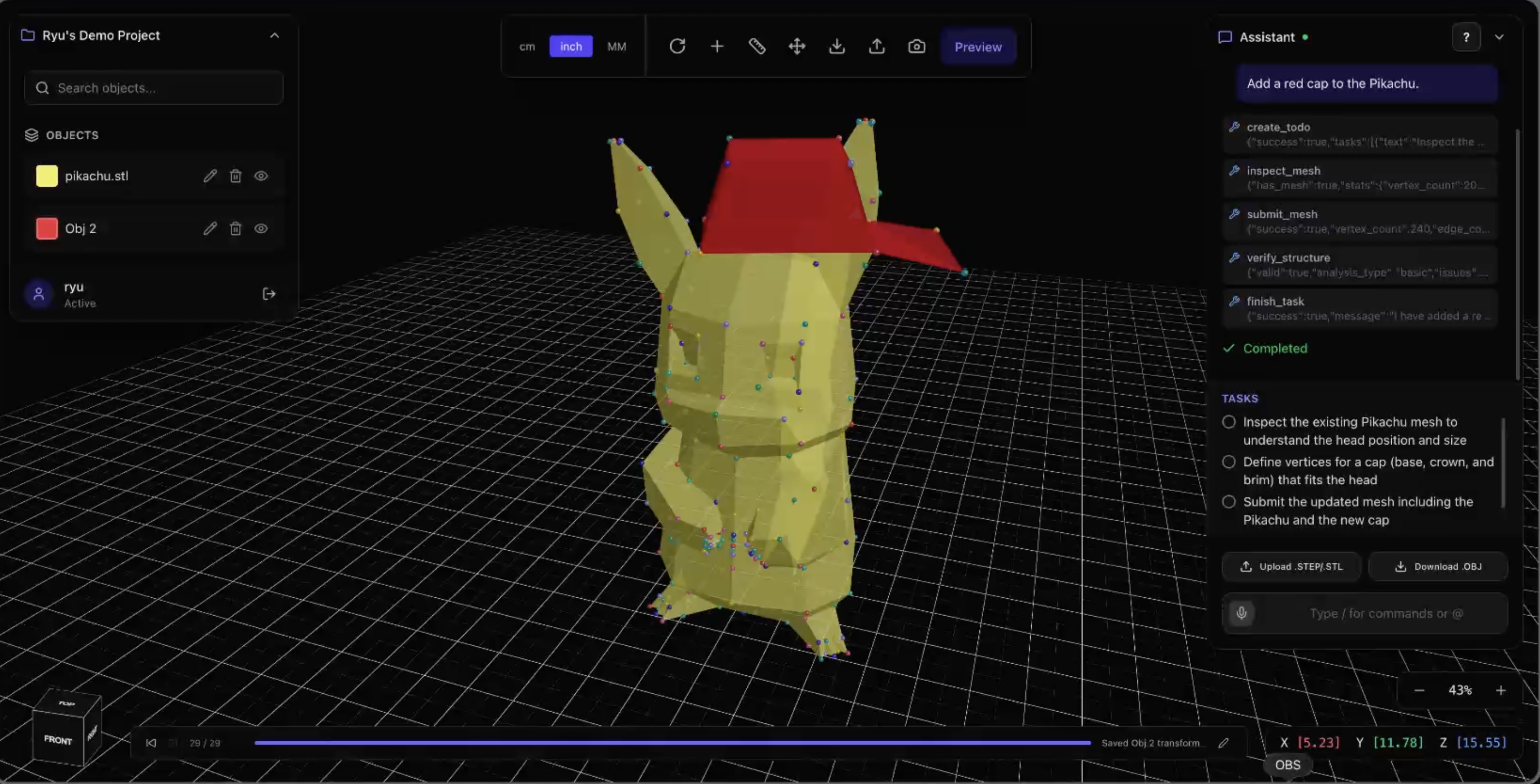
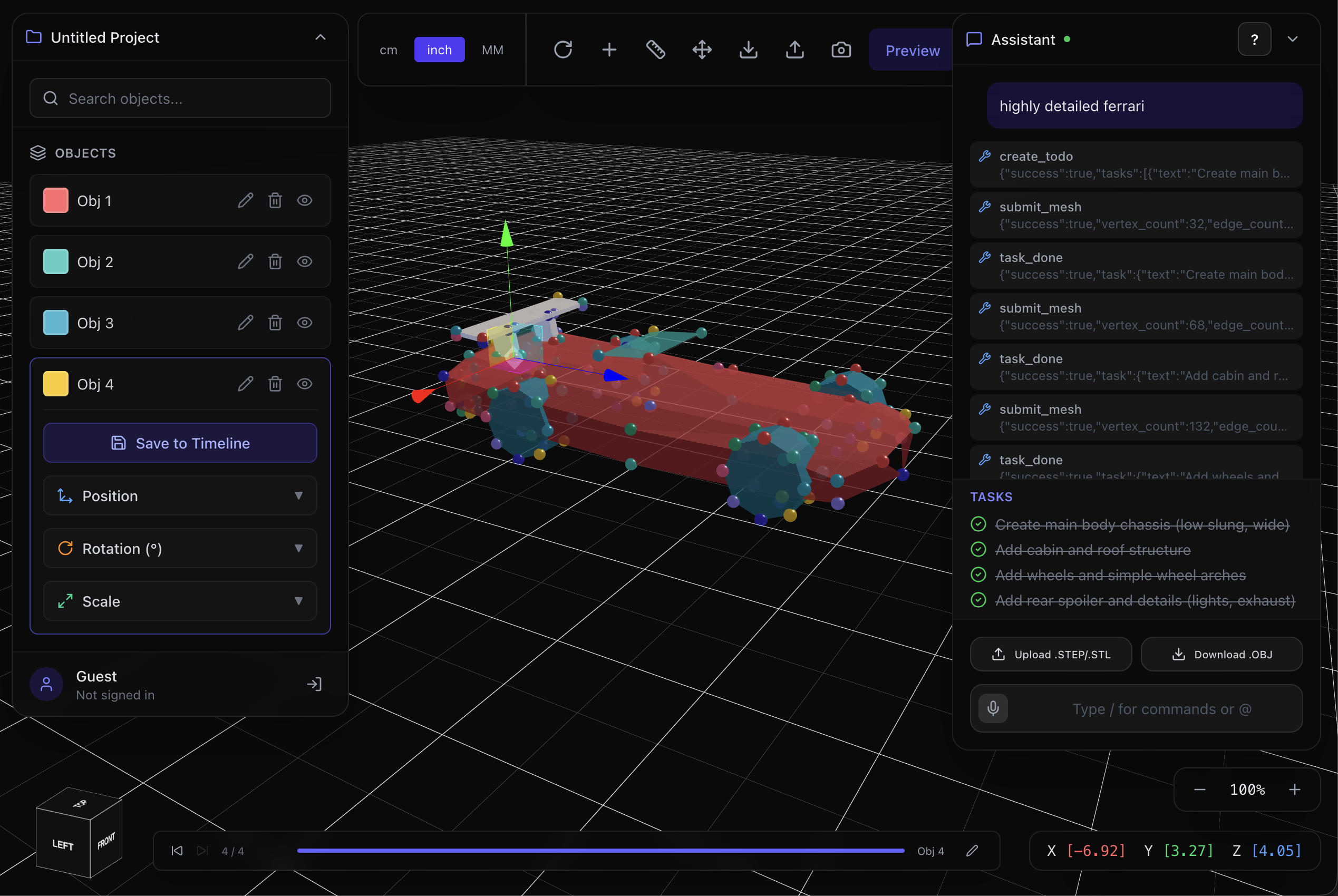
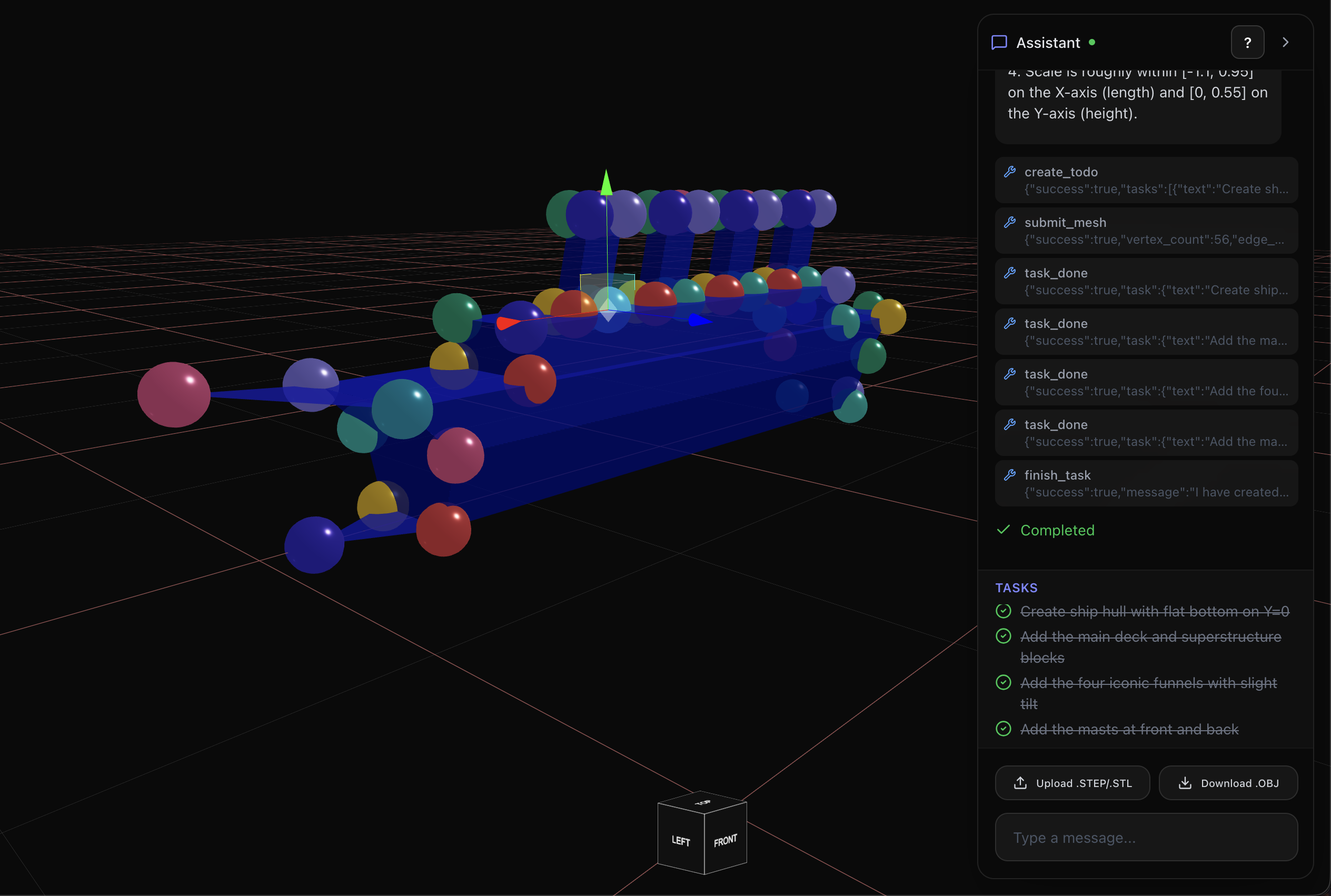
You prompt subspace with the object you need. It will generate an object which you can modify. It can do stuff like:
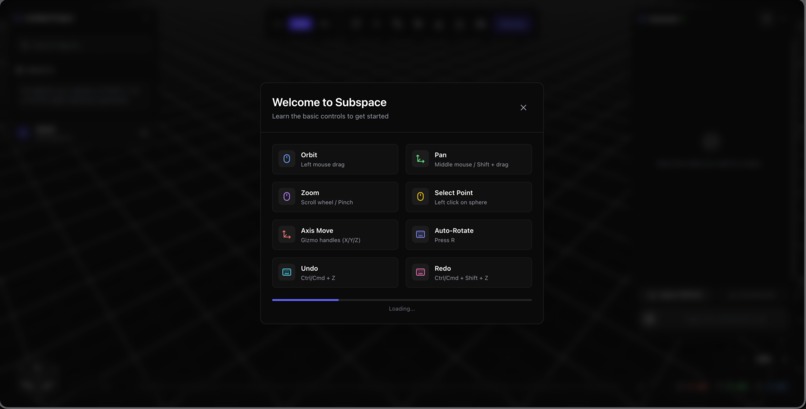
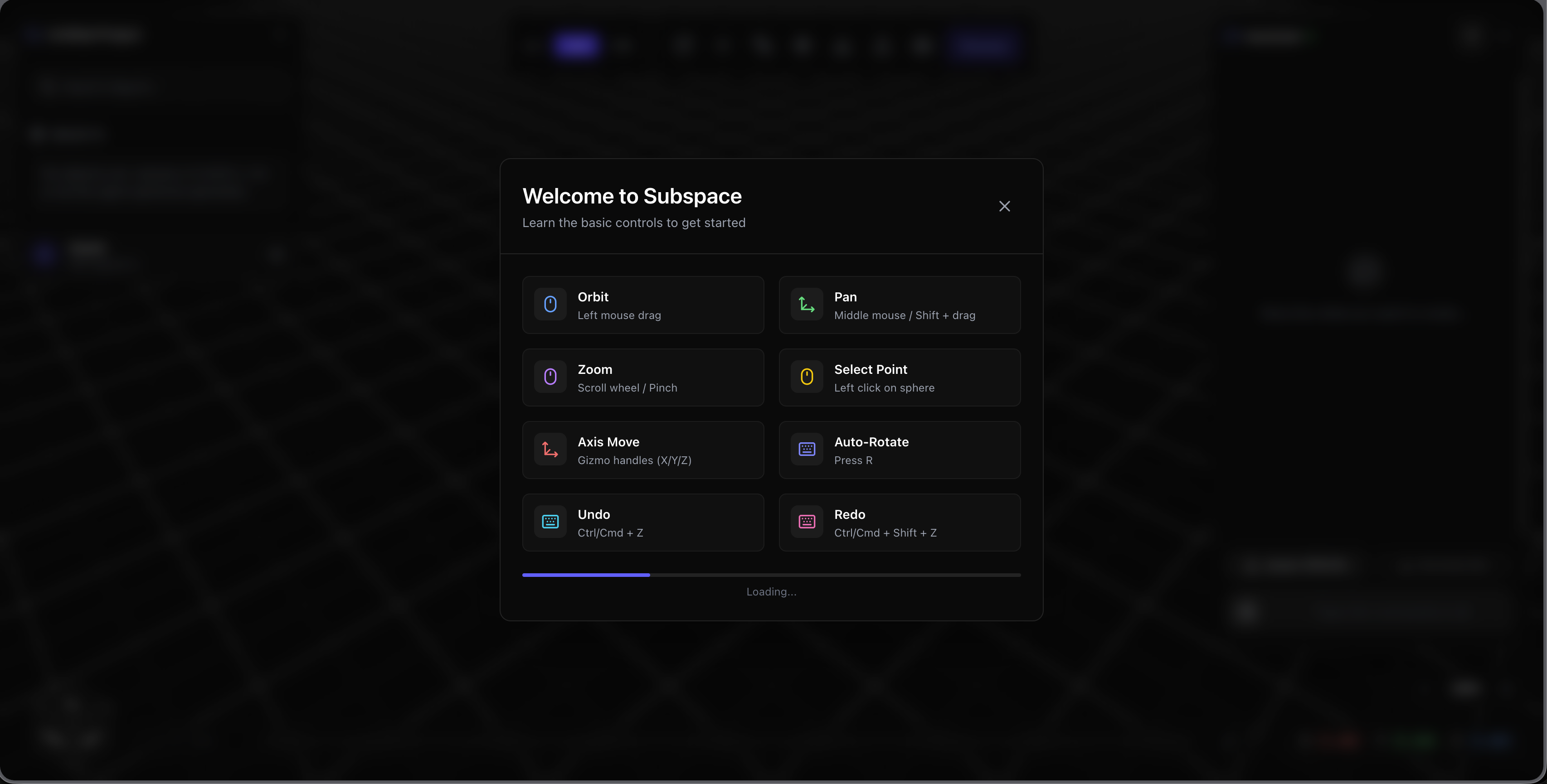
- Translate, transform, and scale
- Drag and drop individual vertices
- Change the colours of models
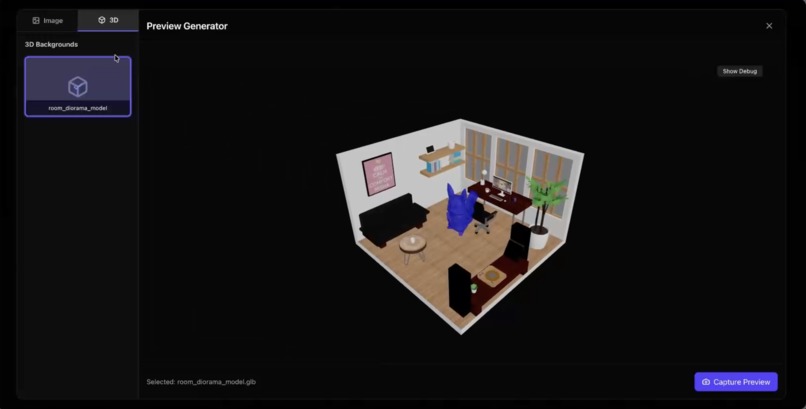
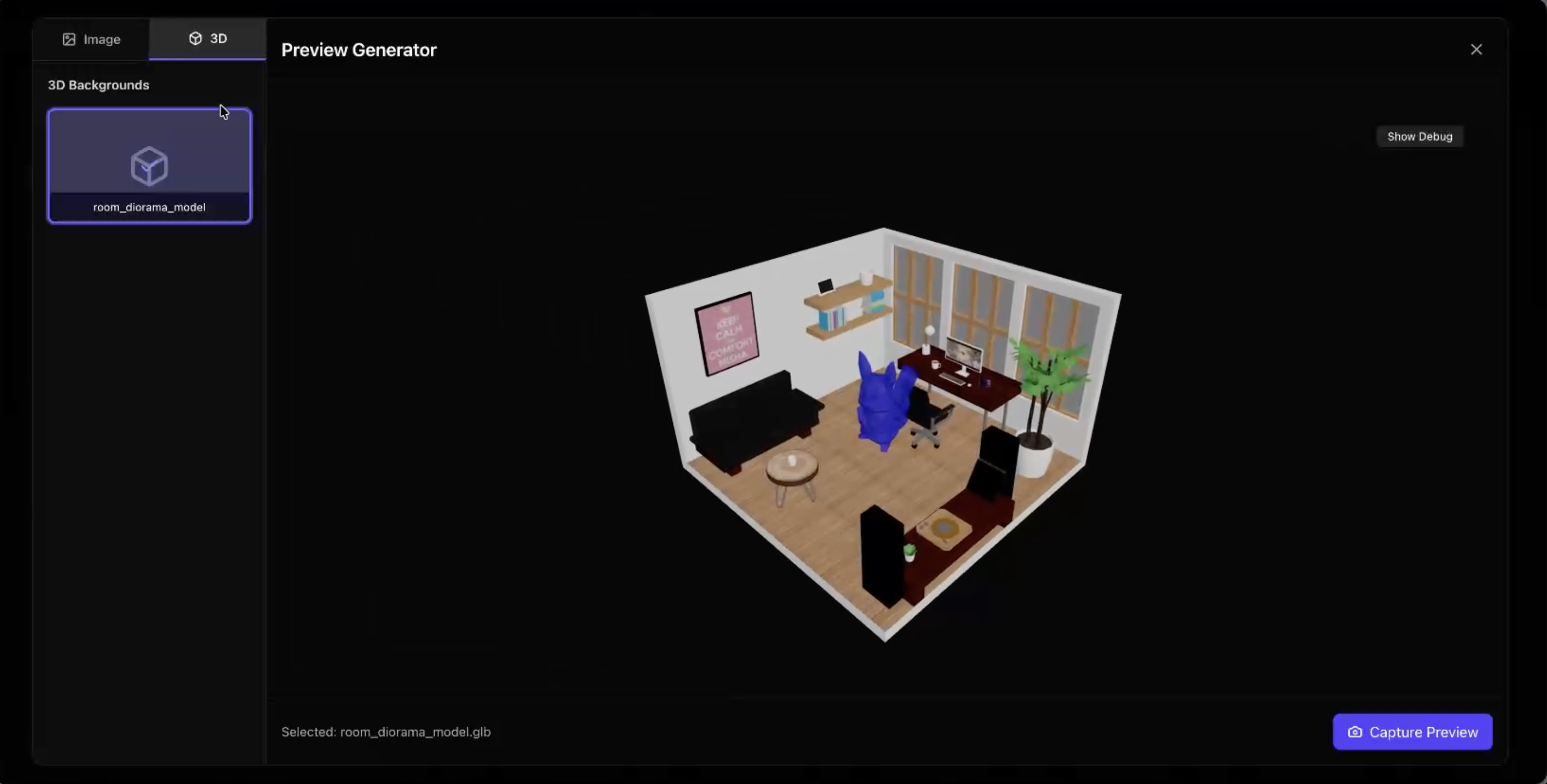
- View the object in a space
- Timeline to easily undo and redo changes
- Upload existing STL or STEP files to edit
- Speak your ideas into the chat with ElevenLabs
- Auto rotate object on idle or with keyboard shortcut to admire your objects
- Upload an image of an object and generate a 3D model with Gemini
How we built it
We render everything with Three.js. We used Gemini in the backend to generate 3D models based on the prompt. We manipulate both the input and output to ensure that the vertices and coordinates are correct. To prevent excessive API usage, we reduce the amount of info sent to Gemini since there are a significant number of vertices and faces for objects.
Once the object is created, it is sent to Three.js using web sockets. All communications between the backend and frontend are done via web sockets. Any changes in the GUI are saved as a state in our timeline that includes the coordinates of vertices. This enables users to easily undo/redo and create checkpoints for themselves. We also enable users to drag vertices and recalculate all the related faces to the change.
Since we keep everything as an object, we can easily export it as a .step file for users to import into their preferred slicer to slice and print, just like a regular STL file.
To convert the photo to an object, we first get the user to take a picture of the object on a piece of paper. Since we know the dimensions of the paper, we can determine the size of the object. The picture is converted to base64 before sending it to our backend. Through Gemini, we determine whether the image is simple or complex. If it is complex, we will generate multiple shapes to create a replicate of the object. This allows us to maintain the simplicity of the object for the user while still providing accurate dimensions that can be edited. After it's returned to the frontend, we can display it and edit it like any regular object.
For speech-to-text, we opened a web socket with ElevenLabs and send base64 chunks to it. After the audio is processed, it is sent back to our frontend for further prompting.
Challenges we ran into
It is really hard to get a coordinate system working while adding features on top of it. There are many translations and transformations that can be done to an object, which need to be reflected with Gemini and our coordinate systems.
Despite all having ARM Macs, ElevenLabs only worked on 2/3 of our computers. There were no code changes across the computers, but it kept erroring out for one of us.
Accomplishments that we're proud of
It looks good and many of features are intuitive. All the features are quick including the object uploads/downloads and prompting Gemini to help generate an object.
What we learned
How to use Three.js with a coordinate system and how to keep track of dozens to hundreds of vertices. Also how to calculate faces of objects to ensure a whole object without any missing faces.
What's next for subspace
Possibly integrate PrusaSlicer native in app so users can slice and send parts to the printer without needing to leave the site.


Log in or sign up for Devpost to join the conversation.