-
-
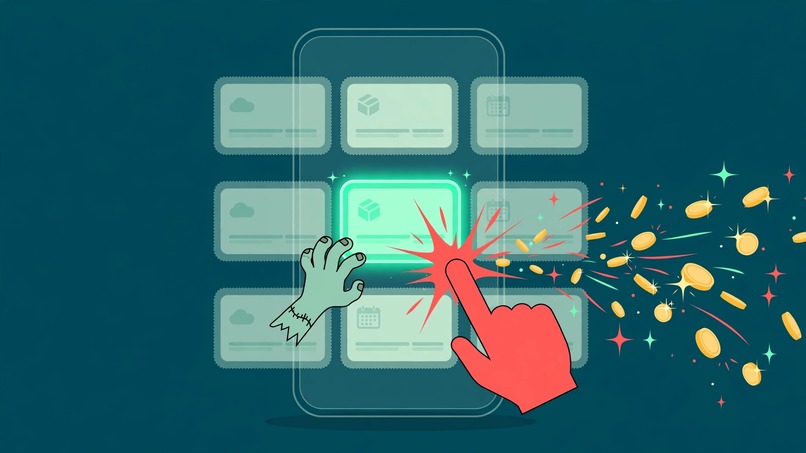
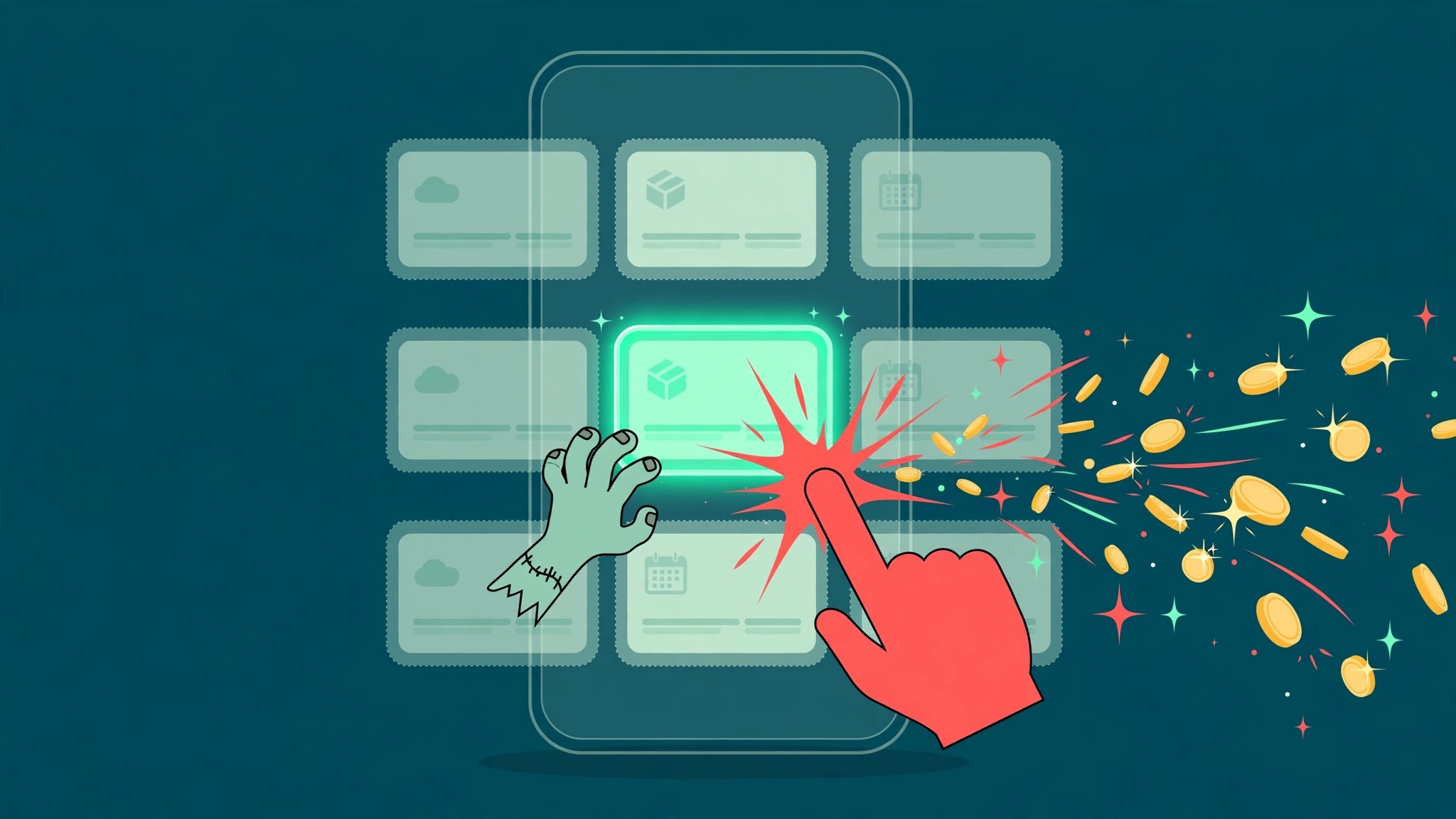
Subscription Killer finds the recurring charges you forgot and cancels them in one tap.
Inspiration
Everyone bleeds money on recurring charges they stopped using months ago. Auditing statements is a chore nobody schedules. We wanted an agent that does the audit while you sleep, explains each charge like a person, and lets you cancel without hunting through settings.
What it does
- Connect PayPal (sandbox in the demo).
- Scan transaction history and active subscriptions via PayPal REST APIs.
- Explain: AI turns each recurring charge into plain English. What it is, monthly burn, last hit, and a zombie score for how likely you forgot it.
- Kill: one tap cancels through the PayPal Subscriptions API and updates your saved-money tally.
How we built it
Subscription Killer now has a functional AI agent, not just a scan-and-button wrapper. You state an objective in plain English — "Keep my recurring monthly burn under $120/mo and eliminate unused services — don't cut my primary dev tools" — and an agent works it end to end. A multi-step tool-calling loop runs over the real PayPal Subscriptions API and Transaction Search API: it scans active billing agreements, analyzes each merchant's multi-month transaction history for silent price creep (a $9.99 → $12.99 hike is now visible because detection groups by merchant only), and generates a routed action plan — Kill for high-zombie-score services, Suspend for seasonal ones, and annual-billing math for daily-use tools. Nothing executes on the agent's say-so: every proposal needs a single-use human clearance token issued for that exact proposal, consumed on use and non-replayable, and approved proposals execute against the real PayPal suspend and cancel endpoints, idempotency-keyed by proposal. The same tools run under a deterministic PERCEIVE → ANALYZE → PLAN → VERIFY orchestrator, so the full loop works with no AI key at all; an LLM, when present, only chooses tool calls and can never bypass the clearance gate. No merchant-policy API is queried (PayPal offers none) and nothing is "renegotiated" — the real actions are suspend, cancel, and revise to an existing plan.
Challenges we ran into
PayPal's sandbox checkout is the swamp every dev hits: buyer-login password walls, guest-card declines, and verification codes sent to test numbers. The fix was resetting the sandbox buyer password in the developer dashboard (a live paypal.com reset can't touch sandbox accounts), then approving as the buyer. Three app bugs fell out of the live run and were fixed: the token request needed an Accept-Language header, the AI analyzer crashed on a null charge-count field, and the scan merge needed subscription detail plus plan price so fresh subscriptions show $9.99 instead of $0.00.
Accomplishments that we're proud of
Dashboard and API serving locally. Sandbox app configured with Subscriptions + Transaction Search. Demo subscription verified ACTIVE, detected and explained in the dashboard, cancelled in one tap, and confirmed CANCELLED on the API with an empty rescan.
What's next
Record the under-3-minute demo video (connect, scan, read the AI explanation, kill one zombie, show the tally) and keep polishing the analyzer.
What we learned
PayPal's Subscriptions API is merchant-side, so the honest demo runs the full loop against our own sandbox business account: seed a real subscription, approve it as the buyer, then detect, explain, and cancel it through the same APIs a production app would use. We also learned that sandbox credentials, sandbox test accounts, and live accounts are three separate worlds that only meet in the developer dashboard, and that the last ten percent of any payment integration is plumbing, not features.
What's next
Record the under-3-minute demo video (connect, scan, read the AI explanation, kill one zombie, show the tally) and keep polishing the analyzer.
Built With
- fastapi
- html5
- javascript
- paypal
- python

Log in or sign up for Devpost to join the conversation.