Inspiration
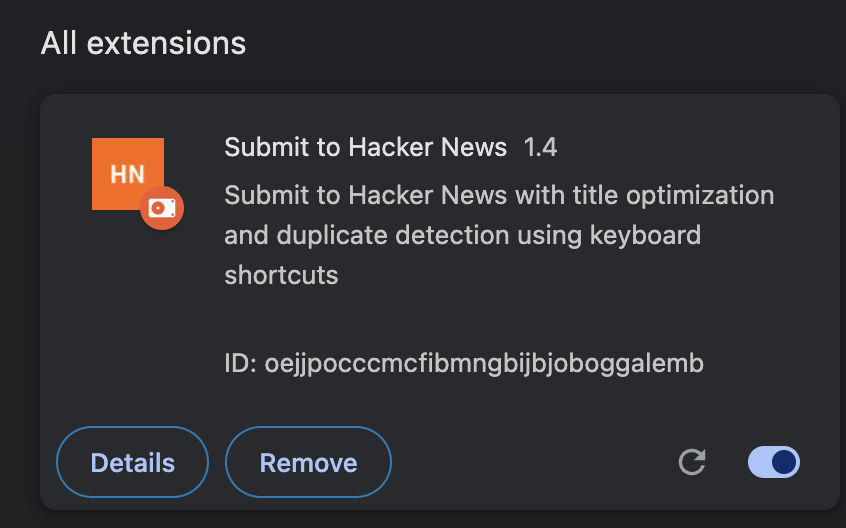
This project began with a simple observation: submitting quality content to Hacker News shouldn't be harder than creating it. The original extension was built and published by my friend Will Binns, and it's currently available as a Chrome extension. As a writer and builder myself, I recognized the immense value this tool provides to the HN community.
I finished building a separate solo submission (on point) then thought i could administer what i'd learned to his project (sadly he is unavailable to really participate but will share some love if we win), it presented the perfect opportunity to enhance this already-useful extension with cutting-edge AI capabilities. The challenge wasn't just technical—it was about making AI accessible, privacy-friendly, and genuinely helpful for everyday tasks that millions of developers face when sharing content on Hacker News.
What it does
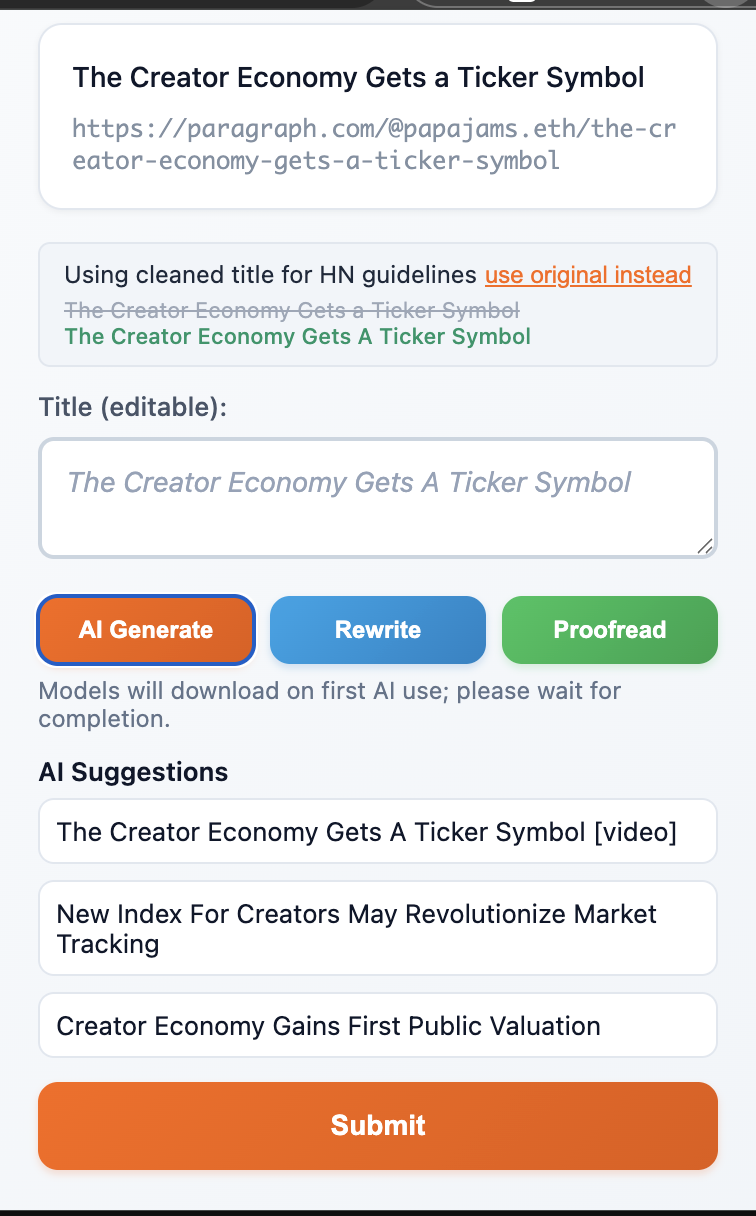
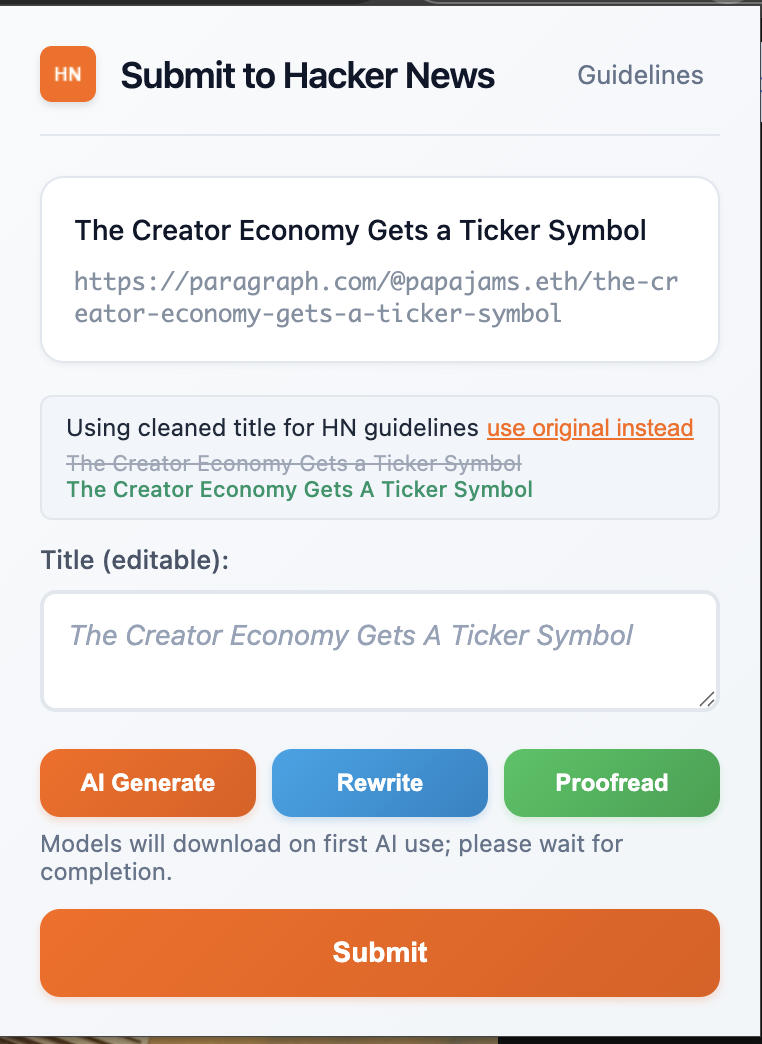
Submit to Hacker News is an AI-powered browser extension that transforms the HN submission experience with three core capabilities:
🤖 Smart Title Generation & Enhancement
- Writer API: Generates compelling titles directly from article URLs
- Rewriter API: Improves existing titles for better engagement and HN guidelines compliance
- Proofreader API: Provides real-time style suggestions and guideline compliance hints
🔍 Intelligent Duplicate Detection
- Scans HN's database to prevent duplicate submissions
- Shows similar posts with engagement metrics
- Helps users decide whether their content adds unique value
⚡ Streamlined Submission Flow
- One-click submission with pre-filled, optimized titles
- Built-in HN guidelines and best practices
- Keyboard-first navigation for power users
- Works seamlessly across Chrome and Firefox
All AI processing happens on-device using Chrome's Built-in AI APIs, ensuring privacy while delivering instant results.
How we built it
The technical architecture leverages Chrome's newest capabilities while maintaining broad compatibility:
// Core AI integration pattern
async function enhanceTitle(originalTitle, action = 'improve') {
  if (!window.ai?.writer) {
    return fallbackSuggestion(originalTitle);
  }

  const session = await window.ai.writer.create({
    tone: 'neutral',
    format: 'plain-text',
    length: 'short'
  });

  return await session.write(buildPrompt(originalTitle, action));
}
Key Implementation Decisions:
- Progressive Enhancement: The extension works perfectly without AI—it just gets better with it
- On-Device Processing: All AI operations happen locally, ensuring privacy and speed
- Dual Browser Support: Maintained Firefox compatibility alongside Chrome AI features
- Token Management: Built a flexible system for managing Chrome Origin Trial tokens
Architecture Highlights:
- Manifest V3 compliance with proper permissions
- Content Security Policy that allows AI API access
- Modular AI service that handles feature detection and fallbacks
- Accessible popup UI with keyboard-first navigation
- Environment-based token injection for seamless development and deployment
Challenges we ran into
Origin Trial Complexity Managing Chrome Built-in AI tokens proved more complex than expected. We built a comprehensive token injection system that supports multiple environment variable naming conventions, filters out placeholder tokens automatically, and provides clear debugging information.
API Availability Detection Chrome Built-in AI APIs aren't always available, even with valid tokens. We implemented robust detection and graceful fallbacks:
const aiCapabilities = {
  writer: !!(window.ai?.writer),
  rewriter: !!(window.ai?.rewriter),
  proofreader: !!(window.ai?.languageModel)
};
Balancing Features vs. Simplicity With three AI APIs available, we had to resist feature creep. The final design focuses on the most valuable use cases while maintaining the clean, focused UX that made the original extension successful.
Cross-Browser Compatibility Maintaining Firefox support while adding Chrome-specific AI features required careful feature detection and graceful degradation patterns throughout the codebase.
Accomplishments that we're proud of
Privacy-First AI Integration: We successfully integrated three different Chrome Built-in AI APIs while ensuring all processing happens on-device, with no data sent to external servers.
Accessibility Excellence: Every feature was built with keyboard navigation and screen readers in mind, including semantic HTML structure, proper ARIA labels, and focus management for dynamic content.
Production-Ready Quality: This isn't just a hackathon demo—it's a fully functional extension that enhances an existing tool used by real developers in the HN community.
Seamless User Experience: The AI features feel natural and unobtrusive, enhancing the workflow without getting in the way. Users can ignore AI entirely and still have a great experience.
Robust Error Handling: Comprehensive fallback systems ensure the extension works reliably across different Chrome versions, with or without AI API access.
What we learned
This hackathon became a masterclass in modern web development and AI integration:
Chrome Built-in AI APIs: We dove deep into the experimental Writer, Rewriter, and Proofreader APIs, learning how to handle origin trial tokens, implement graceful degradation, and work with on-device models that respect user privacy.
Accessibility-First Development: Every feature was built with keyboard navigation and screen readers in mind, teaching us the importance of semantic HTML structure, proper ARIA labels, and focus management for dynamic content updates.
Real-time UX Patterns: We learned to balance performance with user feedback through debounced input handling, progressive enhancement, and optimistic UI updates with proper error handling.
API Design Philosophy: Working with experimental APIs taught us the importance of defensive programming and building systems that gracefully handle uncertainty.
What's next for Submit To Hacker News
Enhanced AI Capabilities: As Chrome Built-in AI APIs mature, we'll expand functionality with sentiment analysis for comment tone optimization and content summarization for better title generation.
Community Features: Integration with HN's API for real-time engagement metrics, personalized submission timing recommendations, and collaborative title improvement suggestions.
Advanced Accessibility: Voice navigation support, high contrast themes, and integration with popular screen reader software for an even more inclusive experience.
Performance Optimization: Implement service worker caching for duplicate detection, add offline functionality, and optimize for low-bandwidth environments.
Cross-Platform Expansion: Native mobile app integration and support for other discussion platforms like Reddit and Lobsters, bringing the same AI-enhanced submission experience everywhere developers share content.
