-
-
Example
-
Example
-
Example
Inspiration
We wanted to address a sociocultural issue that arose as a result of the pandemic — the struggles of communication within the educational environment. Much of our inspiration came from the realization that online classes bring many new challenges to students, especially those that are expected to tune into live classes. For one, a lot of students with bad internet connection may lag or not be able to successfully tune in to their lectures, leaving them having missed out on a lot of information. There are also students who simply have trouble absorbing information while listening to live, online lectures. When you’re at home, you may have family members making noise, emergencies to tend to, and simply many distractions that keep you from being able to hear everything. It would be ideal in both of these situations to have a real-time transcript to look back on to not stay behind during these hectic and frustrating times.
What it does
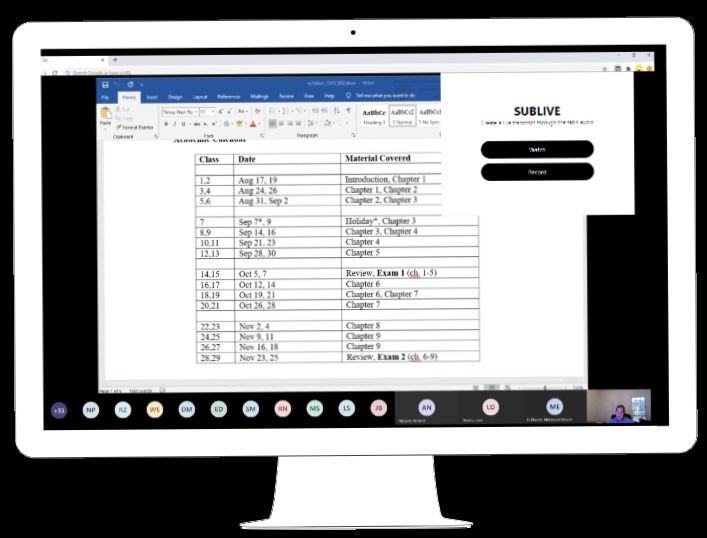
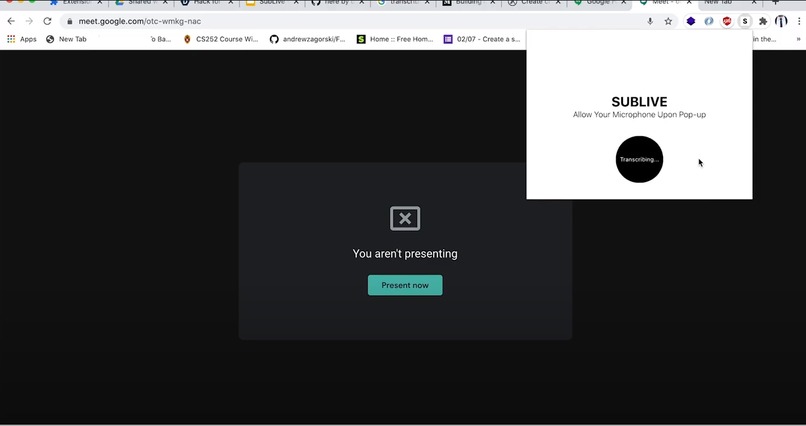
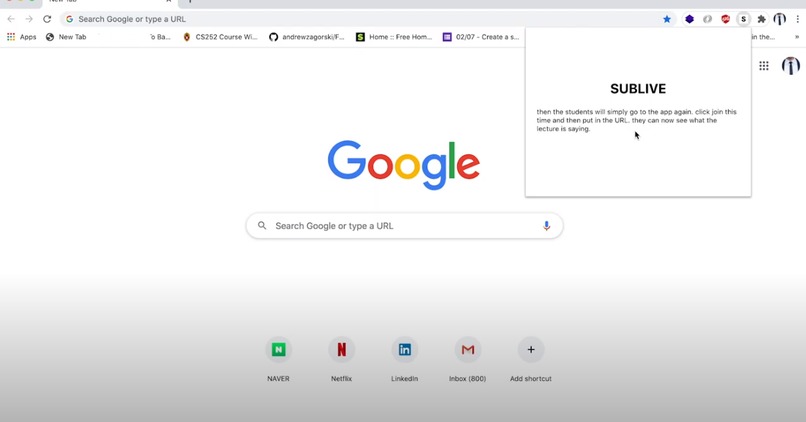
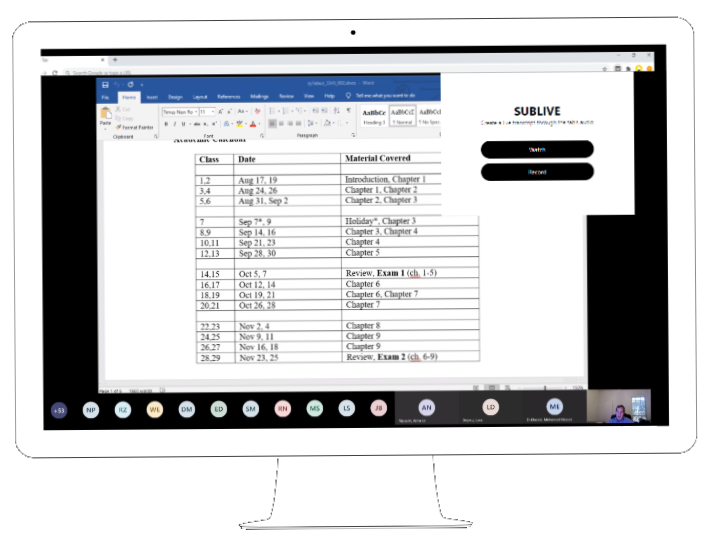
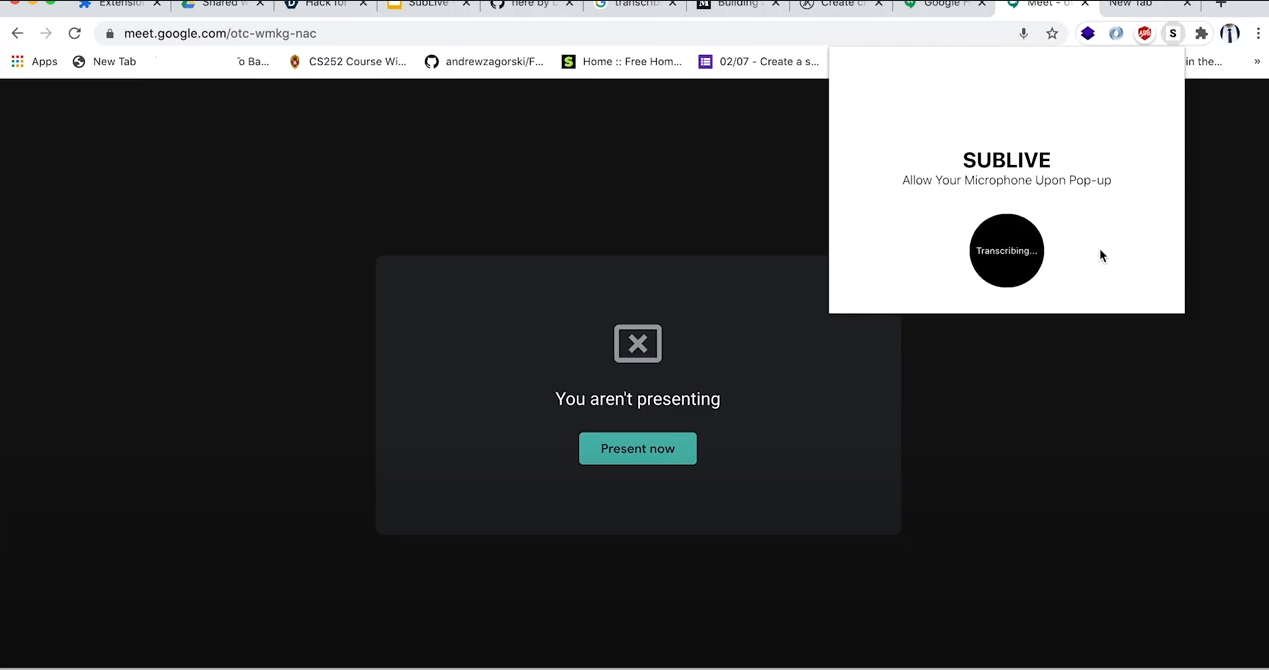
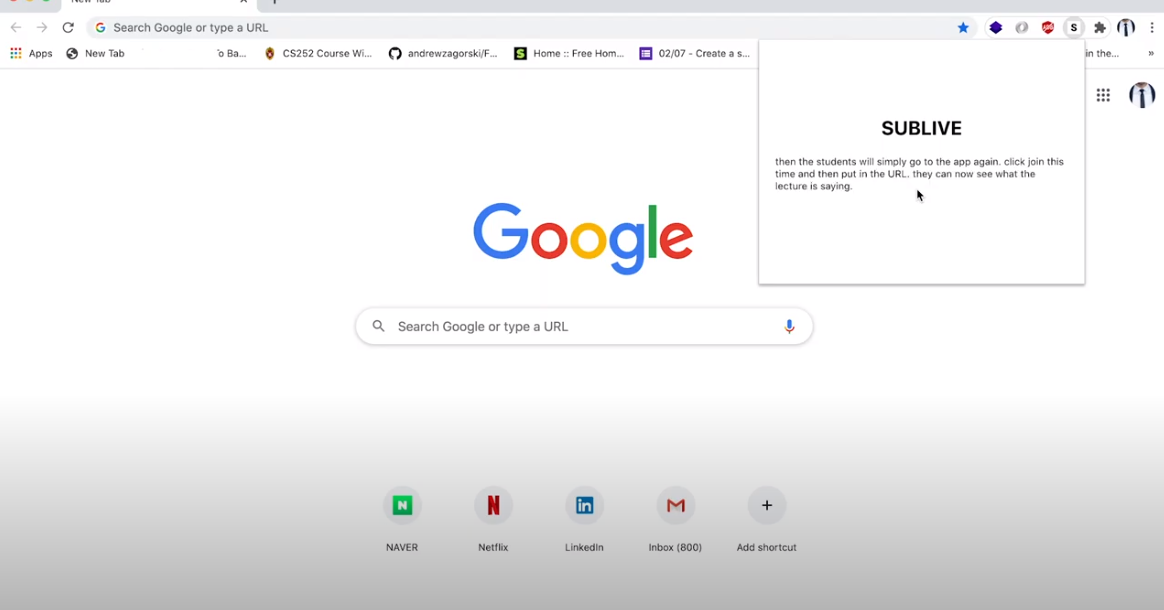
SubLive is a real time transcription extension that allows students to receive a text transcription from their live lectures. It displays a popup with options to either create a session that will be transcribed, or to join a session to receive up-to-date transcriptions. The users will be completely anonymous, and no data will be saved to ensure data privacy of the users.
How we built it
We built SubLive using a combination of React, Node.js, Google Cloud's Speech-to-Text API, and Firebase. The user interface was created with React, and Node.js served as the JavaScript runtime environment for us to work with Google Cloud and Firebase.
Challenges we ran into
Our team faced many obstacles in order to properly implement SubLive. None of us had ever worked with making extensions or working with Firebase. There were many struggles working with new technologies, but we never regretted any of it. We originally made a web application that suited our needs, and would later adjust it to an extension format. One of the walls we ran into was getting the extension popup to display our application, since most of the time it would be unresponsive. Another wall was getting the Google Cloud Speech-to-Text API to send data and have the Firebase database update in real time. There were many optimization issues that slowed down the delivery of transcriptions to the extension.
Accomplishments that we're proud of
We are proud that we managed to successfully sync the application to a real time database to receive live data. It was also rewarding to have worked with Google Cloud services and being able to successfully make an application out of it.
What we learned
We learned how to create extensions by diving into Developer Mode within the browser and using manifest.json to implement a functional extension. We also learned how to work with Firebase and its databases to write and read data. Lastly, we discovered the incredible potential within Google Cloud's services that could translate to meaningful applications to help those in need.
What's next for SubLive
With only 72 hours to work on SubLive, we could only implement the essential functionalities to our application. However, we have many ideas on how to improve SubLive to better the experience of our users. Future features include: -allowing users to have access to a list of their previous transcriptions, -having the option to transcribe directly into text files such as Google Docs, -a permanent window extension for easier mobility and accessibility, and many more to come!
Made with love by Yun Su Um, Rick Gao, Lindsey Park, Celina Cywinska
Built With
- firebase
- google-cloud
- node.js
- react
- speech-to-text


Log in or sign up for Devpost to join the conversation.