-
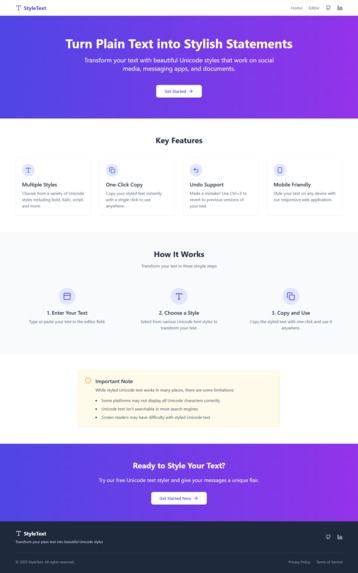
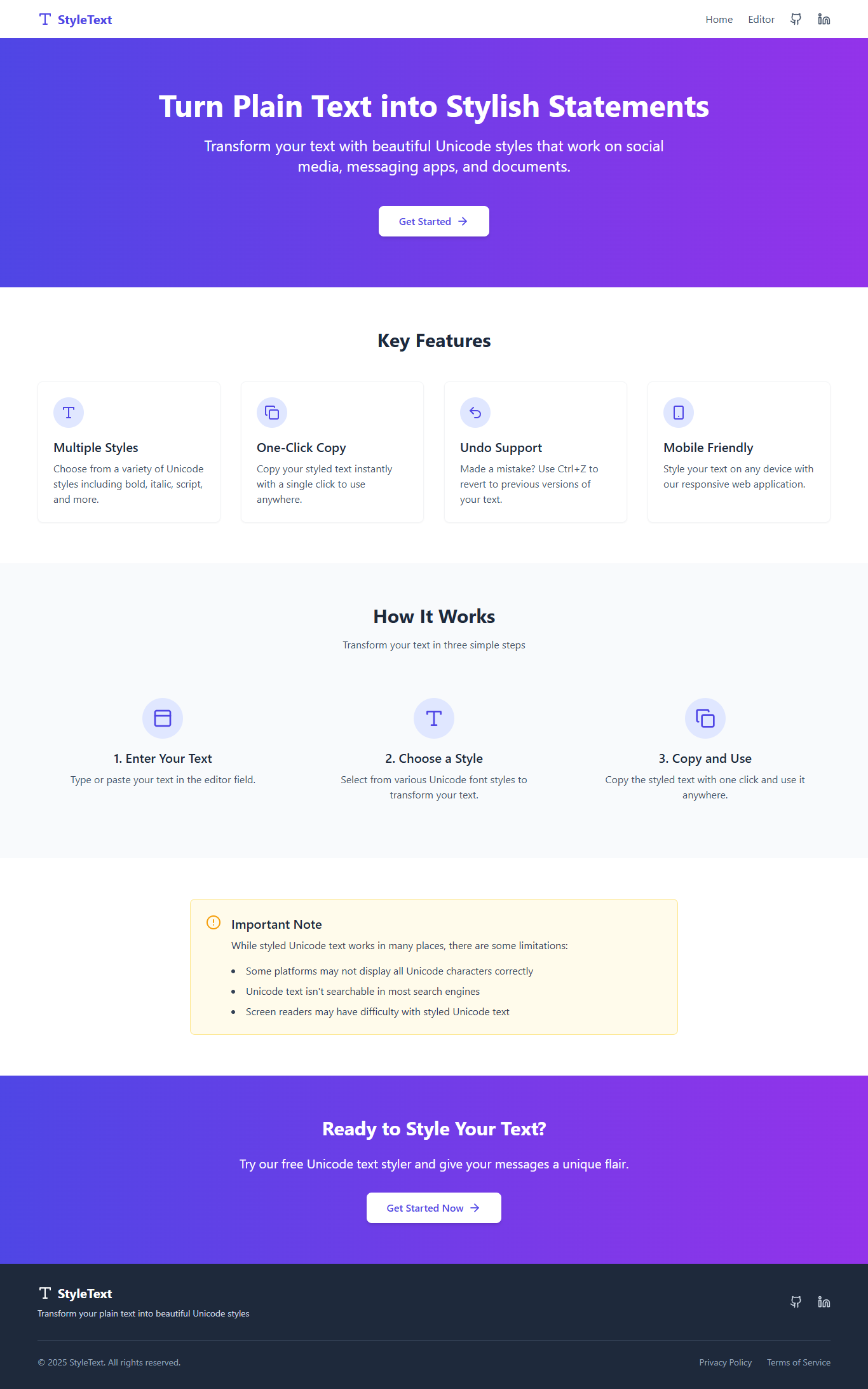
Home page
-
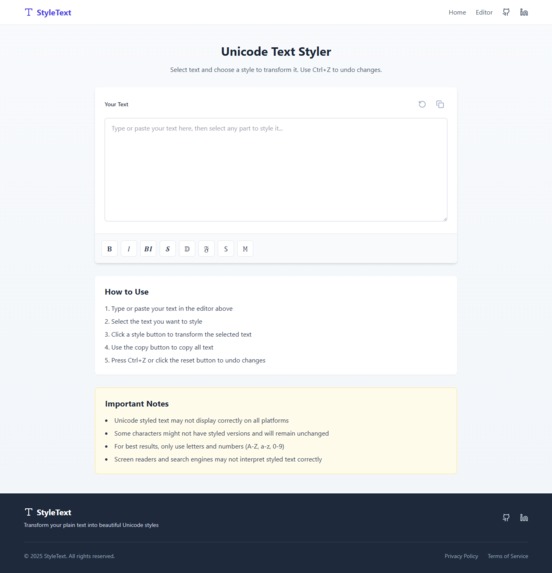
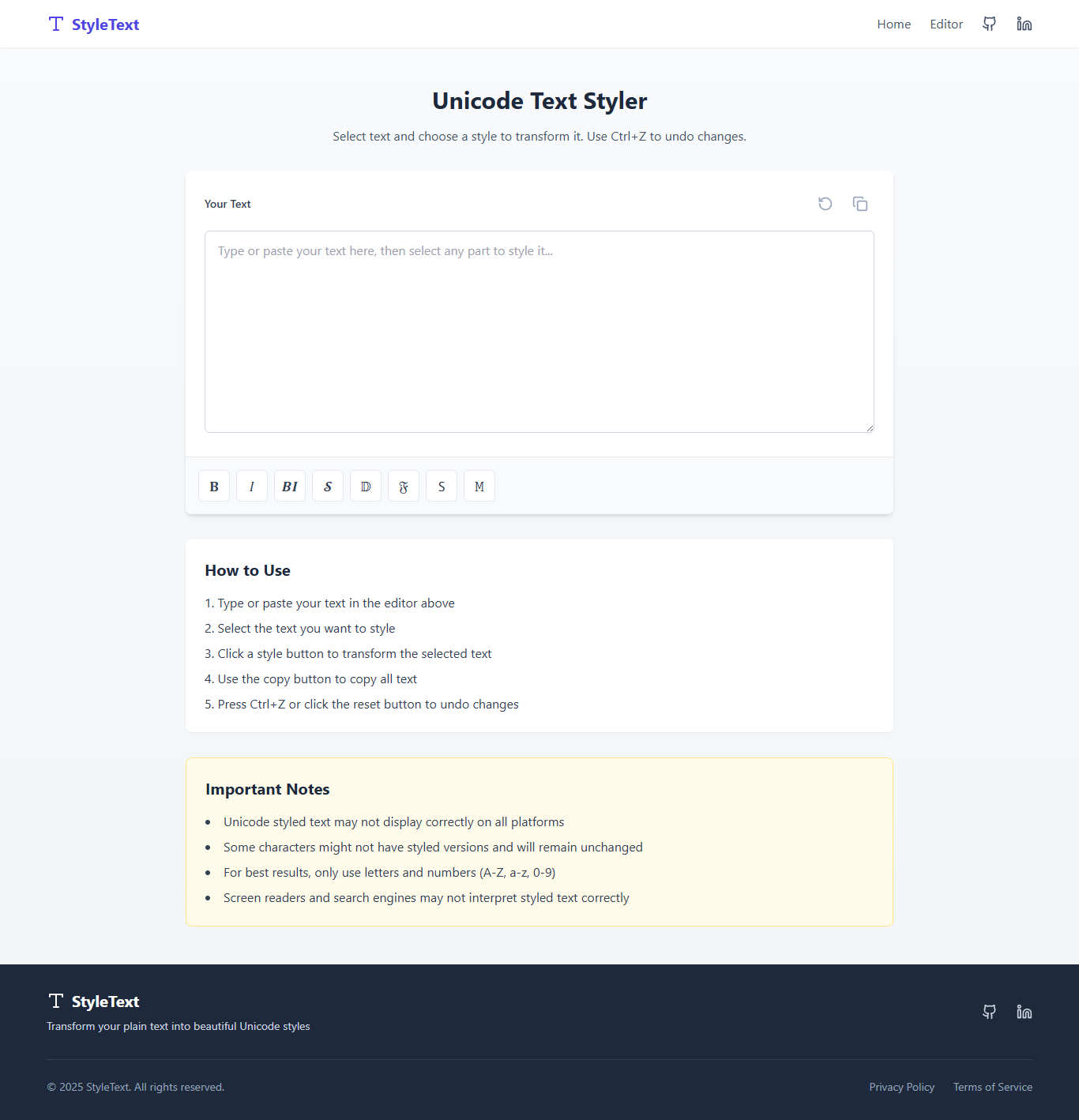
Editor or working Page
Inspiration
The lack of native text formatting on LinkedIn frustrated me when trying to highlight important parts of posts or profiles. While tools like Style Text existed, their poor usability made the experience worse. I wanted a solution that was minimal, intuitive, and allowed partial text formatting — not just full-paragraph transformations. That’s how the idea to redesign and rebuild the tool was born.
What it does
This tool allows users to:
- Write any text and selectively apply formatting styles like bold, italic, or 𝘴𝘵𝘺𝘭𝘪𝘻𝘦𝘥 fonts using Unicode characters.
- Apply styling to only specific words or phrases, not the entire input.
- Easily copy the styled text with one click for use on LinkedIn or any platform.
- Enjoy a clean, responsive, and beginner-friendly UI.
How we built it
The tool was built using:
- HTML for structure
- CSS for styling and responsive layout
- JavaScript for interactivity
- TypeScript for added type safety and better scalability
Additional UX/logic:
- Selective text styling
- Clipboard copying
- Unicode transformation
- Responsive UI/UX enhancements
Challenges we ran into
- Designing a minimal UI that supports multiple formatting options without overwhelming the user.
- Implementing partial text transformation while preserving user input structure.
- Ensuring cross-platform text compatibility, especially how Unicode renders on LinkedIn.
- Managing copy-paste functionality cleanly without adding hidden characters or glitches.
Accomplishments that we're proud of
- Took a poorly-designed tool and turned it into a usable, intuitive platform.
- Created clean UX with guided flow and selective styling.
- Ensured 100% compatibility with LinkedIn.
- Developed the tool for personal productivity, but made it helpful for a wider professional audience.
What we learned
- Even simple tools can have deep impact if designed thoughtfully.
- Building something for yourself first often leads to solving real-world user problems.
- User-centric design and micro UX choices (like button positions, copy feedback) matter a lot in small tools.
- Unicode compatibility across platforms needs careful testing.
What's next for StyleText
- Preview Output Box — See how styled text would look in a LinkedIn-like layout.
- AI Style Suggestions — Recommend which words to emphasize based on sentiment/context.
- Mobile-friendly improvements — Expand usability on smaller screens.
- Browser extension — Use the tool directly inside LinkedIn or X/Twitter editors.
- More styles — Add underline, strike-through, or creative Unicode combos for branding.


Log in or sign up for Devpost to join the conversation.