Inspiration
People wonder about their skin right before they buy, standing in front of the mirror. The answers they get are generic: a score with no explanation, or a product list that ignores what their skin actually needs. I run a Korean skincare store, and the same problem shows up there: shoppers can't tell which product fits their skin.
What it does
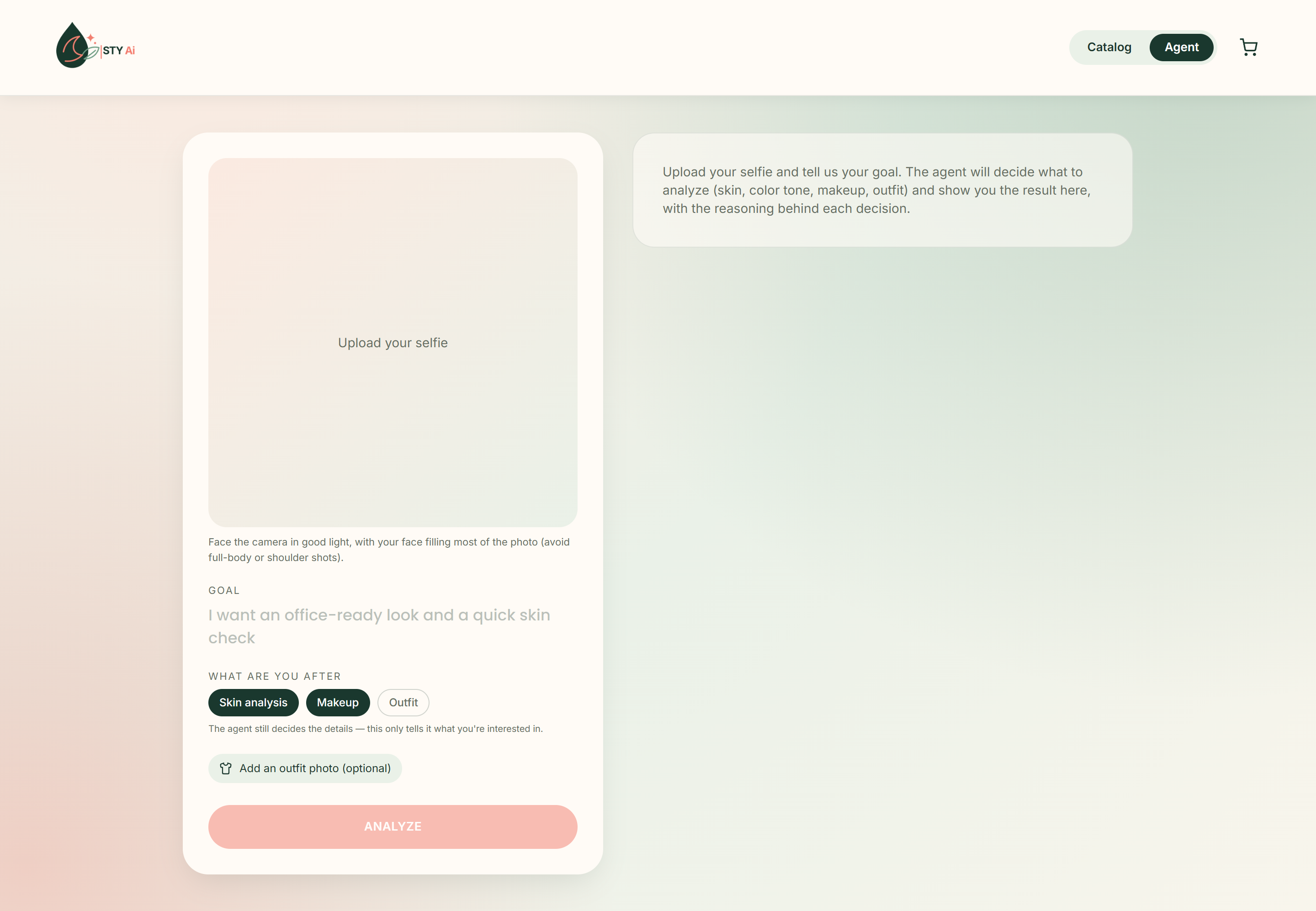
Upload a selfie and say what you want in plain words. An AI agent (not a fixed pipeline) decides which YouCam tools to run on your photo and in what order, then:
- Analyzes your skin with YouCam Skin Analysis: up to eight concerns scored 0-100. Tap a concern to see where it was detected on your photo, with a plain-language explanation of what it means.
- Reads your real colors with YouCam Face Tone Analysis, so suggestions match your undertone.
- Shows products on you with YouCam Makeup Virtual Try-On: the agent picks real products from the catalog and renders each product's exact shade on your selfie. Outfit try-on (YouCam Clothes VTO) is supported from a full-body photo.
- Explains its reasoning step by step, leads with your weakest area instead of generic praise, and gives a K-beauty routine.
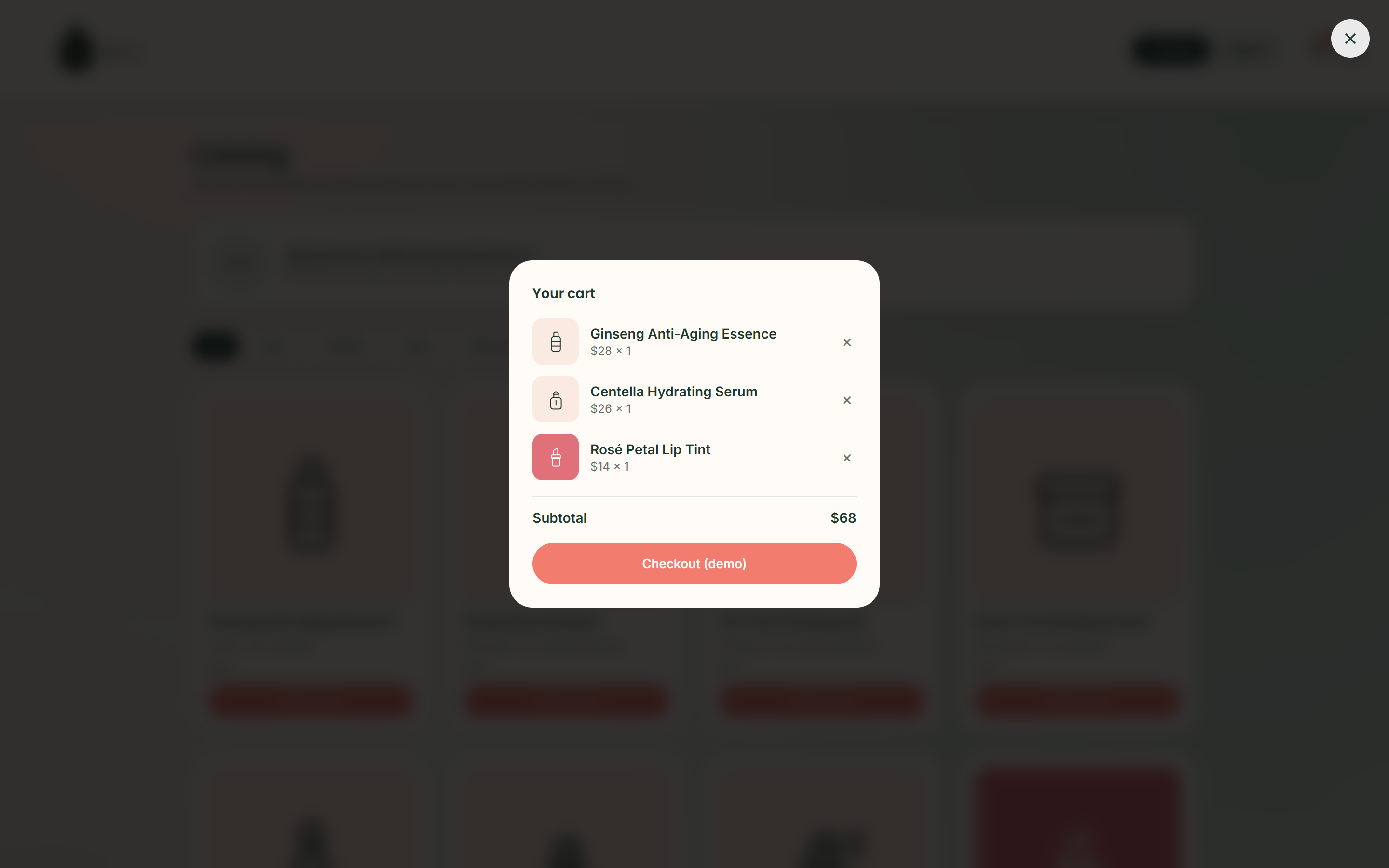
- Answers "what do I do next?": a step-by-step routine (cleanse, exfoliate, treat, moisturize...) with products matched to your weakest scores and the reason for each ("Your hydration score is 68/100"). Add one product or the whole routine to the cart.
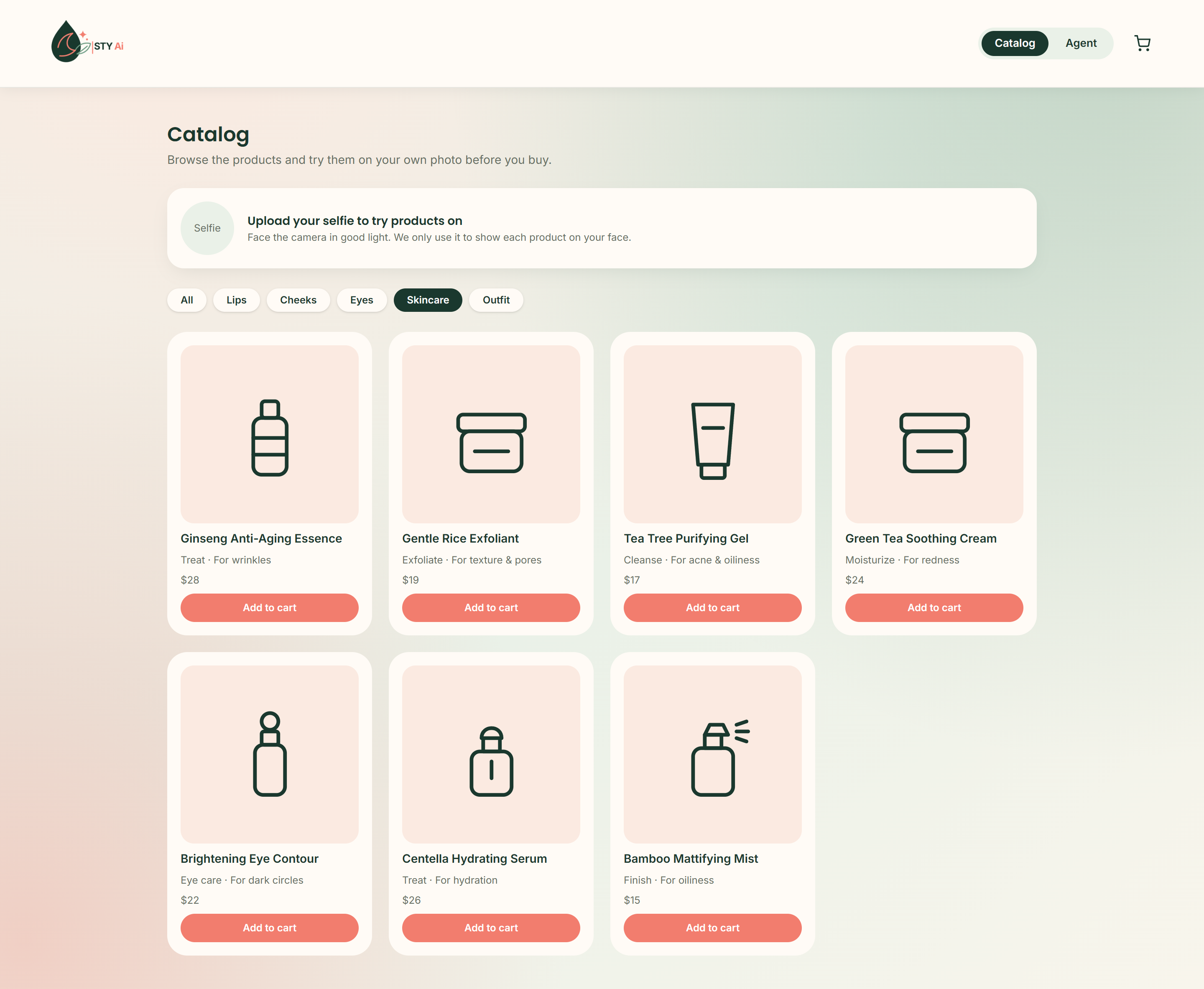
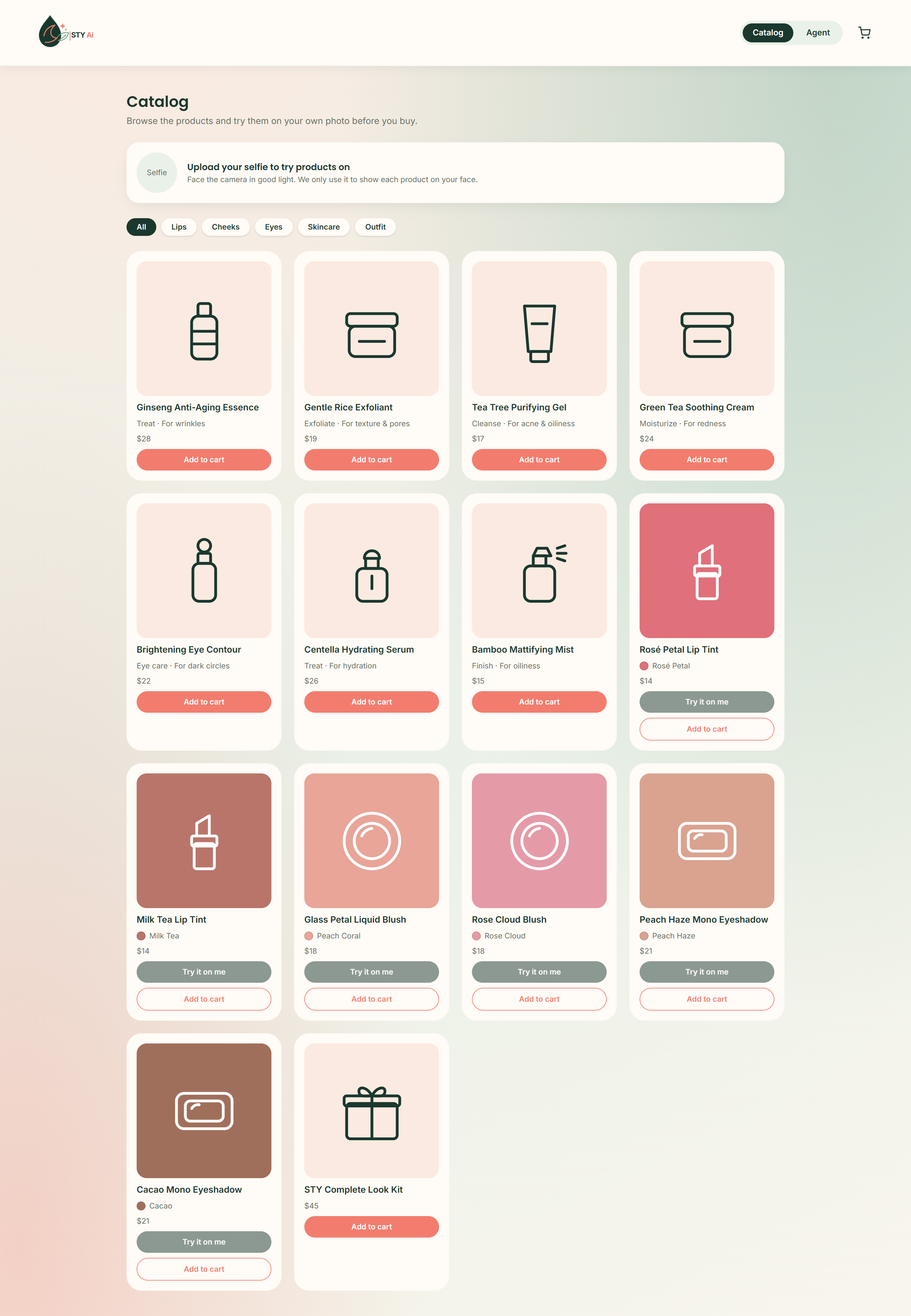
- Catalog page: browse all products, filter by lips, cheeks, eyes or skincare, and try any makeup shade on your own face before buying.
How I built it
Next.js 16 + TypeScript + Tailwind. A provider-agnostic tool-use loop (Gemini or Claude) calls YouCam through a small REST client (upload, task, poll). Tool schemas are generated from the product catalog, so the model can only pick products that exist. Routine and product recommendations are derived deterministically from the agent's results, so they never depend on the model spending turns on them.
Challenges
- YouCam's makeup schema differs per category (pattern catalogs, conditional fields), so I verified each category against the live API instead of trusting examples. I found
dark_circle_v2by bisecting a live 400 error. - Different faces first returned near-identical AI text. I tested the API directly with different photos, confirmed the scores did vary, and fixed the prompt so the agent leads with the lowest score and avoids stock phrases.
- Face detection is strict, so selfies are cropped to the face and API errors become actionable messages.
- I ran out of API units while testing. To stay honest, the app can simulate individual tools and always labels simulated output "Sample data".
Accomplishments that I'm proud of
- A real agent with visible reasoning, not an API wrapper.
- A skin explorer that overlays detection masks and teaches what each concern means.
- A try-on driven by the product catalog: what you see is what you can buy.
What I learned
Grounding an LLM in real model outputs (scores, masks, colors) is what makes it useful, and verifying each API against reality beats trusting examples.
What's next
Real catalogs for skincare retailers (concern tags per product), streaming the agent's steps live, comparing two analyses over time, and YouCam's camera SDK for real-time try-on.
About the demo video
- Skin analysis and color tone are sample data in the video because my API units ran out. The makeup try-on shown is a real YouCam result.
- Narration is generated with text-to-speech.
- All products, brands and prices are fictional; product tiles are original illustrations.
- The repository is private and shared with [email protected].
Built With
- claude-api
- gemini-api
- nextjs
- react
- tailwindcss
- typescript

Log in or sign up for Devpost to join the conversation.