-
-
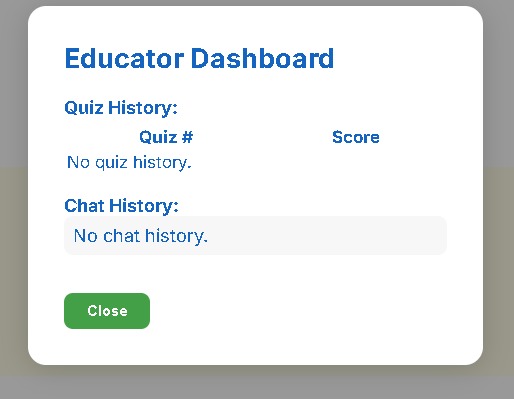
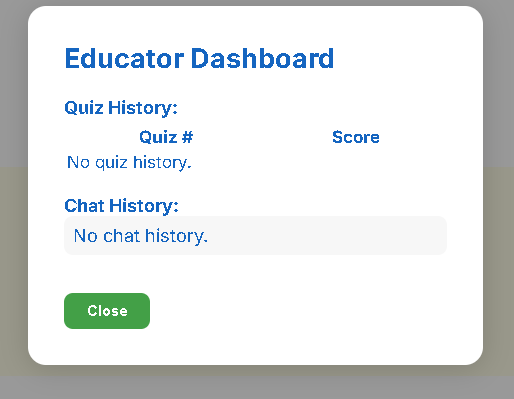
Educator Dashboard
-
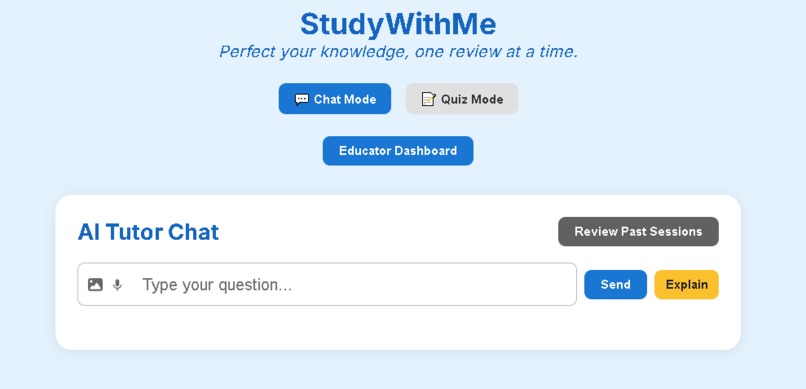
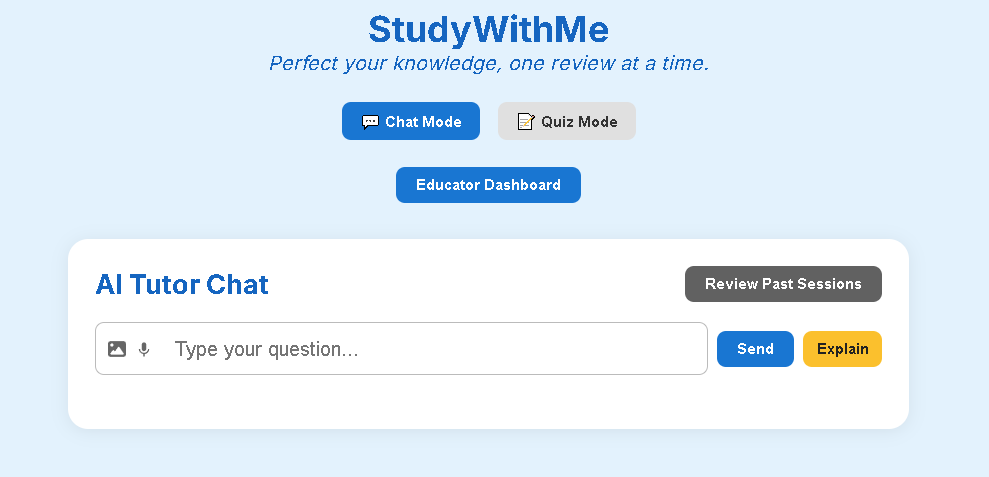
Chat screen with AI
-
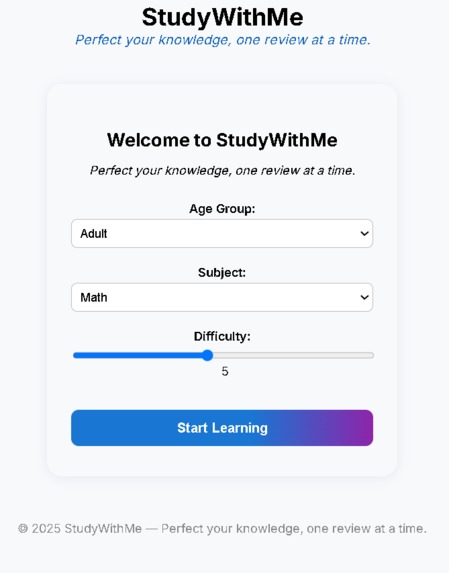
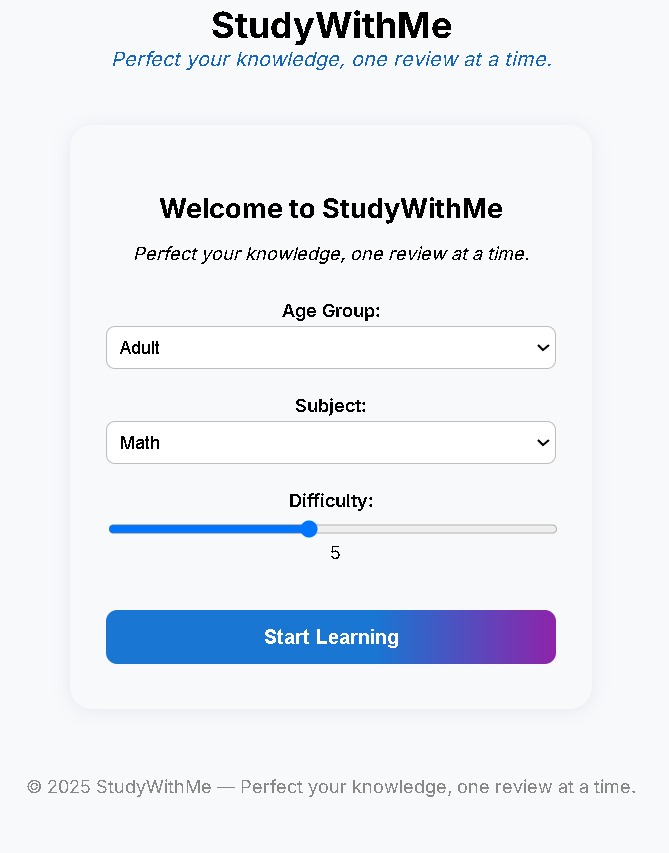
Quiz customisation page
-
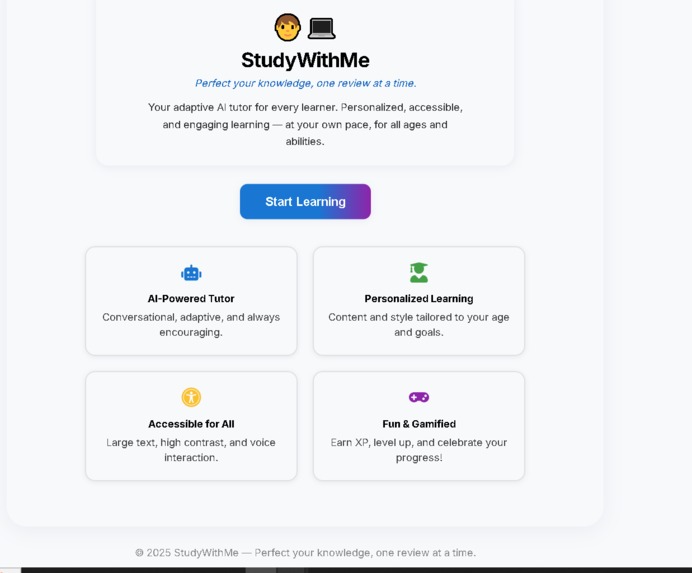
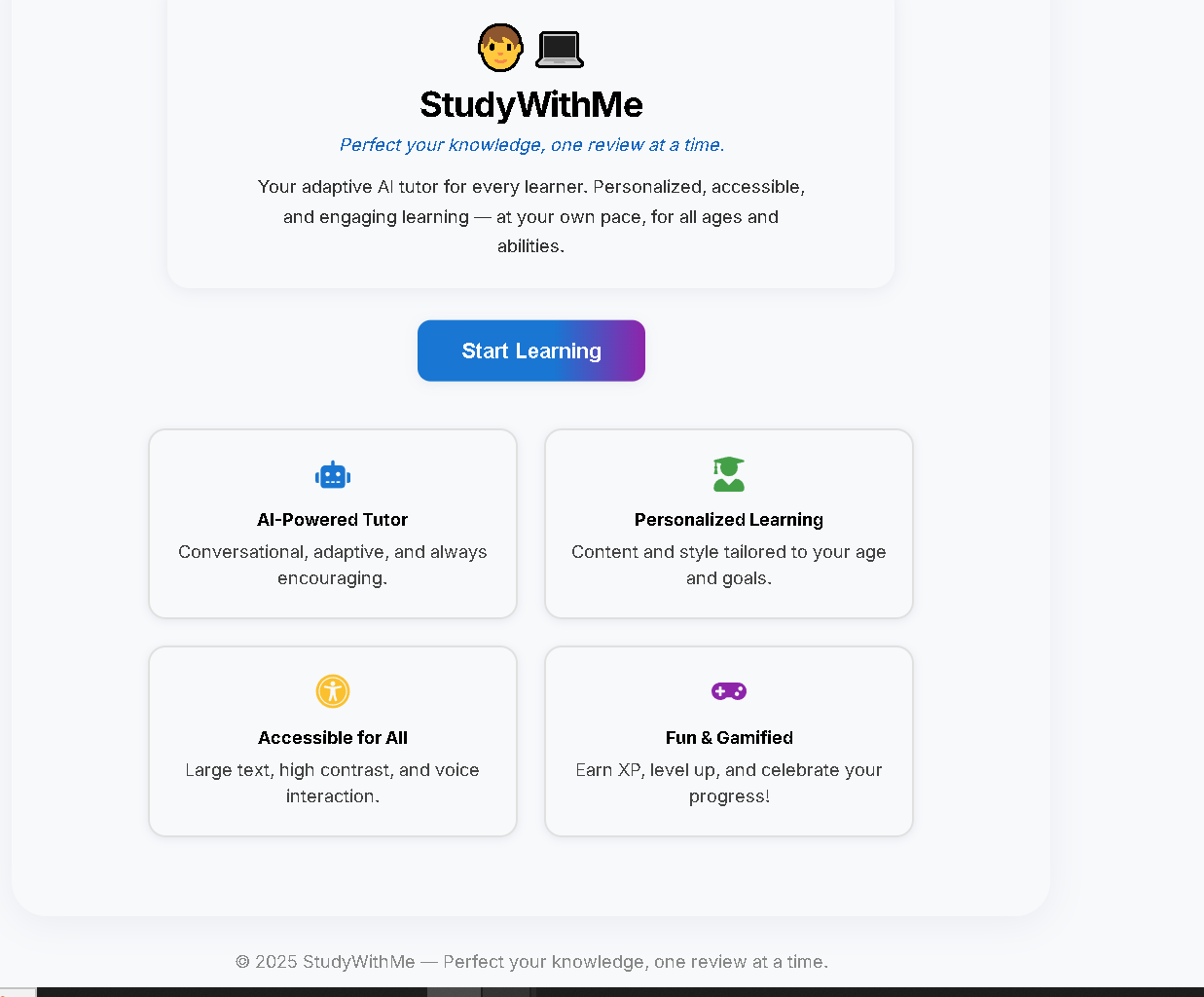
Home screen
-
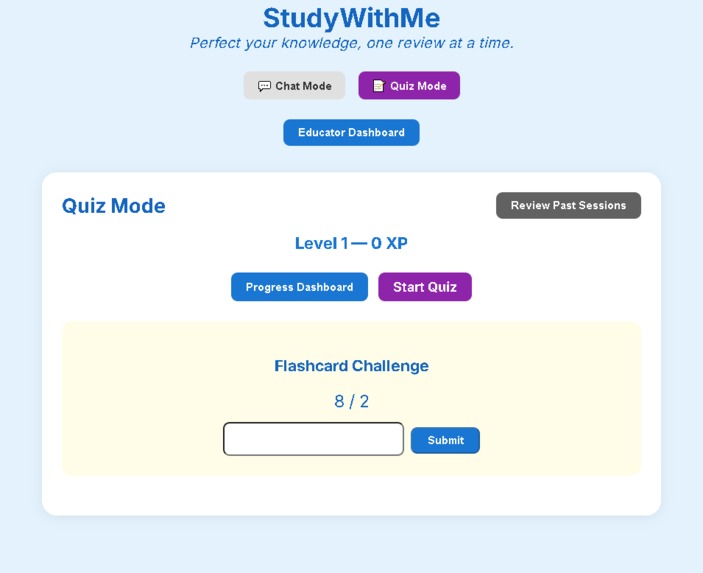
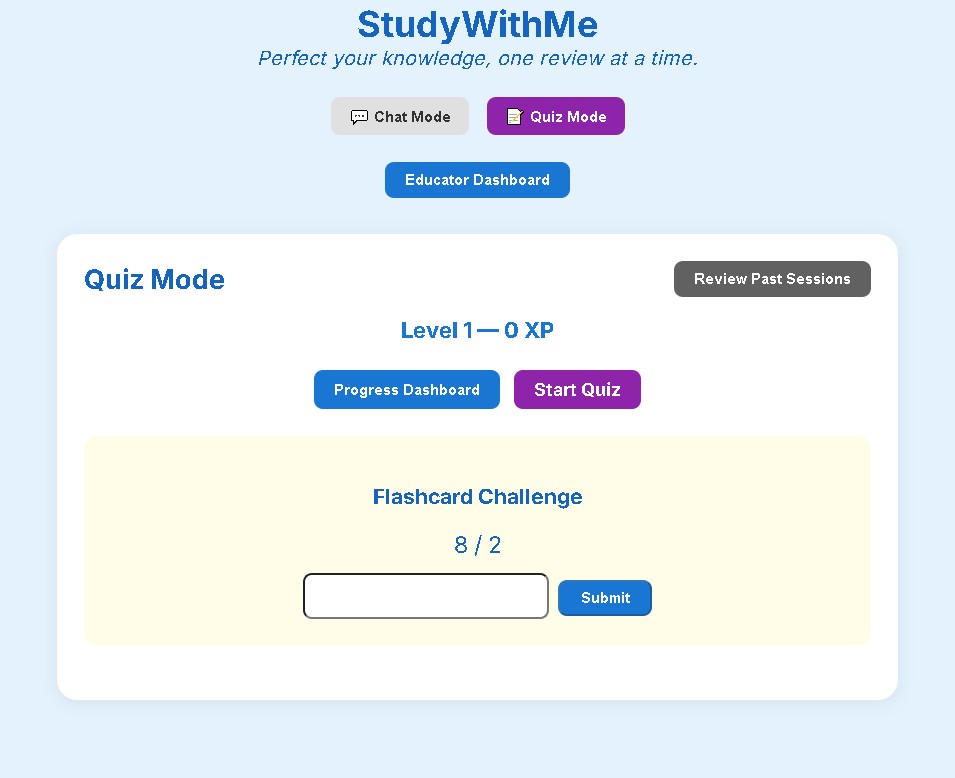
Quiz page
-
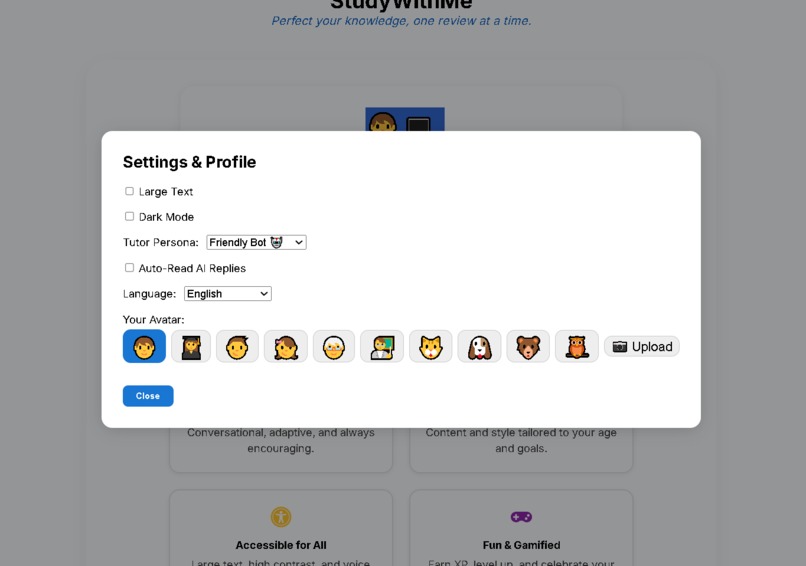
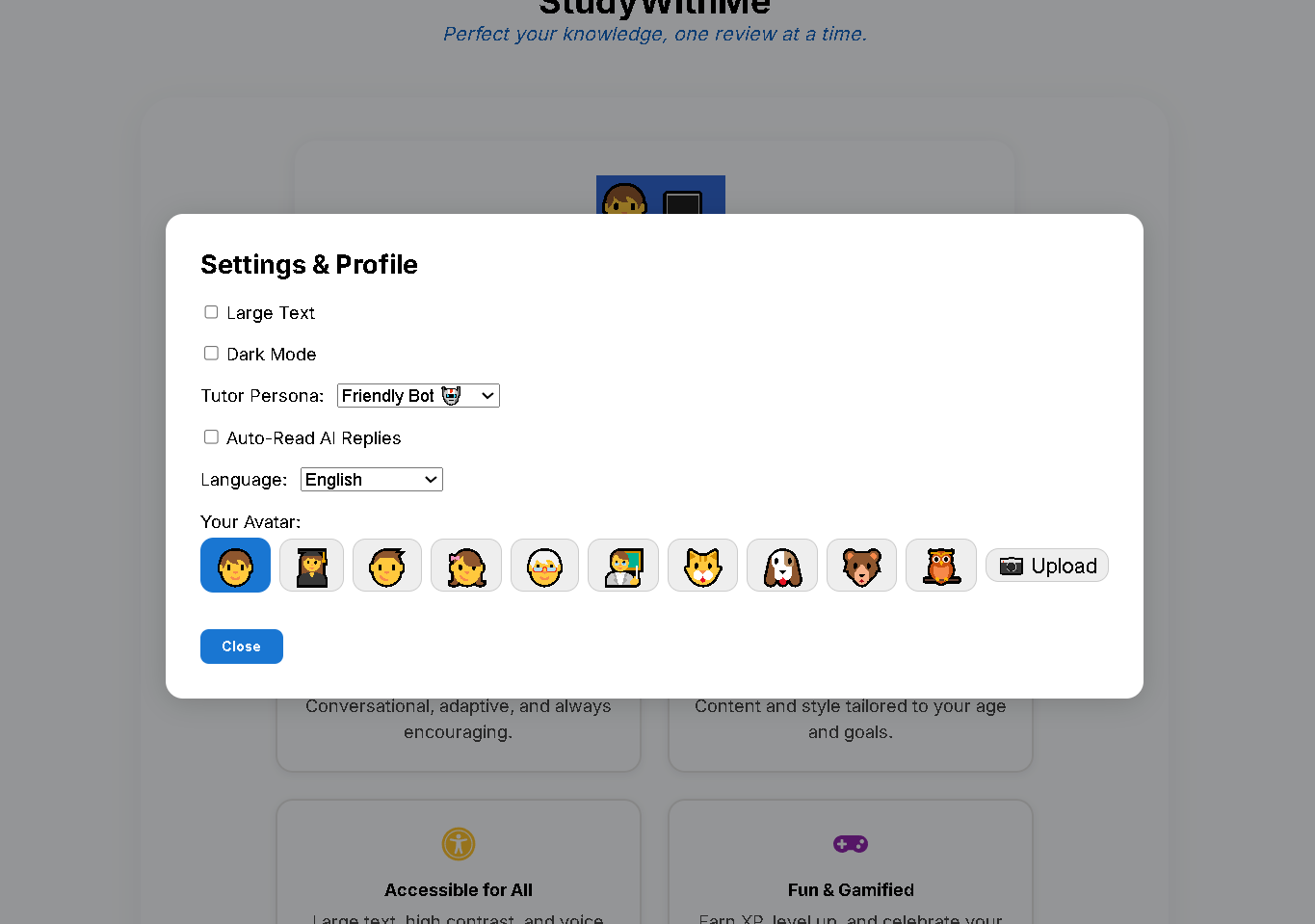
Profile page
Inspiration
We were inspired by a global education challenge that hits close to home: the reality that millions of students fall behind due to rigid, one-size-fits-all learning models. According to UNESCO, over 260 million students globally do not achieve minimum proficiency levels in basic subjects, largely due to inflexible teaching systems. We also drew from personal experiences — as students, tutors, and mentors — witnessing first-hand how learners with different paces, styles, and needs are often underserved by mainstream educational tools.
We wanted to build a platform that not only adapts to every learner’s needs but also bridges gaps across age, language, ability, and even access. Our goal was clear: create a universally accessible, AI-powered tutor that feels human, keeps learners motivated, and empowers educators to intervene with precision. That was the birth of StudyWithMe.
What it does
StudyWithMe is an adaptive AI tutoring platform designed for learners of all ages and abilities. It delivers real-time personalized learning through:
- Conversational AI tutoring powered by OpenAI’s GPT-4.1
- Age- and subject-aware lesson generation
- Multimodal interaction (text and voice, with image input planned)
- Accessibility features (high contrast, large fonts, voice interaction, multilingual support)
- Gamification (XP, levels, badges, streaks)
- Visual dashboards for learners and educators
- Offline support via Progressive Web App (PWA) architecture
The platform dynamically adjusts lesson difficulty, tone, and pacing in response to each learner’s progress and feedback. It gives students ownership over their learning while enabling educators to monitor and support through real-time insights.
How we built it
We built StudyWithMe as a full-stack web app, structured for modularity, accessibility, and offline usability. Here’s how we broke it down:
🔧 Frontend
- Built with React + TypeScript, styled using CSS modules and a custom ageThemes.css file for dynamic UI theming across age groups.
- Integrated speech-to-text (STT) and text-to-speech (TTS) for hands-free learning and accessibility.
- Created a gamified UI with experience points (XP), badges, streaks, and responsive animation using Framer Motion.
- Developed two dashboards: (a) StudentDashboard.tsx shows individual progress, accuracy trends, and XP growth. (b) EducatorDashboard.tsx aggregates data for classroom or cohort-level insights.
- Enabled PWA features using vite-plugin-pwa, allowing offline use and installability on desktop/mobile.
🔌 Backend
- Implemented using FastAPI and Python 3.11+.
- Integrated OpenAI’s GPT-4.1 API for adaptive, conversational tutoring logic.
- Used
prompts.jsonto dynamically inject age-, subject-, and level-specific context into each AI session. - Exposed a secure REST API endpoint
/chatfor frontend interaction. - Ensured no persistent cloud storage—analytics are kept on-device via browser localStorage for privacy.
🛠 Tooling & Collaboration
- Version control and CI via GitHub
- Tested responsiveness across devices (laptop, tablet, mobile)
- Internal user testing and feedback loops from different age groups helped us tune UX
- Environment configuration managed via
.envfor OpenAI API integration
Challenges we ran into
We faced a range of challenges, both technical and human-centered:
Balancing adaptivity & user control Making the AI flexible enough to adapt while still giving learners a sense of control required careful prompt engineering and thoughtful interface design on our end.
Building for all ages Designing an interface that works for children, teenagers, adults, and seniors demanded constant iteration. We have to ensure acessibility through considering cognitive load, language simplicity, and minimizing interaction friction.
Ensuring inclusive voice interaction Integrating speech-to-text and TTS that works across accents, speeds, and age groups — especially for seniors — was more complex than what we expected. We tested multiple browser APIs to strike the right balance.
Gamification without distraction We wanted the XP and streak systems to boost motivation, not become a gimmick. It took several UI/UX adjustments to get the right level of visibility and reward frequency.
Offline functionality Implementing PWA features like offline caching, install prompts, and update detection required diving into service worker configuration and handling dynamic data without server-side sync.
Accomplishments that we're proud of
- We built a fully functional AI-powered tutor with real-time adaptive learning, fully responsive UI, and full accessibility support — in under a week.
- We delivered a solution that can serve students from early childhood to senior adult learners, across multiple subjects, in multiple languages.
- Our dashboards provide actionable insights for both learners and educators — turning raw interactions into meaningful feedback.
- We implemented a privacy-respecting local storage system that doesn’t require user login or cloud sync, proving that EdTech can be both useful and ethical.
- The platform works across devices and even offline — making it truly accessible to underserved communities.
What we learned
- Accessibility is a mindset, not a checkbox. We learned that real accessibility means supporting different physical, cognitive, and linguistic needs — and it starts from design, not afterthought.
- Simplicity takes effort. We iterated the UI multiple times to reduce cognitive load and create a welcoming experience for all age groups.
- Prompt engineering matters. Even small changes in the system prompts to GPT-4.1 made major differences in output quality and tone across different learner types.
- Gamification is powerful when used well. Motivation doesn’t need to be extrinsic; XP and streaks are subtle nudges that build productive habits.
- Voice input democratizes learning. Especially for older users or those with lower digital literacy, speaking to the app lowered the barrier to interaction dramatically.
What's next for StudyWithMe
StudyWithMe is just the beginning of what adaptive AI can do for personalized education. Here's where we’re headed next:
Curriculum integration Mapping content to national or regional education standards to support in-school and after-school learning.
Handwriting & image-based input Adding computer vision to let students snap photos of handwritten work or worksheets for feedback.
Cloud sync & teacher accounts Optional encrypted cloud storage for syncing progress across devices and enabling full teacher-managed classrooms.
Collaborative learning Introducing peer-to-peer study rooms, shared challenges, and discussion prompts to build community and deeper learning.
Expanded multilingual support Translating the UI and AI responses into more languages — including regional dialects — to reach even more learners.
AI-generated practice sets & exams Enabling teachers to auto-generate quizzes or exams tailored to their syllabus and class profile.
We believe StudyWithMe has the potential to redefine how learning is delivered — and to make education more inclusive, engaging, and impactful for everyone, everywhere.
Built With
- css
- fastapi
- html
- huggingface
- openai
- pwa
- react
- typescript
- vite

Log in or sign up for Devpost to join the conversation.