-
-
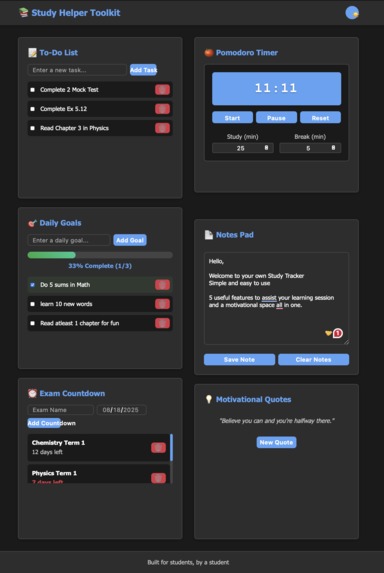
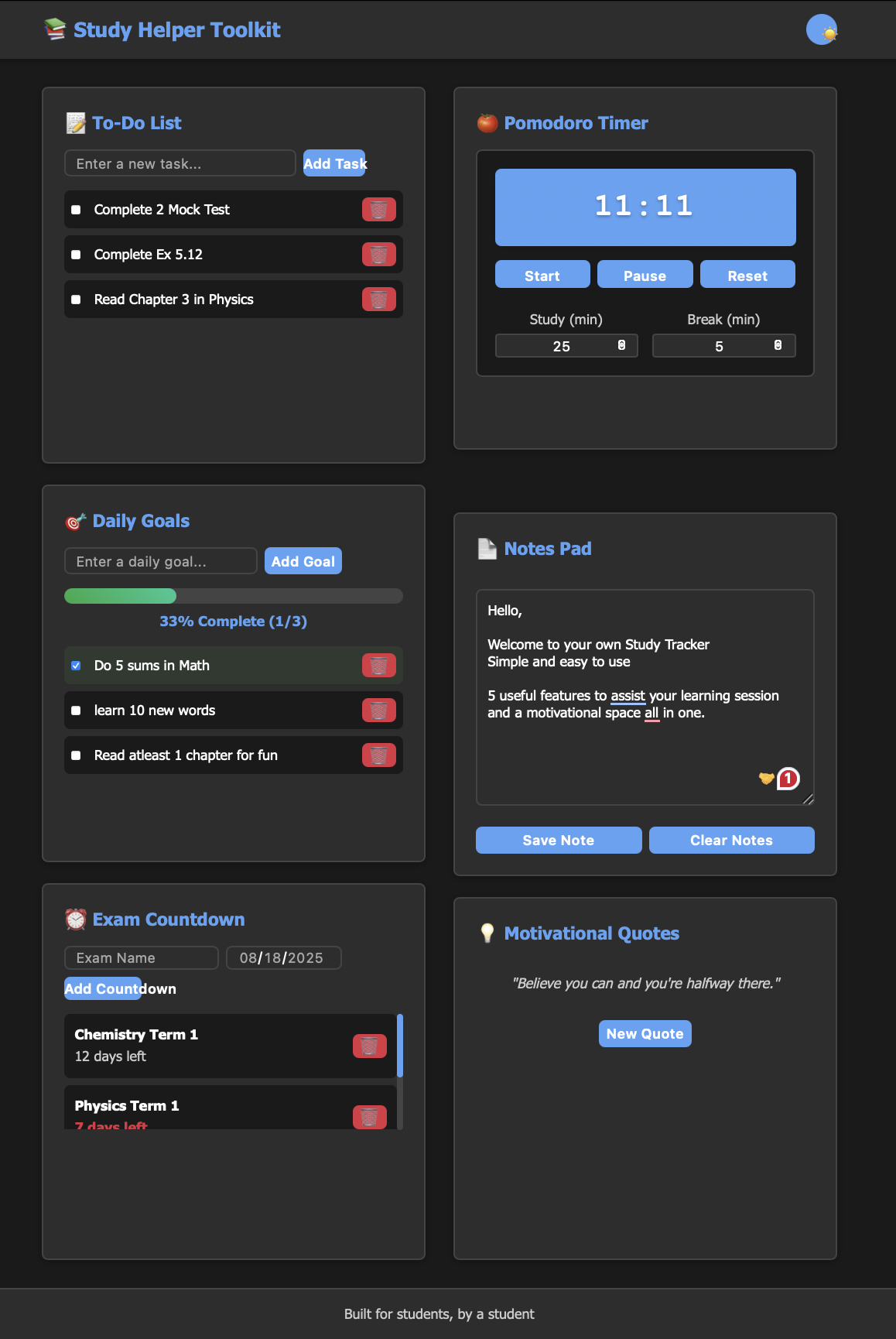
full view of the website in dark mode
-
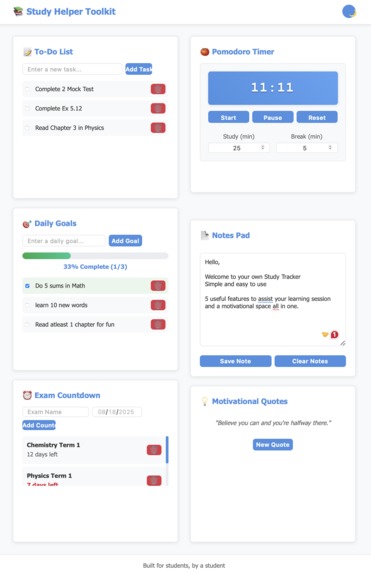
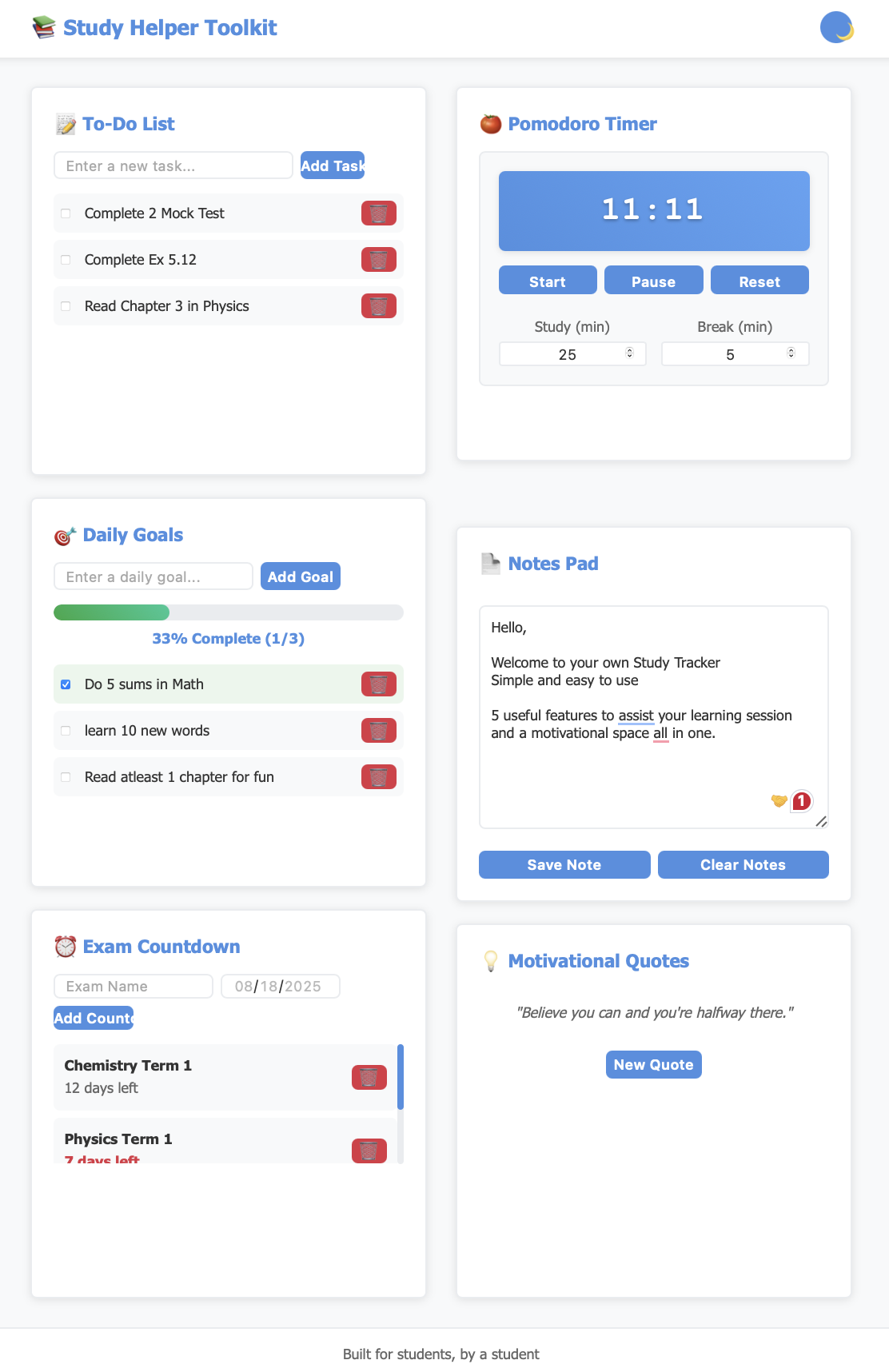
full view of the website in bright mode
Inspiration
As students ourselves, we often struggled with maintaining focus during study sessions and keeping track of multiple academic responsibilities. We wanted to create an all-in-one solution that combines essential study tools in a clean, intuitive interface to help students stay organized and productive.
What it does
Study Helper Toolkit is a comprehensive web application that helps students optimize their study sessions and manage academic tasks. It features:
-A Pomodoro timer for structured study/break intervals -A task management system with priority levels -Goal tracking with visual progress indicators
- Countdown timers for important deadlines
- A digital notepad for quick notes
- Motivational quotes to keep users inspired
- Dark/Light theme support for comfortable studying
How we built it
The application is built with vanilla web technologies:
- Frontend: HTML5, CSS3, and JavaScript (ES6+)
- Storage: Local Storage for persistent data
- Design: Responsive layout with CSS Grid and Flexbox
- Animations: CSS transitions for smooth UI interactions
Challenges we ran into
- State Management: Managing multiple application states without a framework required careful planning
- Responsive Design: Ensuring consistent experience across different screen sizes
- Data Persistence: Implementing reliable local storage for saving user data
- Timer Accuracy: Maintaining precise timing across browser tabs and system sleep
Accomplishments that we're proud of
- Creating a fully functional, framework-free web application
- Implementing a clean, intuitive user interface
- Delivering a responsive design that works across devices
- Building a comprehensive set of study tools in a single application
- Achieving smooth animations and transitions without external libraries
What we learned
- Advanced DOM manipulation techniques
- State management patterns in vanilla JavaScript
- CSS Grid and Flexbox for complex layouts
- Local Storage API for client-side data persistence
- Performance optimization for web applications
- Cross-browser compatibility considerations
What's next for Study Helper Toolkit
- [ ] Cloud synchronization across devices
- [ ] User accounts and data backup
- [ ] Mobile app development (iOS/Android)
- [ ] Browser extension version
- [ ] Integration with calendar services (Google Calendar, Apple Calendar)
- [ ] Advanced analytics and study insights
- [ ] Customizable themes and layouts
- [ ] Offline PWA capabilities
- [ ] Collaborative study sessions
- [ ] Integration with popular note-taking apps

Log in or sign up for Devpost to join the conversation.