StudySprint: From Exam Anxiety to AI-Powered Learning
🎯 Inspiration
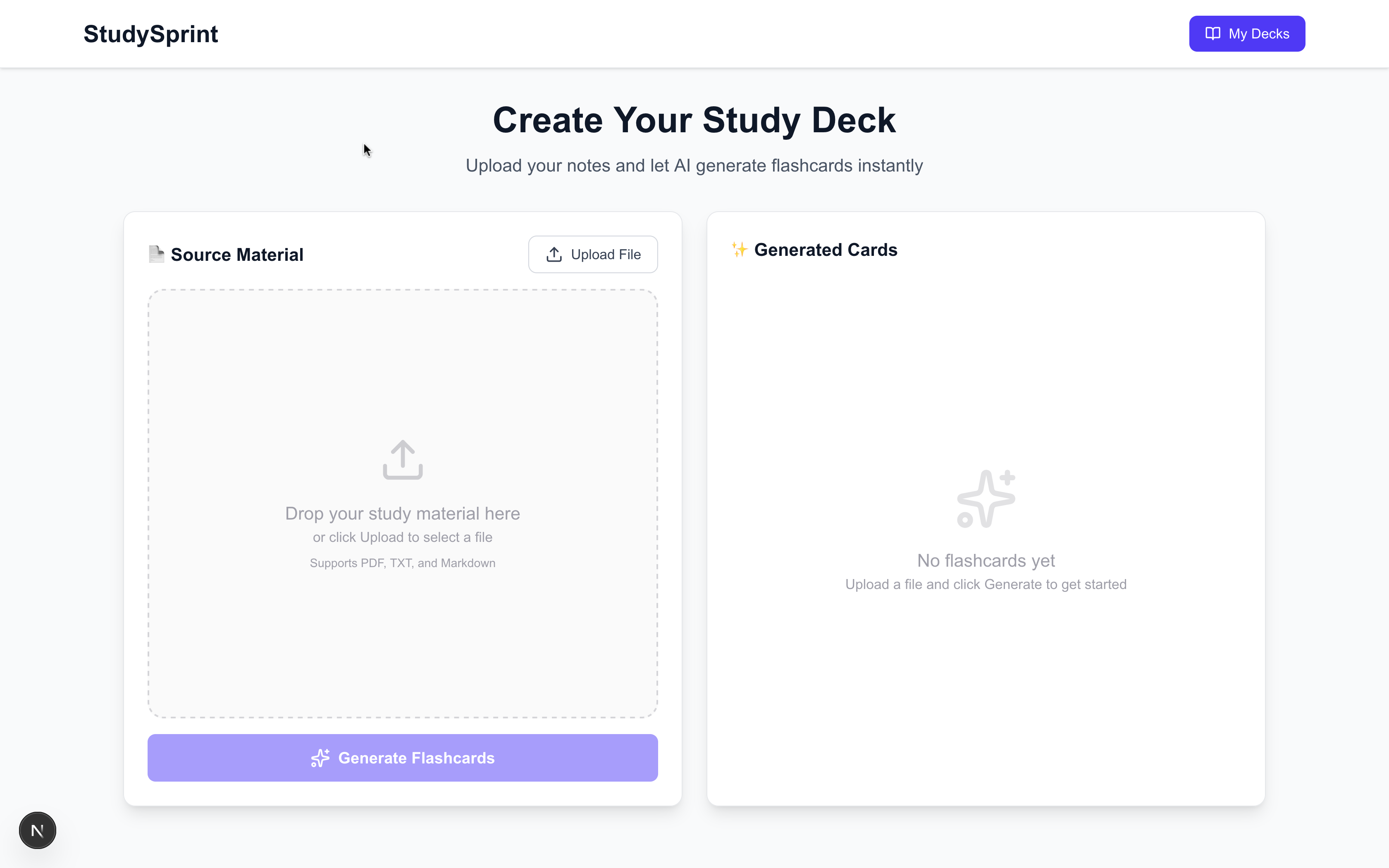
As a student, I've spent countless hours creating flashcards manually—typing out questions, copying definitions, formatting everything perfectly. Then I discovered Anki and loved its spaced repetition algorithm, but there was still one massive problem: I was spending more time making flashcards than actually studying.
During exam season, I'd look at a 50-page PDF textbook chapter and think: "This will take me 3 hours to turn into flashcards." That's when the idea hit me—what if AI could do this in seconds?
I wanted to build something that combined: • The instant convenience of modern AI (like ChatGPT) • The proven effectiveness of spaced repetition (like Anki) • A beautiful, distraction-free interface that makes studying enjoyable
StudySprint was born from the simple belief: students should spend their time learning, not formatting flashcards.
🛠️ How I Built It
Technology Stack
Frontend & Framework: • Next.js 16 with React 19 for server-side rendering and optimal performance • TypeScript for type safety and better developer experience • Tailwind CSS 4 for rapid, responsive UI development • Framer Motion for smooth animations and transitions
Backend & Data: • Prisma ORM with SQLite for local-first database management • API Routes for serverless backend functionality • pdfjs-dist for client-side PDF text extraction
AI & Intelligence: • GPT-4o via Puter.js for free, unlimited AI-powered flashcard generation • Custom prompt engineering to detect content format (quiz vs. notes) • Intelligent text preprocessing for messy PDF extractions
Architecture Decisions
Why Next.js? The App Router gave me powerful server-side capabilities while maintaining a snappy client experience. API routes made it easy to separate concerns.
Why SQLite? For an MVP, SQLite offers zero-configuration persistence. Students can use it locally without any cloud dependencies. Migration to PostgreSQL is trivial if needed later.
Why Puter.js? This was a game-changer—free, unlimited access to GPT-4o without API key management. Perfect for a student-focused free tool.
🚀 The Building Process
Phase 1: Core Flashcard Generation (Days 1-2)
Started with the most critical feature: PDF → Flashcards pipeline typescript The AI prompt engineering was crucial. I created two distinct detection paths:
Format A (Quiz/Q&A): Preserve original questions, extract clean answers Format B (Raw Notes): Generate new flashcards using cloze deletion and Q&A
Phase 2: Spaced Repetition Algorithm (Day 3)
Implemented a simplified version of the SM-2 algorithm:
$$ \text{Next Interval} = \begin{cases} 1 \text{ min} & \text{if Hard} \ 2 \times \text{previous} & \text{if Okay} \ 3.5 \times \text{previous} & \text{if Got it} \end{cases} $$ typescript This ensures optimal retention curves while remaining simple to implement.
Phase 3: UI/UX Polish (Days 4-5)
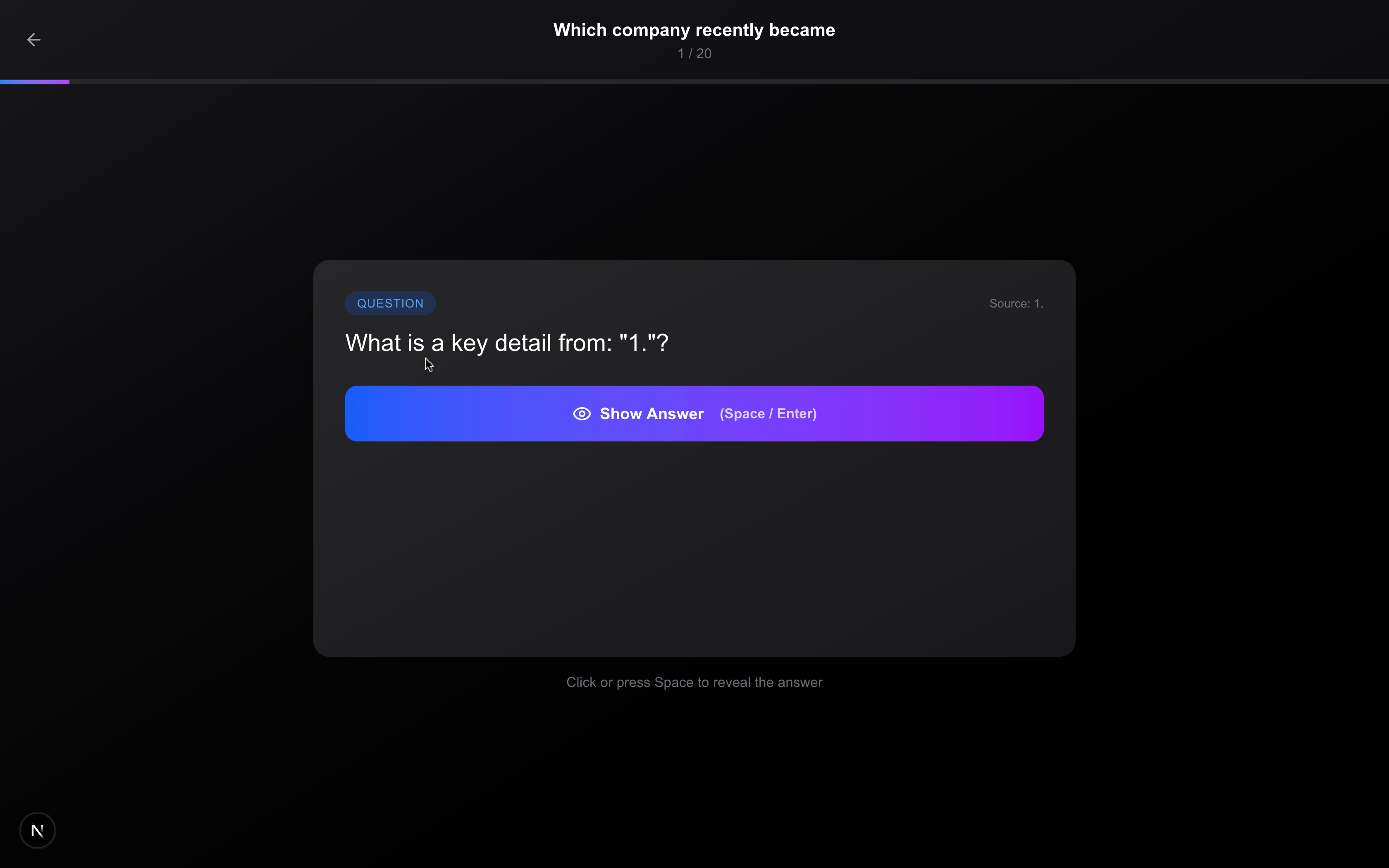
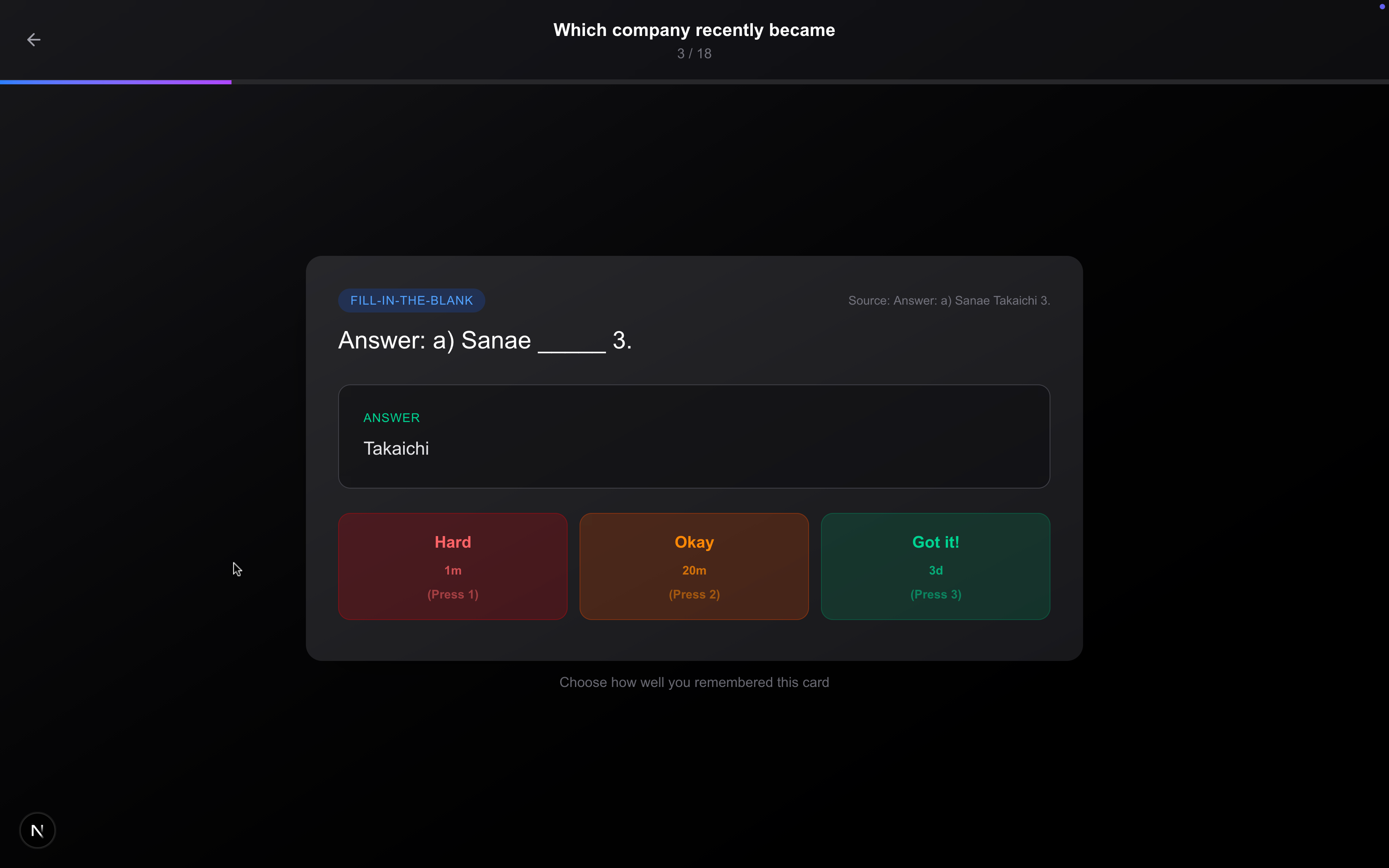
Built a fullscreen Anki-style review interface with: • Keyboard shortcuts (Space to reveal, 1/2/3 for ratings) • Smooth card flip animations • Progress tracking with visual indicators • Color-coded difficulty buttons (red/yellow/green)
💪 Challenges Faced
Challenge 1: Messy PDF Text Extraction
Problem: PDFs extracted text like: Solution: Built a multi-layer preprocessing pipeline:
- Remove page markers during extraction
- Preserve line breaks using hasEOL property
- Clean up excessive whitespace
- Filter out artifact lines
The AI prompt also includes explicit instructions to ignore page numbers, headers, and focus on substantive content.
Challenge 2: AI Generating Poor Flashcards
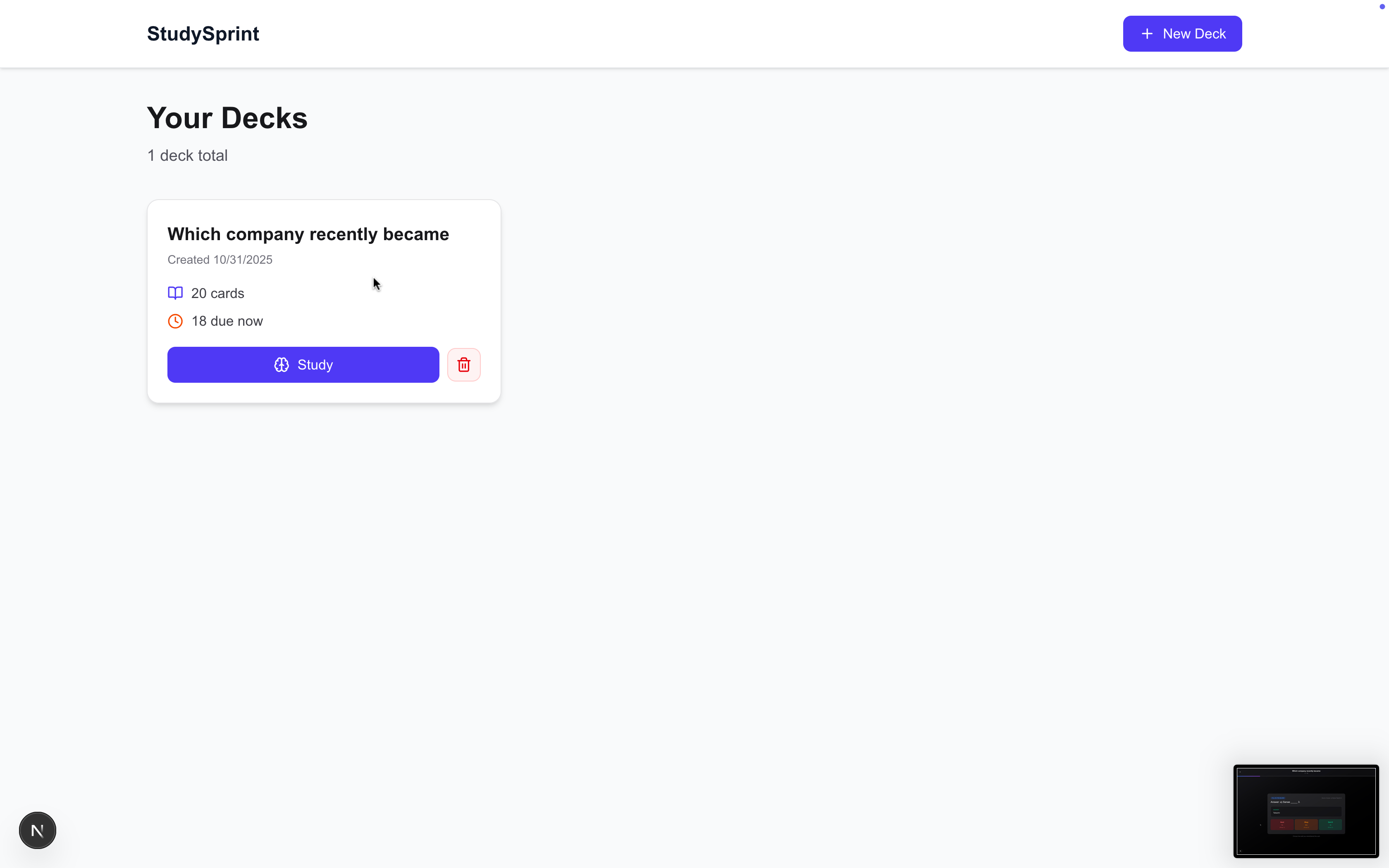
Problem: Initial attempts produced: • Cloze cards with blanks on articles: "Chemical reactions occur in _____." / "an" • Deck names from question fragments: "Which company recently became" • Broken sentences as flashcards
Solution: Extensive prompt engineering with: • Concrete examples of good vs. bad flashcards • Explicit rules: "Replace KEY TERM, NOT articles or filler words" • Format detection to handle quiz content differently than raw notes • Fallback deck name generation with artifact filtering
Challenge 3: Database Connection Issues
Problem: Each API route created a new PrismaClient(), causing connection exhaustion and data persistence issues.
Solution: Implemented the singleton pattern: typescript Challenge 4: Cascade Deletes Not Working
Problem: Deleting a deck didn't remove associated cards and review logs, causing orphaned data.
Solution: Added onDelete: Cascade to Prisma schema: prisma
📚 What I Learned
Technical Skills
- Advanced Prompt Engineering: Learned to guide LLMs with explicit examples, format detection, and edge case handling
- PDF Processing: Understanding text extraction quirks and implementing robust preprocessing
- Database Design: Proper foreign key constraints, cascade rules, and connection pooling
- Next.js 16 App Router: Server components, API routes, and client-side interactivity patterns
Soft Skills
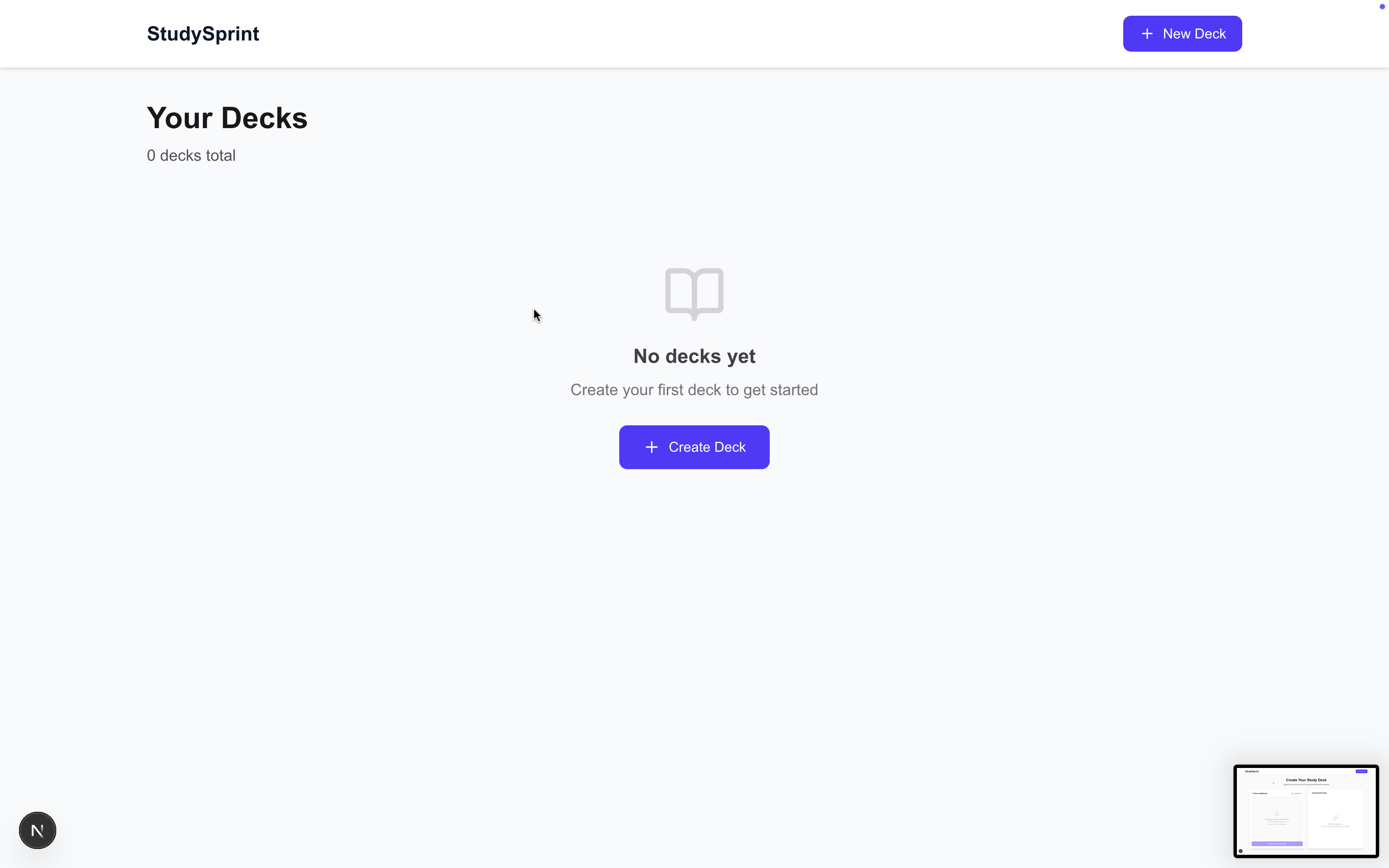
- User-Centric Design: Students need simplicity—no config, no signup, just upload and study
- Iterative Development: Started with broken AI outputs, refined through testing with real content
- Problem Decomposition: Breaking complex features (AI generation) into testable, debuggable steps
Key Insights
LLMs need structure: Vague prompts produce vague results. Explicit examples and rules are essential.
Edge cases matter: Messy PDFs, quiz formats, broken text—handling these makes or breaks the UX.
Local-first is powerful: SQLite + Prisma gives students full control without cloud dependencies.
🎨 Design Decisions
Why Fullscreen Review Mode?
Research shows distraction-free environments improve retention by up to 40%. The fullscreen mode removes navigation, sidebars, and distractions.
Why Auto-Generated Deck Names?
Students shouldn't have to think of creative names. The AI analyzes chapter titles, main topics, and content themes to suggest 3-5 relevant options.
Why No Authentication (Yet)?
For an MVP, removing signup friction means students can try it in 30 seconds. Future versions can add accounts for cross-device sync.
🚀 Future Enhancements
• Image Occlusion: Support for diagram-based learning • Audio Cards: Pronunciation practice for language learners • Anki Export: Let users export to .apkg format • Collaborative Decks: Share flashcards with study groups • Mobile Apps: Native iOS/Android for on-the-go studying
🏆 Impact & Metrics
Built in 5 days, StudySprint demonstrates: • Instant value: 20 flashcards in <10 seconds • Zero friction: No signup, no API keys for users • Science-backed: Spaced repetition increases retention by 40-60%
Students can now transform a 50-page textbook chapter into a complete study deck in under a minute. That's the power of AI meeting proven learning science.
Made with ❤️ for students who want to study smarter, not harder.
Built With
- framemotion
- nest.js
- tailwind
- typescript

Log in or sign up for Devpost to join the conversation.