-
-
STUDYSPRINT AI
Inspiration
StudySprint AI was inspired by a common learning problem: students often waste too much time figuring out how to study before they even begin studying. Whether preparing for an exam, learning a new concept, or reviewing notes, the process of breaking a topic into a clear plan is often slow, manual, and overwhelming.
I wanted to build a tool that removes that friction entirely. StudySprint AI helps learners move from uncertainty to action by instantly turning any topic into a personalized 7-day study sprint with guided practice and progress visibility.
What it does
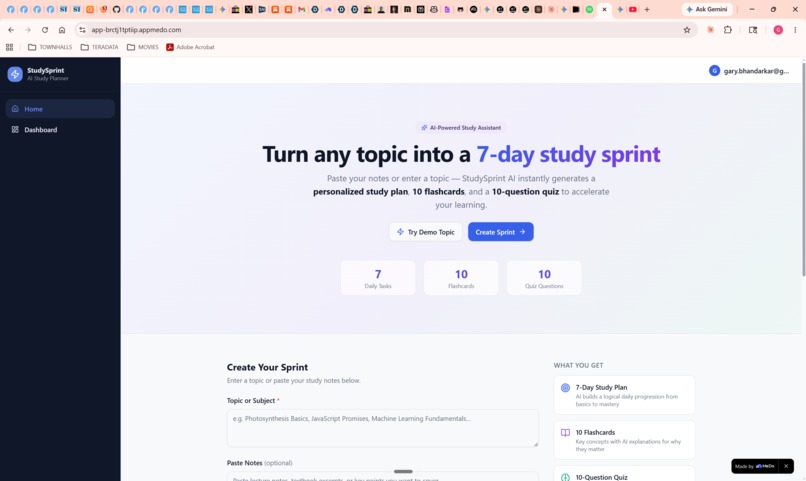
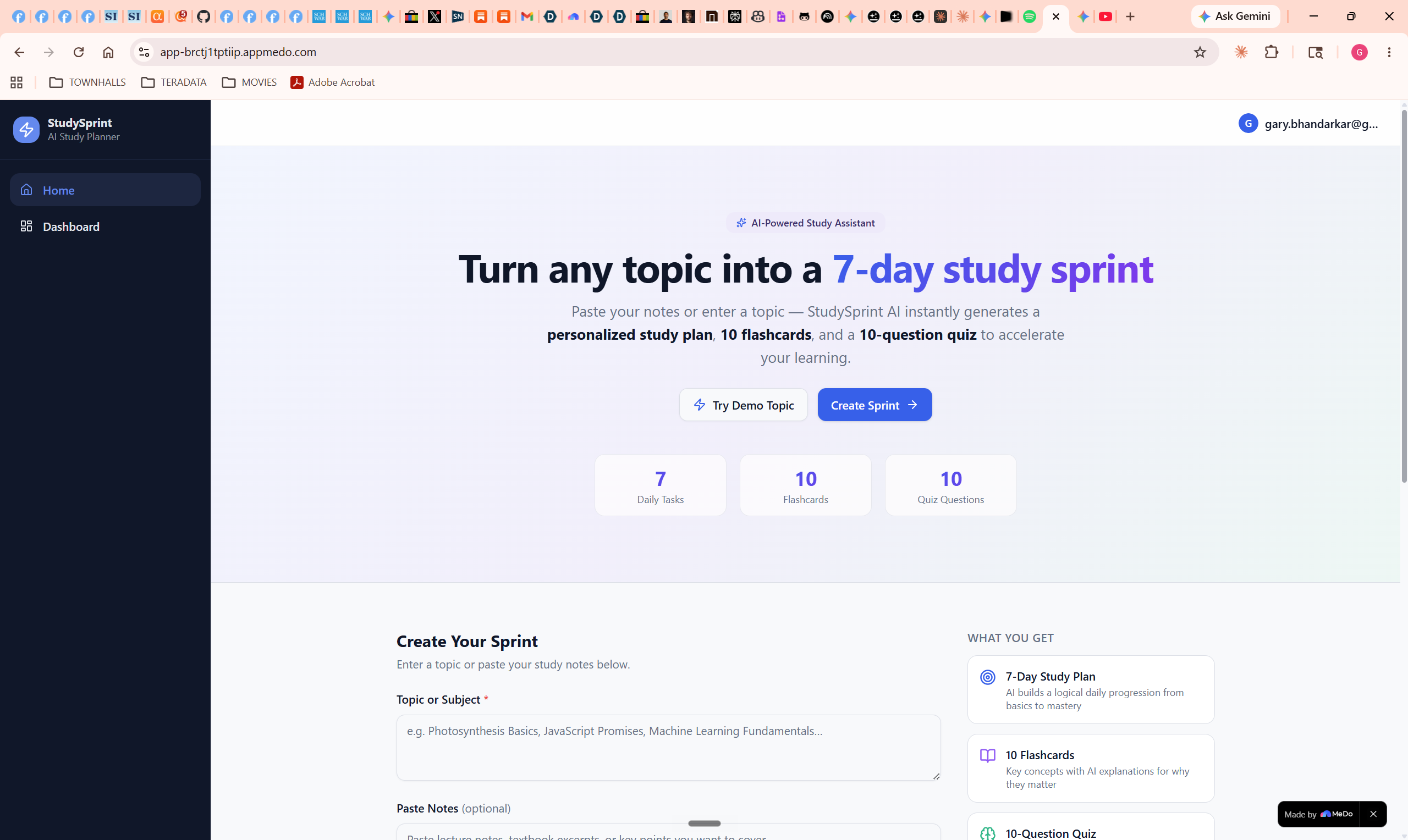
StudySprint AI converts any topic into a structured learning path. Users can enter a subject or paste notes, and the app generates a 7-day study plan, flashcards for active recall, quizzes for self-testing, and progress insights that highlight weak areas.
The result is a focused, practical study experience that helps learners start faster, stay consistent, and spend more time learning instead of organizing.
How I built it
I built StudySprint AI using MeDo’s natural-language app building workflow. I began by describing the product vision in plain language, then used multi-turn iteration to shape the user experience, refine the study flow, and improve the visual presentation of the app.
What stood out most was how quickly MeDo could turn a concept into a working full-stack style product experience. I used MeDo not only to generate the core structure of the app, but also to iterate on important experience layers like the homepage, content generation flow, quiz interactions, and dashboard design.
My focus throughout the build was to create a polished MVP with a clear learner journey: from topic input, to AI-generated study plan, to practice, to feedback and progress tracking.
Challenges I faced
The biggest challenge was keeping the product focused. Education tools can expand endlessly, so I had to resist the temptation to add too many features and instead concentrate on a small set of high-impact capabilities that worked well together.
Another challenge was making the app feel cohesive rather than feature-heavy. It was important that the flashcards, quizzes, and study plan did not feel like isolated outputs, but part of one continuous study system. A lot of the iteration went into making the app feel guided, intuitive, and demo-ready.
Accomplishments that I’m proud of
I’m proud that StudySprint AI delivers a complete and practical use case in a simple flow. It does not just generate educational content — it creates structure, momentum, and feedback for the learner.
I’m also proud of how effectively MeDo supported rapid iteration. It allowed me to move quickly from idea to product, while still refining the experience enough for it to feel polished and purposeful.
What I learned
This project reinforced that the best AI learning tools are not the ones that generate the most content — they are the ones that make learning more actionable. Students benefit most when AI helps organize effort, reduce friction, and point them toward what matters next.
I also learned how powerful conversational product-building can be. MeDo made it possible to experiment quickly, test ideas through iteration, and focus more on product thinking and user value.
What’s next for StudySprint AI
Next, I want to make StudySprint AI more adaptive by allowing study plans to evolve based on performance over time. I’d also like to support deeper personalization, richer learning analytics, and stronger retention features such as spaced repetition and smarter review recommendations.
My long-term vision is to turn StudySprint AI into a true AI learning companion that helps students study with more clarity, confidence, and consistency.
Built With
- google-gemini-2.5-flash
- react
- react-18
- recharts
- router
- shadcn/ui
- supabase-(postgresql-+-auth-+-edge-functions)
- tailwind-css
- typescript
- vite


Log in or sign up for Devpost to join the conversation.