Inspiration
It’s annoying scrolling Google Reviews or reading articles trying to find good, new places to study. And too often you arrive at a place only for it to be to have no seats, be laptop-free, or have a time limit! Many spaces also lack accessibility aids. That’s why we were inspired to create StudySpotter.
What it does
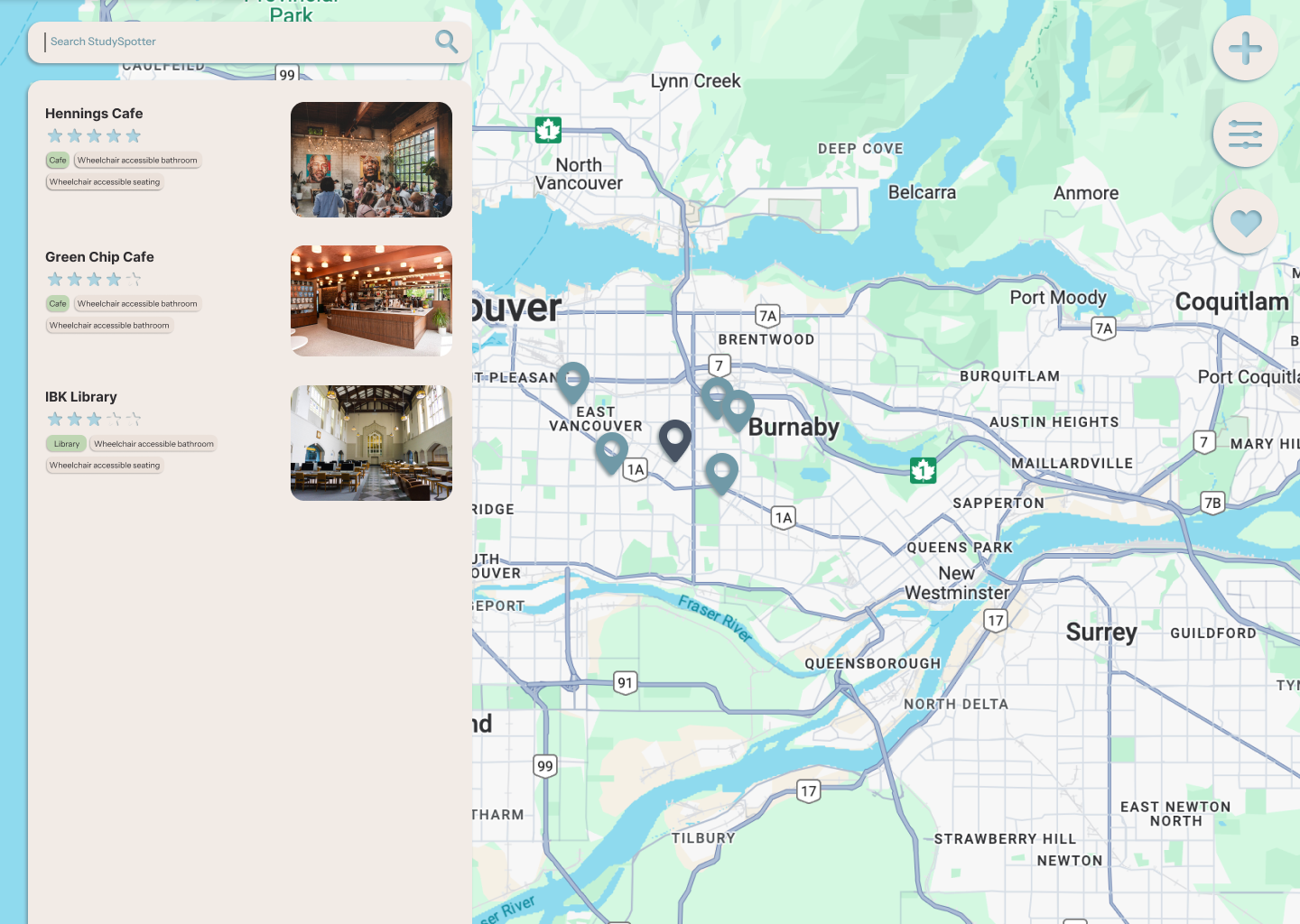
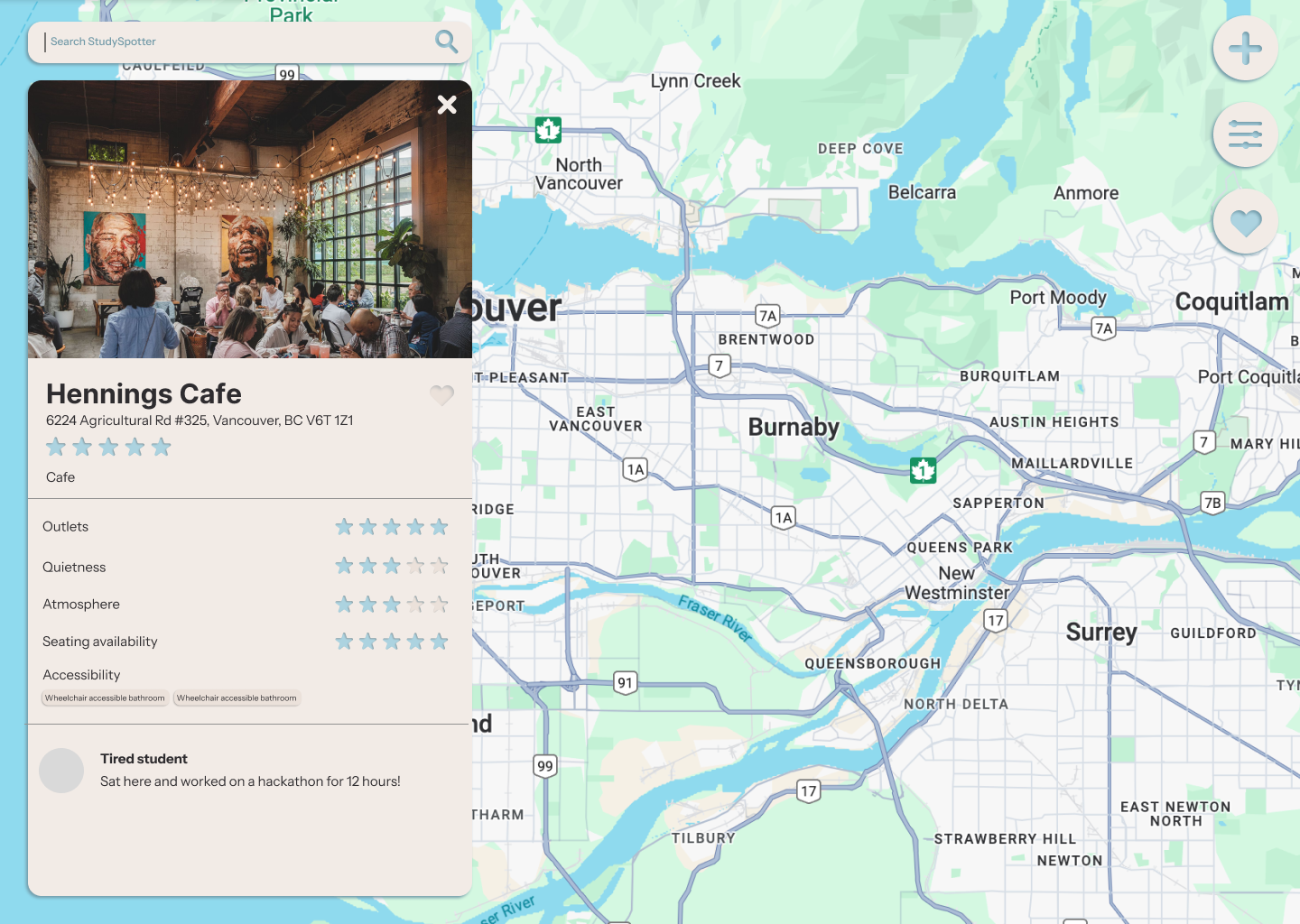
StudySpotter allows you to search and filter for study spots that suit your needs. Users leave reviews of relevant categories like charging stations, quietness, accessibility, etc.
How we built it
We used HTML, CSS, and Javascript. We also used the Google Maps API.
Challenges we ran into
Coding the website was the most challenging. We ran into many issues that were difficult to troubleshoot.
Accomplishments that we're proud of
Building a website was a first, so we're proud of what we managed to achieve in half a day.
What we learned
This was our introduction to web development, so we definitely learned a lot through this process about design and programming. It was especially difficult trying to work with the Google Maps API and trying to implement collecting and presenting user-generated data.
What's next for StudySpotter
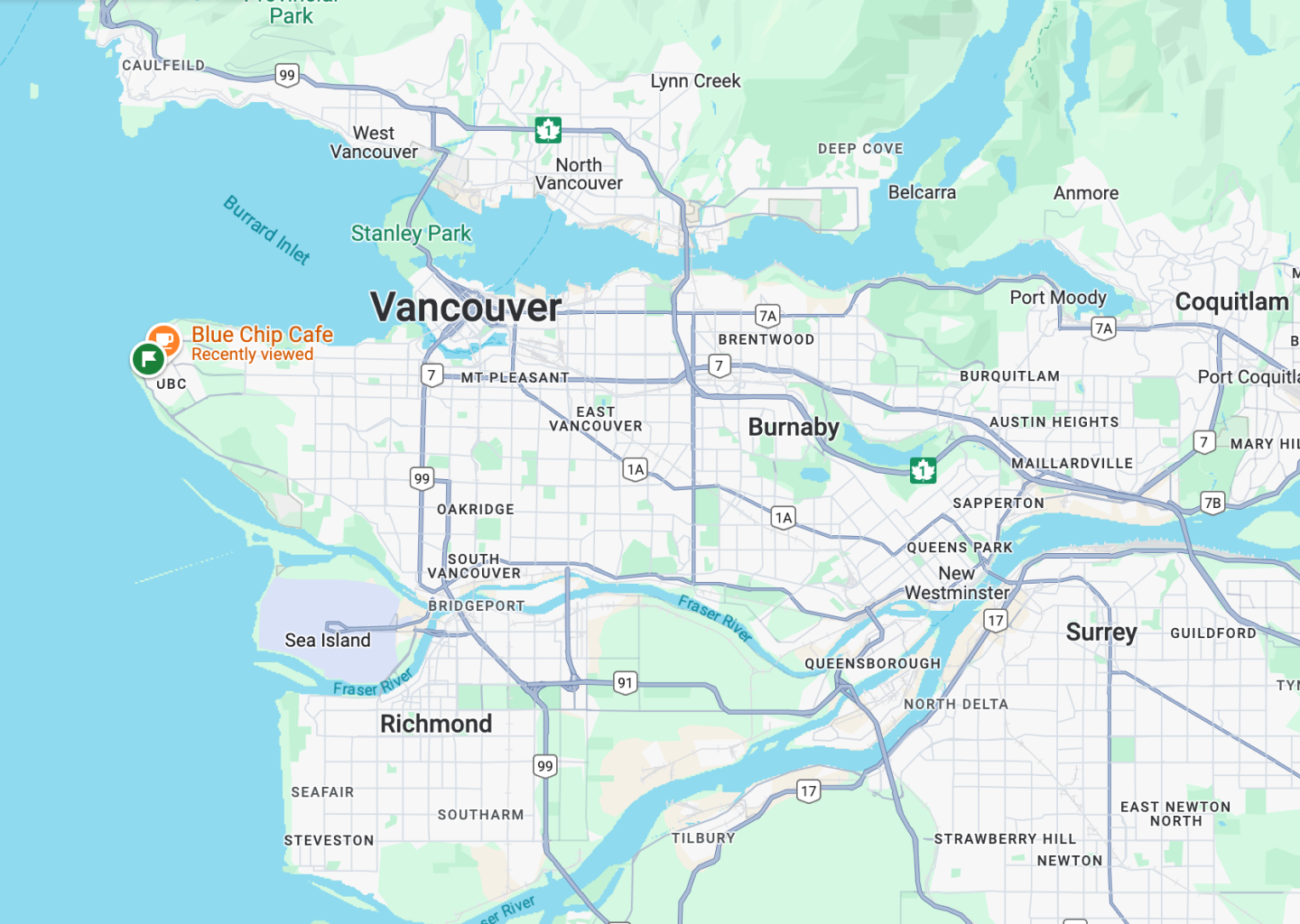
We plan to develop a mobile app for this product and incorporate more filters and tags, as well as expand the scope of the map to allow for a broader search of locations outside of Vancouver. We were not able to implement all of the features that we planned due to a lack of time.
Built With
- css
- html
- javascript
- maps-javascript-api
- react

Log in or sign up for Devpost to join the conversation.