StudySpot Finder: Project Story
Inspiration
The concept for StudySpot Finder emerged from the common challenges faced by students on urban campuses, where finding an open, quiet study spot is often difficult, especially during peak hours. Inspired by this problem, we set out to create a tool that would use real-time data to help students make informed choices about where to study, reducing overcrowding and improving overall campus experience. The inspiration stemmed from both personal experiences of struggling to find study space and observing the general need for a more organized, efficient system for space management on campuses.
What I Learned
Throughout this project, I learned about:
- Bluetooth Low Energy (BLE) technology and its application for presence detection.
- Apple's iBeacon Protocol and how it can be utilized to differentiate between Bluetooth devices based on UUID, Major, and Minor values.
- Python Scripting for Raspberry Pi, especially for handling continuous scanning and data logging.
- API Integration for real-time data processing and display, essential for updating our app's availability statistics.
- The importance of privacy in data collection, especially on campuses, which led to the decision to rely on device detection without identifying personal information.
Project Build
Step 1: Device Setup
- Raspberry Pi Zero W devices were chosen for their affordability and compatibility with Bluetooth.
- Each Raspberry Pi was configured with a custom Python script designed to scan for Bluetooth signals. The script leverages the Bluetooth library to detect any Bluetooth device broadcasting within range.
Step 2: Integrating iBeacon Protocol
- Using Apple's iBeacon Protocol allowed us to capture UUID, Major, and Minor values from Bluetooth devices, adding layers of identification and making it easier to differentiate between multiple devices in the same area.
- We used the UUID to uniquely identify each device while Major and Minor values helped categorize them by location and type.
Step 3: Data Processing and Transmission
- Each Raspberry Pi was programmed to send collected data (UUID, signal strength, etc.) to an API at regular intervals.
- A backend API was built to aggregate the data, calculate room occupancy estimates, and relay this information to our frontend app.
Step 4: Frontend Development
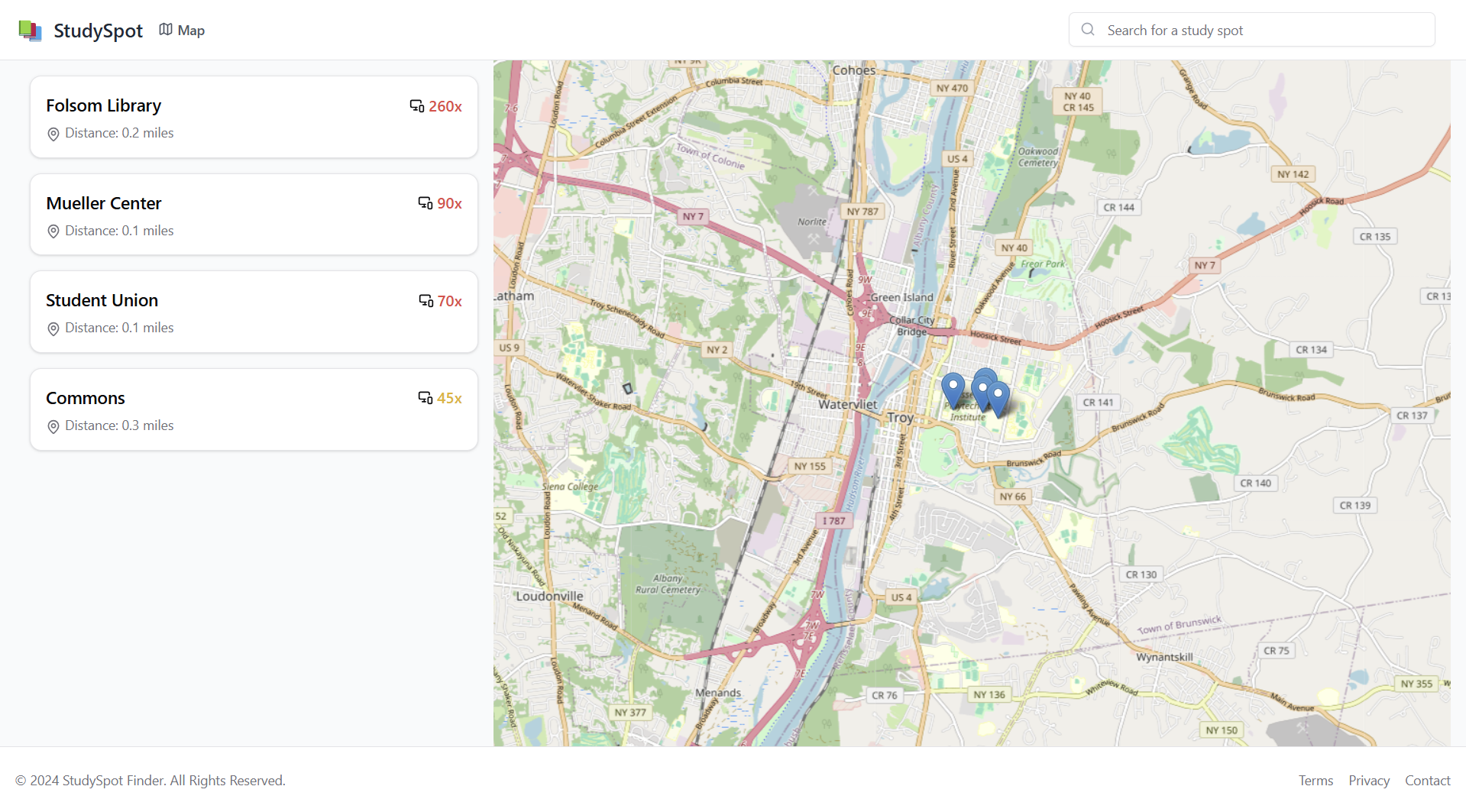
- The frontend of StudySpot Finder was designed to be user-friendly and responsive on any device, ensuring accessibility for all students.
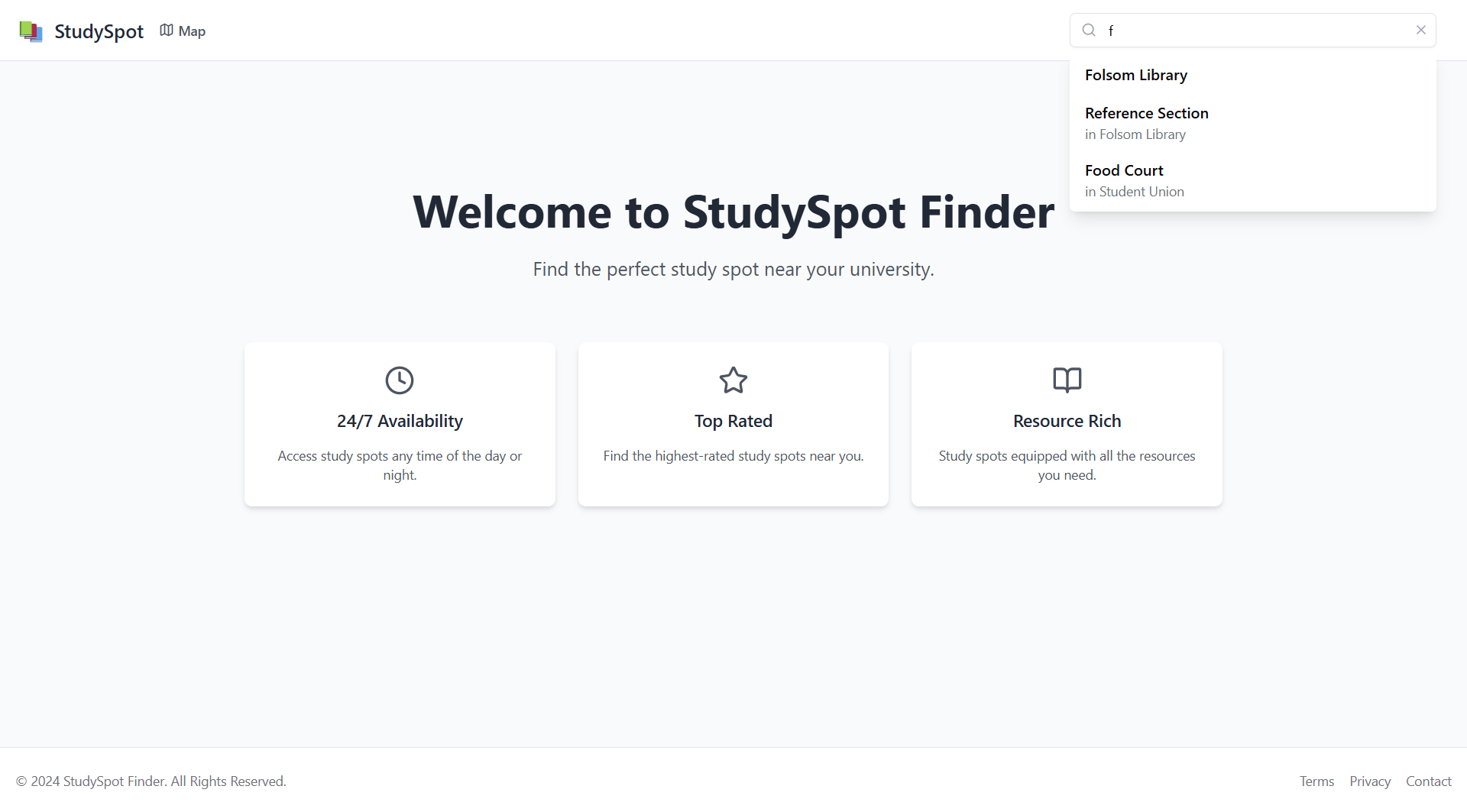
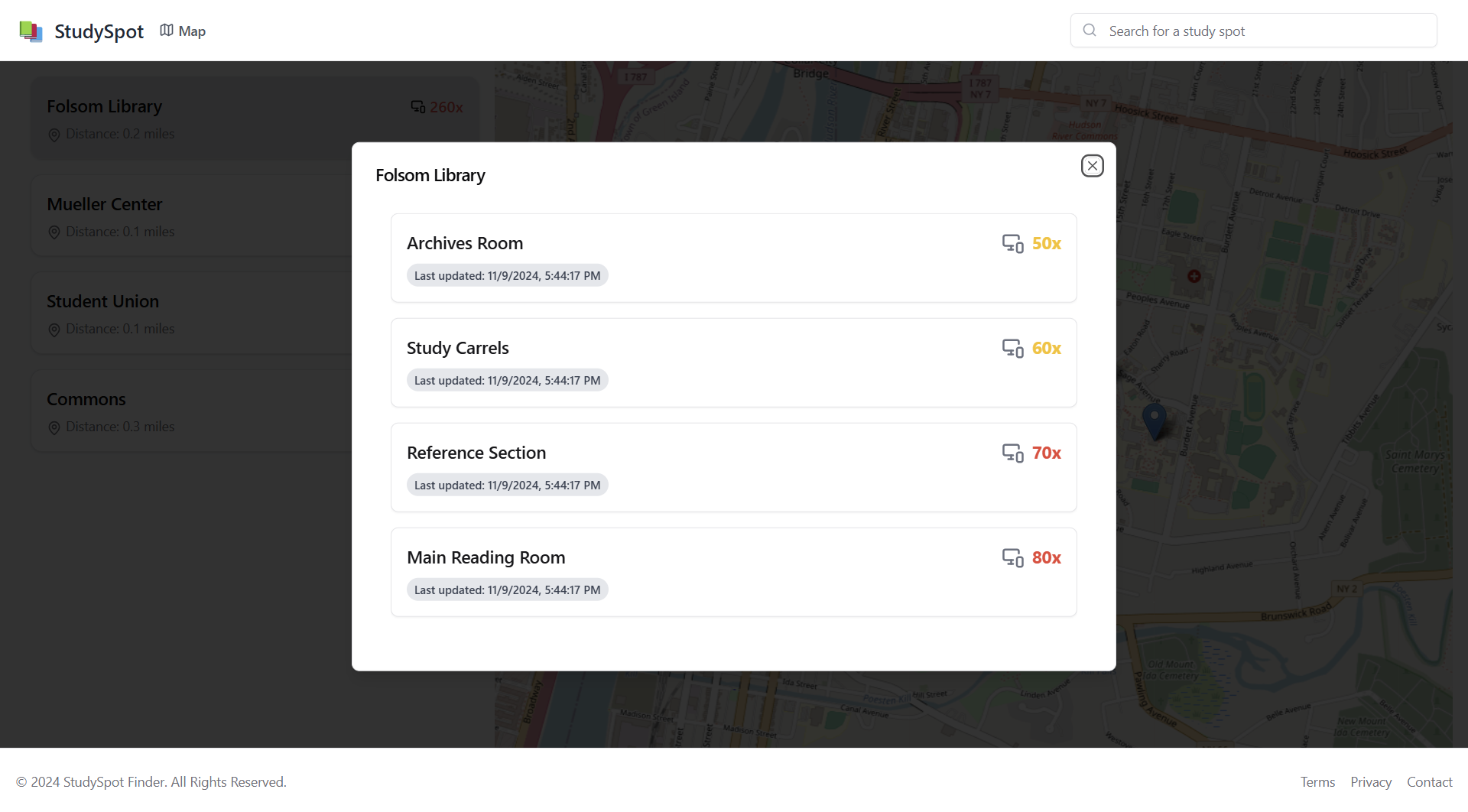
- Real-time data, displayed on an interactive map, shows how busy each study spot is, helping users plan accordingly.
Challenges Faced
- Device Accuracy: Initially, the system would occasionally misinterpret signals from devices outside the room due to Bluetooth signal range. We overcame this by adjusting the signal strength threshold and experimenting with different iBeacon configurations.
- Privacy Concerns: Balancing functionality with privacy was a core challenge. After careful consideration, we decided not to store any identifiable data, focusing instead on device count for occupancy estimation.
- Signal Interference: In crowded environments, Bluetooth signals can interfere with one another. To address this, we optimized the scanning intervals and filtering conditions, reducing false positives.
Built With
- amazon-web-services
- express.js
- node.js
- postgressql
- react

Log in or sign up for Devpost to join the conversation.