-
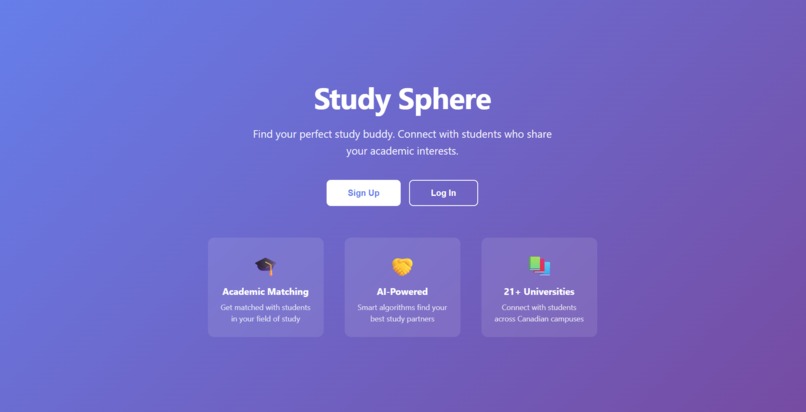
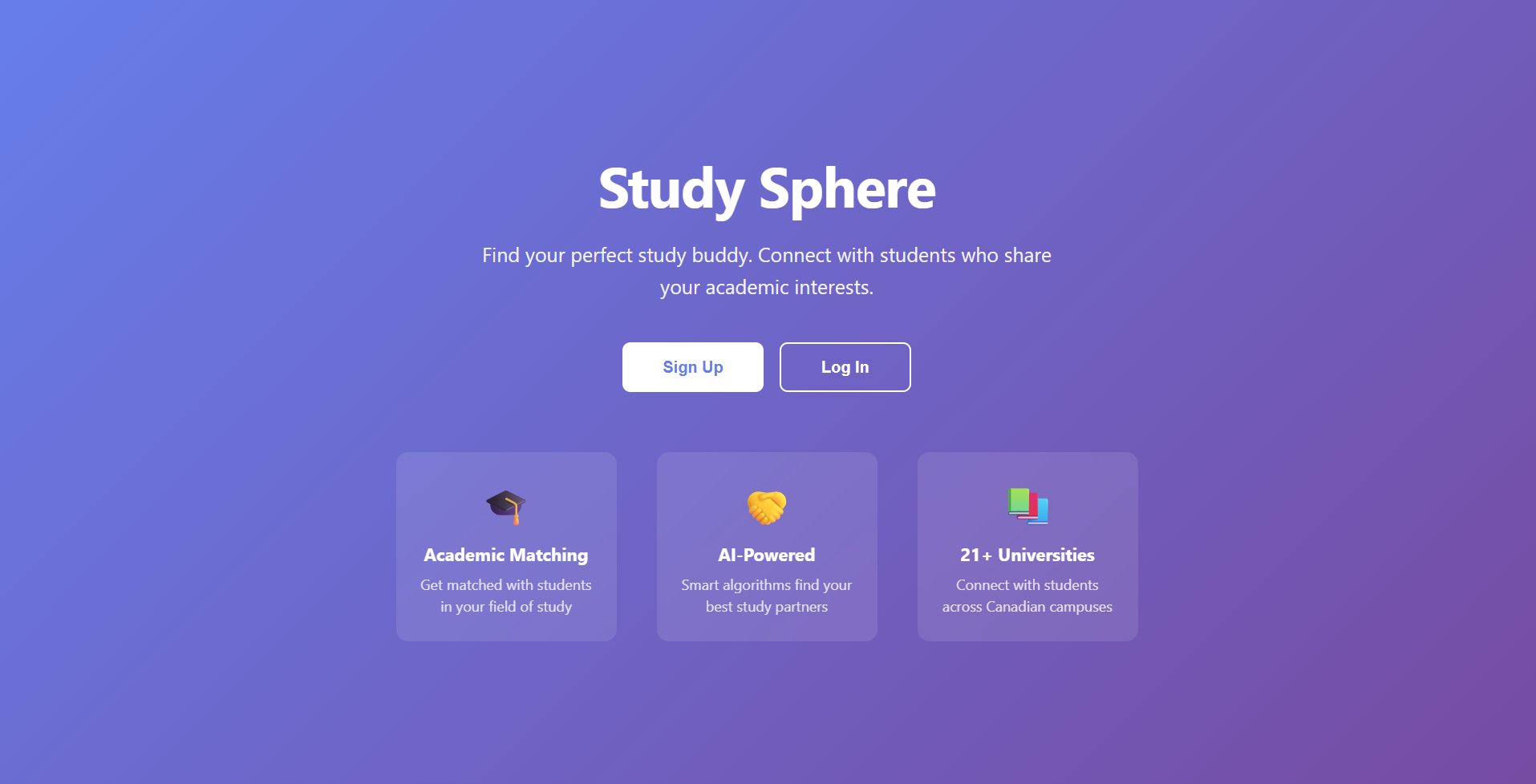
Landing Page
-
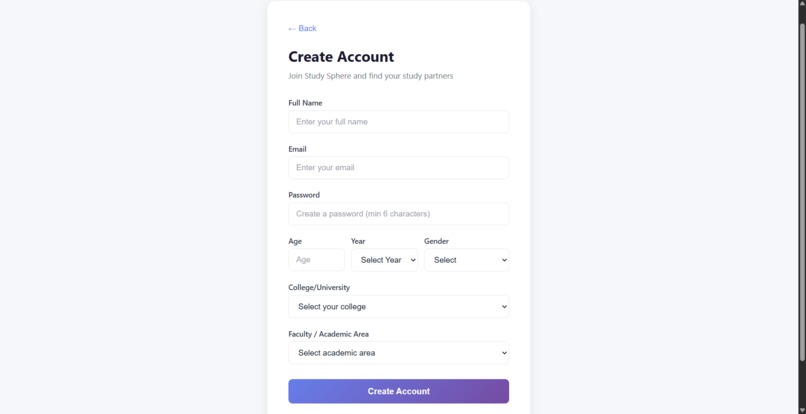
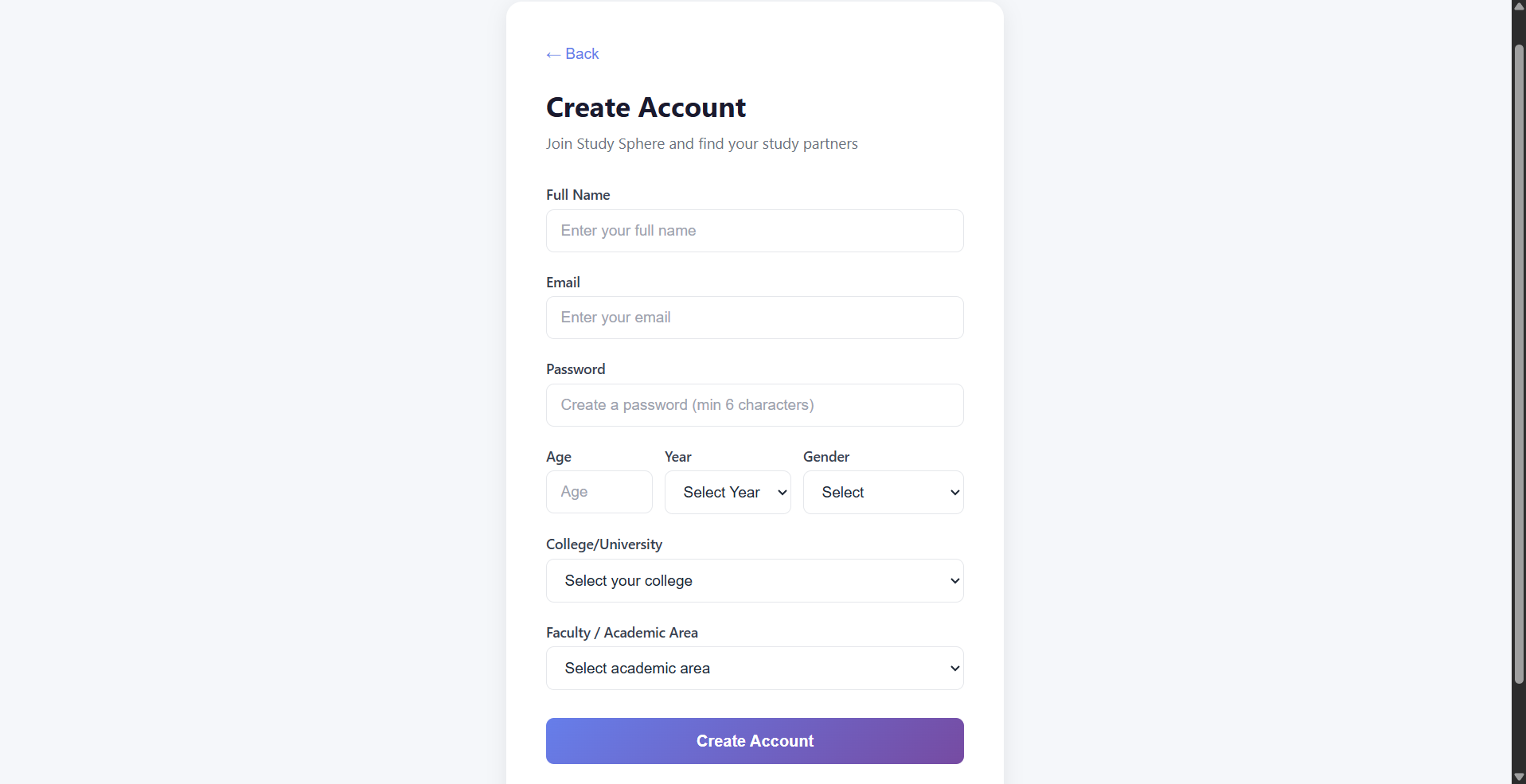
Sign Up
-
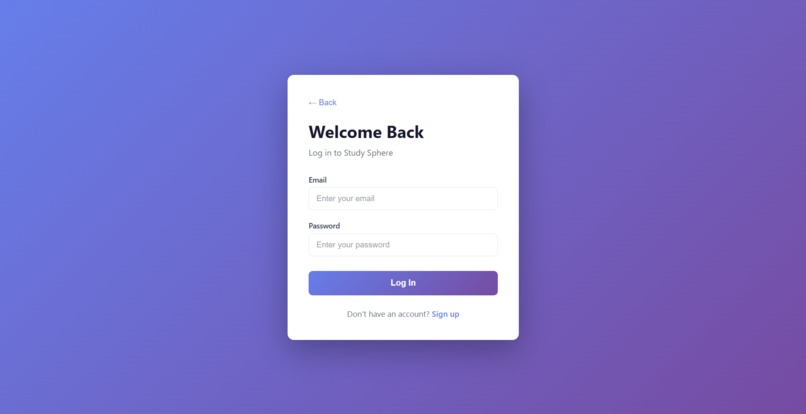
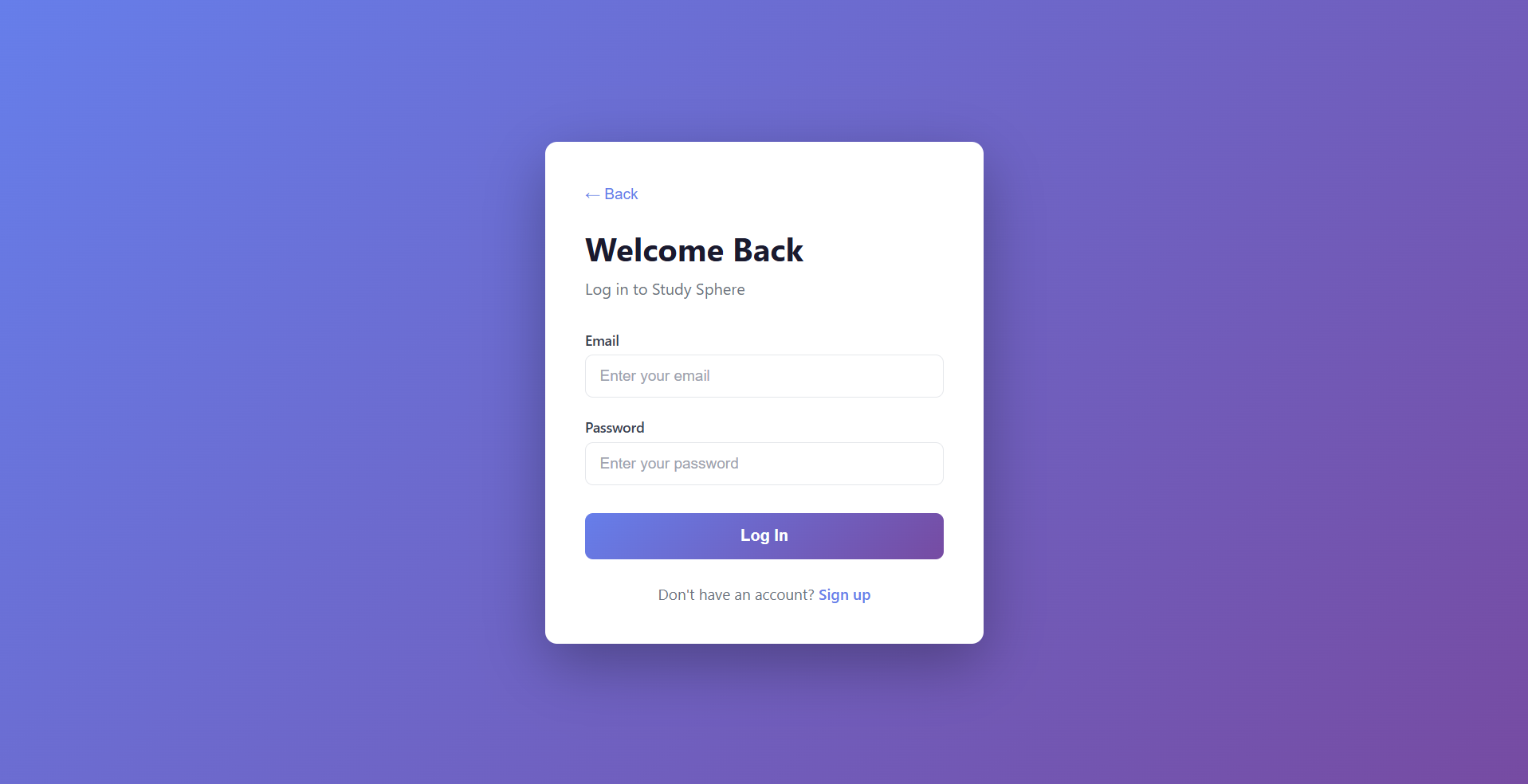
Login Page
-
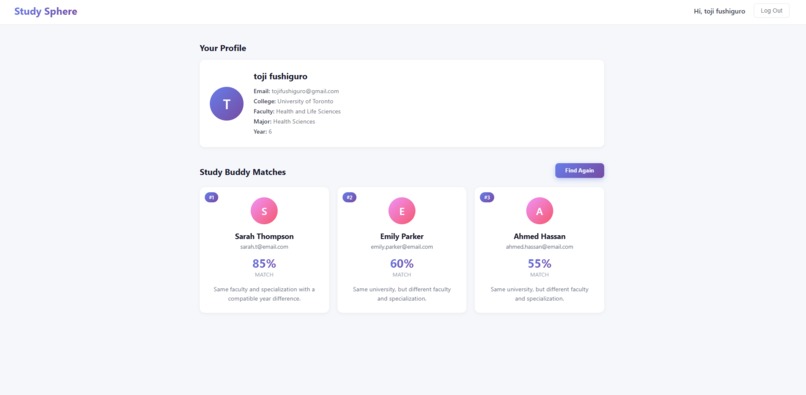
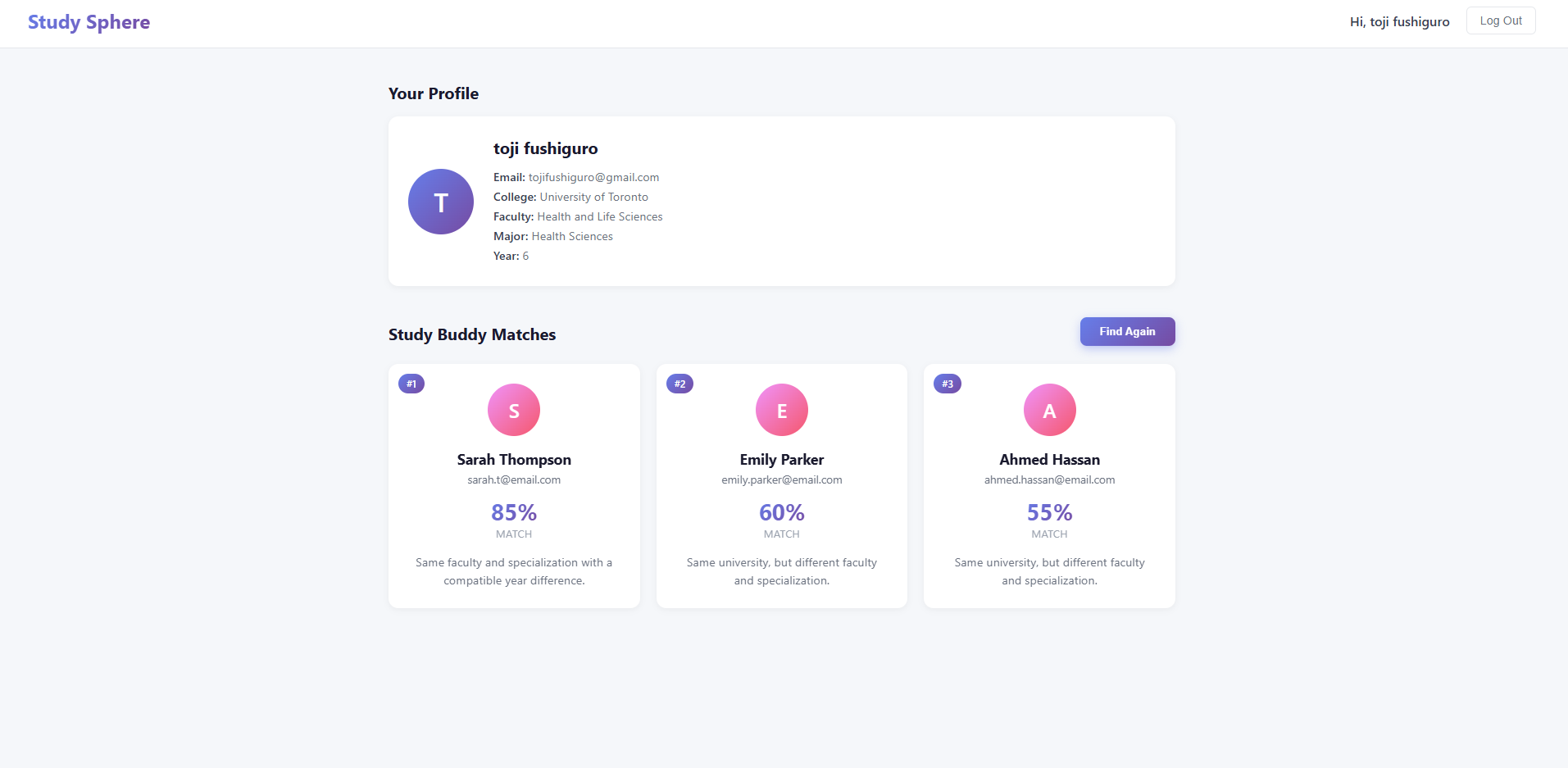
Dashboard
Inspiration
Study Sphere came from our own experience as students. Finding the right study partners was challenging: different majors, conflicting schedules, and no clear way to meet people with similar academic goals. We often ended up studying alone or with people who weren't on the same wavelength academically. We wanted to create a simple, intelligent platform where students could be matched based on their school, faculty, major, and academic profile. The goal was to transform studying from a solitary struggle into a collaborative experience—powered by AI.
What it does
Study Sphere is an 'AI-powered study partner matching platform' designed to connect students who are academically compatible. Instead of randomly forming study groups or hoping to bump into someone in your major, Study Sphere uses intelligent matching algorithms to find your best study partners.
The platform helps students:
- Find study partners within their university and major
- Get AI-powered matches based on academic compatibility
- Connect with others in the same faculty, major, and year
- Stay accountable and motivated through collaboration
- Strengthen understanding by studying with the right people
- Build meaningful friendships while improving academic performance
How we built it
We built Study Sphere as a full-stack web application using the 'MERN stack' (MongoDB, Express.js, React, Node.js) with 'Google Gemini AI' integration.
Frontend (React)
- Built with React
- Implemented React Router for seamless navigation between pages
- Used React hooks (
useState,useEffect) for state management - Created custom CSS with modern, clean design aesthetics
- Implemented protected routes requiring authentication
- Built responsive forms with real-time validation and loading states
Backend (Node.js + Express)
- Built RESTful API with Express.js
- Connected to MongoDB Atlas for cloud database storage
- Integrated Google Gemini AI (gemini-2.5-flash-lite) for intelligent matching
- Implemented JWT-based authentication for secure login sessions
- Created comprehensive error handling and validation middleware
- Used Joi schemas for input validation
- Built database seeding scripts for colleges, faculties, and majors
Database (MongoDB)
- Designed schemas for Users, Colleges, Faculties, and Matches
- Populated database with 21 Canadian universities
- Created relationships between colleges, faculties, and majors
- Implemented indexing for efficient queries
Challenges we ran into
AI Integration
Integrating Google Gemini AI and crafting the right prompts to get consistent, accurate JSON responses required extensive testing and prompt engineering. We had to balance providing enough context without overwhelming the model.
Authentication Flow
Building a secure authentication system with JWT tokens, protected routes, and session management across frontend and backend required careful coordination. Handling token expiration and unauthorized access gracefully was challenging.
Dynamic Form Logic
Creating a registration form where majors dynamically load based on the selected faculty required coordinating multiple API calls and managing asynchronous state updates without causing unnecessary re-renders.
Database Design
Designing relationships between users, colleges, faculties, and matches while maintaining data integrity and ensuring efficient queries took careful planning and iteration.
Error Handling
Implementing comprehensive error handling across the entire stack—from validation errors to network failures to AI service errors—while providing helpful user feedback was complex but essential.
