-
phadho phadai karo
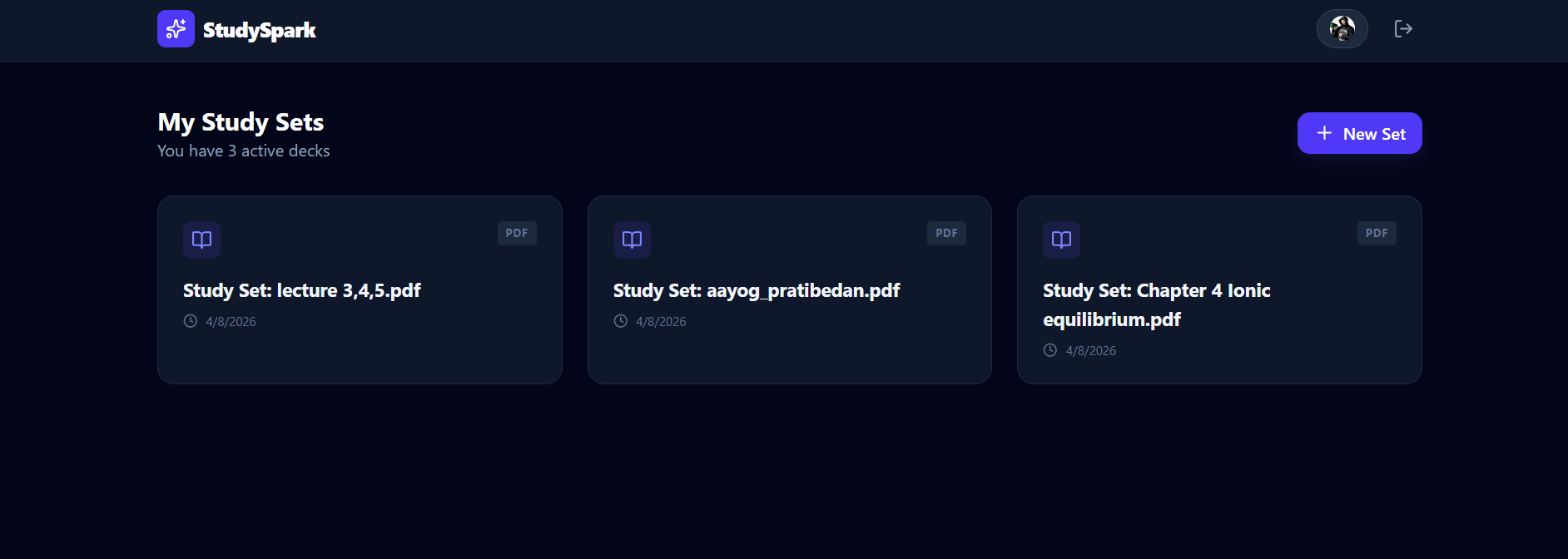
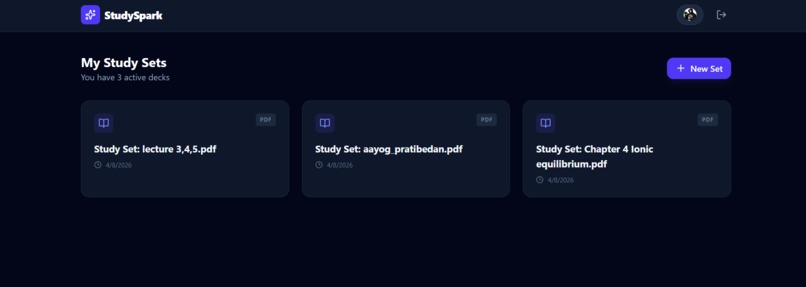
Inspiration As a student, I found that the most time-consuming part of studying wasn't the actual learning—it was the manual labor of creating flashcards. I would spend hours copy-pasting definitions from 50-page PDFs into apps like Quizlet. I built StudySpark AI to bridge that gap. My goal was to create a "one-click" study experience where the AI does the heavy lifting of organization, allowing the user to focus entirely on retention and understanding. What I Learned Building this project taught me the power of multimodal LLMs. I learned how to move beyond simple chat prompts and actually use Gemini to analyze complex document structures (like PDFs with tables and diagrams). I also gained deep experience in User Experience (UX) design for productivity, specifically how to make an interface feel "invisible" so it doesn't distract the learner. How I Built It StudySpark AI is powered by the Google Gemini 1.5 API, which handles the high-context task of reading entire chapters and extracting key concepts. AI Engine: Gemini identifies critical "Question & Answer" pairs from uploaded files or URLs. Authentication: Integrated Google Auth to ensure users can securely save their personal study decks. Database: Used a real-time database to store flashcard sets, allowing for seamless syncing between desktop and mobile. UI: Designed a "Focus Mode" flashcard interface that utilizes smooth animations for a tactile learning feel. Challenges The biggest challenge was "Information Density." Sometimes a textbook chapter contains too much information, and the AI would generate 100+ cards, which is overwhelming. I had to refine my prompt engineering to instruct Gemini to prioritize conceptual understanding over rote memorization. I also had to solve the technical hurdle of parsing complex PDF layouts to ensure no critical study material was missed during the extraction process.
Built With
- and
- firebase-(authentication-&-database)
- for
- google-ai-studio
- google-gemini-1.5-api
- next.js
- pdf.js-for-document-parsing
- react
- tailwind-css
- vercel

Log in or sign up for Devpost to join the conversation.