-
-
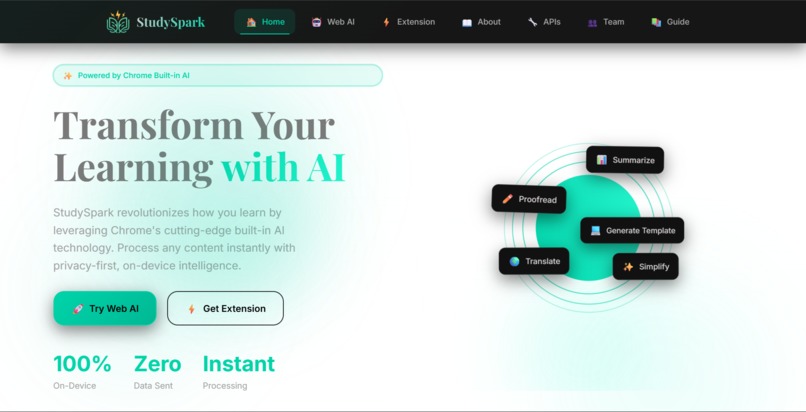
Studyspark
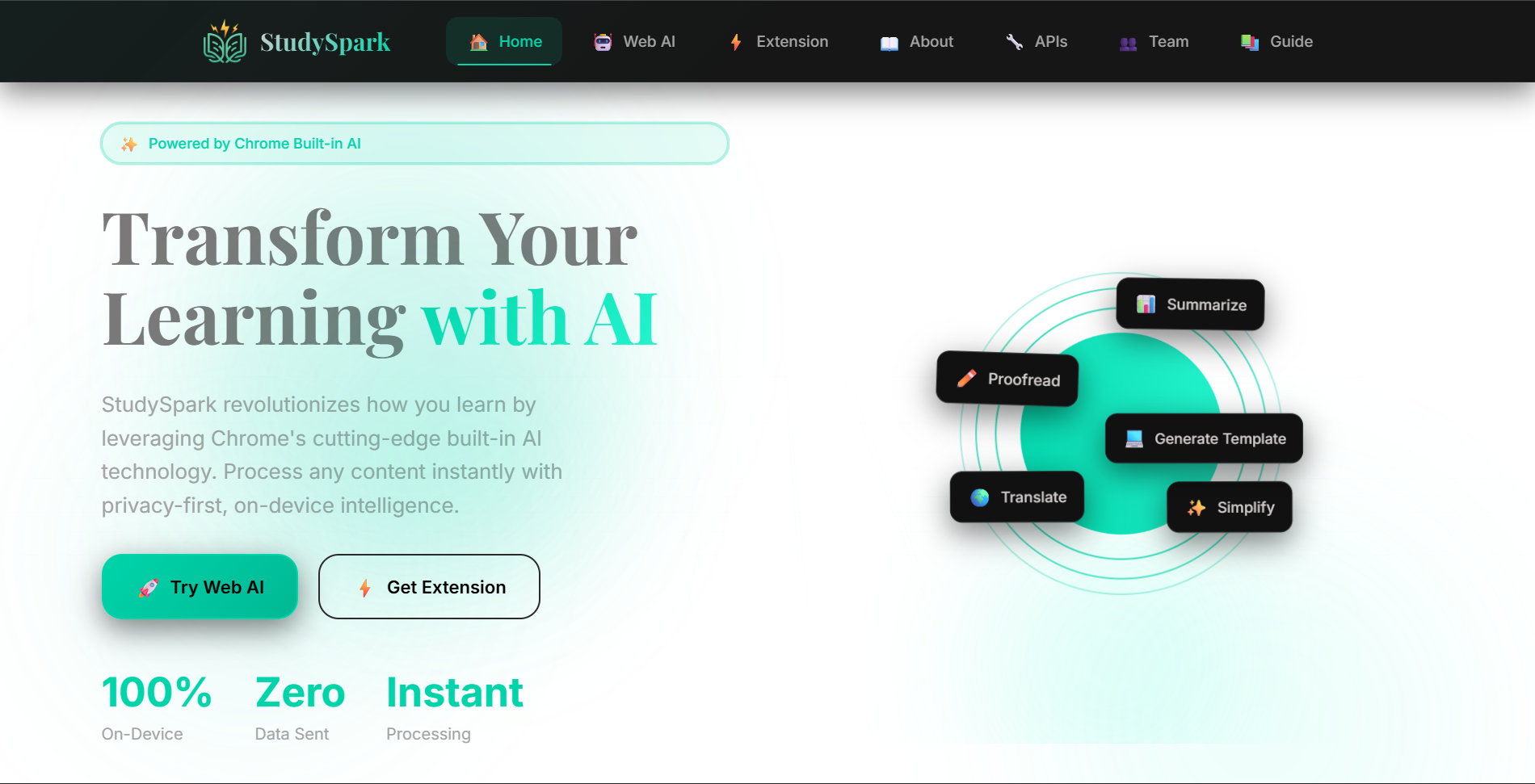
We've all been there. You're reading a long, complex article for a project or studying for an exam, and you get stuck. You think, "I wish I could just get the key points," or "I need to simplify this to understand it." There are AI tools that can help, but they often require creating an account, have usage limits, or—most worryingly—send everything you type to a company's server.
That was our "lightbulb moment." What if we could build an AI helper that lives right in your browser and never sends your data anywhere?
That's the core idea behind StudySpark. We wanted to create a learning companion that is:
Instant: No sign-ups, no waiting for servers.
Private: Your data is yours. It never leaves your computer.
Free: No subscriptions, no hidden costs.
What Inspired Us
The real spark came when we learned about Chrome's new Built-in AI APIs. This was a game-changer. It meant we could use powerful AI models (like Gemini Nano) directly on a user's device. No more relying on expensive cloud services or compromising user privacy. We saw a chance to build the tool we wished we had as students—a smart, always-available helper that respects us.
How We Built It
We built StudySpark as a two-part system:
The Chrome Extension: This is for quick, on-the-fly help. When you're on any webpage, you can click the extension, choose an action (like "Summarize"), and get an instant result in a popup. You can even just highlight text to use it. It’s perfect for when you're researching and don't want to break your flow.
The Web App: For when you need more space. You can paste any text, a URL, or even a chunk of code, and use all the AI features in a clean, focused interface. This is great for longer documents or when you're working on mobile.
The "magic" happens locally, using the Chrome AI APIs. When you click "Summarize," your browser itself processes the text and generates the summary right there on your machine.
Challenges We Faced
Building StudySpark wasn't without its hurdles!
The New Tech Hurdle: The Chrome Built-in AI APIs are brand new. Documentation was sometimes sparse, and we spent a lot of time experimenting to get things working smoothly. Figuring out how to handle the AI's responses in real-time (the "streaming" effect) was a particularly tough puzzle to solve.
Making it Feel Human: We didn't want just a cold, technical tool. We spent a lot of time designing the interface to be clean, friendly, and intuitive. Adding features like the ability to stop a response, edit your question, or regenerate an answer were important to us to make it feel like a natural conversation.
What We Learned
This project taught us so much. We deepened our knowledge of modern React, Chrome Extension architecture (Manifest V3), and of course, the fascinating world of on-device AI. But more importantly, we learned the value of building with the user's needs and privacy at the forefront from day one.
We're incredibly proud of what we've built. StudySpark is more than just a project for us; it's a proof-of-concept that powerful, helpful technology can also be private and accessible to everyone. We hope it helps you learn and work a little bit easier.

Log in or sign up for Devpost to join the conversation.