-
Loading screen.
-
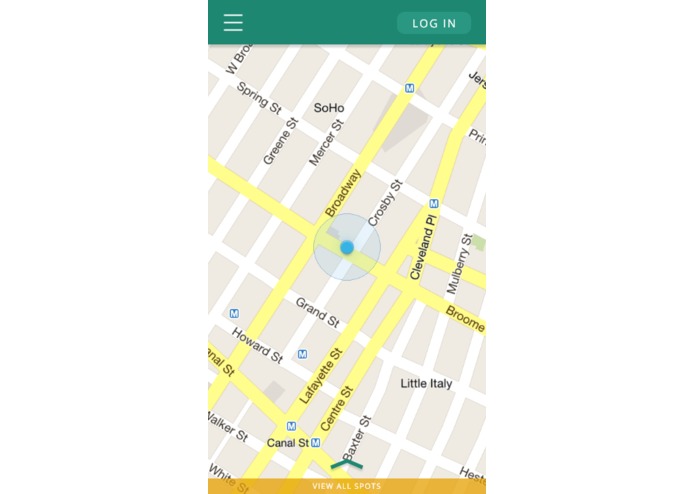
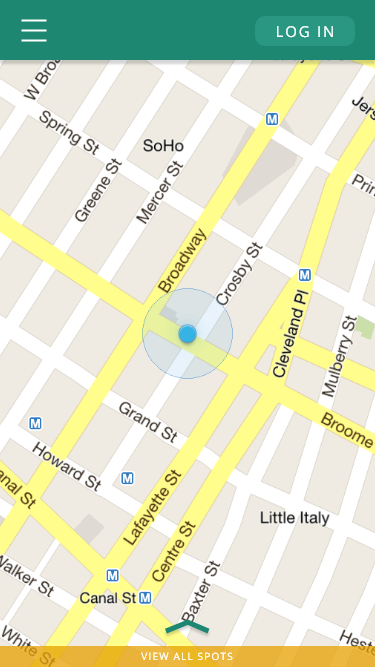
Home screen (main map).
-
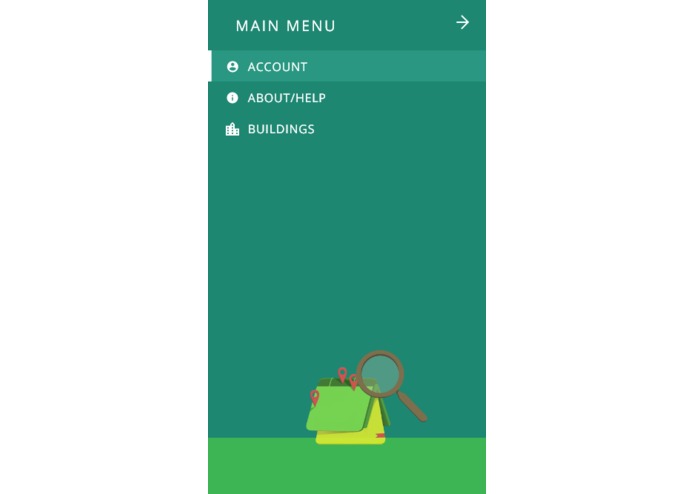
Main menu pullout.
-
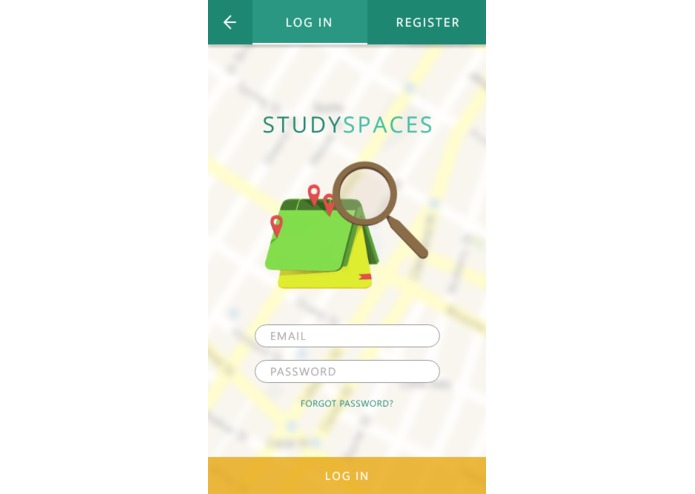
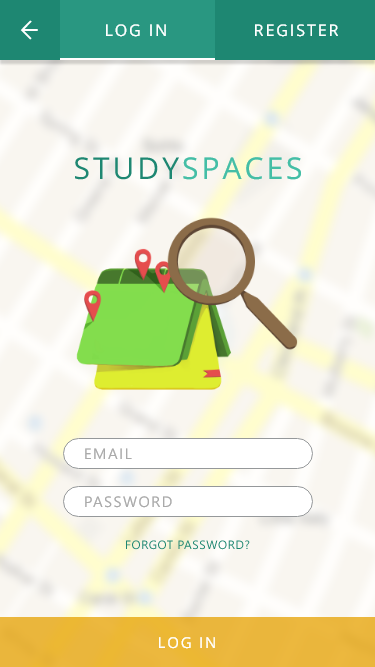
Login screen.
-
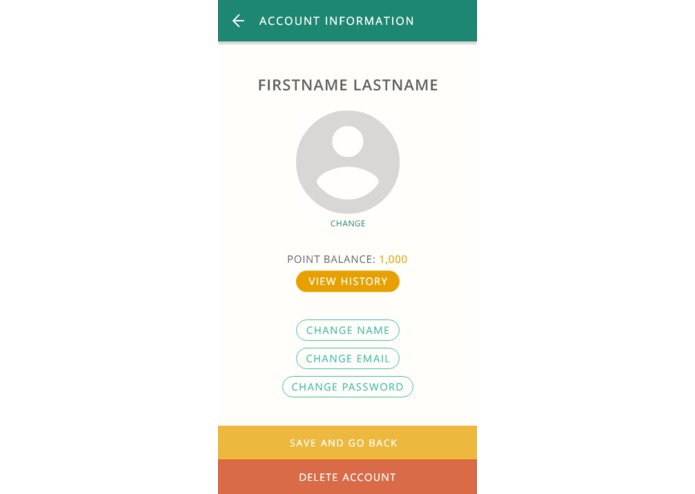
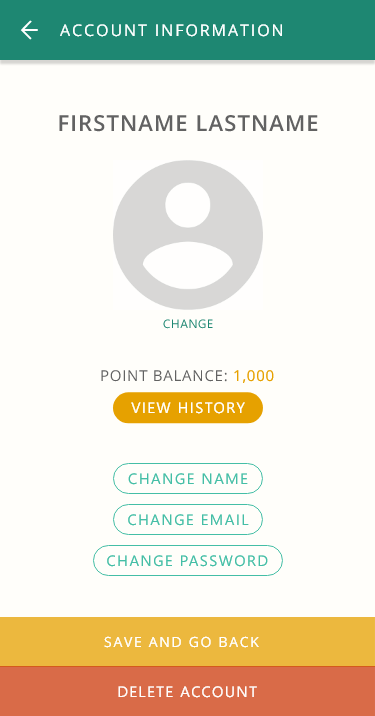
Account settings.
-
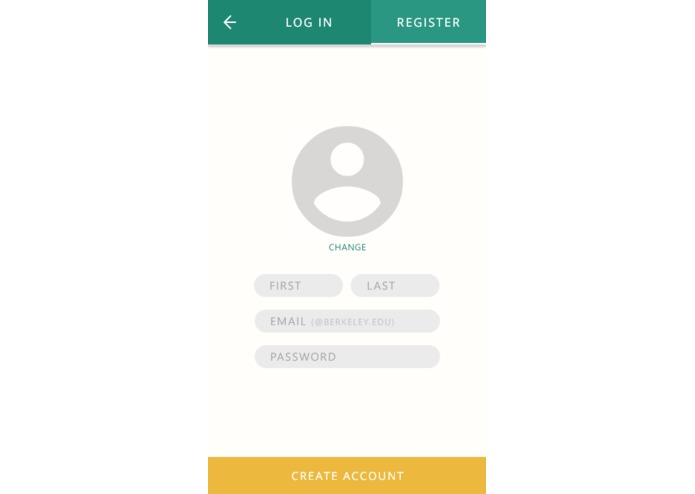
Account creation instructions.
-
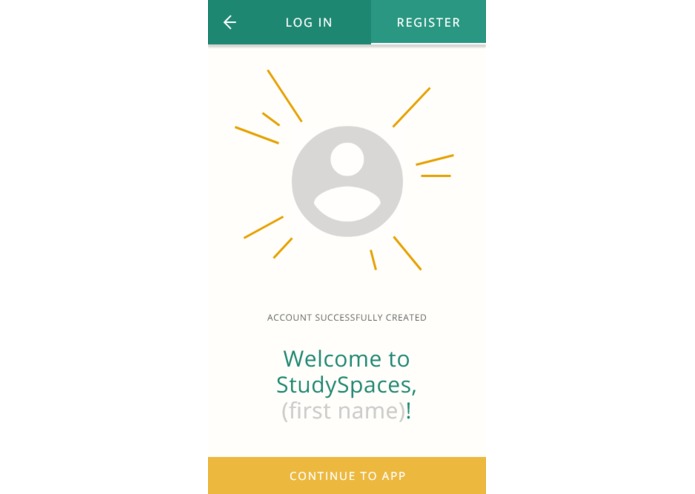
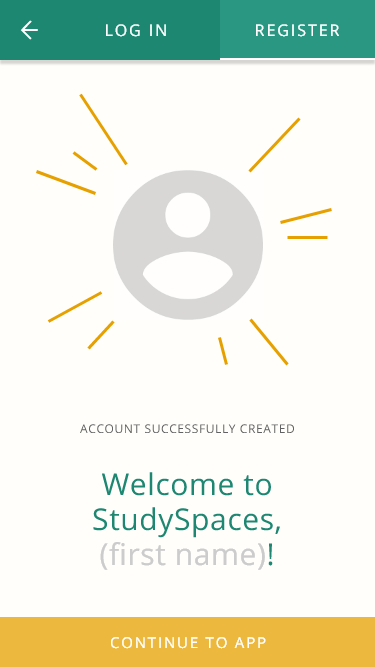
Successful account creation.
-
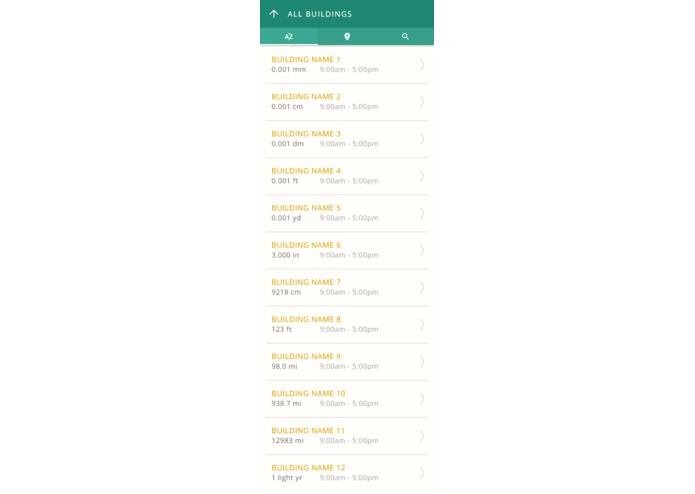
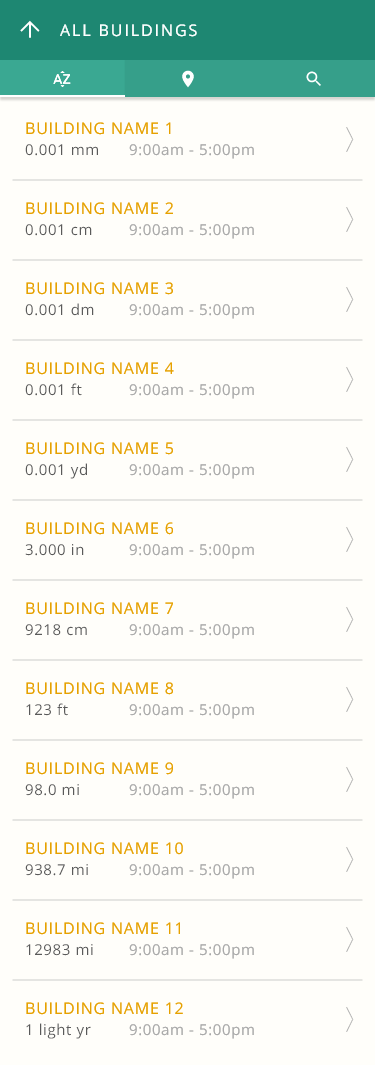
View all: sort buildings alphabetically.
-
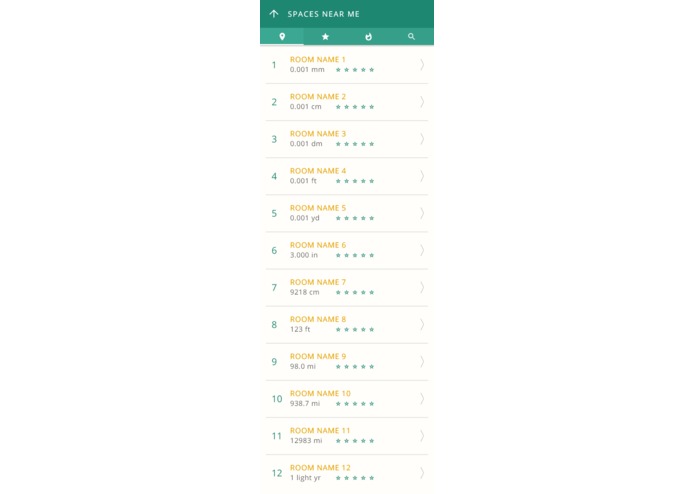
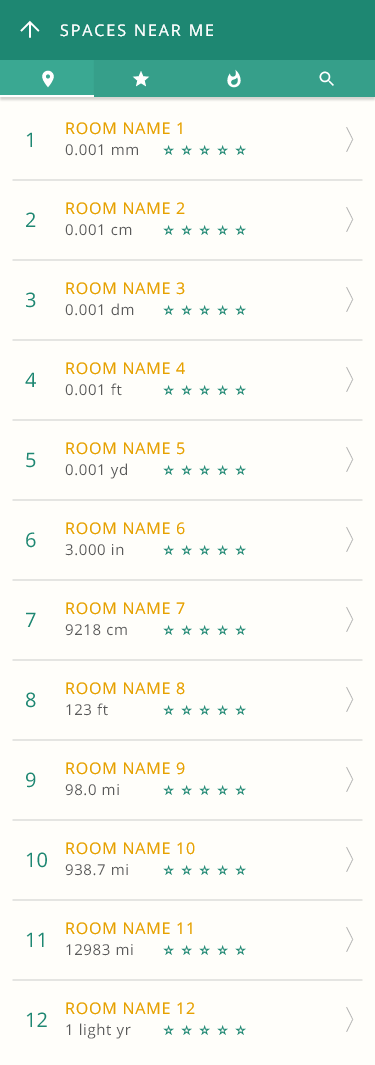
View all: sort rooms by distance.
-
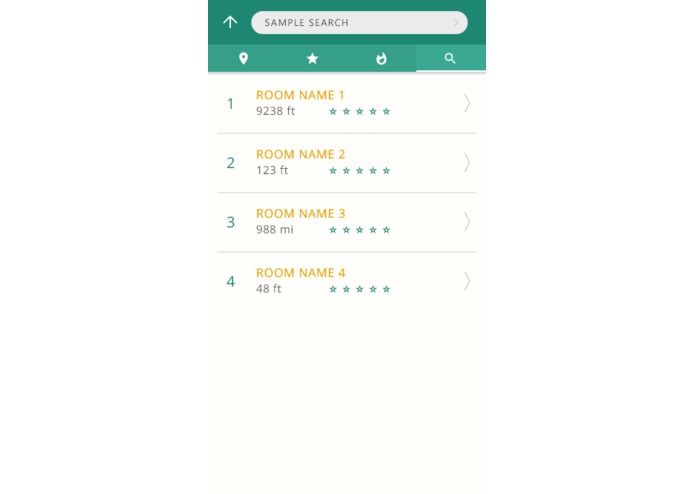
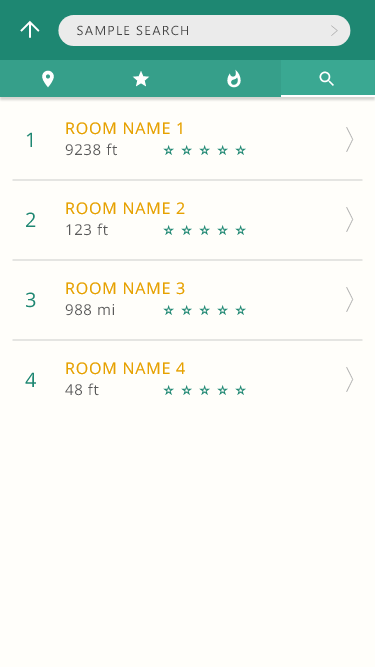
View all: sort rooms by search result.
-
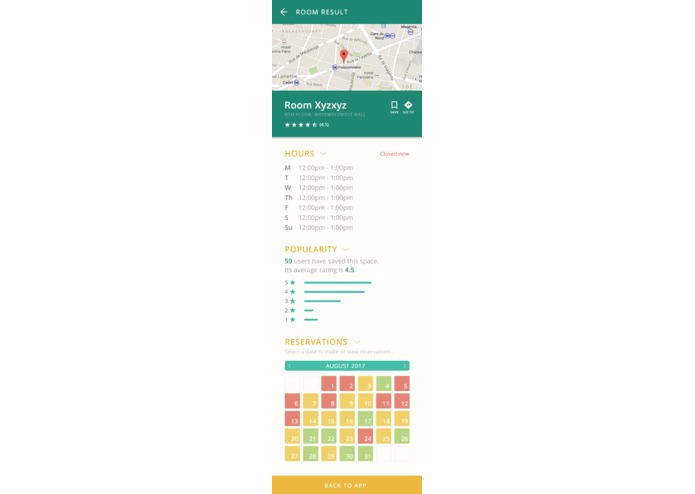
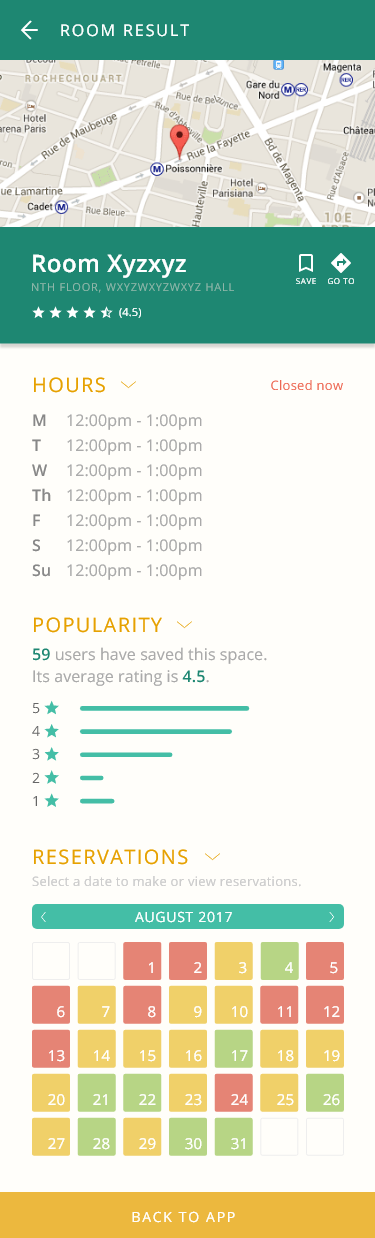
Specific room profile.
-
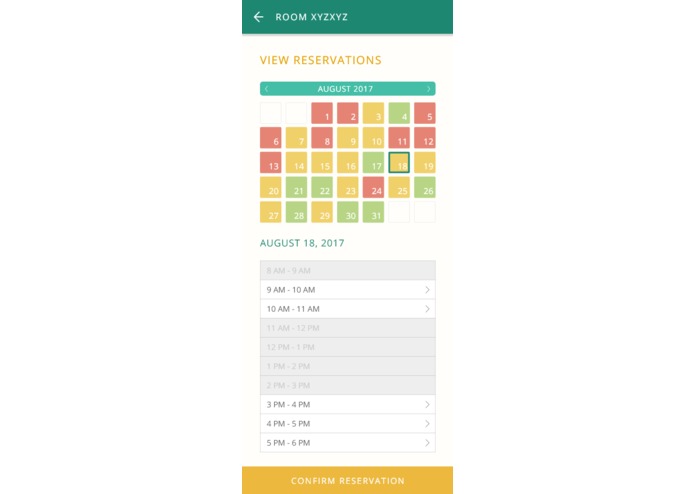
Reservation interface.
-
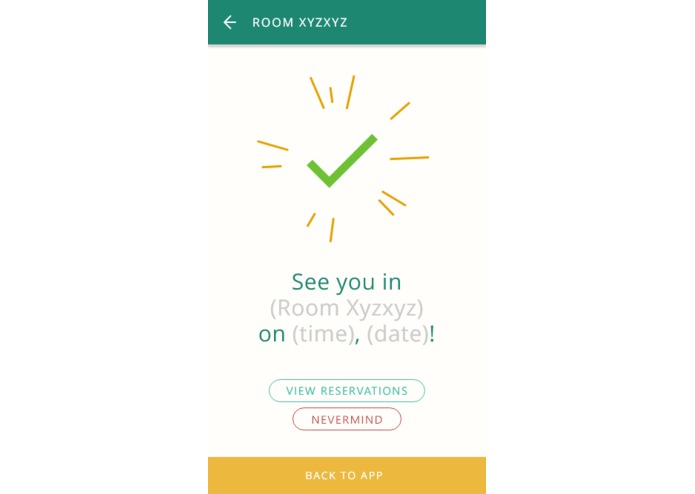
Reservation successful.
-
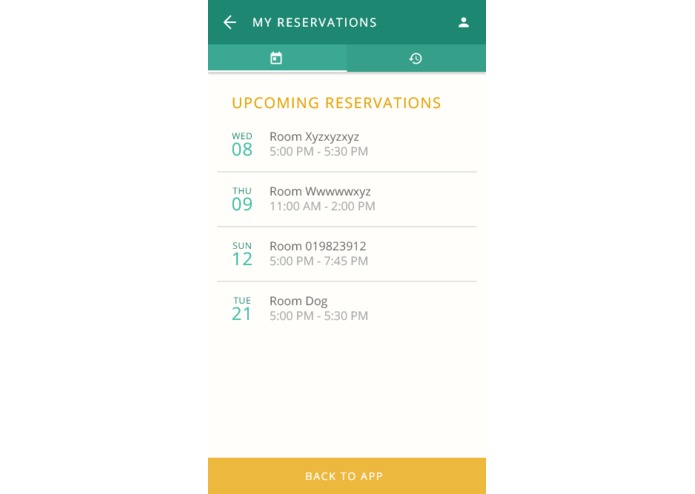
View upcoming reservations.
-
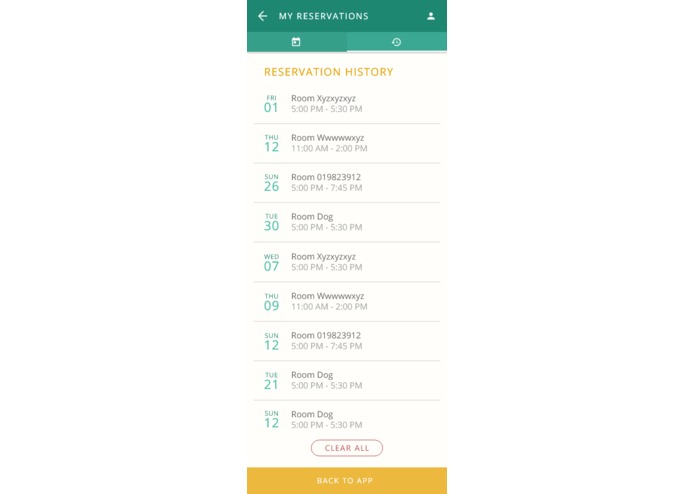
View reservation history.





Inspiration
This project was partly inspired by a Daily Californian article about the 10 best bathrooms in which to poop on campus. We thought it would be useful to implement the same concept, but with places to study. With the help of CubStart mentors, we were able to add features and further develop the idea into StudySpaces.
What it does
- Sorts study spaces by name, distance, popularity, building, saved, and/or search result
- Expands to show information on each room (rating, hours, directions, days on which it's reserved)
- User-friendly reservation interface indicates room availability at different times & on different days
- Allows you to reserve rooms, view upcoming reservations, view history
- Optional sign-in allows you to accumulate credit based on history
How we built it
We built an application prototype on Adobe Experience Design CC Beta, designed the logo using Photoshop, and developed the iOS application on Swift using the Maps API.
Challenges we ran into
We're all complete beginners to hacking, and we ran into a lot of trouble while figuring out how to use different development programs like Sketch and Android Studio.
Accomplishments that we're proud of
Creating a successful logo and protoype, learning how to develop a mobile application last-minute.
What we learned
- How to code
- How to stay up
- Soylent does not taste that good
What's next for StudySpaces
More complete iOS development and hopefully transfer to Android!

Log in or sign up for Devpost to join the conversation.