-
-
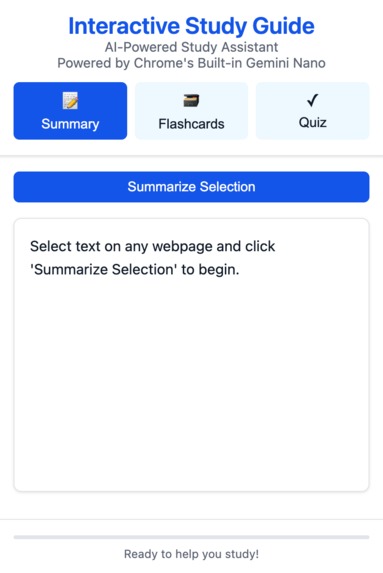
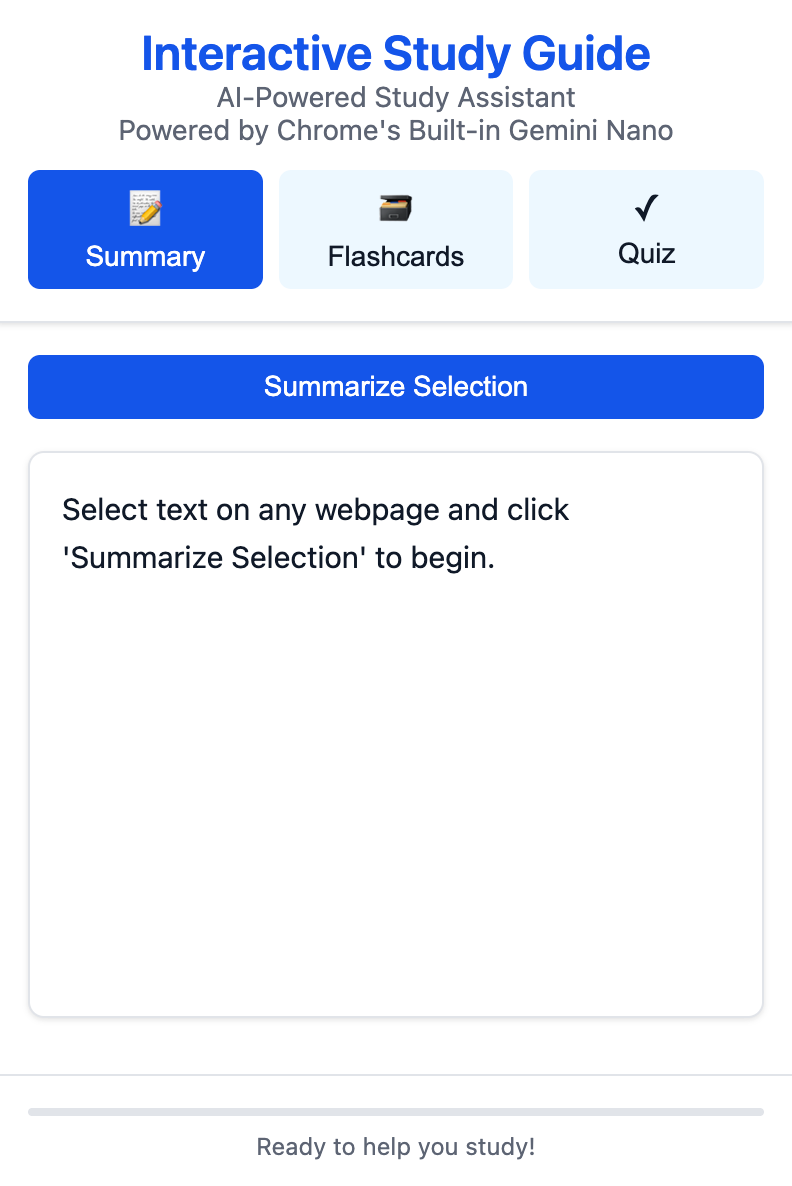
This is the main UI that opens every time the UI is initiated
-
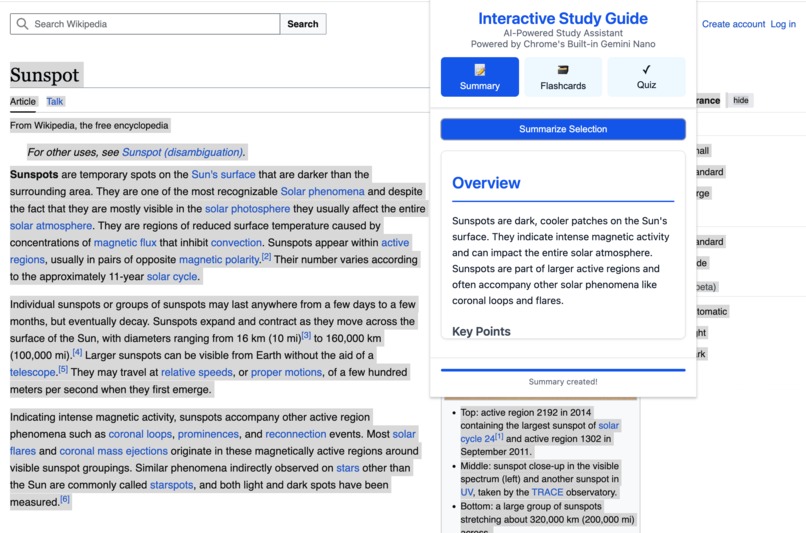
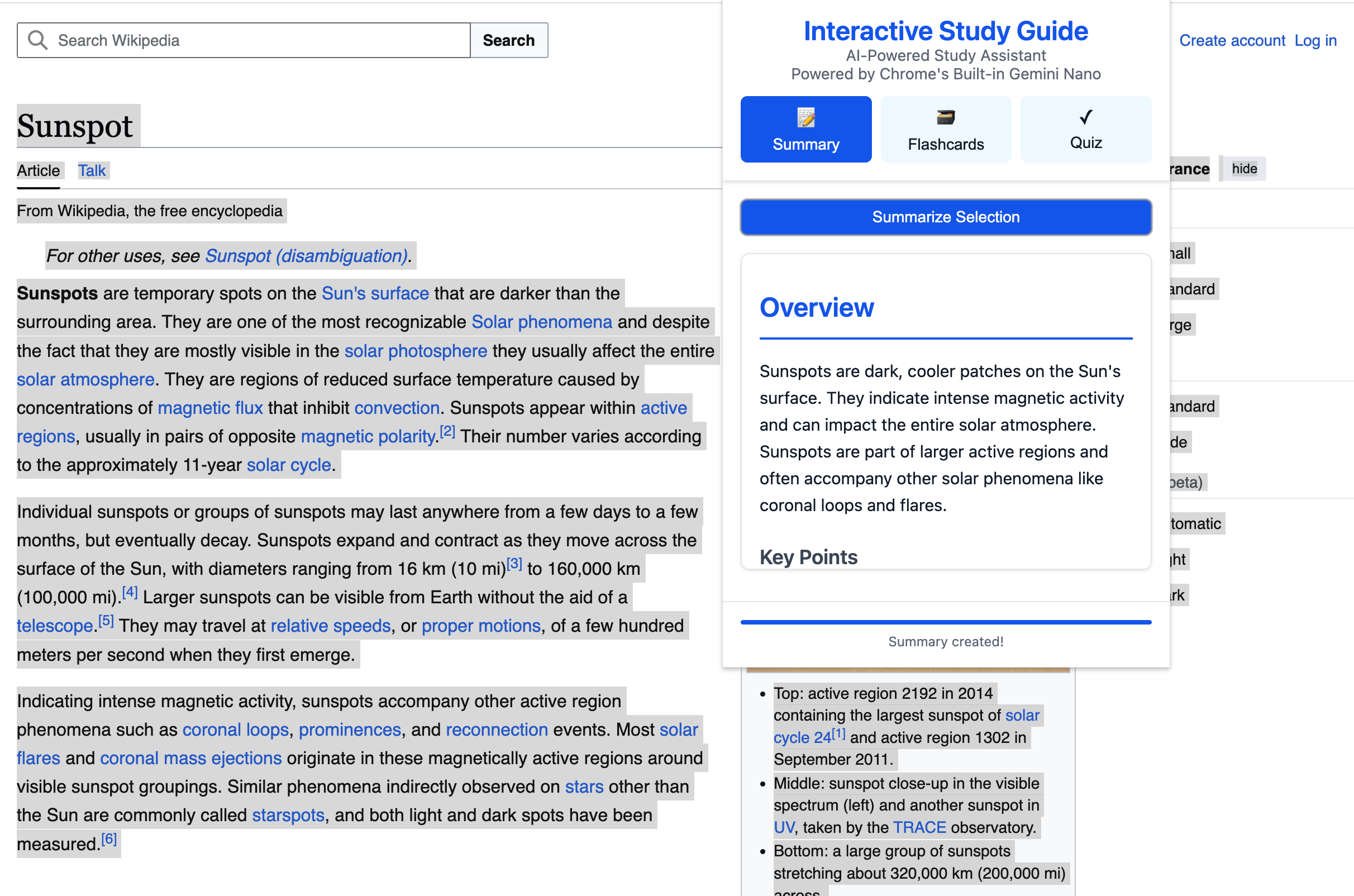
This shows the text selected on screen and the same being utilized to create a summary that is useful to you.
Inspiration
Reading academic papers, technical documentation, and online courses often felt overwhelming. As a software engineer and UI/UX specialist team, we noticed ourselves and others constantly copying text into note-taking apps or struggling to remember key concepts. We wanted to create a tool that could instantly transform any web content into structured study materials, making learning more efficient and enjoyable.
What it does
StudySpace seamlessly integrates with Chrome to provide three core features:
- Smart Summarization: Select any text and get an AI-powered, structured summary with key points and important details
- Interactive Flashcards: Automatically generate study cards from your summaries to reinforce learning through active recall
- Dynamic Quizzes: Create custom multiple-choice questions with detailed explanations to test your understanding
How we built it
We leveraged Chrome's built-in Gemini Nano capabilities to process text directly in the browser. Our architecture includes:
- A service worker for background processing
- A streamlined message-passing system between components
- Local storage for saving study materials
- A modular UI system with clear state management
- Comprehensive error handling and user feedback
Challenges we ran into
- Working with Chrome's experimental AI features required careful error handling and fallback strategies
- Managing memory usage with large text processing tasks was tricky
- Creating a consistent user experience across different websites needed thorough testing
- Implementing real-time progress feedback while maintaining performance
- Balancing feature richness with simplicity in the UI
Accomplishments that we're proud of
- Created a clean, intuitive interface that works seamlessly across websites
- Implemented efficient AI processing with clear user feedback
- Developed a robust error handling system that maintains user experience
- Built a modular architecture that's ready for future enhancements
- Achieved high performance while processing complex text content
What we learned
- Deep insights into Chrome's AI capabilities
- Effective strategies for extension state management
- Importance of clear error messaging in AI applications
- Techniques for optimizing extension performance
- Value of iterative UI testing and refinement
What's next for StudySpace
- Adding multilingual support with French and Japanese translation
- Implementing study progress tracking
- Creating a spaced repetition system for flashcards
- Adding export functionality for study materials
- Developing collaborative study features
- Supporting markdown formatting in summaries
- Integrating with popular learning management systems
- Expanding quiz types and customization options
Our goal is to continue making StudySpace more powerful while maintaining its simplicity and ease of use.


Log in or sign up for Devpost to join the conversation.