-
-
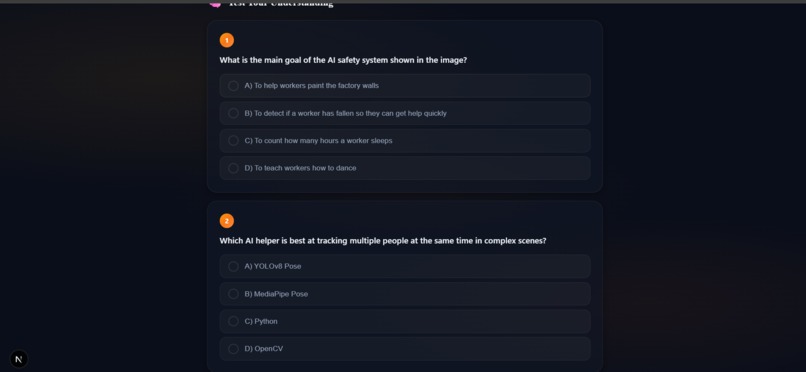
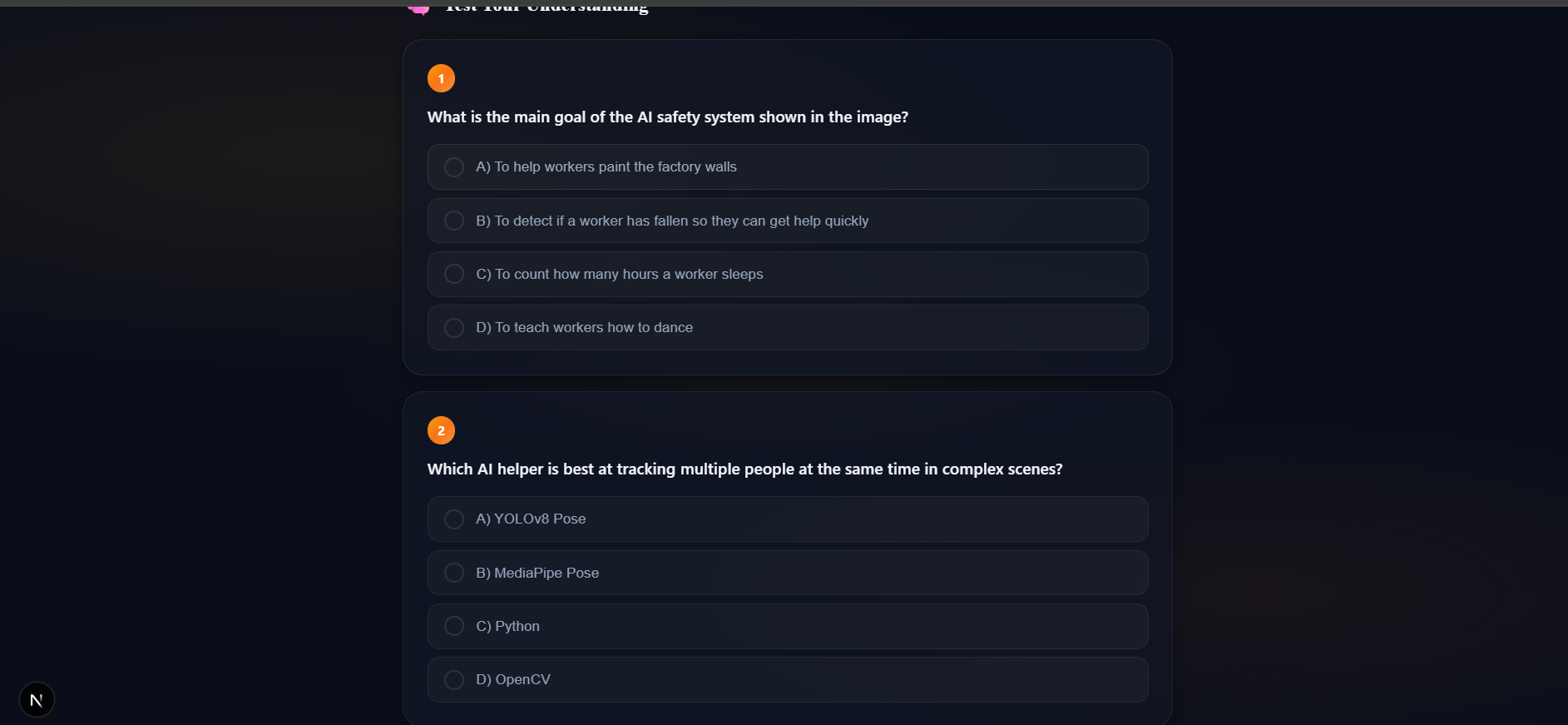
A 3-question quiz, generated live by Gemini from the same photo, with instant right/wrong feedback.
-
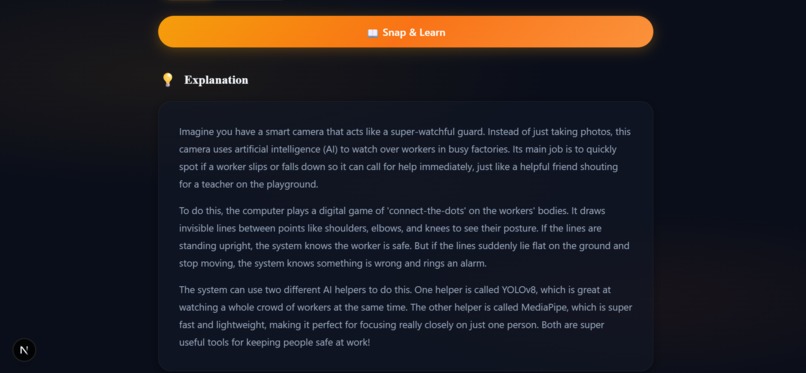
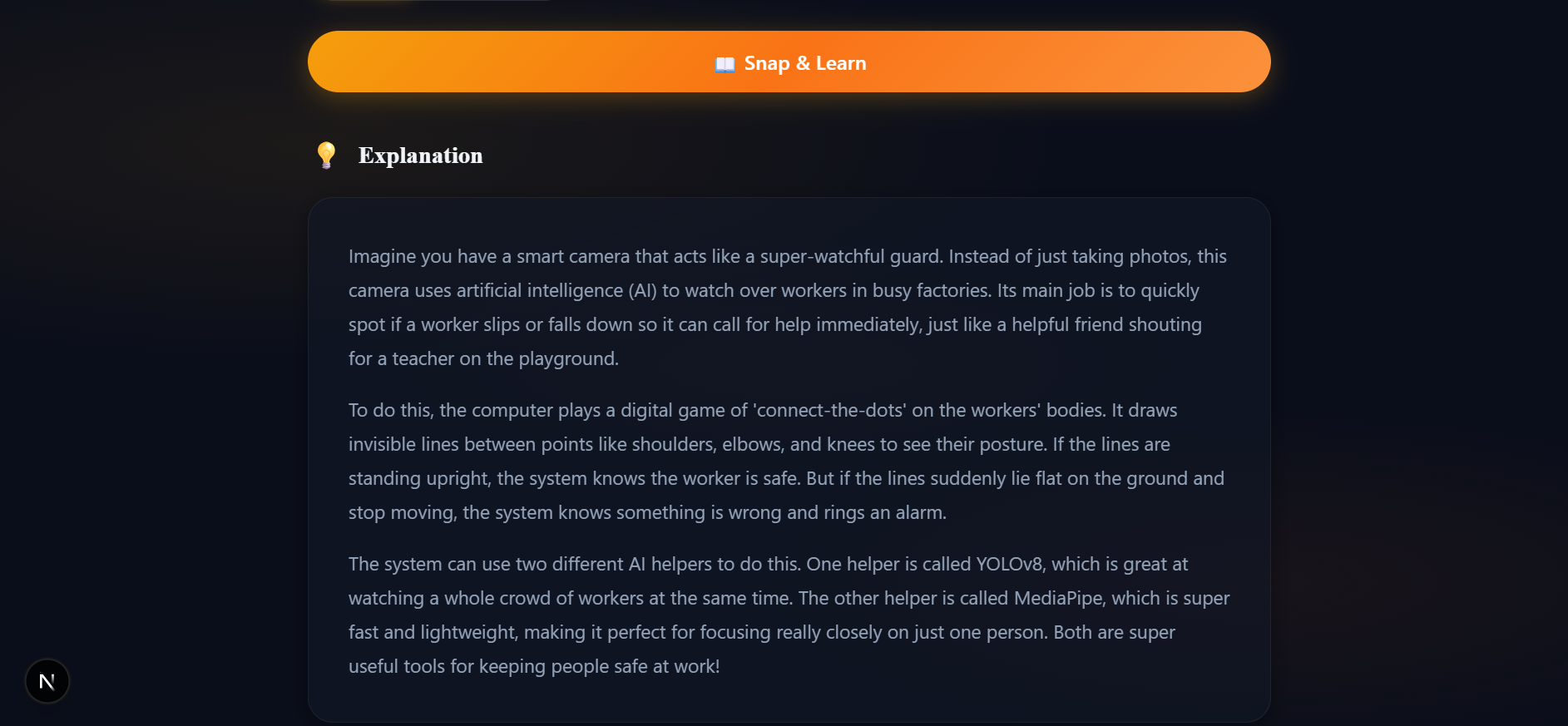
Gemini reads the image and generates a clear, plain-language explanation of what it shows.
-
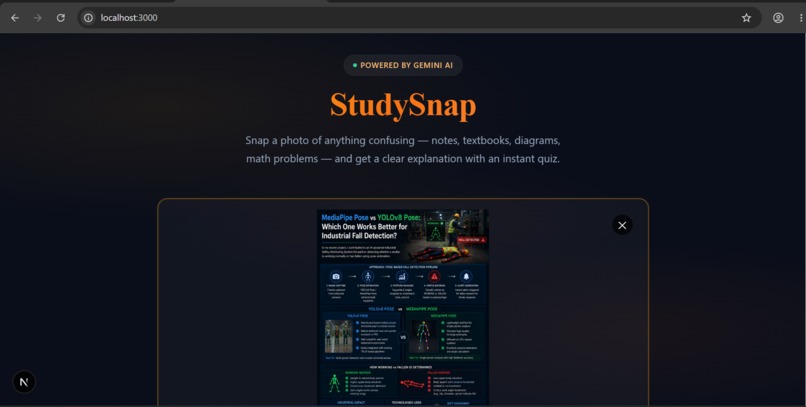
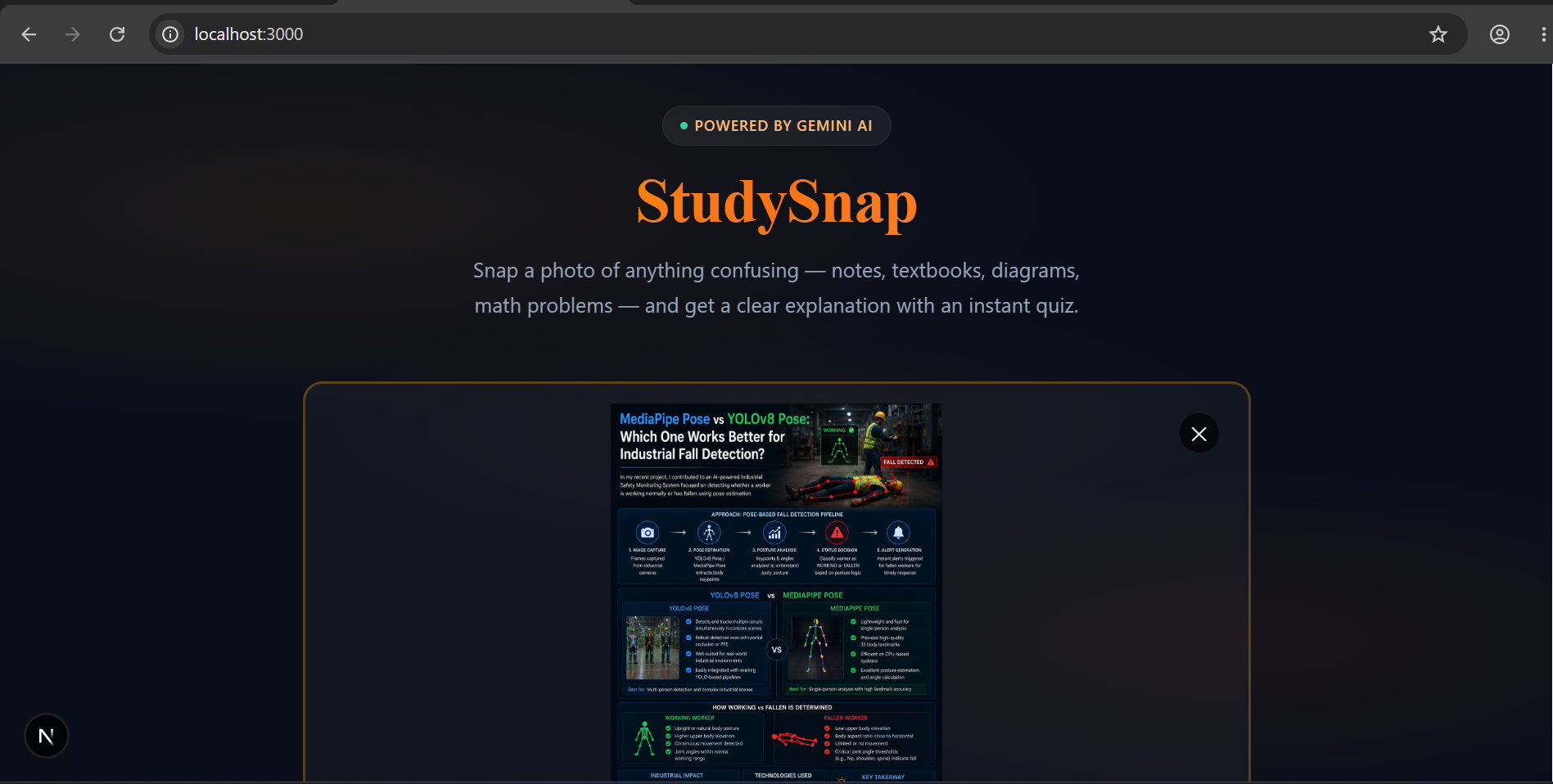
StudySnap landing page — upload any confusing photo and get an instant Gemini-powered explanation.
Inspiration
Textbook pages, handwritten notes, whiteboard scribbles, confusing diagrams — the moment you don't understand something, you're stuck googling around instead of just asking. We wanted a tool where you could point your camera at anything confusing and get a clear explanation immediately, tailored to how simply or deeply you want it broken down — plus a way to check whether it actually stuck.
What it does
StudySnap lets you snap or upload a photo of any study material — notes, a textbook page, a whiteboard, a math problem — and:
- Explains it in plain language, using Gemini's multimodal vision capabilities to read and interpret the image directly (no manual transcription).
- Lets you toggle between ELI5 (simple, analogy-driven) and Detailed (university-level, formula/context-rich) explanations.
- Generates a 3-question interactive quiz on the spot to test understanding, with instant right/wrong feedback and a score summary.
How we built it
- Frontend: Next.js + React (TypeScript), with a custom glassmorphism UI — drag-and-drop image upload, a difficulty toggle, and an interactive quiz component with per-question reveal states.
- Backend: FastAPI (Python) service that accepts the uploaded image, sends it to Gemini 3.5 Flash alongside a difficulty-aware prompt, and returns a structured response.
- Gemini API usage (core of the project): We send the raw image bytes directly to Gemini's vision model using
google-genai, and use Structured Outputs (response_schema+response_mime_type="application/json") so Gemini's response is guaranteed to match our Pydantic schema — an explanation string plus an array of quiz questions with options and a correct answer — with no manual JSON parsing or regex cleanup needed.
Challenges we ran into
- Reliable structured output from a vision model. Our first pass had Gemini return JSON as plain text, which occasionally broke on parsing. Switching to Gemini's native
response_schemasupport fixed this completely — Gemini now returns schema-conformant JSON every time, which was a big reliability win right before demoing. - Keeping the explanation calibrated to the audience. Getting Gemini to consistently produce genuinely simple (not just shorter) explanations for the ELI5 mode took some prompt iteration.
- Model migration. We had to move off an older Flash model mid-build after learning it had been deprecated, which was a good reminder to always check current model availability before building on top of an API.
Accomplishments that we're proud of
- A fully working end-to-end flow: photo in → Gemini vision analysis → structured explanation + quiz out, with zero manual parsing logic on our end.
- A UI that actually feels responsive and polished, not just a bare API wrapper.
What we learned
- How to use Gemini's multimodal input directly with raw image bytes (no separate OCR step needed).
- How much more reliable structured outputs (
response_schema) are compared to prompt-engineered JSON formatting for production-grade AI features.
What's next for StudySnap
- Support for multi-page uploads (e.g. a whole worksheet) summarized together.
- Spaced-repetition quiz history so users can revisit topics they got wrong.
- Voice narration of explanations for accessibility.
Built With
- computer-vision
- css3
- fastapi
- gemini-3.5-flash
- gemini-api
- google-ai-studio
- multimodal-ai
- nextjs
- pydantic
- python
- react
- typescript

