-
-
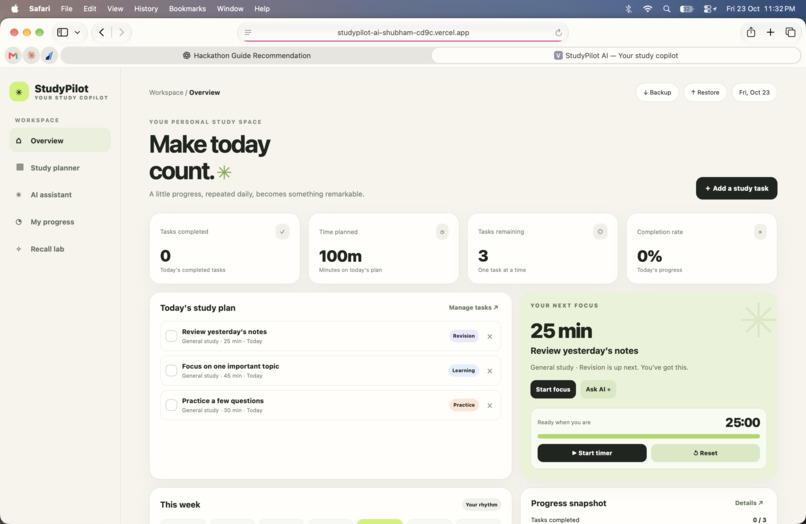
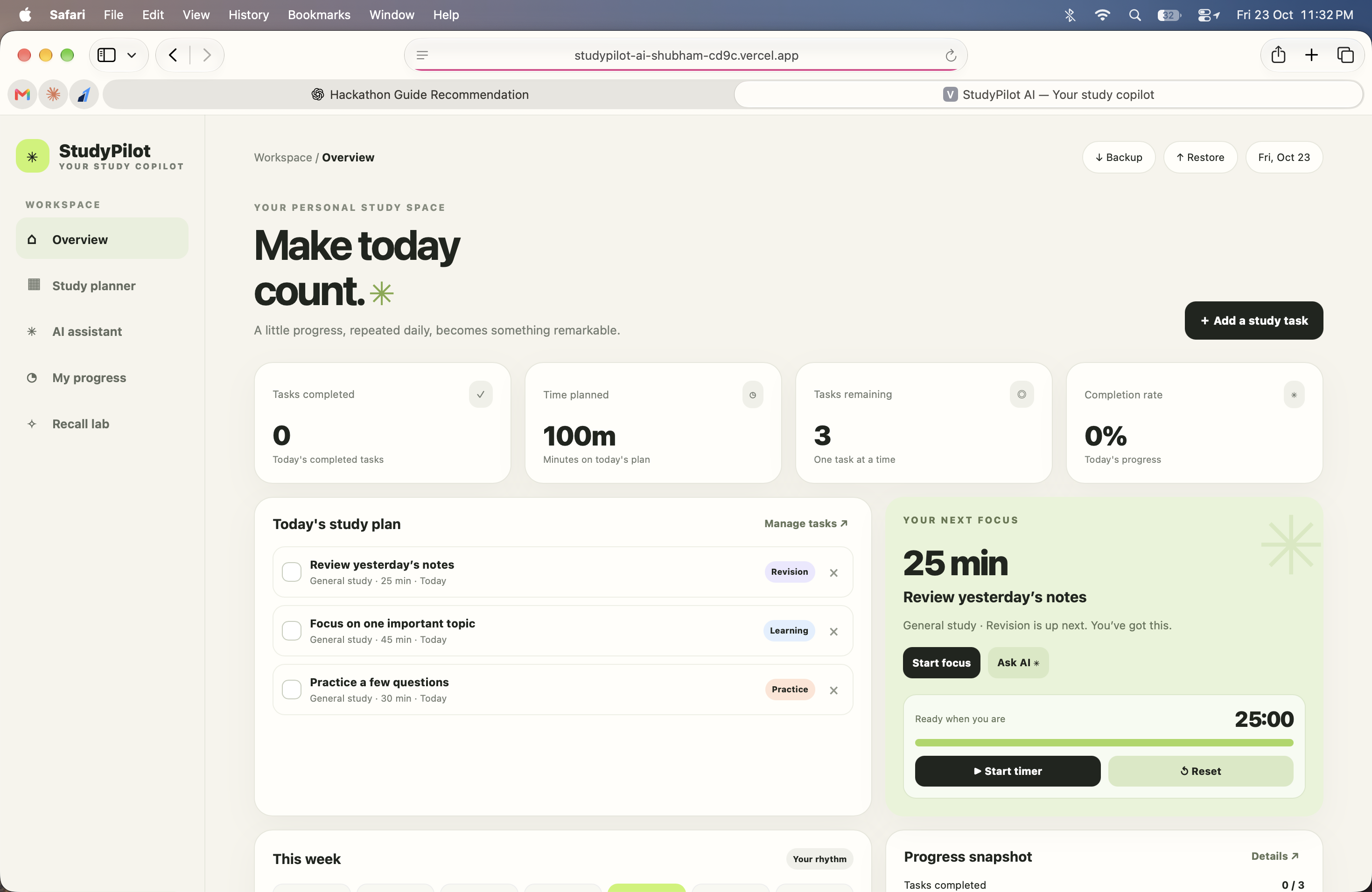
home page
-
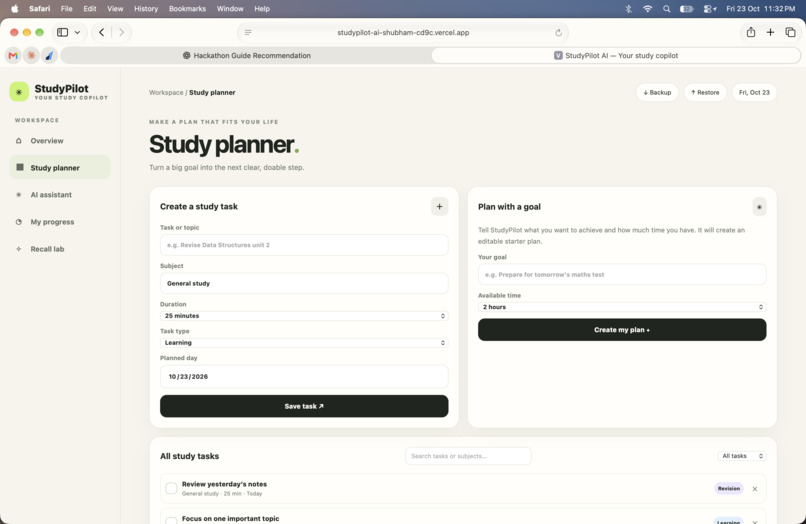
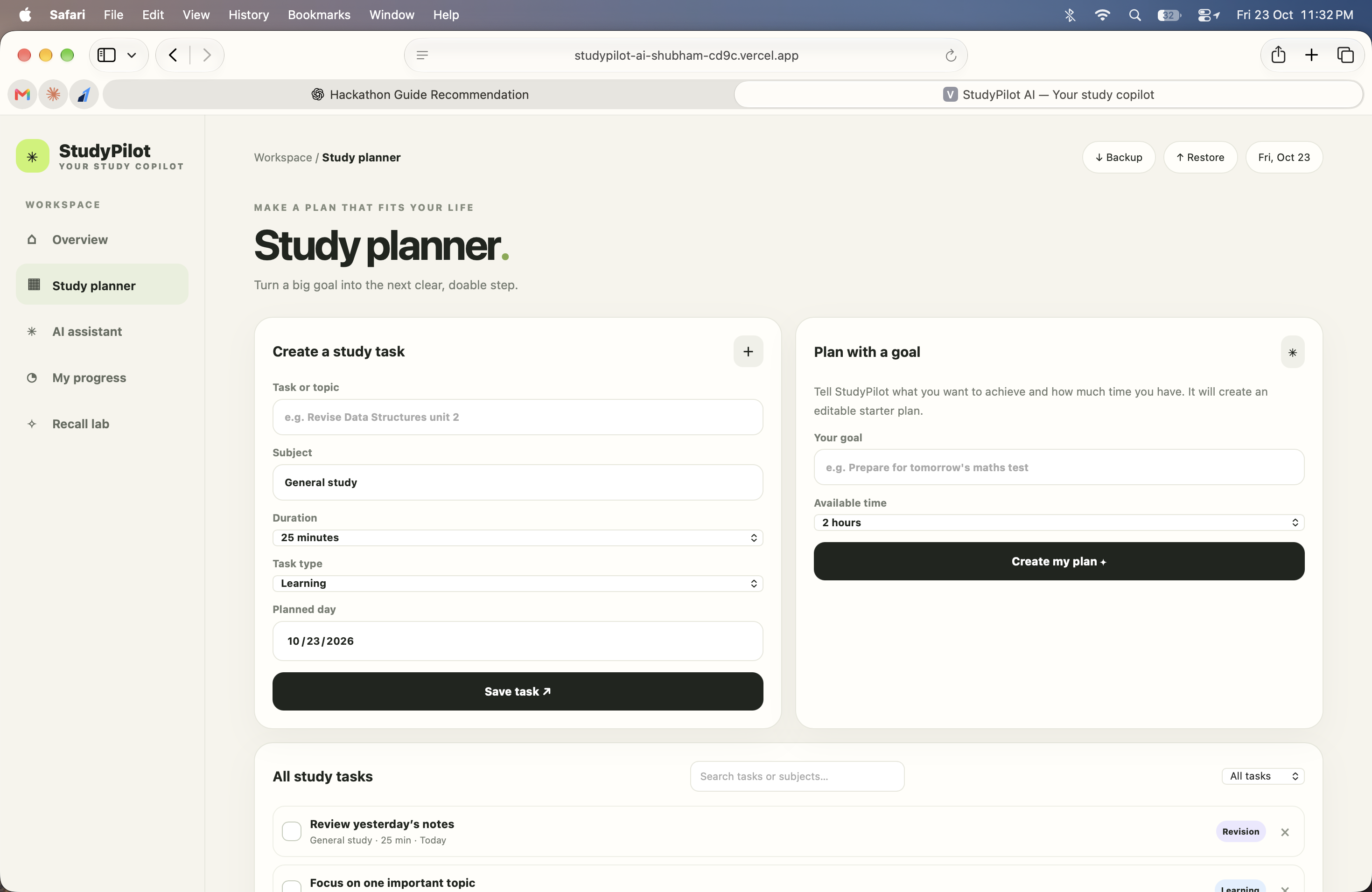
study planer
Inspiration
Students often have several subjects, assignments, revision sessions, and deadlines to manage at the same time. Planning can feel overwhelming, especially when it is difficult to decide what to study next.
I wanted to build a simple study companion that helps students turn large academic goals into smaller, manageable steps. This idea inspired me to create StudyPilot AI, a responsive study-planning application with an Alexa+-inspired conversational interface.
My goal was to bring study planning, task management, focus sessions, revision, and progress tracking together in one place.
What It Does
StudyPilot AI provides a personal workspace where students can organize their study routines and monitor their progress.
Its main features include:
- Study planner: Create, organize, search, filter, complete, and delete study tasks.
- Goal-based planning: Turn a study goal and available time into an editable starter plan.
- Conversational assistant: Use supported text commands to create tasks, generate starter plans, check progress, and decide what to study next.
- Focus timer: Run focused study sessions with timer controls.
- Progress dashboard: Review completed tasks, remaining work, planned time, and study progress.
- Recall Lab: Create flashcards, reveal answers, and schedule spaced reviews at intervals of 1, 3, and 7 days.
- Voice interaction: Use optional browser speech recognition for voice input and speech synthesis for spoken responses.
- Backup and restore: Export study data to JSON and import it later.
The project is an Alexa+-inspired web simulation, not an official Alexa+ integration. Its assistant currently uses built-in intent matching and local actions rather than a live generative AI model.
How I Built It
I built StudyPilot AI using HTML, CSS, and JavaScript. I chose a lightweight approach so the application could run directly in a modern browser without requiring a package installation, API key, or backend server.
I designed a responsive dashboard with a warm, minimal interface and dedicated areas for planning, the conversational assistant, progress tracking, and flashcard revision.
JavaScript handles task creation and completion, starter-plan generation, progress calculations, focus-timer controls, flashcard review scheduling, and local data persistence. The application uses browser local storage to keep study data on the current device and browser.
I also added optional voice interaction using browser speech capabilities. GitHub is used to maintain the source code and project documentation, while Vercel hosts the deployed web application.
Challenges I Faced
One challenge was bringing several study tools into a single interface without making the application feel complicated. I addressed this by separating the experience into clear sections and keeping the main actions easy to find.
Another challenge was making the conversational assistant useful without relying on an external AI service. I implemented intent matching for supported requests, allowing the assistant to perform specific actions such as adding tasks, creating starter plans, and reporting progress. This also helped me recognize the limitations of rule-based conversation when handling unexpected or complex questions.
Voice interaction introduced another consideration: browser speech recognition is not supported consistently across all browsers and devices. I therefore kept text input available as a fallback and made voice features optional.
Finally, I had to consider data persistence and deployment. Local storage keeps the prototype simple, but it does not automatically synchronize information across devices. This is an area I would improve in a future version.
What I Learned
Building StudyPilot AI helped me strengthen my understanding of frontend development, responsive interface design, JavaScript event handling, local data persistence, browser speech APIs, version control, and web deployment.
I also learned the importance of being transparent about a project's capabilities. A conversational interface can provide useful actions, but a rule-based assistant is not the same as a fully generative AI agent. Clearly defining that distinction helped me identify what should be improved next.
What's Next
My next steps would be to explore a reliable generative AI integration, improve the assistant's ability to understand multi-step study requests, add automated and cross-browser testing, and introduce secure optional cloud synchronization.
I would also like to explore calendar integration, configurable reminders, and more personalized study insights.
StudyPilot AI is my attempt to make studying more organized, approachable, and consistent—one manageable step at a time.

Log in or sign up for Devpost to join the conversation.