💡 Inspiration
Students often struggle with processing lengthy academic content and dense study materials. Preparing for examinations requires quick conceptual clarity and instant self-assessment tools. We built StudyPilot AI to solve this exact problem—breaking complex concepts down into bite-sized micro-lessons and generating practice quizzes on demand.
⚙️ What It Does
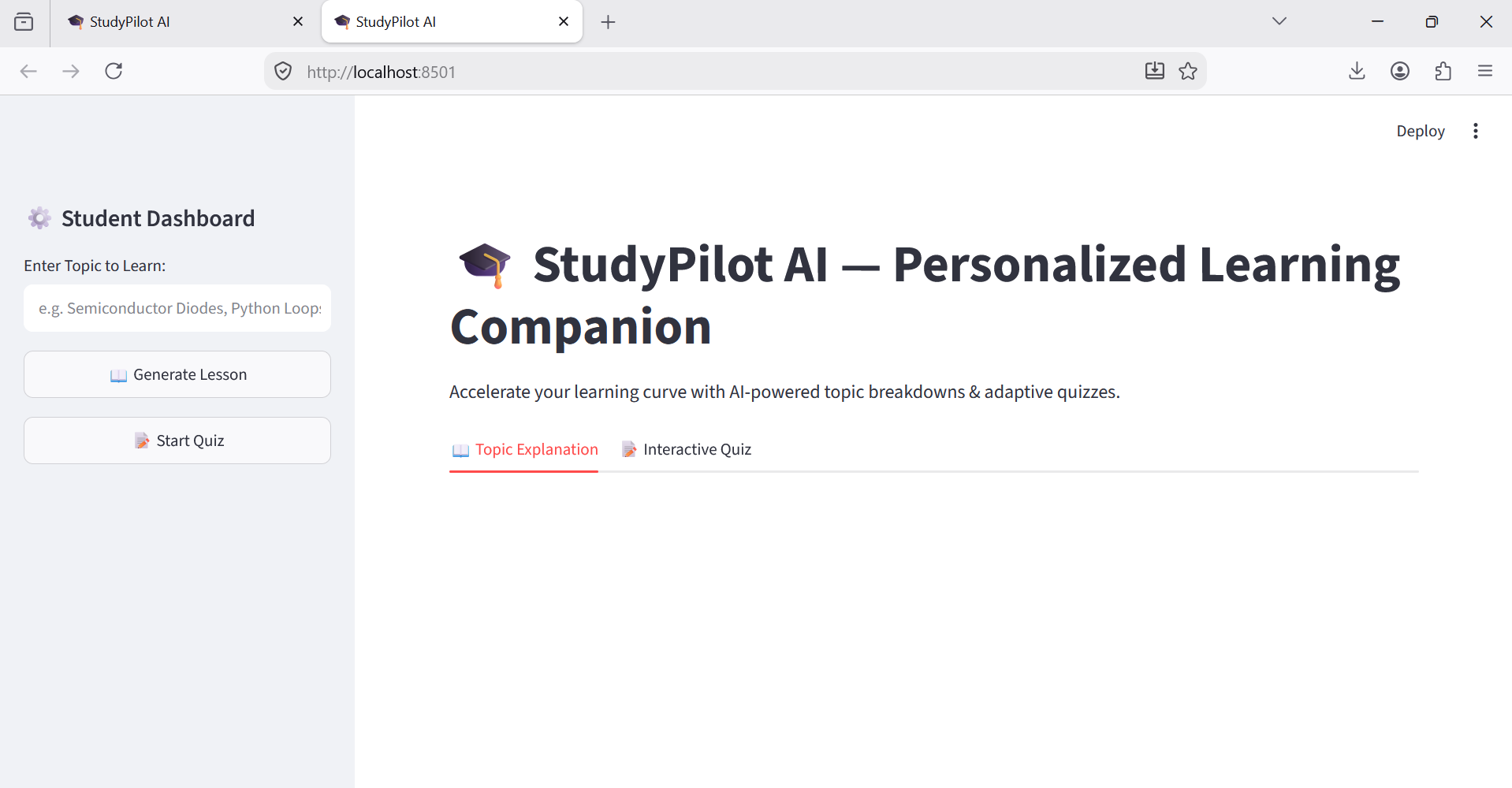
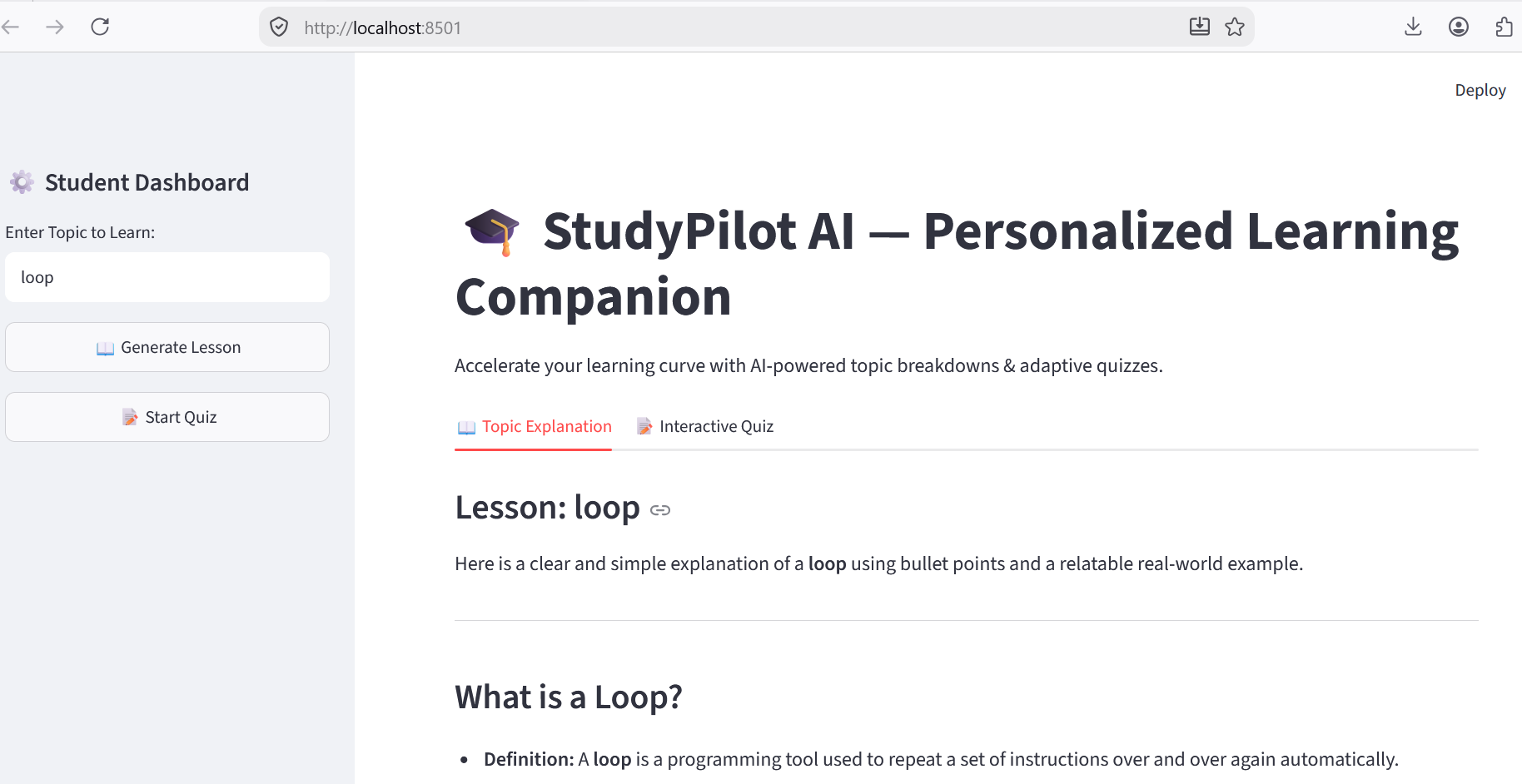
StudyPilot AI is an intelligent learning assistant designed to streamline self-paced education:
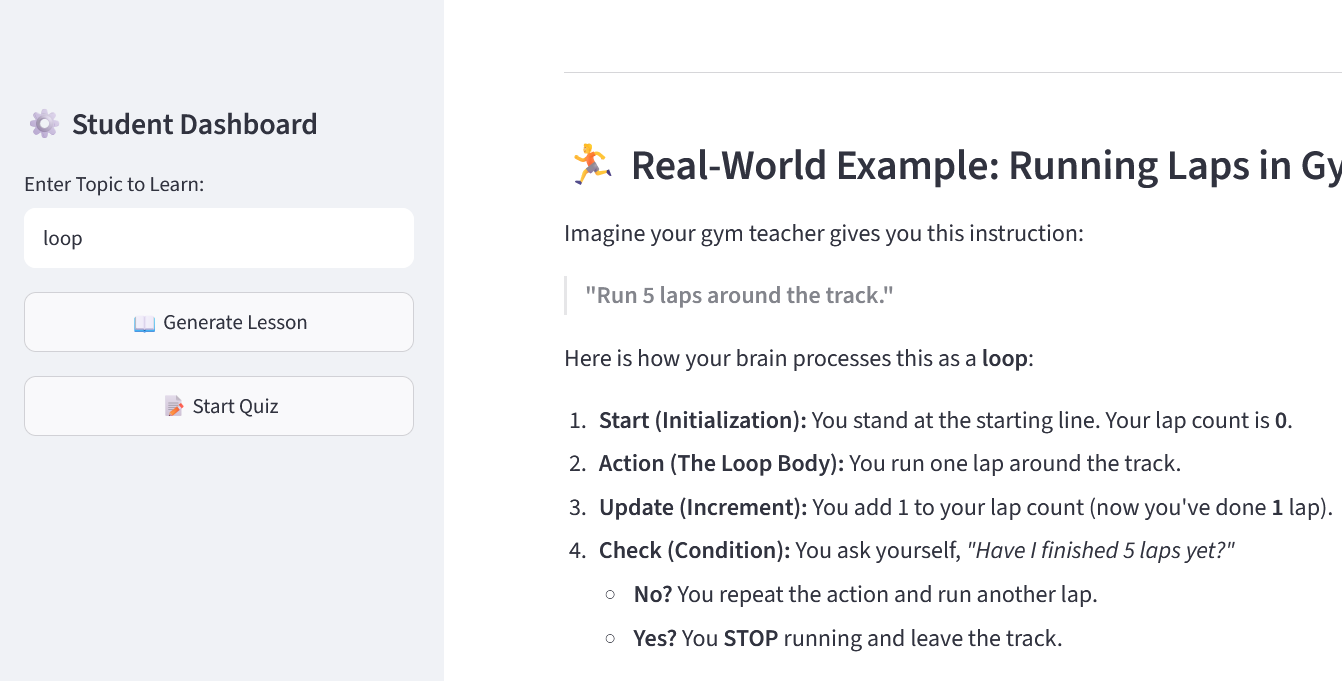
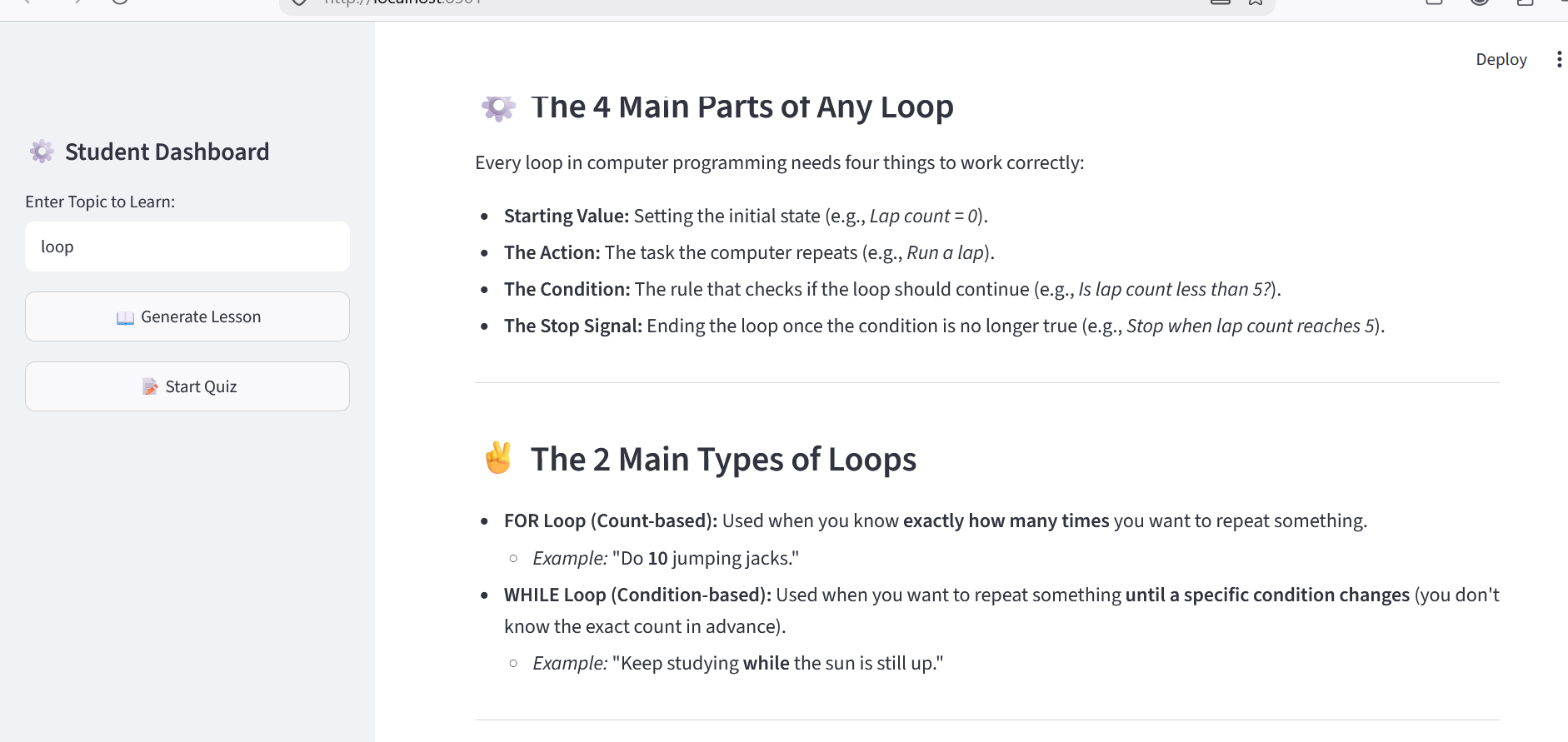
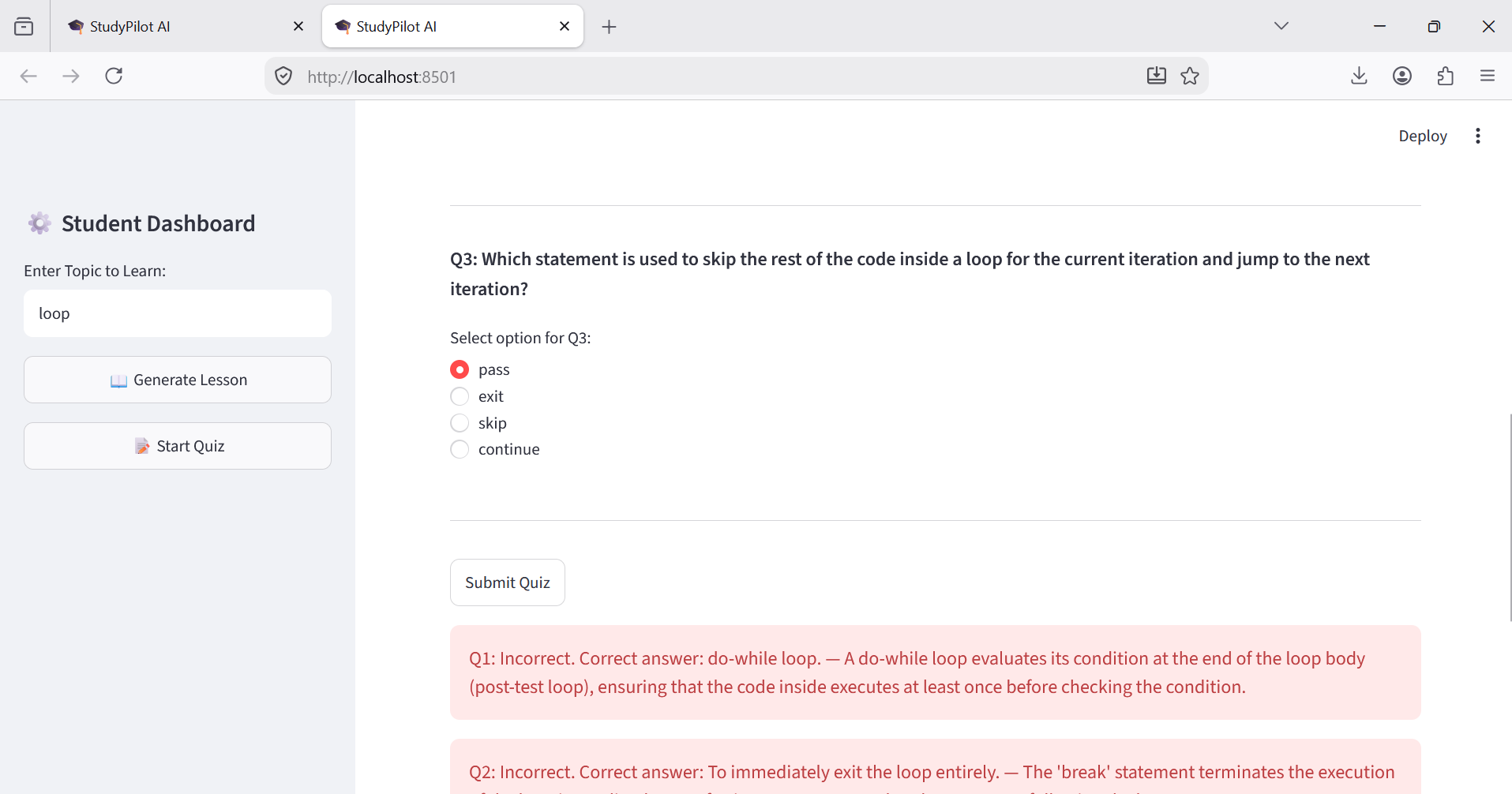
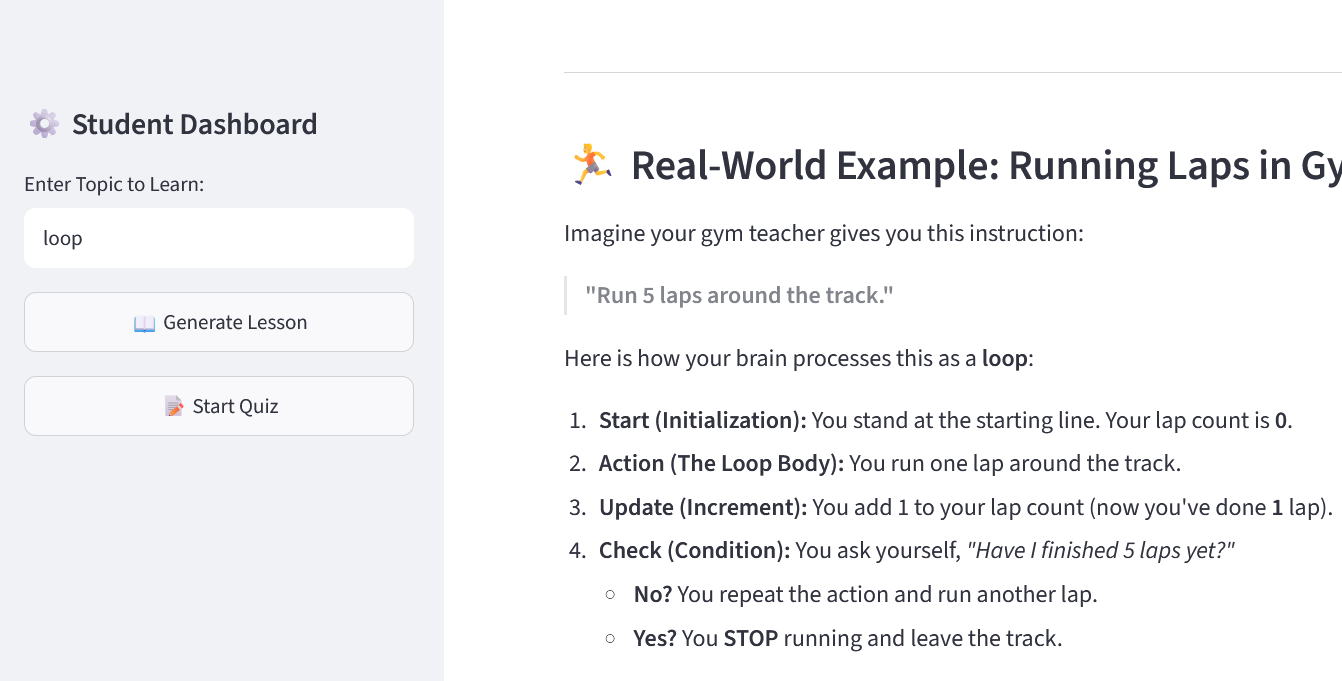
- Micro-Lesson Generation: Breaks down technical topics into key bulleted points and practical analogies.
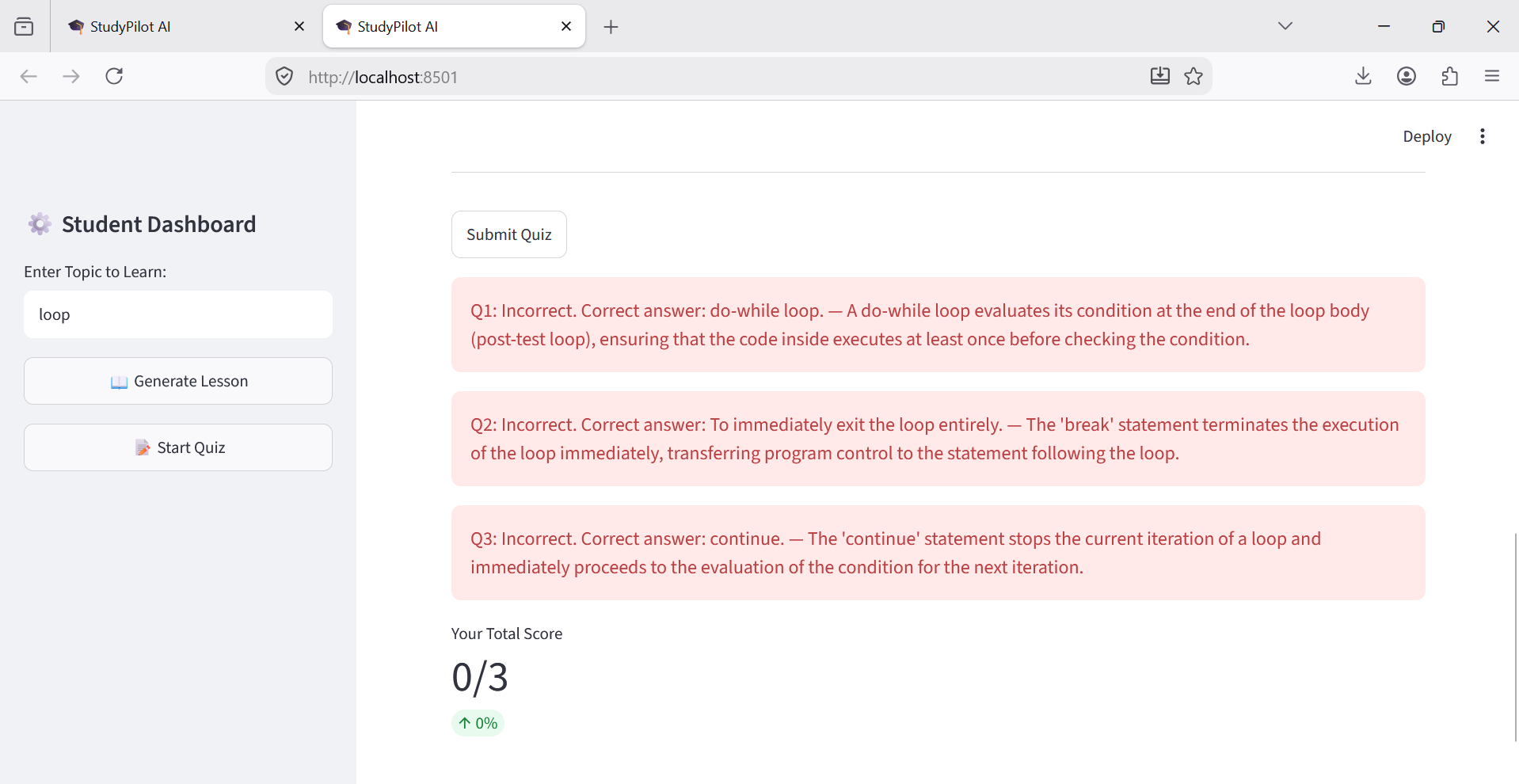
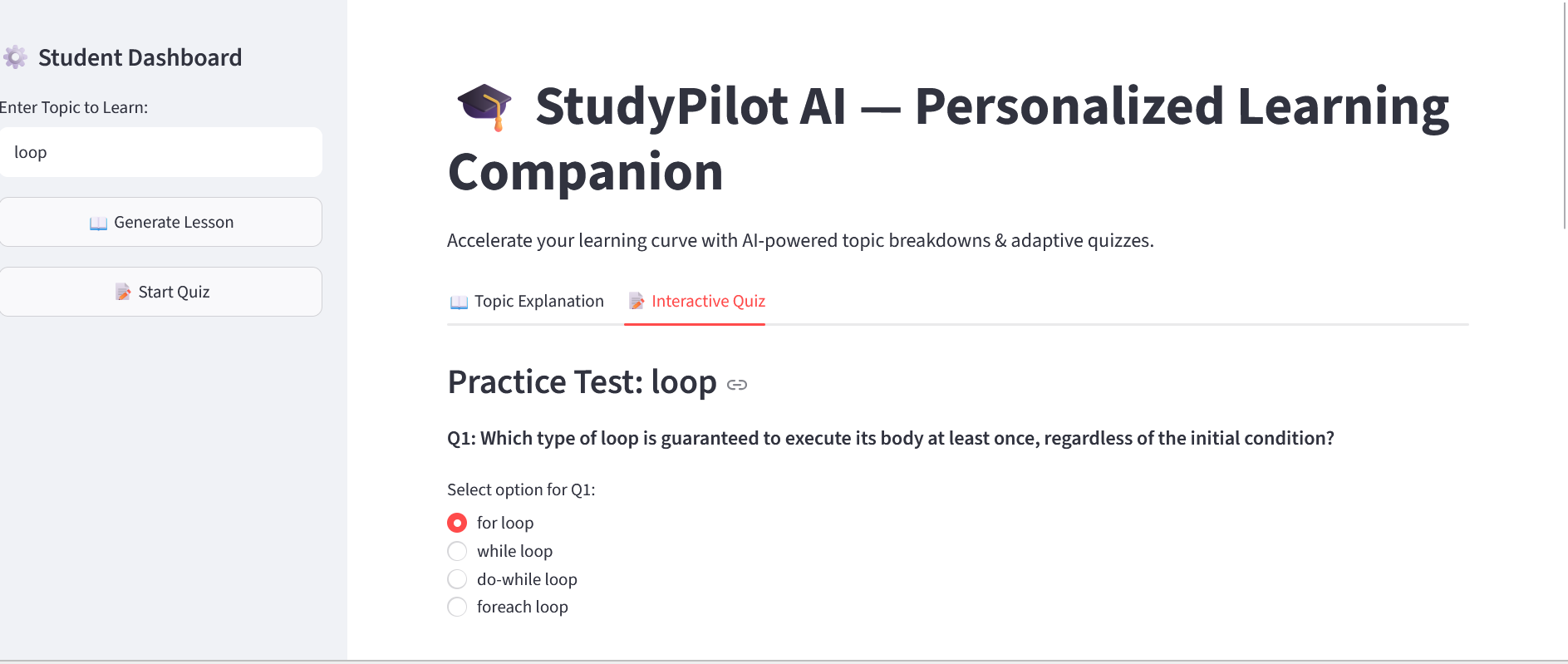
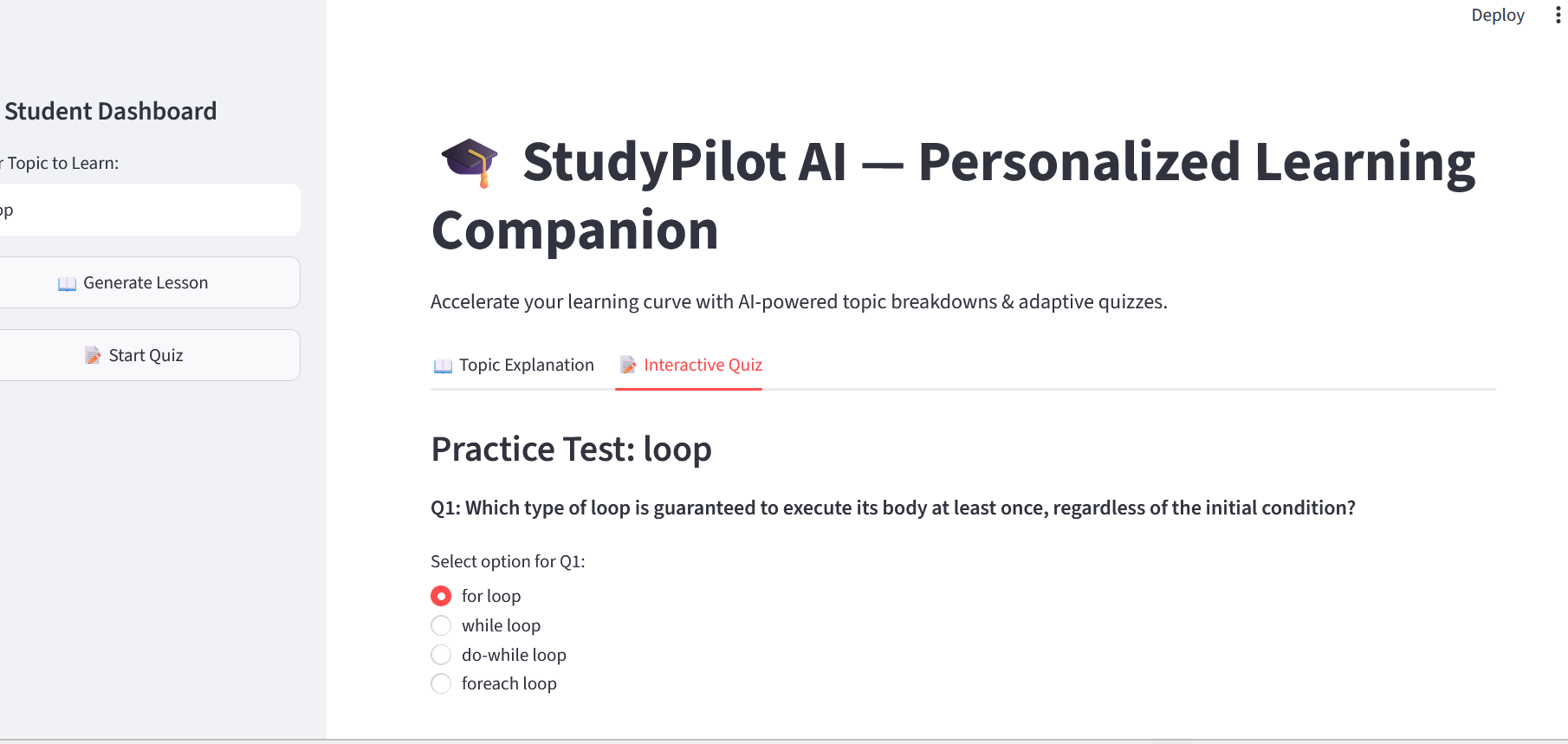
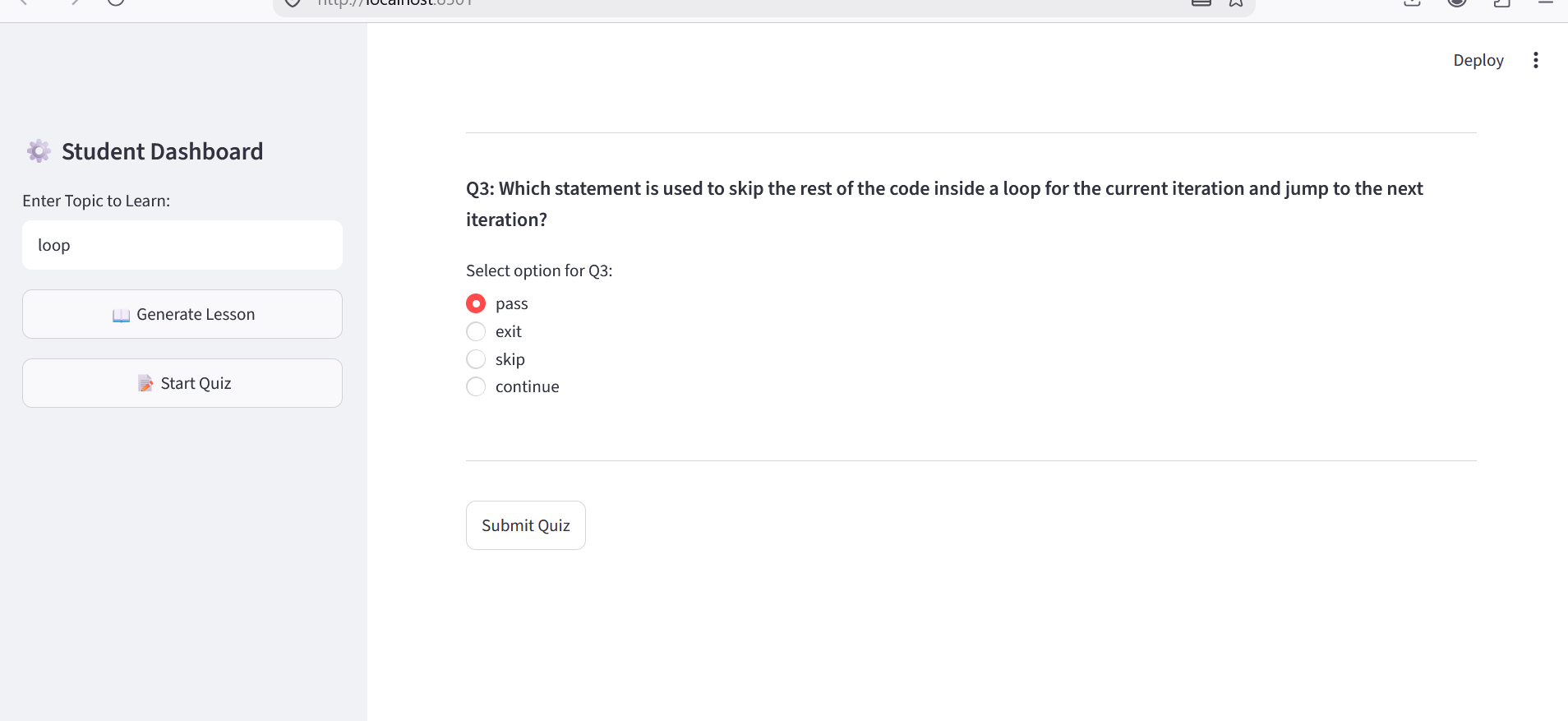
- Instant Practice Quizzes: Automatically creates conceptual multiple-choice questions (MCQs) with instant evaluation.
- Dual-Tab UI: Provides a clean Streamlit dashboard for seamless navigation between studying and testing.
🛠️ How We Built It
The application relies on a modular architecture leveraging Python and modern AI APIs:
- Frontend: Built with Streamlit for a responsive web UI.
- AI Engine: Integrated Google Gemini API (
gemini-3.6-flash) via thegoogle-genaiSDK. - Environment Security: Secured sensitive credentials using
python-dotenv.
Mathematical Formulation for Quiz Scoring
To evaluate student performance during dynamic quizzes, the system calculates score percentages using standard normalization:
$$Score (\%) = \left( \frac{\sum_{i=1}^{n} C_i}{N} \right) \times 100$$
Where:
- $N$ = Total number of questions generated.
- $C_i \in {0, 1}$ = Indicator variable where $C_i = 1$ if question $i$ is correct, and $0$ otherwise.
🚧 Challenges We Faced
- Prompt Engineering for Strict Output Formats: Ensuring the AI reliably outputs structured micro-lessons and clean MCQ options without unnecessary fluff required fine-tuning system prompts.
- API Key Security & Environment Setup: Managing sensitive API credentials safely using
.envfiles while ensuring proper.gitignoreconfiguration for public code sharing. - Streamlit State Management: Maintaining state consistency across dynamic quiz generation and user responses without resetting UI inputs.
🎓 What We Learned
- Practical integration of the new Google GenAI SDK using modern Python practices.
- Designing human-centered AI prompts for structured educational workflows.
- Streamlining rapid UI deployment and configuration for open-source submissions.
