-
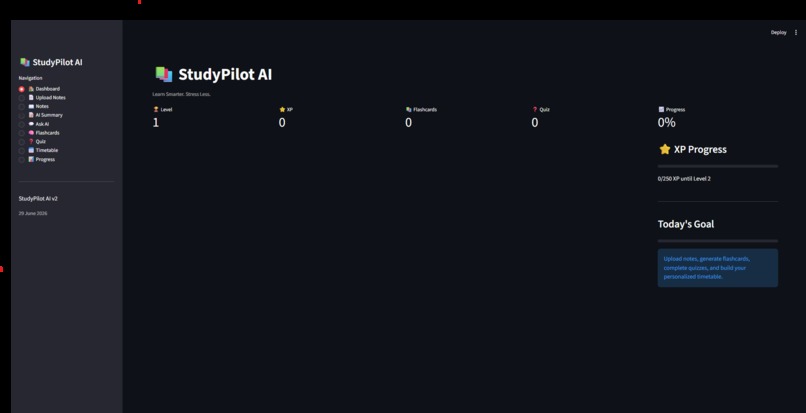
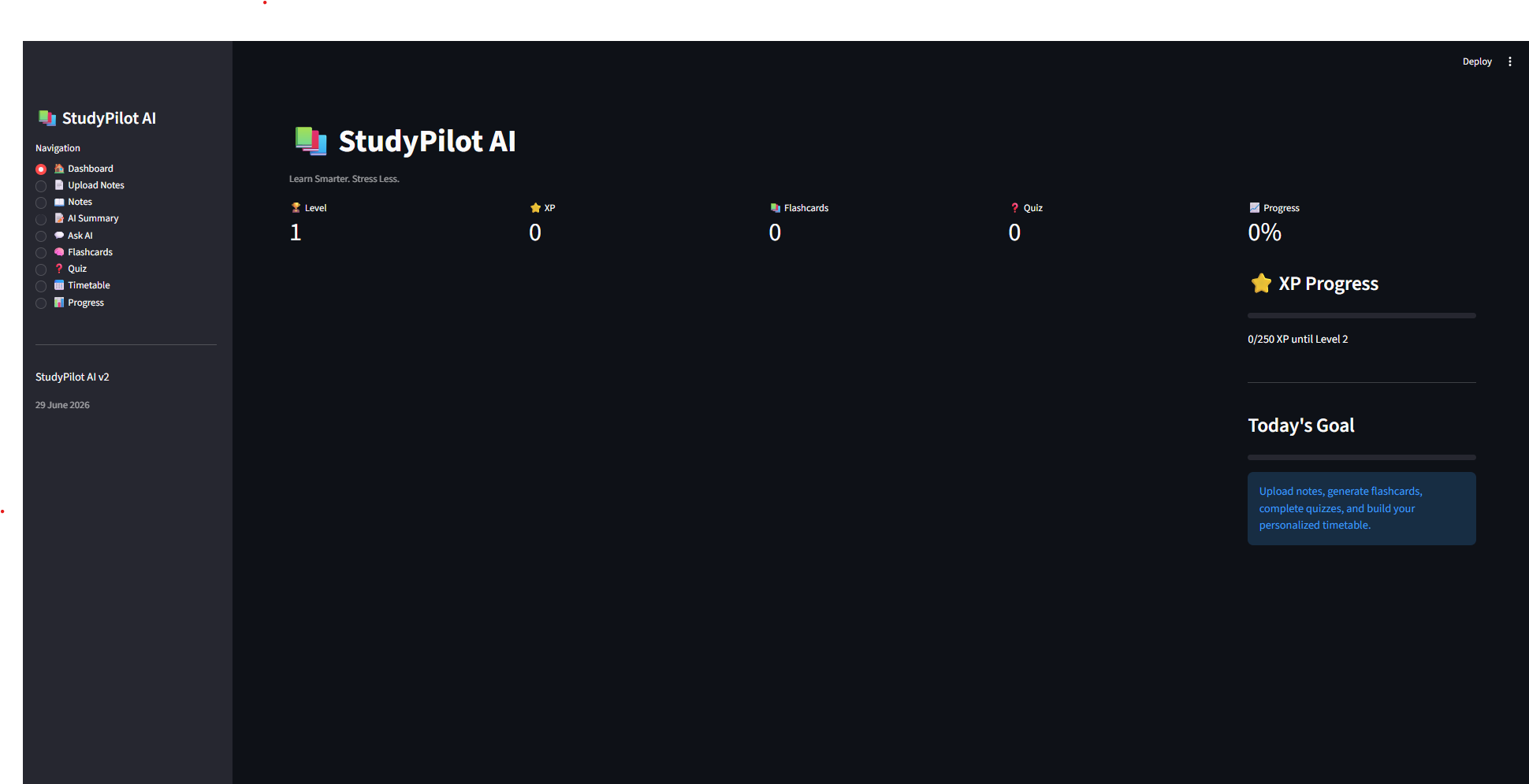
This Is The Dashboard
-
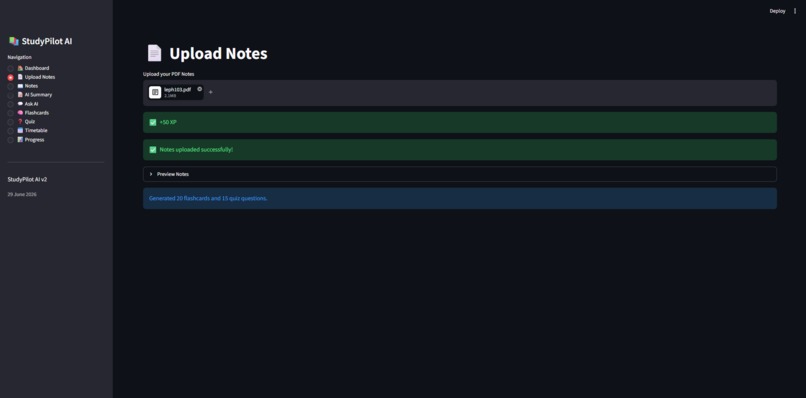
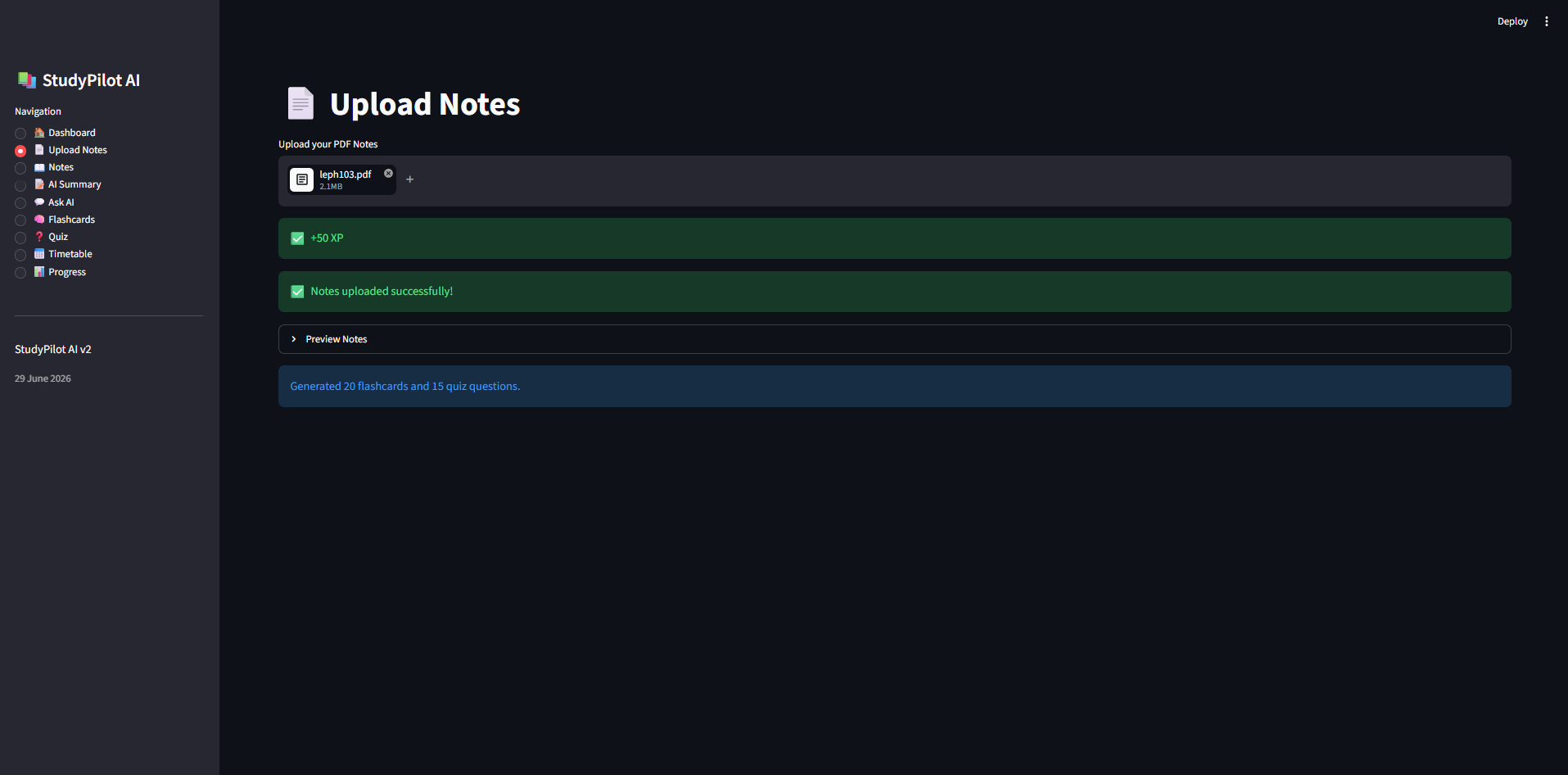
This Is The Page Where You Upload Your Notes
-
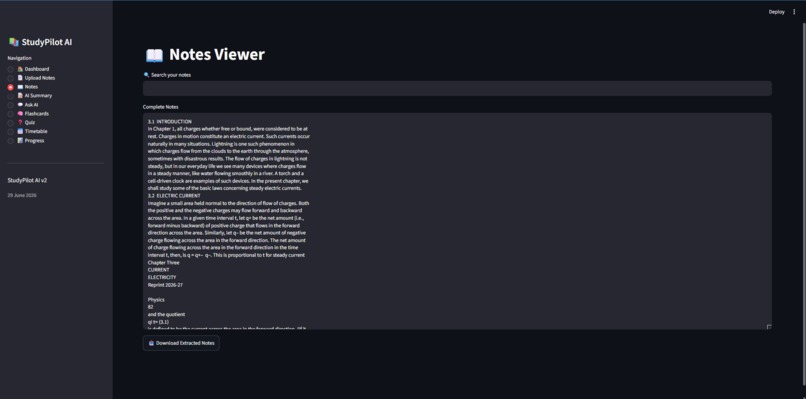
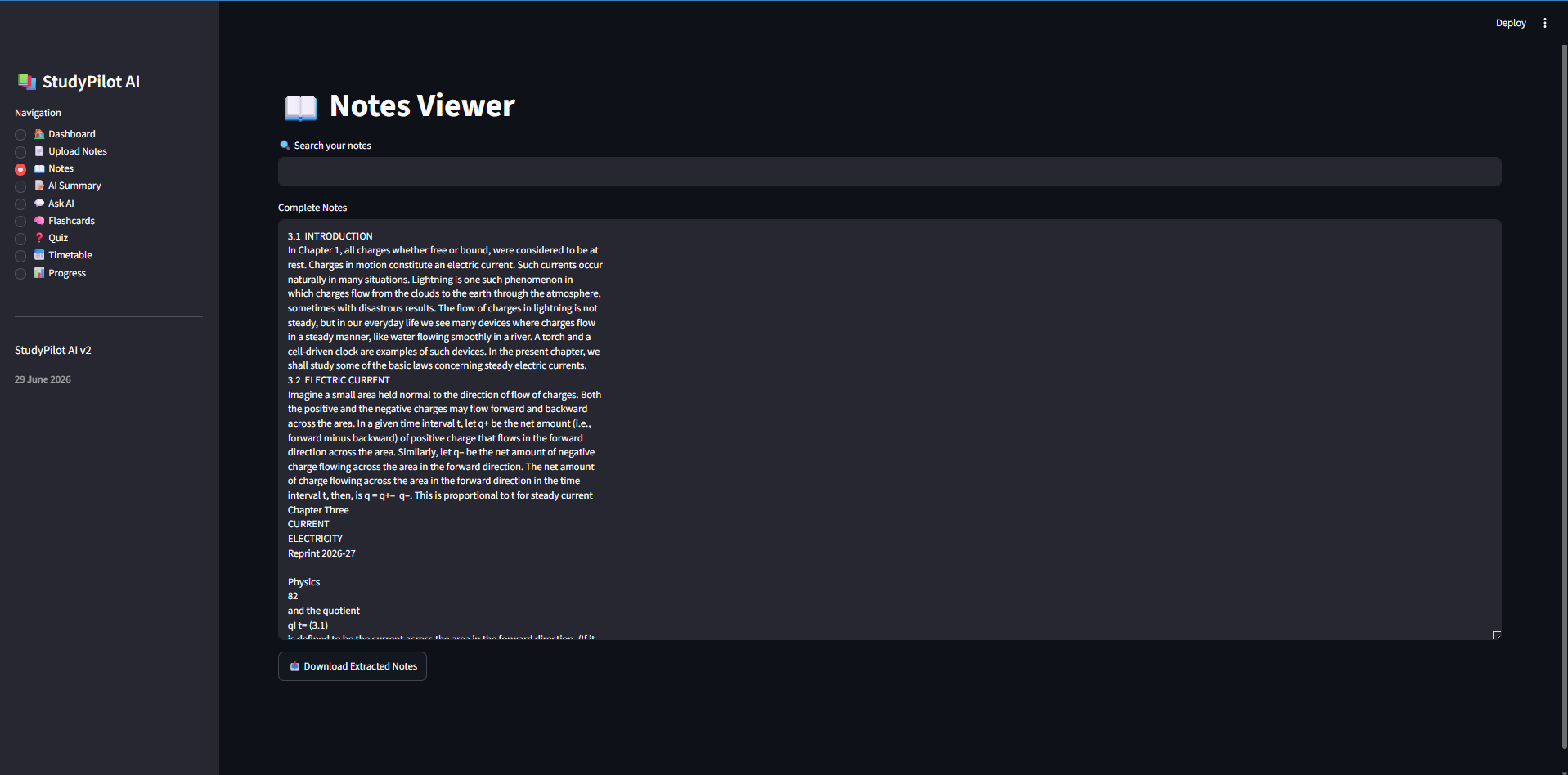
This Is Where You Can Search Up Any Topic In Your Uploaded File
-
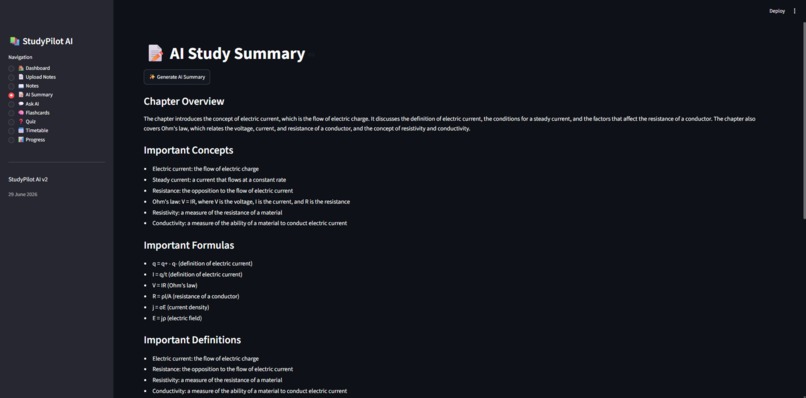
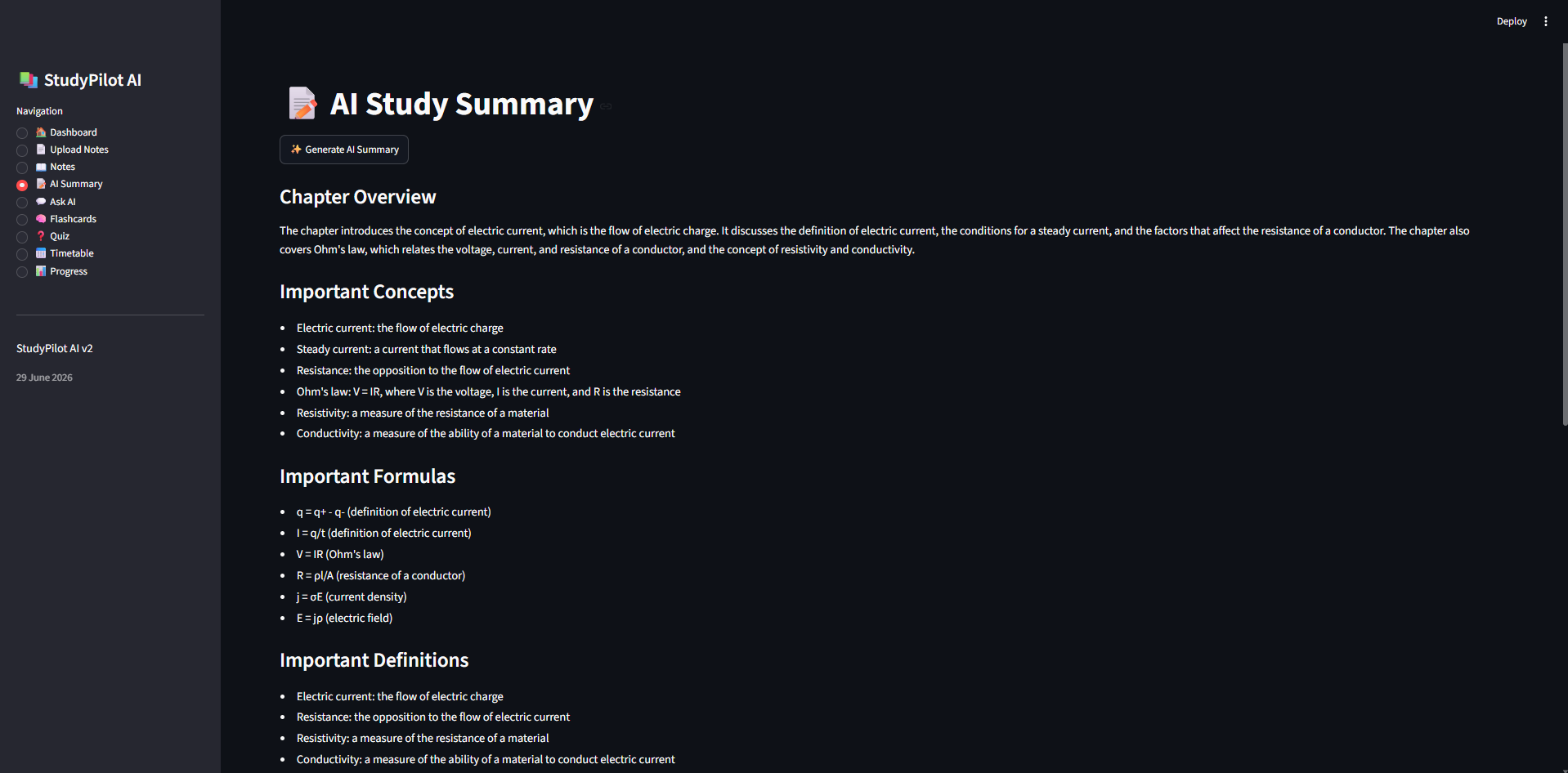
This Is The AI Summary Page Where All The Notes Are Summarised
-
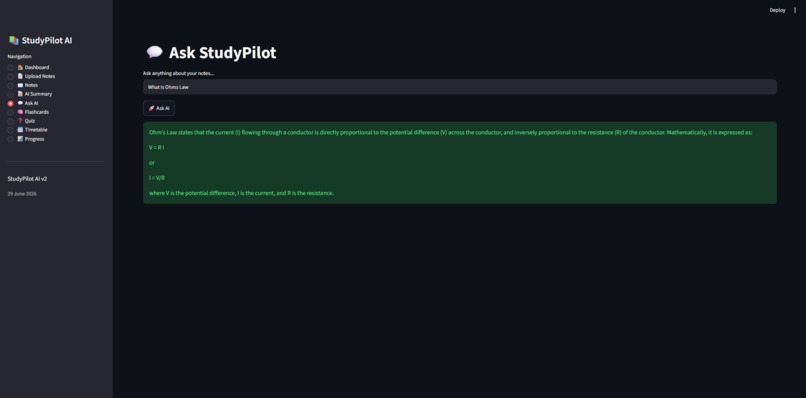
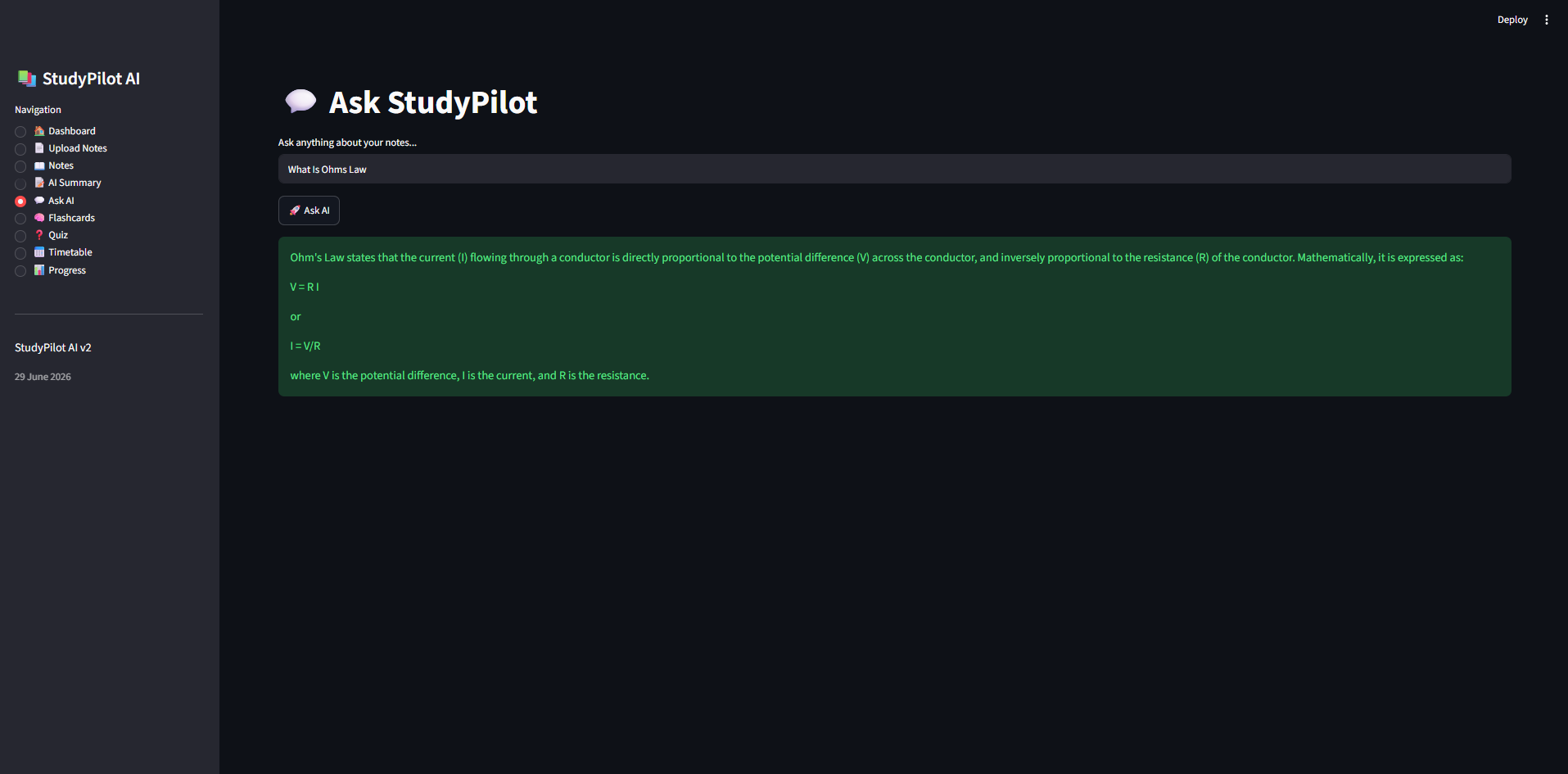
This Is Where You Can Ask StudyPilot To explain A Certain Topic From Your Notes
-
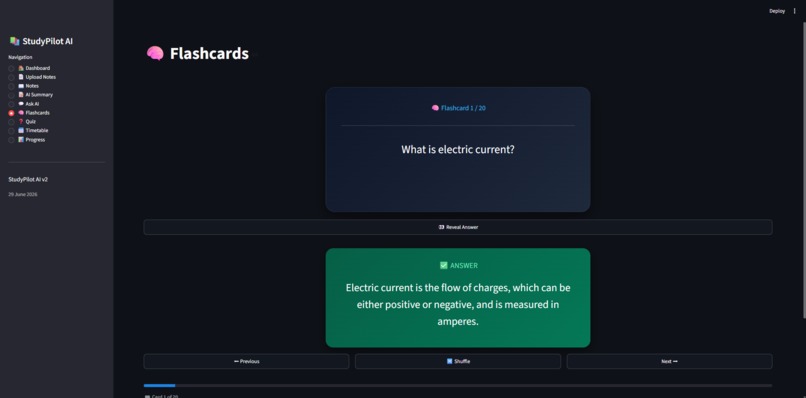
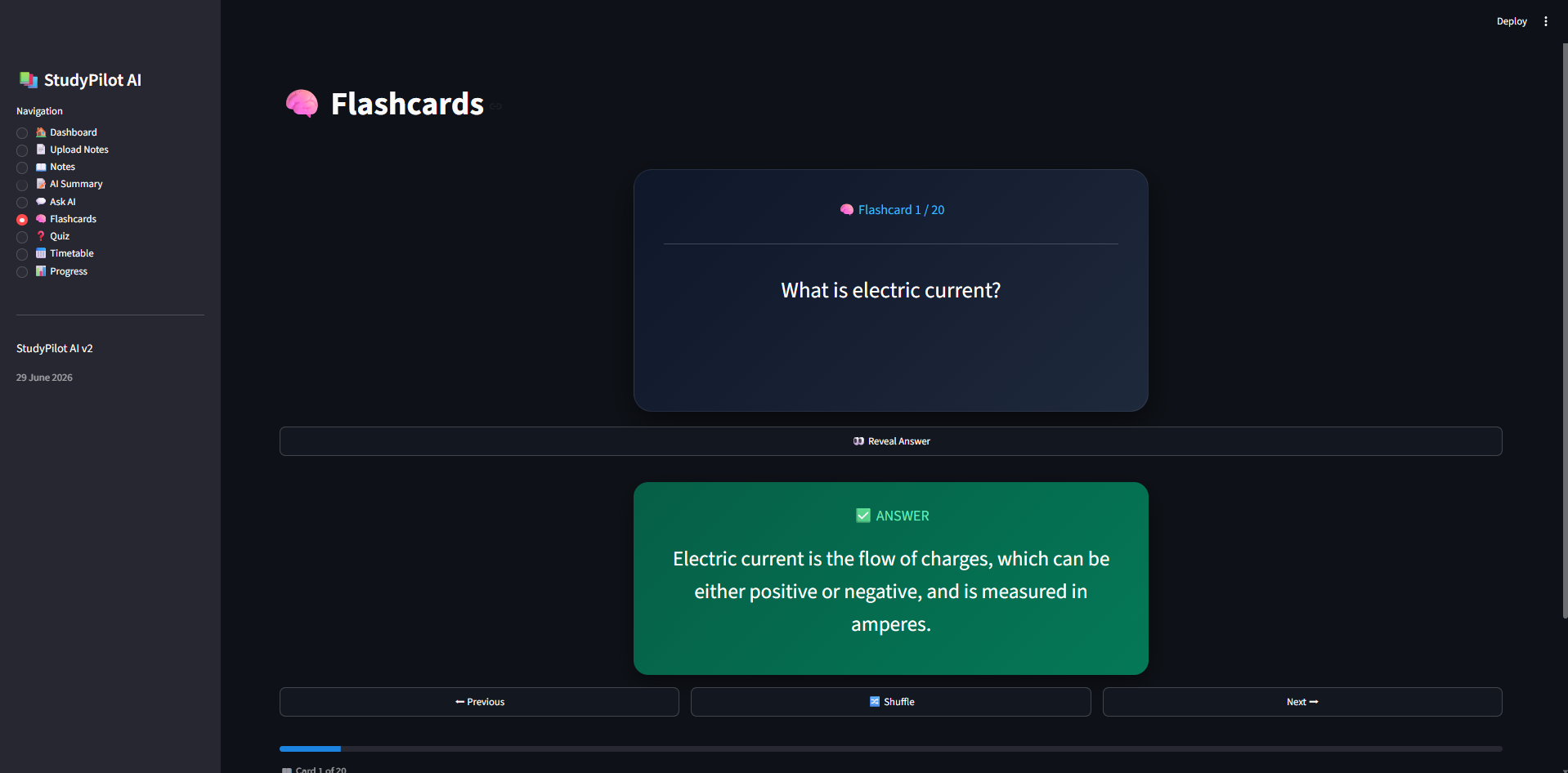
This Is The Page Where You Are Given AI Generated Flashcards
-
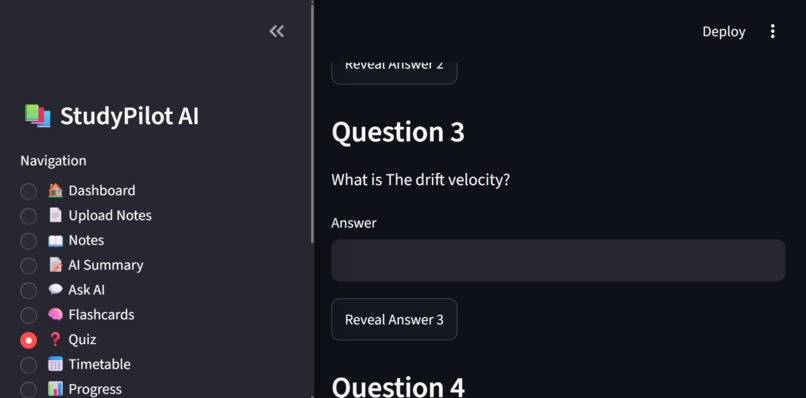
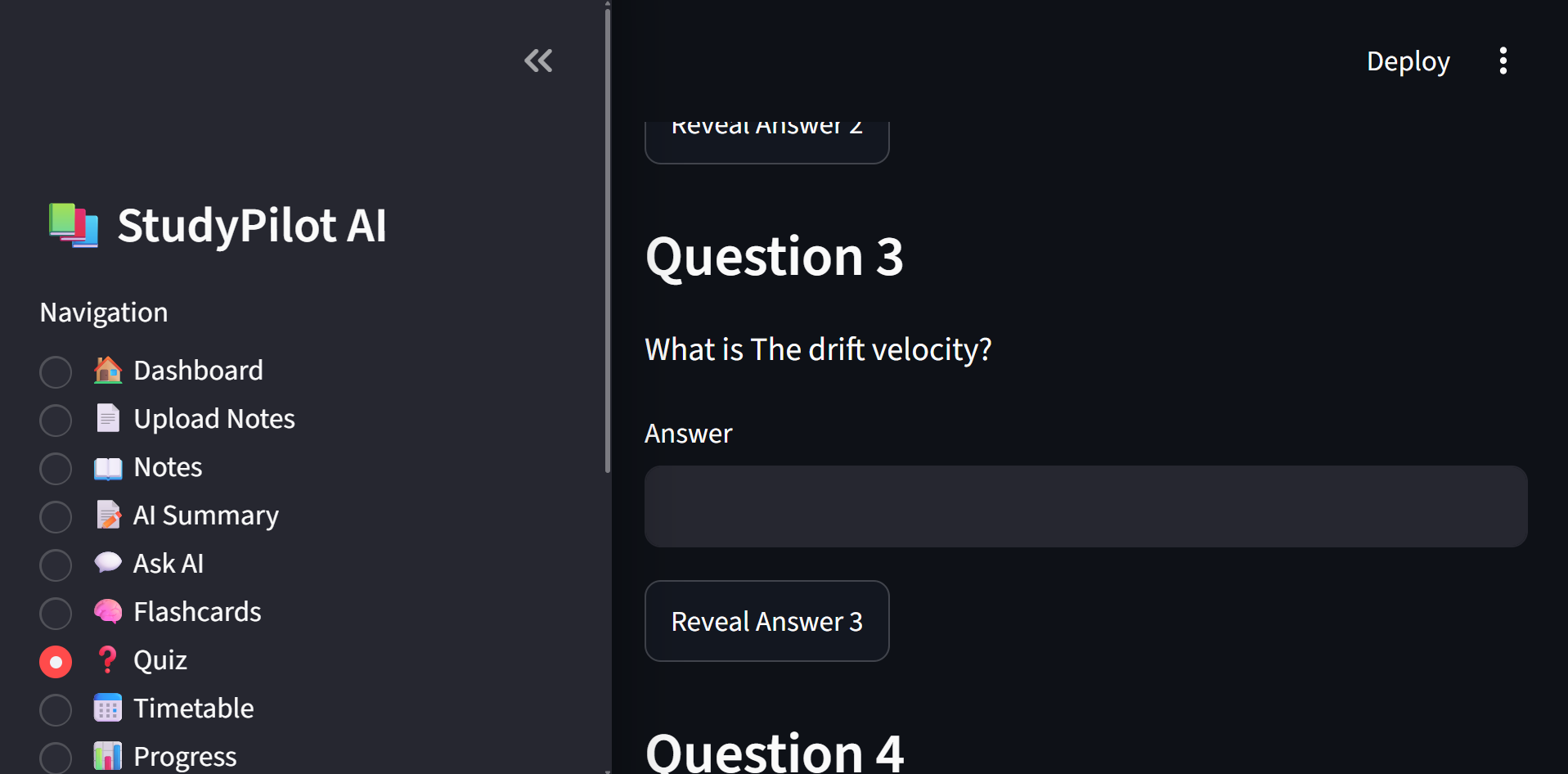
This Is The Page Where You Are Given An AI Generated Quiz(Sorry For The Zoom iIt Was Appearing Very Small)
-
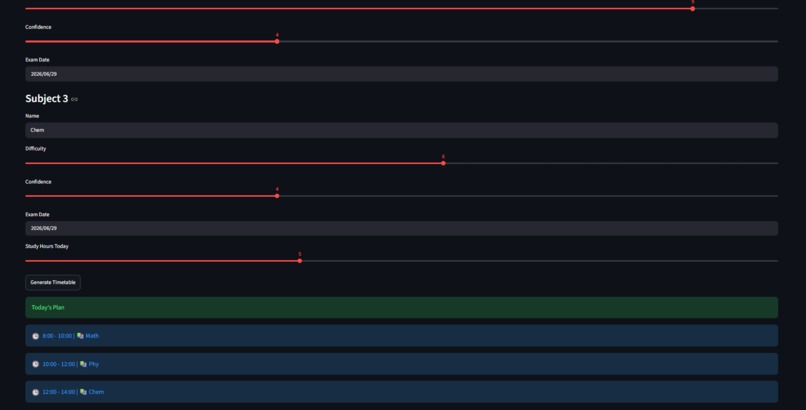
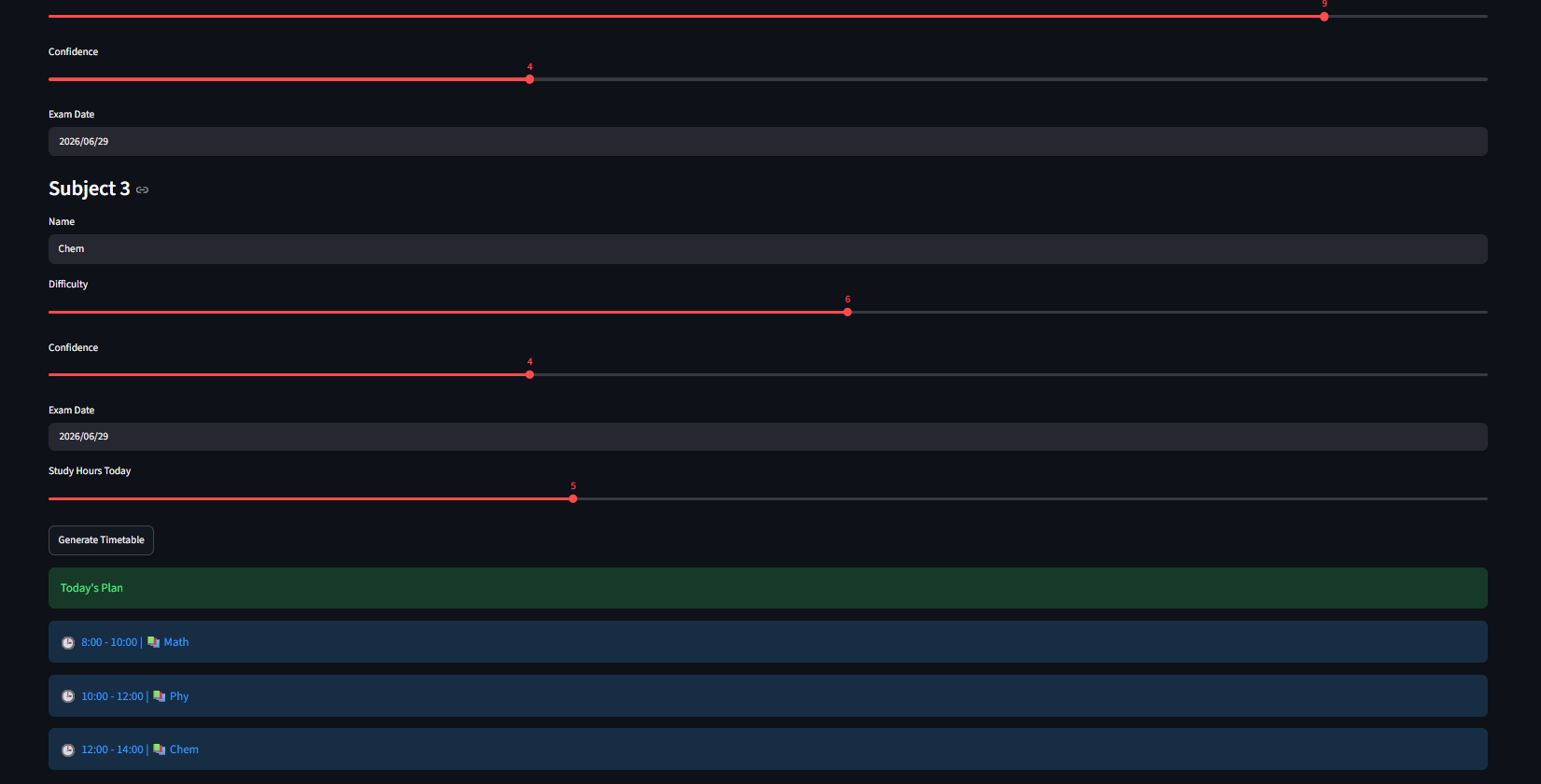
i was unable to include everything for this but basically it asks you for the amount of subjects and generates a study plan
-
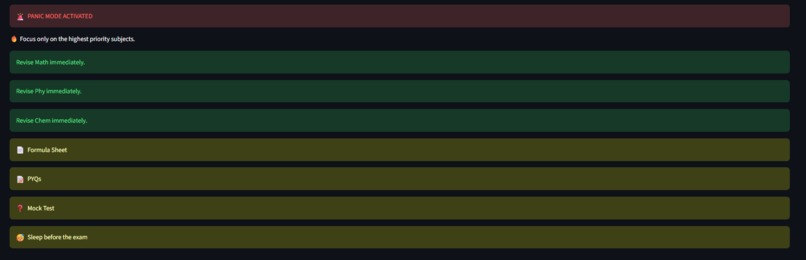
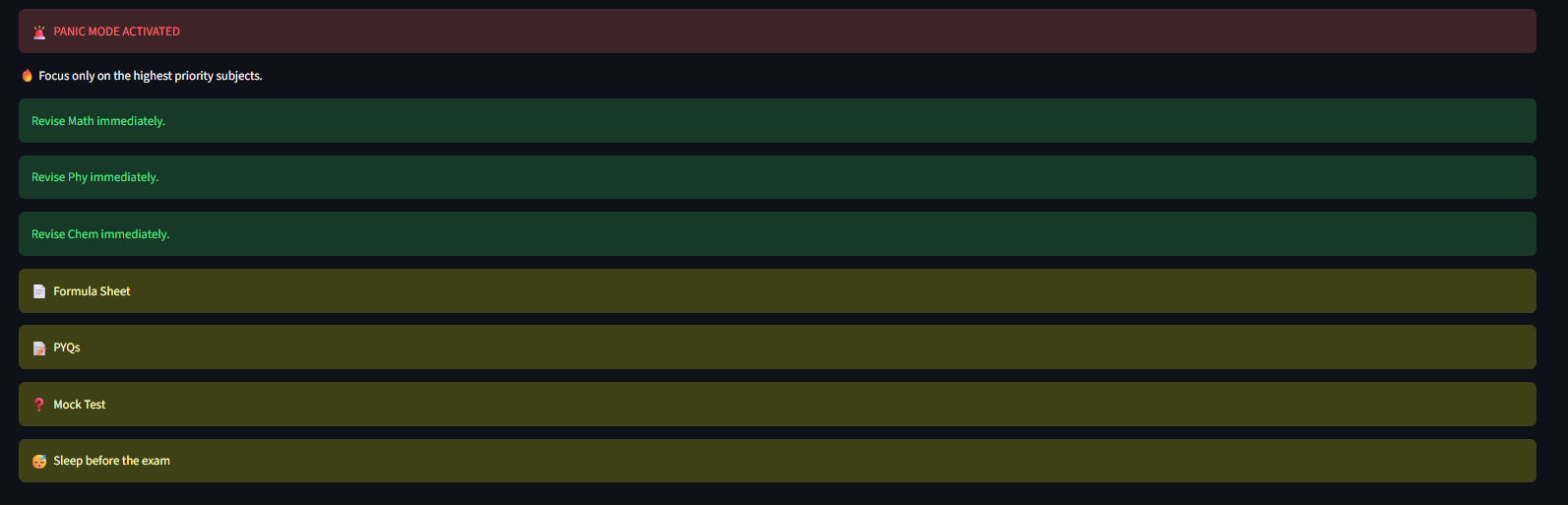
Panic Mode Is Activated when your exams are super near!!!
-
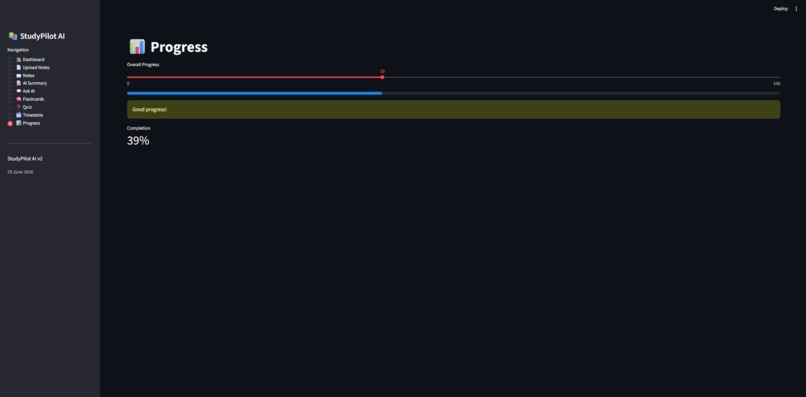
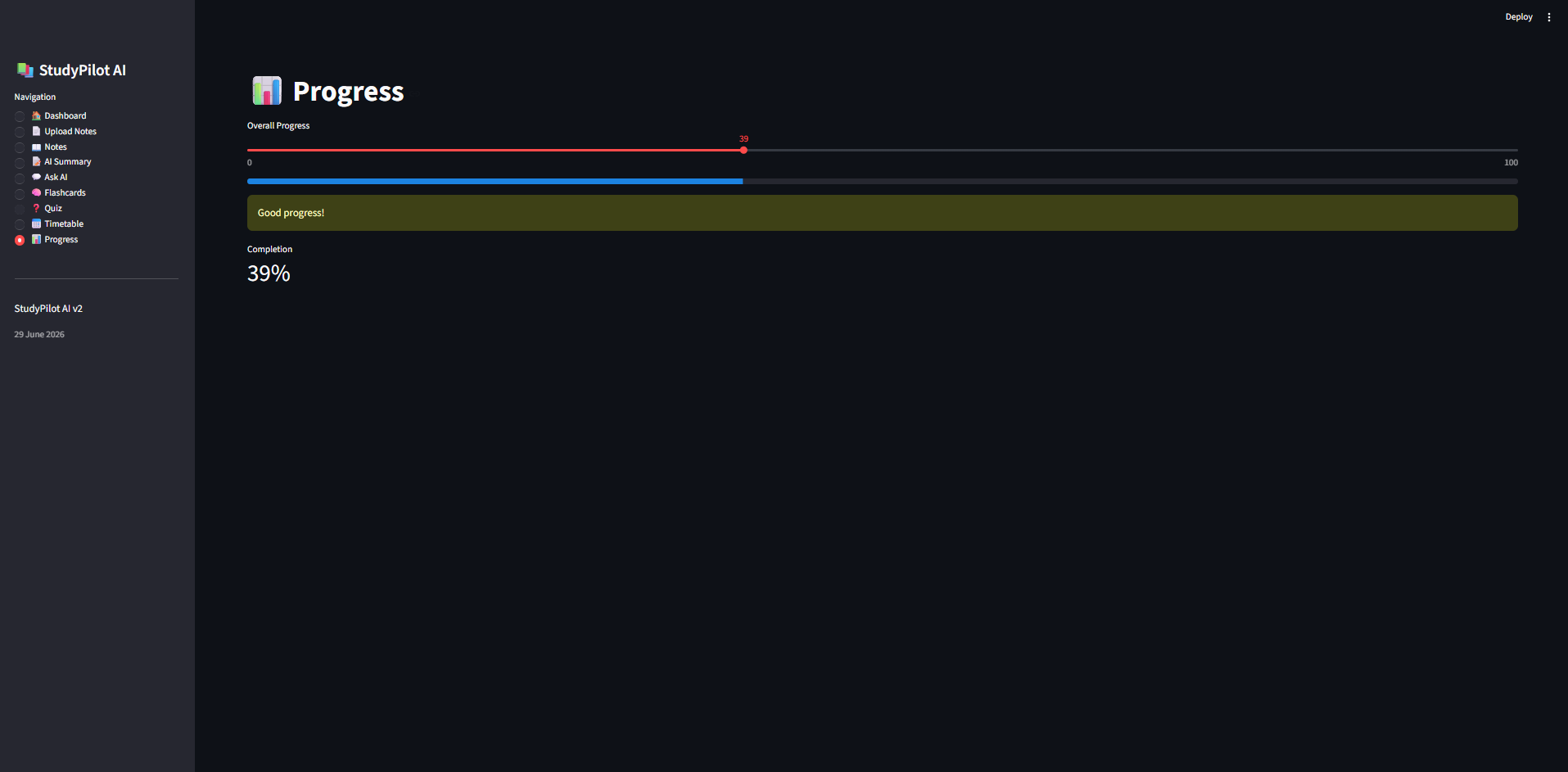
Allows You To manually Track your progress
📚 StudyPilot AI – Turn Your Notes into an AI Study Companion
Inspiration
Studying from long PDFs and handwritten notes can quickly become overwhelming. Students often spend more time organizing information than actually learning. I wanted to create a tool that transforms static notes into an interactive learning experience using AI.
My goal was simple: upload your notes once, and let AI generate summaries, flashcards, quizzes, and personalized study assistance.
(trust me i have been through reading long long notes)
What it does
StudyPilot AI is an AI-powered study assistant that helps students study more efficiently.
Features include:
- Upload PDF notes
- Generate AI-powered summaries
- Create intelligent flashcards
- Ask questions about uploaded notes
- Test knowledge with quizzes
- Generate personalized study timetables
- Track progress with XP and levels
Instead of reading hundreds of pages repeatedly, students receive interactive revision material in seconds.
How I built it
I built StudyPilot AI using Python and Streamlit for the web application. Groq's Llama 3.3 70B Versatile powers the AI features, while PyPDF extracts text from uploaded PDFs. Custom HTML and CSS were used to improve the interface, and Streamlit Session State manages XP, levels, flashcards, quizzes, and progress.
The workflow is simple:
- Upload notes.
- Extract text from the PDF.
- Send the content to the AI.
- Generate summaries, flashcards, quizzes, and answers.
- Track progress through gamification.
Challenges I ran into
One of the biggest challenges was ensuring the AI consistently returned properly formatted JSON for flashcards and quizzes. I refined prompts, cleaned model responses, and added fallback logic whenever AI output wasn't valid.
Managing Streamlit's session state across multiple pages while keeping everything synchronized was another major challenge.
Designing an intuitive interface that combined several AI features without feeling cluttered also took multiple iterations.
And yes... this project went through countless edits and debugging sessions before everything finally worked together.
(trust me man i editted this program like 5 million times)
Accomplishments that I'm proud of
- Built a complete AI study workflow from a single uploaded PDF.
- Successfully integrated Groq's LLM into a real educational application.
- Added gamification through XP, levels, and progress tracking.
- Combined multiple AI-powered learning tools into one platform. (honestly im happy it worked) ---
What I learned
This project gave me practical experience with:
- Prompt engineering
- LLM integration
- Streamlit development
- PDF text extraction
- Session state management
- Error handling for AI-generated responses
- UI and UX design for AI applications
It also showed me how important reliability and user experience are when building AI-powered educational tools.
I was unable to make a demo video as my exams start from the 1st of july Thank You!!


Log in or sign up for Devpost to join the conversation.