-
-
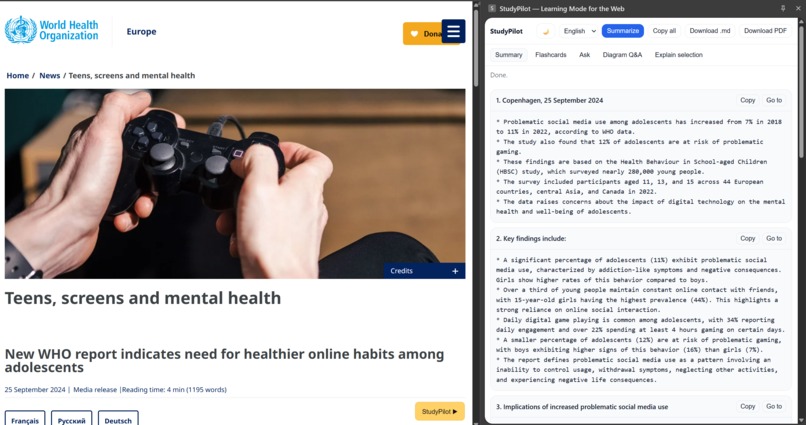
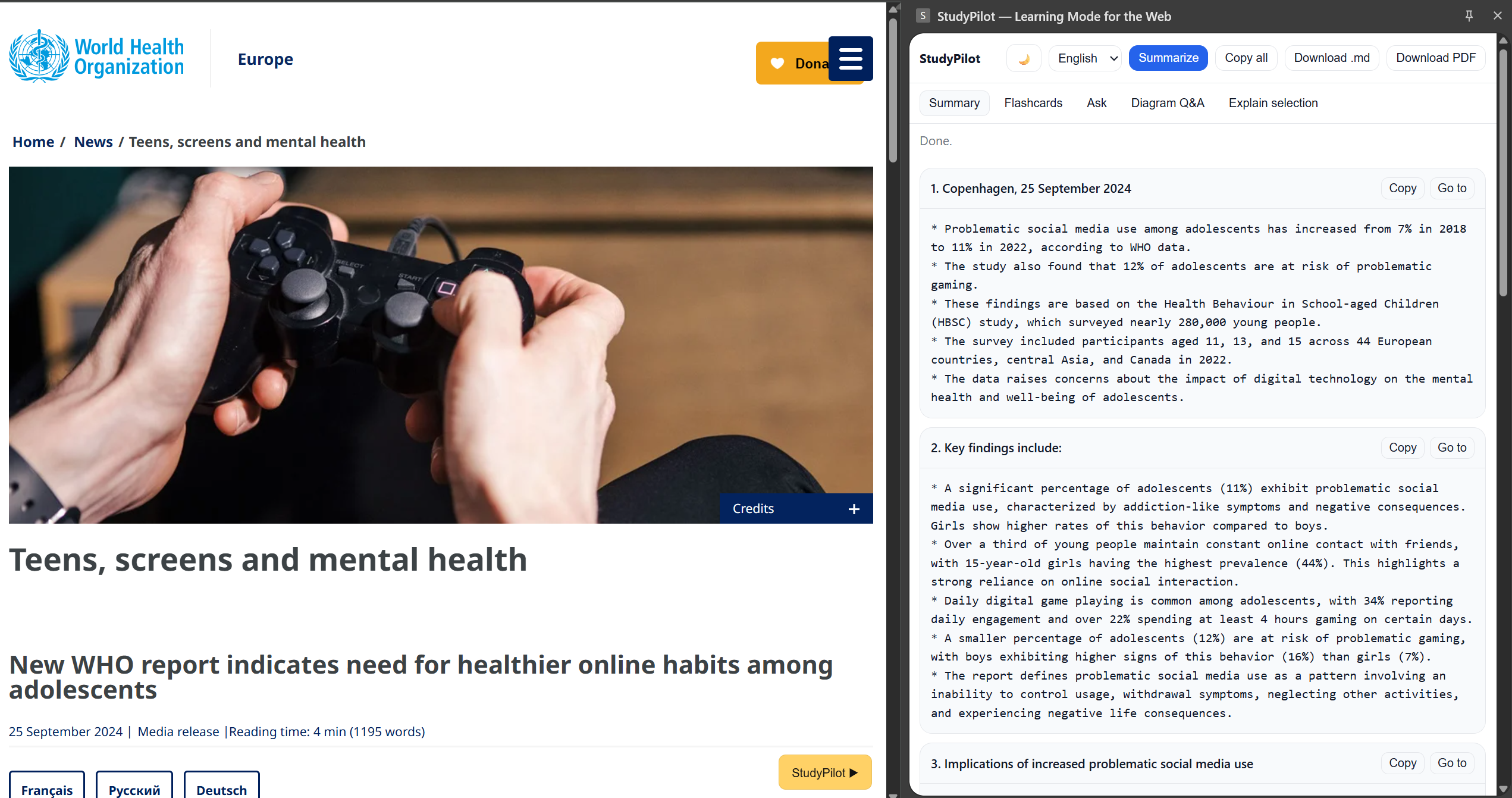
summarizing the article
-
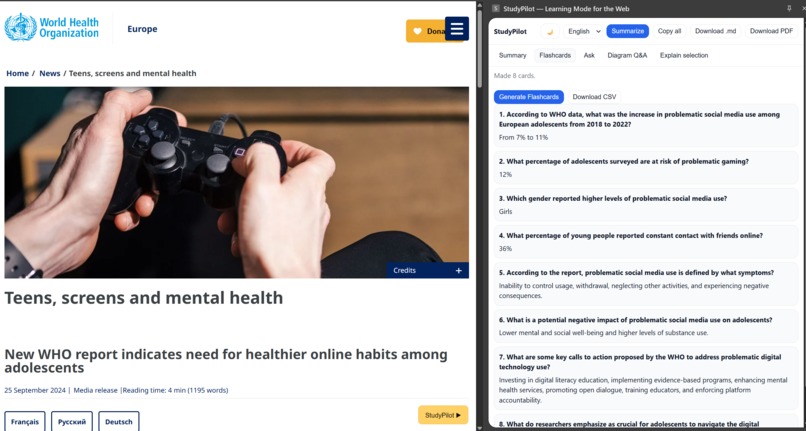
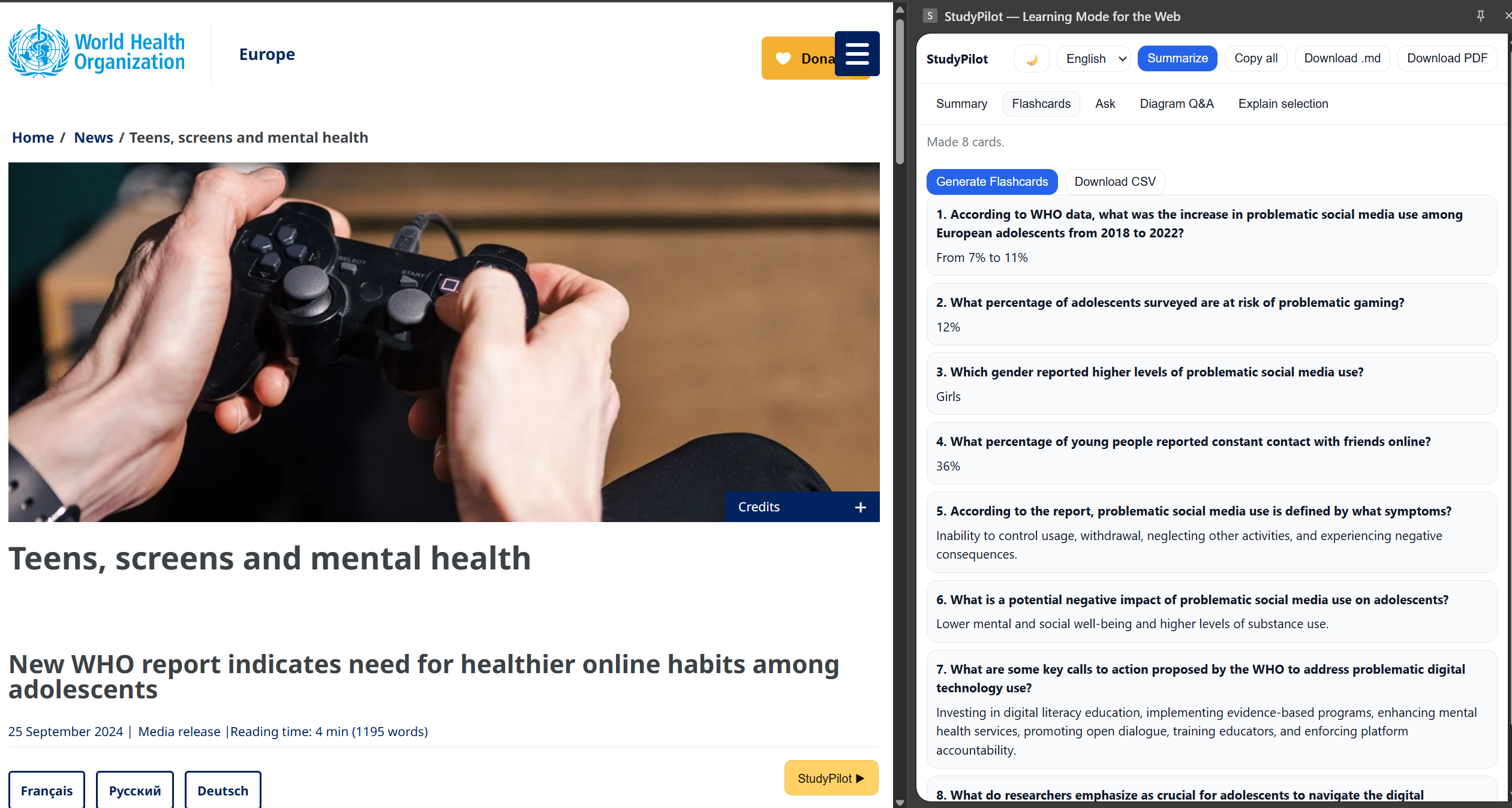
generating flashcards
-
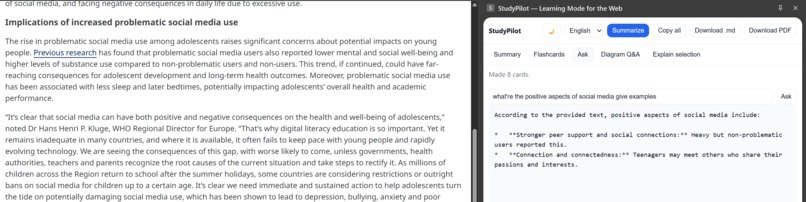
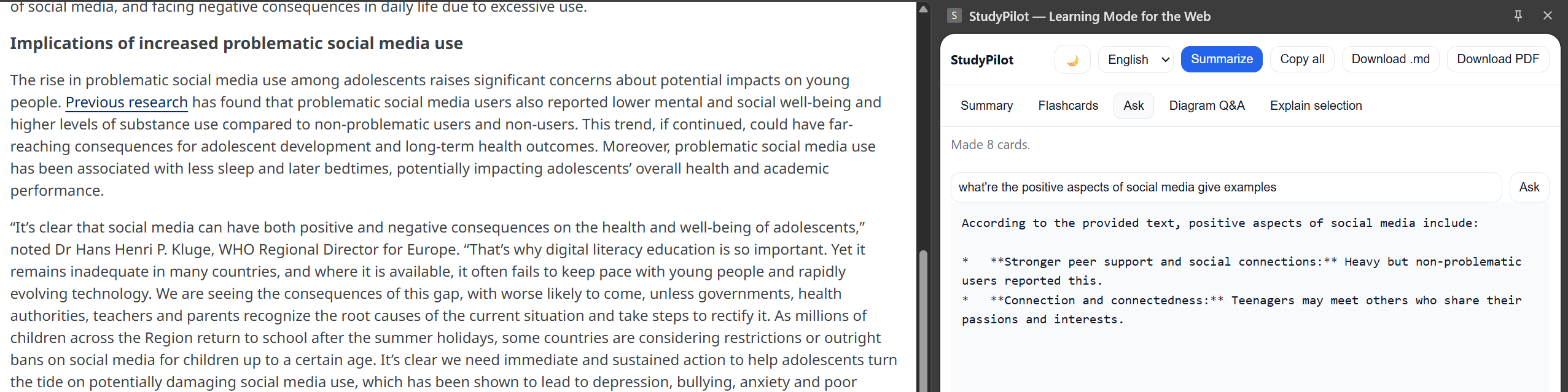
Q&A
-
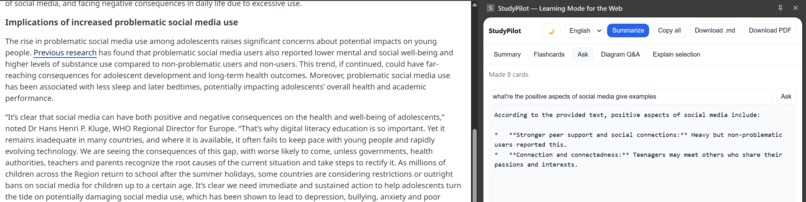
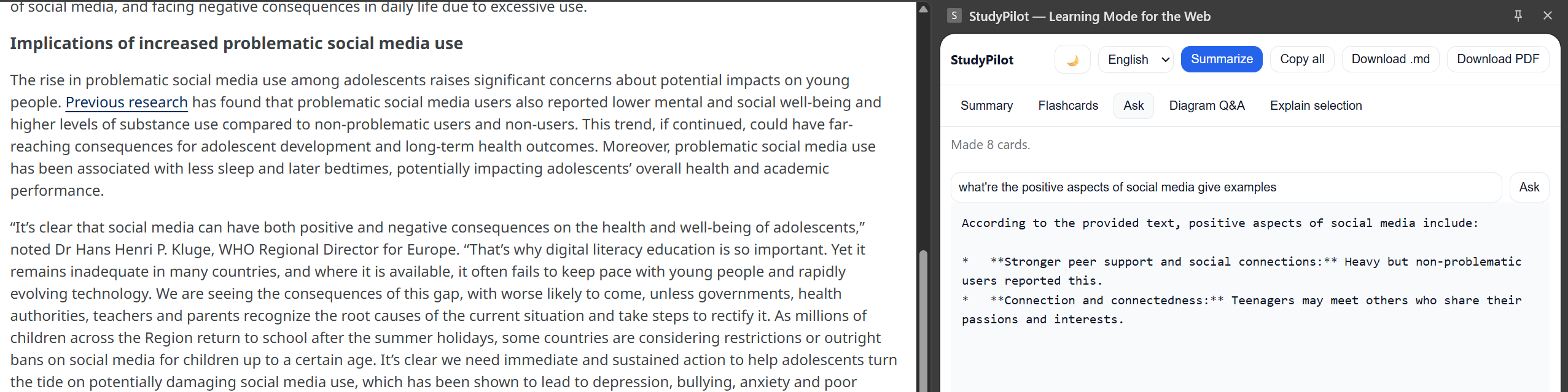
explain particular line or section
Inspiration
Studying from the web is noisy: open 12 tabs, copy notes into a doc, make flashcards later… and then lose them. I wanted a one click way to turn any page into a clean study pack that works locally (private, fast, and resilient offline). Chrome's built-in AI APIs made that possible.
What it does
StudyPilot is a Chrome Extension that turns any web page into:
- Sectioned summaries
- Flashcards you can download as CSV
- Ask: short answers grounded only in the current page
- Diagram Q&A: upload an image and get a step by step explanation
- Explain selection: right click any highlighted text : "StudyPilot: Explain selection"
- Multi-language output (English, Hindi, Spanish, French) + light/dark theme
- Export: Copy all to clipboard, download
.md, print to PDF (opens a new tab for the same)
Everything runs on device using Chrome's built-in AI (no server, no data leaves the device).
How I built it
- Manifest V3 Chrome Extension (panel UI in
panel.html/css/js) - Section extraction via
chrome.scripting.executeScript: scanarticleor headingsh1–h3; store a CSS path to let users "Go to" a section on the page - Summaries with the Summarizer API (
Summarizer.create()→summarize(text, {context:url})) - Flashcards, Q&A, translation fallback with the Prompt API (
LanguageModel.create()) - Translation prefers the Translator API; falls back to Prompt API if unavailable
- Explain selection tries Rewriter API, falls back to Prompt API
- Theming:
data-theme+ systemprefers-color-scheme; icon toggles between light and dark mode- Exports:- Copy all builds a single .md doc from rendered cards
.mddownload via Blob- PDF via a hidden iframe that calls
print()(user chooses “Save as PDF”)
- State:
chrome.storage.localfor theme + context menu handoff
Challenges
- On device model availability: first run needs a user gesture to allow model download; added gentle tips + retries.
- Popup blockers for printing: switched to a hidden iframe
print()flow. - Consistent sectioning across sites: built a resilient heading parser + CSS path "Go to" jump.
- i18n quality: prefer Translator API; gracefully fall back to Prompt API and preserve Markdown.
Accomplishments I'm proud of
- Fully local study workflow (summaries, flashcards, Q&A, diagram explain) without any server.
- Clean UX that feels instant after the first model download.
- Works on arbitrary articles, docs, and blogs with minimal site specific logic.
What I learned
- The built-in AI APIs compose nicely: Summarizer for structure, Prompt API for flexible tasks, Translator/Rewriter for polish.
- Small UX nudges (status text, copy-all,
.mdexport) remove "friction points" students feel daily.
What’s next
- One click Anki export
- Smarter section detection for long, media heavy articles
- Better PDF flow (auto open + light theme snapshot)
- More languages and a compact mobile friendly popup
How to run (for judges/testers)
- Clone:
git clone https://github.com/ziennaa/studypilot.git - Chrome ->
chrome://extensions-> enable Developer mode -> Load unpacked -> select the project folder. - Pin StudyPilot. Open any article and click Summarize once (this may trigger the model download).
- Try: language switch -> Generate Flashcards -> Ask -> Diagram Q&A -> right-click Explain selection -> Download .md or Download PDF.
Built With
- built-in
- chrome
- chrome-context-menus
- chrome-scripting-api
- chrome-storage-api
- chrome-tabs-api
- clipboard-api
- css
- html5
- javascript
- manifest


Log in or sign up for Devpost to join the conversation.