🚀 About StudyPDF
Students spend hours scrolling through PDFs — lecture notes, textbooks, and slides — but still struggle to retain what they read. I wanted to fix that.
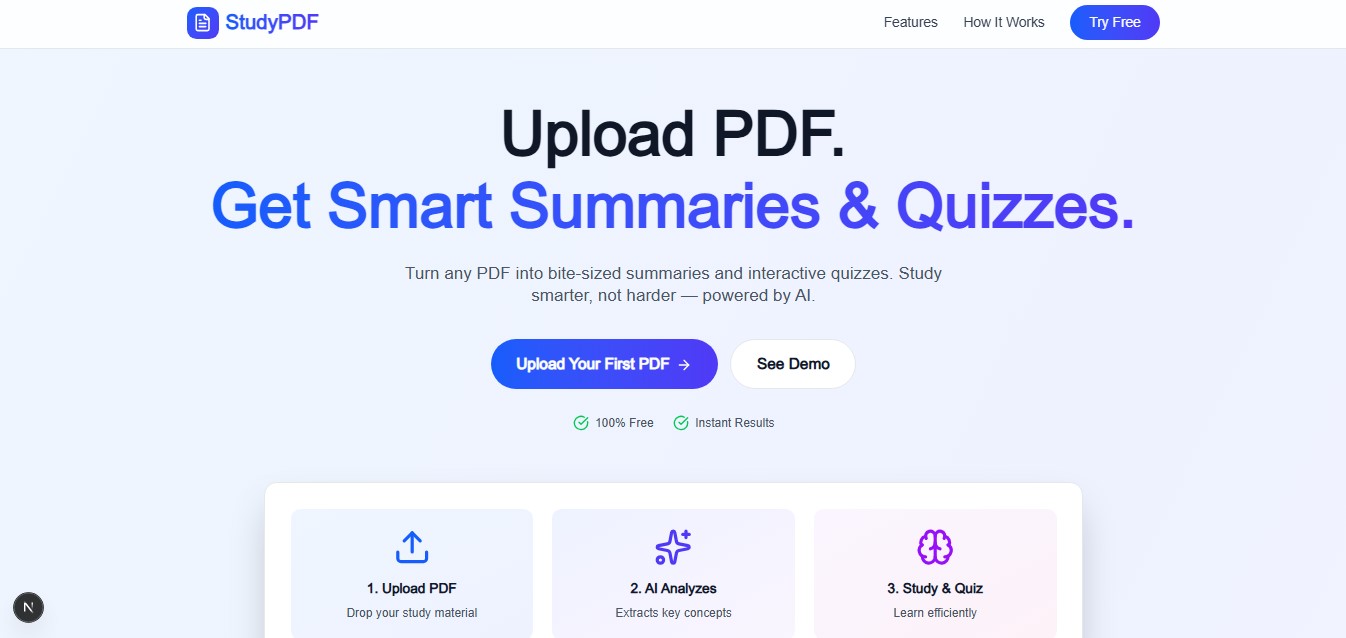
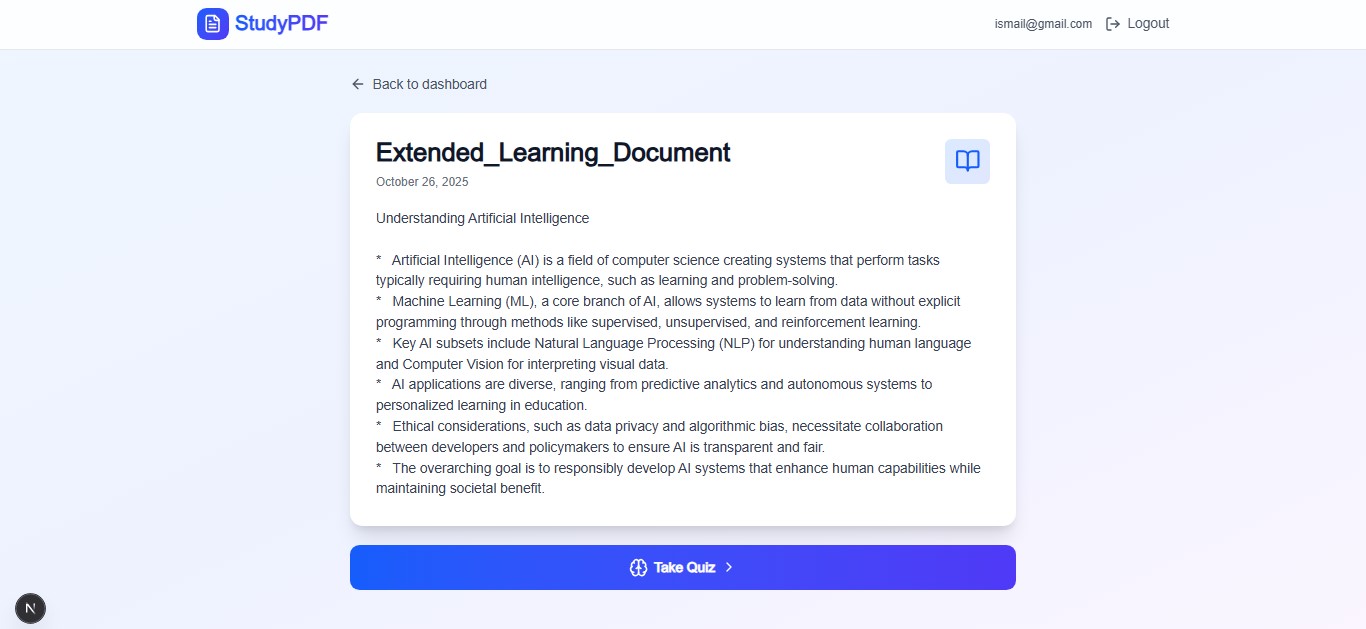
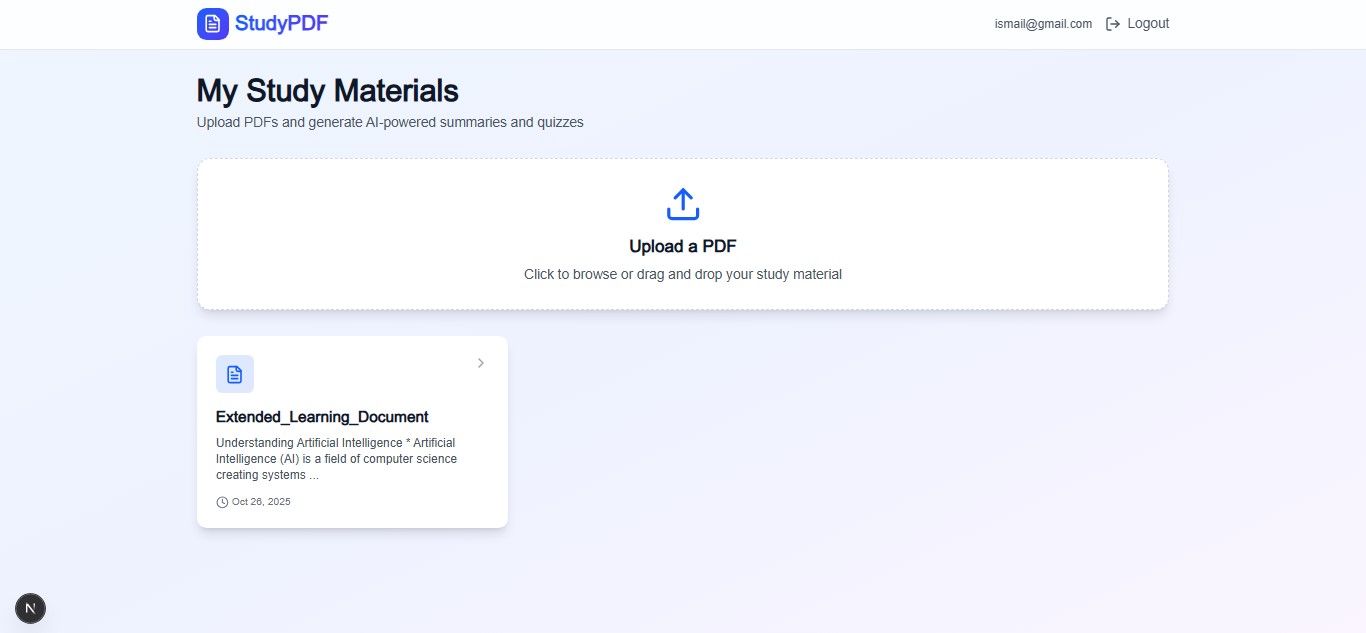
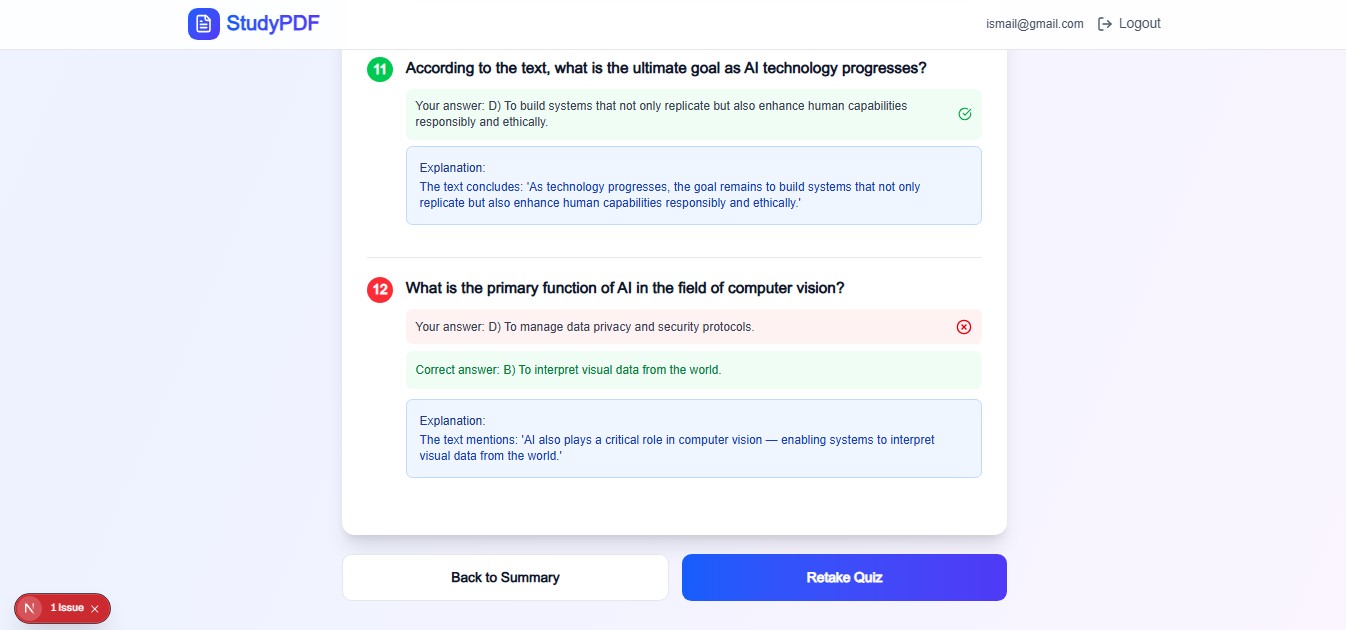
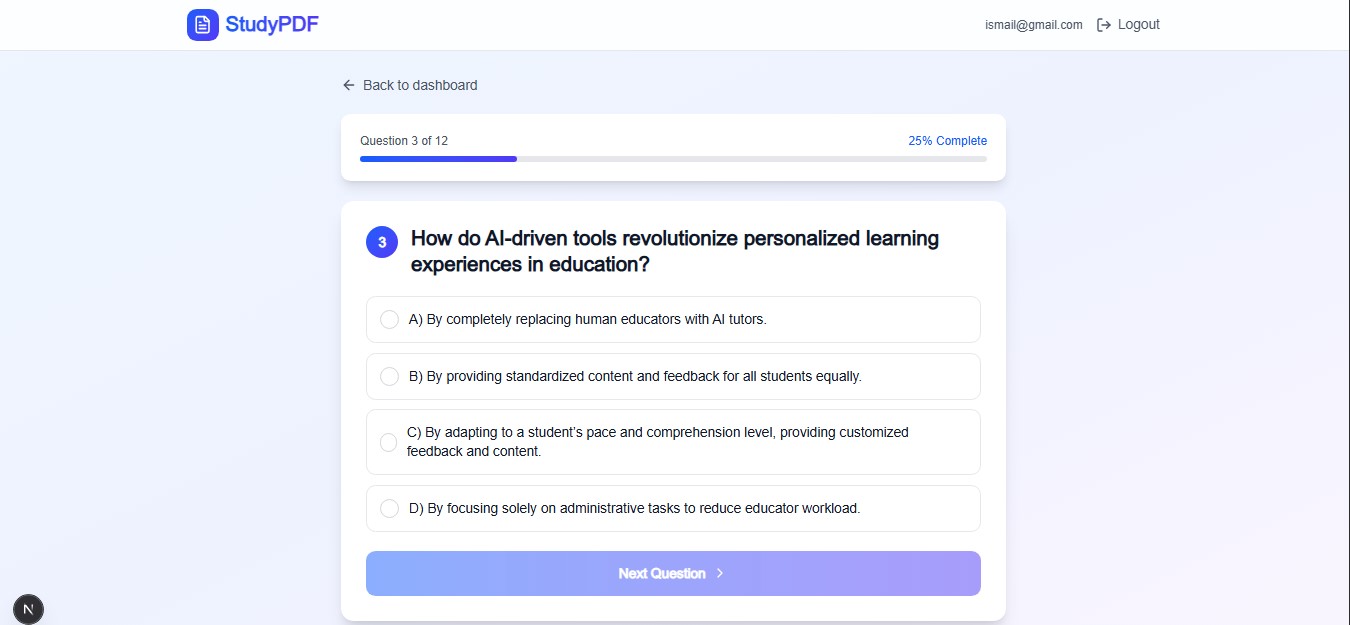
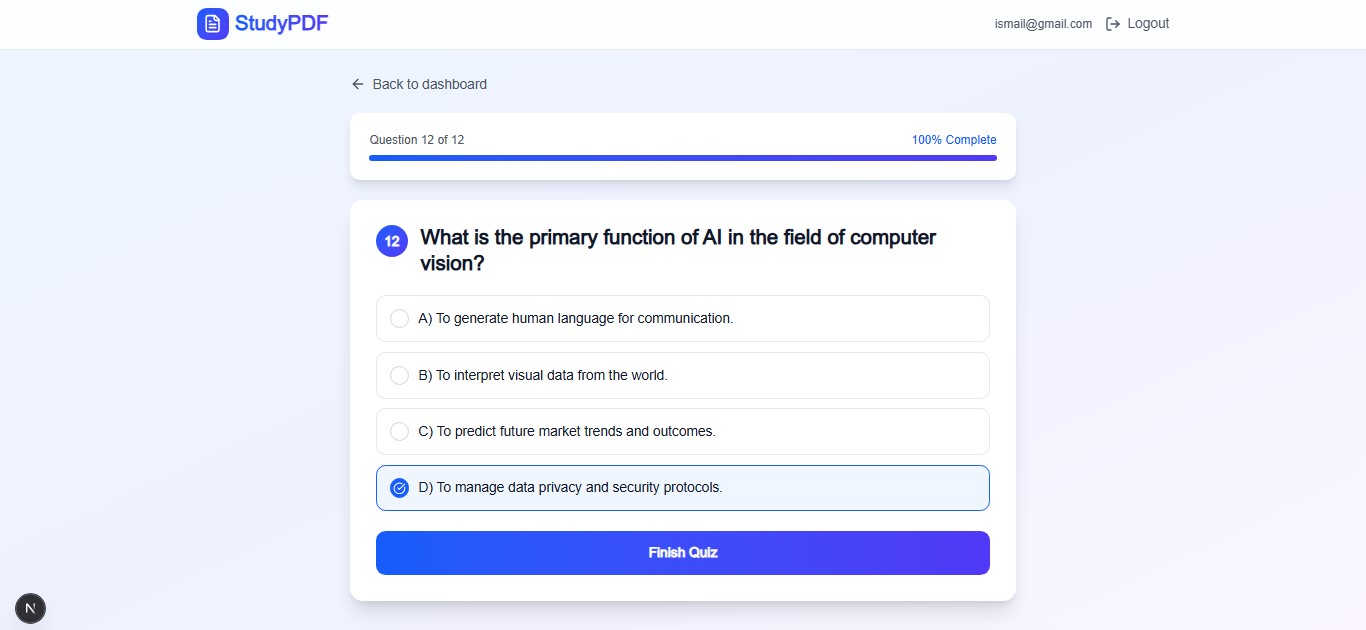
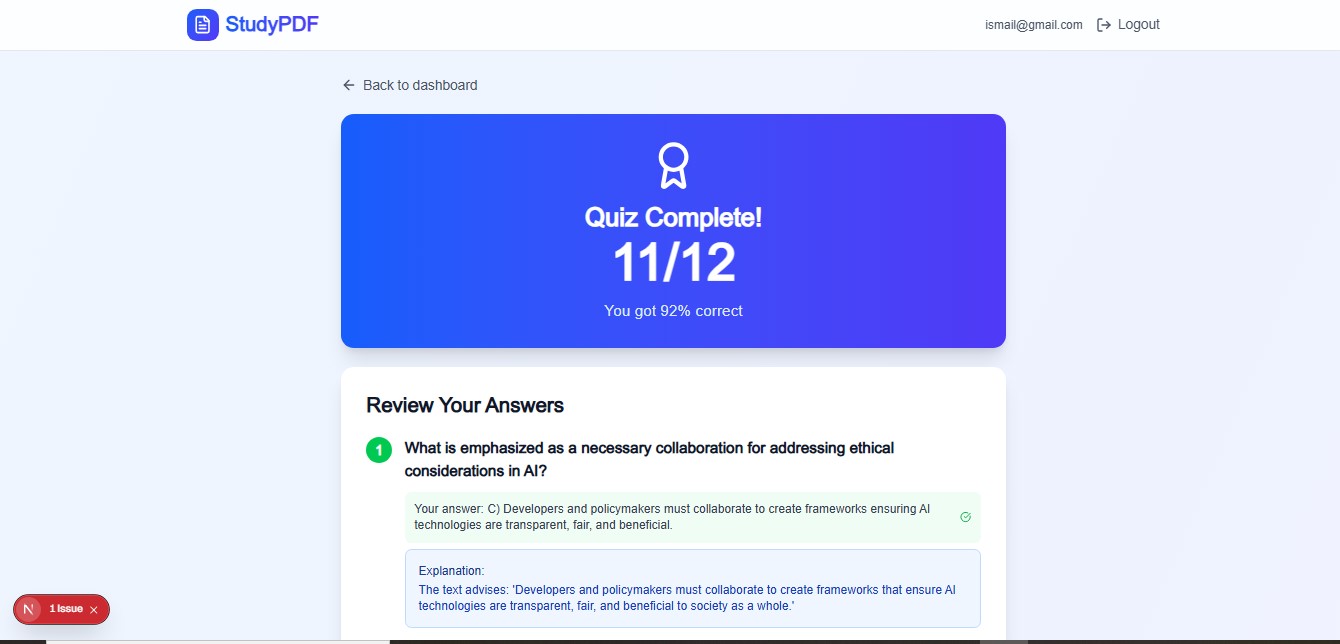
StudyPDF turns any boring PDF into an interactive study session in seconds. Instead of just reading, students can get instant summaries and quizzes generated by AI — helping them learn smarter and faster.
💡 Inspiration
We noticed a big gap: plenty of apps let you store or highlight notes, but few help you actually remember what you read.
That’s where the idea came from — using active recall and spaced repetition (two proven learning methods) to help students study better, not longer.
Our goal was simple: help students stop reading and start retaining.
⚙️ How We Built It
We kept it simple but powerful:
- Frontend: Built with Next.js for a clean, fast, and responsive interface — just upload your PDF and go.
- Backend: Powered by C# .NET Web API, handling uploads securely and managing AI requests.
- AI Engine: Uses Gemini Nano 2.5 Flash, guided by our custom prompts to:
- Extract text from PDFs
- Generate clear summaries
- Create multiple-choice quizzes with explanations
- Extract text from PDFs
We focused on just two features — Summarize and Quiz — to keep the MVP fast and free while gathering user feedback.
🧠 What We Learned
- AI needs structure: Simply feeding the document to an LLM wasn’t enough — we had to give it clear, rule-based instructions to get consistent results.
- PDFs can be messy: Tables, fonts, and formatting made extraction tough. We built a preprocessing step to clean the text before sending it to the AI.
⚔️ Challenges We Faced
- Managing AI costs: Generating content for every upload can get expensive fast. I had to limit tokens and optimize text chunks.
- Quiz quality: Some quizzes were too easy or irrelevant. I refined prompts to focus on key concepts and application.
- Scalability: Handling multiple uploads without slowing down or timing out was a major technical challenge.
🌱 What’s Next
I plan to expand StudyPDF into a full study platform — Luminotes — where students can save notes, track progress, and personalize their learning experience.

Log in or sign up for Devpost to join the conversation.