-
-
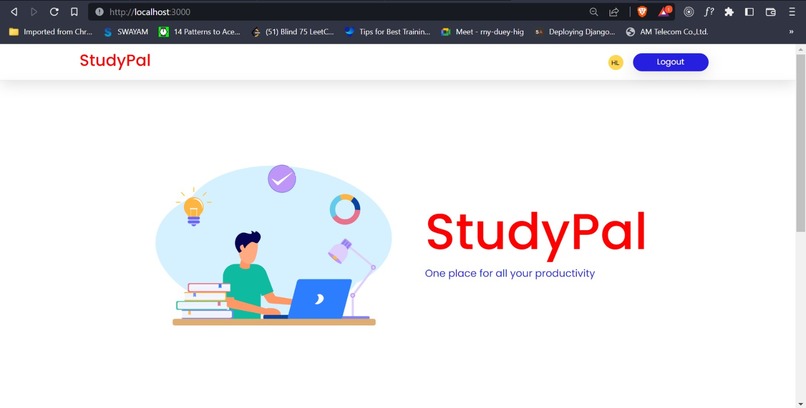
Home Page
-
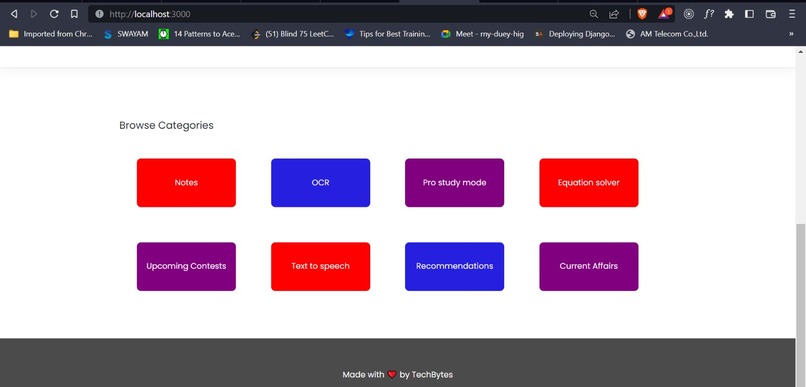
Modules
-
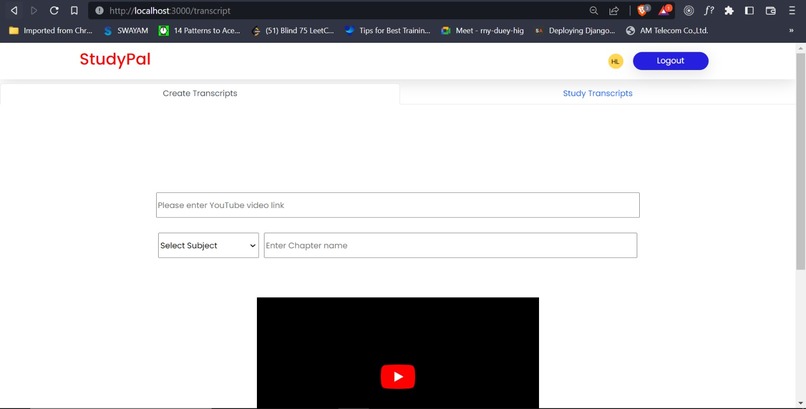
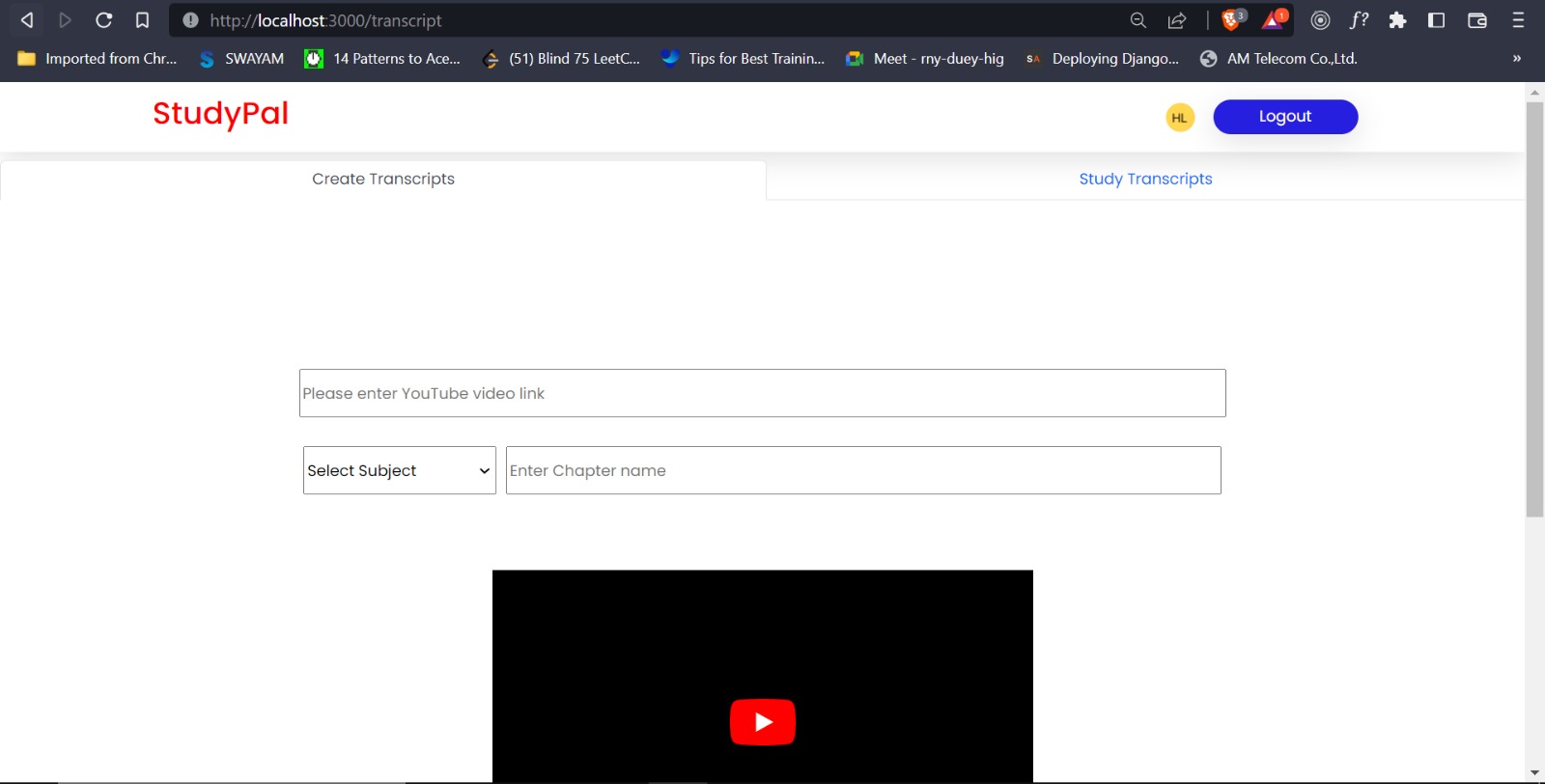
Transcript Creation
-
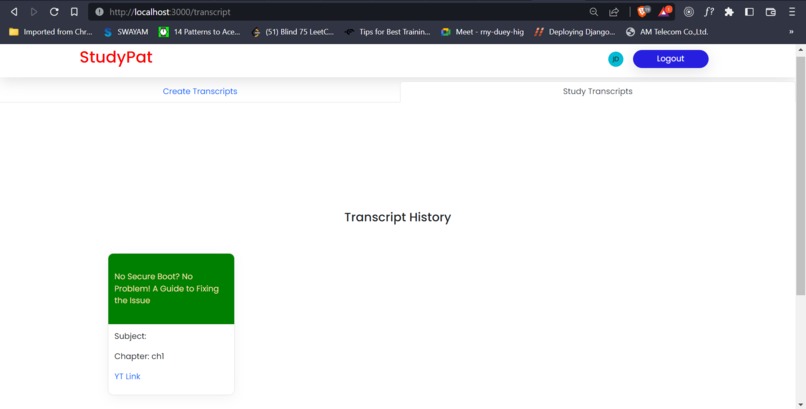
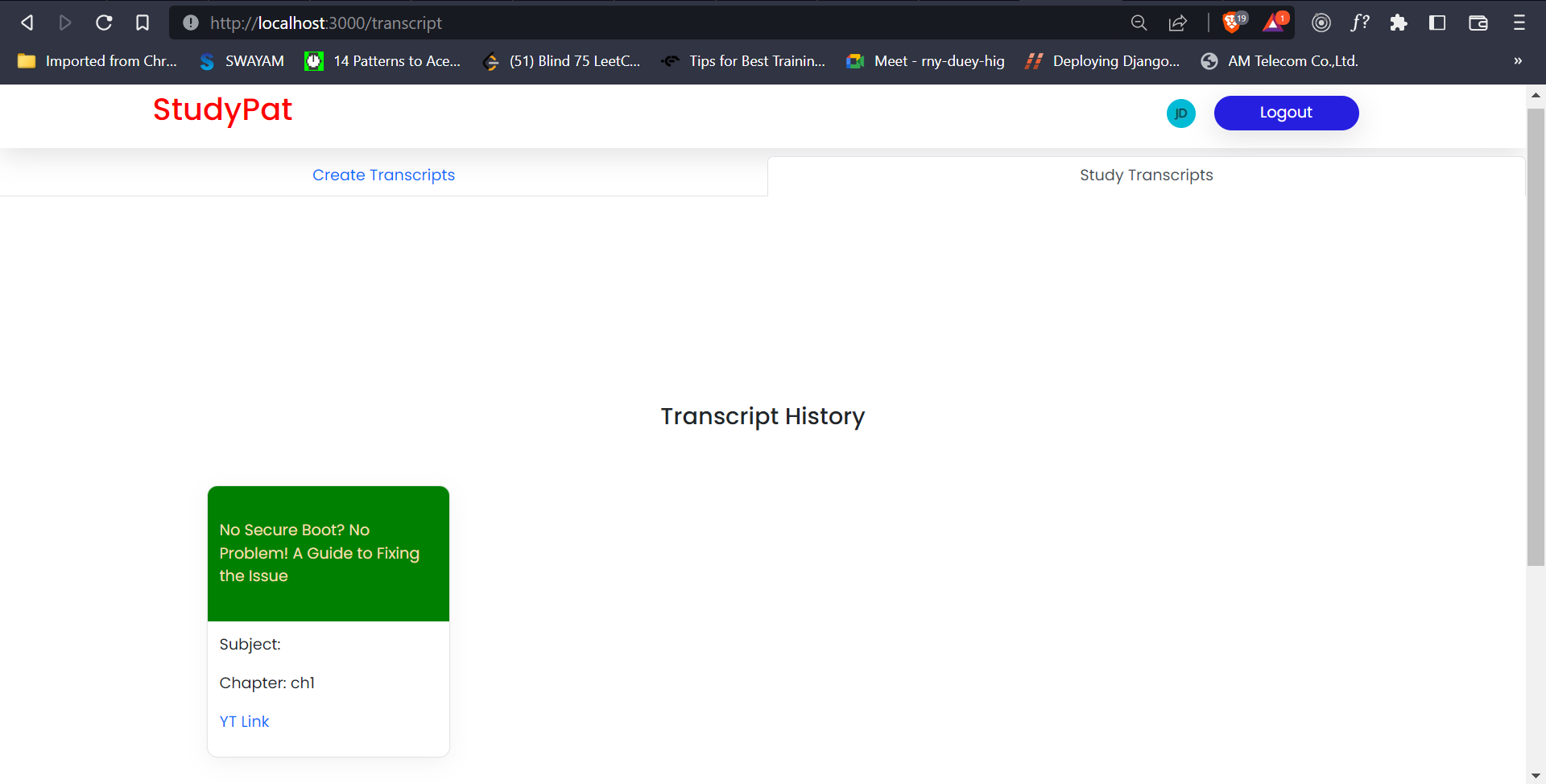
Transcript history
-
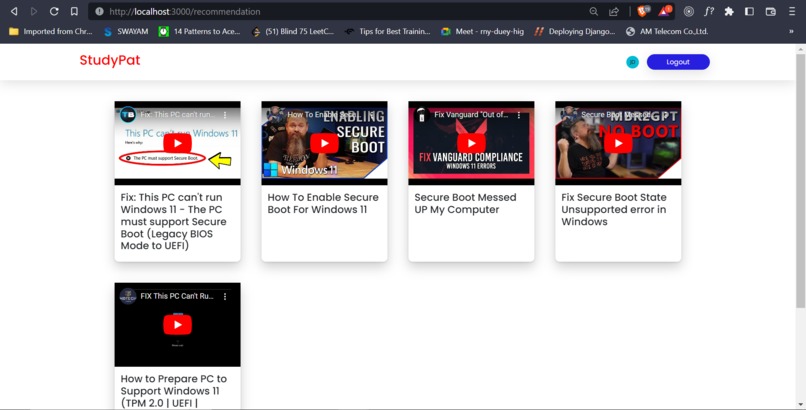
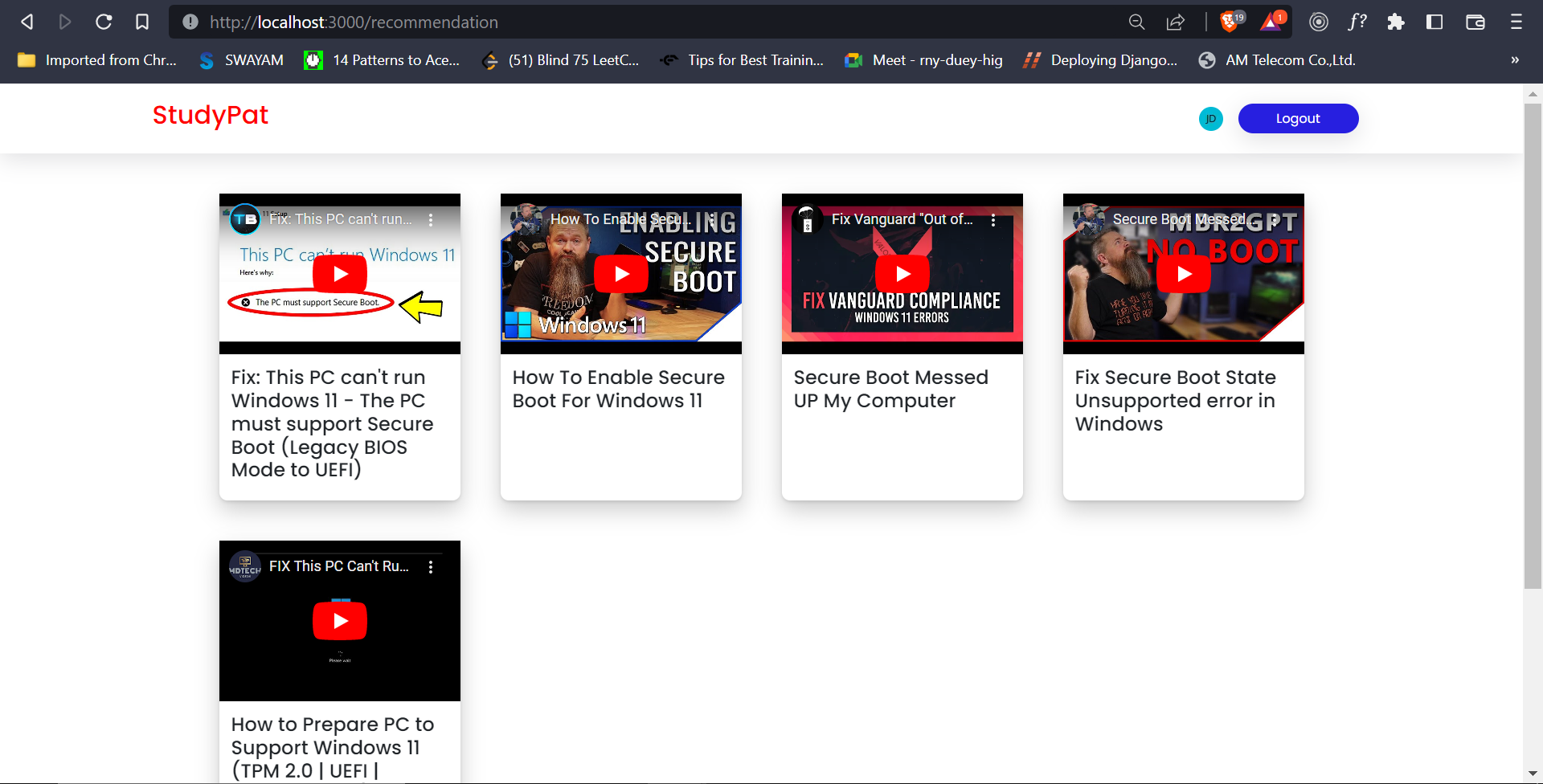
Recommendations based on user behaviour
-
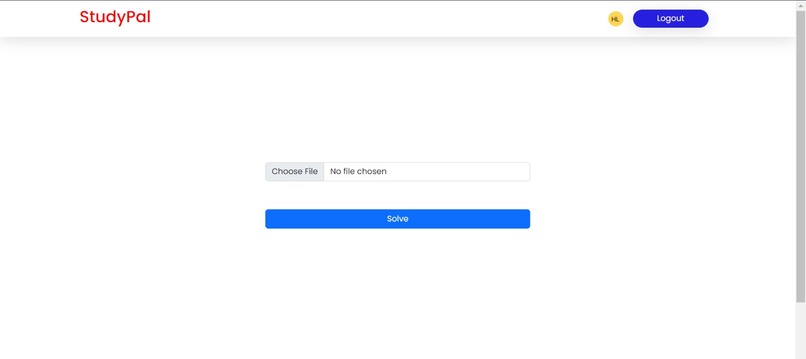
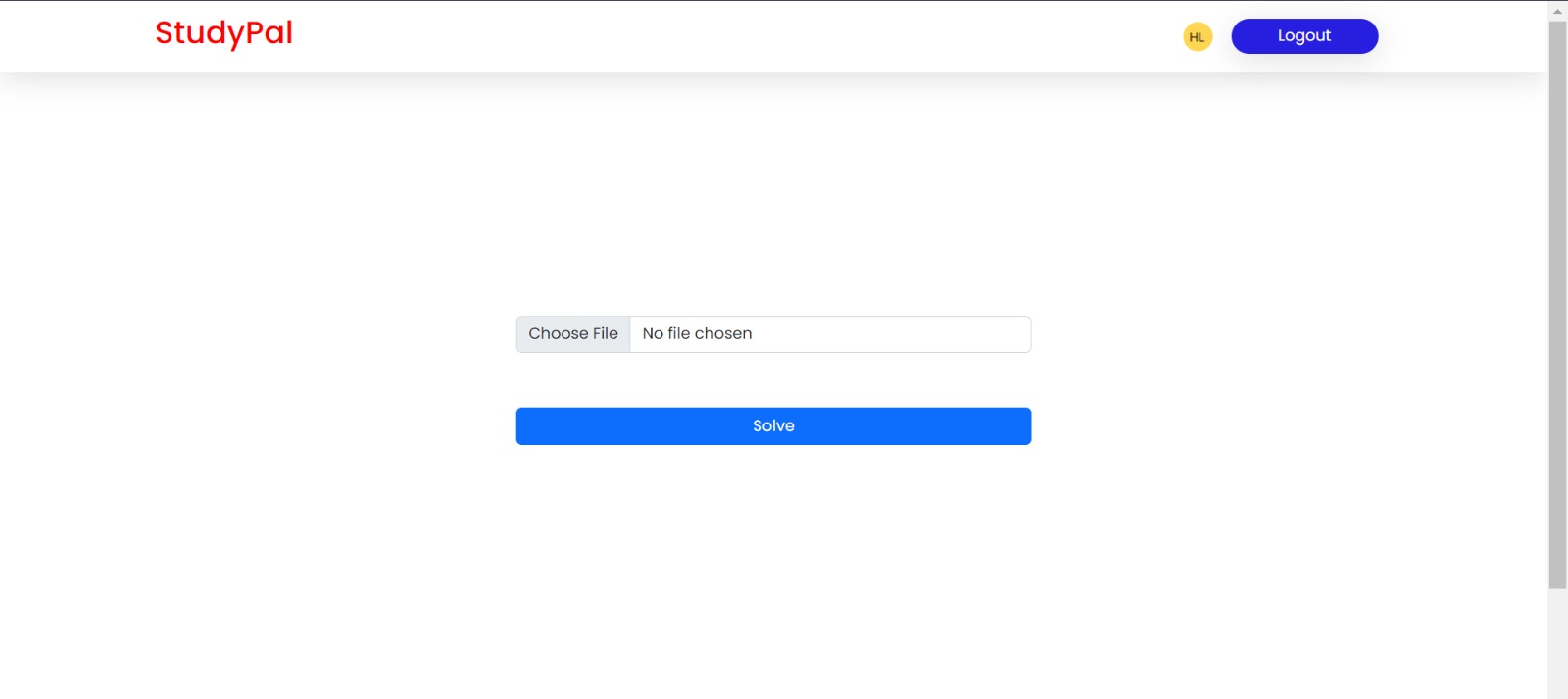
Mathematical Equation Solver
-
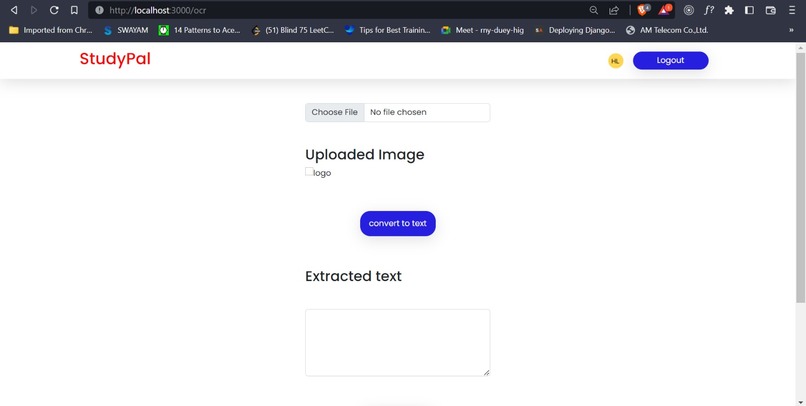
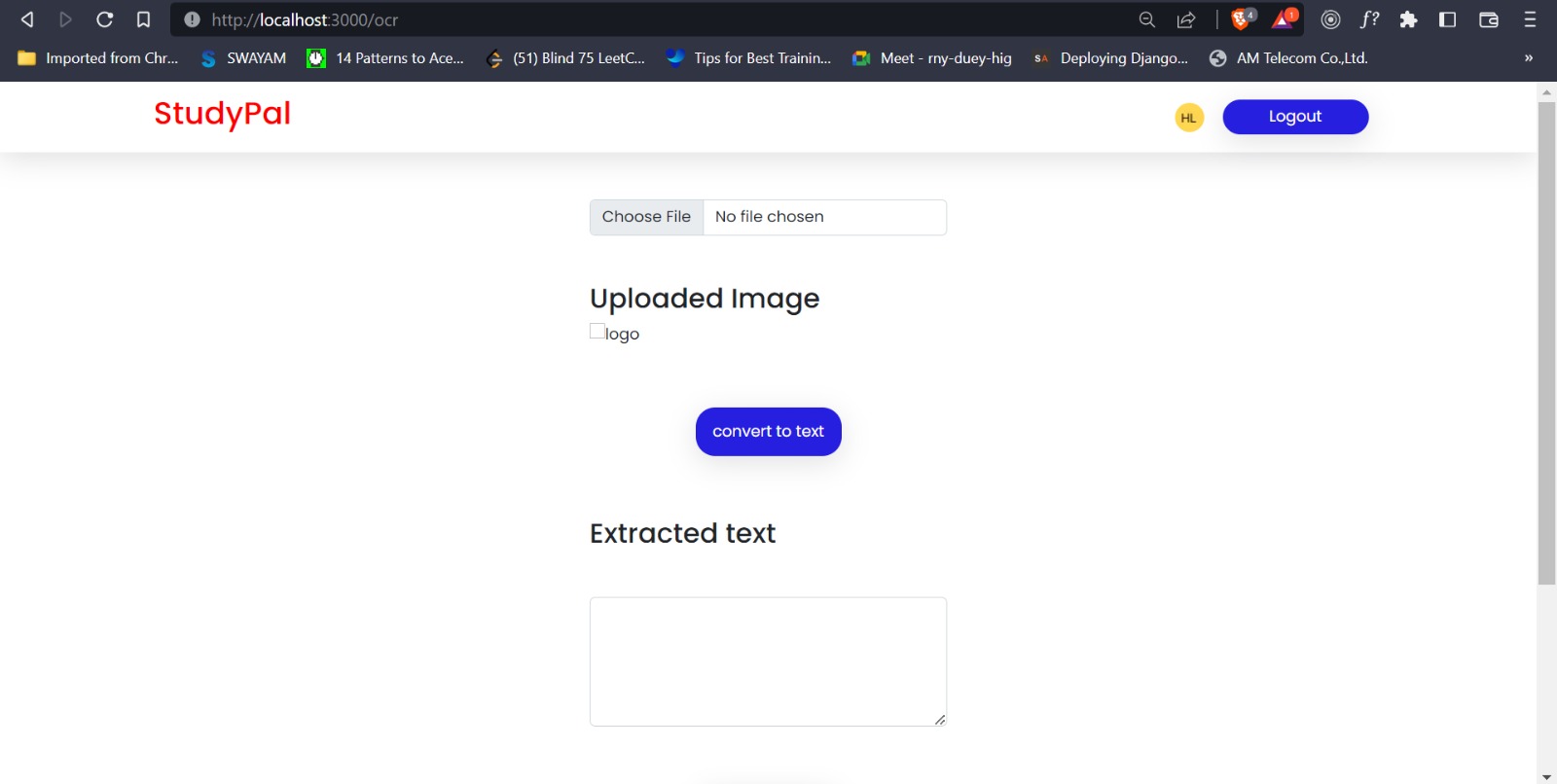
Conversion of handwritten notes in Image format to text
-
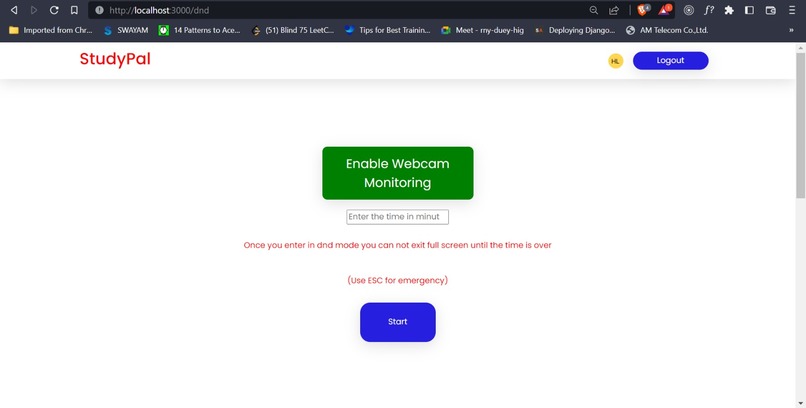
Pro Study mode
-
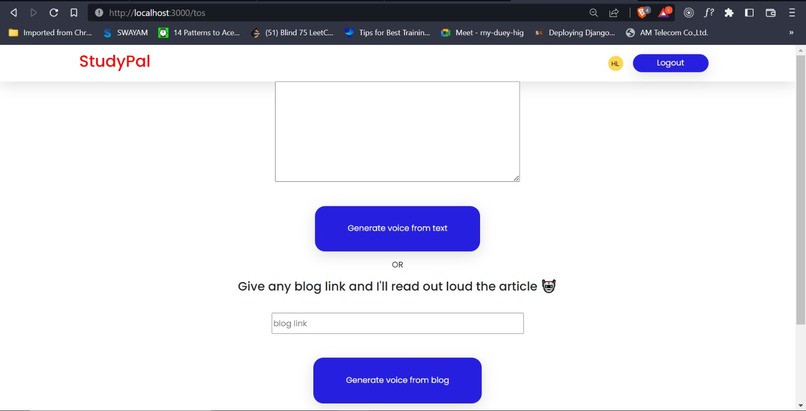
Text to Speech
-
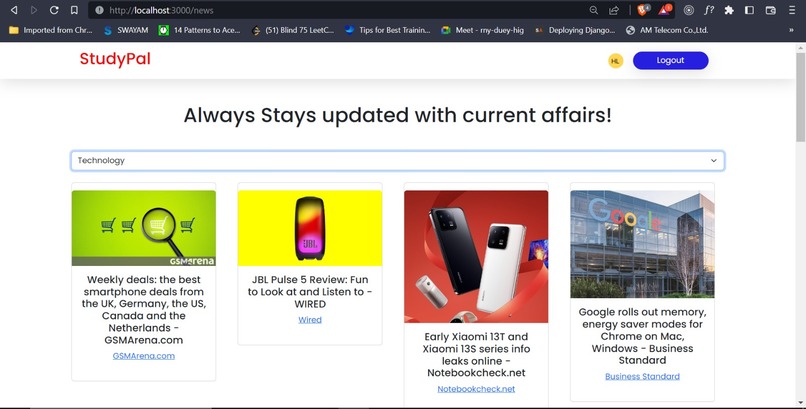
Current Affairs

Inspiration
During the COVID-19 pandemic, students had to switch to online learning and faced various challenges. They had difficulty finding good study resources on platforms like YouTube, took time to organize notes, and had trouble solving complex equations. Students also found it hard to concentrate on studying amidst various distractions, and it was challenging to access different resources for contests and news. Thus we have built this app to solve above mentioned issues.
What it does
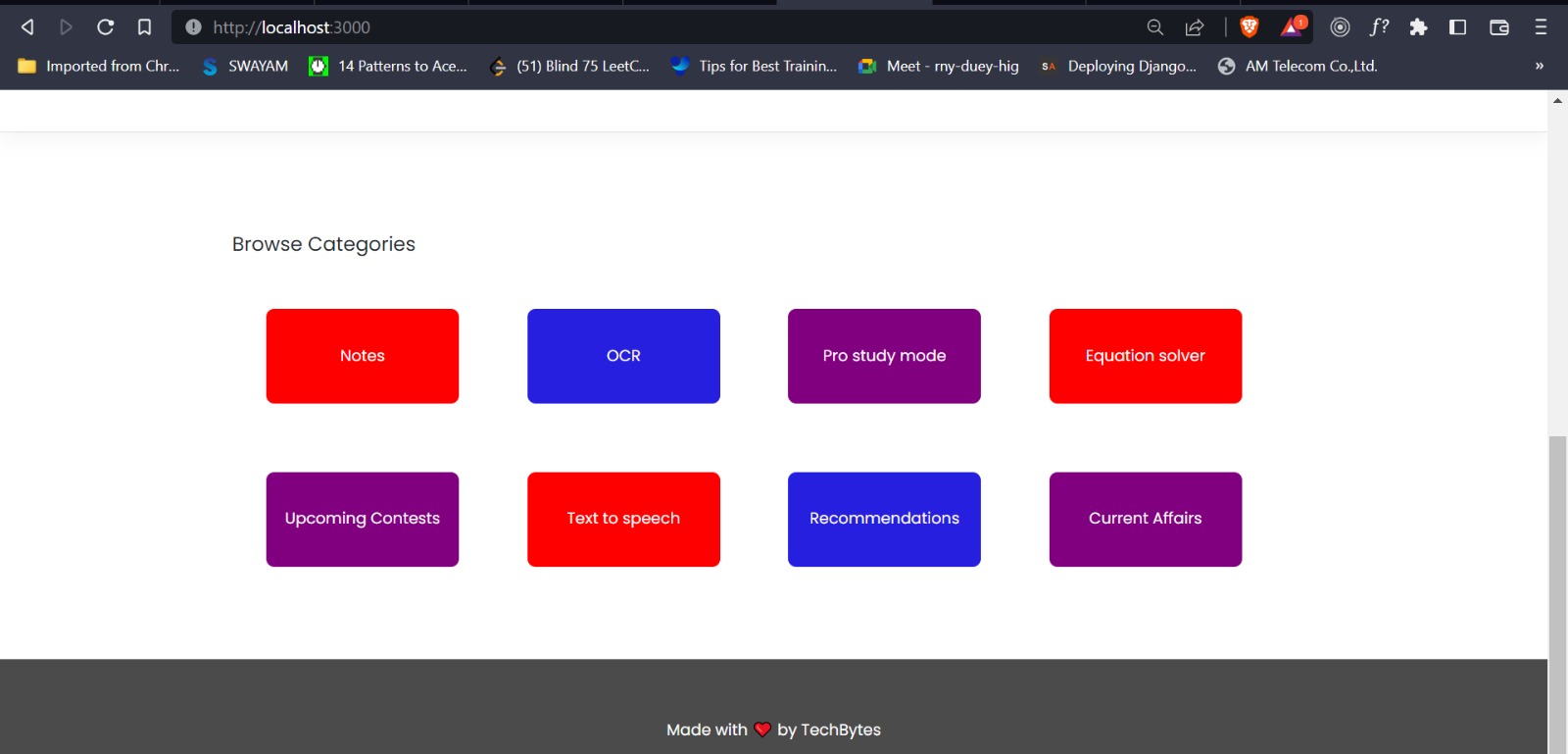
The StudyPal web app helps students increase their productivity through various features, including:
- Notes generator: With the note generator, students can submit a YouTube video link and receive summarized notes from the video's content. This feature saves students valuable time and effort that would otherwise be spent sifting through the video for relevant information. In the backend, the OpenAI Whisper model transcribes the YouTube video, and embeddings of each sentence are used to chunk different sentences with similar meaning to form paragraphs that are then summarized into notes.
- Recommendation system: Instead of going through a lot of study material to find good resources, our app recommends videos based on the previous notes generated by the user. Keywords with maximum frequency are used to suggest different YouTube videos.
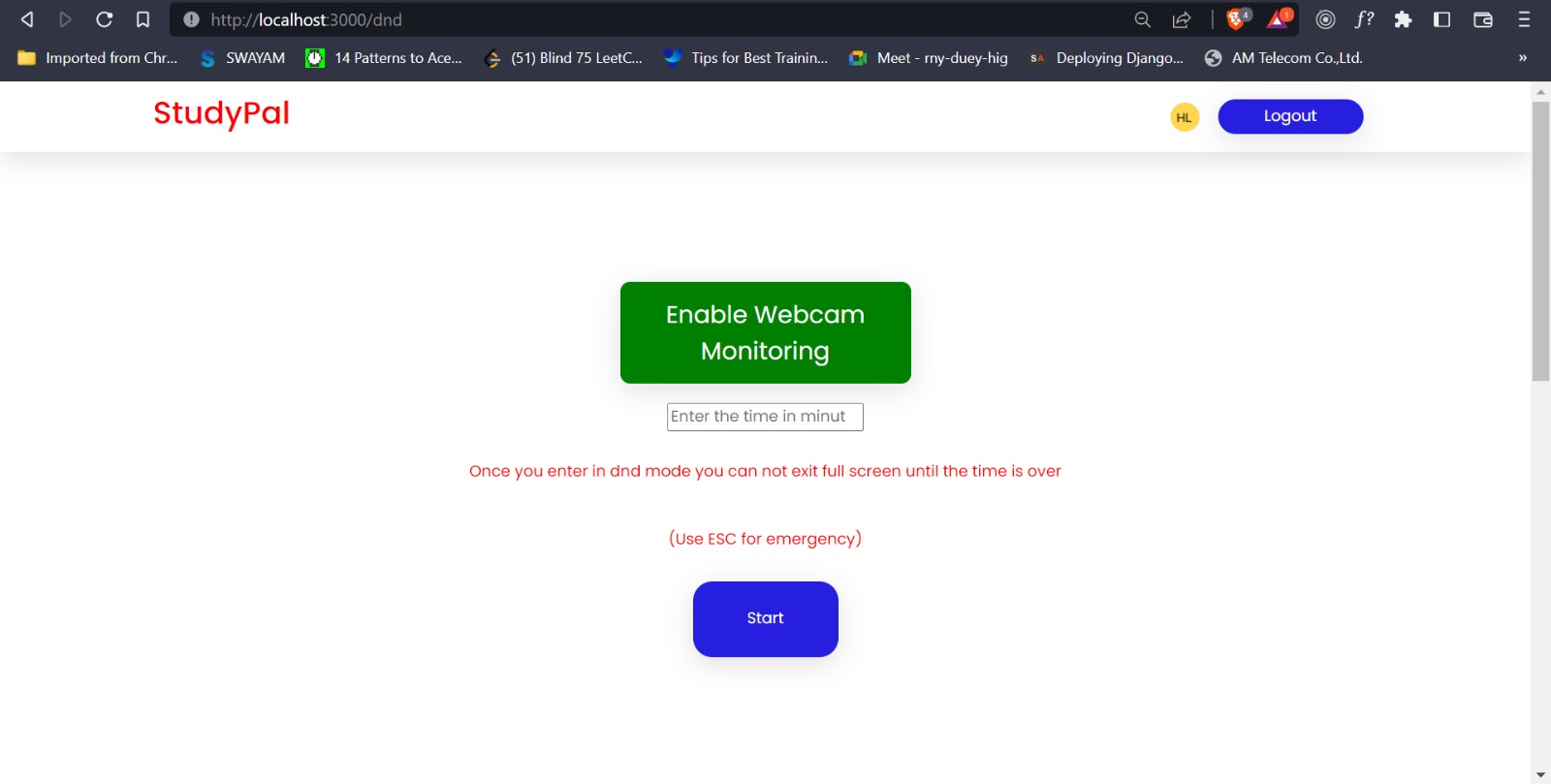
- Pro study mode: When studying on a computer or laptop, students often lose focus and have trouble concentrating. To solve this problem, our app provides a pro study mode that enables full-screen mode and prevents students from switching tabs. The app detects student behavior and alerts them when they lose focus. Face key point detection is used to estimate the location of the eyes, and if they are not detected for a certain period of time, an alarm goes off to indicate that the user has lost focus and needs to re-concentrate.
- Equation solver: Many students have difficulty solving complex mathematical equations. Our app allows students to upload a photo of the equation, and the app will solve it. In addition to solving the equation, sometimes students need to understand the graph or behavior of the line equation, which can also be seen using StudyPal. Internally, the equation from the image is converted into text using Tesseract.js and then passed to the Wolfram Alpha API for finding the solution and visualizing the graph of the equation.
- OCR: The OCR functionality helps students scan notebook pages and convert them into a text document format that can be saved on their device. The Tesseract.js library is used to extract text from the image.
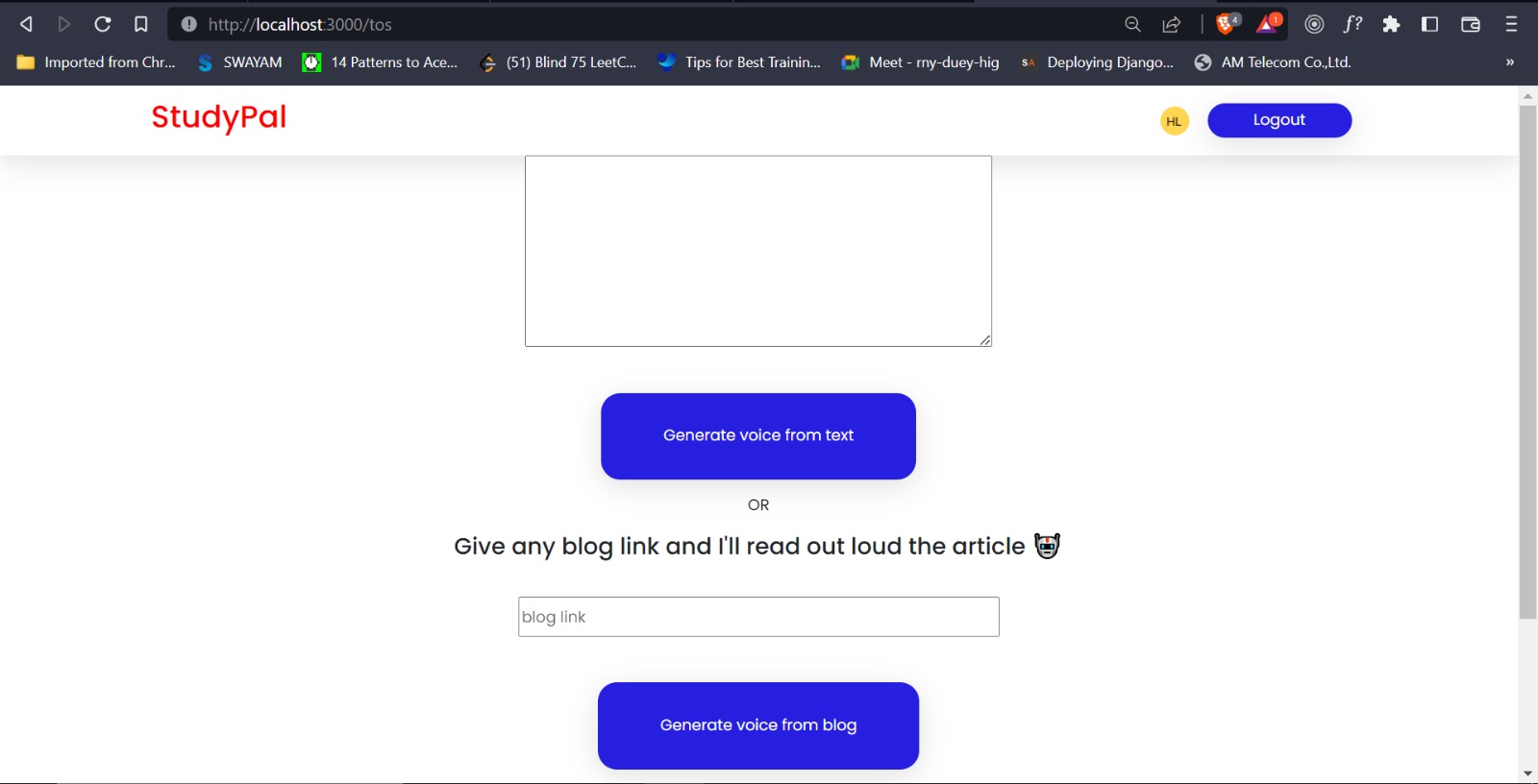
- Text-to-speech: This feature allows students to listen to the text they have given to the app. Users can also listen to any blog present on the internet by just uploading the link of the blog. This feature boosts productivity as students can work in the background while simultaneously listening to blog content.
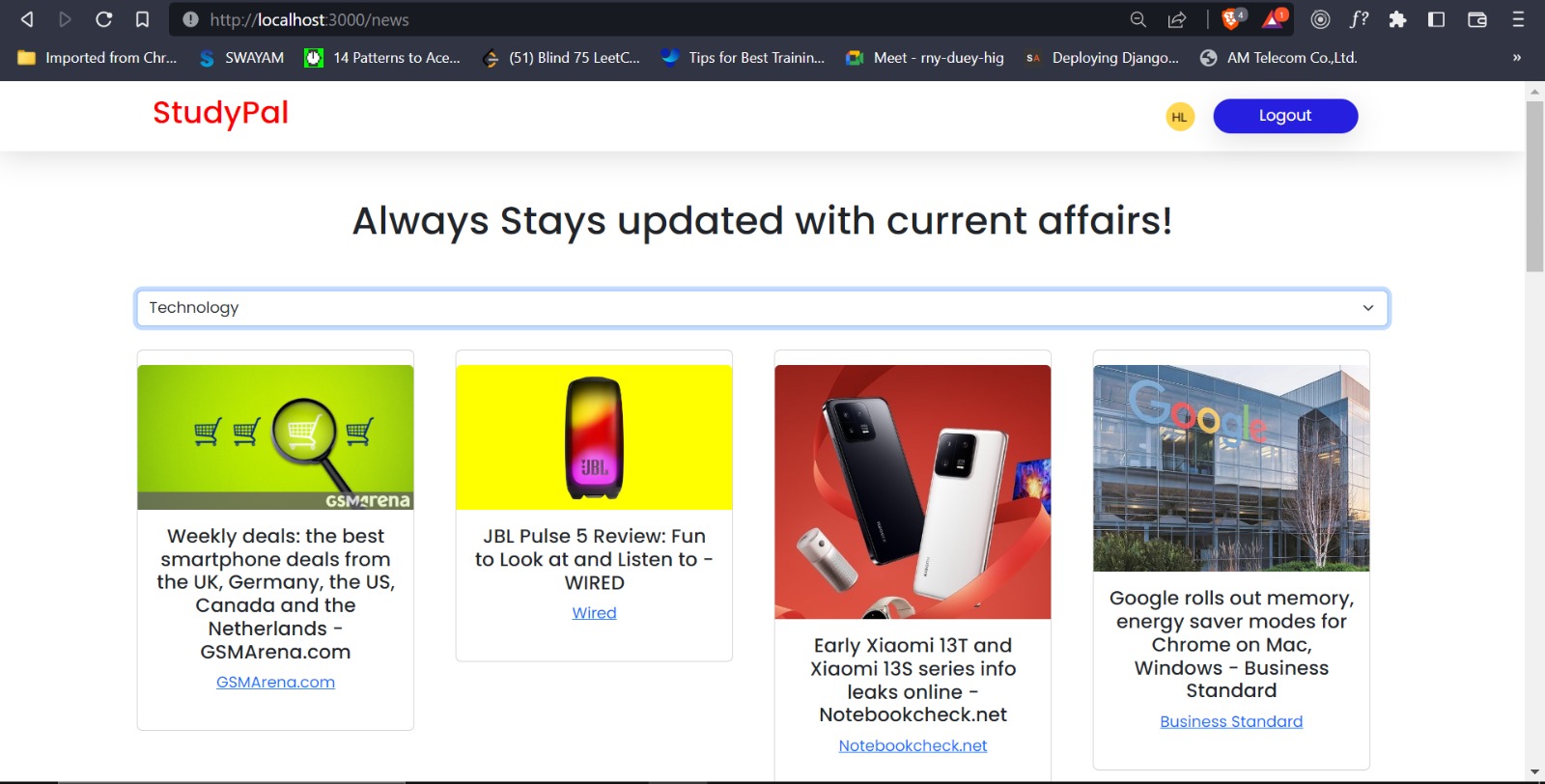
- Latest updates: Our feature helps students keep track of all upcoming contests and the latest news in one place, reducing the chances of missing opportunities due to unawareness or lack of information.
How we built it
Our backend was made with FastAPI and Python and our frontend was made with NextJS .To store user data, we have used a MongoDB database. For user authentication we build your own inhouse token based solution. To test our ML models we initially used Google Colab and then to run them we have made use of Github Codespaces. The various ML models and libraries used are OpenAL Whisper for transcription , ** FaceAPI** for awareness estimation ,Huggingface Transformers for summarization, Tessaract for OCR,NTLK for video recommendations.
Accomplishments that we're proud of
- The accomplishment that we are most proud of is successfully using above mentioned models in our project while this project being our first time using it.
- We also wanted to implement multiple features with good UI/UX and we think we have done a pretty good job.
What we learned
- We learnt lot about deploying ML models for inference and the use of Github codespaces for quickly deploying our backend services.
- We got familiar with MongoDB Atlas ,how to integrate it with FastAPI and the ease with which databases for applications can be created using a NoSQL database like MongoDB. We went from minimal knowledge to a fully working database in a matter of hours.
- We also learned about the use of Next.js and how it helps it with its server side rendering
What's next for StudyPal
- The sky’s the limit for StudyPal! More functionalities can be incorporated and browser extensions can be created compatible with application.
- More features like calendar ,to do list etc can be added to boost productivity.


Log in or sign up for Devpost to join the conversation.